





How to Pair with the APP
1. Open the "GHome" app and create your GHome account.
2. Turn on the plug and place it near the router when pairing.
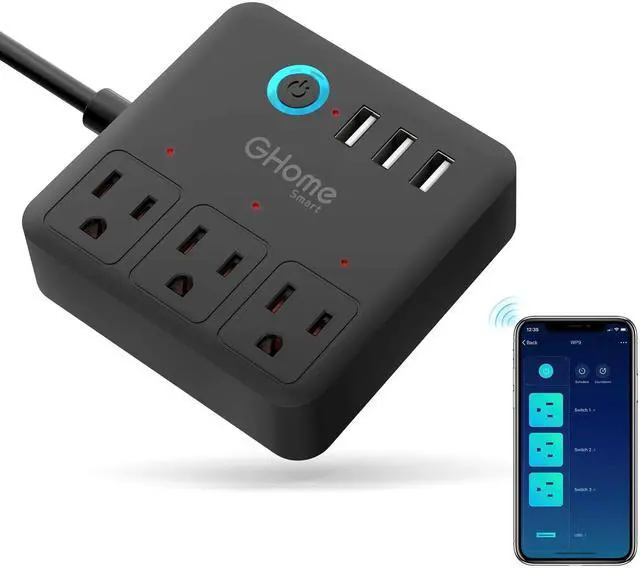
3. Hold the ON/OFF button for 5 seconds and release it when the plug starts to blink slowly to enter the network pairing mode. Connect 2.4G router, then choose the "+" at the top right corner of the homepage to add a device.
You can add a device in two ways:
1) BT Auto-Discovery Mode (Recommended)
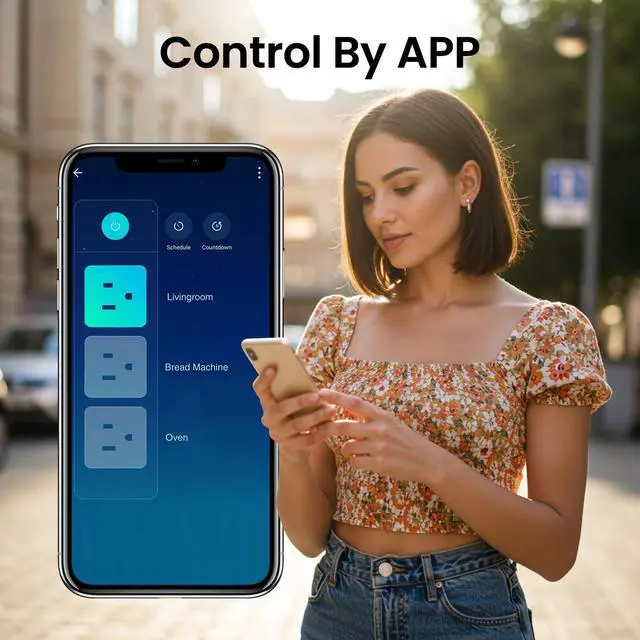
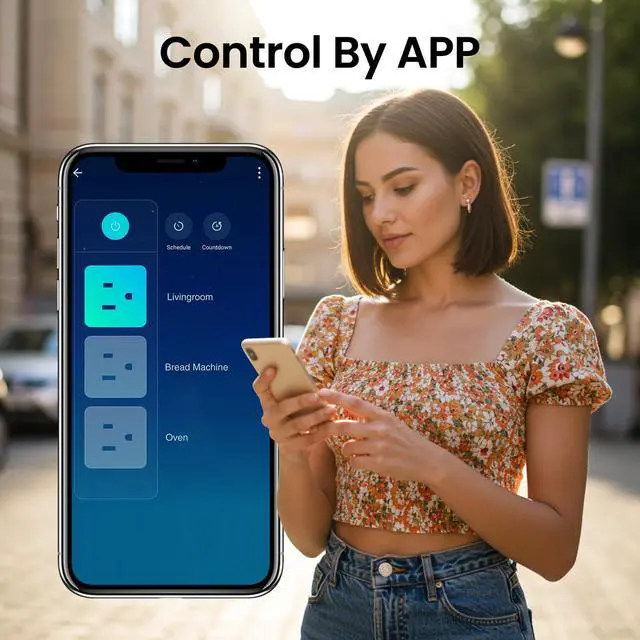
The app will suggest you turn on BT and Wi-Fi on your phone, and then select the device you want to add. Enter your Wi-Fi name and Wi-Fi password (supports 2.4G Wi-Fi only), and it will automatically connect to the network.
2) Manual Mode
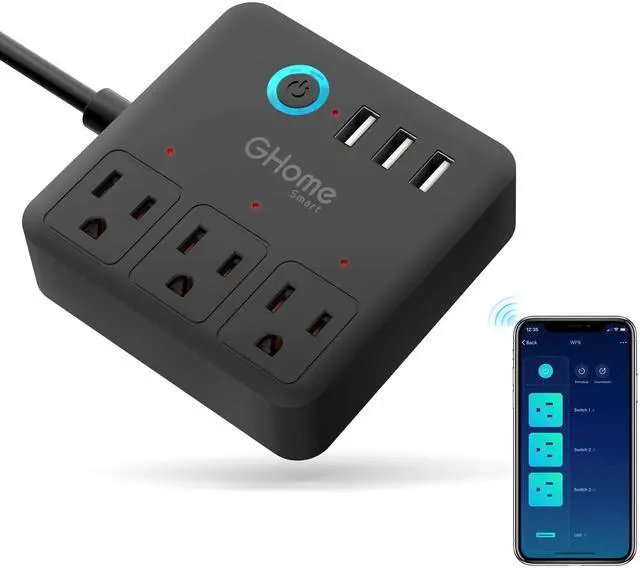
Tap "+" on the upper right corner to select "Add Manually'', and then select "WP9" under sockets, follow the App instruction to complete the operation.


At GHome Smart, we believe that sustainability is a way of life. From implementing energy-efficient processes to manufacturing low-carbon products, we aim to reduce our environmental impact. We make sustainability accessible to everyone by providing simple, low-cost solutions that help save energy and reduce carbon footprint. At GHome Smart, we believe that smart technology and sustainable development go hand-in-hand.
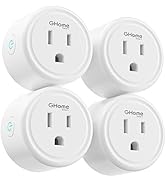
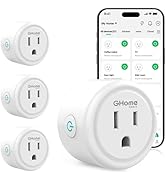
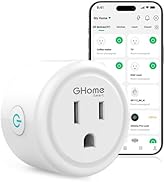
Popular GHome Smart Plugs
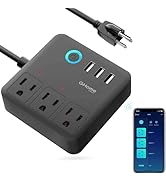
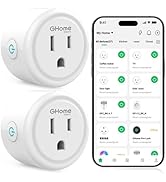
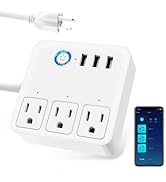
GHome Smart Power Strip


How to Pair with the APP
1. Open the "GHome" app and create your GHome account.
2. Turn on the plug and place it near the router when pairing.
3. Hold the ON/OFF button for 5 seconds and release it when the plug starts to blink slowly to enter the network pairing mode. Connect 2.4G router, then choose the "+" at the top right corner of the homepage to add a device.
You can add a device in two ways:
1) BT Auto-Discovery Mode (Recommended)
The app will suggest you turn on BT and Wi-Fi on your phone, and then select the device you want to add. Enter your Wi-Fi name and Wi-Fi password (supports 2.4G Wi-Fi only), and it will automatically connect to the network.
2) Manual Mode
Tap "+" on the upper right corner to select "Add Manually'', and then select "WP9" under sockets, follow the App instruction to complete the operation.
At GHome Smart, we believe that sustainability is a way of life. From implementing energy-efficient processes to manufacturing low-carbon products, we aim to reduce our environmental impact. We make sustainability accessible to everyone by providing simple, low-cost solutions that help save energy and reduce carbon footprint. At GHome Smart, we believe that smart technology and sustainable development go hand-in-hand.
Popular GHome Smart Plugs
GHome Smart Power Strip