here!
here!
I’m your shopping assistant for PC builds, upgrades, and everything tech.
Got questions? Ask away!
Start a conversation
here!
I’m your shopping assistant for PC builds, upgrades, and everything tech.
Got questions? Ask away!
Start a conversation



Any questions? Ask CelesteSM will help you find out quickly.
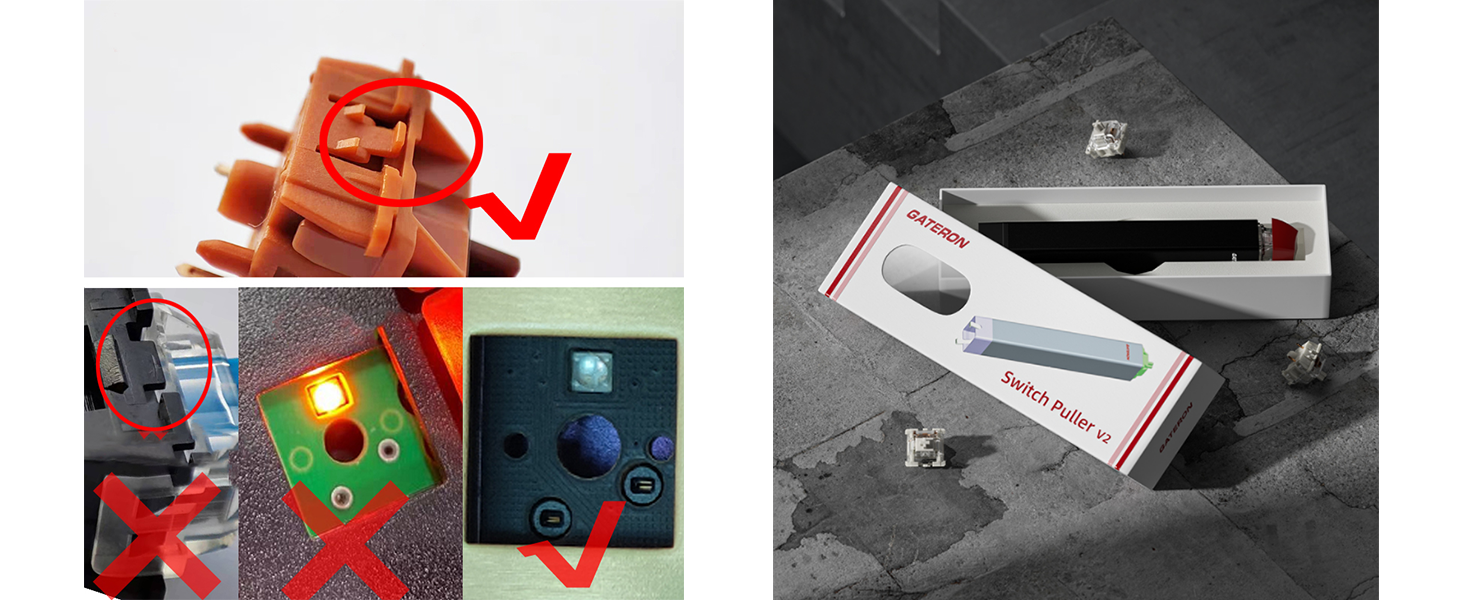
What kind of keyboards does this switch puller fit?
It is compatible with most hot-swappable mechanical keyboards and standard MX-style switches (Gateron, Cherry, Kailh, Outemu, etc.). It cannot work for non-snap switches, sleeves and traditional soldered keyboards without hot-swap function.
Do I need to remove keycaps before pulling switches?
Yes. It is a necessary step. Removing keycaps first can provide enough space for the puller, prevent slipping and avoid scratching your keycaps or switches during operation.
How heavy is this switch puller? Is it uncomfortable to hold for a long time?
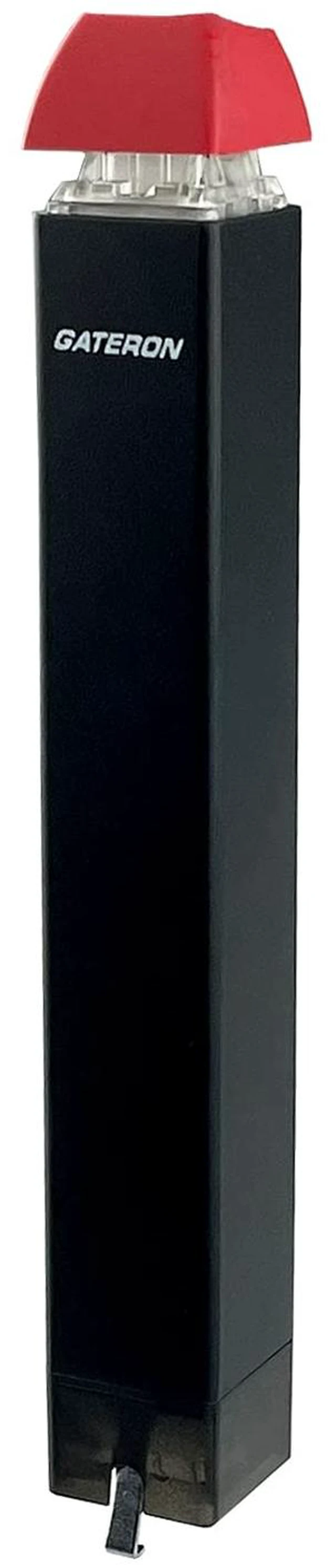
The net weight is only 50g. The ergonomic pull handle fits left and right hands, lightweight and labor-saving. You won’t feel tired even if you disassemble the whole keyboard continuously.
What should I do if the switch is stuck and cannot be pulled out?
Do not pull hard or pry violently. Press the top button again to re-clamp the switch snaps, tilt the puller 5 degrees and try gently. If it is still stuck, check whether the switch is locked by the positioning plate.
Will this puller scratch my keyboard PCB or positioning plate?
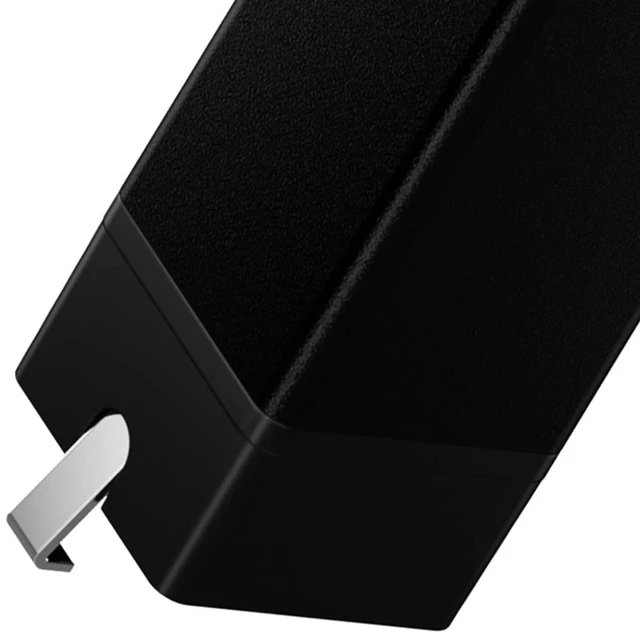
The claw is polished smoothly with precise size. As long as you follow the official steps (5° tilt, gentle pulling), it will not scratch the PCB, plate and switches. Improper violent operation is the main cause of damage.
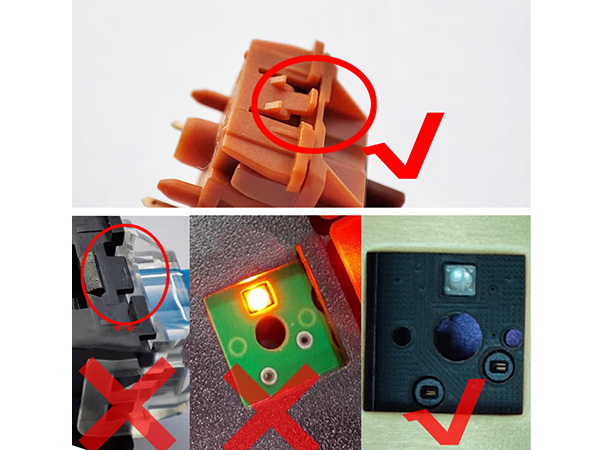
What kind of keyboards does this switch puller fit?
It is compatible with most hot-swappable mechanical keyboards and standard MX-style switches (Gateron, Cherry, Kailh, Outemu, etc.). It cannot work for non-snap switches, sleeves and traditional soldered keyboards without hot-swap function.
Do I need to remove keycaps before pulling switches?
Yes. It is a necessary step. Removing keycaps first can provide enough space for the puller, prevent slipping and avoid scratching your keycaps or switches during operation.
How heavy is this switch puller? Is it uncomfortable to hold for a long time?
The net weight is only 50g. The ergonomic pull handle fits left and right hands, lightweight and labor-saving. You won’t feel tired even if you disassemble the whole keyboard continuously.
What should I do if the switch is stuck and cannot be pulled out?
Do not pull hard or pry violently. Press the top button again to re-clamp the switch snaps, tilt the puller 5 degrees and try gently. If it is still stuck, check whether the switch is locked by the positioning plate.
Will this puller scratch my keyboard PCB or positioning plate?
The claw is polished smoothly with precise size. As long as you follow the official steps (5° tilt, gentle pulling), it will not scratch the PCB, plate and switches. Improper violent operation is the main cause of damage.