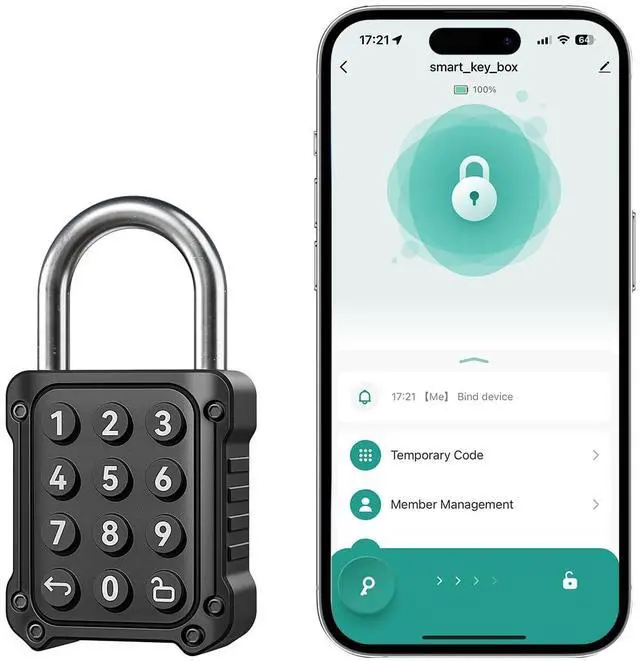
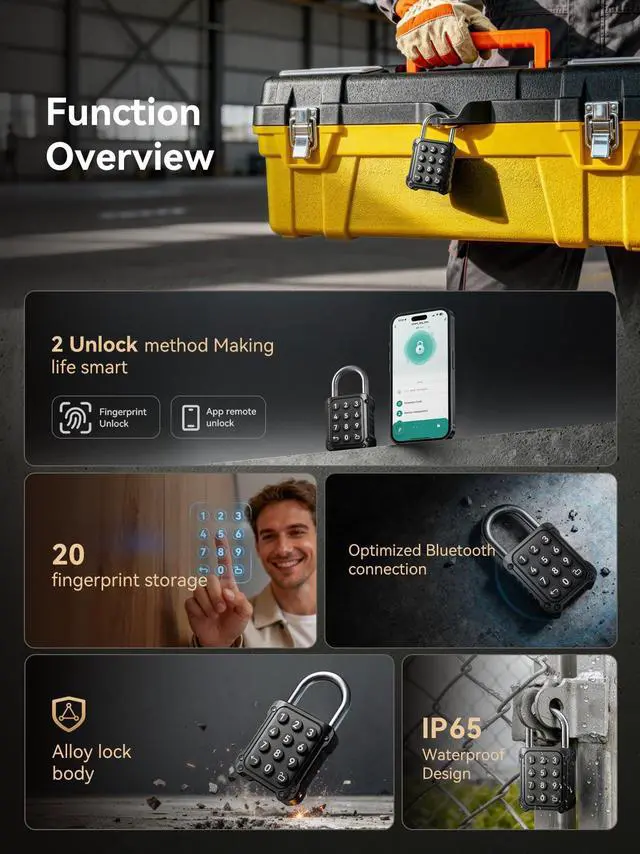
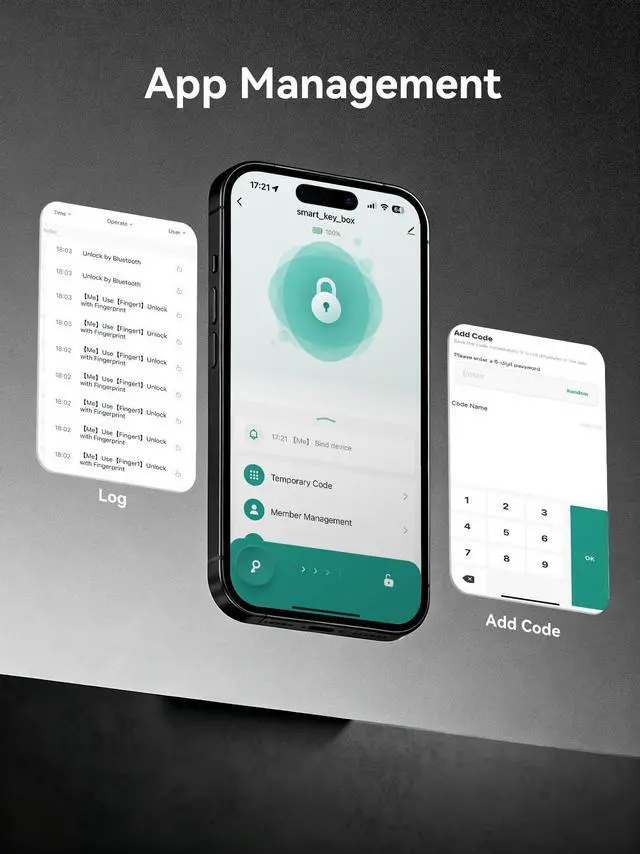
NexusLab smart password padlock gives you convenient, keyless security for everyday use. Unlock with a 68 digit code on the lock or through Bluetooth in the Tuya Appno keys or PIN pad needed. Store up to 100 codes and manage them right from your phone: add and delete users, create temporary or onetime codes, share access with visitors, and revoke permissions anytime. Built with a zincalloy body and A3 steel shackle, the lock is IPX5 weatherresistant and works from 20°C to 55°C, ideal for lockers, cabinets, gates, toolboxes, storage boxes, and backpacks.
Highlights
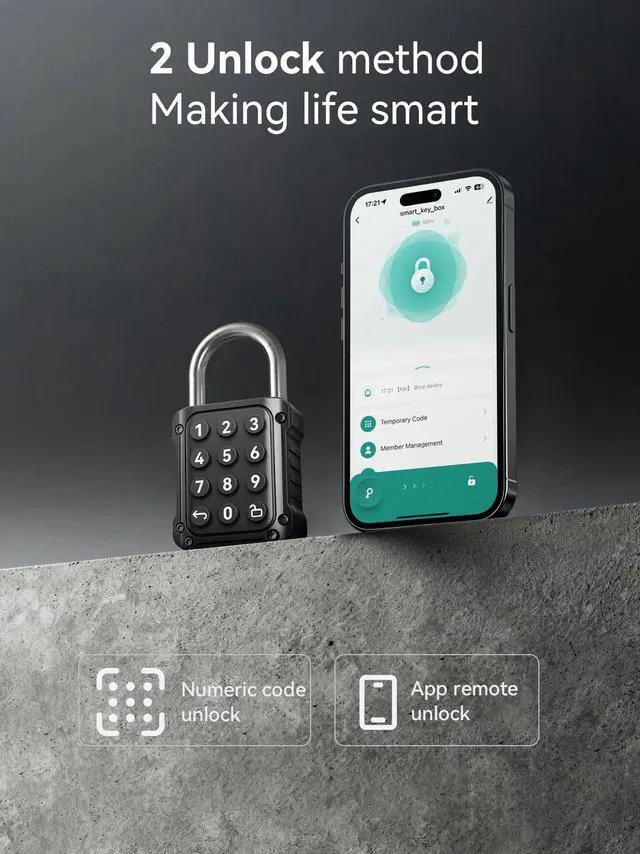
- Dual unlock methods: keypad password or Bluetooth control in the Tuya App (iOS/Android). Operates within Bluetooth range; no WiFi required.
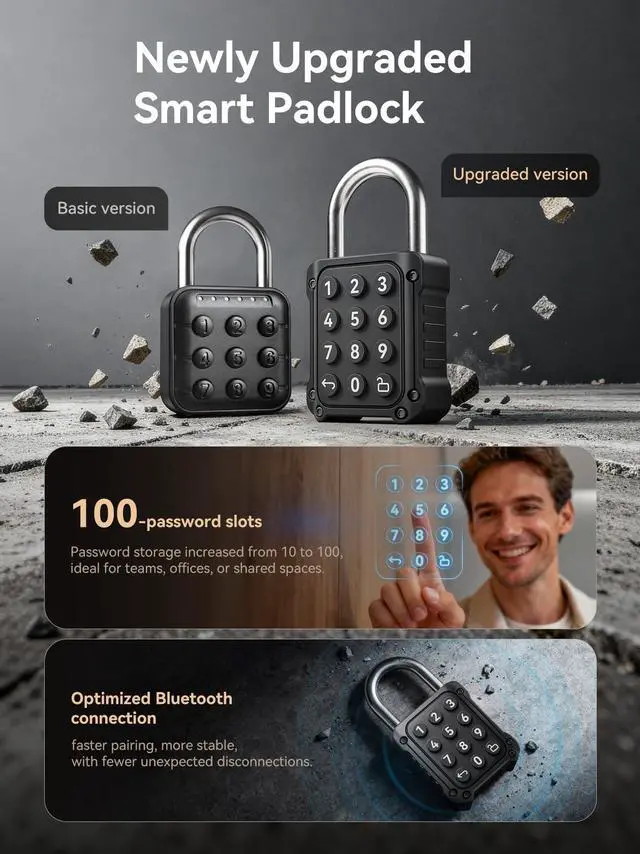
- Flexible access management: supports 68 digit codes and up to 100 saved passwords. Create timelimited or singleuse codes and share access in the app.
- Long battery life: powered by two replaceable CR2032 coin cells, up to 10 months standby. Red LED flashes after unlocking to indicate low battery.
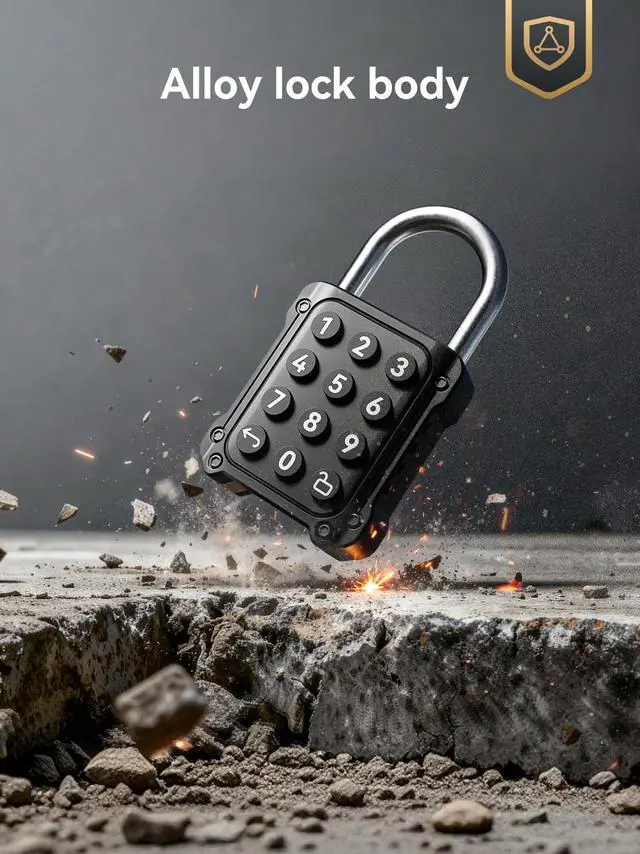
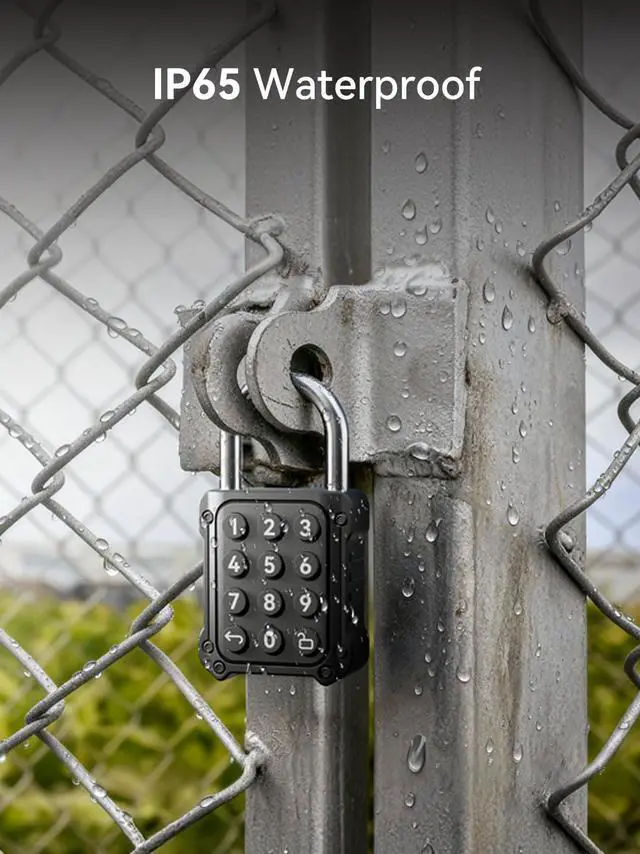
- Durable and portable: zincalloy body + A3 steel shackle; IPX5 water resistance; operates from 20°C to 55°C.
- Easy setup: ships with default code 123456. After you bind the lock in the Tuya App and register a new password, the default code becomes invalid.
How to use on the lock
Enter your 68 digit code and press the Unlock key (lower right) to open. Press the Cancel key (lower left) to clear and reenter.
App features
Add/delete codes, rename the device, share access (permanent or temporary), generate onetime codes, and remove device/clear data for factory reset.
- Technical specs
- Unlock methods: Password / Bluetooth (Tuya App)
- Password length: 68 digits (09)
- Capacity: up to 100 passwords
- Water resistance: IPX5
- Standby time: about 10 months
- Battery: two CR2032 button cells (replaceable)
- Operating temp: 20°C to 55°C
- Materials: zincalloy body + A3 steel shackle
- Indicator: red LED flashes after unlocking to show low battery
Notes
- Replace depleted batteries promptly and keep coin cells away from children.
- For secure use, bind to the Tuya App and set your own password before daily use.