









1,How to delete all fingerprints(Reset to Factory Mode)
Delete by administrator's fingerprint(s) only
(1)Place the administrator's fingerprint(the first two fingerprints) on the reader and hold for 10 seconds till Red light on
(2)Release and place it again to confirm delete all registered finger prints.
(3)LED lights on green with a long beep di----,all fingerprints deleted,your padlock restored to factory default status:any fingerprints can open the lock.
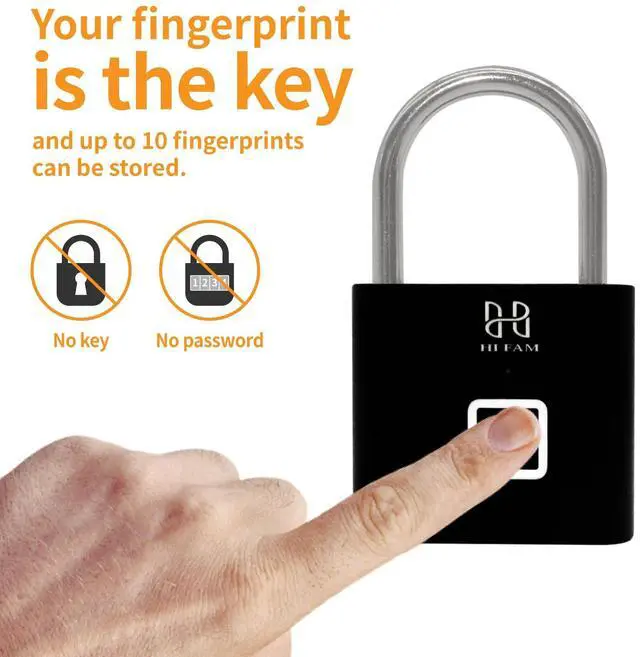
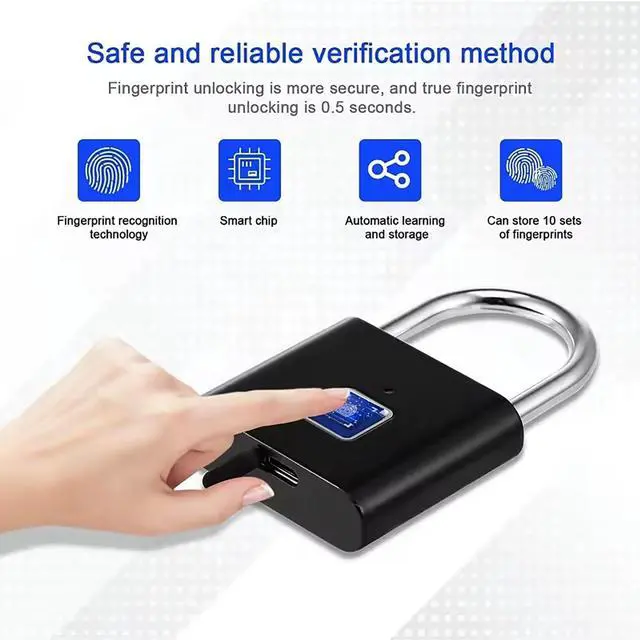
2,How to successfully enter the fingerprint?
The first and second fingerprint is the administrator
Please pay anttention: 2 different fingerprints must be registered at the first time.
How to setting fingerprint ? the below 1-5 steps
1.Press the fingerprint continually until the blue light is on.
2.take one finger to touch 10 times on different position until the green light on (when the green light on,that is to say ,the first fingerprint
setting success)
3.(the green light still on) then take the second finger to touch 10 times until the green light off.that is to say the second fingeprint setting success.
All done 1-3 steps,the first and second administrator fingerprints all setting success.
4.add the third fingerprint(or more)again .Unlock the lock and don't move the finger until the blue light on (this step which is use the first or the second fingeprint to do )
5.on the 4 step when the blue light on can move the finger,take the third finger on the different position until the green light off,that is to say now the third fingerprint setting success.
Features of fingerprint lock

Starting from trust
HI FAM was born in 2015 focus on the development of stable, efficient, stable, intelligent, easy-to-use security products and services.
Meaning of HIFAM
Home is everyone's most important safe haven. Home safety is always our top concern. It is this love and sense of responsibility towards home that led us to establish Hi FAM - a brand focused on intelligent security equipment.
High Quality
Every product has been carefully designed and rigorously tested. The safety is not just a pile of technology, but also an ultimate pursuit of details and a profound understanding of user needs.
Hope
We firmly believe that through our efforts and continuous innovation, we can create a safer and more harmonious living environment for the society.

Hi FAM's name comes from "Home is Family, Always Matter". We hope to make every user feel the warmth and peace of mind of home through our products. Whether it's protecting the safety of your family or remotely monitoring the situation at home, Hi FAM is always by your side, becoming your most trusted security partner.
Hi FAM - a brand focused on intelligent security equipment.
Starting from trust
HI FAM was born in 2015 focus on the development of stable, efficient, stable, intelligent, easy-to-use security products and services.
Meaning of HIFAM
Home is everyone's most important safe haven. Home safety is always our top concern. It is this love and sense of responsibility towards home that led us to establish Hi FAM - a brand focused on intelligent security equipment.
High Quality
Every product has been carefully designed and rigorously tested. The safety is not just a pile of technology, but also an ultimate pursuit of details and a profound understanding of user needs.
Hope
We firmly believe that through our efforts and continuous innovation, we can create a safer and more harmonious living environment for the society.
Hi FAM's name comes from "Home is Family, Always Matter". We hope to make every user feel the warmth and peace of mind of home through our products. Whether it's protecting the safety of your family or remotely monitoring the situation at home, Hi FAM is always by your side, becoming your most trusted security partner.
Hi FAM - a brand focused on intelligent security equipment.
1,How to delete all fingerprints(Reset to Factory Mode)
Delete by administrator's fingerprint(s) only
(1)Place the administrator's fingerprint(the first two fingerprints) on the reader and hold for 10 seconds till Red light on
(2)Release and place it again to confirm delete all registered finger prints.
(3)LED lights on green with a long beep di----,all fingerprints deleted,your padlock restored to factory default status:any fingerprints can open the lock.
2,How to successfully enter the fingerprint?
The first and second fingerprint is the administrator
Please pay anttention: 2 different fingerprints must be registered at the first time.
How to setting fingerprint ? the below 1-5 steps
1.Press the fingerprint continually until the blue light is on.
2.take one finger to touch 10 times on different position until the green light on (when the green light on,that is to say ,the first fingerprint
setting success)
3.(the green light still on) then take the second finger to touch 10 times until the green light off.that is to say the second fingeprint setting success.
All done 1-3 steps,the first and second administrator fingerprints all setting success.
4.add the third fingerprint(or more)again .Unlock the lock and don't move the finger until the blue light on (this step which is use the first or the second fingeprint to do )
5.on the 4 step when the blue light on can move the finger,take the third finger on the different position until the green light off,that is to say now the third fingerprint setting success.
Features of fingerprint lock
| Item Weight | 110 g / 3.88 oz |
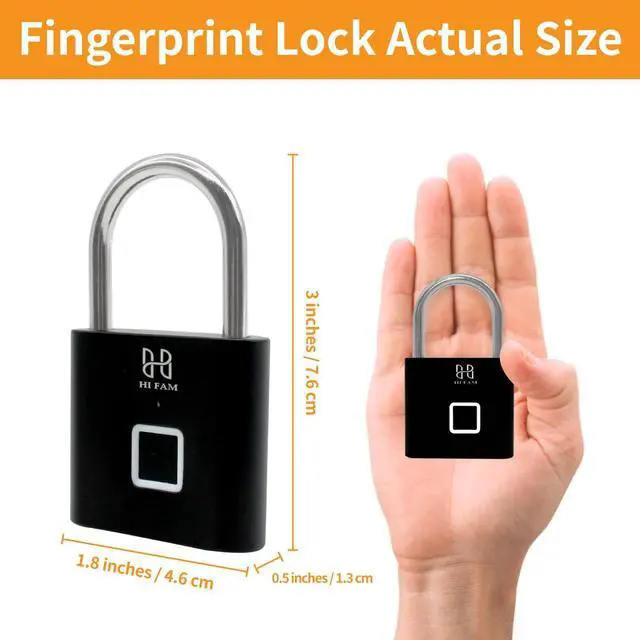
| Item Dimensions L x W x H | 4.6x1.3x7.6 cm / 1.8x0.5x3 inches |
| Working temperature | -15°C to 75°C |
| Material | stainless steel & zinc alloy |
| Working voltage | 3.6V-4.2V |
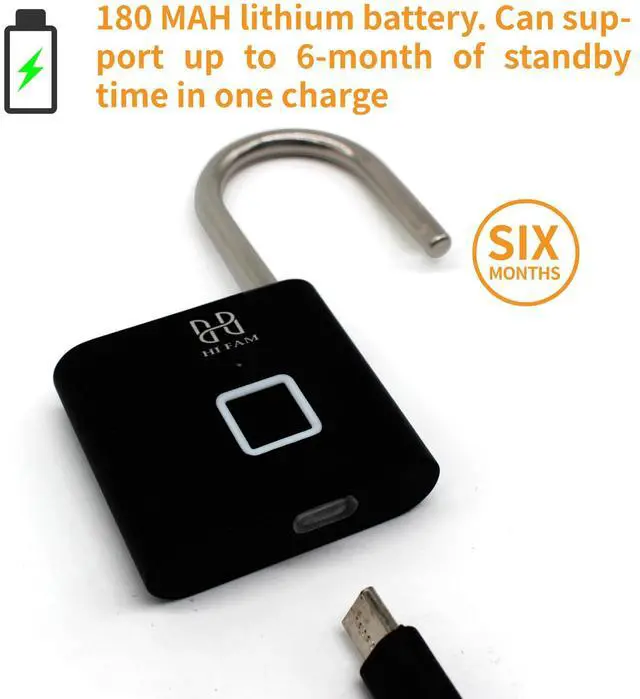
| Emergency power supply | Micro-USB (charging port at the bottom of USB) |