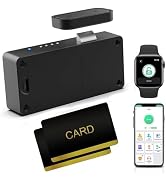
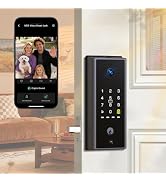
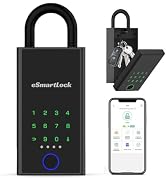
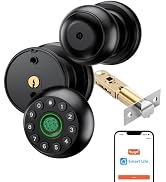
here!
here!
I’m your shopping assistant for PC builds, upgrades, and everything tech.
Got questions? Ask away!
Start a conversation
here!
I’m your shopping assistant for PC builds, upgrades, and everything tech.
Got questions? Ask away!
Start a conversation



Any questions? Ask CelesteSM will help you find out quickly.

Q1: Can fingerprints still work in a wet situation?
A1: If your fingers are damp or the recognition surface of the lock is wet, it is best to first dry your fingers and the surface of the recognition device before attempting to unlock.
Q2: What if the battery runs out of power? How long does it take to charge?
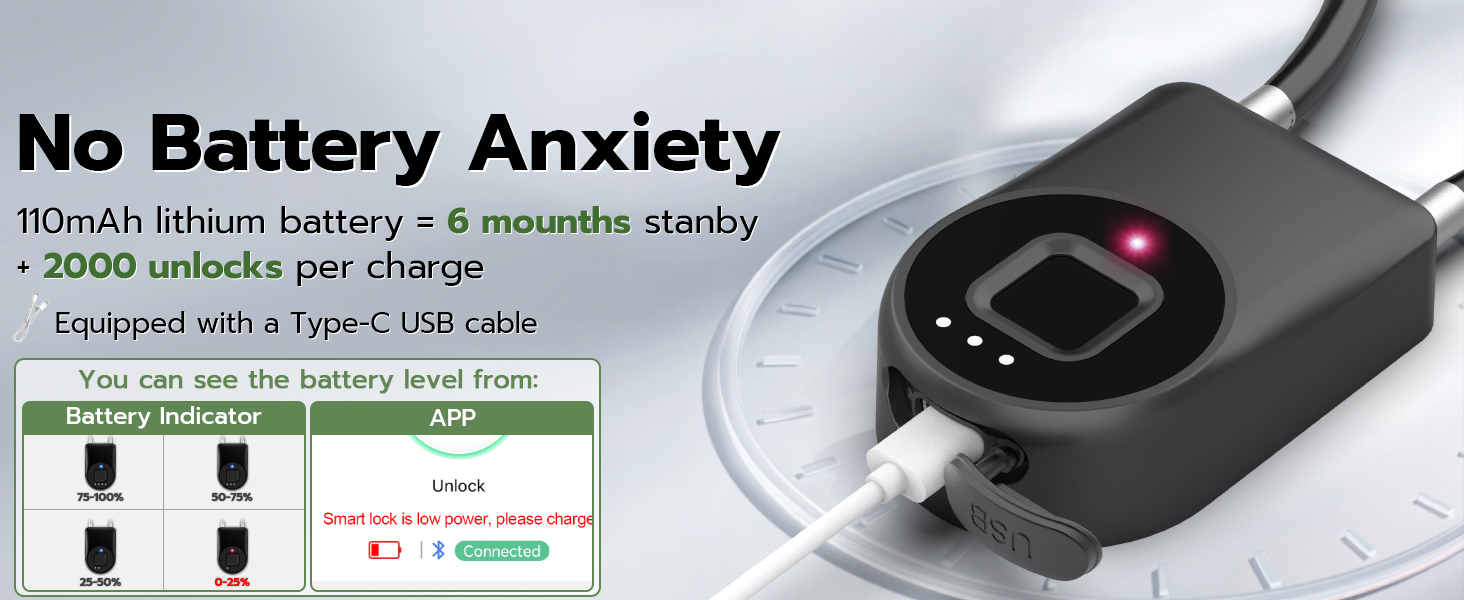
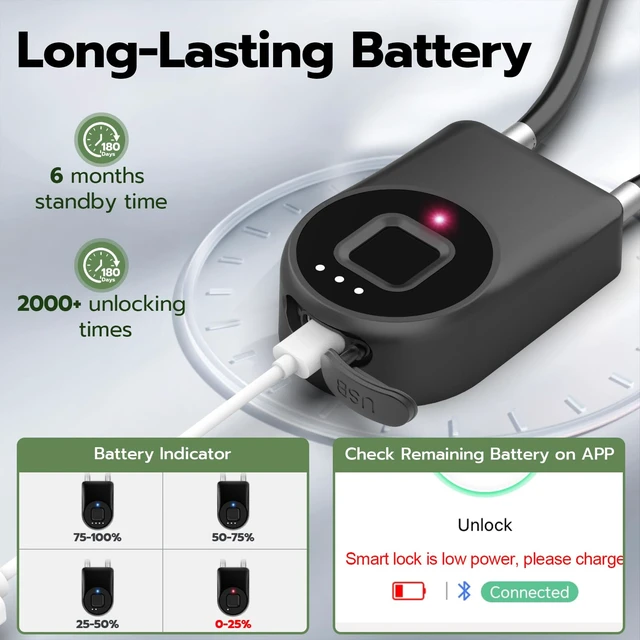
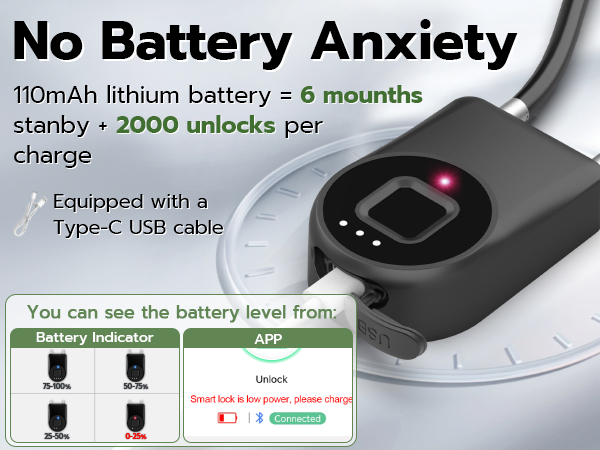
A2: Our packaging comes with a Type-C USB charging cable, which you can use for charging. The general charging time is about 1 hour, after which the battery will be fully charged.
Q3: How can I reset my fingerprint information?
A3: You can click on "Fingerprint Management" within the APP, then click the setting button on the top right corner, and select "Delete fingerprint" to choose the fingerprints to be deleted. After that, you can re-enter your fingerprints. If there is any problem with the fingerprint function, you can also choose "Fingerprint Calibration" in the settings and follow the instructions to calibrate the fingerprints.
Q4: Can I add multiple users? How do I manage multiple users?
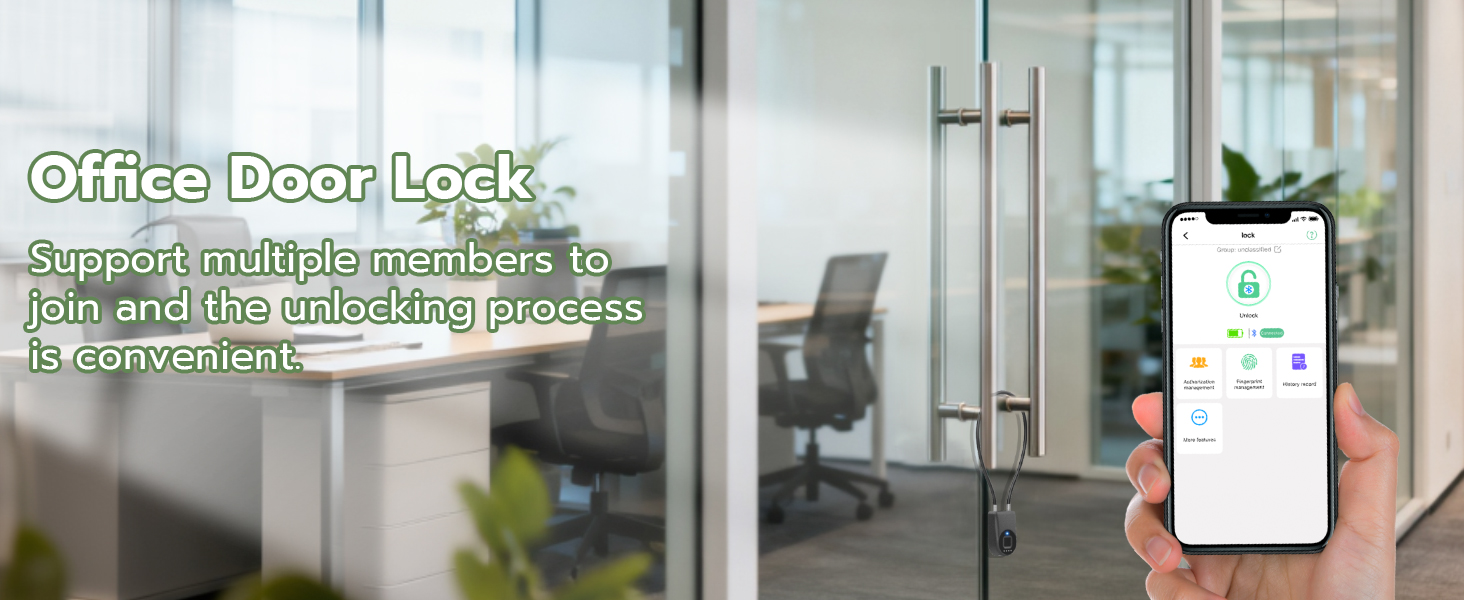
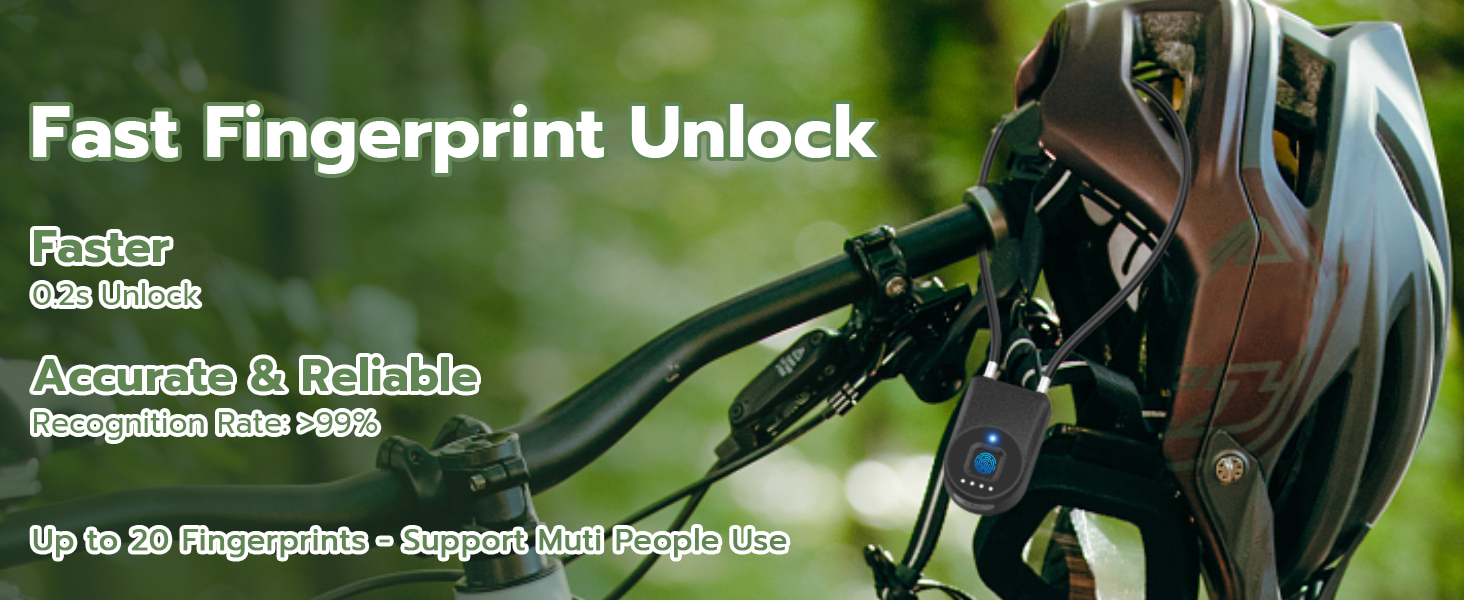
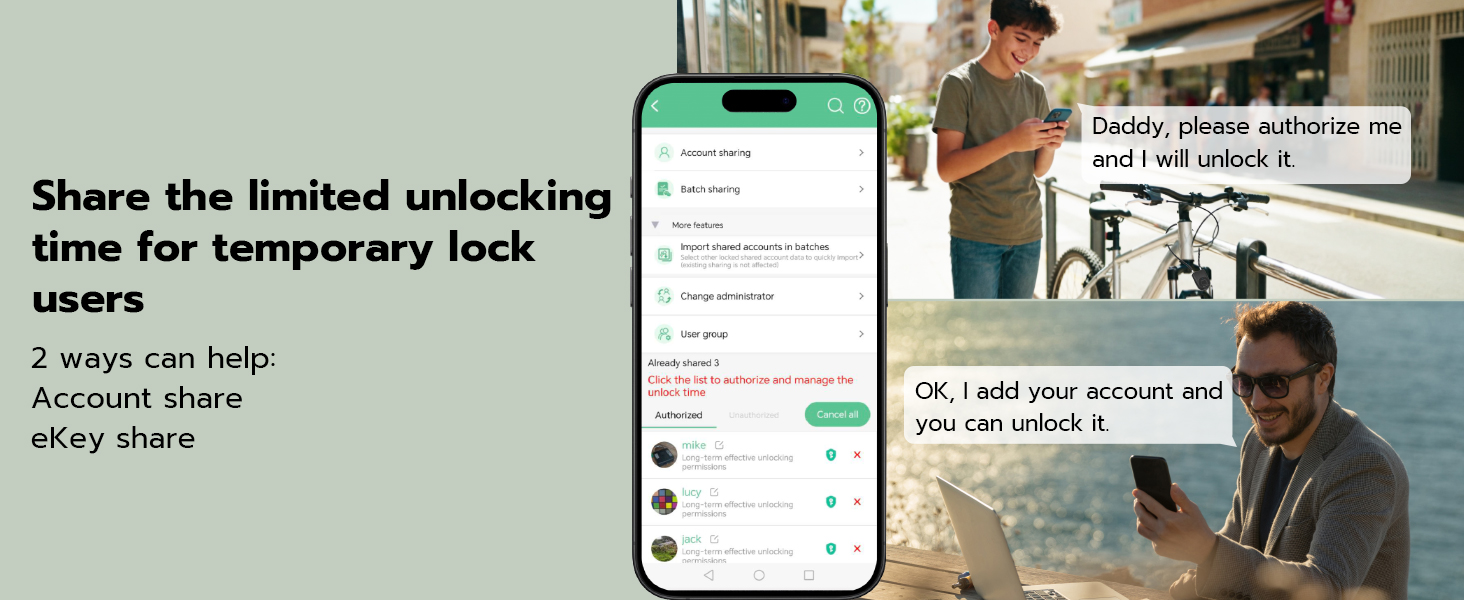
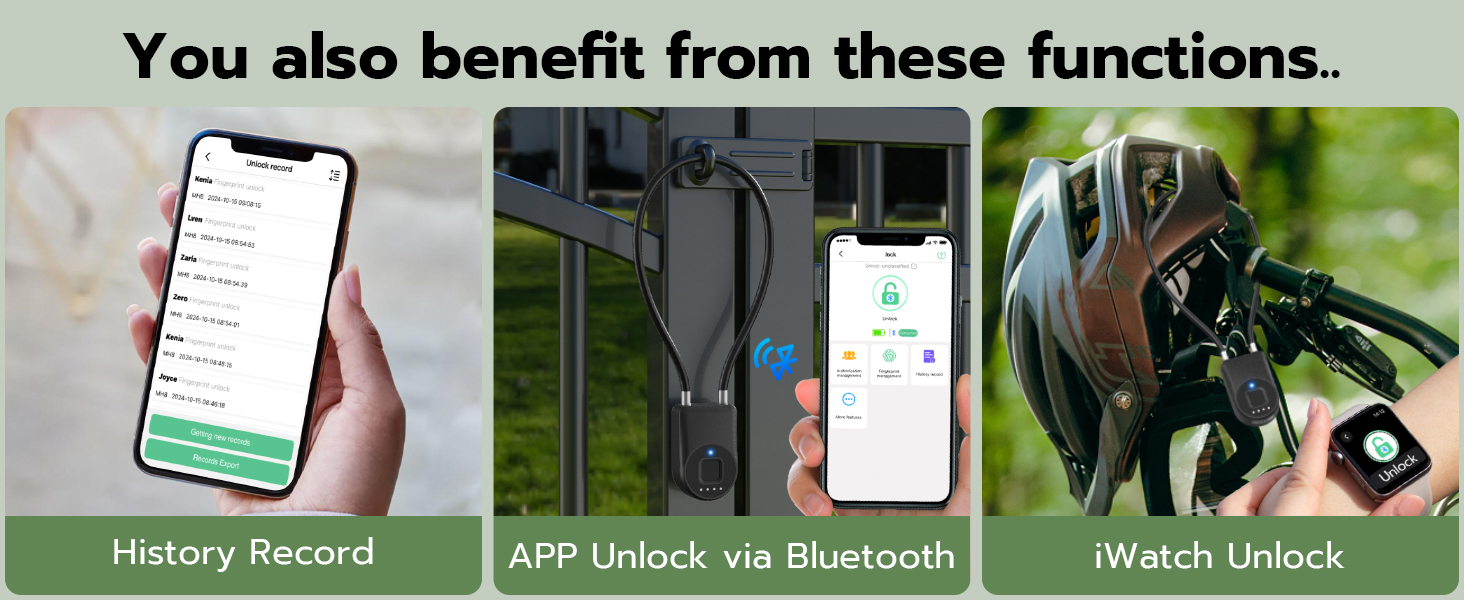
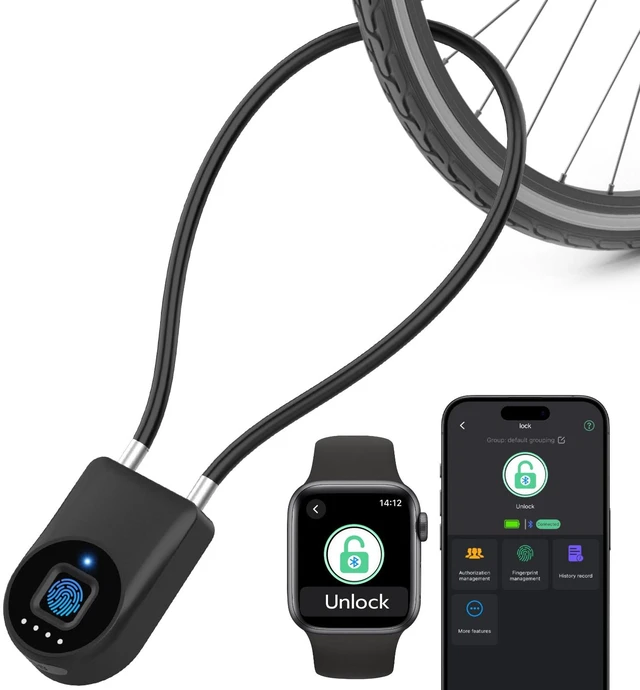
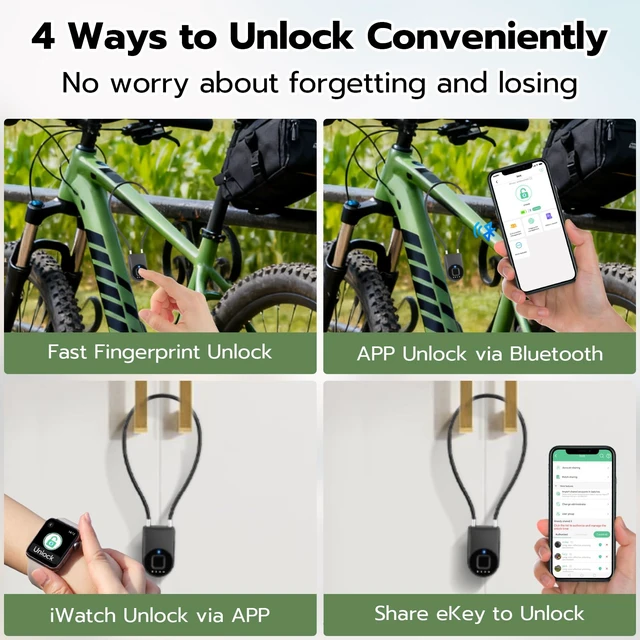
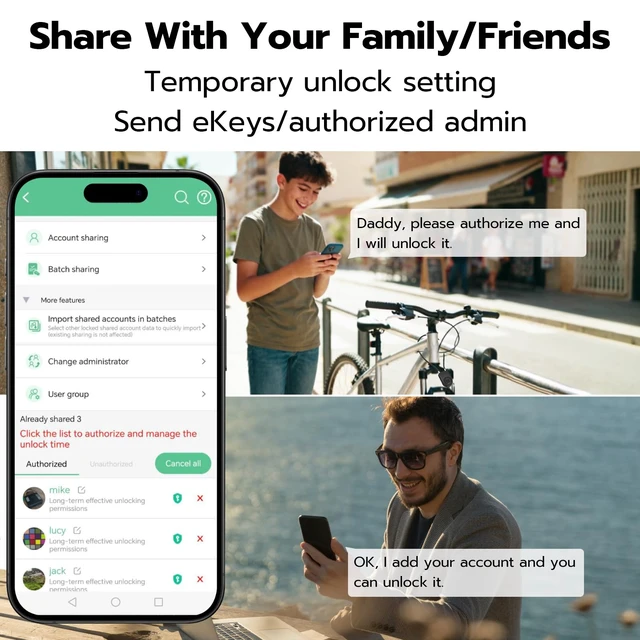
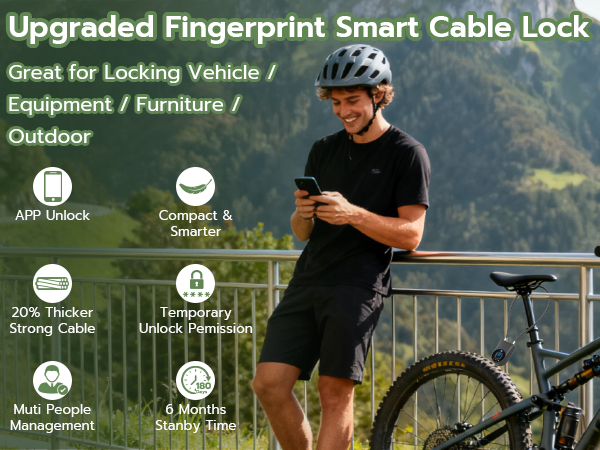
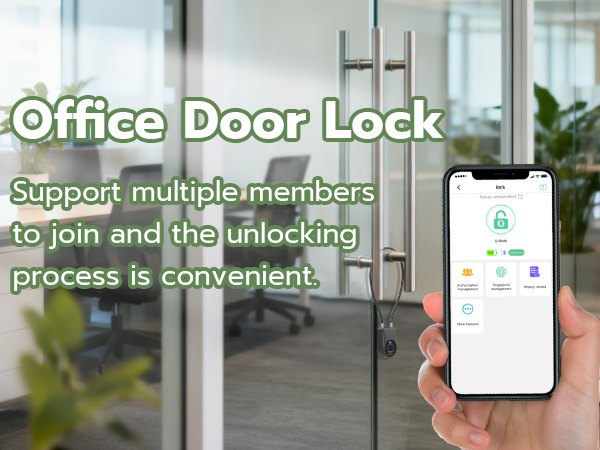
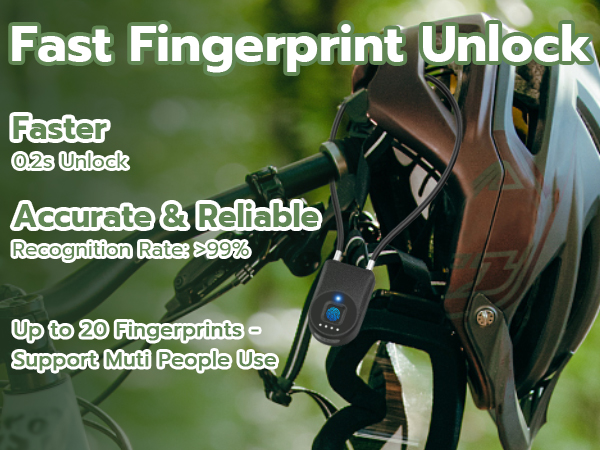
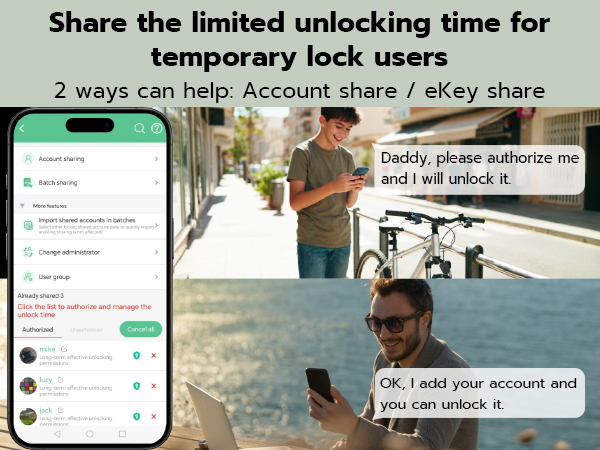
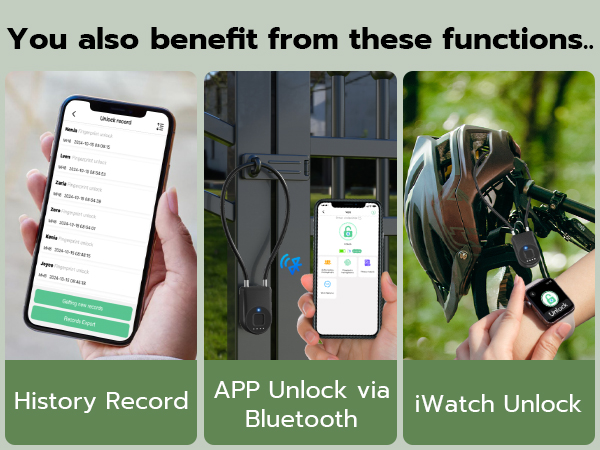
A4: Account authorization management can accommodate up to 1000 users, and 20 fingerprints can be registered. This makes it convenient to add different users (permanent and temporary users) for APP unlocking, and also allows for registering fingerprints for different users for fingerprint unlocking.
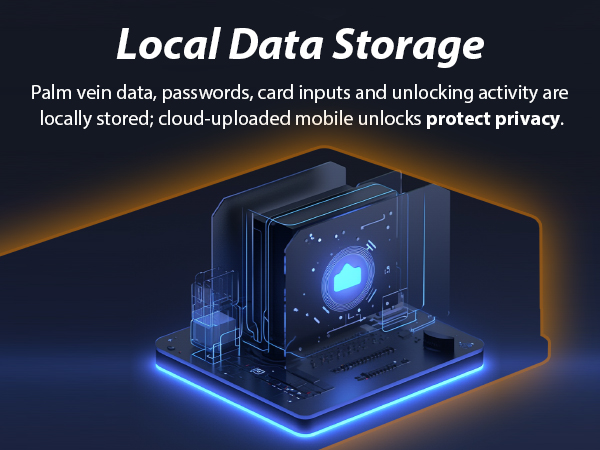
[Local Security] Store fngerprints and passcodes locally rather than on the cloud. Largely reduce the risk of being hacked.








Q1: Can fingerprints still work in a wet situation?
A1: If your fingers are damp or the recognition surface of the lock is wet, it is best to first dry your fingers and the surface of the recognition device before attempting to unlock.
Q2: What if the battery runs out of power? How long does it take to charge?
A2: Our packaging comes with a Type-C USB charging cable, which you can use for charging. The general charging time is about 1 hour, after which the battery will be fully charged.
Q3: How can I reset my fingerprint information?
A3: You can click on "Fingerprint Management" within the APP, then click the setting button on the top right corner, and select "Delete fingerprint" to choose the fingerprints to be deleted. After that, you can re-enter your fingerprints. If there is any problem with the fingerprint function, you can also choose "Fingerprint Calibration" in the settings and follow the instructions to calibrate the fingerprints.
Q4: Can I add multiple users? How do I manage multiple users?
A4: Account authorization management can accommodate up to 1000 users, and 20 fingerprints can be registered. This makes it convenient to add different users (permanent and temporary users) for APP unlocking, and also allows for registering fingerprints for different users for fingerprint unlocking.