here!
here!
I’m your shopping assistant for PC builds, upgrades, and everything tech.
Got questions? Ask away!
Start a conversation
here!
I’m your shopping assistant for PC builds, upgrades, and everything tech.
Got questions? Ask away!
Start a conversation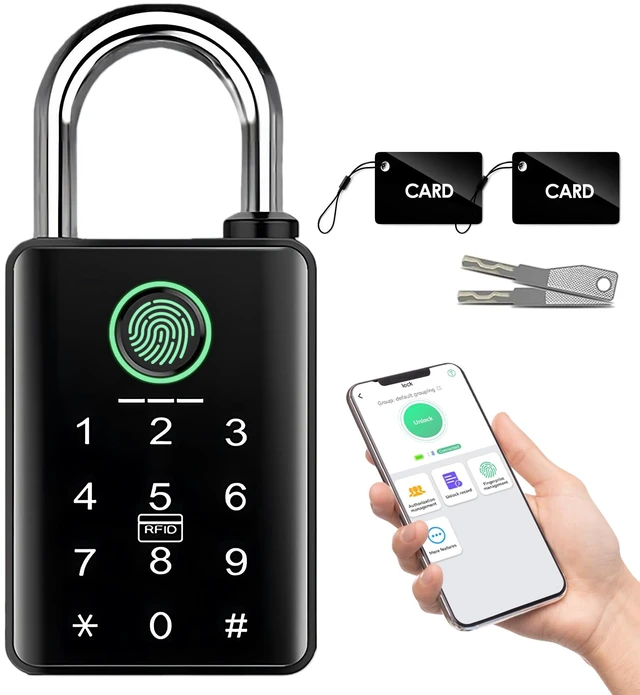



Any questions? Ask CelesteSM will help you find out quickly.

Smart Living Built Around You

YINTIN is an experienced manufacturer dedicated to designing and producing high-quality smart home and smart security equipment. Rooted in professional R&D and precision manufacturing, we focus on bringing accessible, reliable intelligent solutions to households around the world.



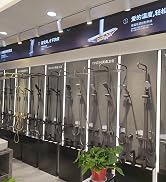
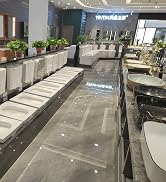






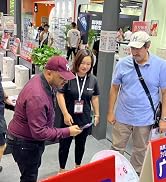









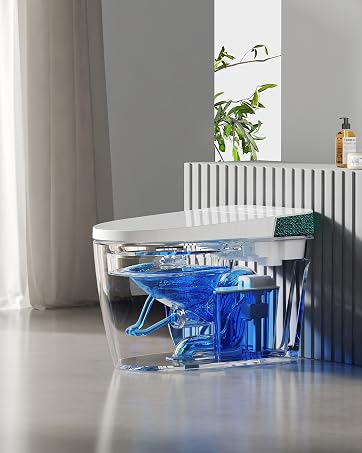
We strive to bring modern comfort, reliable hygiene and effortless convenience to every household bathroom.
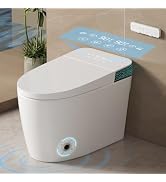
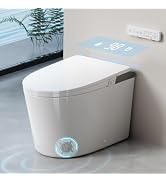
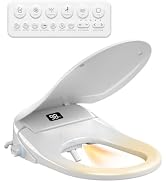
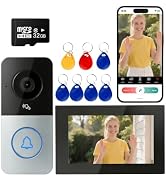
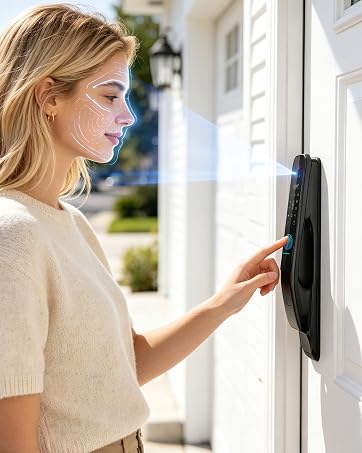
Our mission is to make premium smart home security accessible and trustworthy for families worldwide.
I set a password but my padlock still won’t stay locked—why does it keep opening?
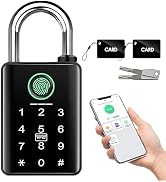
The lock requires at least one registered fingerprint to lock securely. Once you finish the initial fingerprint setup, the lock will stay locked normally.
Why can't my phone app find the lock?
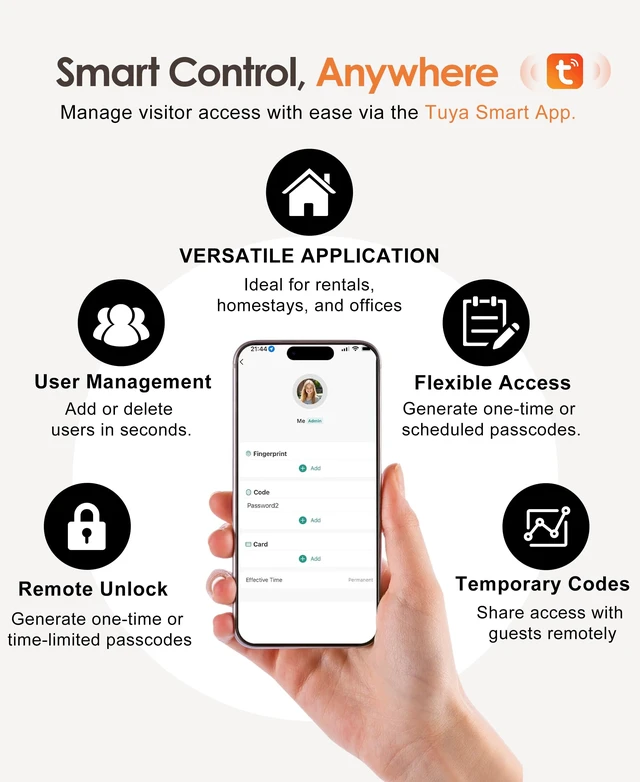
Bluetooth sleeps while the lock is idle to conserve power. Press the # key or touch the fingerprint sensor to wake it up, then open Tuya Smart or Smart Life on your phone, tap +, select Add Device, and follow the on-screen instructions.
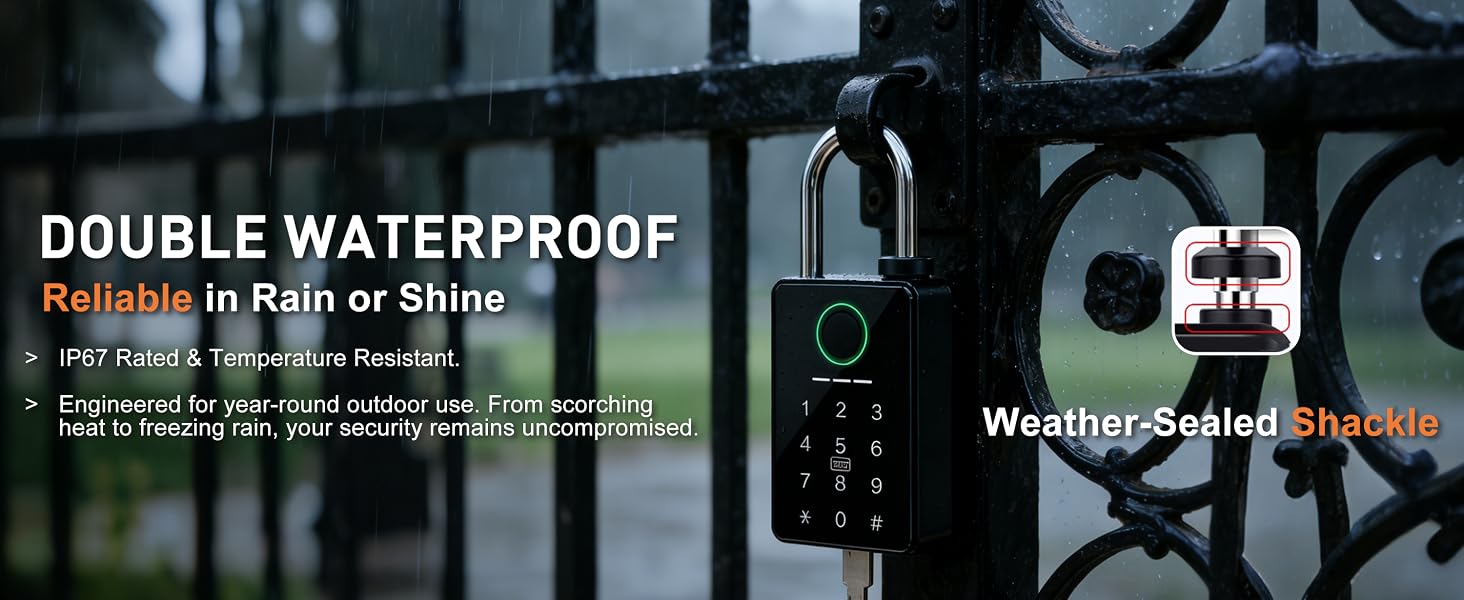
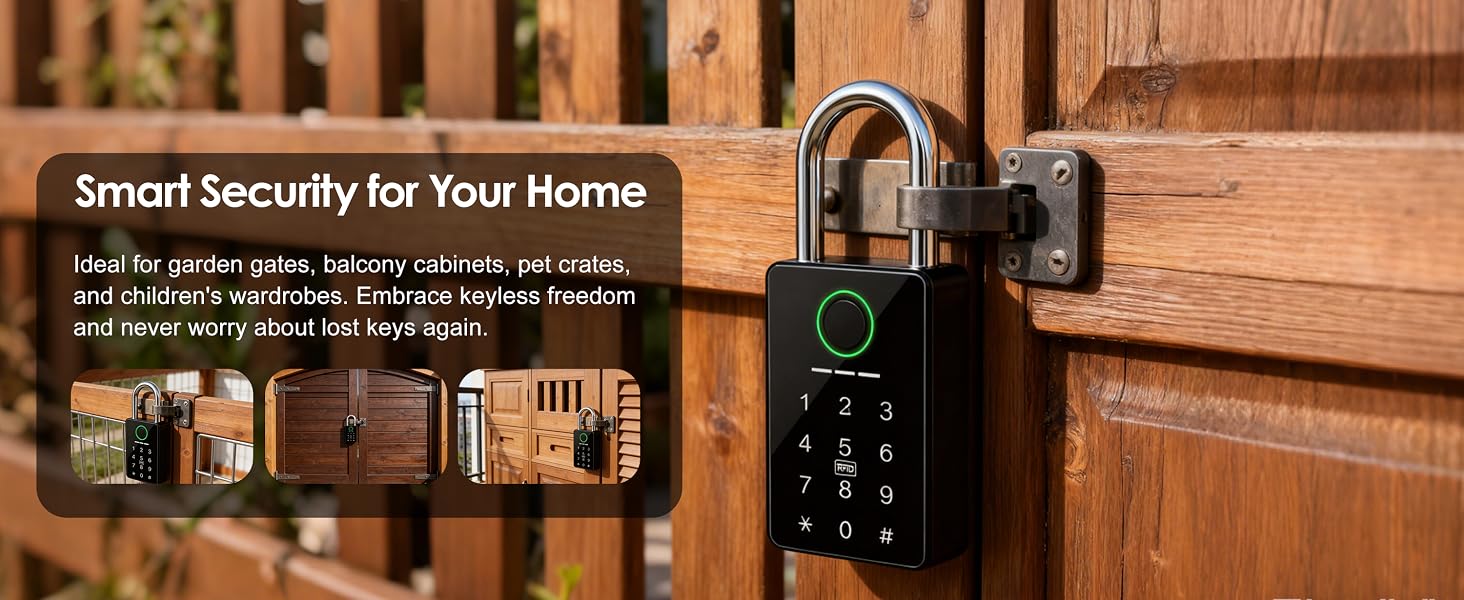
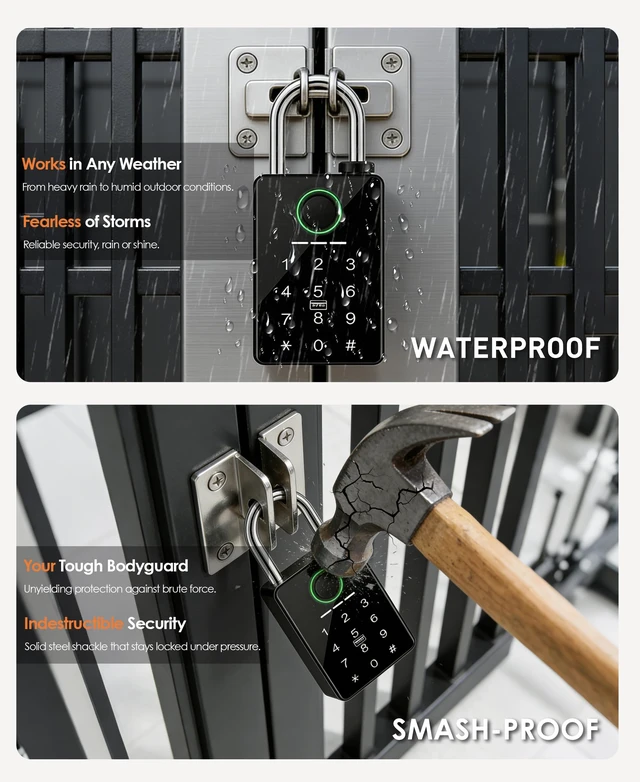
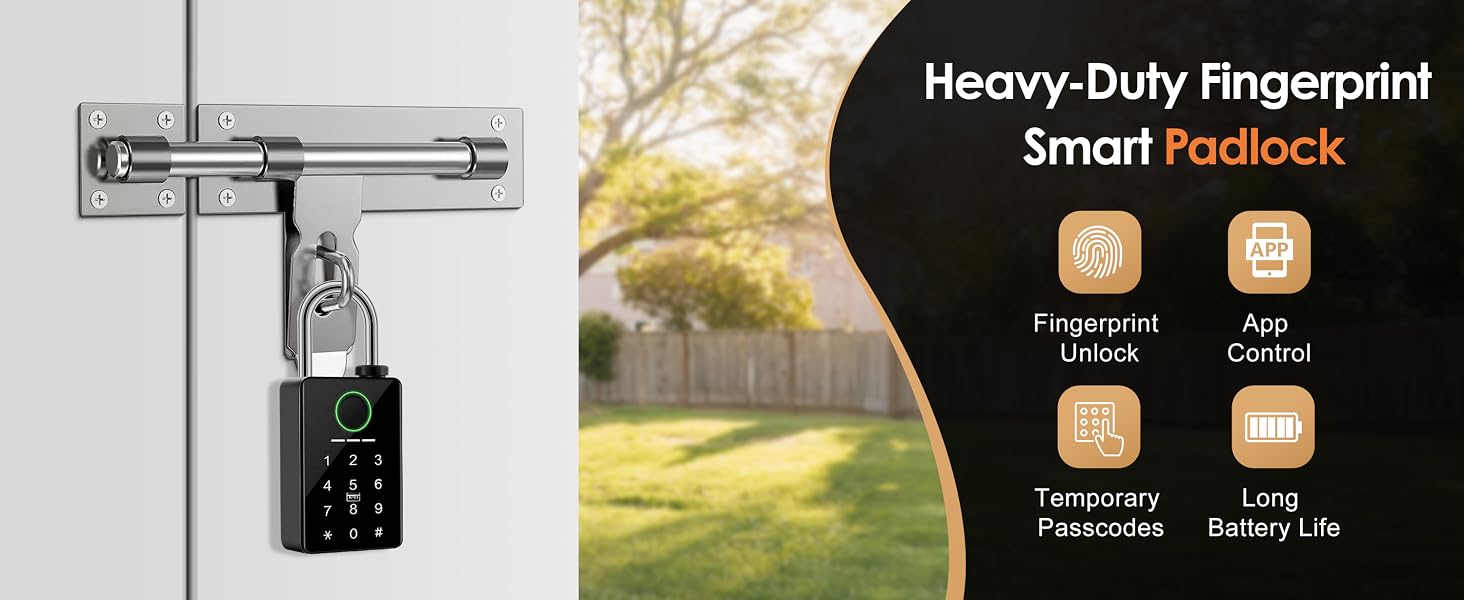
Can I use this lock on my outdoor garden gate—will it hold up in rain or extreme weather?
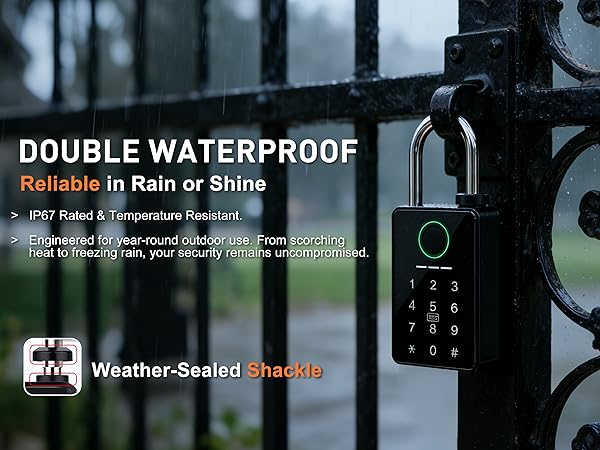
Yes. This IP67 weatherproof padlock features a double-sealed, rust-resistant design that withstands heavy rain and extreme temperatures, reliable for year-round outdoor use.
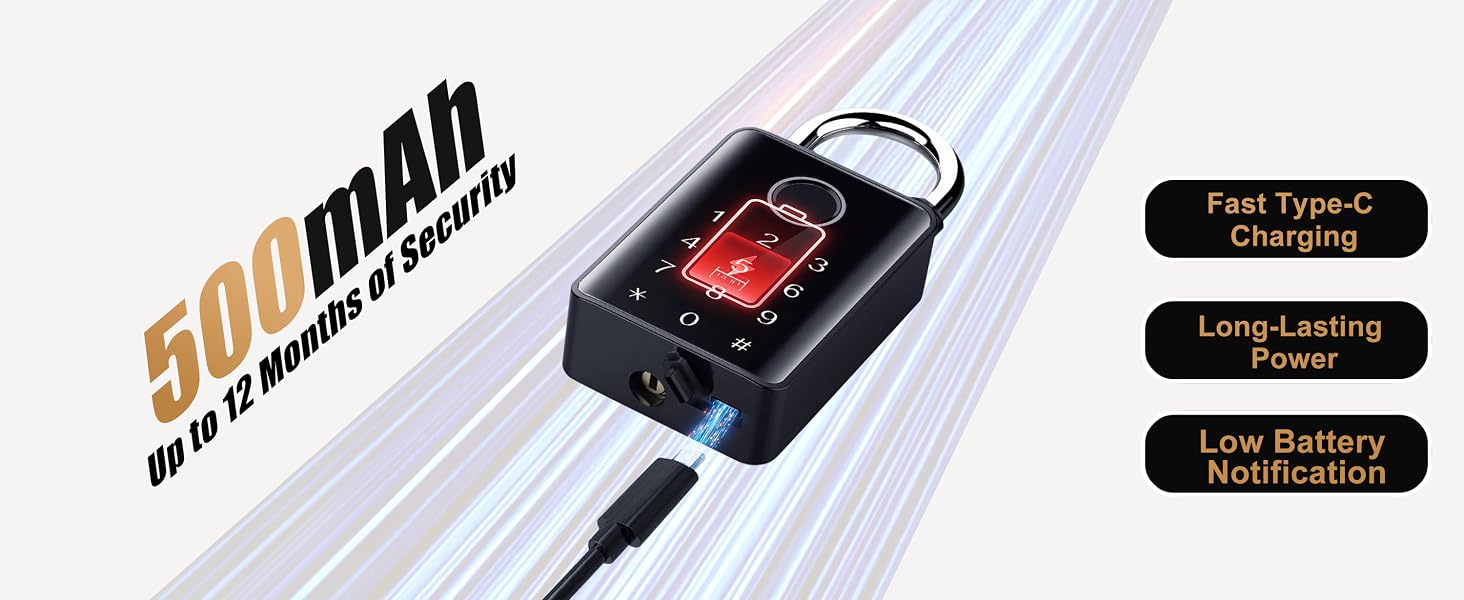
Do I need to press # to wake the lock every time I unlock it?
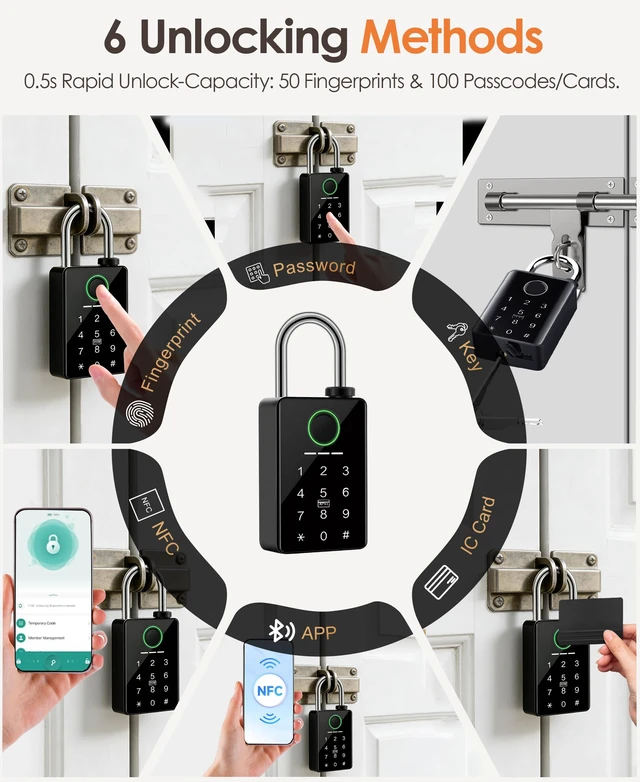
No. Fingerprint, RFID card, keypad code, and backup key unlock directly without waking the lock. To unlock via Tuya Smart or Smart Life app, press # (or touch the sensor) to wake Bluetooth first. This sleep-mode design saves battery.
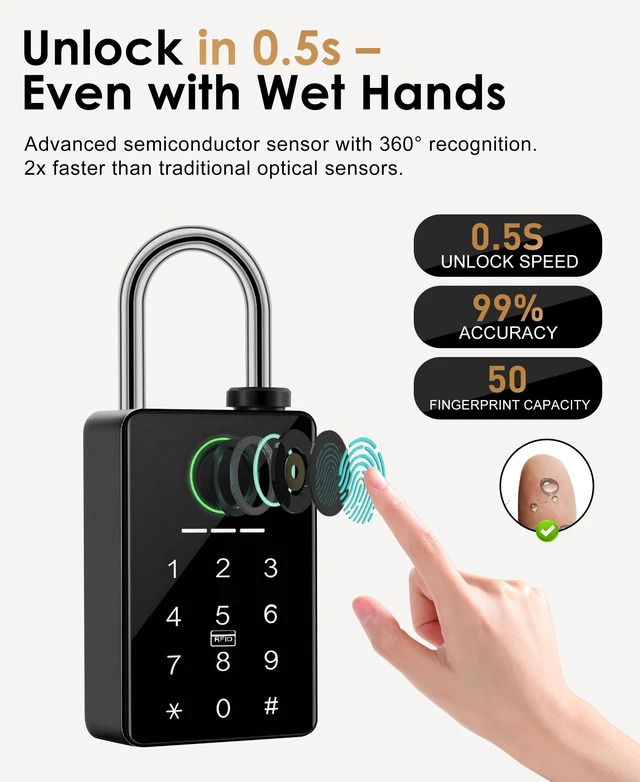
Why can any fingerprint open the lock when it is new?
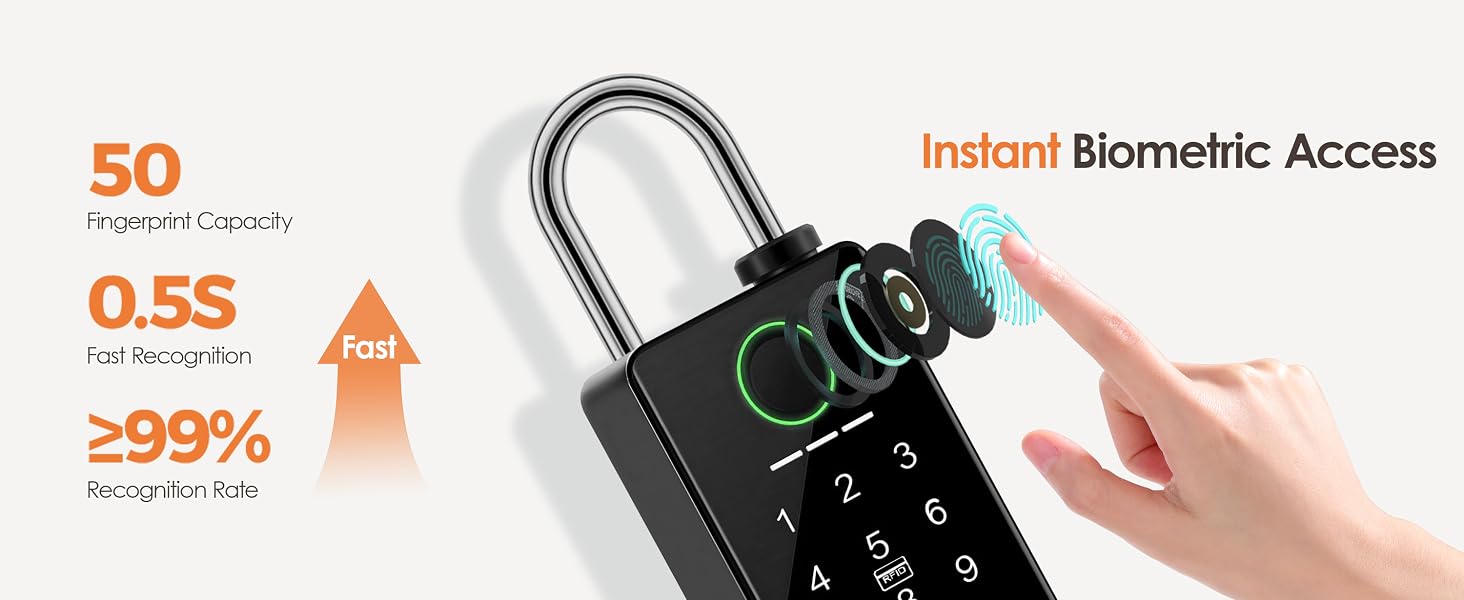
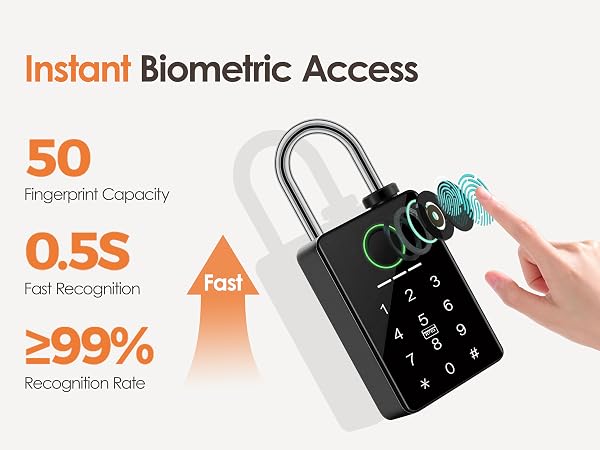
The lock arrives in factory setup mode, which accepts any fingerprint until an administrator fingerprint is enrolled. Pair it with Tuya Smart or Smart Life and add at least one administrator fingerprint before securing property.
How do I choose between the 9/32-inch and 3/8-inch shackle sizes?
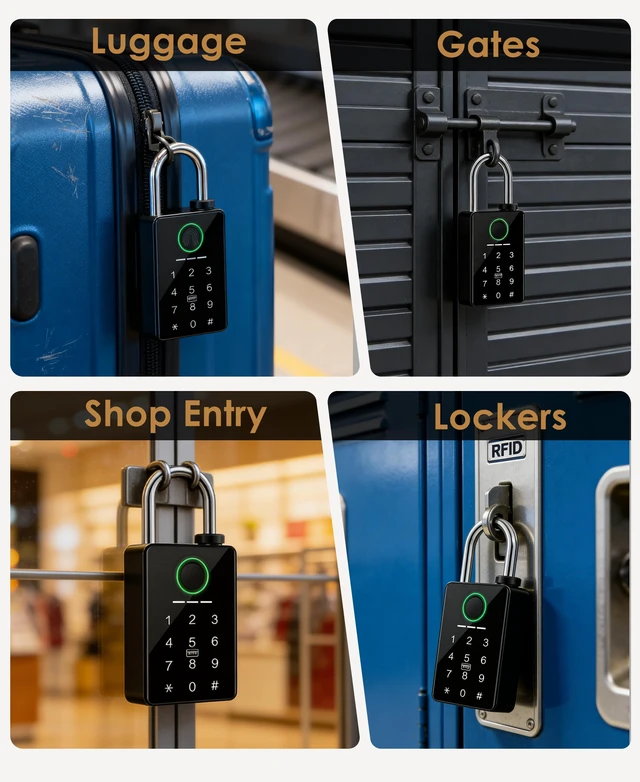
Measure the opening first. Choose 9/32 inch for lockers, cabinets, and small holes; choose 3/8 inch for gates, storage rooms, and larger hasps. If the opening measures exactly 3/8 inch, choose the 9/32-inch version.
Is the app required every time I unlock the lock?
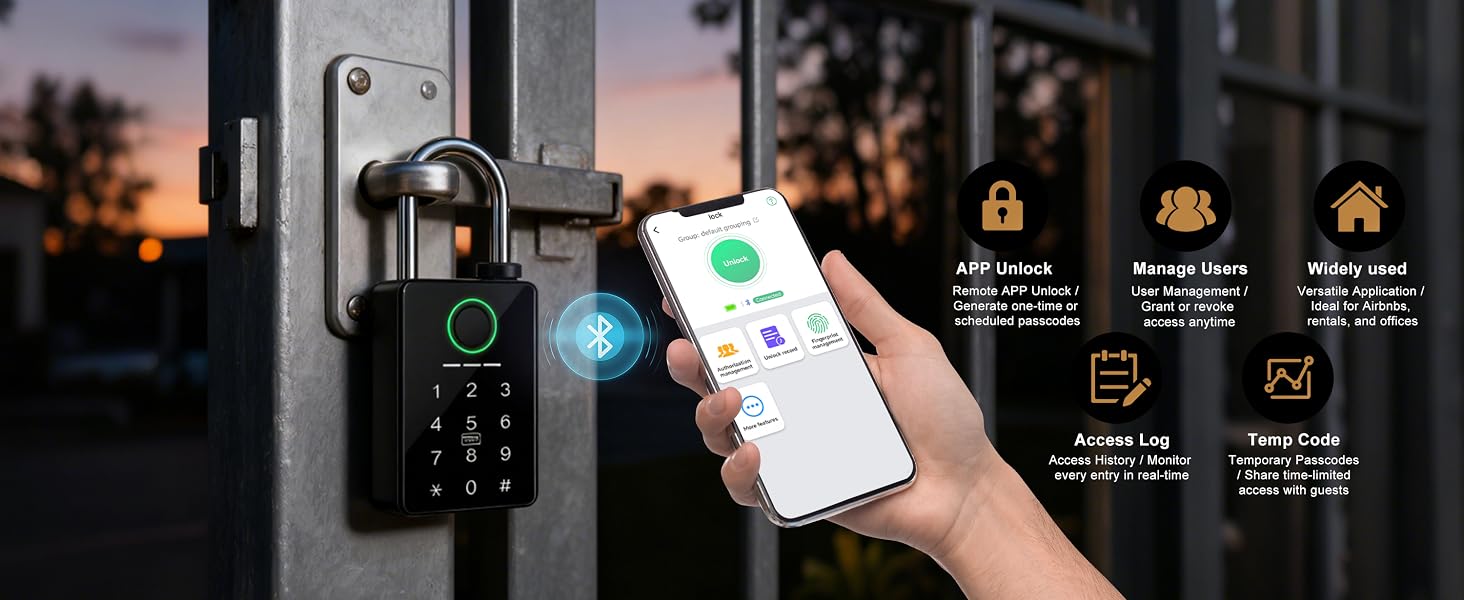
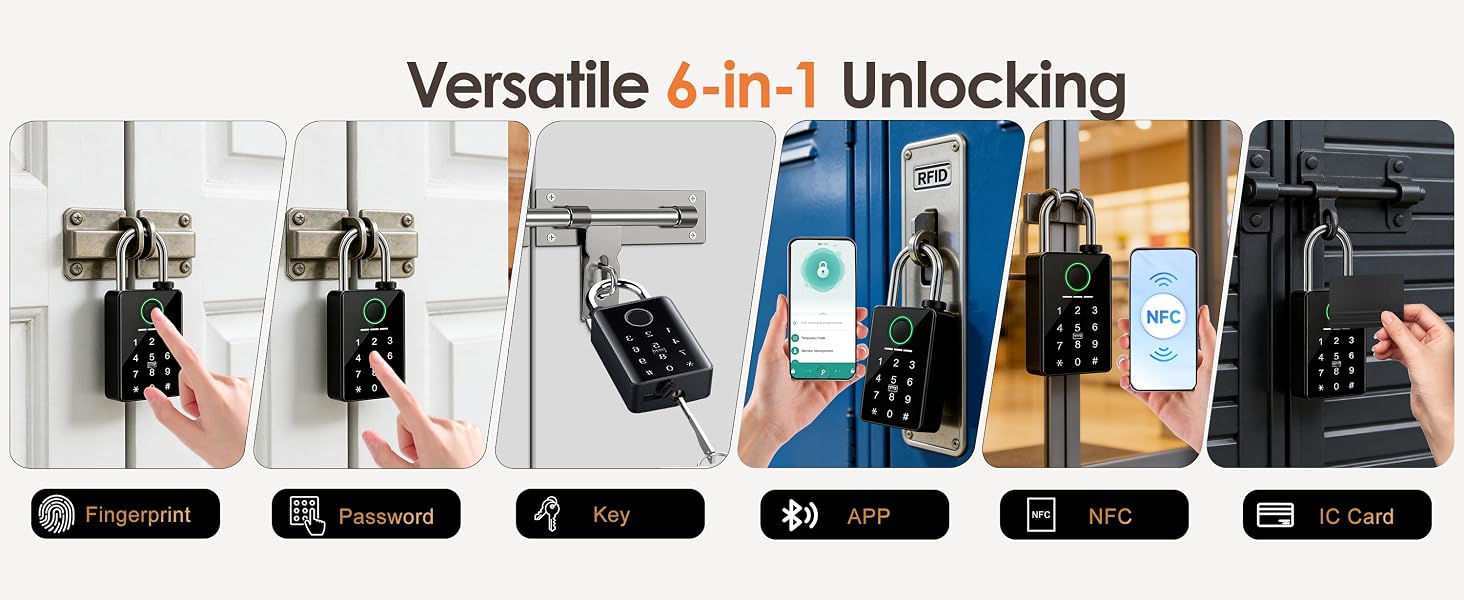
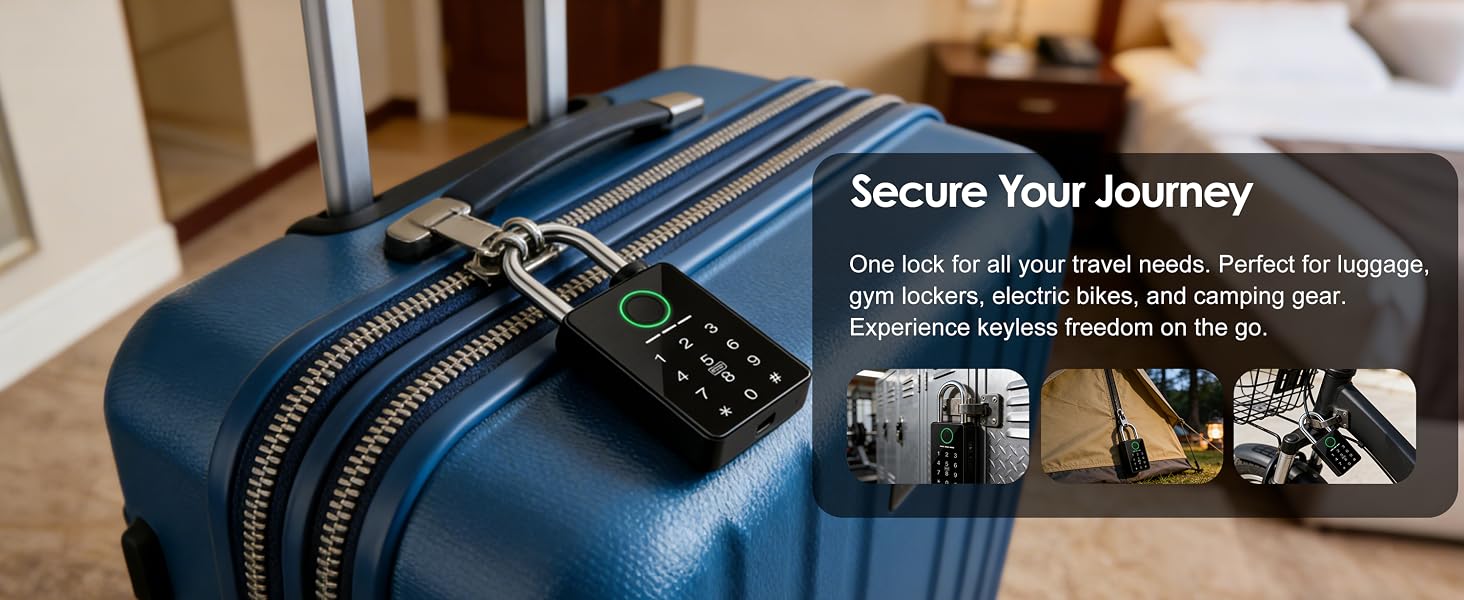
No. The app is required for initial setup and fingerprint management. After setup, you can unlock with an enrolled fingerprint, keypad code, RFID card, app, temporary code, or either of the 2 mechanical backup keys.
Can I provide remote access without a Wi-Fi gateway?
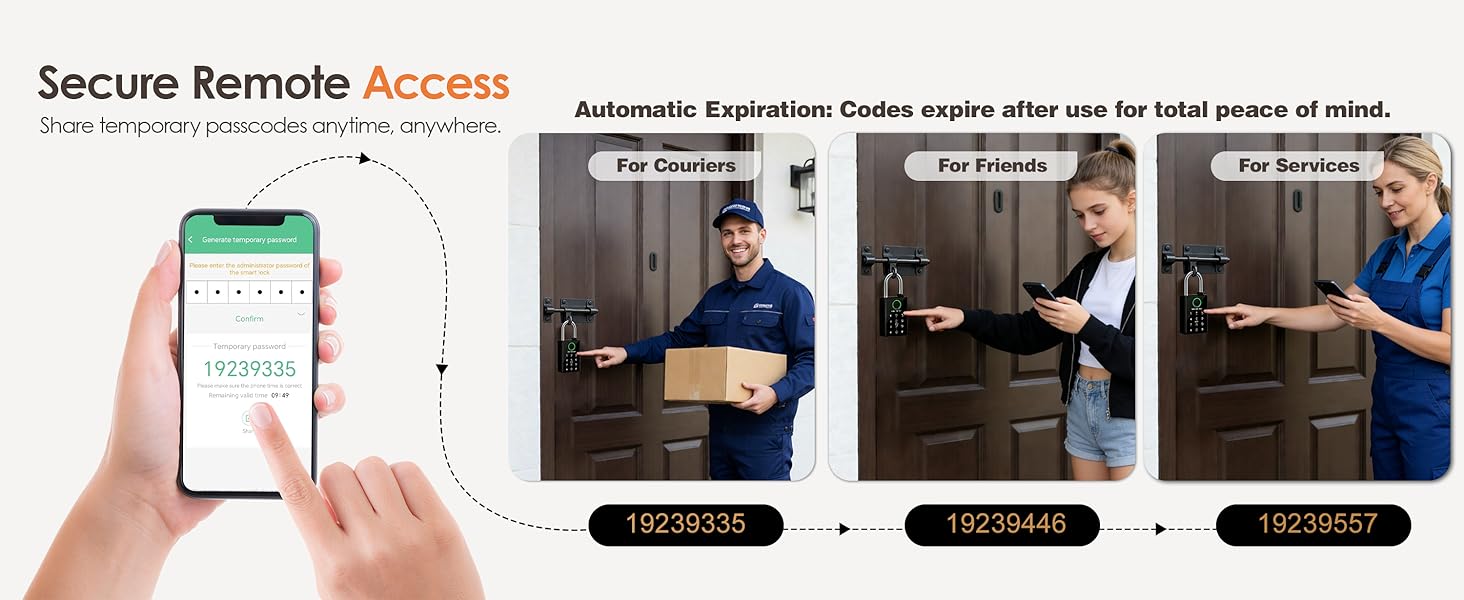
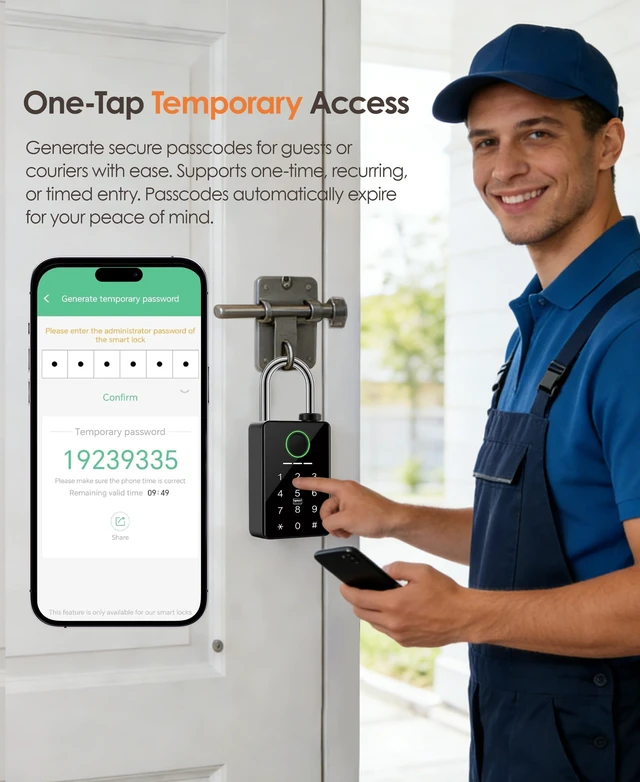
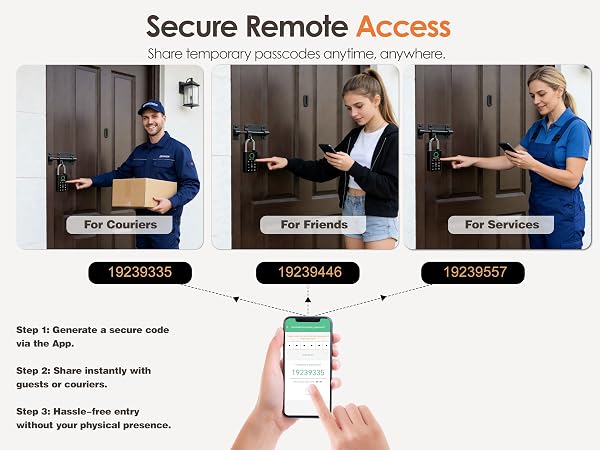
Yes. Generate a one-time or temporary passcode in the app and share it with the person at the lock so they can unlock it from the keypad. Direct Wi-Fi unlocking from your phone requires a compatible gateway, sold separately.
Can I unlock this padlock remotely for guests/family when I’m away?
Yes, two simple solutions: 1) Generate one-time passcodes remotely via the Tuya App for guests/family. 2) Pair with a compatible Tuya wireless gateway (not included) for full real-time remote unlock from anywhere.
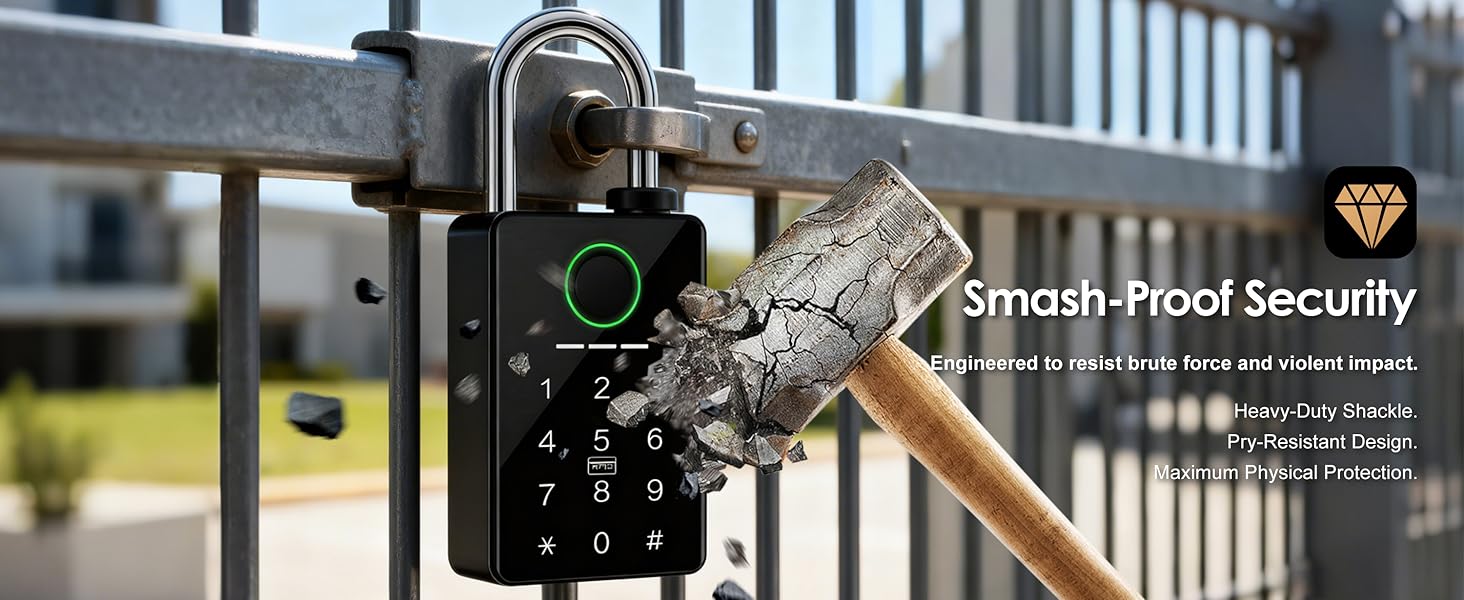
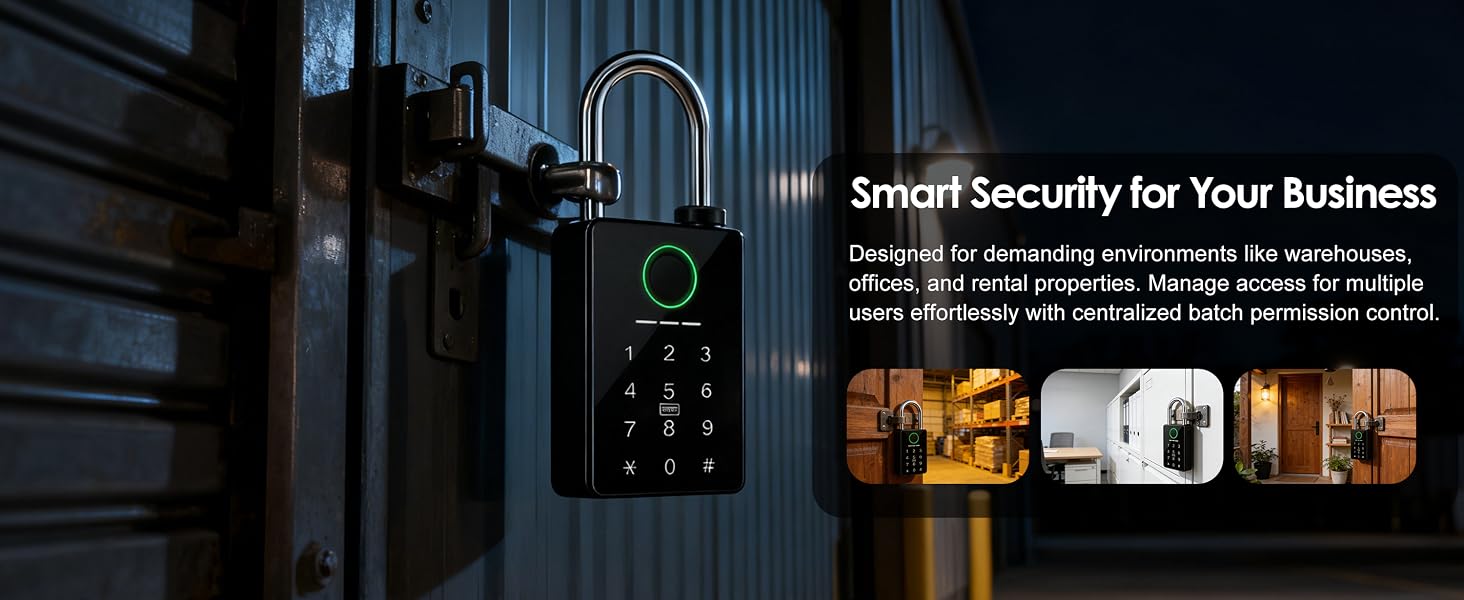
Is this lock strong enough to resist forced entry?
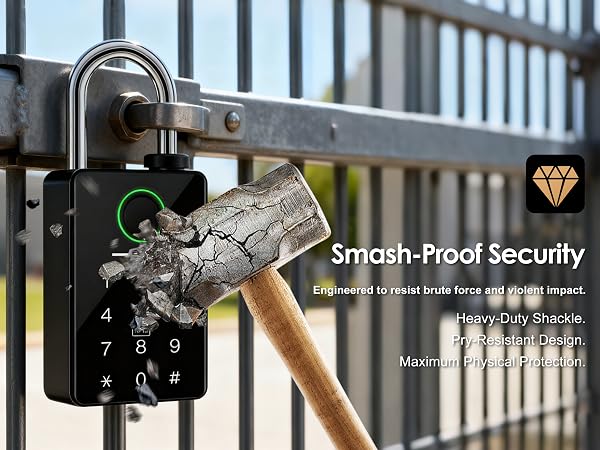
The zinc-alloy body and hardened steel shackle are designed to resist common cutting and prying attempts. No padlock is completely attack-proof, so use it with a properly fitted hasp and consider layered security for high-risk locations.
Smart Living Built Around You
YINTIN is an experienced manufacturer dedicated to designing and producing high-quality smart home and smart security equipment. Rooted in professional R&D and precision manufacturing, we focus on bringing accessible, reliable intelligent solutions to households around the world.
We strive to bring modern comfort, reliable hygiene and effortless convenience to every household bathroom.
Our mission is to make premium smart home security accessible and trustworthy for families worldwide.
I set a password but my padlock still won’t stay locked—why does it keep opening?
The lock requires at least one registered fingerprint to lock securely. Once you finish the initial fingerprint setup, the lock will stay locked normally.
Why can't my phone app find the lock?
Bluetooth sleeps while the lock is idle to conserve power. Press the # key or touch the fingerprint sensor to wake it up, then open Tuya Smart or Smart Life on your phone, tap +, select Add Device, and follow the on-screen instructions.
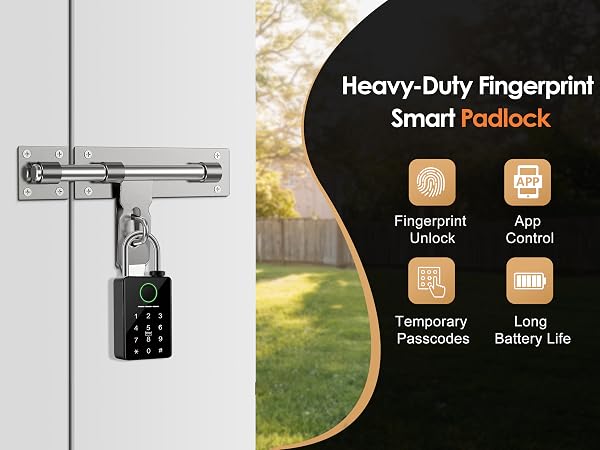
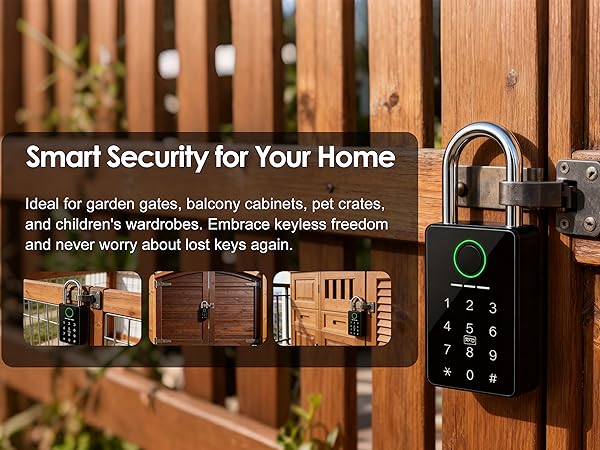
Can I use this lock on my outdoor garden gate—will it hold up in rain or extreme weather?
Yes. This IP67 weatherproof padlock features a double-sealed, rust-resistant design that withstands heavy rain and extreme temperatures, reliable for year-round outdoor use.
Do I need to press # to wake the lock every time I unlock it?
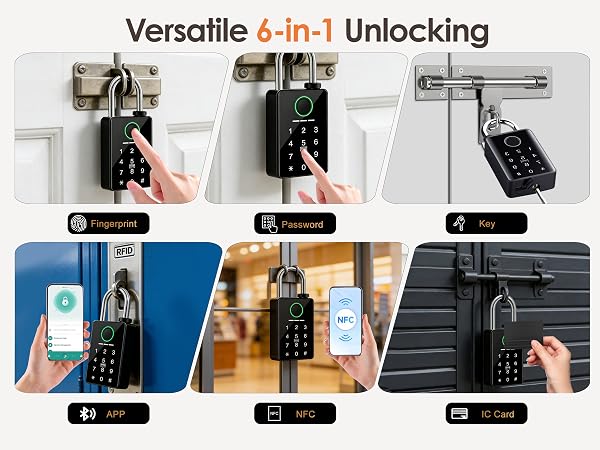
No. Fingerprint, RFID card, keypad code, and backup key unlock directly without waking the lock. To unlock via Tuya Smart or Smart Life app, press # (or touch the sensor) to wake Bluetooth first. This sleep-mode design saves battery.
Why can any fingerprint open the lock when it is new?
The lock arrives in factory setup mode, which accepts any fingerprint until an administrator fingerprint is enrolled. Pair it with Tuya Smart or Smart Life and add at least one administrator fingerprint before securing property.
How do I choose between the 9/32-inch and 3/8-inch shackle sizes?
Measure the opening first. Choose 9/32 inch for lockers, cabinets, and small holes; choose 3/8 inch for gates, storage rooms, and larger hasps. If the opening measures exactly 3/8 inch, choose the 9/32-inch version.
Is the app required every time I unlock the lock?
No. The app is required for initial setup and fingerprint management. After setup, you can unlock with an enrolled fingerprint, keypad code, RFID card, app, temporary code, or either of the 2 mechanical backup keys.
Can I provide remote access without a Wi-Fi gateway?
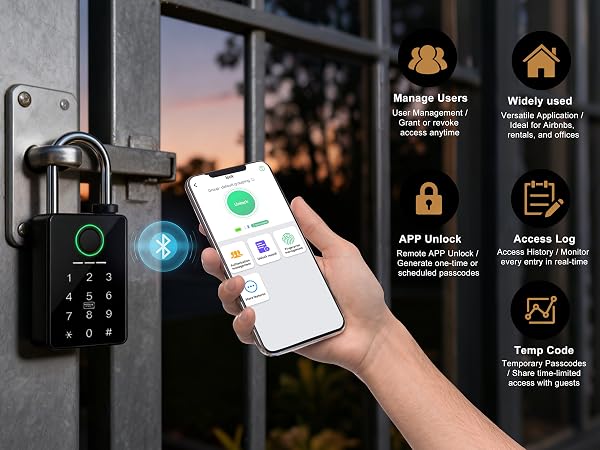
Yes. Generate a one-time or temporary passcode in the app and share it with the person at the lock so they can unlock it from the keypad. Direct Wi-Fi unlocking from your phone requires a compatible gateway, sold separately.
Can I unlock this padlock remotely for guests/family when I’m away?
Yes, two simple solutions: 1) Generate one-time passcodes remotely via the Tuya App for guests/family. 2) Pair with a compatible Tuya wireless gateway (not included) for full real-time remote unlock from anywhere.
Is this lock strong enough to resist forced entry?
The zinc-alloy body and hardened steel shackle are designed to resist common cutting and prying attempts. No padlock is completely attack-proof, so use it with a properly fitted hasp and consider layered security for high-risk locations.