








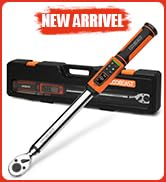
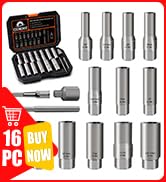

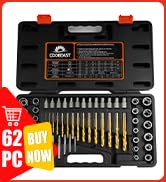

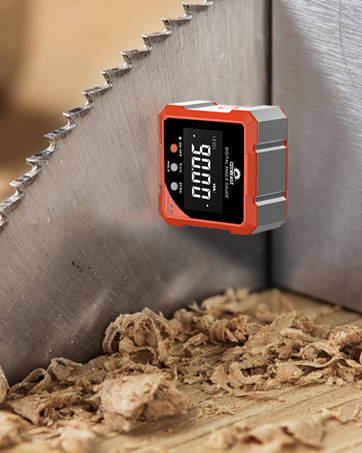
 Digital Angle Finder | 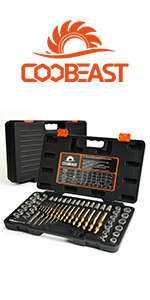 62Pcs Nut Remover Set | 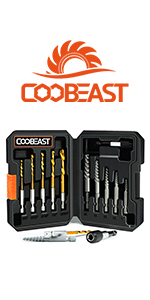 11Pcs Screw Extractor Set | 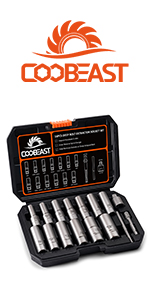 16pcs Deep Bolt Extractor Kit | 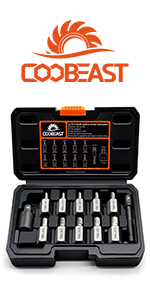 12Pcs Screw Extractor Set | |
|---|---|---|---|---|---|
| Customer Reviews | — | — | — | — | — |
| Price | — | — | — | — no data | — no data |
| Number of Pieces | 1pcs | 62pcs | 11pcs | 16pcs | 12pcs |
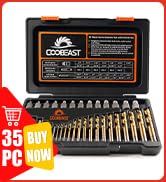
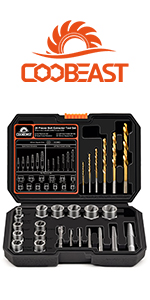 26Pcs Bolt Extractor Kit | 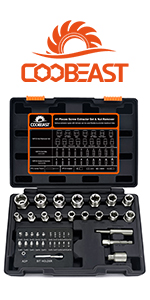 41pcs Bolt Extractor Kit | 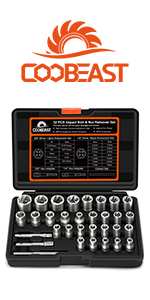 32pcs Bolt Extractor Kit | 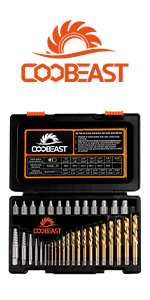 35pcs Screw Extractor Set | 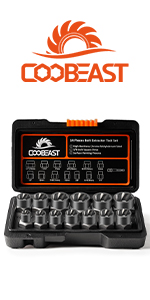 14pcs Bolt Extractor Set | |
|---|---|---|---|---|---|
| Customer Reviews | — | — | — | — | — |
| Price | — | — | — | — | — |
| Number of Pieces | 26pcs | 41pcs | 32pcs | 35pcs | 14pcs |
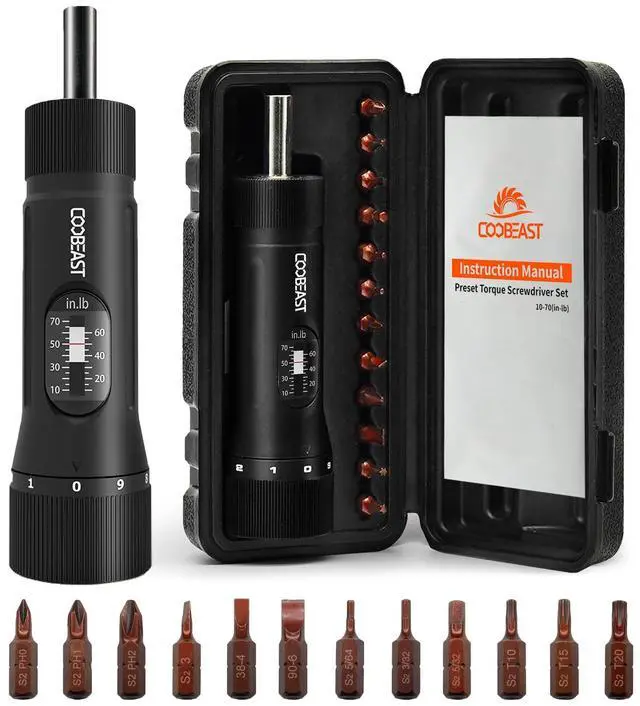
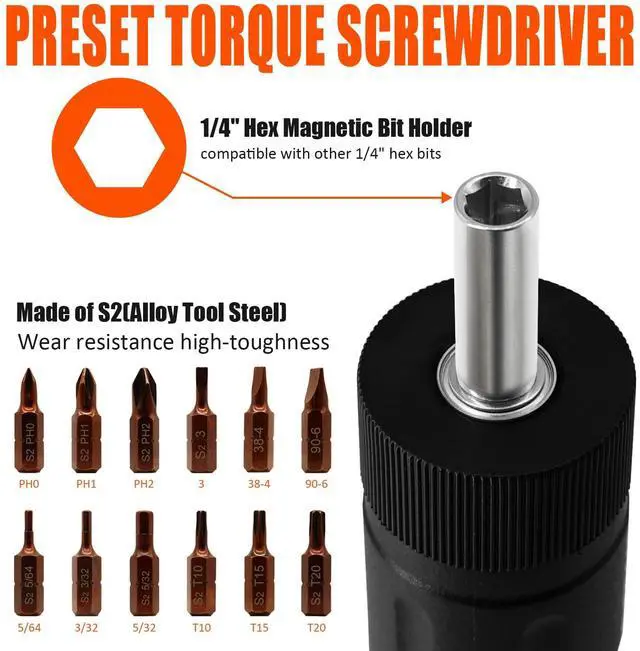
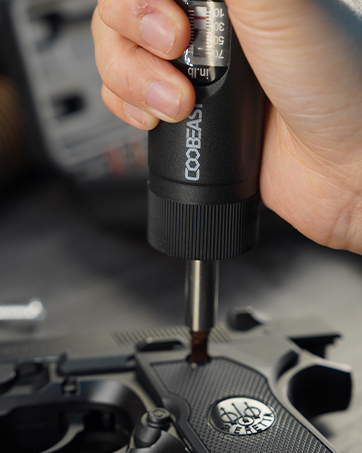
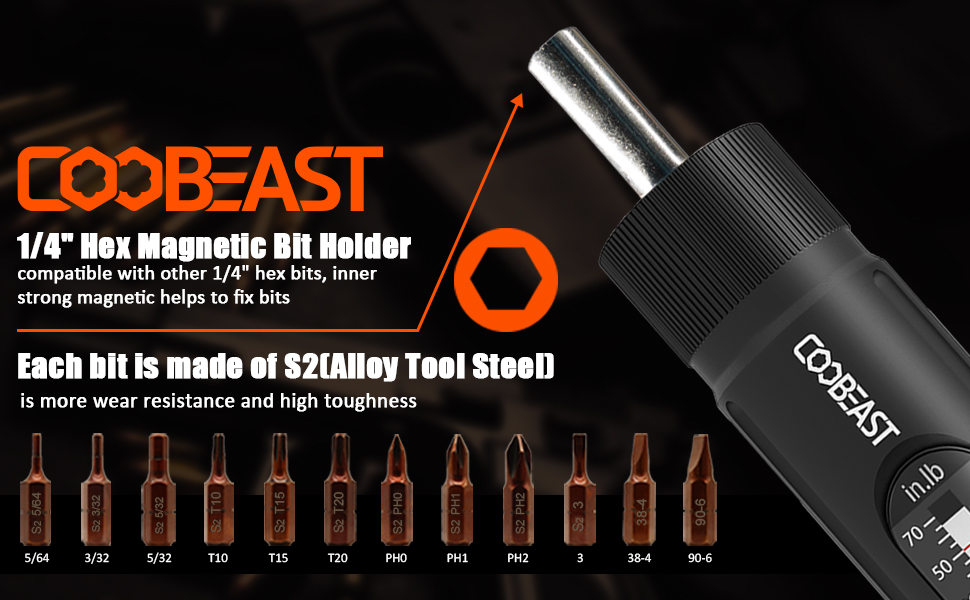
13PCS PRESET TORQUE WRENCH SCREWDRIVER SET
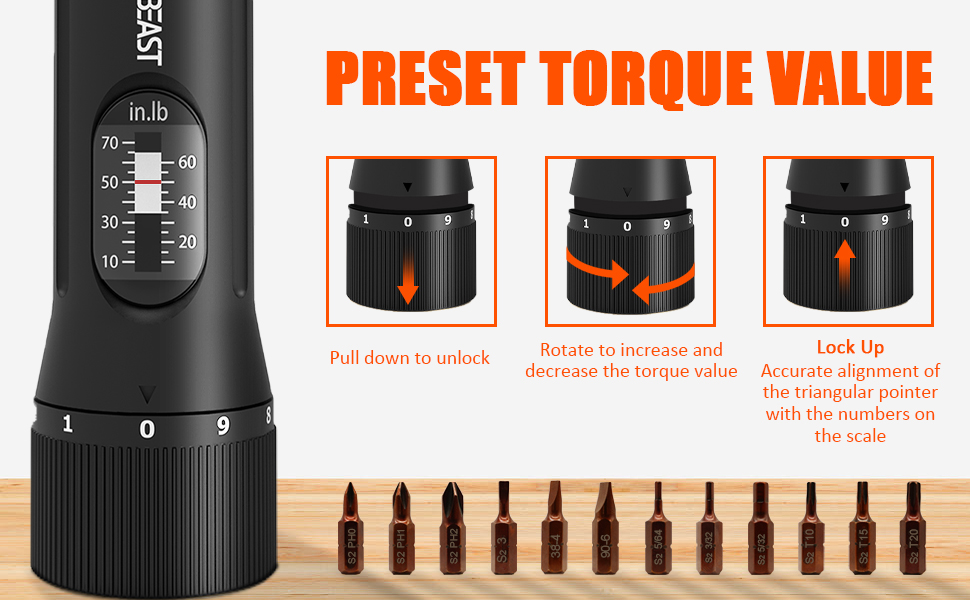
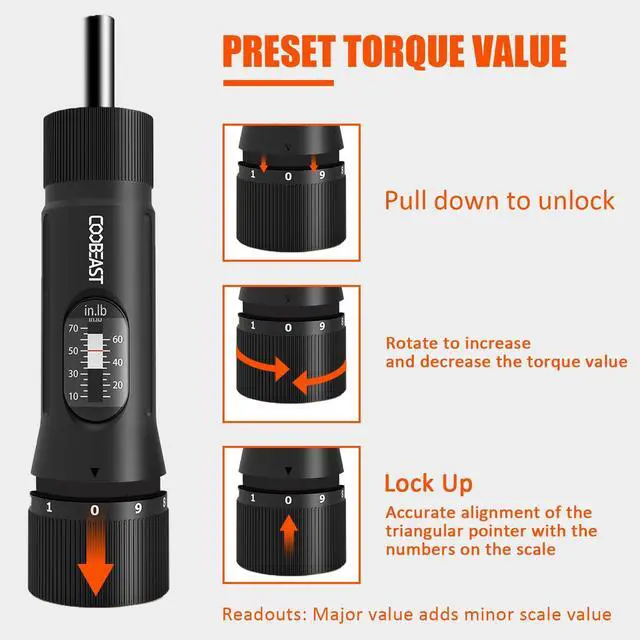
HOW TO PRESET TORQUE VALUE
- Pull down to unlock
- Rotate to increase and decrease the torque value
- Lock Up
Accurate alignment of the triangular pointer with the numbers on the scale
Readouts: Major value adds minor scale value
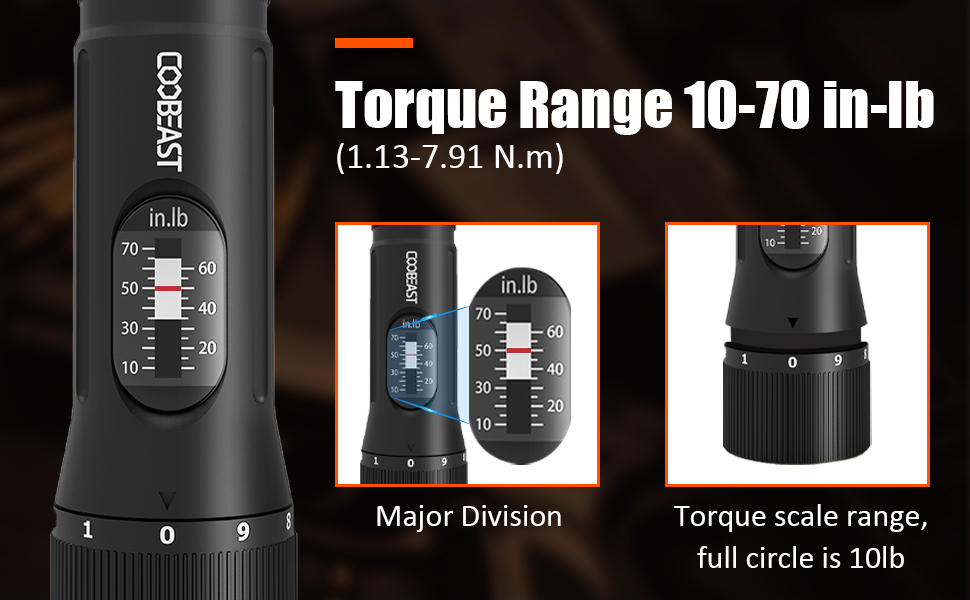
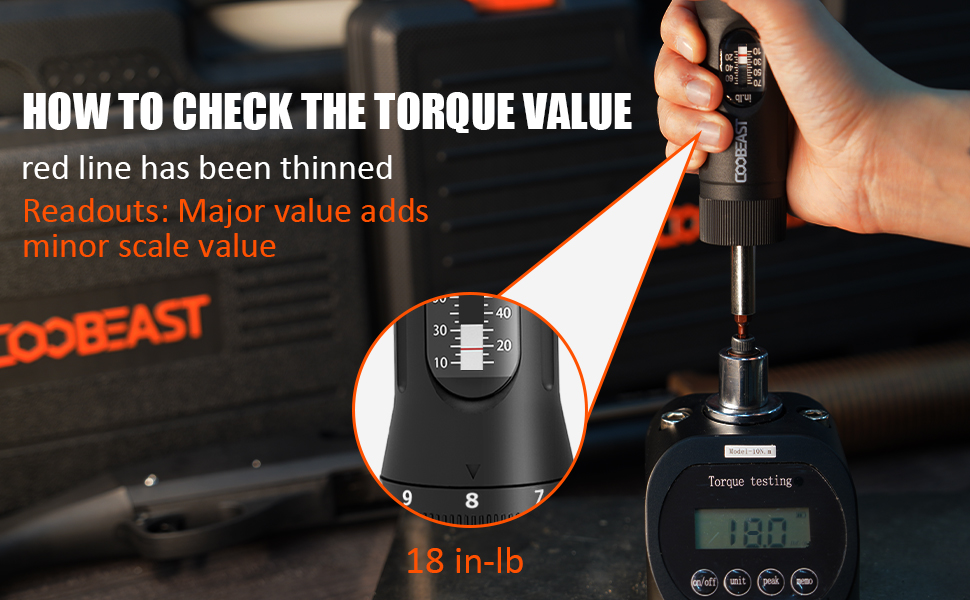
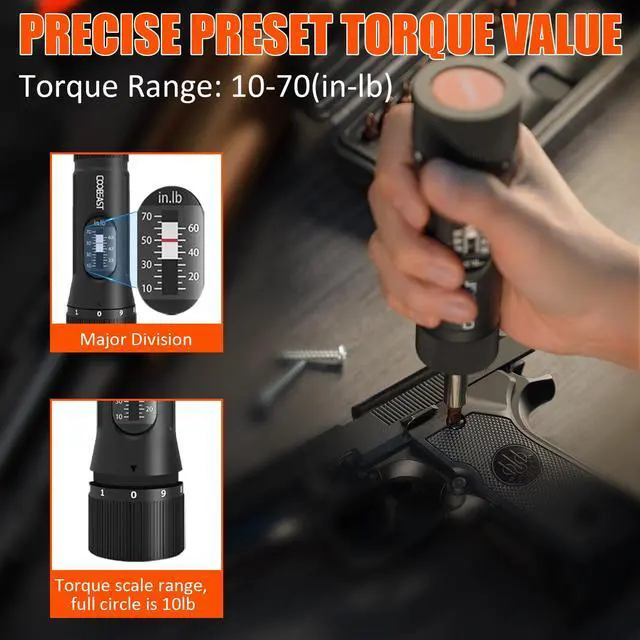
HOW TO CHECK THE TORQUE VALUE
The red line in the main screen is between the two values. According to the number aligned with the triangle pointer of the handwheel, refer to the two as the final torque value.
For example
When the red line is between 10 and 20, the triangle pointer is aligned to the number 8, the torque value is 10 add 8, 18 In-lb.
HOT SALE
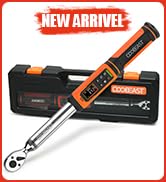
Digital Torque Wrench
Extractor Set
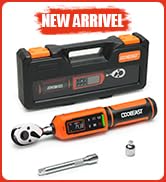
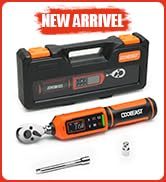
13Pc Preset Torque Screwdriver
Magnetic Angle Finder
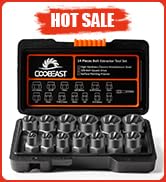
14Pcs Bolt Extractor Set
Digital Angle Finder | 62Pcs Nut Remover Set | 11Pcs Screw Extractor Set | 16pcs Deep Bolt Extractor Kit | 12Pcs Screw Extractor Set | |
|---|---|---|---|---|---|
| Customer Reviews | — | — | — | — | — |
| Price | — | — | — | — no data | — no data |
| Number of Pieces | 1pcs | 62pcs | 11pcs | 16pcs | 12pcs |
26Pcs Bolt Extractor Kit | 41pcs Bolt Extractor Kit | 32pcs Bolt Extractor Kit | 35pcs Screw Extractor Set | 14pcs Bolt Extractor Set | |
|---|---|---|---|---|---|
| Customer Reviews | — | — | — | — | — |
| Price | — | — | — | — | — |
| Number of Pieces | 26pcs | 41pcs | 32pcs | 35pcs | 14pcs |
13PCS PRESET TORQUE WRENCH SCREWDRIVER SET
HOW TO PRESET TORQUE VALUE
- Pull down to unlock
- Rotate to increase and decrease the torque value
- Lock Up
Accurate alignment of the triangular pointer with the numbers on the scale
Readouts: Major value adds minor scale value
HOW TO CHECK THE TORQUE VALUE
The red line in the main screen is between the two values. According to the number aligned with the triangle pointer of the handwheel, refer to the two as the final torque value.
For example
When the red line is between 10 and 20, the triangle pointer is aligned to the number 8, the torque value is 10 add 8, 18 In-lb.