• $11.85
  • Free 30-day Returns
  • Ships from China.
    Sold by ThermalNest

    Shipped by ThermalNest

    Price alert
    Shop it at NeweggBusiness.

    Meet Your Seller

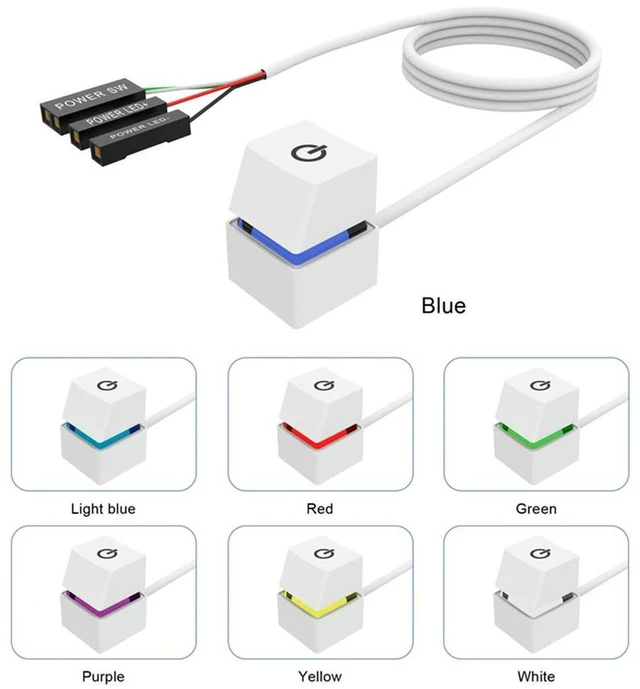
    AJMRTC 2M LED Lights PC External Power Switch, Desktop Computer Start Power On/Off Button with Extension Cable, Remote Chassis Power Reset Button for DIY Desktop Case Modification

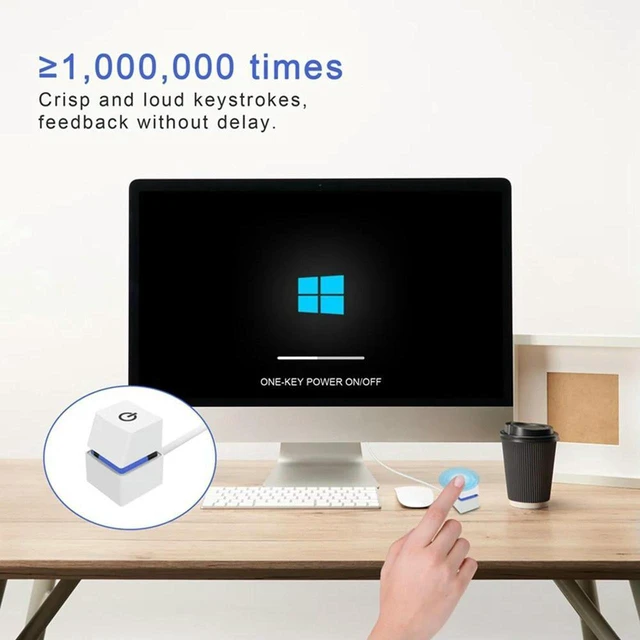
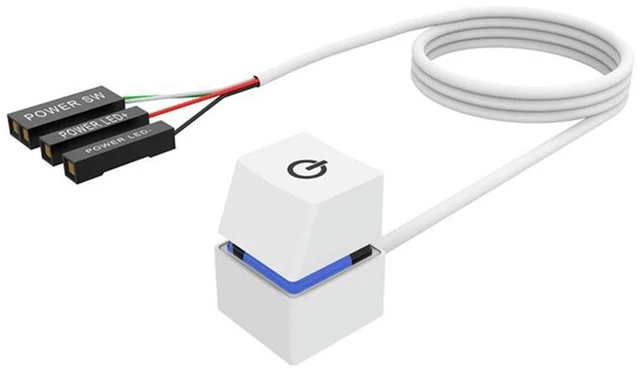
    • - 2-meter long extension cable with LED indicator, external power on/off button for desktop computer
    • - Simple wiring design, easy to extend the power button outside your PC case conveniently
    • - Built-in LED light, clearly shows power status at a glance for quick visual check
    • - Sturdy plastic button housing, stable contact, durable for frequent pressing operation
    • - Perfect for DIY case mod, industrial control host, open-frame test bench and custom desktop builds
    +
    +
    Overview
    Specs
    Reviews
    avatar

    Any questions? Our AI mode will help you find out quickly.

    AJMRTC 2M LED PC external power switch is an ideal extension kit for desktop computers. Equipped with a 2-meter long cable and LED indicator light, this external power button allows users to power on and power off the computer outside the chassis without touching the original case button. It features simple connection to motherboard front panel pins, no complicated tools required. The integrated LED lamp displays the working status of the host in real time. Made of durable material, the button maintains stable contact even after repeated use. It is widely used for open test benches, DIY computer case modification, industrial control hosts and unattended desktop equipment.


    Specifications
    1. Brand: AJMRTC
    2. Cable Length: 2M
    3. Function: Power On / Off Button with LED Power Indicator
    4. Application: Desktop PC, Open Frame Test Bench, DIY Case Mod
    5. Connection: Motherboard Front Panel Pin Header
    6. Material: Plastic Button + Copper Core Wire


    Warranty & Returns

    Warranty, Returns, And Additional Information

    Warranty

    • Please contact the Seller directly for warranty information. Warranty information may also be found on the Manufacturer's website.
    • CONTACT

    Return Policies

    Manufacturer Contact Info

    LOADING...