


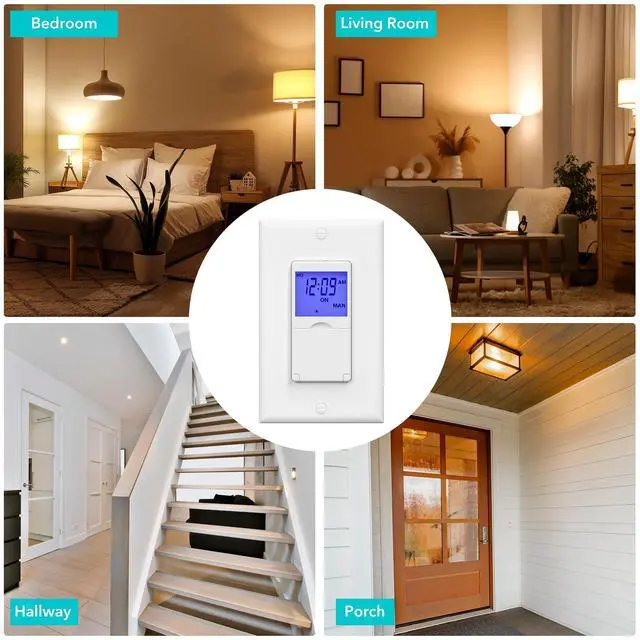




3 Way & Single Pole
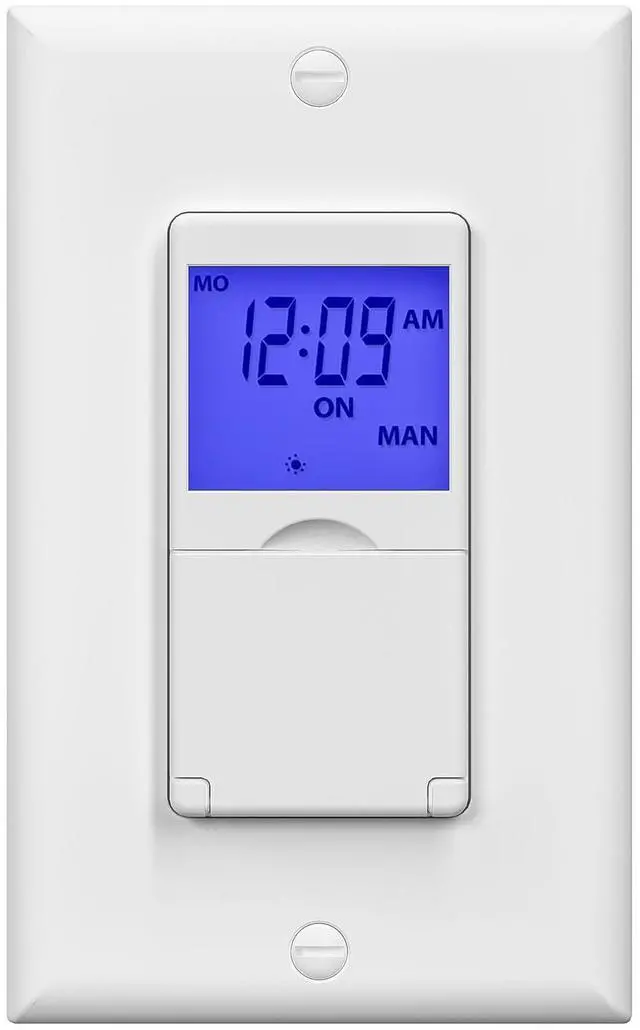
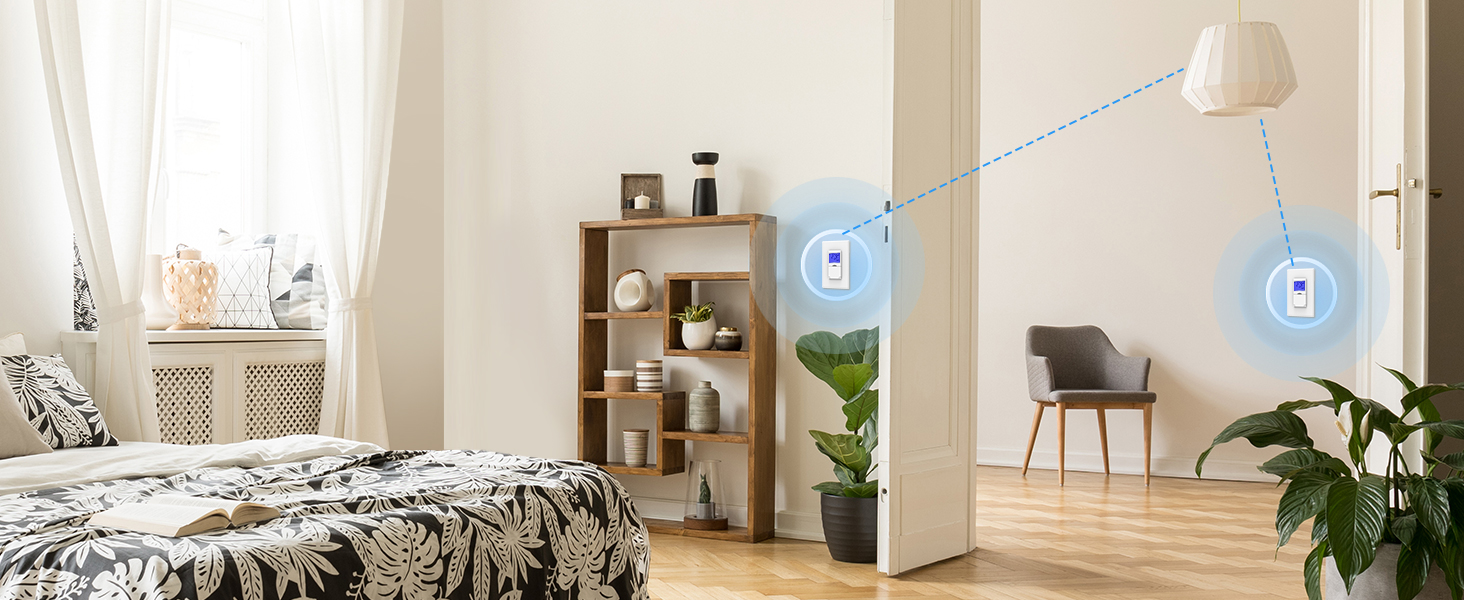
BN-LINK Timer Switch enhances convenience, and provides flexible control for lights or devices.
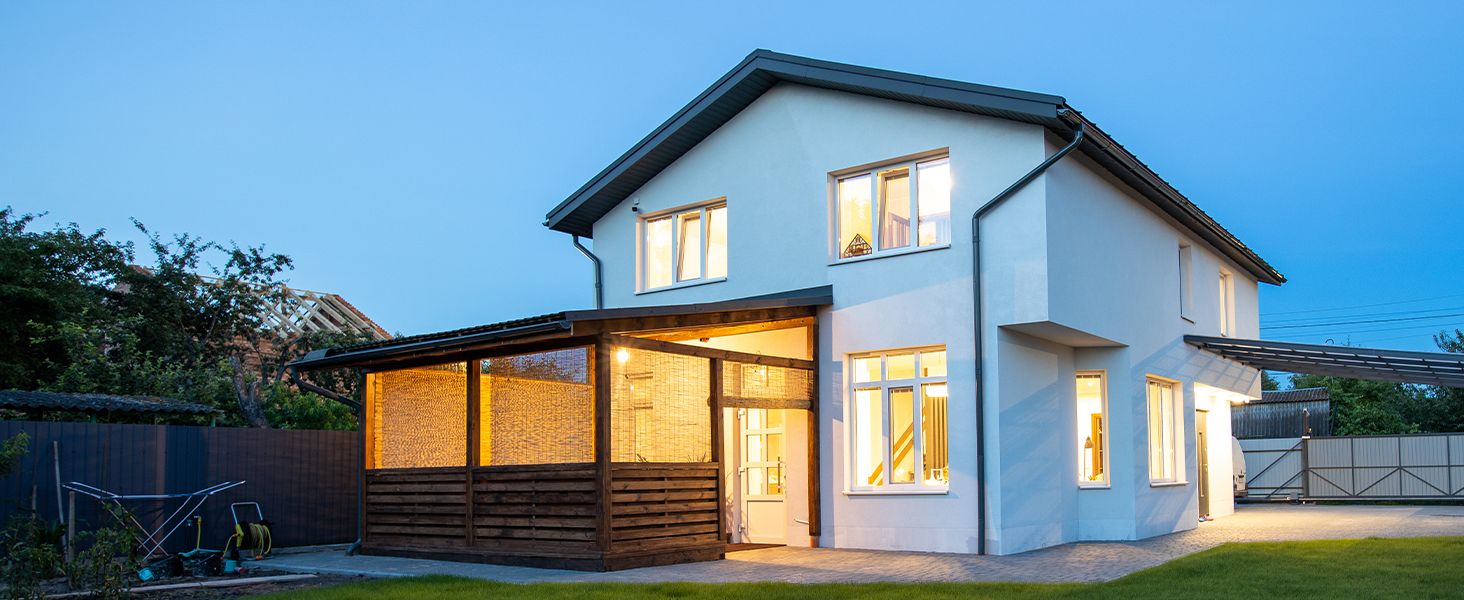
Random Mode
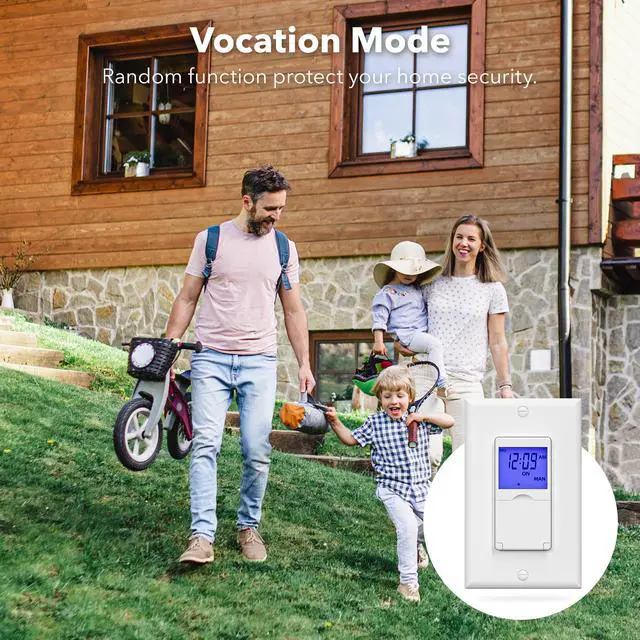
The Random Security Mode can randomize your home's programmed lights to deter break-ins and thieves.
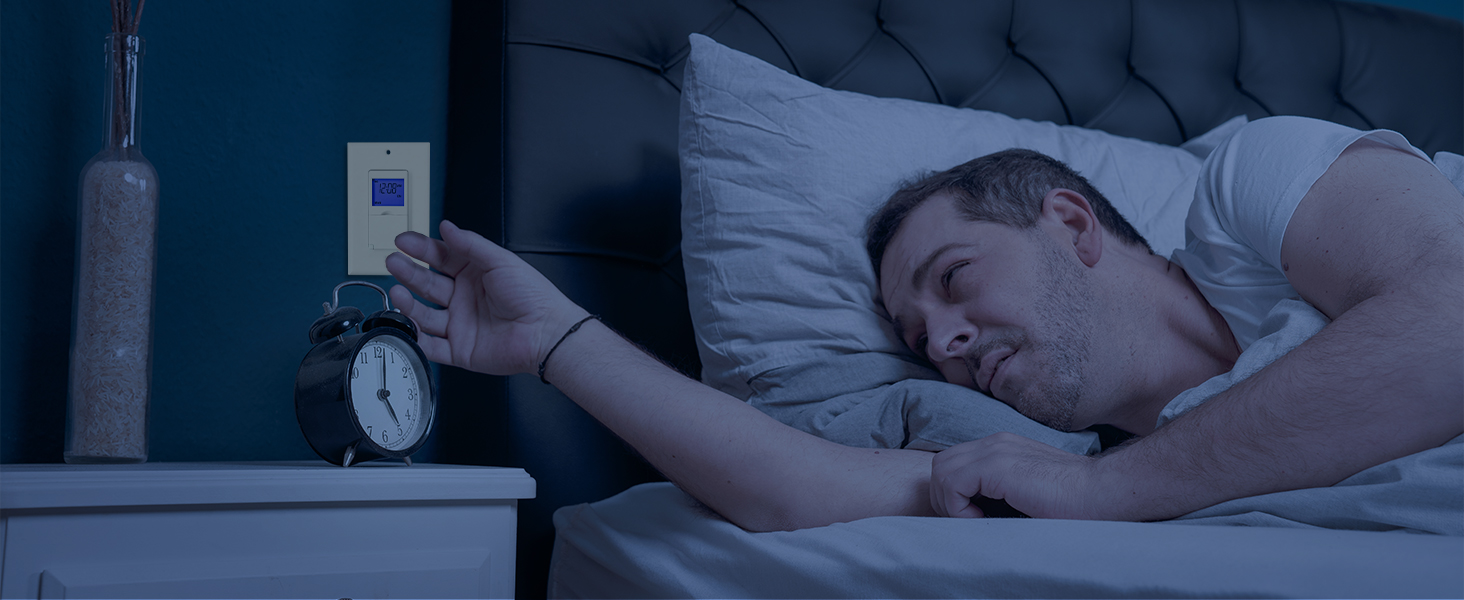
Auto/Manual Mode
Press and hold on the door to shift easily between AUTO (timer) or MANUAL (manual on/off) modes.
Backup Battery
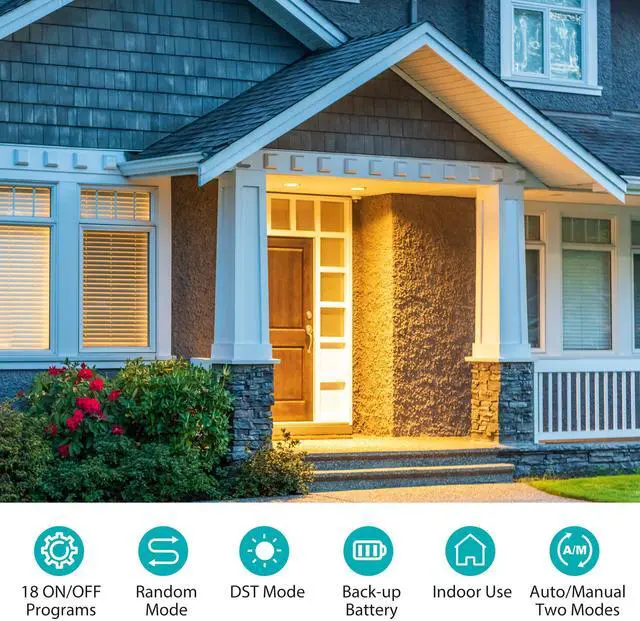
Backup battery ensures continuous operation and preserves settings during power outages.
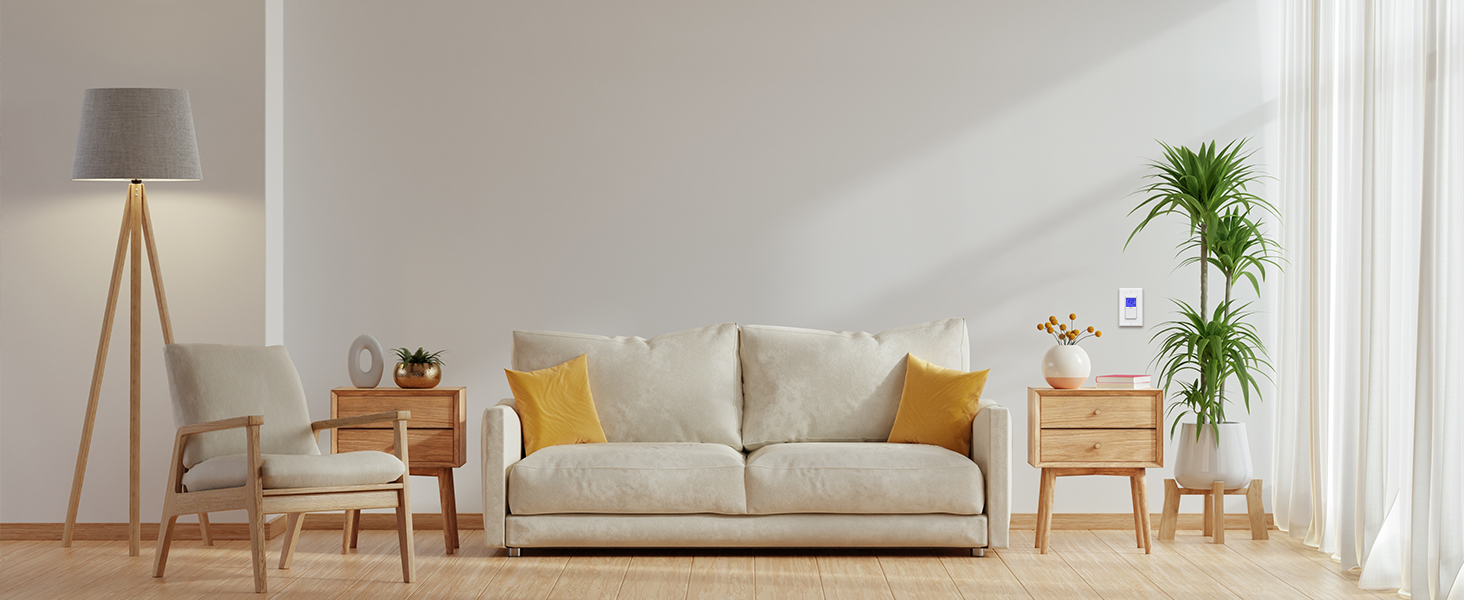
Save Energy & Money
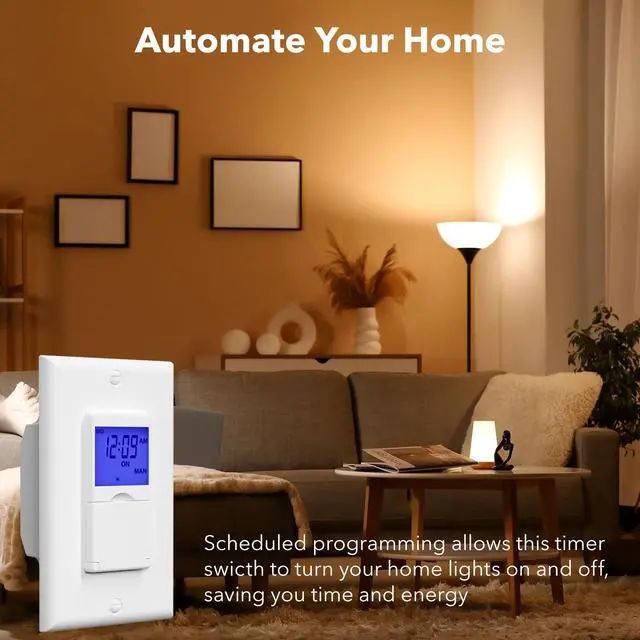
Timer switch save costs on electricity.Perfect for controlling lights automatically and efficiently.

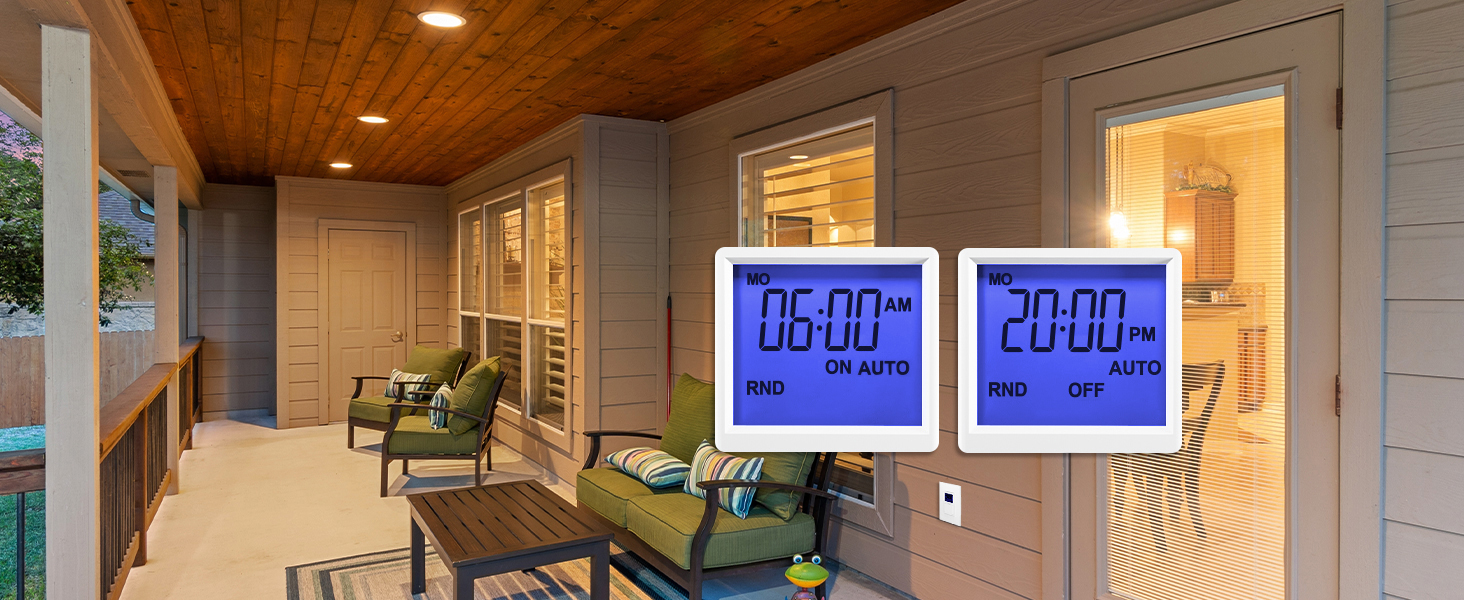
18 On/Off Programs
Set up to 18 On/Off programs and 7-day scheduling options, you have the flexibility to tailor your lighting.

Random Mode
Random mode allows to respectively postpone ON and OFF times by 0-30 minutes to create a“lived-in”appearance when the occupant is away.

DST Mode
Daylight Saving Time functionality eliminates the hassle of resetting time

Blue Backlight
Convenient blue backlight in the timer switch means you'll be able to set your timer light switch even in the darkest rooms.


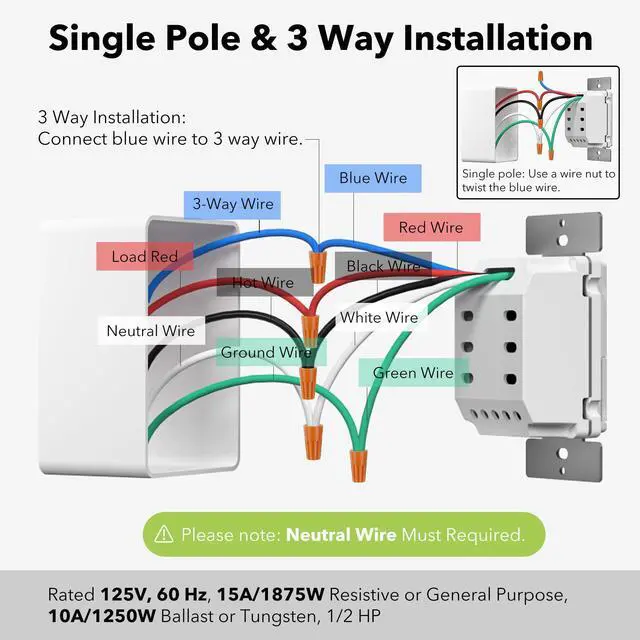
Whether timer switch can be installed without a neutral wire?
No, the neutral wire is necessary. Please confirm whether there is a neutral wire in the electrical wiring in your home before purchasing.
When I complete the installation, the screen is blank. Why is this?
It may be that the power supply is insufficient. Please charge the timer for 10 minutes first, then press Reset to start programming.
How do I program this wall timer switch?
For the quickest and most accurate setup, we recommend starting with the Setup Video on the product page, and if the light switch timer doesn’t work as expected, the Troubleshooting Video can help you walk through common causes and quick fixes.
If the program is not running as I set, what should I do?
1. Press the Prog button to check whether each program has been set correctly and programs are not overlapped. 2. Confirm that the timer is in AUTO mode and the Random function is deactivated. 3.Confirm current time isn't changed due to DST is active
Is it compatible with LED and CFL bulbs, and can it be used outdoors?
Yes, it works with LED, CFL, incandescent, halogen, and fluorescent bulbs. This timer switch is for indoor installation only, but it can control outdoor lights when installed indoors.
Compare with Similar Items
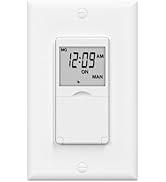
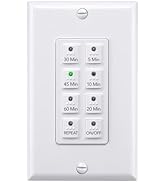
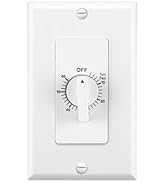
 Timer Switch Backlight |  Astronomical Timer Switch |  Timer Switch No Backlight |  60Min Timer Switch |  4Hour Timer Switch |  Mechanical Timer Switch | |
|---|---|---|---|---|---|---|
Customer Reviews | — | — | — | — | — | — |
Price | — | — | — | — | — | — |
Programmable | 18 On/Off | 18 On/Off | 18 On/Off | Countdown 5-10-20-30-45-60m | Countdown 5-15-30-60m, 2-4h | Up to 60min Countdown |
Neutral Wire Required | ? | ? | ? | ? | ? | ? |
Sunrise Sunset Function | ? | ? | ? | ? | ? | ? |
Backlight | ? | ? | ? | ? | ? | ? |
Single-Pole | ? | ? | ? | ? | ? | ? |
3-Way Compatible | ? | ? | ? | ? | ? | ? |
Plate Included | ? | ? | ? | ? | ? | ? |
About BN-LINK:
A direct distributor of premium quality home improvement products. We strive to provide better products and after-sales service to help every customer's life easier and more convenient.
Wall Timer Switch
Heating& Cooling Thermostat
Seedling Heat Mat

3 Way & Single Pole
BN-LINK Timer Switch enhances convenience, and provides flexible control for lights or devices.
Random Mode
The Random Security Mode can randomize your home's programmed lights to deter break-ins and thieves.
Auto/Manual Mode
Press and hold on the door to shift easily between AUTO (timer) or MANUAL (manual on/off) modes.
Backup Battery
Backup battery ensures continuous operation and preserves settings during power outages.
Save Energy & Money
Timer switch save costs on electricity.Perfect for controlling lights automatically and efficiently.


18 On/Off Programs
Set up to 18 On/Off programs and 7-day scheduling options, you have the flexibility to tailor your lighting.
Random Mode
Random mode allows to respectively postpone ON and OFF times by 0-30 minutes to create a“lived-in”appearance when the occupant is away.
DST Mode
Daylight Saving Time functionality eliminates the hassle of resetting time
Blue Backlight
Convenient blue backlight in the timer switch means you'll be able to set your timer light switch even in the darkest rooms.


Whether timer switch can be installed without a neutral wire?
No, the neutral wire is necessary. Please confirm whether there is a neutral wire in the electrical wiring in your home before purchasing.
When I complete the installation, the screen is blank. Why is this?
It may be that the power supply is insufficient. Please charge the timer for 10 minutes first, then press Reset to start programming.
How do I program this wall timer switch?
For the quickest and most accurate setup, we recommend starting with the Setup Video on the product page, and if the light switch timer doesn’t work as expected, the Troubleshooting Video can help you walk through common causes and quick fixes.
If the program is not running as I set, what should I do?
1. Press the Prog button to check whether each program has been set correctly and programs are not overlapped. 2. Confirm that the timer is in AUTO mode and the Random function is deactivated. 3.Confirm current time isn't changed due to DST is active
Is it compatible with LED and CFL bulbs, and can it be used outdoors?
Yes, it works with LED, CFL, incandescent, halogen, and fluorescent bulbs. This timer switch is for indoor installation only, but it can control outdoor lights when installed indoors.
Compare with Similar Items
Timer Switch Backlight | Astronomical Timer Switch | Timer Switch No Backlight |  60Min Timer Switch | 4Hour Timer Switch | Mechanical Timer Switch |
|---|---|---|---|---|---|
| Customer Reviews | |||||
| — | — | — | — | — | — |
| Price | |||||
| — | — | — | — | — | — |
| Programmable | |||||
| 18 On/Off | 18 On/Off | 18 On/Off | Countdown 5-10-20-30-45-60m | Countdown 5-15-30-60m, 2-4h | Up to 60min Countdown |
| Neutral Wire Required | |||||
| ? | ? | ? | ? | ? | ? |
| Sunrise Sunset Function | |||||
| ? | ? | ? | ? | ? | ? |
| Backlight | |||||
| ? | ? | ? | ? | ? | ? |
| Single-Pole | |||||
| ? | ? | ? | ? | ? | ? |
| 3-Way Compatible | |||||
| ? | ? | ? | ? | ? | ? |
| Plate Included | |||||
| ? | ? | ? | ? | ? | ? |