




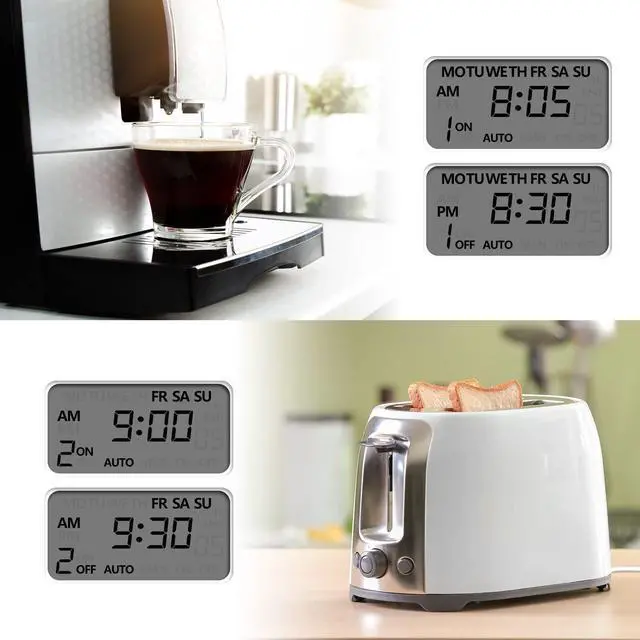



Control Comfort, Save Time.
About BN-LINK At BN-LINK, we believe home should be comfortable, efficient, and effortless.
As a direct distributor of premium home improvement products, our mission is to help you control your home with ease.
Our range includes remote control outlets, smart plugs, indoor/outdoor timers, and thermostat controllers, all designed to save time, save energy, and make daily life more convenient, backed by friendly, reliable support.
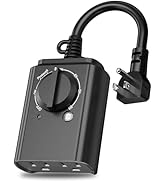
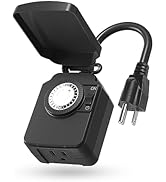
Outdoor Timer for Lights
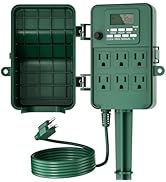
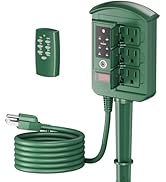
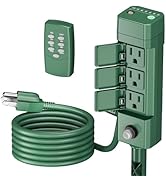
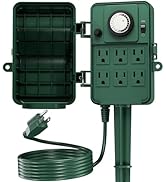
Outdoor Power Stake
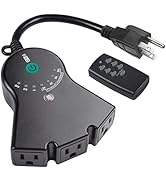
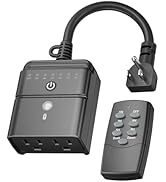
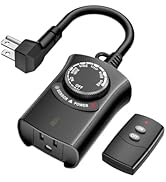
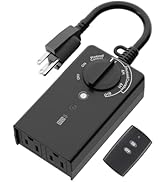
Outdoor Remote Control Outlet
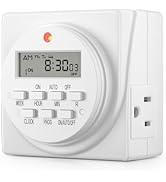
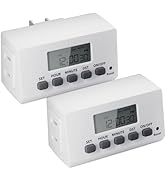
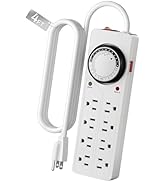
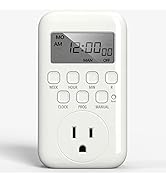
light timers for lamps indoor
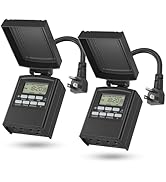
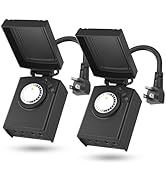
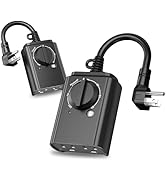
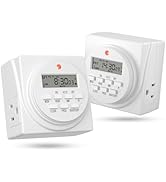
Outdoor Value Multi-Pack


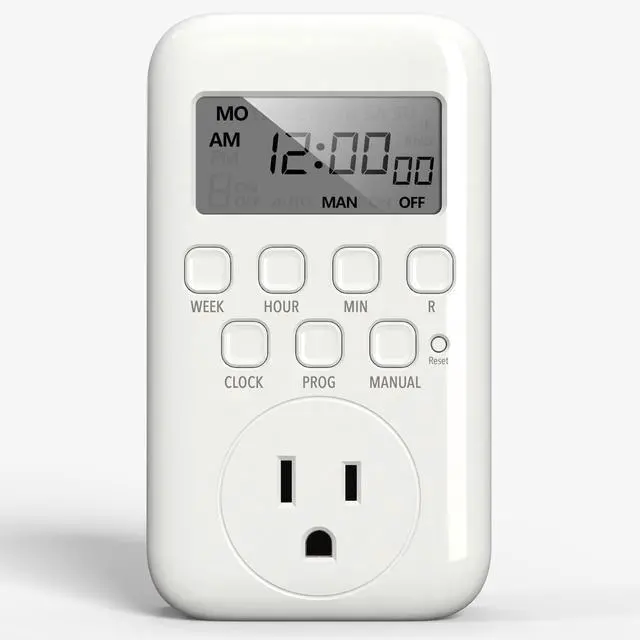
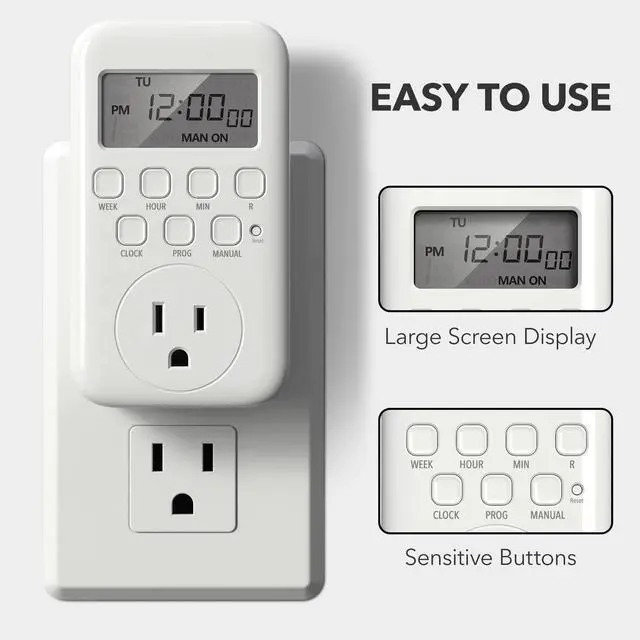
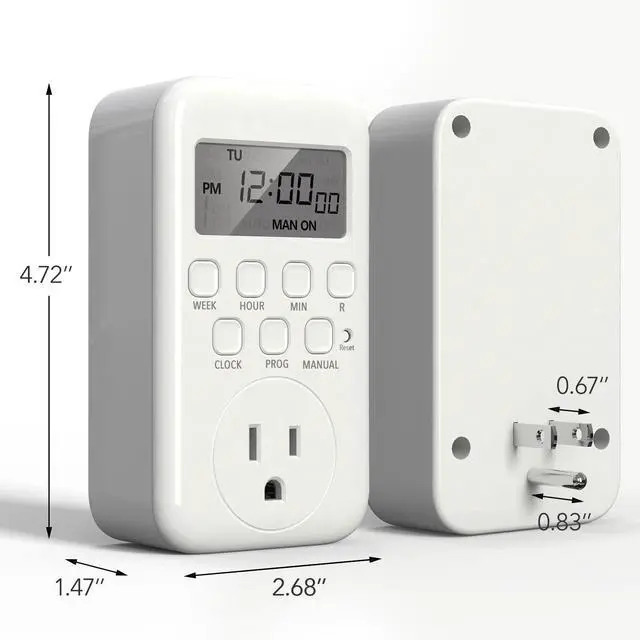
HOW TO USE THE DIGITAL TIMER?

Step1:Set the Current Time
Press and hold the‘CLOCK’ button,then quickly press'WEEK',HOUR'or'MIN'button.

Note:Before you begin setting up your program
- Check the display. If it currently reads "Auto ON", you'll need to press the 'Manual' button to cycle to a different mode, such as Auto OFF, Manual ON, or Manual OFF, first.
- Programming the device while it is in 'Auto ON' mode may result in the unit remaining permanently energised.

Set 2:Set up the ON/OFF program
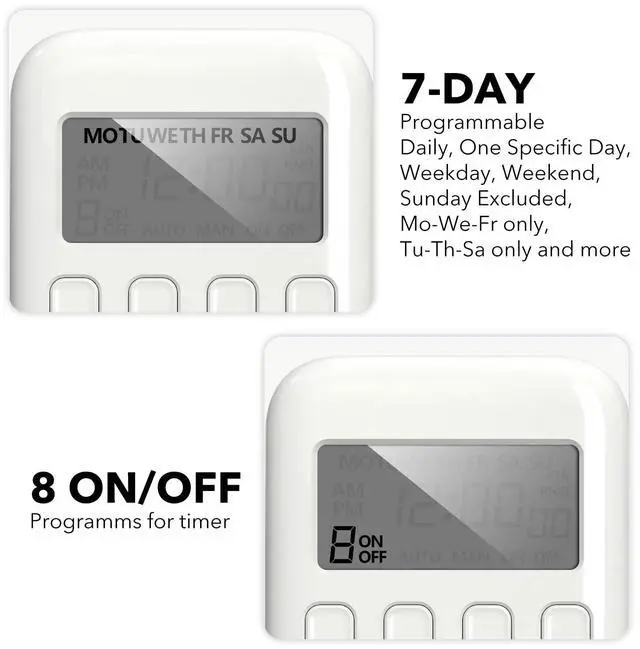
- Press 'PROG' to enter programme setup.
- Use the 'WEEK', 'HOUR', and 'MIN' buttons to set the time. Press 'PROG' again to confirm and move to the next programme.
- Press 'CLOCK' to exit and save settings.

Step3:Selet 'AUTO ON'Mode
- Click the 'CLOCK' button to exit the program settings.
- Long press the 'MANUAL' button for 4 seconds to switch to the 'AUTO' mode, and select 'AUTO ON'.
- Program settings completed

Compare with Similar Items
 3-Prong Digital Timer |  7 Day Digital Timer |  24-Hour Digital Timer |  Digital Timer 2 Pack |  Astronomical Timer |  Mechanical Timer 2 Pack |  Heavy Duty Timer | |
|---|---|---|---|---|---|---|---|
Customer Reviews | — | — | — | — | — | — | — |
Price | — | — | — | — | — | — | — |
Digital & Programmable | ? | ? | ? | ? | ? | - | - |
Interface | Digital Screen | Digital Screen | Digital Screen | Digital Screen | Digital Screen | Pin Style | Pin Style |
Indoor/Outdoor | Indoor | Indoor | Indoor | Indoor | Indoor | — | Indoor |
Program Duration | 7-Day Programs | 7-Day Programs | 24-Hour Programs | 7-Day Programs | 7-Day Programs(18 ON/OFF) | 24-Hour Programs | 24-Hour Programs |
Mechanical | - | - | - | - | - | ? | ? |
Package includes | 1 pack | 1 pack | 2 pack | 2 pack | 1 pack | 2 pack | 1 pack |
Outlet | 1 | 2 | 1 | 2 | 1 | 1 | 2 |
Outlet Type | 3-Prong Grounded | 3-Prong Grounded | 2-Prong | 3-Prong Grounded | 3-Prong Grounded | 2-Prong | 3-Prong Grounded |
Minimum Time That Can be Set | one minute | one minute | one minute | one minute | one minute | 30 minutes | 15 minutes |
Control Comfort, Save Time.
About BN-LINK At BN-LINK, we believe home should be comfortable, efficient, and effortless.
As a direct distributor of premium home improvement products, our mission is to help you control your home with ease.
Our range includes remote control outlets, smart plugs, indoor/outdoor timers, and thermostat controllers, all designed to save time, save energy, and make daily life more convenient, backed by friendly, reliable support.
Outdoor Timer for Lights
Outdoor Power Stake
Outdoor Remote Control Outlet
light timers for lamps indoor
Outdoor Value Multi-Pack


HOW TO USE THE DIGITAL TIMER?
Step1:Set the Current Time
Press and hold the‘CLOCK’ button,then quickly press'WEEK',HOUR'or'MIN'button.
Note:Before you begin setting up your program
- Check the display. If it currently reads "Auto ON", you'll need to press the 'Manual' button to cycle to a different mode, such as Auto OFF, Manual ON, or Manual OFF, first.
- Programming the device while it is in 'Auto ON' mode may result in the unit remaining permanently energised.
Set 2:Set up the ON/OFF program
- Press 'PROG' to enter programme setup.
- Use the 'WEEK', 'HOUR', and 'MIN' buttons to set the time. Press 'PROG' again to confirm and move to the next programme.
- Press 'CLOCK' to exit and save settings.
Step3:Selet 'AUTO ON'Mode
- Click the 'CLOCK' button to exit the program settings.
- Long press the 'MANUAL' button for 4 seconds to switch to the 'AUTO' mode, and select 'AUTO ON'.
- Program settings completed

Compare with Similar Items
3-Prong Digital Timer | 7 Day Digital Timer | 24-Hour Digital Timer | Digital Timer 2 Pack | Astronomical Timer | Mechanical Timer 2 Pack | Heavy Duty Timer |
|---|---|---|---|---|---|---|
| Customer Reviews | ||||||
| — | — | — | — | — | — | — |
| Price | ||||||
| — | — | — | — | — | — | — |
| Digital & Programmable | ||||||
| ? | ? | ? | ? | ? | - | - |
| Interface | ||||||
| Digital Screen | Digital Screen | Digital Screen | Digital Screen | Digital Screen | Pin Style | Pin Style |
| Indoor/Outdoor | ||||||
| Indoor | Indoor | Indoor | Indoor | Indoor | — | Indoor |
| Program Duration | ||||||
| 7-Day Programs | 7-Day Programs | 24-Hour Programs | 7-Day Programs | 7-Day Programs(18 ON/OFF) | 24-Hour Programs | 24-Hour Programs |
| Mechanical | ||||||
| - | - | - | - | - | ? | ? |
| Package includes | ||||||
| 1 pack | 1 pack | 2 pack | 2 pack | 1 pack | 2 pack | 1 pack |
| Outlet | ||||||
| 1 | 2 | 1 | 2 | 1 | 1 | 2 |
| Outlet Type | ||||||
| 3-Prong Grounded | 3-Prong Grounded | 2-Prong | 3-Prong Grounded | 3-Prong Grounded | 2-Prong | 3-Prong Grounded |
| Minimum Time That Can be Set | ||||||
| one minute | one minute | one minute | one minute | one minute | 30 minutes | 15 minutes |