






30-Minute Intervals
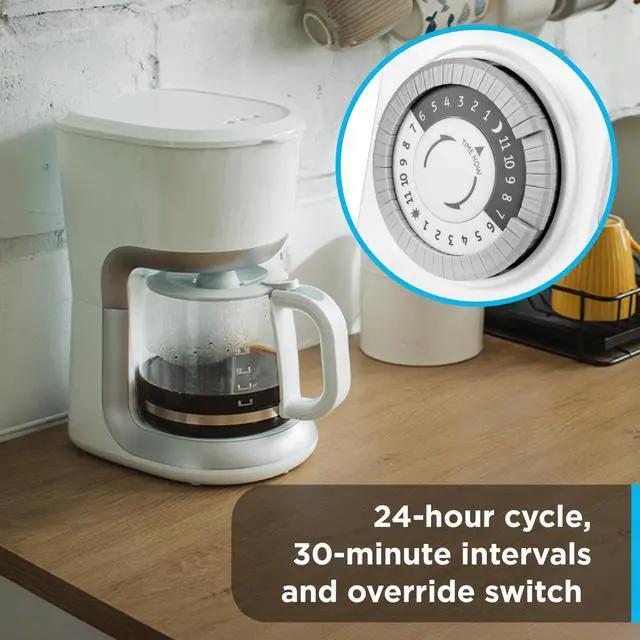
The timer allows you to set ON/OFF times at 30-minute intervals; set your desired time on the hour or half-hour.
2 Side-Access Outlets
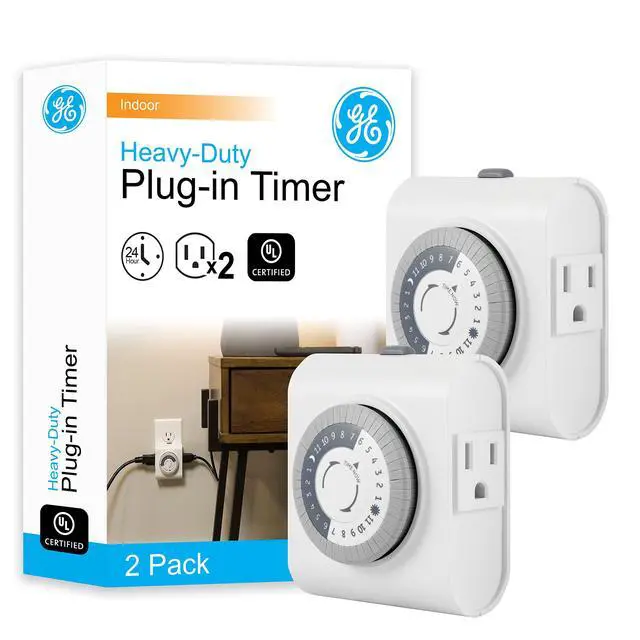
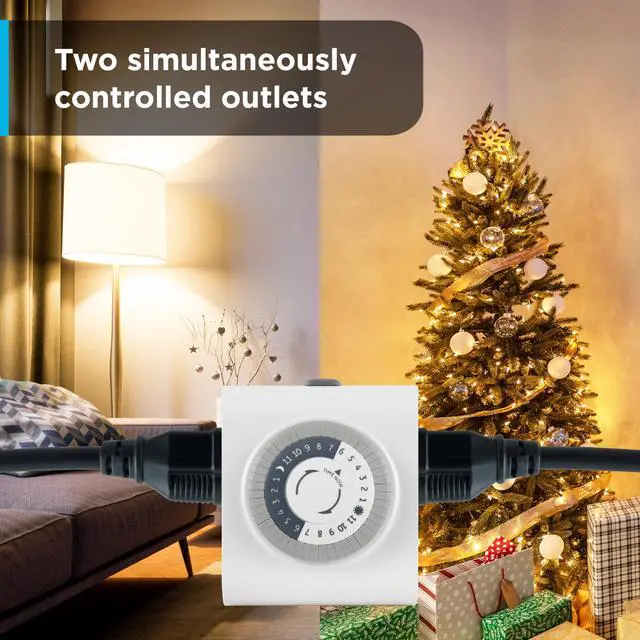
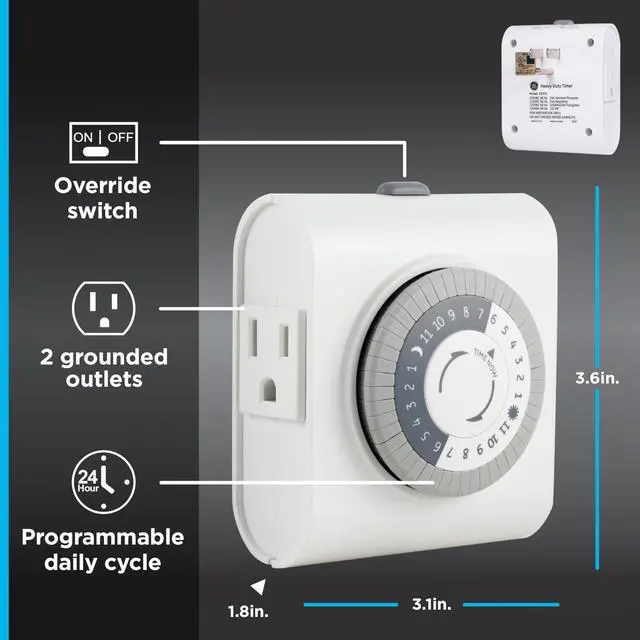
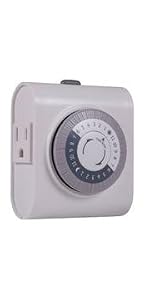
The two grounded outlets are perfect for devices with a 3-prong plug, controlling one or two lamps, fans or other devices at the same time without blocking the second outlet.

Programmable Daily Cycle
With a 24-hour cycle, multiple ON/OFF times can be set during the day or night. The cycle runs every day without reprogramming, saving time and energy.
Override Switch
Want to control your light manually? No problem with the easy-to-use override switch. Simply slide the button to "OUTLET ON" mode to continuously power your device.

Timer Versatility and Uses
Set your lights to your desired ON/OFF times to help keep your home secure. By automating your lights, this timer gives your home a lived-in appearance even when you are away.
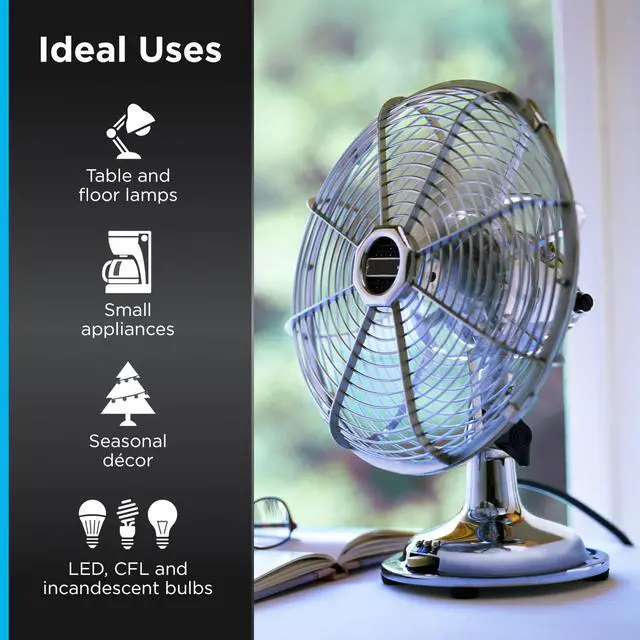
Compatible with LED, CFL, incandescent and halogen bulbs, this timer supports a wide range of plug-in lighting.
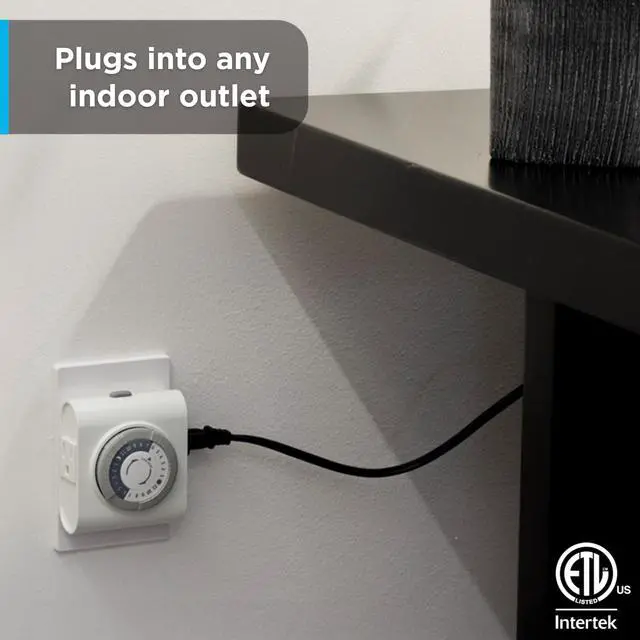
The timer's versatility is not limited to lights. It can also be used for portable fans, coffee makers, small appliances, seasonal decor, and other devices. The timer is intended for indoor use and rated for 125VAC/15A.
Simple Setup

Jasco Products Company
At Jasco we design and develop products to simplify your life and connect your home. Jasco provides one of the most comprehensive product offerings in home automation, lighting, security, home entertainment, power and mobility products.
How It Works
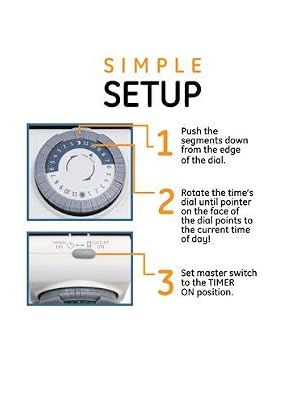
1. Pull up all pins on the dial.
2. Select a period (or periods) you want the device turned on, then push down ALL the pins that fall on or within that period.
3. Rotate the timer’s dial clockwise until the pointer on the face of the dial points to the current time of the day.
4. Set the override switch to TIMER ON position.
5. Plug the timer into an outlet.
6. Make sure your device is on and working.
7. Plug your device into the timer.
 GE 24-Hour Heavy Duty Indoor Plug-in Mechanical Timer | 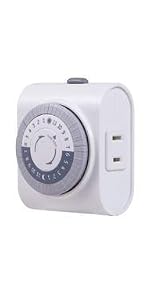 GE 24-Hour Indoor Plug-in Mechanical Timer, Big Button |  UltraPro 24hr Digital Bar Outlet Timer, 1-Polarized Timer Outlet, 2 Programma... | 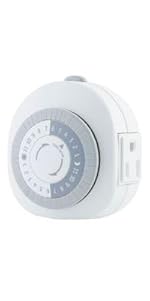 GE 24-Hour Heavy Duty Indoor Plug-In Mechanical Timer |  UltraPro Outdoor Outlet Timer, Grounded Digital Timer, Single Outlet Light Ti... | |
|---|---|---|---|---|---|
| Customer Reviews | — | — | — | — | — |
| Price | — | — no data | — | — no data | — no data |
| Outlet Type | Grounded | Polarized | Polarized | Grounded | Grounded |
30-Minute Intervals
The timer allows you to set ON/OFF times at 30-minute intervals; set your desired time on the hour or half-hour.
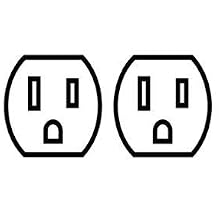
2 Side-Access Outlets
The two grounded outlets are perfect for devices with a 3-prong plug, controlling one or two lamps, fans or other devices at the same time without blocking the second outlet.

Programmable Daily Cycle
With a 24-hour cycle, multiple ON/OFF times can be set during the day or night. The cycle runs every day without reprogramming, saving time and energy.
Override Switch
Want to control your light manually? No problem with the easy-to-use override switch. Simply slide the button to "OUTLET ON" mode to continuously power your device.

Timer Versatility and Uses
Set your lights to your desired ON/OFF times to help keep your home secure. By automating your lights, this timer gives your home a lived-in appearance even when you are away.
Compatible with LED, CFL, incandescent and halogen bulbs, this timer supports a wide range of plug-in lighting.
The timer's versatility is not limited to lights. It can also be used for portable fans, coffee makers, small appliances, seasonal decor, and other devices. The timer is intended for indoor use and rated for 125VAC/15A.
How It Works
Jasco Products Company
At Jasco we design and develop products to simplify your life and connect your home. Jasco provides one of the most comprehensive product offerings in home automation, lighting, security, home entertainment, power and mobility products.
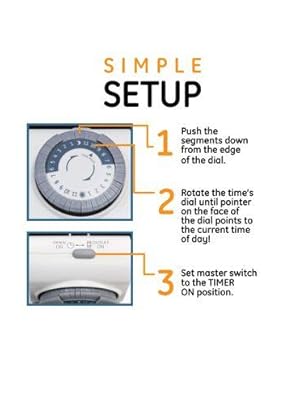
Simple Setup
1. Pull up all pins on the dial.
2. Select a period (or periods) you want the device turned on, then push down ALL the pins that fall on or within that period.
3. Rotate the timer’s dial clockwise until the pointer on the face of the dial points to the current time of the day.
4. Set the override switch to TIMER ON position.
5. Plug the timer into an outlet.
6. Make sure your device is on and working.
7. Plug your device into the timer.
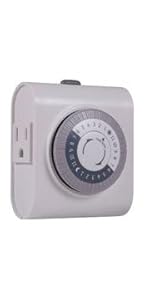 GE 24-Hour Heavy Duty Indoor Plug-in Mechanical Timer | 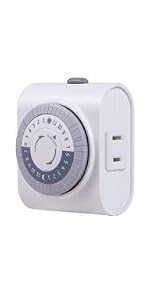 GE 24-Hour Indoor Plug-in Mechanical Timer, Big Button | UltraPro 24hr Digital Bar Outlet Timer, 1-Polarized Timer Outlet, 2 Programma... | GE 24-Hour Heavy Duty Indoor Plug-In Mechanical Timer | UltraPro Outdoor Outlet Timer, Grounded Digital Timer, Single Outlet Light Ti... | |
|---|---|---|---|---|---|
| Customer Reviews | — | — | — | — | — |
| Price | — | — no data | — | — no data | — no data |
| Outlet Type | Grounded | Polarized | Polarized | Grounded | Grounded |