




 here!
here!
I’m your shopping assistant for PC builds, upgrades, and everything tech.
Got questions? Ask away!
Start a conversation
here!
I’m your shopping assistant for PC builds, upgrades, and everything tech.
Got questions? Ask away!
Start a conversation



Any questions? Ask CelesteSM will help you find out quickly.


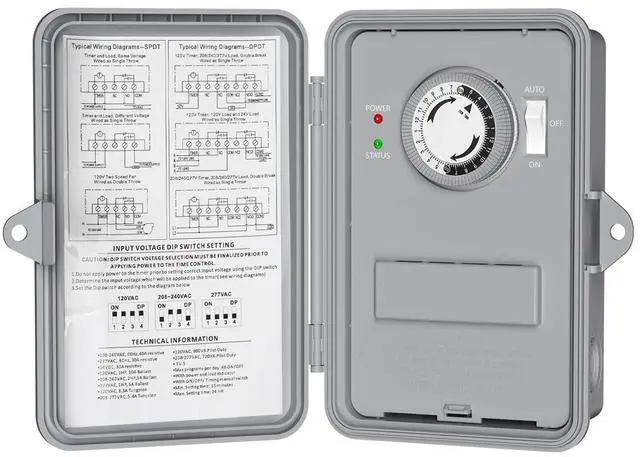
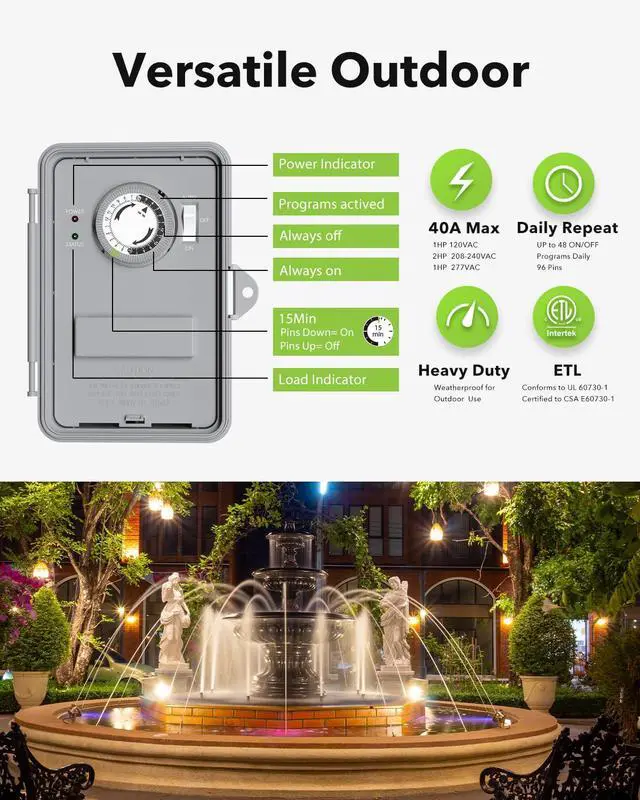
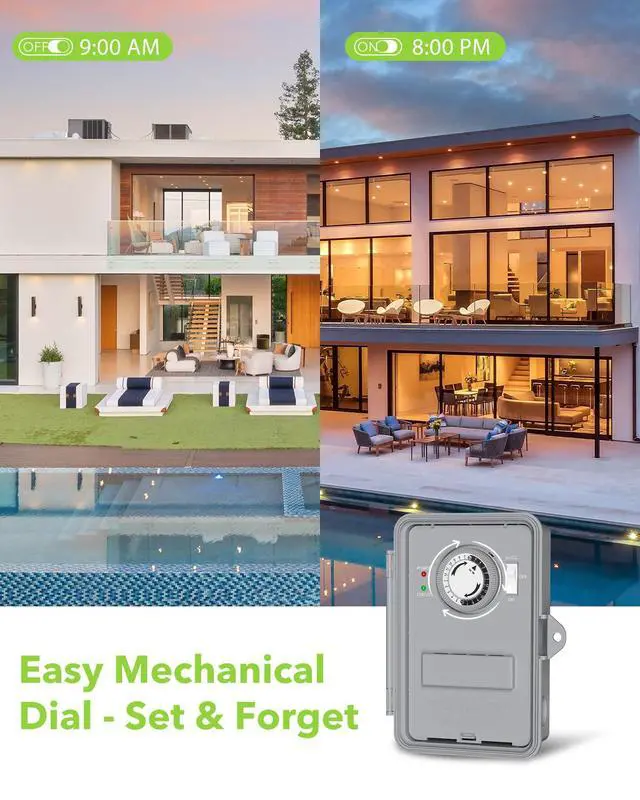
1. Set the current time Turn the dial clockwise,make the arrow points to the current time, each scale represents 15 minutes.
2. Set the Schedule Push manual switch to "Auto" position and than press the pins on the dial for the periods of time you want the timer to be ON.
3. Manual Override Push the manual switch to the "AUTO" position to active the timer mode.
Note: Rotate the dial to reset the current timer after a power failure.


 Mechanical Pool Timer |  Digital Pool Timer |  Smart Pool Timer |  Mechanical Pool Timer |  Digital Pool Timer |  Smart Pool Timer |  Mechanical Pool Timer | |
|---|---|---|---|---|---|---|---|
Customer Reviews | — | — | — | — | — | — | — |
Price | — | — | — | — | — | — | — |
Product Type | Mechanical | Digital | WiFi | Mechanical | Digital | WiFi | Mechanical |
Max ON/OFF Settings | 48 | 8 | 30 | 48 | 8 | 30 | 48 |
Voltage Rating | 120, 240, 277 VAC | 120, 240, 277 VAC | 120, 240, 277 VAC | 120, 240, 277 VAC | 120, 240, 277 VAC | 120, 240, 277 VAC | 120, 240, 277 VAC |
AMP Rating | 40A Resistive | 40A Resistive | 40A Resistive | 40A Resistive | 40A Resistive | 40A Resistive | 40A Resistive |
Cover Material | Polycarbonate | Polycarbonate | Polycarbonate | Polycarbonate | Polycarbonate | Polycarbonate | Metal |
Switch Type | SPST/DPST | SPST/DPST | SPST/DPST | SPST/DPST | SPST/DPST | SPST/DPST | SPST/DPST |
Why does the timer not switch the device on or off at the set time?
Make sure the dial is rotated clockwise so the arrow points to the current time, and the pins for your ON/OFF periods are correctly pushed in. Also check that the switch is set to “AUTO” mode.
Why is the timer not working even though the box has power?
Please confirm the DIP switch is set to match your power input (120V / 240V / 277V), and that wiring follows the correct diagram.
Why does the timer stop working after a few days or randomly shut off?
Common causes include power surges, motor overload, or contact wear from switching high-power devices. Ensure the total load does not exceed rated capacity (40A resistive, up to 2HP motor).
Can it handle outdoor weather? Can it handle pool heaters?
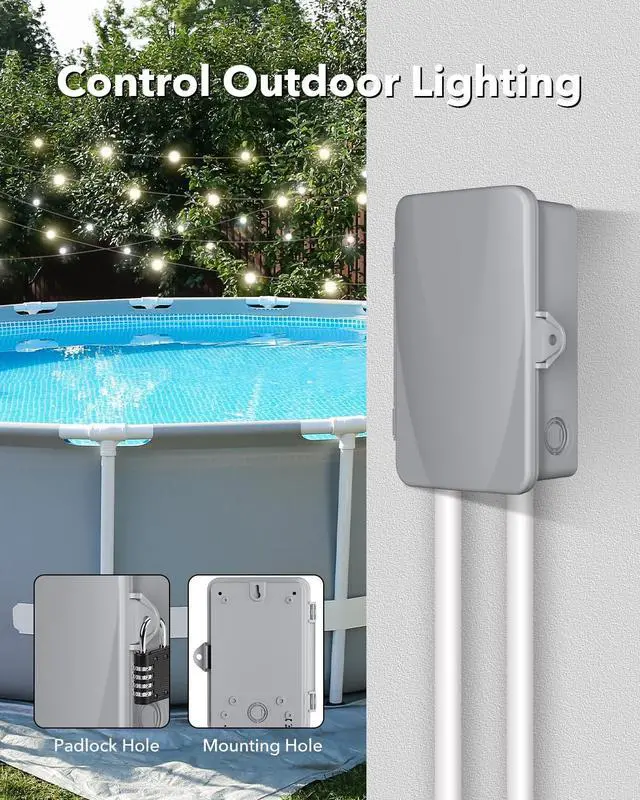
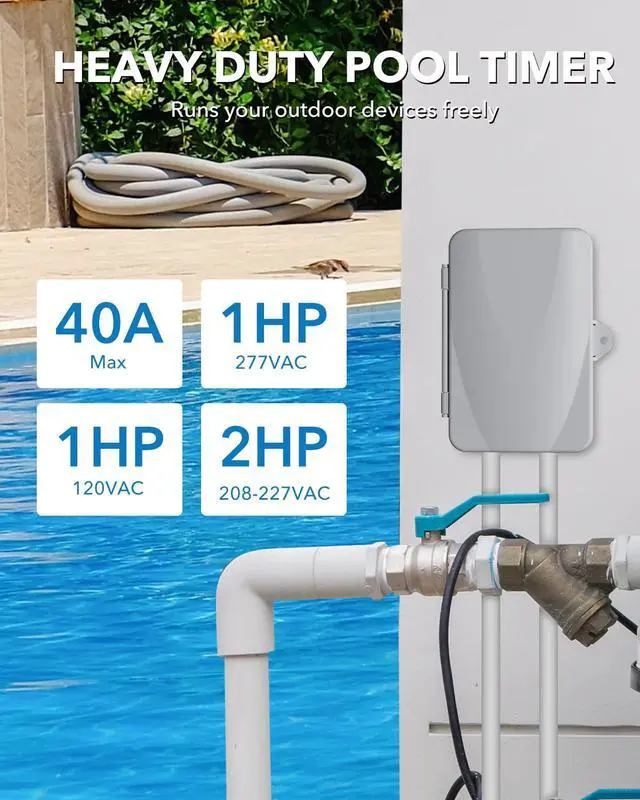
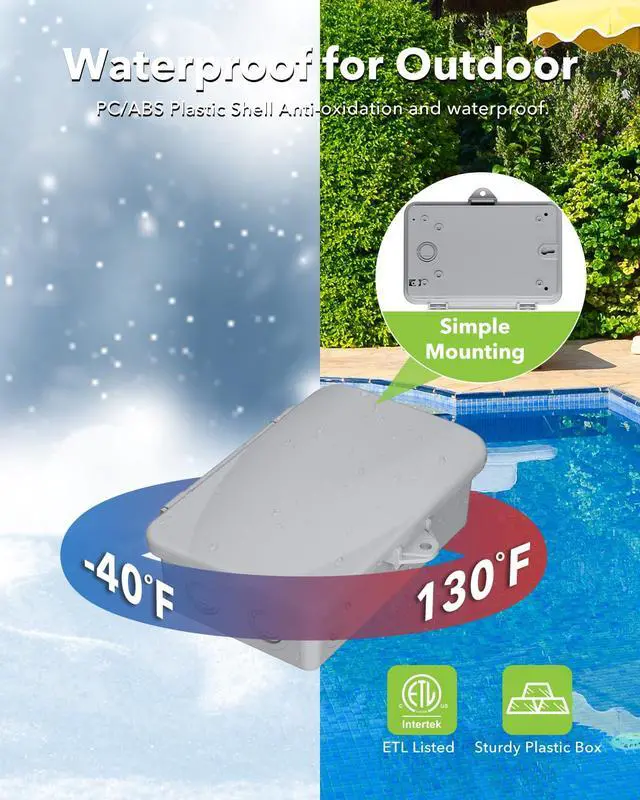
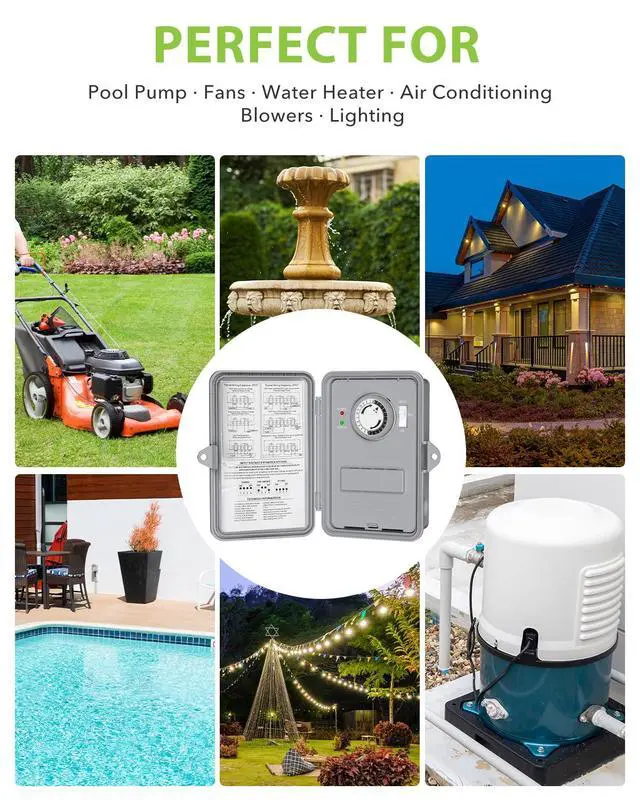
Yes, this timer is designed for both indoor and outdoor use, and also can be used for pool heaters.

1. Set the current time Turn the dial clockwise,make the arrow points to the current time, each scale represents 15 minutes.
2. Set the Schedule Push manual switch to "Auto" position and than press the pins on the dial for the periods of time you want the timer to be ON.
3. Manual Override Push the manual switch to the "AUTO" position to active the timer mode.
Note: Rotate the dial to reset the current timer after a power failure.


| Input Voltage | 60Hz; 120VAC, 208/240VAC, 277VAC (Select by DIP switch) |
|---|---|
| Max program per day | 48 ON/OFF |
| Min. Setting time | 15 Min |
| Max. Setting Time | 24 HR |
| Enviromental rating | -40°F to 130°F |
| Humidity | 0-95% |
 Mechanical Pool Timer |  Digital Pool Timer | Smart Pool Timer |  Mechanical Pool Timer | Digital Pool Timer | Smart Pool Timer | Mechanical Pool Timer |
|---|---|---|---|---|---|---|
| Customer Reviews | ||||||
| — | — | — | — | — | — | — |
| Price | ||||||
| — | — | — | — | — | — | — |
| Product Type | ||||||
| Mechanical | Digital | WiFi | Mechanical | Digital | WiFi | Mechanical |
| Max ON/OFF Settings | ||||||
| 48 | 8 | 30 | 48 | 8 | 30 | 48 |
| Voltage Rating | ||||||
| 120, 240, 277 VAC | 120, 240, 277 VAC | 120, 240, 277 VAC | 120, 240, 277 VAC | 120, 240, 277 VAC | 120, 240, 277 VAC | 120, 240, 277 VAC |
| AMP Rating | ||||||
| 40A Resistive | 40A Resistive | 40A Resistive | 40A Resistive | 40A Resistive | 40A Resistive | 40A Resistive |
| Cover Material | ||||||
| Polycarbonate | Polycarbonate | Polycarbonate | Polycarbonate | Polycarbonate | Polycarbonate | Metal |
| Switch Type | ||||||
| SPST/DPST | SPST/DPST | SPST/DPST | SPST/DPST | SPST/DPST | SPST/DPST | SPST/DPST |
Why does the timer not switch the device on or off at the set time?
Make sure the dial is rotated clockwise so the arrow points to the current time, and the pins for your ON/OFF periods are correctly pushed in. Also check that the switch is set to “AUTO” mode.
Why is the timer not working even though the box has power?
Please confirm the DIP switch is set to match your power input (120V / 240V / 277V), and that wiring follows the correct diagram.
Why does the timer stop working after a few days or randomly shut off?
Common causes include power surges, motor overload, or contact wear from switching high-power devices. Ensure the total load does not exceed rated capacity (40A resistive, up to 2HP motor).
Can it handle outdoor weather? Can it handle pool heaters?
Yes, this timer is designed for both indoor and outdoor use, and also can be used for pool heaters.


