









- Since 2012, eLinkSmart has focused on research and development, design, and manufacture of smart locks, including but not limited to Padlocks, Door Locks, Cabinet Locks, Cable Locks, and Bike Locks. The company has over 150 top scientific research experts, over US$100 million in product research and development, 310+ patents, and has won numerous awards such as the Muse Design Award, IDEA Award, iF Award, Red Dot Award, and Mom's Choice Award.
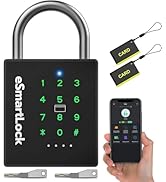
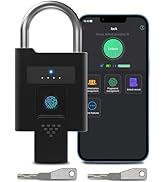
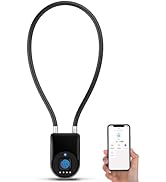
Padlocks
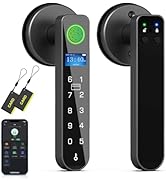
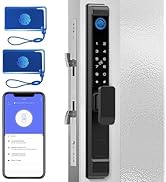
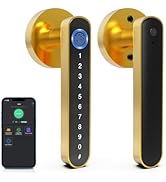
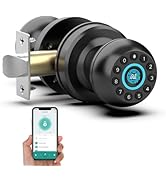
Door Locks
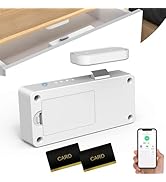
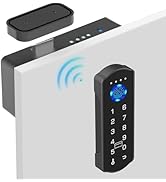
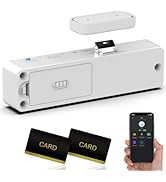
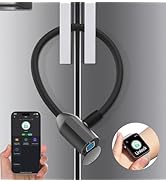
Cabinet Locks
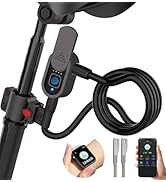
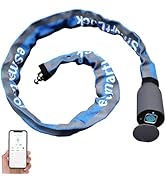
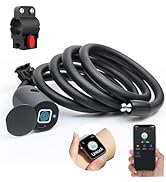
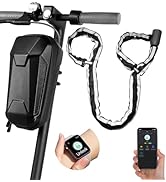
Bike/Scooter Locks


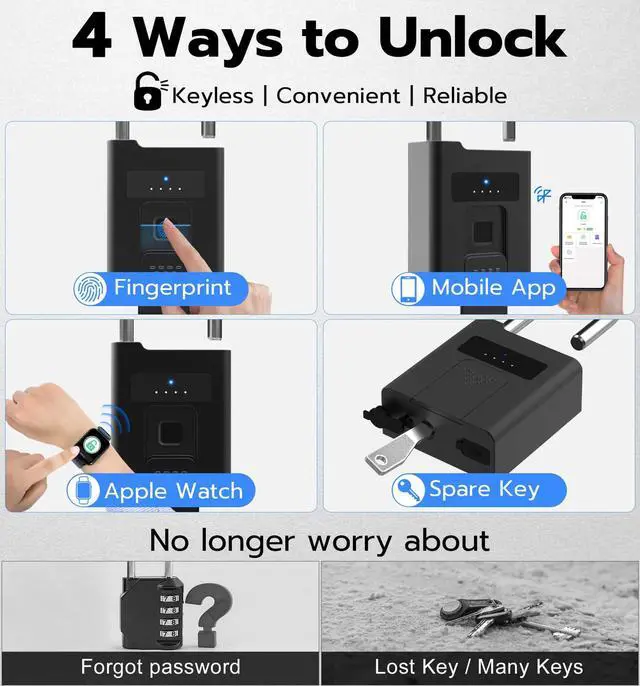
Fingerprint Unlock
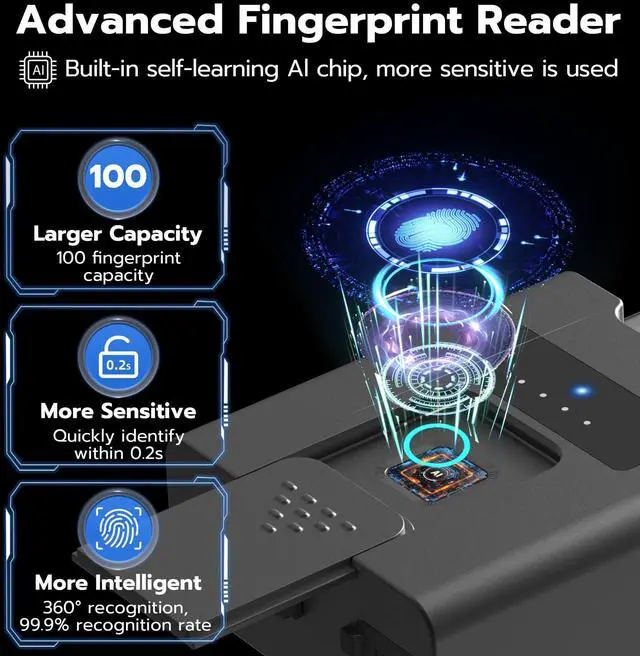
Upgraded Fingerprint Reader:
- Larger Capacity: 100 fingerprints capacity
- 144% Enlarge: More precise and sensitive
- More Sensitive: Quickly identify within 0.2s
- More Intelligent: 360° and 99.9% Recognition
- Self-learning Al Chip: More sensitive is used

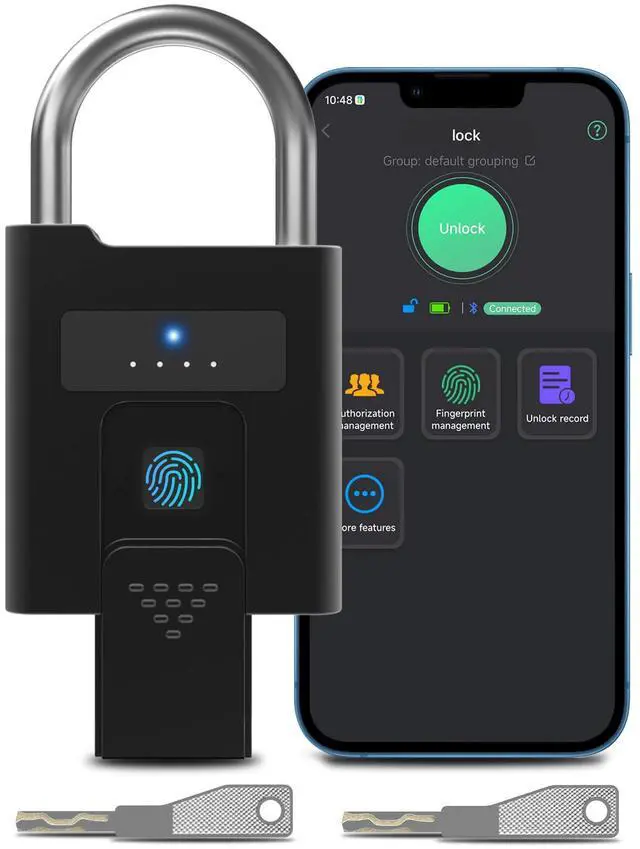
App Unlock and Control
App: eSmartLock
The App interface is simple and easy to operate:
- Mobile App and Apple Watch Unlcok
- Register or Delete Fingerprints
- View Real-Time Unlock Records
- Share Unlock Permission to Others
- Turn on/off Fast Connection Mode
Protecting Your Precious Privacy:
eSmartLock App stores your fingerprint data locally -- rather than on the cloud -- to keep your personal information safe and private.

Battery Indicator
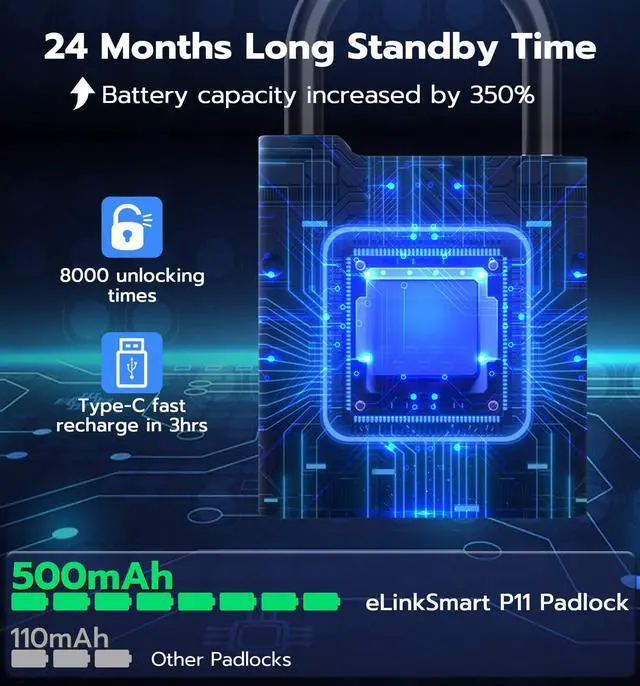
- LED Battery Indicator:
**** : 75-100%
*** : 50-75%
** : 25-50%
* : 0-25%
- And APP shows the battery level.
- Low Battery Reminder: When the remaining power is less than 20%, the red indicator light will flash quickly to remind you to charge.

- Eco-Power Mode (Default): The P11 padlock adopts an energy-saving design, the lock will go into a sleep state after operation to save power, so you need to touch the fingerprint reader once to wake it up, and then operate the lock.
- Fast Connection Mode: The P11 padlock supports turning on the stay wake-up state, which will increase power consumption, and you can directly operate the lock.

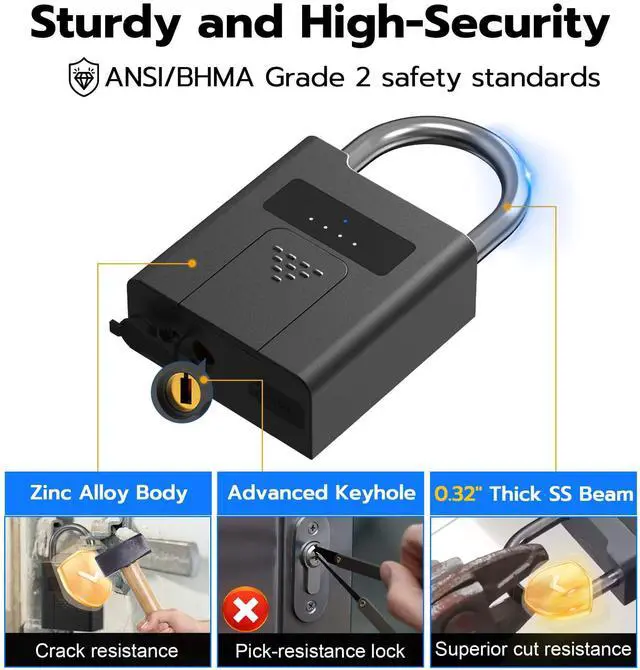
- P11 padlock complies with the same safety standards as ANSI/BHMA Grade 2, provides excellent security.

- Reminder: Please make sure your finger and fingerprint reader are dry during fingerprint recognition.

Widely Used:
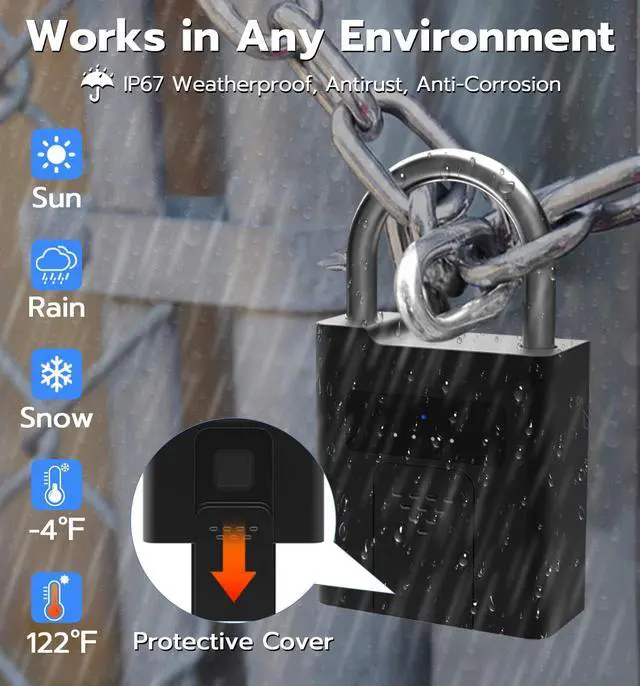
- Suitable for Gate, Outdoor Fence, Gym Locker, Storage Locker, Pool, Shed, Hasp, Toolbox, etc.

FAQs:
- Question 1: How to set up the lock?
- Answer: Connect the [eSmartLock] App to set up, you can download and install the App from the App Store (iOS) / Google Play (Android).
- Question 2: Why can other unregistered fingerprints unlock the lock?
- Answer: Before the first fingerprint is registered successfully, it is the experience mode, any fingerprint can unlock the lock in experience mode.
- Question 3: Why my fingerprints cannot be registered successfully?
- Answer: One fingerprint needs to be collected 5 times that will be registered successfully. So you should enter the same fingerprint 5 times instead of entering 5 different fingerprints when registering a fingerprint.
- Since 2012, eLinkSmart has focused on research and development, design, and manufacture of smart locks, including but not limited to Padlocks, Door Locks, Cabinet Locks, Cable Locks, and Bike Locks. The company has over 150 top scientific research experts, over US$100 million in product research and development, 310+ patents, and has won numerous awards such as the Muse Design Award, IDEA Award, iF Award, Red Dot Award, and Mom's Choice Award.
Padlocks
Door Locks
Cabinet Locks
Bike/Scooter Locks
Fingerprint Unlock
Upgraded Fingerprint Reader:
- Larger Capacity: 100 fingerprints capacity
- 144% Enlarge: More precise and sensitive
- More Sensitive: Quickly identify within 0.2s
- More Intelligent: 360° and 99.9% Recognition
- Self-learning Al Chip: More sensitive is used
App Unlock and Control
App: eSmartLock
The App interface is simple and easy to operate:
- Mobile App and Apple Watch Unlcok
- Register or Delete Fingerprints
- View Real-Time Unlock Records
- Share Unlock Permission to Others
- Turn on/off Fast Connection Mode
Protecting Your Precious Privacy:
eSmartLock App stores your fingerprint data locally -- rather than on the cloud -- to keep your personal information safe and private.
Battery Indicator
- LED Battery Indicator:
**** : 75-100%
*** : 50-75%
** : 25-50%
* : 0-25%
- And APP shows the battery level.
- Low Battery Reminder: When the remaining power is less than 20%, the red indicator light will flash quickly to remind you to charge.
- Eco-Power Mode (Default): The P11 padlock adopts an energy-saving design, the lock will go into a sleep state after operation to save power, so you need to touch the fingerprint reader once to wake it up, and then operate the lock.
- Fast Connection Mode: The P11 padlock supports turning on the stay wake-up state, which will increase power consumption, and you can directly operate the lock.
- P11 padlock complies with the same safety standards as ANSI/BHMA Grade 2, provides excellent security.
- Reminder: Please make sure your finger and fingerprint reader are dry during fingerprint recognition.
Widely Used:
- Suitable for Gate, Outdoor Fence, Gym Locker, Storage Locker, Pool, Shed, Hasp, Toolbox, etc.
FAQs:
- Question 1: How to set up the lock?
- Answer: Connect the [eSmartLock] App to set up, you can download and install the App from the App Store (iOS) / Google Play (Android).
- Question 2: Why can other unregistered fingerprints unlock the lock?
- Answer: Before the first fingerprint is registered successfully, it is the experience mode, any fingerprint can unlock the lock in experience mode.
- Question 3: Why my fingerprints cannot be registered successfully?
- Answer: One fingerprint needs to be collected 5 times that will be registered successfully. So you should enter the same fingerprint 5 times instead of entering 5 different fingerprints when registering a fingerprint.