



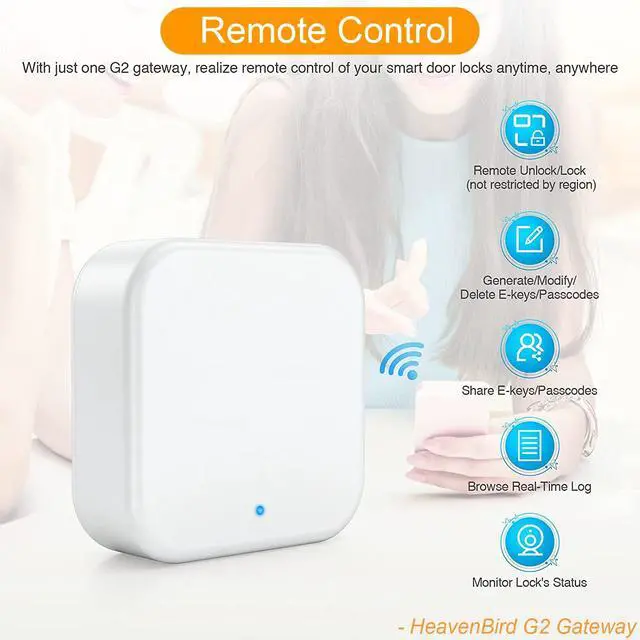
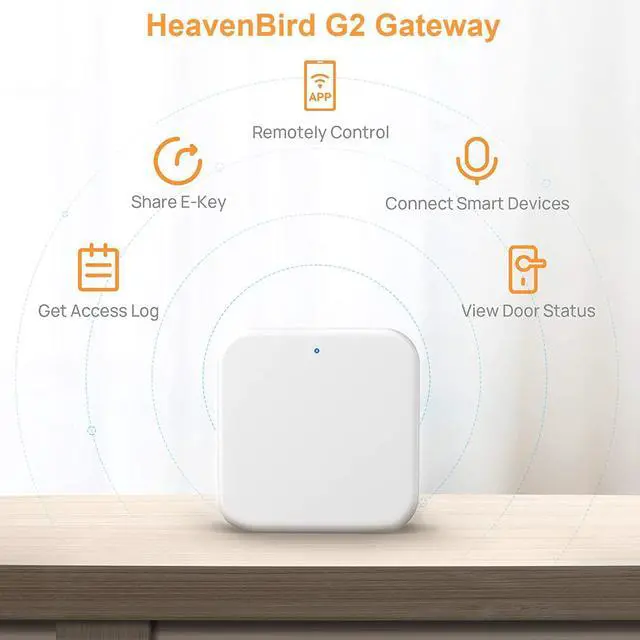


Share electronic keys or codes anytime, anywhere. Check smart door locks record in real time.
Specifications:
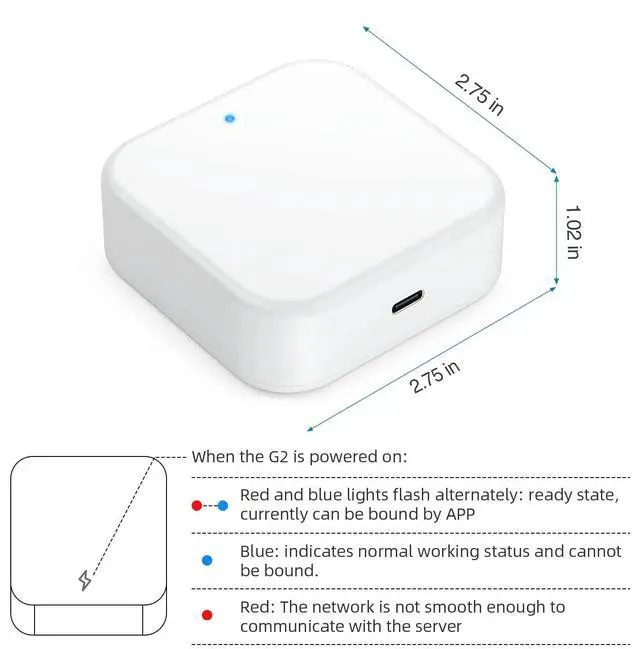
- Dimensions: 2.76 in * 2.76 in * 1in.
- Power interface: Type-C USB.
- Power input: DC 5V/500mA.
- Network requirements: WIFI 2.4G
- IEEE standard: 802.11b/g/n
Before Place The Order:
- Before you place the order, please get in touch with us to confirm the model of your smart door lock if it is suitable for our TT Lock App gateway.
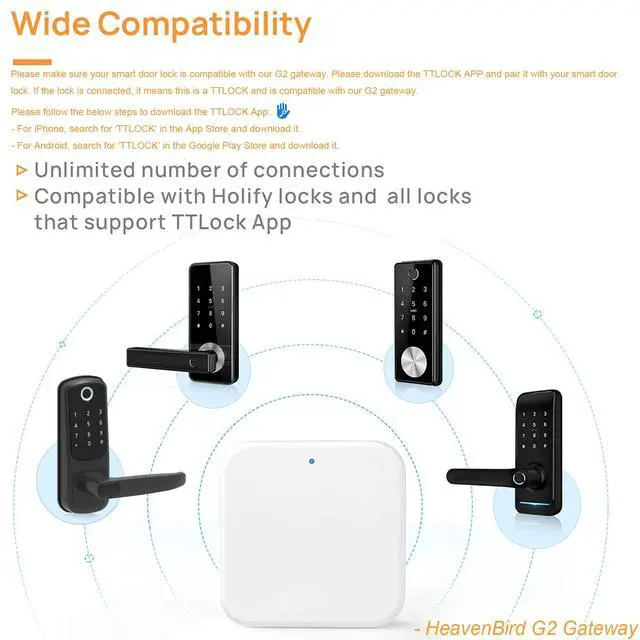
- Please make sure your smart door lock is compatible with our G2 gateway. Please download the TTLOCK APP and pair it with your smart door lock. If the lock is connected, it means this is a TTLOCK and is compatible with our G2 gateway.
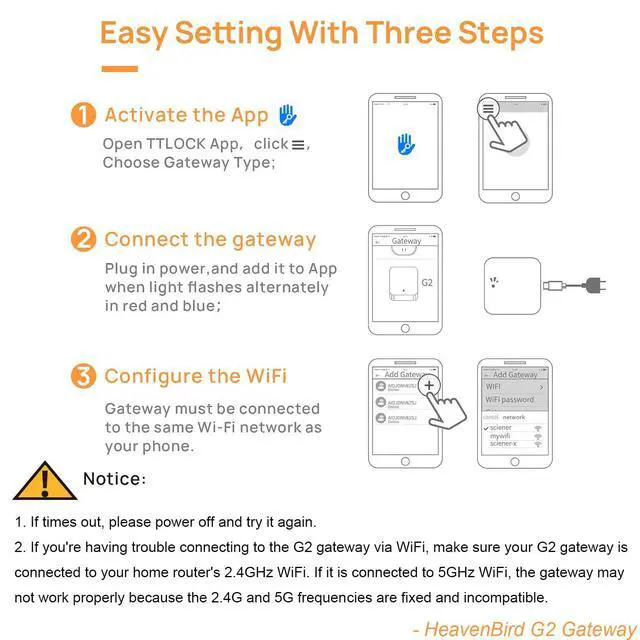
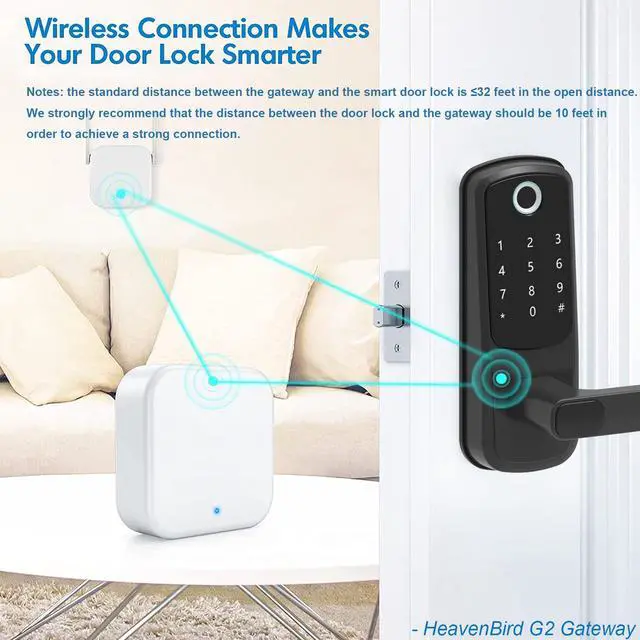
- Our gateway ONLY works with 2.4GHz Wi-Fi frequency. When adding a gateway, your smartphone and the gateway must be connected to the same 2.4G Wi-Fi network. A Gateway can be paired with multiple electronic door locks, and there is no limit to the number of pairings. The standard distance between the g2 gateway and the smart door lock is =32 ft. However, we strongly recommend that the distance between the locks and the gateway be 10 ft for a strong connection.
Please follow the below steps to download the TTLOCK App:
- For iPhone, search for ‘TTLOCK’ in the App Store and download it.
- For Android, search for ‘TTLOCK’ in the Google Play Store and download it.
With sustainability in mind and a reduced environmental impact, these products do not contain a 5V/1A power adapter.
If you're having trouble connecting to the G2 gateway via WiFi, make sure your G2 gateway is connected to your home router's 2.4GHz WiFi. If it is connected to 5GHz WiFi, the gateway may not work properly because the 2.4G and 5G frequencies are fixed and incompatible.
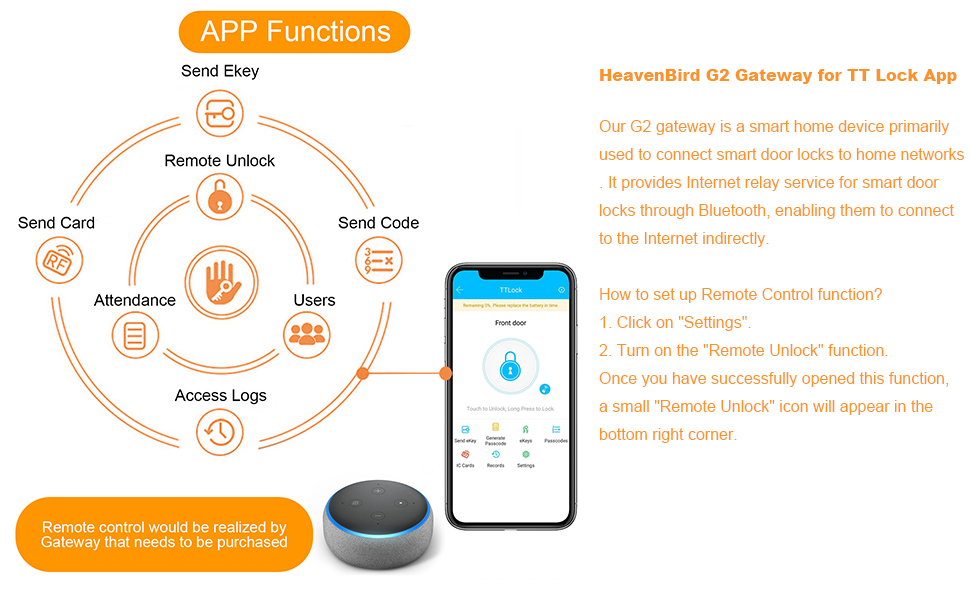
A Gateway can be paired with multiple electronic door locks, and there is no limit to the number of pairings.
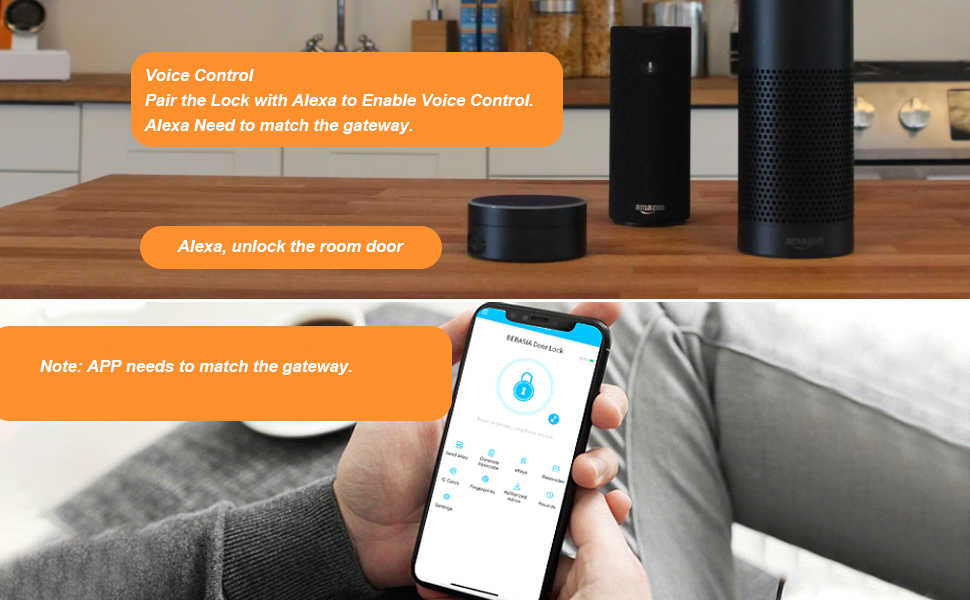
To connect the Alexa:
- Add the lock and G2 gateway using the TTLOCK APP.
- Enable the remote unlock function of the lock in the APP (this function is closed by default). Without this option, the lock does not support Alexa.
- Add the Skill in the Alexa app and authorize it using the account number and password from the TTLOCK APP. Once authorized, you can discover devices under the account.
- Find the lock in the Alexa app, turn on the voice unlock function, and set the voice password.
- You can operate the lock via Alexa now.
To connect Google Home:
- Add lock and gateway using the smart lock App
- Enable remote unlocking feature for lock in the App (this feature is disabled by default). If this option is not available, the lock does not support Google Home.
- Install the Google Home app and tap the + button in the top left corner.
- In the settings page, select Work with Google.
- Search for "ScienerSmart" and authorize with your smart lock App account and password.
- Set a security code in the smart lock app to use when unlocking with Google Home.
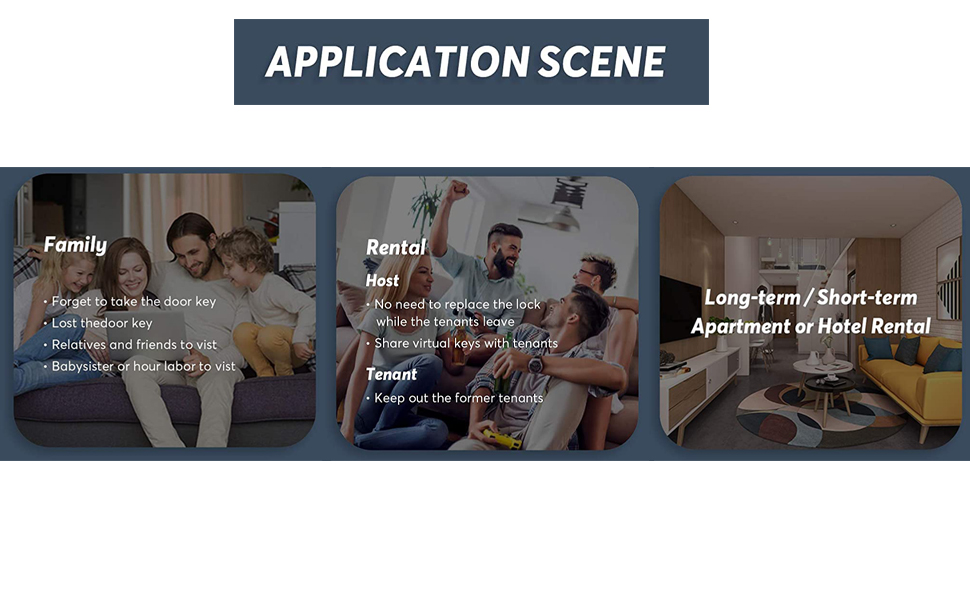
Share electronic keys or codes anytime, anywhere. Check smart door locks record in real time.
Specifications:
- Dimensions: 2.76 in * 2.76 in * 1in.
- Power interface: Type-C USB.
- Power input: DC 5V/500mA.
- Network requirements: WIFI 2.4G
- IEEE standard: 802.11b/g/n
Before Place The Order:
- Before you place the order, please get in touch with us to confirm the model of your smart door lock if it is suitable for our TT Lock App gateway.
- Please make sure your smart door lock is compatible with our G2 gateway. Please download the TTLOCK APP and pair it with your smart door lock. If the lock is connected, it means this is a TTLOCK and is compatible with our G2 gateway.
- Our gateway ONLY works with 2.4GHz Wi-Fi frequency. When adding a gateway, your smartphone and the gateway must be connected to the same 2.4G Wi-Fi network. A Gateway can be paired with multiple electronic door locks, and there is no limit to the number of pairings. The standard distance between the g2 gateway and the smart door lock is =32 ft. However, we strongly recommend that the distance between the locks and the gateway be 10 ft for a strong connection.
Please follow the below steps to download the TTLOCK App:
- For iPhone, search for ‘TTLOCK’ in the App Store and download it.
- For Android, search for ‘TTLOCK’ in the Google Play Store and download it.
With sustainability in mind and a reduced environmental impact, these products do not contain a 5V/1A power adapter.
If you're having trouble connecting to the G2 gateway via WiFi, make sure your G2 gateway is connected to your home router's 2.4GHz WiFi. If it is connected to 5GHz WiFi, the gateway may not work properly because the 2.4G and 5G frequencies are fixed and incompatible.
A Gateway can be paired with multiple electronic door locks, and there is no limit to the number of pairings.
To connect the Alexa:
- Add the lock and G2 gateway using the TTLOCK APP.
- Enable the remote unlock function of the lock in the APP (this function is closed by default). Without this option, the lock does not support Alexa.
- Add the Skill in the Alexa app and authorize it using the account number and password from the TTLOCK APP. Once authorized, you can discover devices under the account.
- Find the lock in the Alexa app, turn on the voice unlock function, and set the voice password.
- You can operate the lock via Alexa now.
To connect Google Home:
- Add lock and gateway using the smart lock App
- Enable remote unlocking feature for lock in the App (this feature is disabled by default). If this option is not available, the lock does not support Google Home.
- Install the Google Home app and tap the + button in the top left corner.
- In the settings page, select Work with Google.
- Search for "ScienerSmart" and authorize with your smart lock App account and password.
- Set a security code in the smart lock app to use when unlocking with Google Home.