





Niutroco Universal remote.
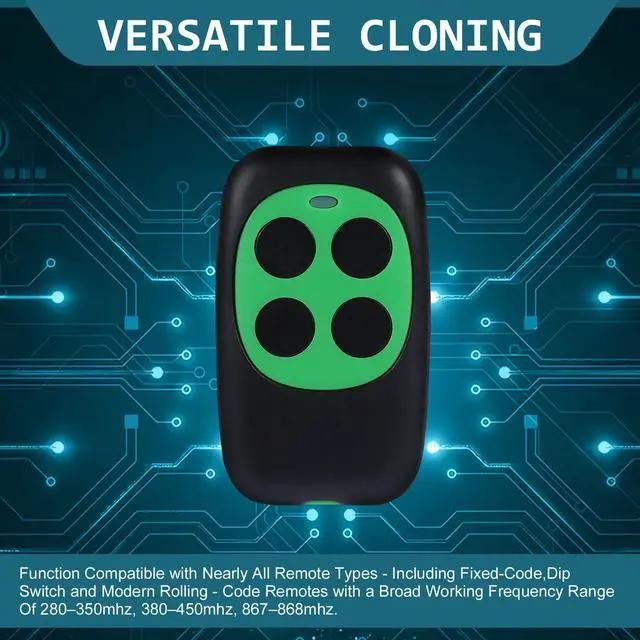
Niutroco Garage Door Remote Working Frequency Range
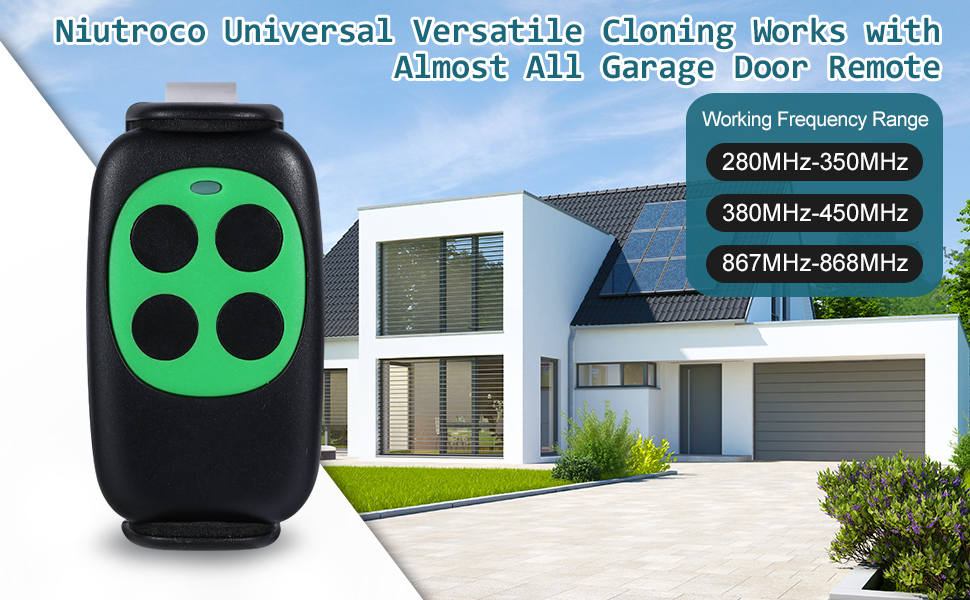
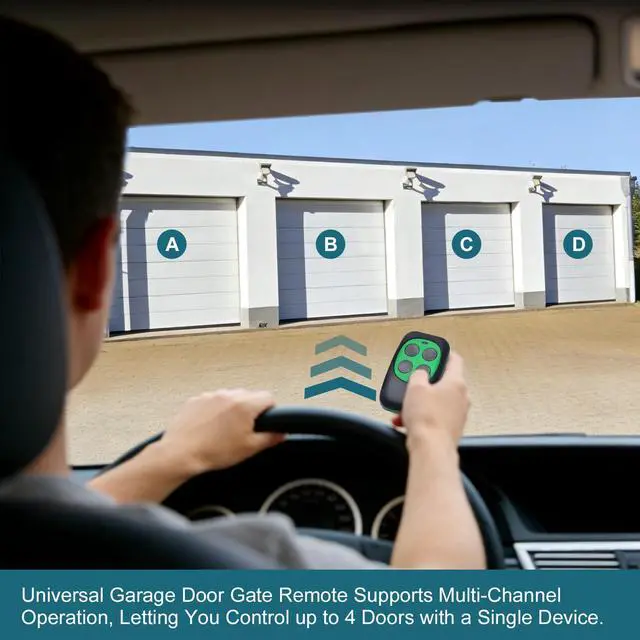
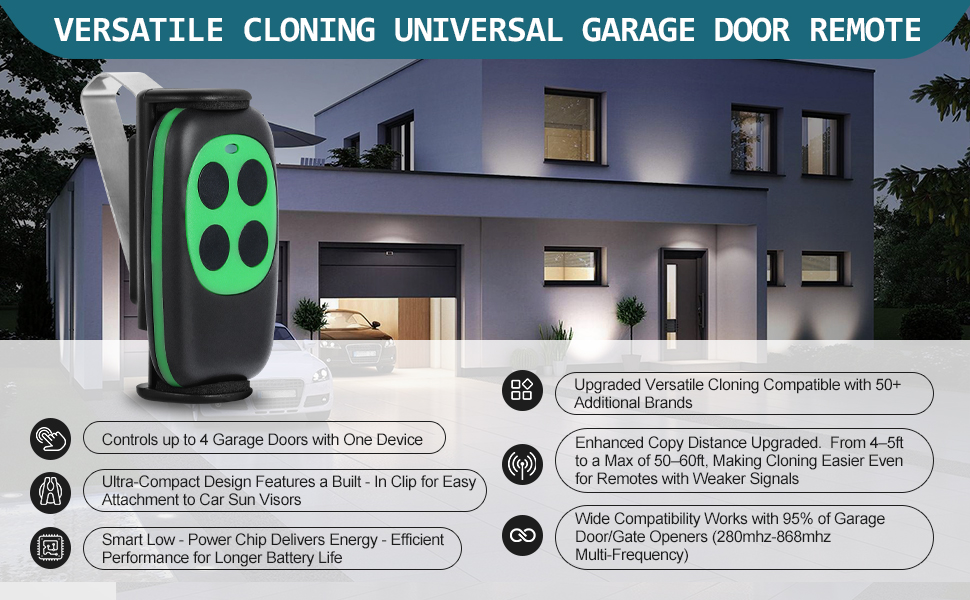
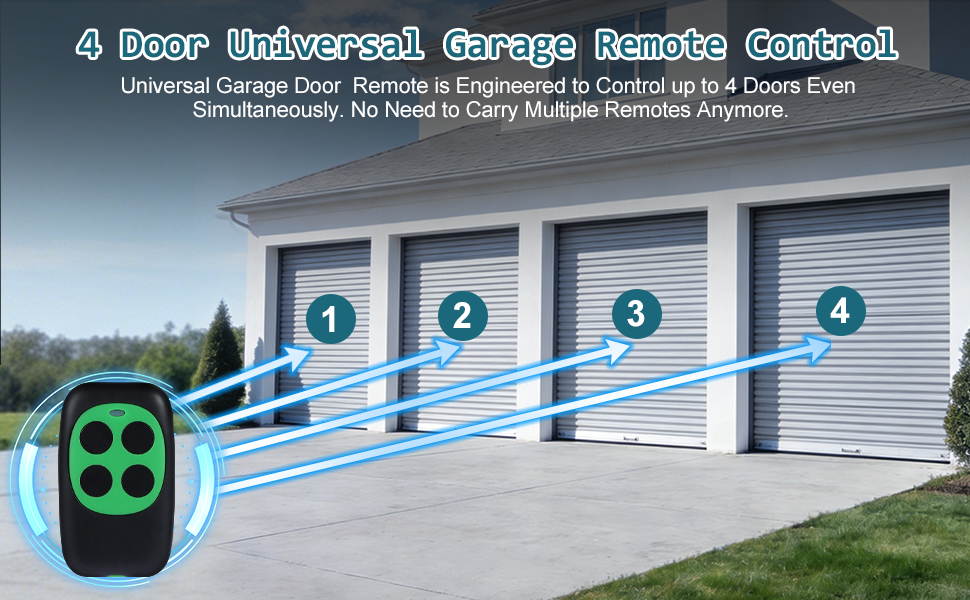
Manages Up to 4 Garage Doors with Advanced Rolling Code Encryption
Niutroco Universal Remote Garage Door Opener Programming Steps
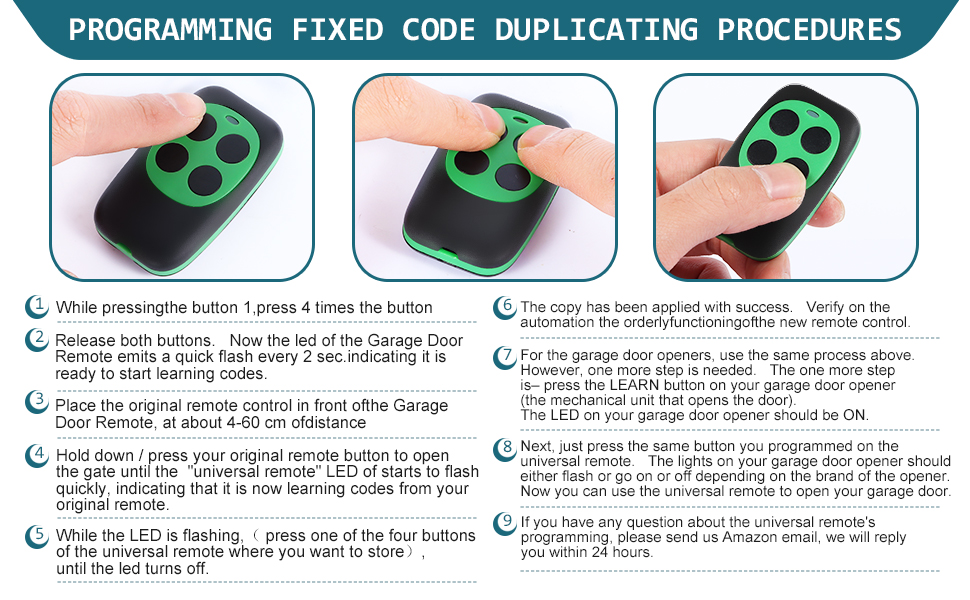
Programming Steps:
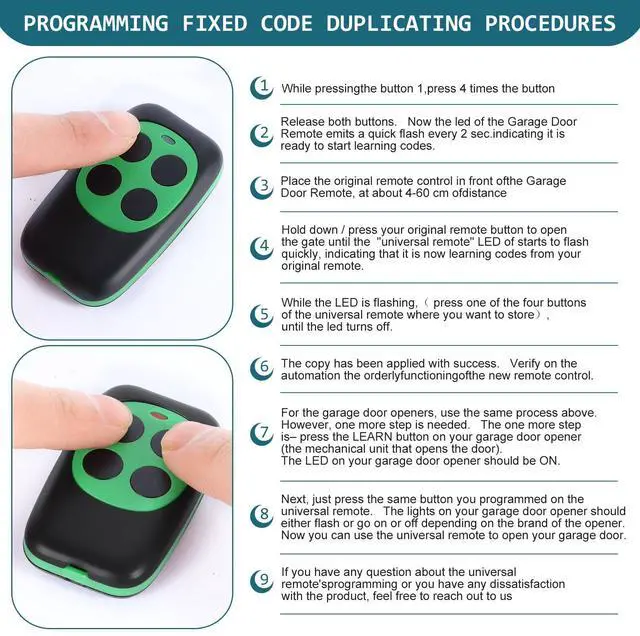
1)While pressingthe button 1,press 4 times the button
2)Release both buttons. Now the led of the Garage Door Remote emits a quick flash every 2 sec.indicating it is ready to start learning codes.
3) Place the original remote control in front ofthe Garage Door Remote, at about 4-60 cm of distance
4) Hold down / press your original remote button to open the gate until the "universal remote" LED of starts to flash quickly, indicating that it is now learning codes from your original remote.
5) While the LED is flashing,( press one of the four buttons of the universal remote where you want to store)until the led turns off.
6)The copy has been applied with success. Verify on the automation the orderlyfunctioningofthe new remote control.
7)For the garage door openers, use the same process above. However, one more step is needed. The one more step is– press the LEARN button on your garage door opener (the mechanical unit that opens the door).
The LED on your garage door opener should be ON.
8) Next, just press the same button you programmed on the universal remote. The lights on your garage door opener should
either flash or go on or off depending on the brand of the opener. Now you can use the universal remote to open your garage door.
9) If you have any question about the universal remote's programming, please send us email, we will reply you within 24 hours.
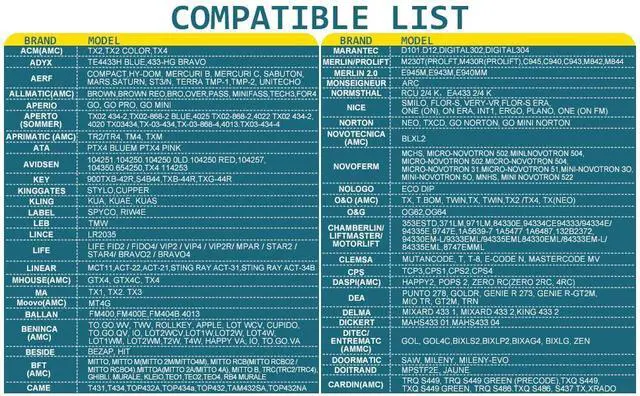
Niutroco universal remote Compatible List
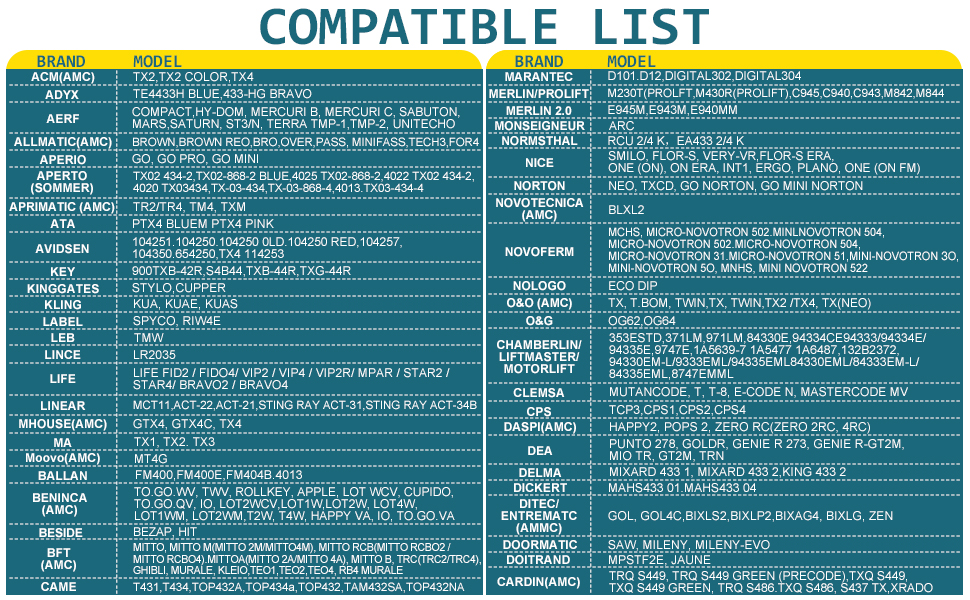
Niutroco universal remote Compatible List
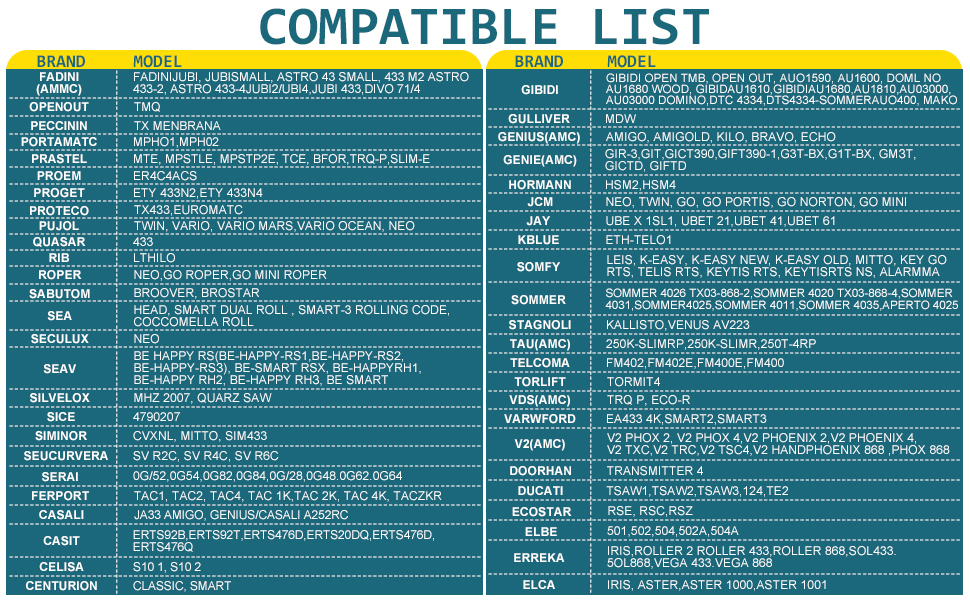
Niutroco universal remote requires cloning or programming the codes from your original remote.No original remote cannot program.
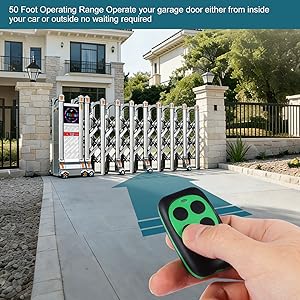
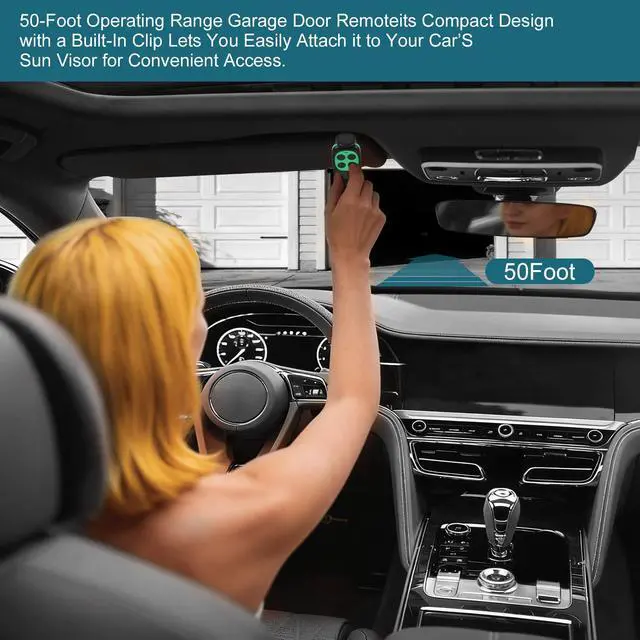
50 Foot Operating Range Operate your garage door either from inside your car or outside no waiting required.
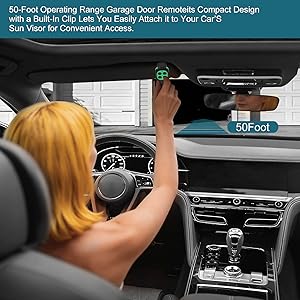
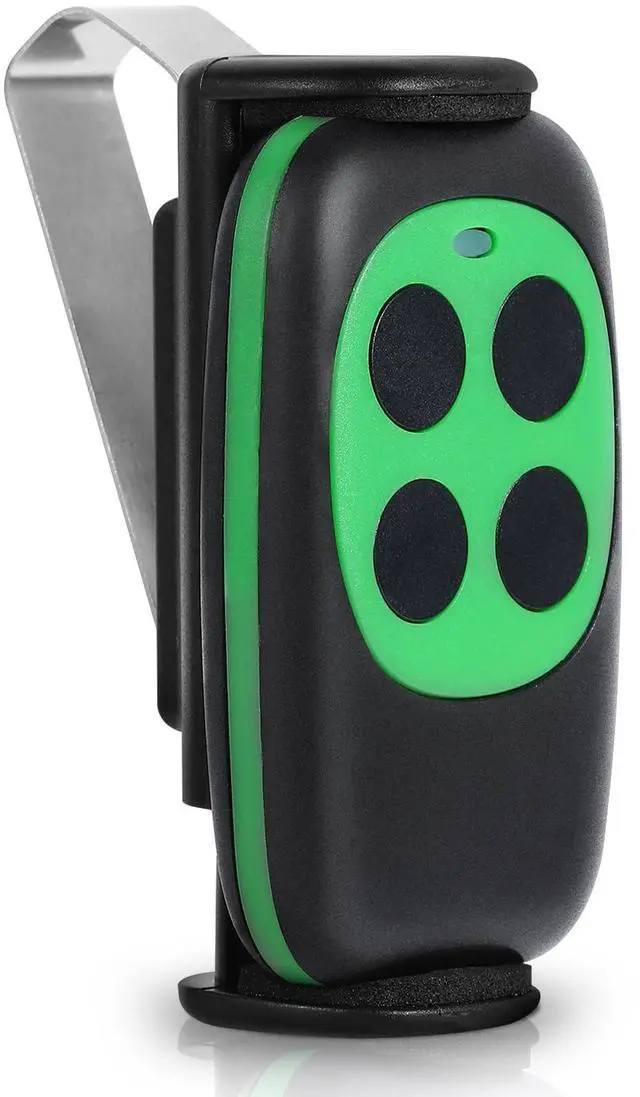
Compact Design with a Built In Clip Lets You Easily Attach it to Your Car's Sun Visor for Convenient Access.
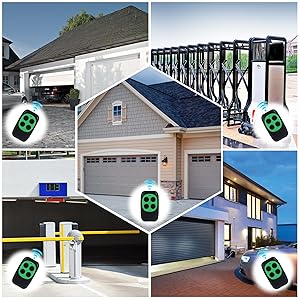
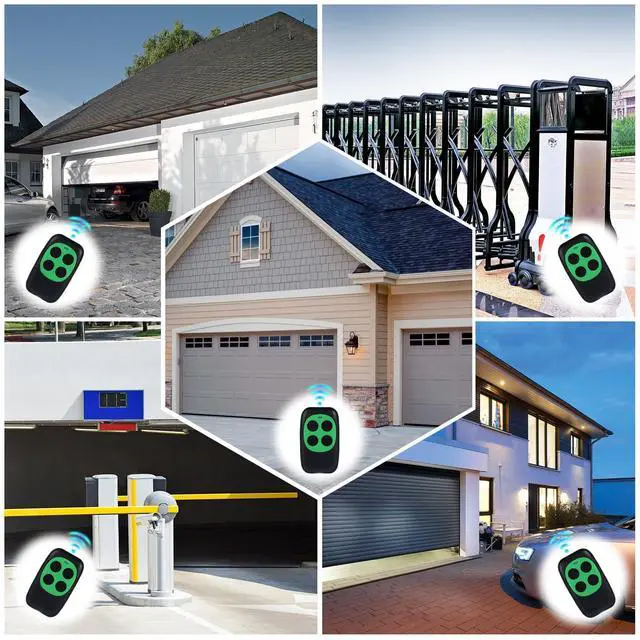
Wide range of applications.
Niutroco Universal remote.
Niutroco Garage Door Remote Working Frequency Range
Manages Up to 4 Garage Doors with Advanced Rolling Code Encryption
Niutroco Universal Remote Garage Door Opener Programming Steps
Programming Steps:
1)While pressingthe button 1,press 4 times the button
2)Release both buttons. Now the led of the Garage Door Remote emits a quick flash every 2 sec.indicating it is ready to start learning codes.
3) Place the original remote control in front ofthe Garage Door Remote, at about 4-60 cm of distance
4) Hold down / press your original remote button to open the gate until the "universal remote" LED of starts to flash quickly, indicating that it is now learning codes from your original remote.
5) While the LED is flashing,( press one of the four buttons of the universal remote where you want to store)until the led turns off.
6)The copy has been applied with success. Verify on the automation the orderlyfunctioningofthe new remote control.
7)For the garage door openers, use the same process above. However, one more step is needed. The one more step is– press the LEARN button on your garage door opener (the mechanical unit that opens the door).
The LED on your garage door opener should be ON.
8) Next, just press the same button you programmed on the universal remote. The lights on your garage door opener should
either flash or go on or off depending on the brand of the opener. Now you can use the universal remote to open your garage door.
9) If you have any question about the universal remote's programming, please send us email, we will reply you within 24 hours.
Niutroco universal remote Compatible List
Niutroco universal remote Compatible List
Niutroco universal remote requires cloning or programming the codes from your original remote.No original remote cannot program.
50 Foot Operating Range Operate your garage door either from inside your car or outside no waiting required.
Compact Design with a Built In Clip Lets You Easily Attach it to Your Car's Sun Visor for Convenient Access.
Wide range of applications.