





Slide to view >>>
Trust Veise, Secure Your Home


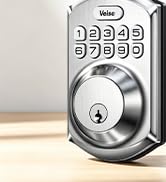
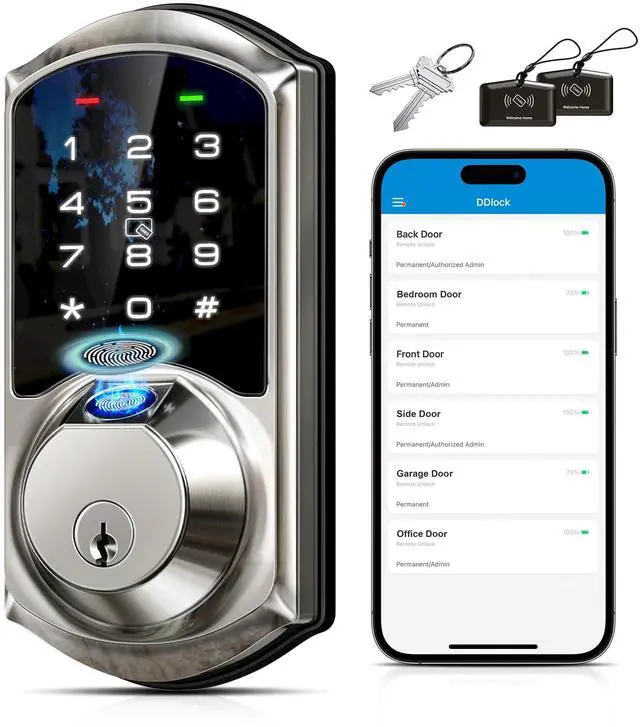
Veise Keypad Door Lock
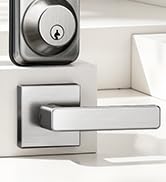
Veise Keyless Entry Door Lock
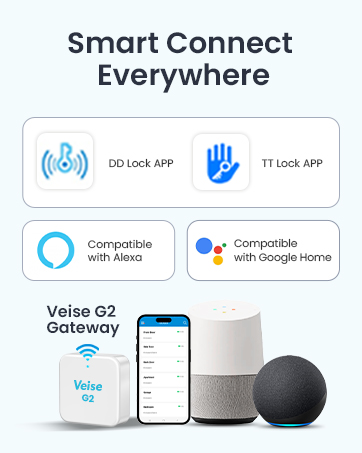
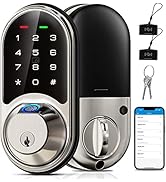
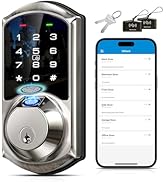
Smart Locks Work w/G2 Gateway
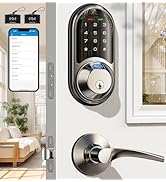
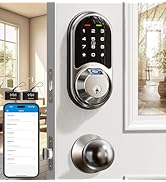
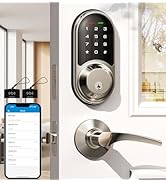
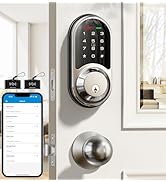
Smart Locks Work w/G2 Gateway
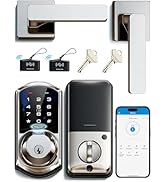
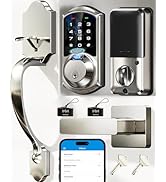
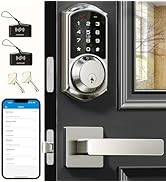
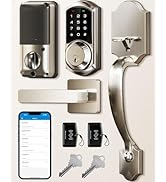
Smart Locks Work w/G2 Gateway
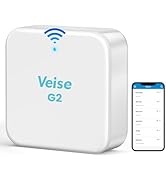
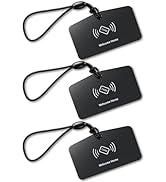
Smart Lock Accessories
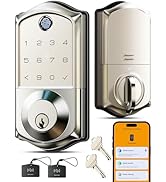
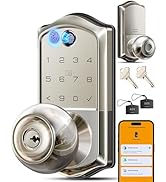
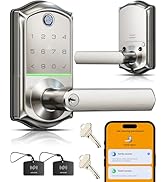
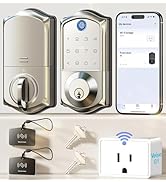
Smart Locks Work w/G1 Gateway
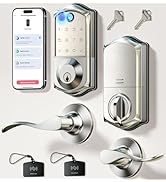
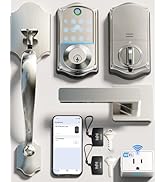
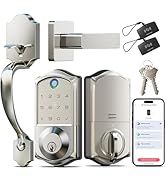
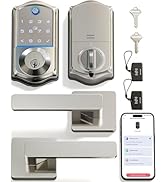
Smart Locks Work w/G1 Gateway
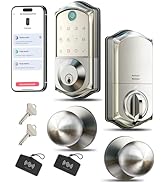
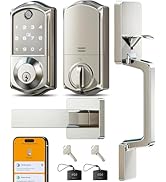
Smart Locks Work w/G1 Gateway
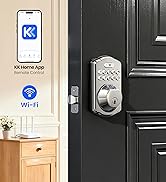
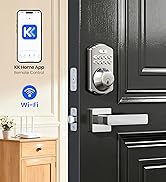
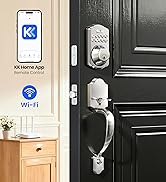
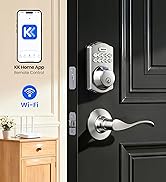
Built-in WiFi Smart Lock
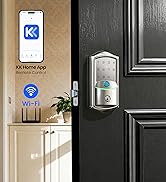
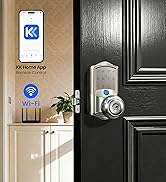
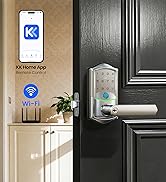
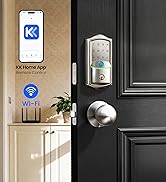
Built-in WiFi Smart Lock
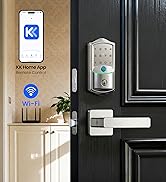
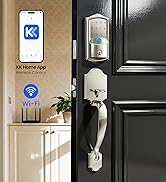
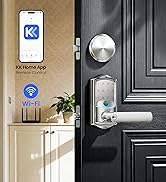
Built-in WiFi Smart Lock
aplus content video
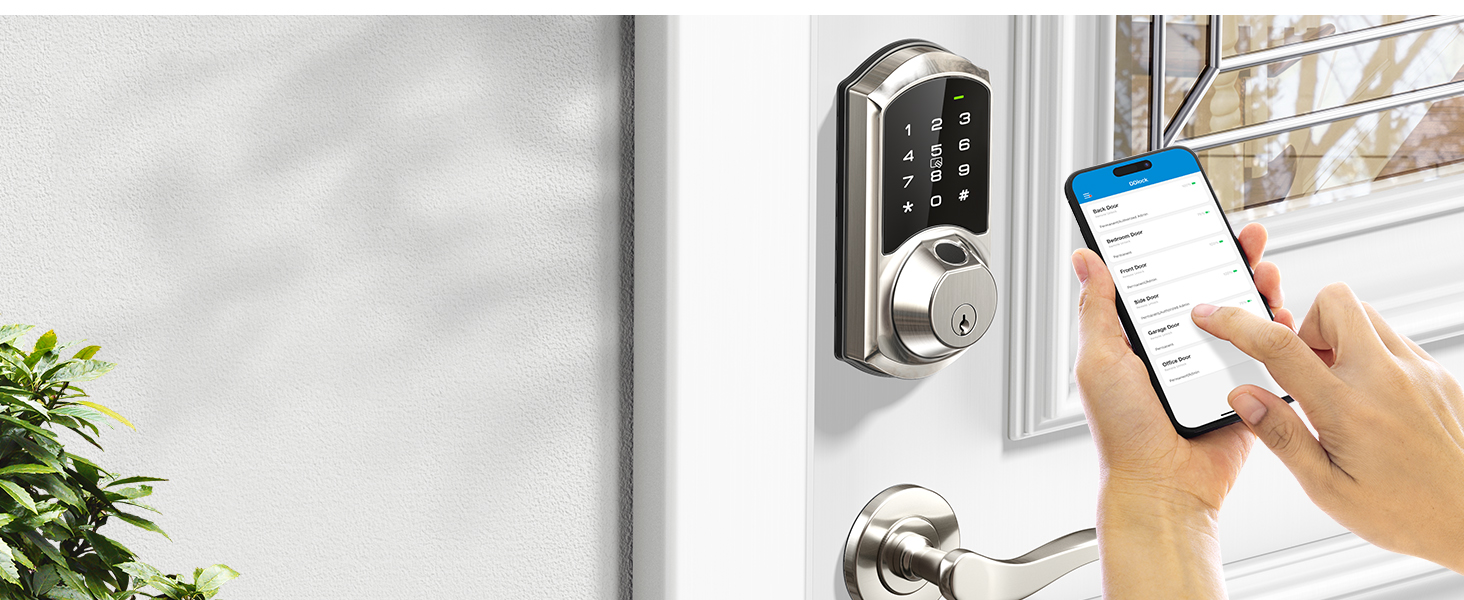
App Control
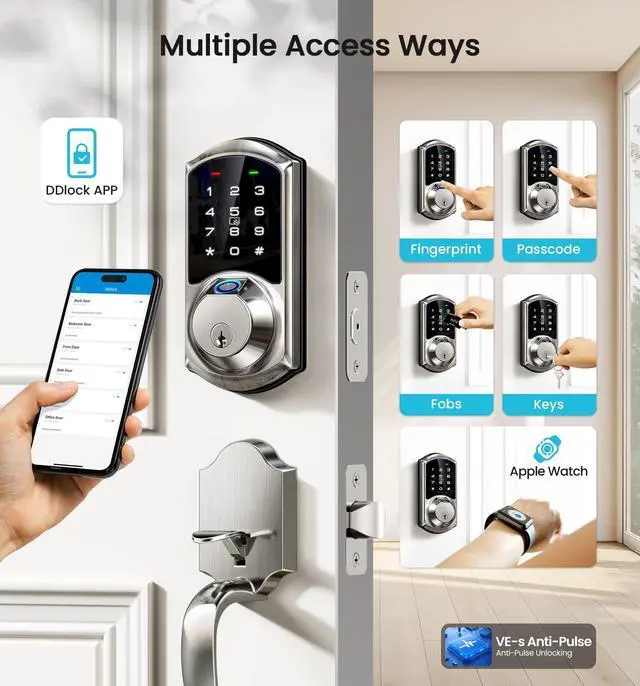
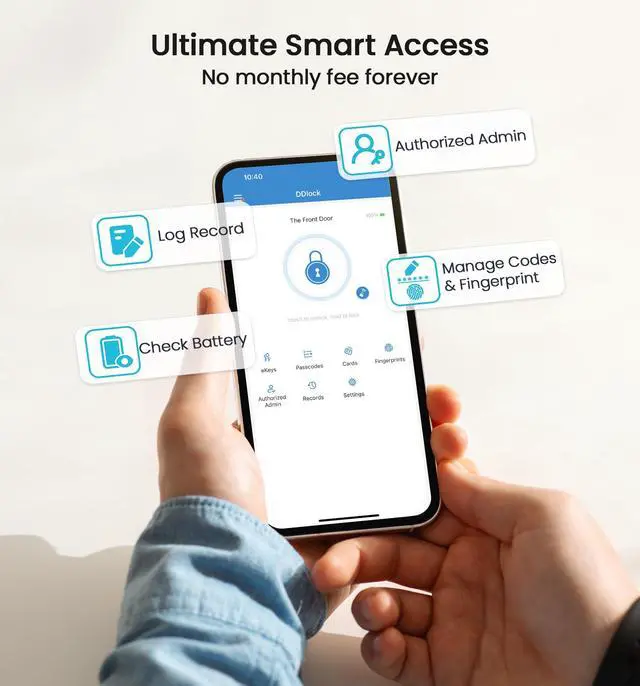
Touch to access and control your smart lock via an App on your smartphone.
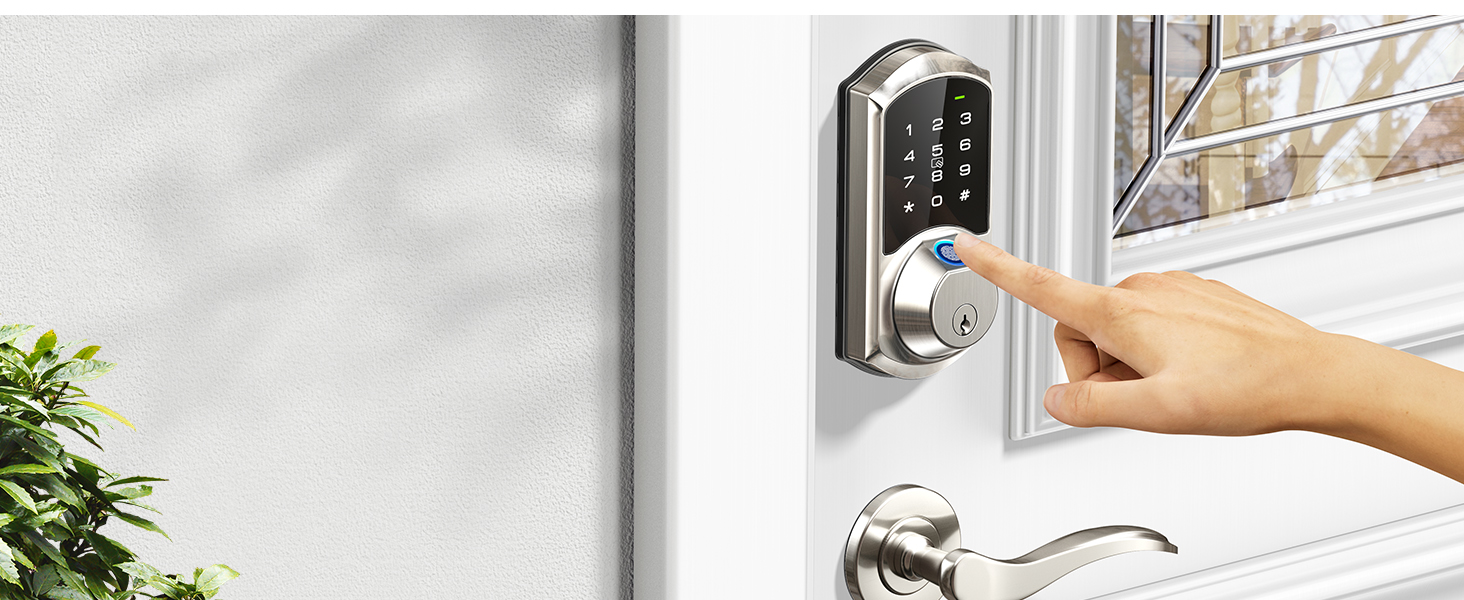
Fingerprint Unlock
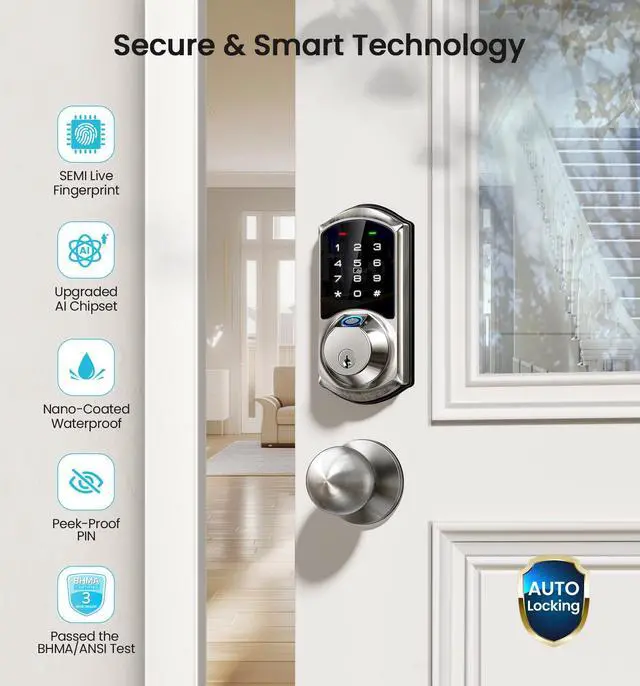
The fingerprint recognition takes only 0.3 seconds and unlocks in 1 second, supports to add up to 50 fingerprints.
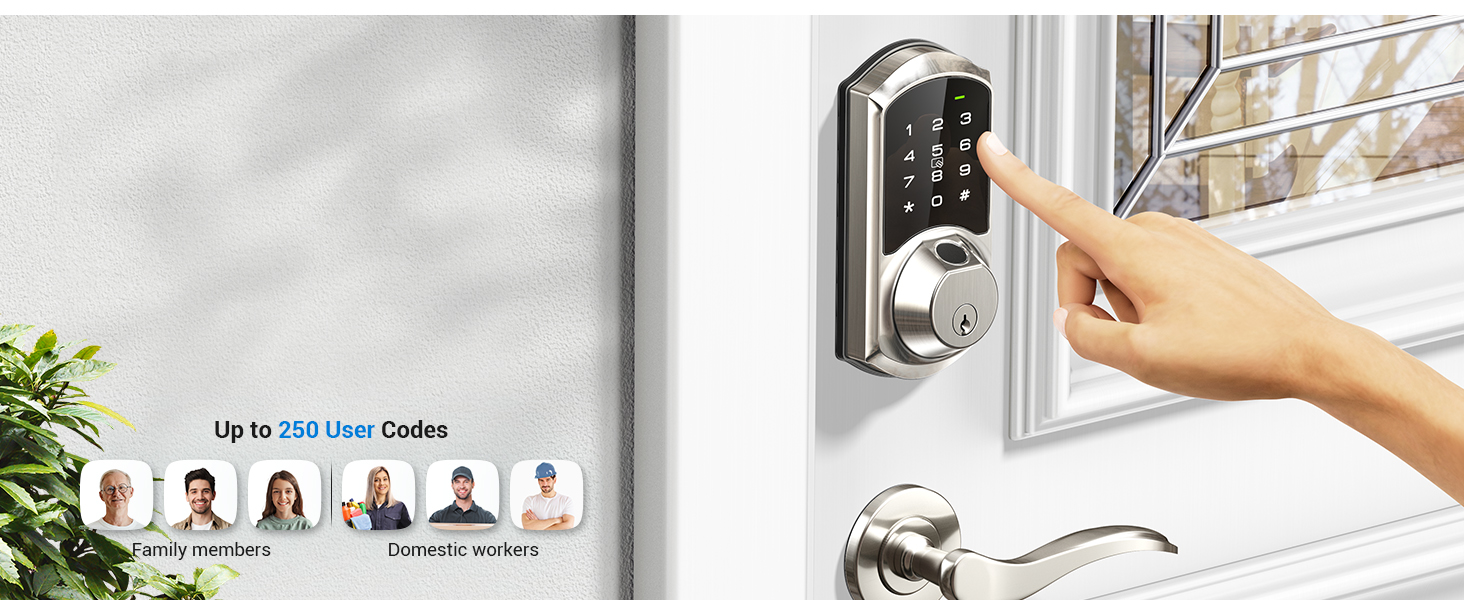
Passcodes
You can set different types of PIN codes, and up to 250 codes are available to meet your needs.
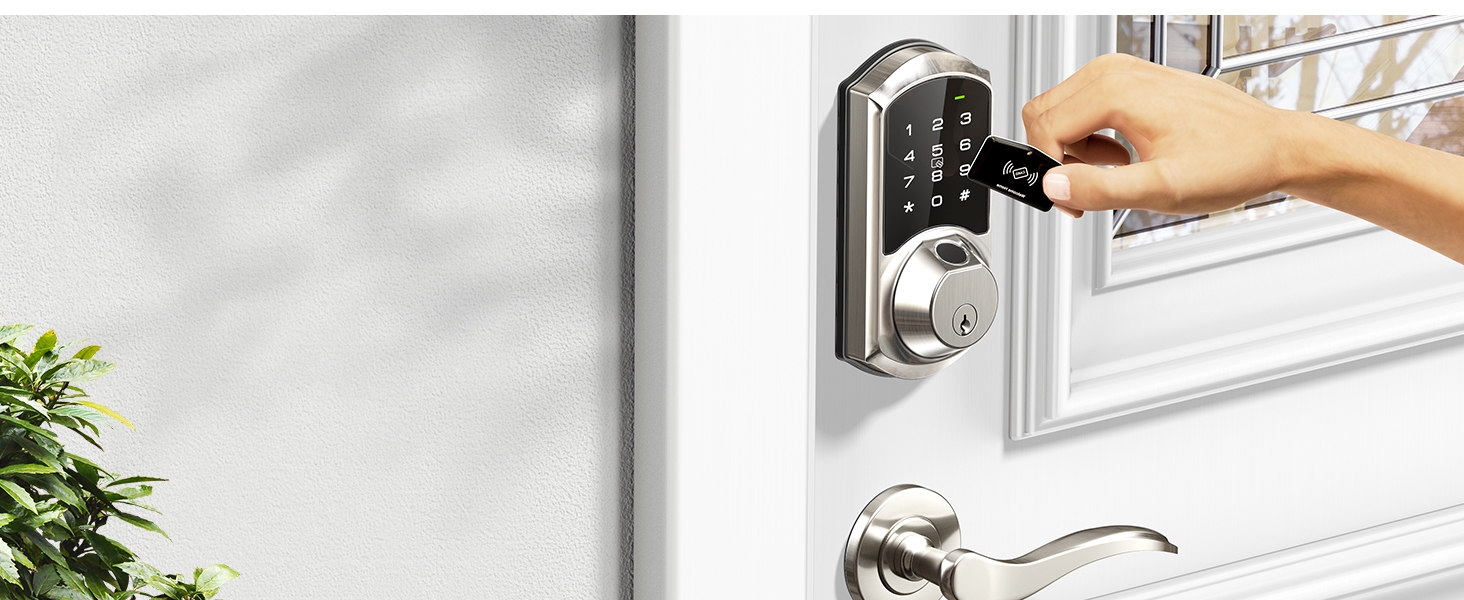
Fob Cards
Easily unlock your front door by simply swiping the IC card.
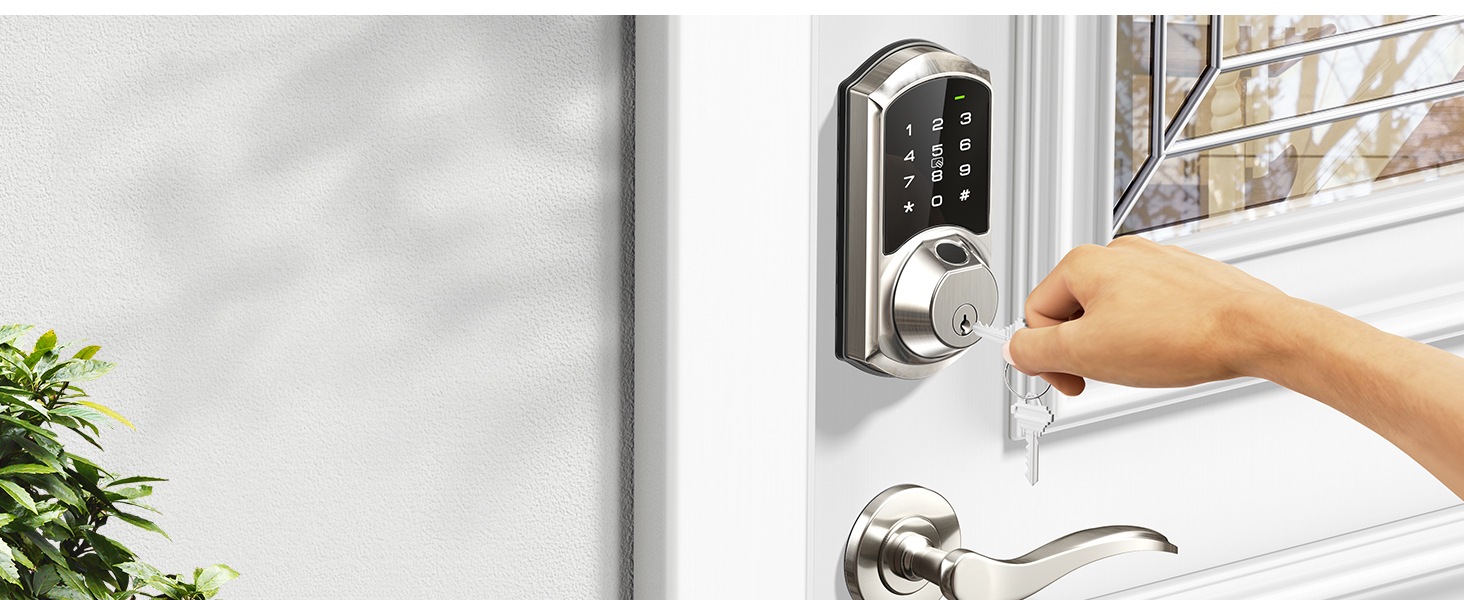
2 Keys
2 Mechanical keys are suitable for the elderly and can also serve as your emergency backup keys!
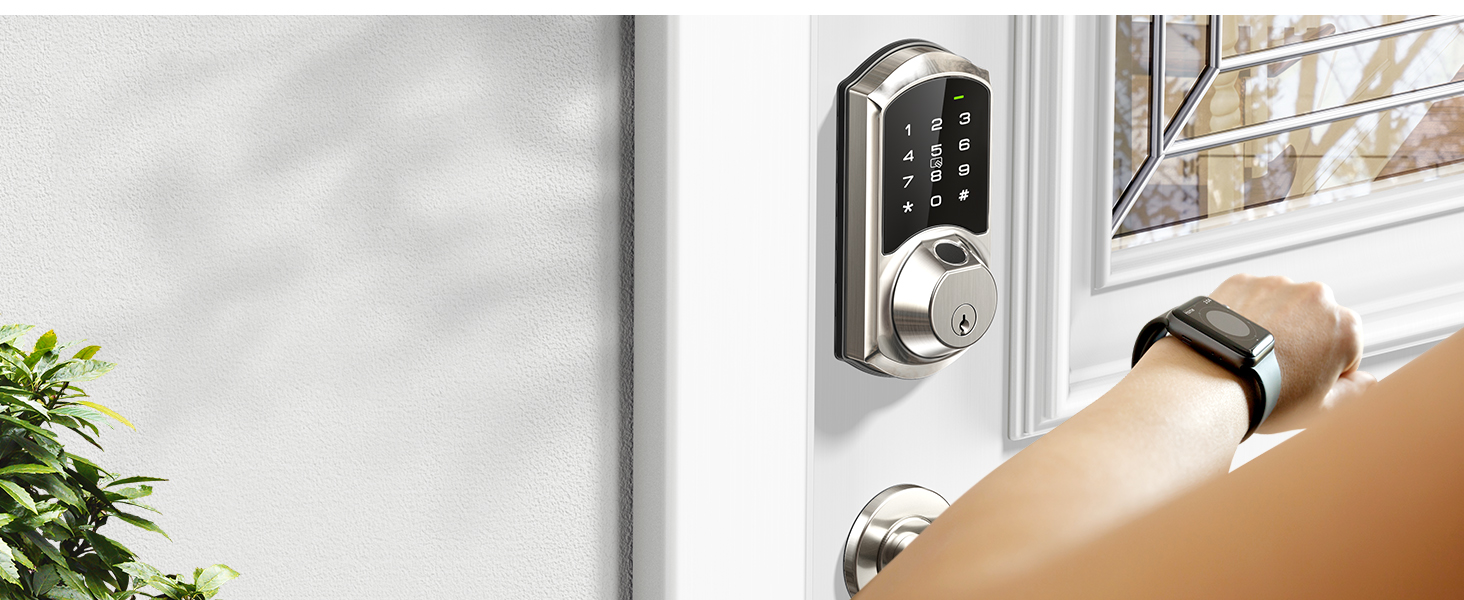
Work with Apple Watch
Access the smart lock with your Apple Watch within Bluetooth range of the lock.
Tips: Apple Watch needs to download the DDLock APP separately.
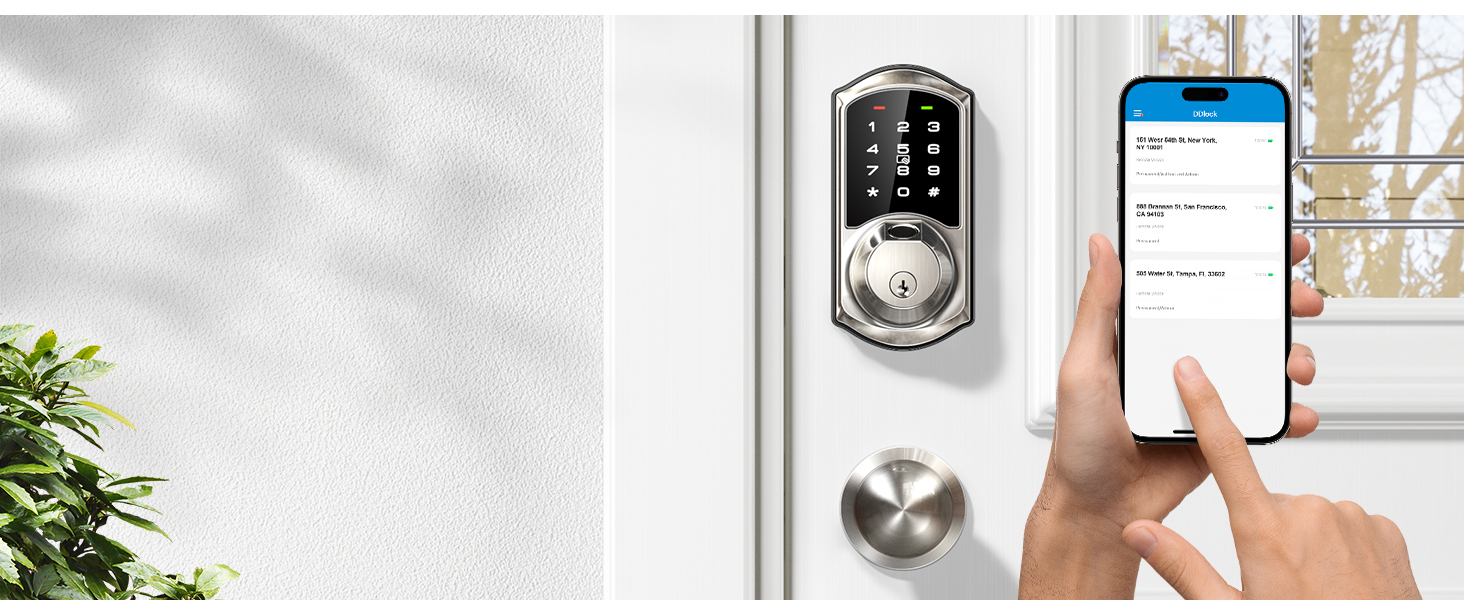
Share eKeys Remotely
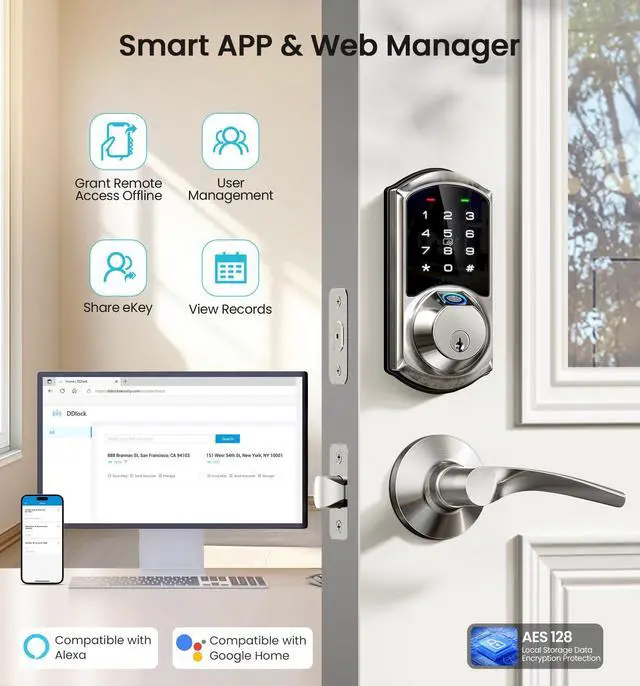
Remotely generate eKeys and share App access with your family by sending them or authorizing administrators.
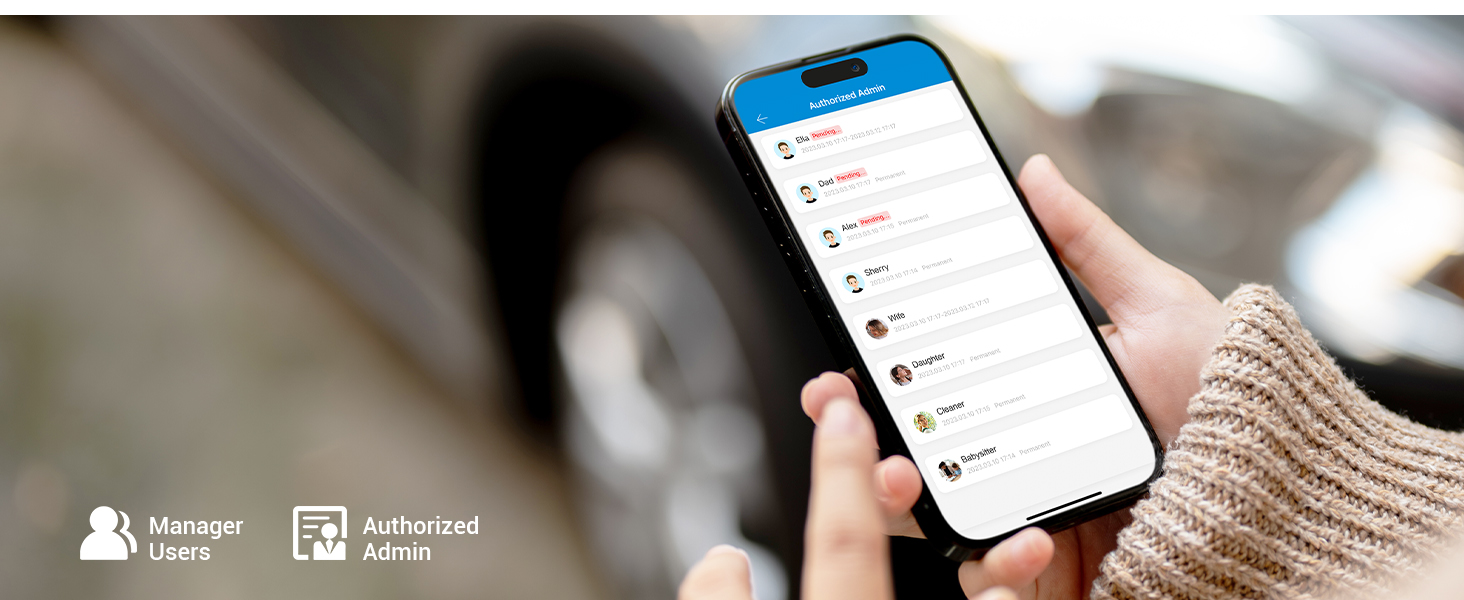
Smart User Management
Effortlessly authorize and manage users remotely through the App.
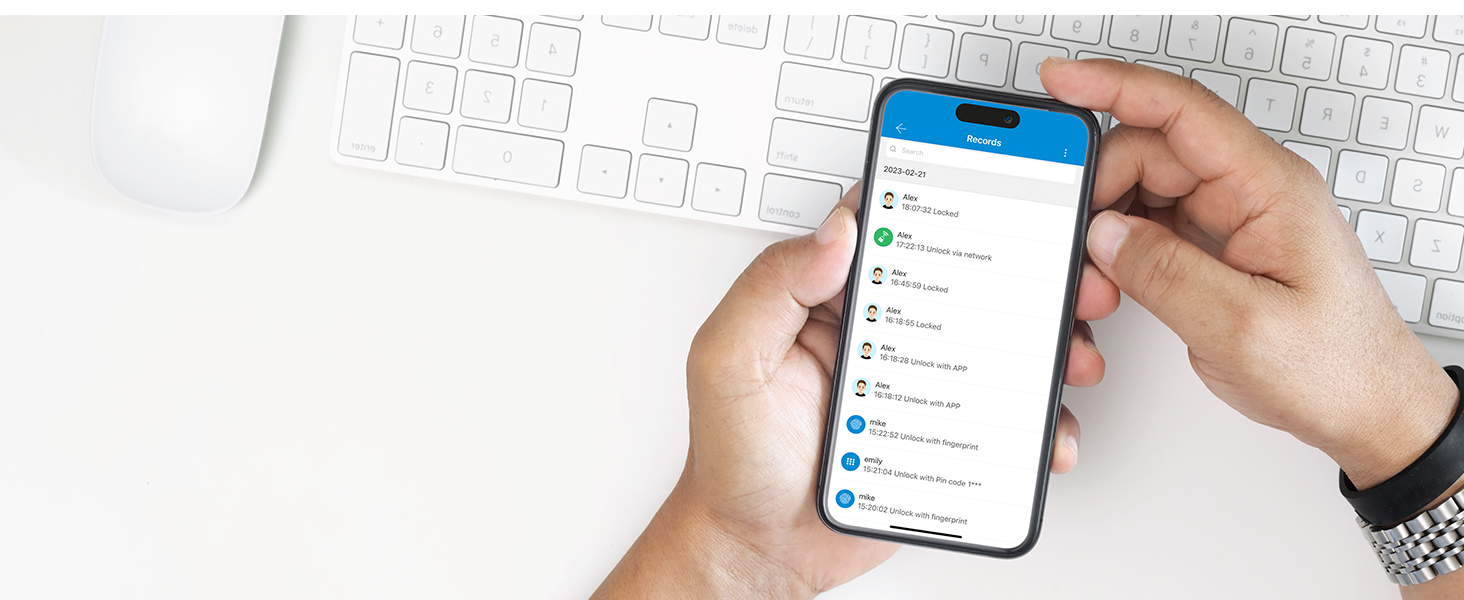
Local Activity Records
You can view the lock's daily local activity records when your phone is connected and within the lock's range.
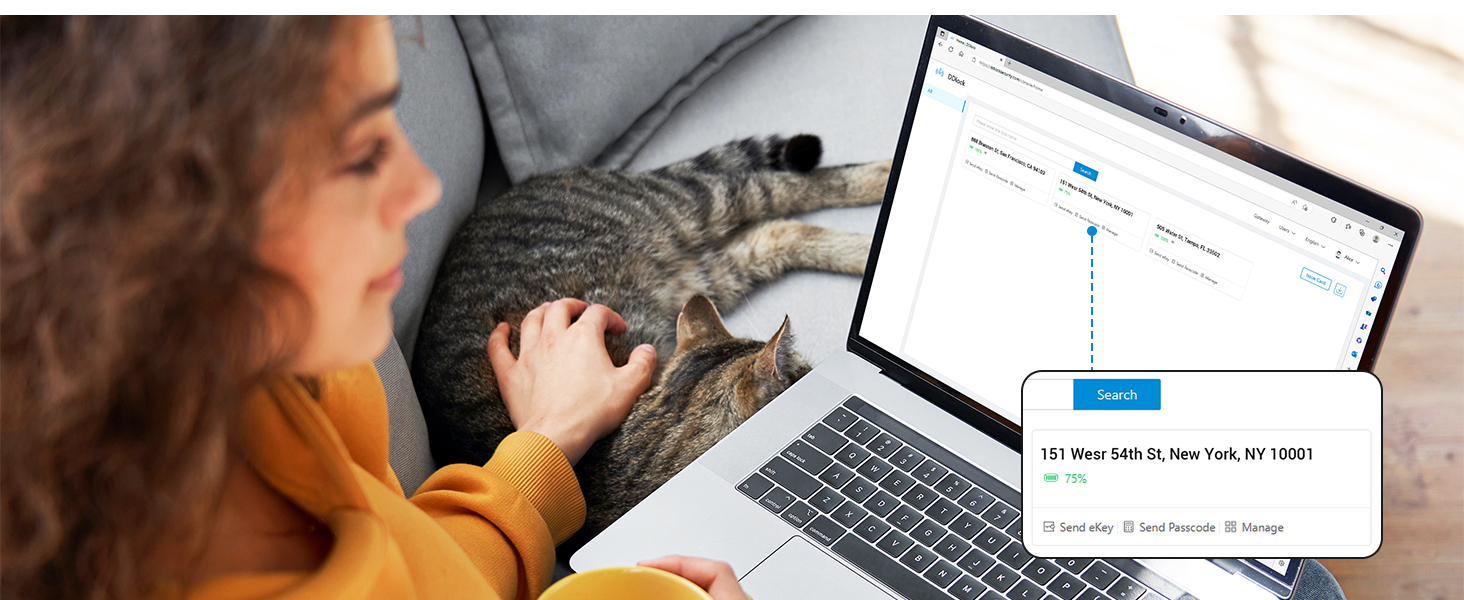
Web Portal Management
Veise offers a free lifetime web portal that allows you to easily manage your smart locks and users.
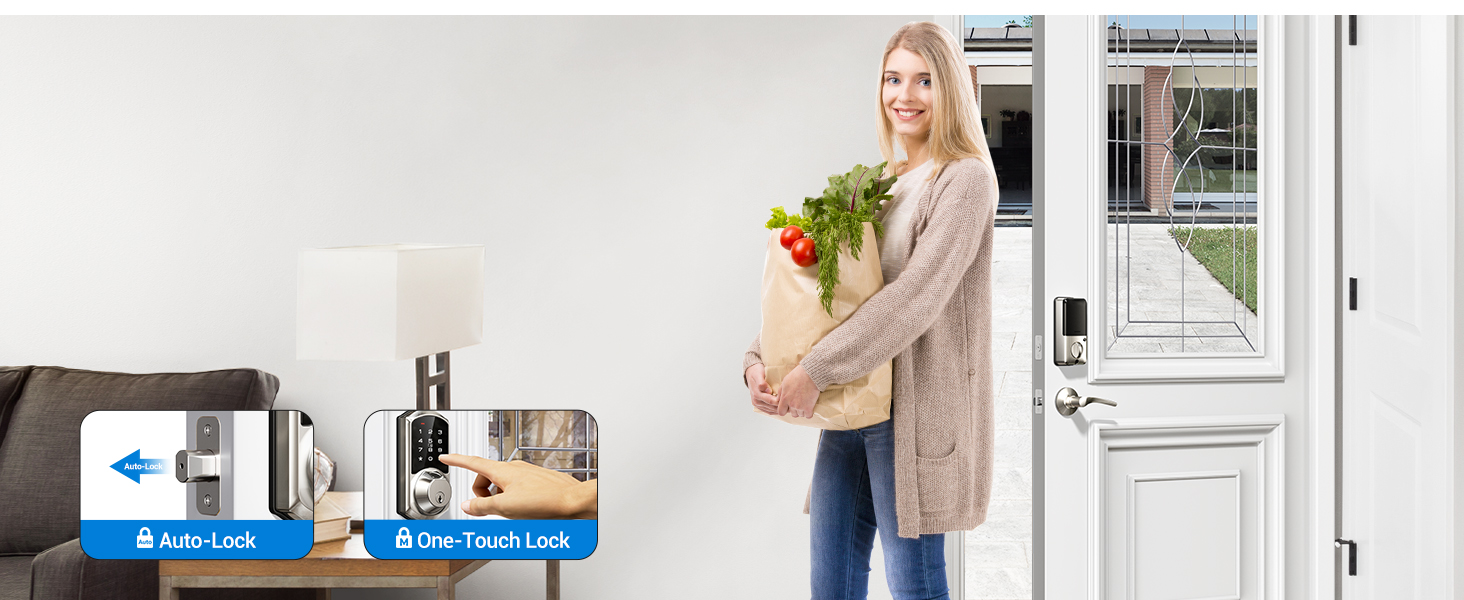
Auto Lock & One-Touch Lock
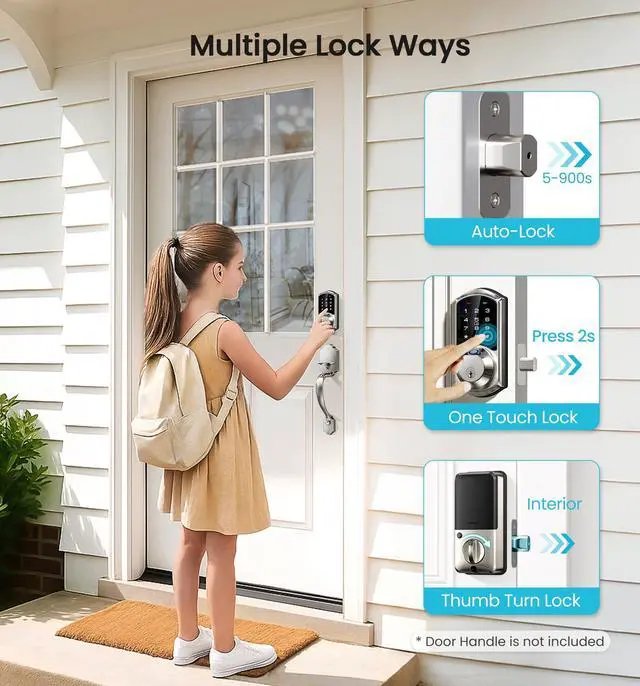
You can set the auto-lock feature and to customize the delay time from 10-900s via APP. Additionally, you can lock the door from the outside by pressing and holding the "#" button for 2s.
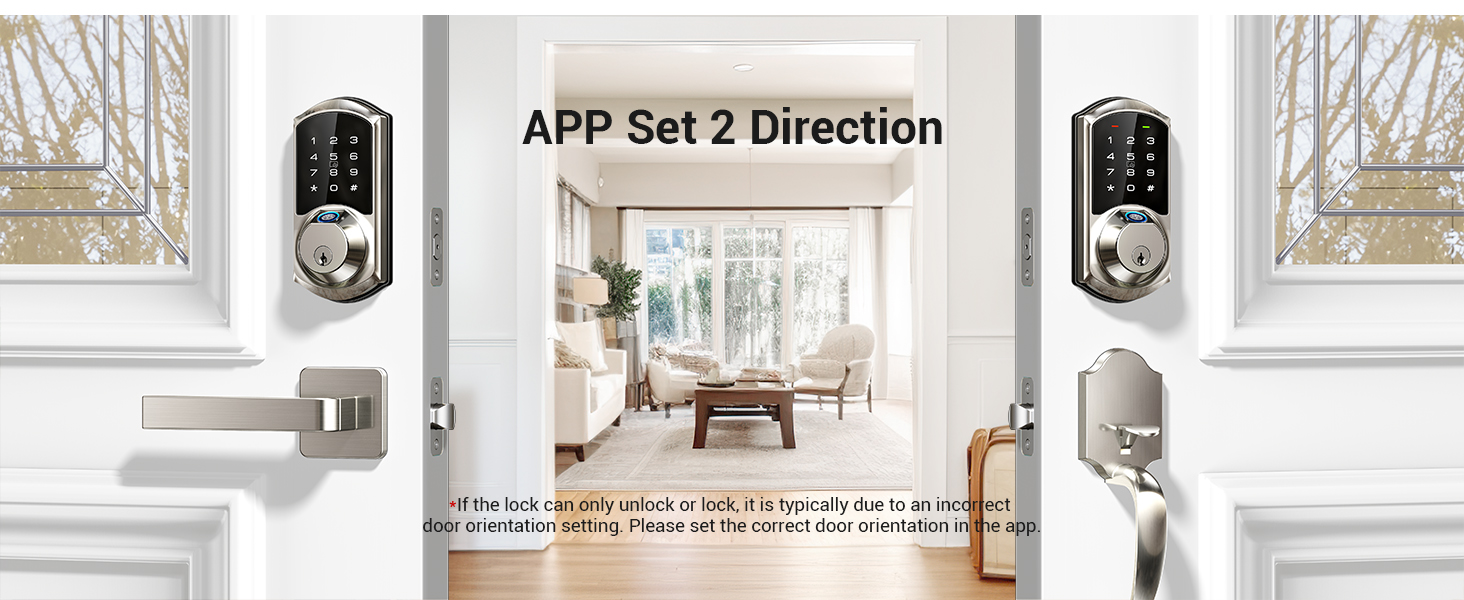
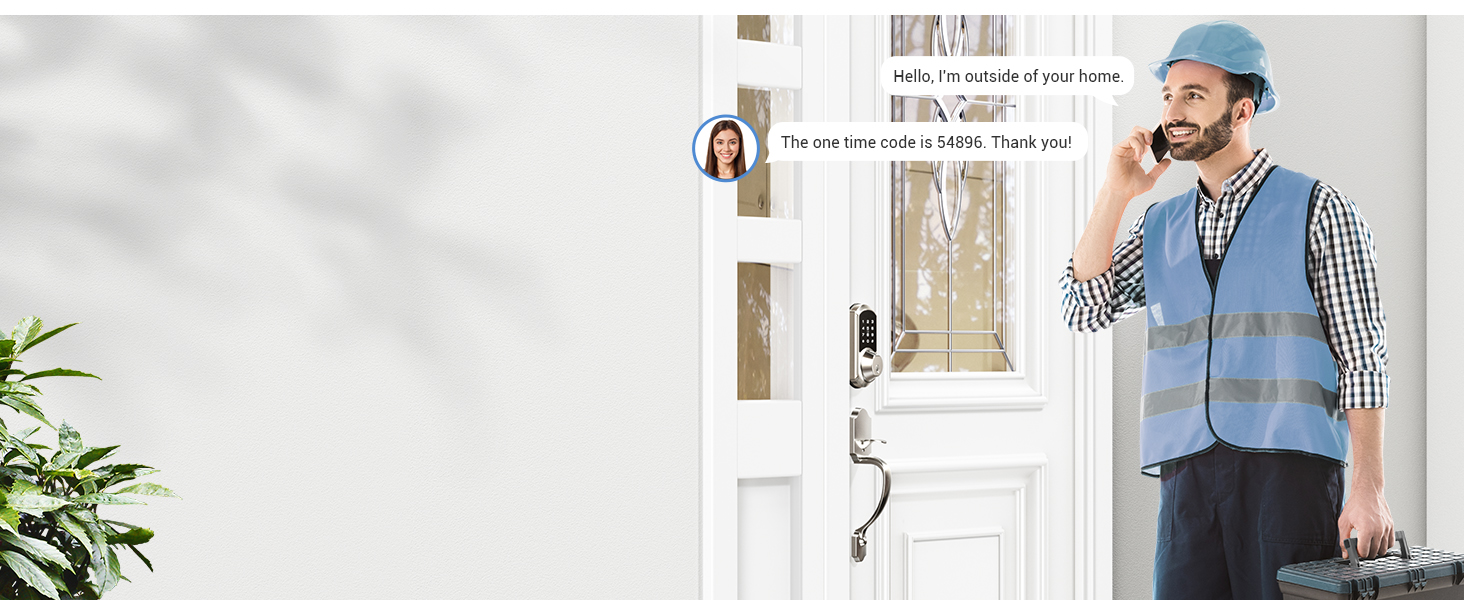
One-Time Code
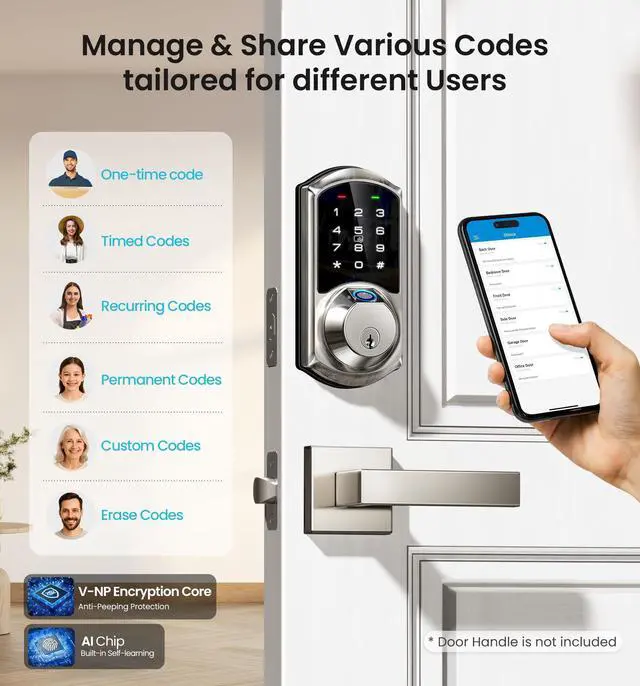
Remotely generate and share one-time codes for repairmen, couriers, delivery people and others. Each code is automatically deleted after one use.
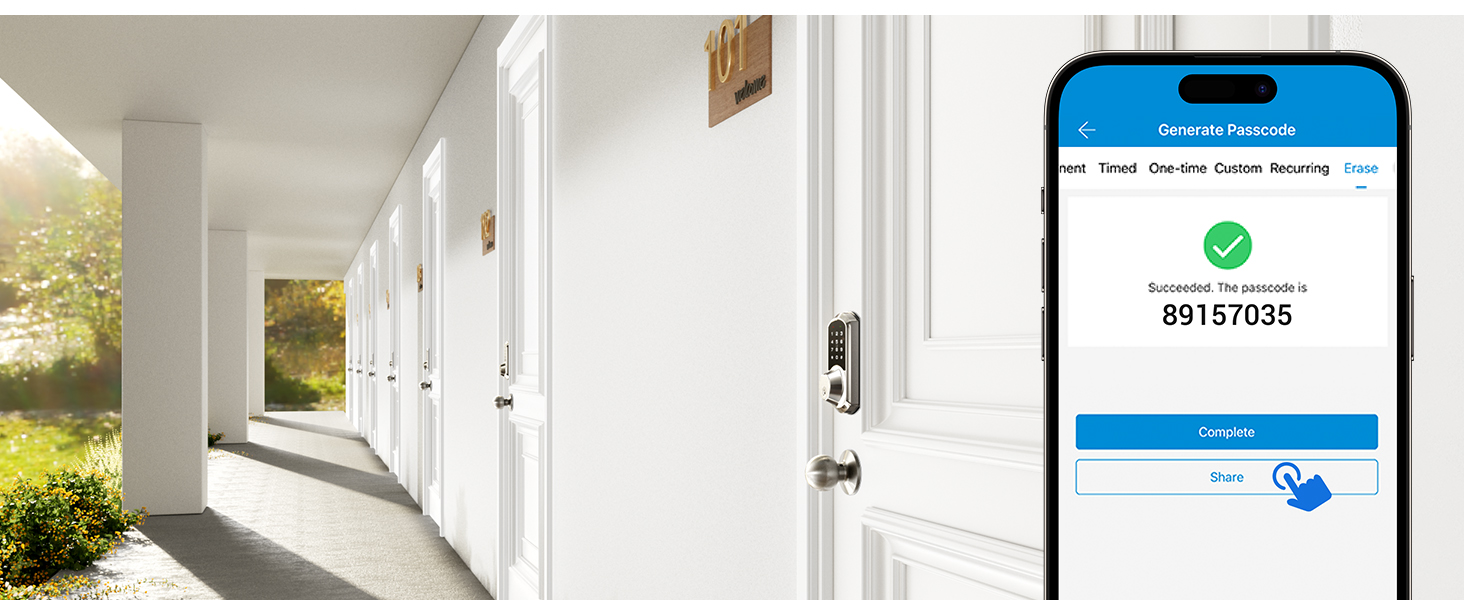
Erase Code
Remotely generate and share to tenants or guests who want to check out, deleting all passcodes (except the admin passcode) used on the lock when this code is entered.
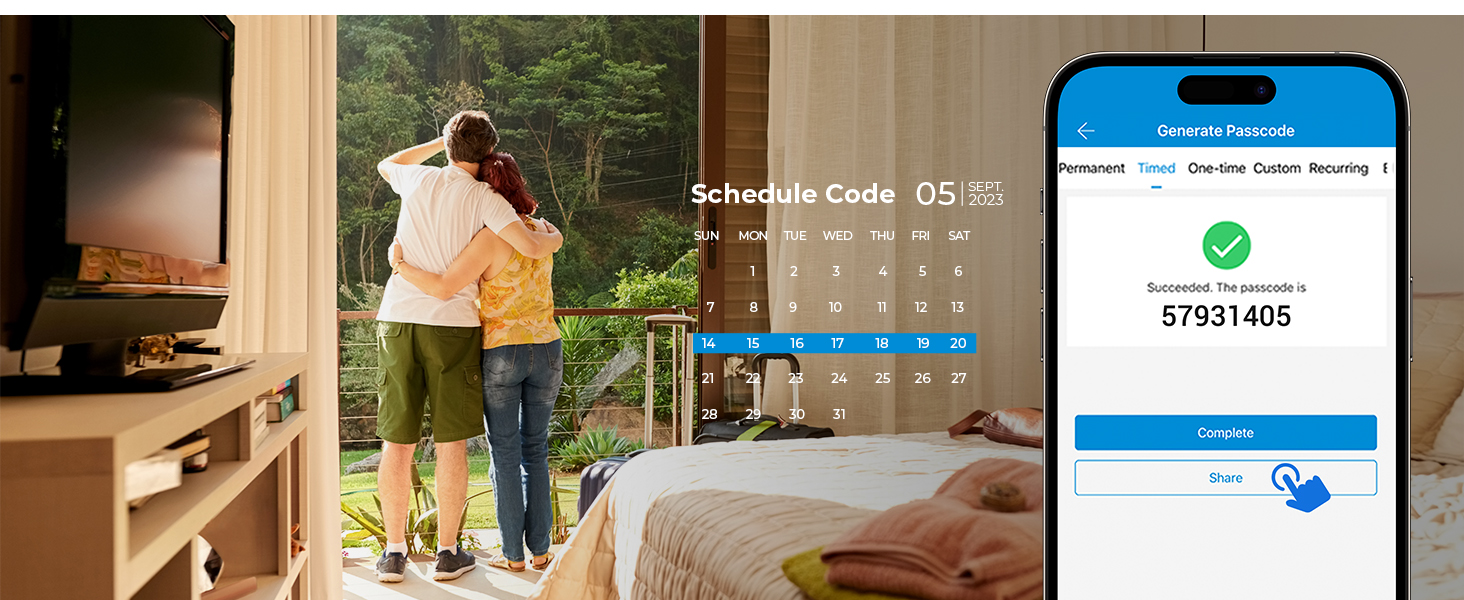
Timed Code
Remotely generate & share timed codes, with automatic expiration beyond the date. NOTE: Delete/edit require within the Bluetooth range of lock or remotely via the Veise G2 Gateway (sold separately).
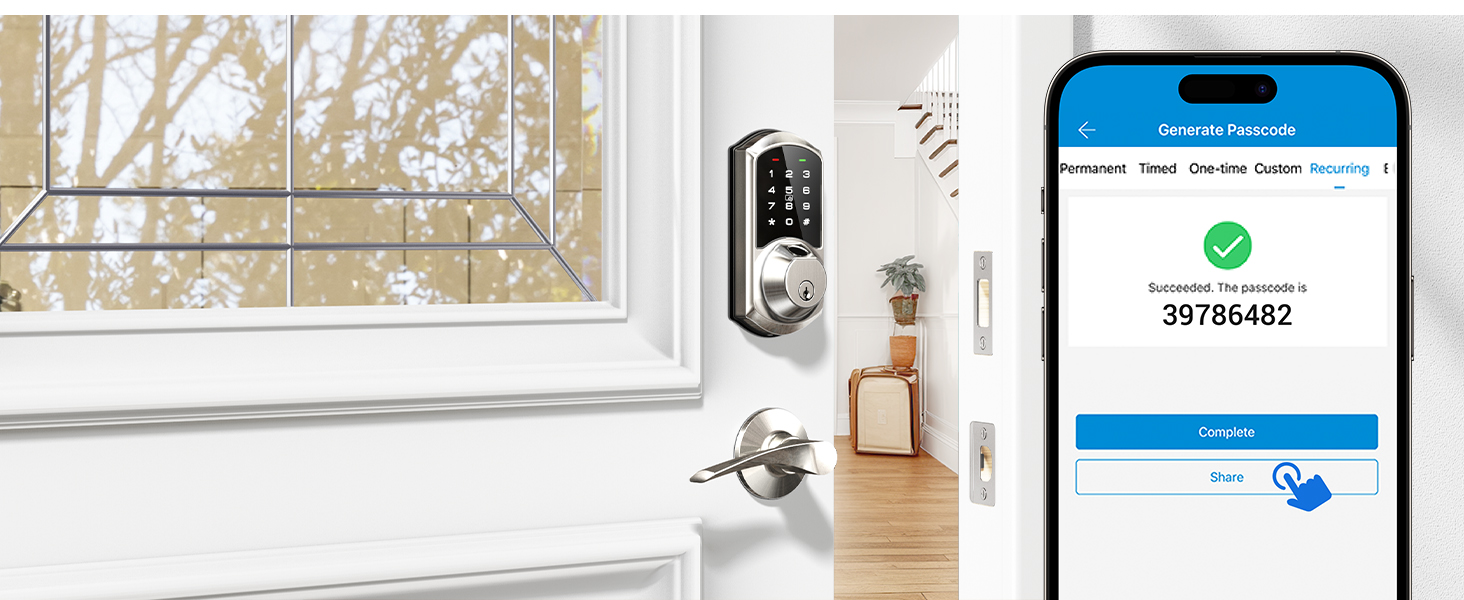
Recurring Code
Remotely generate recurring code for regular visitor and can be reused at specified times. NOTE: Delete/edit require within the Bluetooth range or remotely via the Veise G2 Gateway (sold separately).
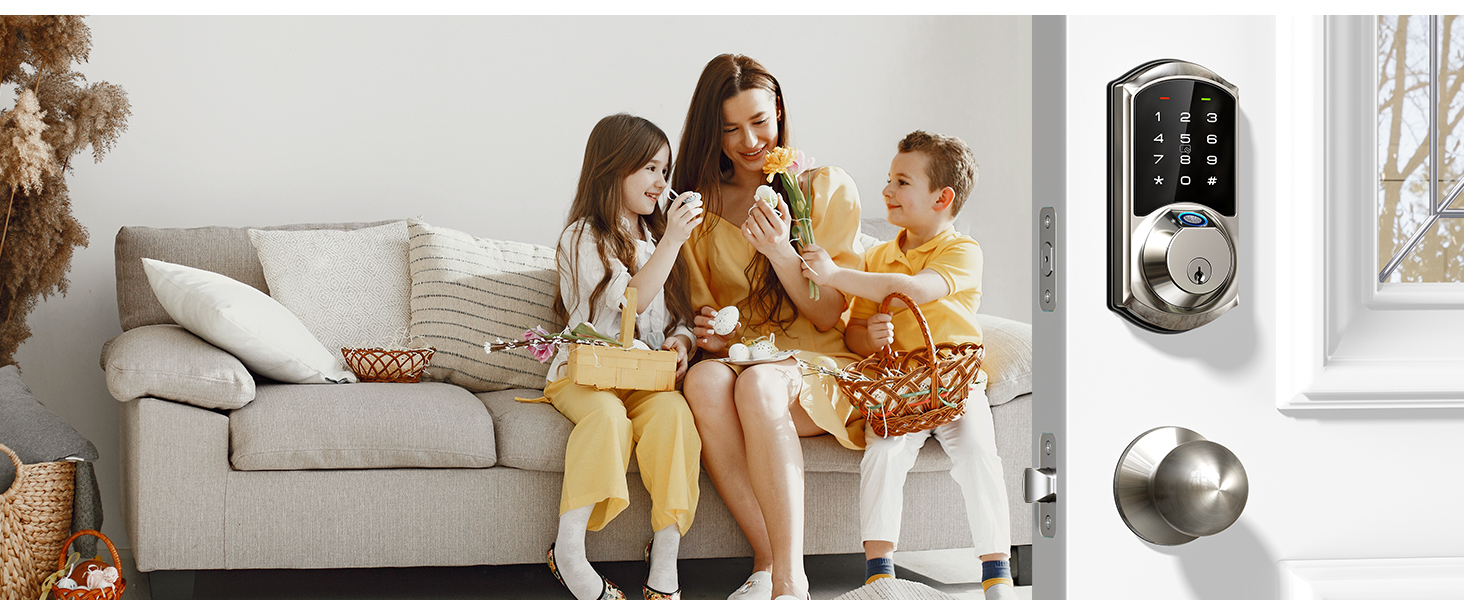
Permanent Code
The permanent code can be used all the time, which works perfectly for family members. NOTE:Delete/edit require within the Bluetooth range or remotely via the Veise G2 Gateway (sold separately).
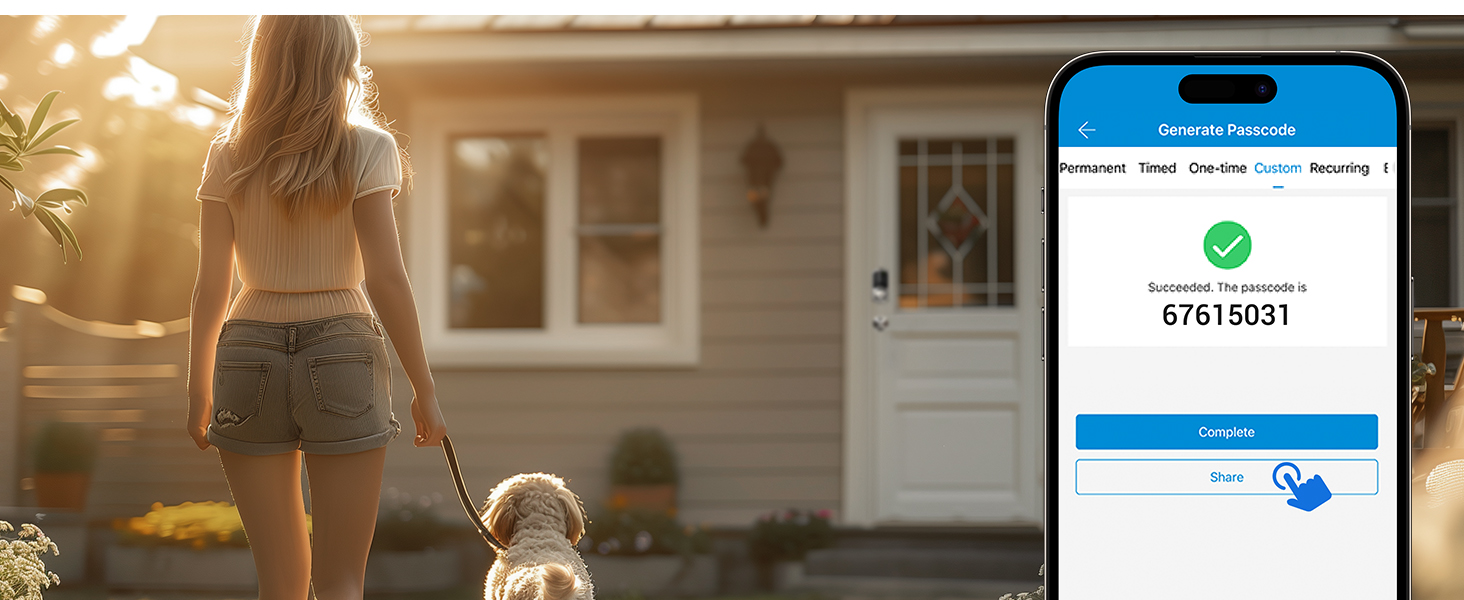
Customer Code
You can set the custom code locally within the range of the lock or remotely by connecting to Veise G2 Gateway (sold separately).
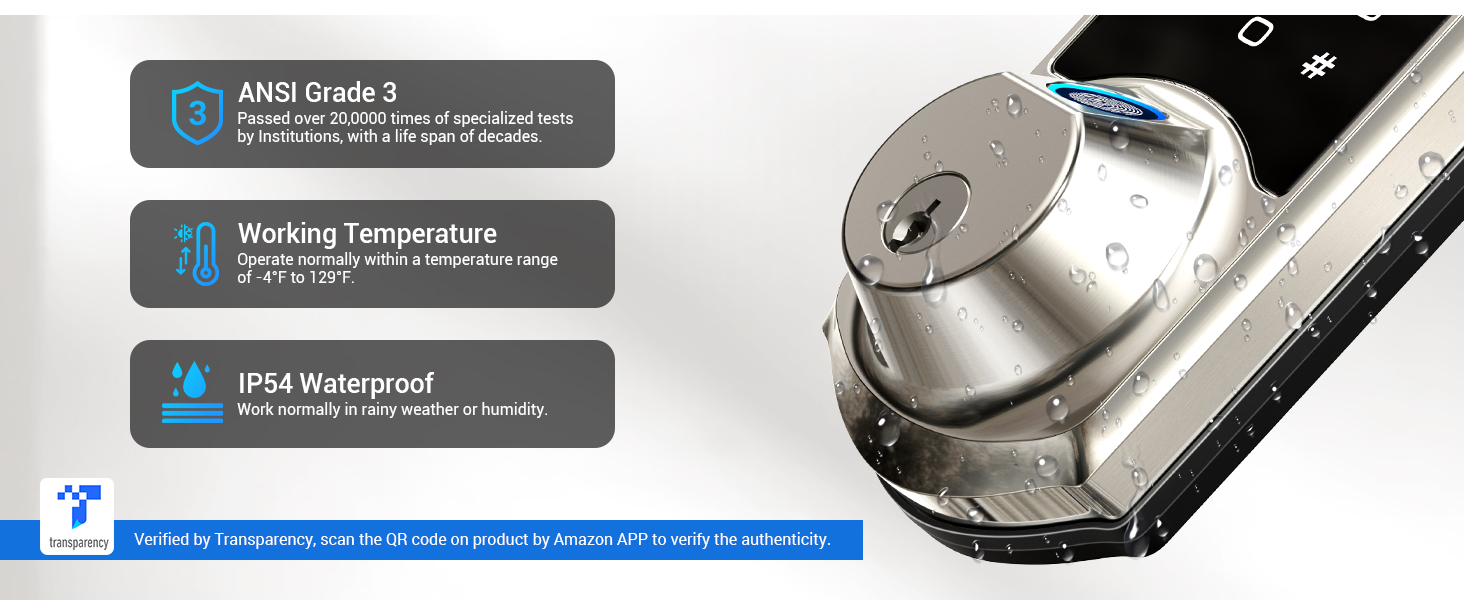
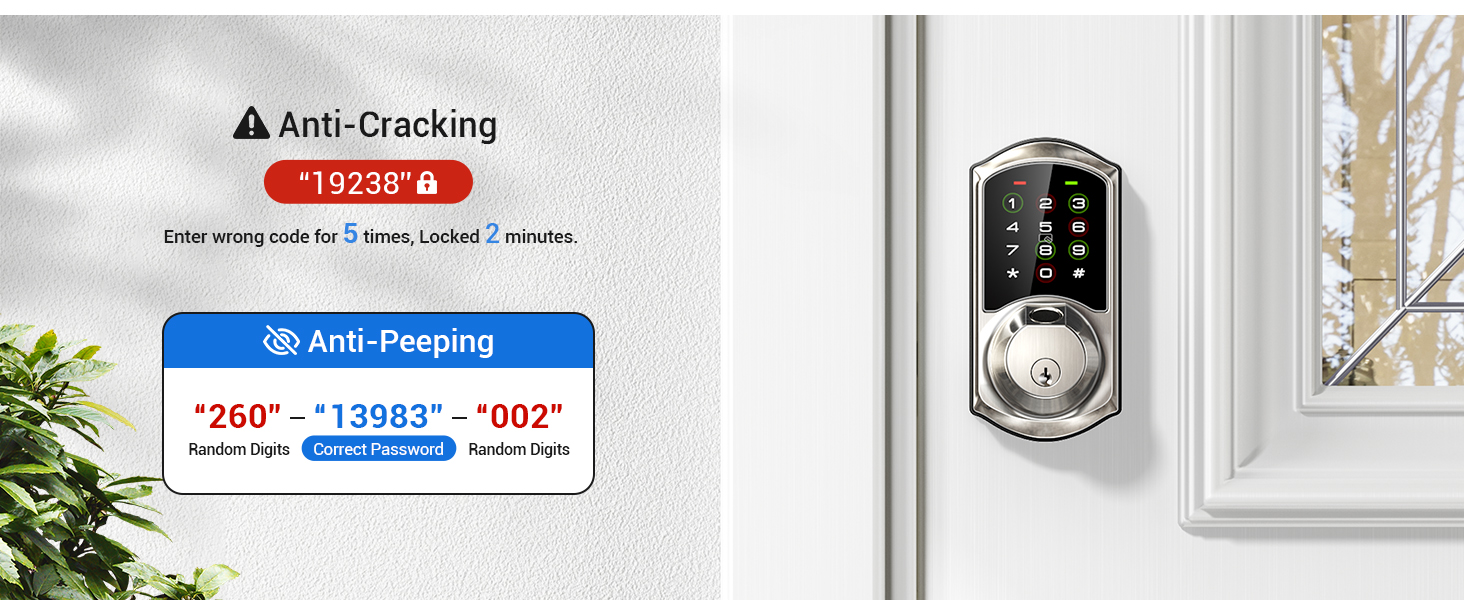
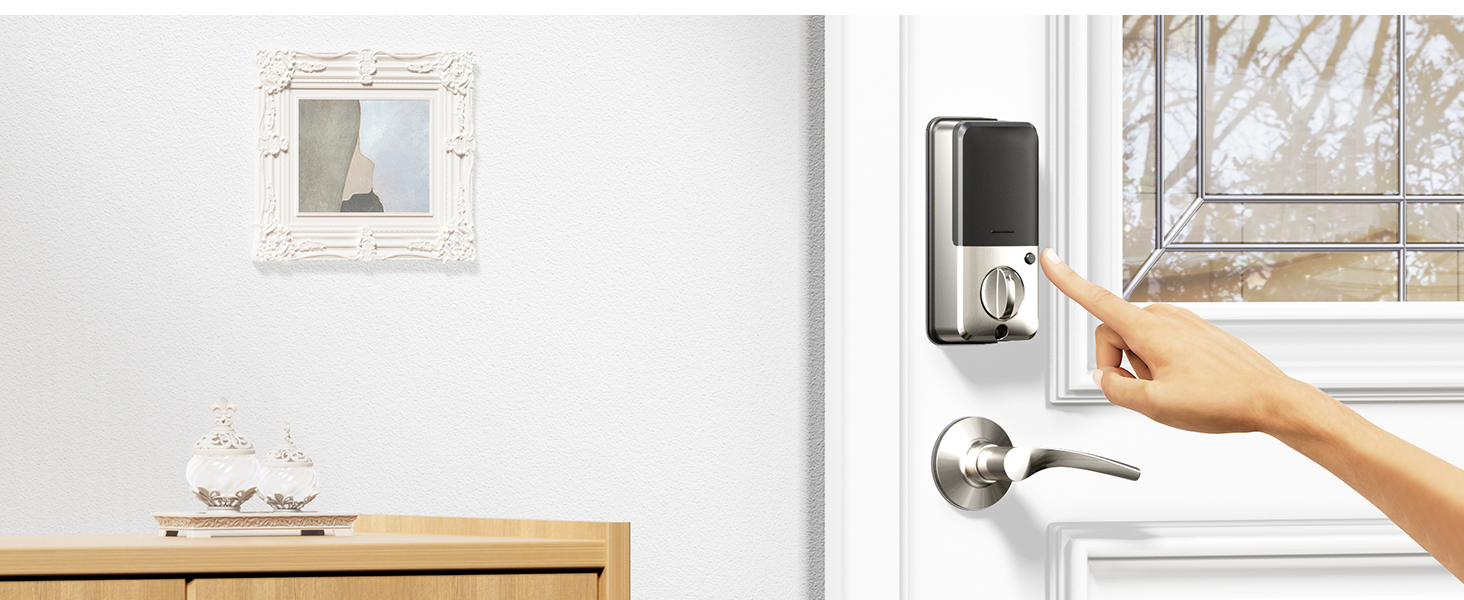
Privacy Mode
In the privacy mode, the APP, key and administrator password can be unlocked, and other methods are disabled.
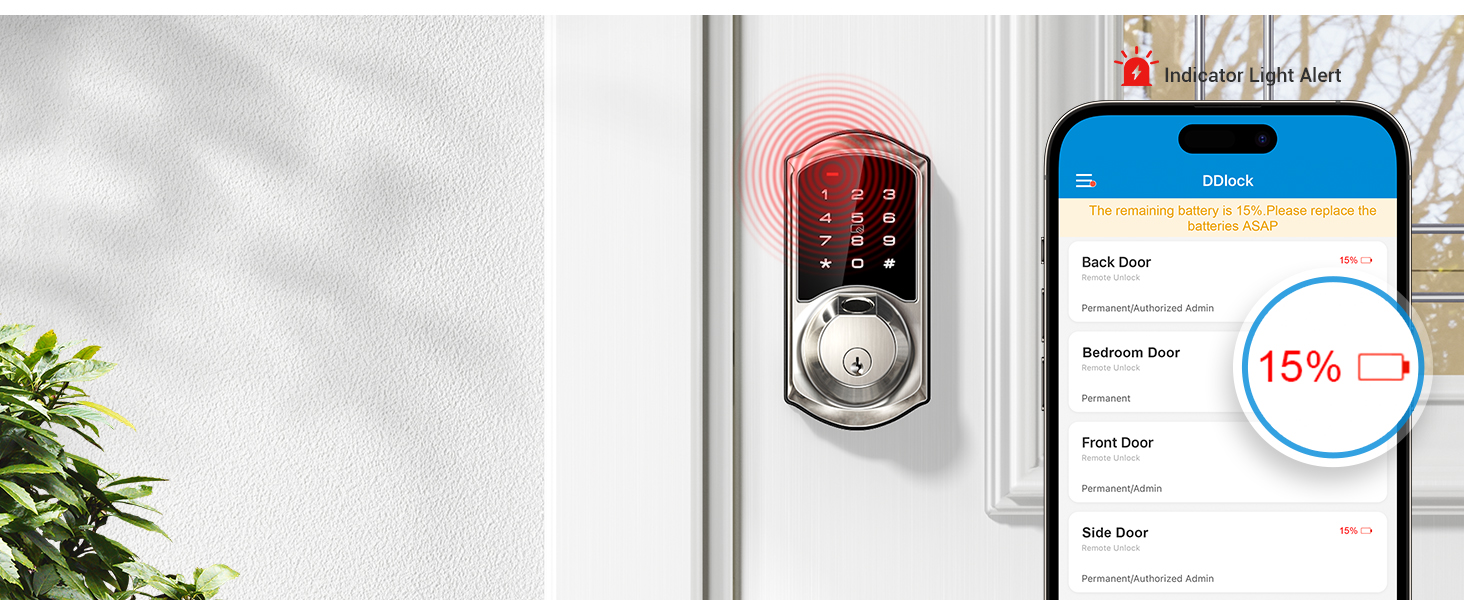
Low Battery Alert
The door lock will alert you when the battery is low, and you can check the battery (4 AA batteries are not included) level through the app to ensure you won't forget to replace it.
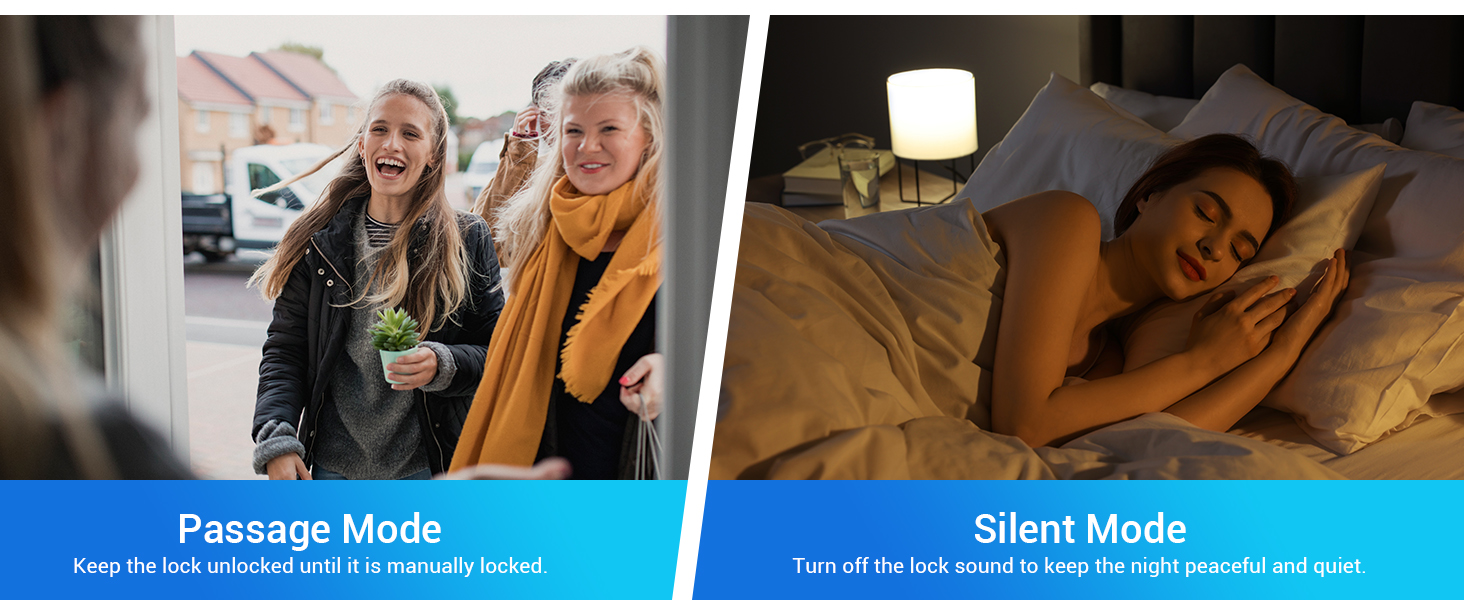
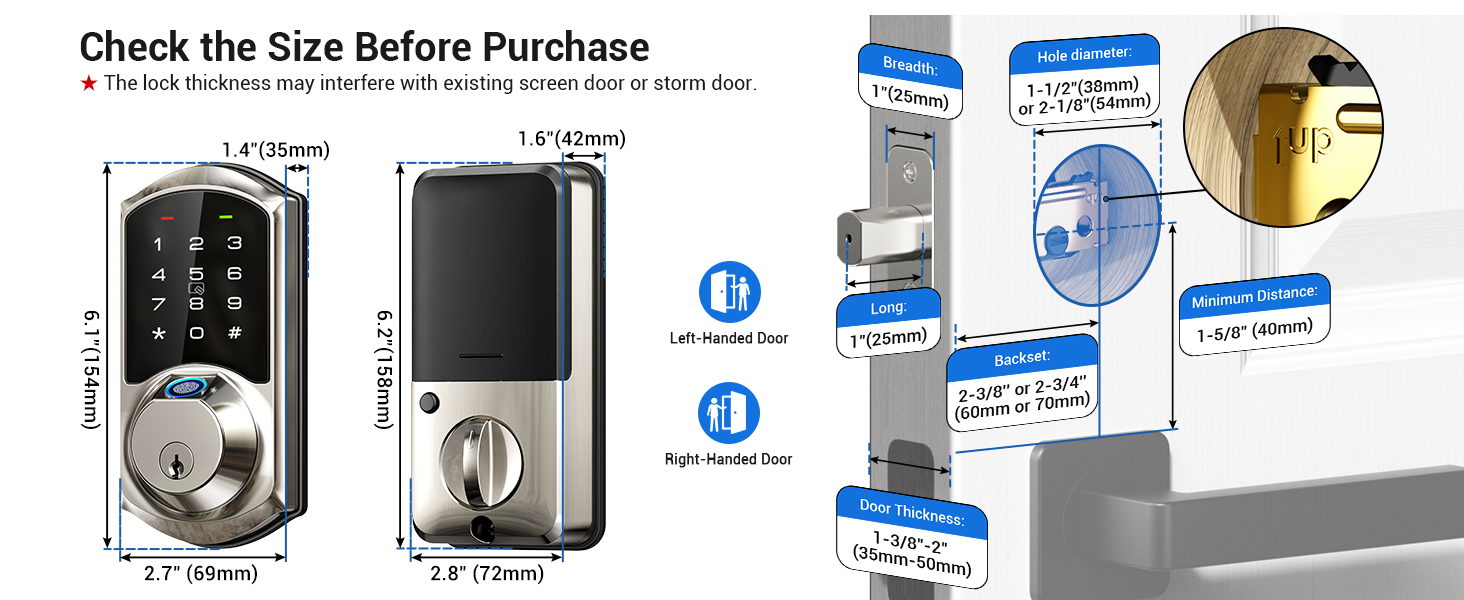
Remote Control-More functions with Veise G2 Gateway
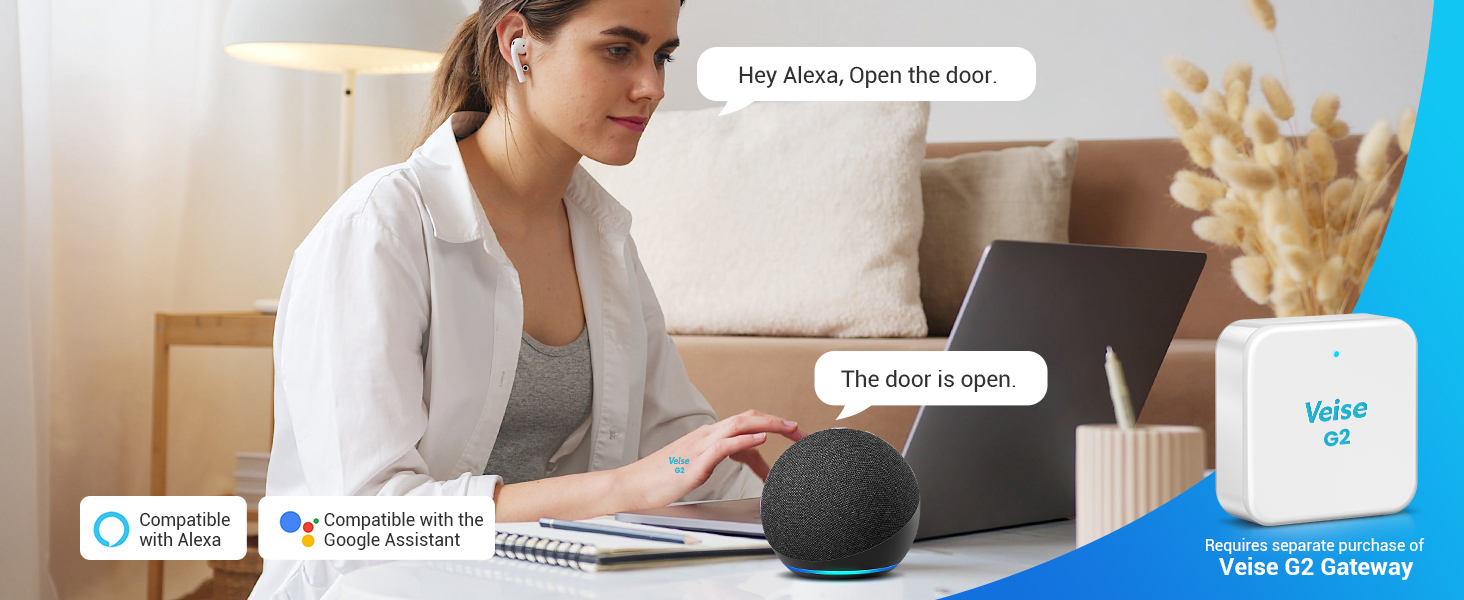
Smart Voice Control
The smart lock works with Alexa and Google Assistant by connected to the Veise G2 gateway (sold separately) and require work in 2.4G Wi-Fi.
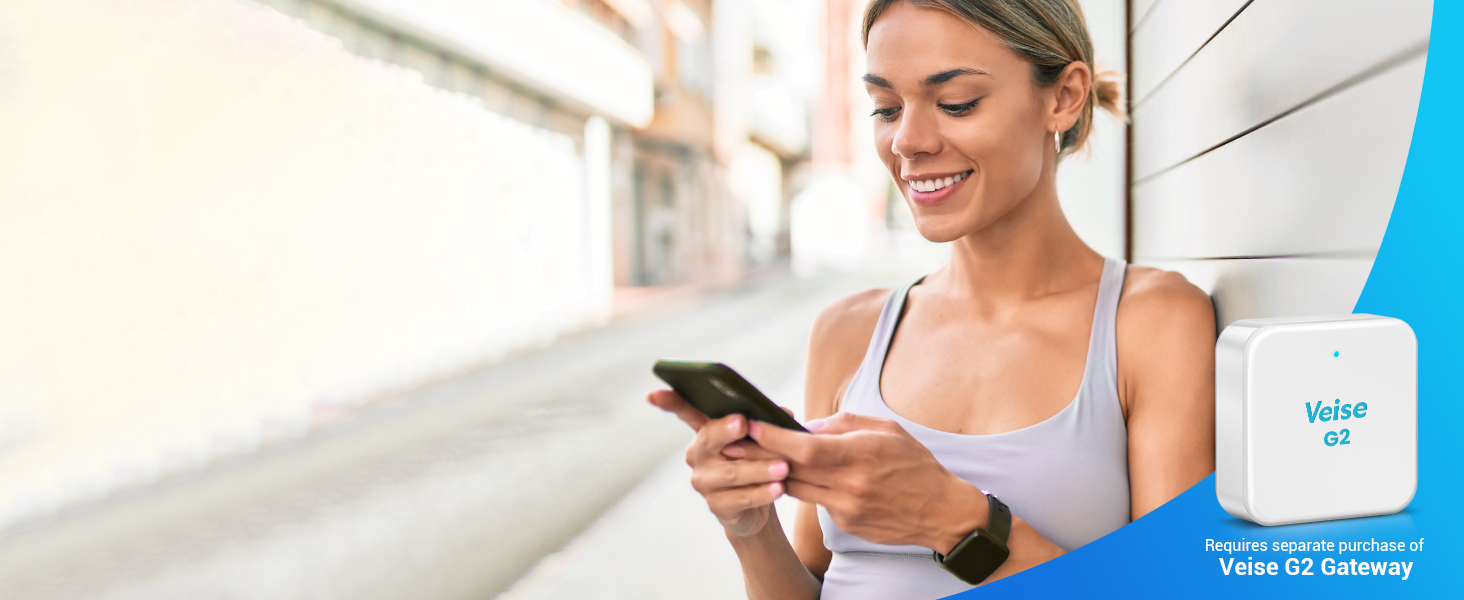
Remote Access
After connecting to the Veise G2 gateway (sold separately) and require work in 2.4G Wi-Fi, you can remotely control completely the smart lock, and remote access anywhere and anytime.
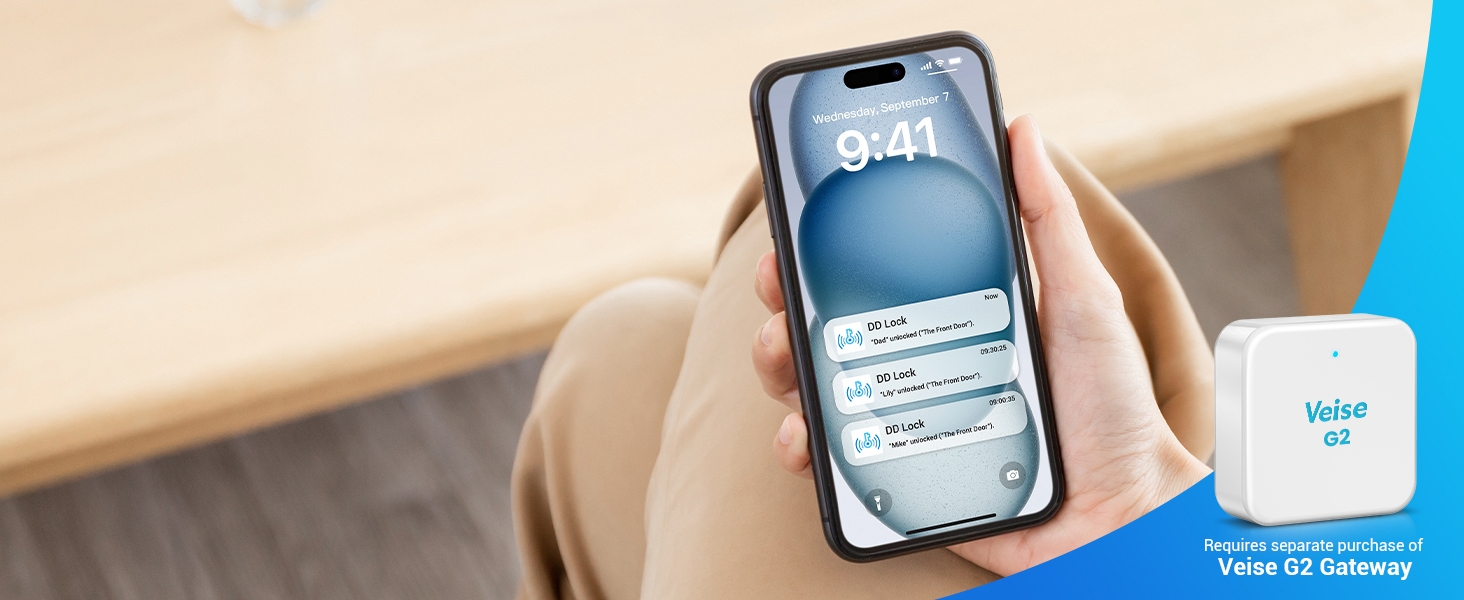
Real-Time Notification Push
You can receive real-time notifications and access real-time event records after connecting to the Veise G2 gateway (sold separately) and require work in 2.4G Wi-Fi.
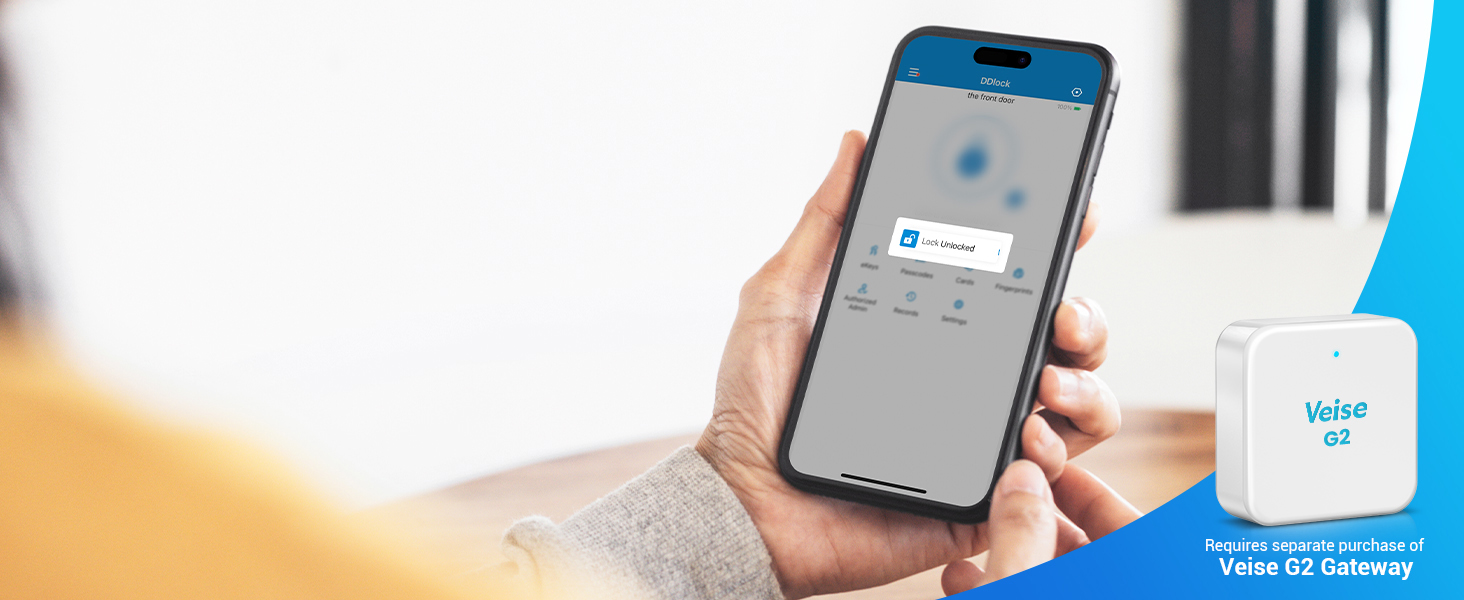
Check Lock Status Anywhere
With the Veise G2 gateway (sold separately) and require work in 2.4G Wi-Fi, you can remotely check the status of your door lock status at any time. Note: cannot monitor door status.
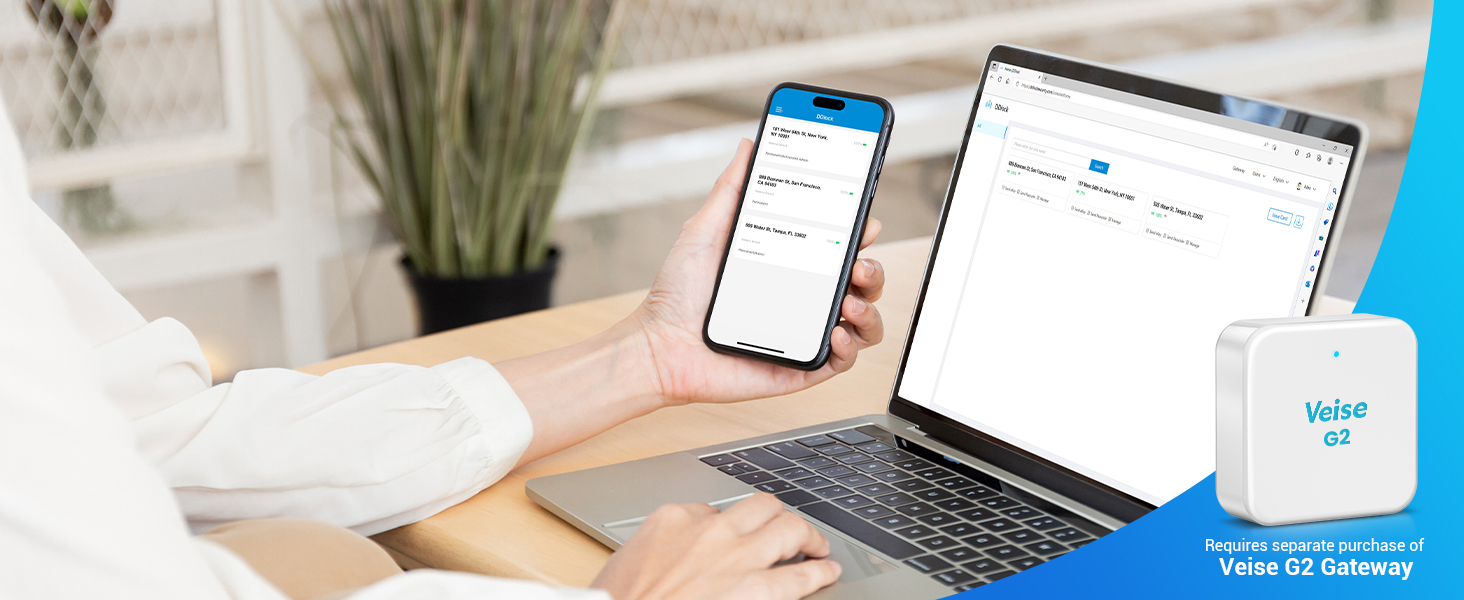
Remote Web Management
Connect the Veise G2 gateway (sold separately) via 2.4G Wi-Fi to manage door locks with free, permanent web access â?? ideal for apartment owners.
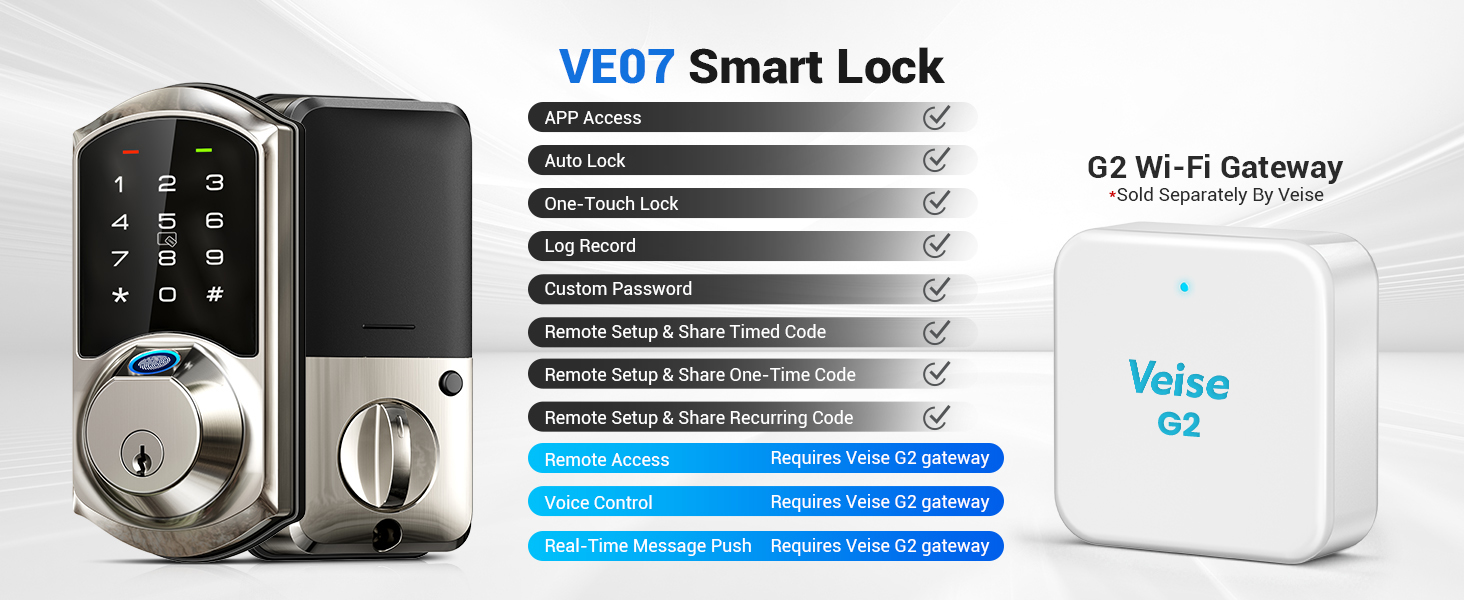
More remote functions with Veise G2 Gateway
 VE07 |  G2 Gateway |  VE06 |  RZ06 |  RZ07 |  RZ09 |  RZ06B | |
|---|---|---|---|---|---|---|---|
Customer Reviews | — | — | — | — | — | — | — |
Price | — | — | — | — | — | — | — |
Fingerprint | â?? | — | — | — | â?? | â?? | — |
APP Access | â?? | — | â?? | â?? | â?? | â?? | â?? |
Auto Lock | â?? | — | â?? | â?? | â?? | â?? | â?? |
Permanent & Timed password | â?? | — | â?? | â?? | â?? | â?? | â?? |
One-time Password | â?? | — | â?? | â?? | â?? | â?? | â?? |
Recurring Password | â?? | — | â?? | â?? | â?? | â?? | â?? |
Anti-peep Password | â?? | — | â?? | â?? | â?? | â?? | â?? |
Remote Access | Require to purchase gateway G2 | â?? | Require to purchase gateway G2 | Require to purchase gateway G2 | Require to purchase gateway G2 | Require to purchase gateway G2 | Require to purchase gateway G2 |
Voice Control | Require to purchase gateway G2 | â?? | Require to purchase gateway G2 | Require to purchase gateway G2 | Require to purchase gateway G2 | Require to purchase gateway G2 | Require to purchase gateway G2 |
Real-time Message Push | Require to purchase gateway G2 | â?? | Require to purchase gateway G2 | Require to purchase gateway G2 | Require to purchase gateway G2 | Require to purchase gateway G2 | Require to purchase gateway G2 |
Monitoring Lock Status | Require to purchase gateway G2 | â?? | Require to purchase gateway G2 | Require to purchase gateway G2 | Require to purchase gateway G2 | Require to purchase gateway G2 | Require to purchase gateway G2 |
Slide to view >>>
Trust Veise, Secure Your Home
Veise Keypad Door Lock
Veise Keyless Entry Door Lock
Smart Locks Work w/G2 Gateway
Smart Locks Work w/G2 Gateway
Smart Locks Work w/G2 Gateway
Smart Lock Accessories
Smart Locks Work w/G1 Gateway
Smart Locks Work w/G1 Gateway
Smart Locks Work w/G1 Gateway
Built-in WiFi Smart Lock
Built-in WiFi Smart Lock
Built-in WiFi Smart Lock
aplus content video
App Control
Fingerprint Unlock
Passcodes
Fob Cards
2 Keys
Work with Apple Watch


Touch to access and control your smart lock via an App on your smartphone.
The fingerprint recognition takes only 0.3 seconds and unlocks in 1 second, supports to add up to 50 fingerprints.
You can set different types of PIN codes, and up to 250 codes are available to meet your needs.
Easily unlock your front door by simply swiping the IC card.
2 Mechanical keys are suitable for the elderly and can also serve as your emergency backup keys!
Access the smart lock with your Apple Watch within Bluetooth range of the lock.
Tips: Apple Watch needs to download the DDLock APP separately.
Share eKeys Remotely
Smart User Management
Local Activity Records
Web Portal Management
Auto Lock & One-Touch Lock


Remotely generate eKeys and share App access with your family by sending them or authorizing administrators.
Effortlessly authorize and manage users remotely through the App.
You can view the lock's daily local activity records when your phone is connected and within the lock's range.
Veise offers a free lifetime web portal that allows you to easily manage your smart locks and users.
You can set the auto-lock feature and to customize the delay time from 10-900s via APP. Additionally, you can lock the door from the outside by pressing and holding the "#" button for 2s.
One-Time Code
Erase Code
Timed Code
Recurring Code
Permanent Code
Customer Code


Remotely generate and share one-time codes for repairmen, couriers, delivery people and others. Each code is automatically deleted after one use.
Remotely generate and share to tenants or guests who want to check out, deleting all passcodes (except the admin passcode) used on the lock when this code is entered.
Remotely generate & share timed codes, with automatic expiration beyond the date. NOTE: Delete/edit require within the Bluetooth range of lock or remotely via the Veise G2 Gateway (sold separately).
Remotely generate recurring code for regular visitor and can be reused at specified times. NOTE: Delete/edit require within the Bluetooth range or remotely via the Veise G2 Gateway (sold separately).
The permanent code can be used all the time, which works perfectly for family members. NOTE:Delete/edit require within the Bluetooth range or remotely via the Veise G2 Gateway (sold separately).
You can set the custom code locally within the range of the lock or remotely by connecting to Veise G2 Gateway (sold separately).
Privacy Mode
Low Battery Alert


In the privacy mode, the APP, key and administrator password can be unlocked, and other methods are disabled.
The door lock will alert you when the battery is low, and you can check the battery (4 AA batteries are not included) level through the app to ensure you won't forget to replace it.
Remote Control-More functions with Veise G2 Gateway
Smart Voice Control
Remote Access
Real-Time Notification Push
Check Lock Status Anywhere
Remote Web Management


The smart lock works with Alexa and Google Assistant by connected to the Veise G2 gateway (sold separately) and require work in 2.4G Wi-Fi.
After connecting to the Veise G2 gateway (sold separately) and require work in 2.4G Wi-Fi, you can remotely control completely the smart lock, and remote access anywhere and anytime.
You can receive real-time notifications and access real-time event records after connecting to the Veise G2 gateway (sold separately) and require work in 2.4G Wi-Fi.
With the Veise G2 gateway (sold separately) and require work in 2.4G Wi-Fi, you can remotely check the status of your door lock status at any time. Note: cannot monitor door status.
Connect the Veise G2 gateway (sold separately) via 2.4G Wi-Fi to manage door locks with free, permanent web access — ideal for apartment owners.
More remote functions with Veise G2 Gateway
VE07 | G2 Gateway | VE06 | RZ06 | RZ07 | RZ09 | RZ06B |
|---|---|---|---|---|---|---|
| Customer Reviews | ||||||
| — | — | — | — | — | — | — |
| Price | ||||||
| — | — | — | — | — | — | — |
| Fingerprint | ||||||
| ? | — | — | — | ? | ? | — |
| APP Access | ||||||
| ? | — | ? | ? | ? | ? | ? |
| Auto Lock | ||||||
| ? | — | ? | ? | ? | ? | ? |
| Permanent & Timed password | ||||||
| ? | — | ? | ? | ? | ? | ? |
| One-time Password | ||||||
| ? | — | ? | ? | ? | ? | ? |
| Recurring Password | ||||||
| ? | — | ? | ? | ? | ? | ? |
| Anti-peep Password | ||||||
| ? | — | ? | ? | ? | ? | ? |
| Remote Access | ||||||
| Require to purchase gateway G2 | ? | Require to purchase gateway G2 | Require to purchase gateway G2 | Require to purchase gateway G2 | Require to purchase gateway G2 | Require to purchase gateway G2 |
| Voice Control | ||||||
| Require to purchase gateway G2 | ? | Require to purchase gateway G2 | Require to purchase gateway G2 | Require to purchase gateway G2 | Require to purchase gateway G2 | Require to purchase gateway G2 |
| Real-time Message Push | ||||||
| Require to purchase gateway G2 | ? | Require to purchase gateway G2 | Require to purchase gateway G2 | Require to purchase gateway G2 | Require to purchase gateway G2 | Require to purchase gateway G2 |
| Monitoring Lock Status | ||||||
| Require to purchase gateway G2 | ? | Require to purchase gateway G2 | Require to purchase gateway G2 | Require to purchase gateway G2 | Require to purchase gateway G2 | Require to purchase gateway G2 |