





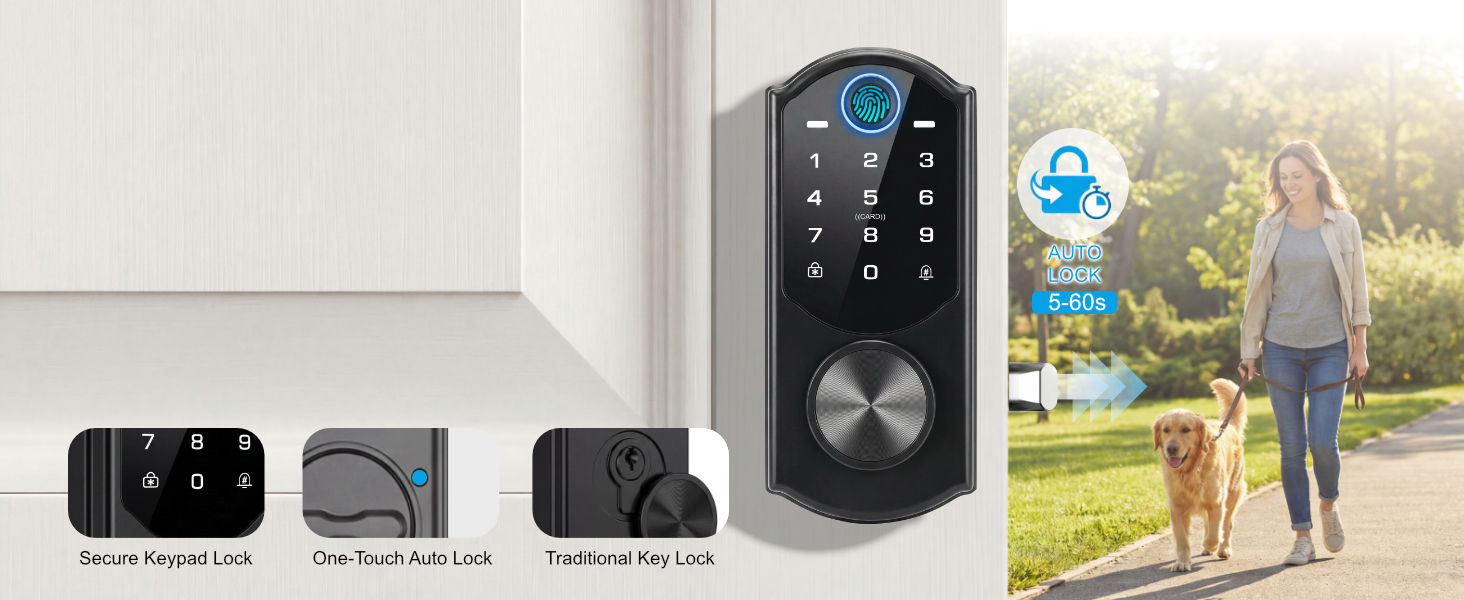
Multiple Ways to Lock
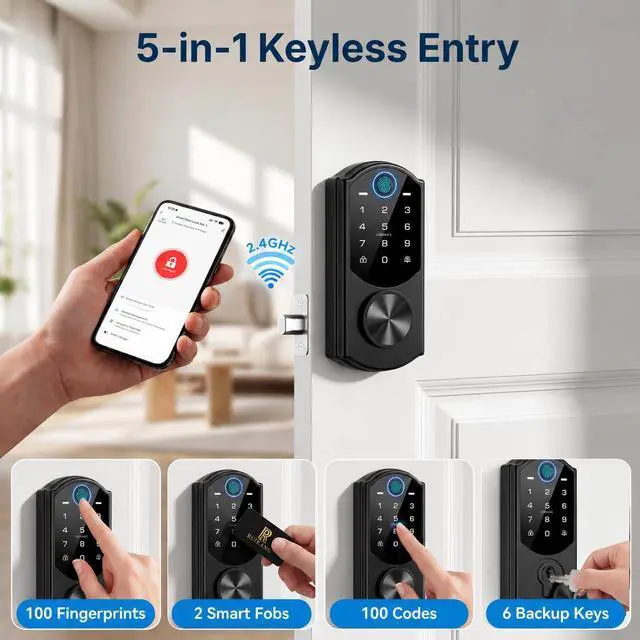
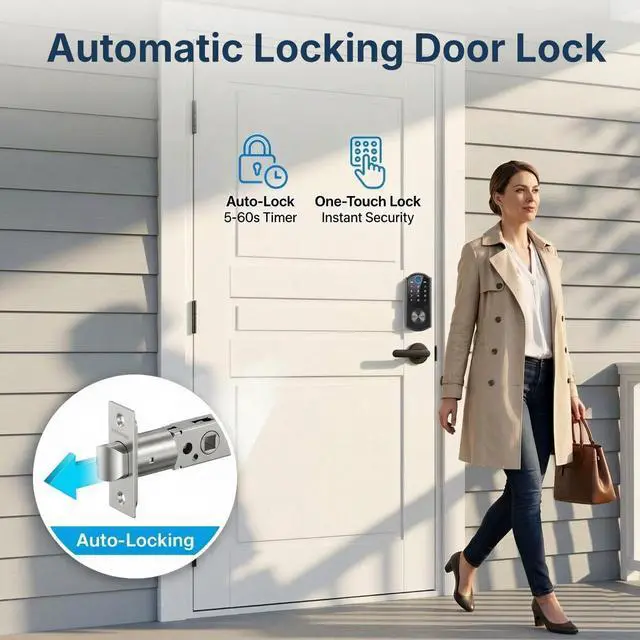
Lock from the keypad, fingerprint, one-touch, or with a key—choose what fits your day.
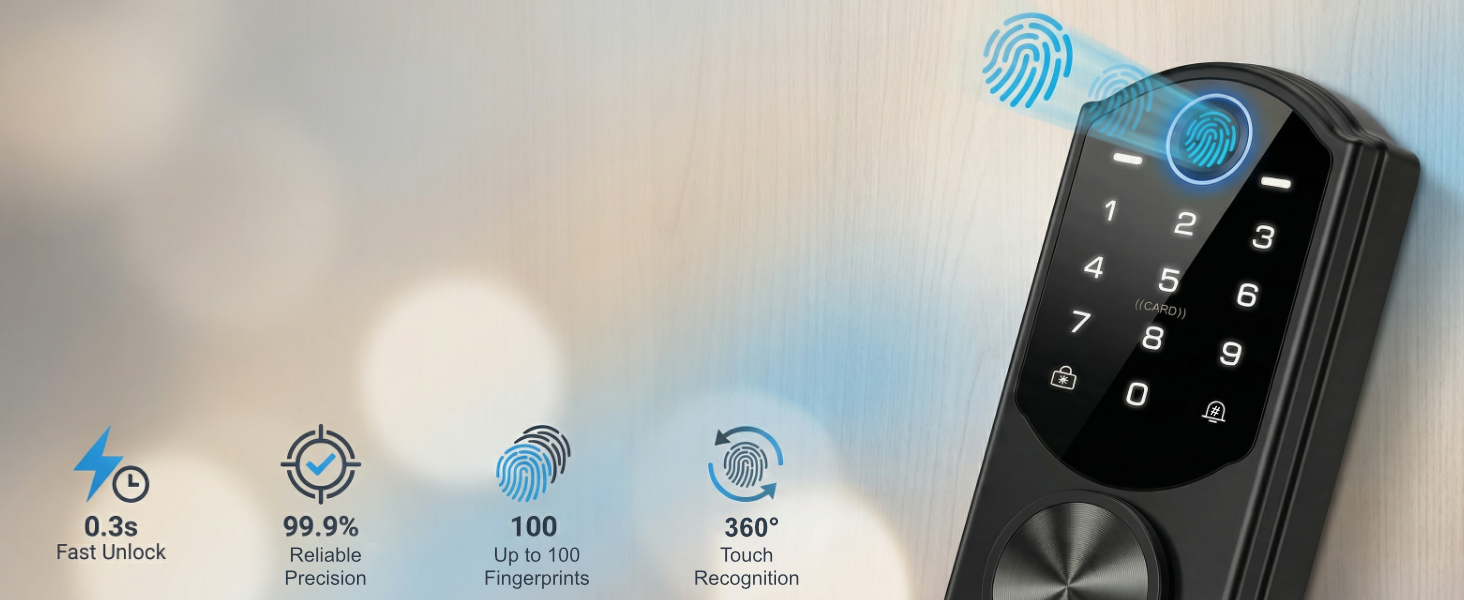
Fast & Accurate Fingerprint Unlock
0.3s quick unlock with 99.9% recognition accuracy — works from any angle.
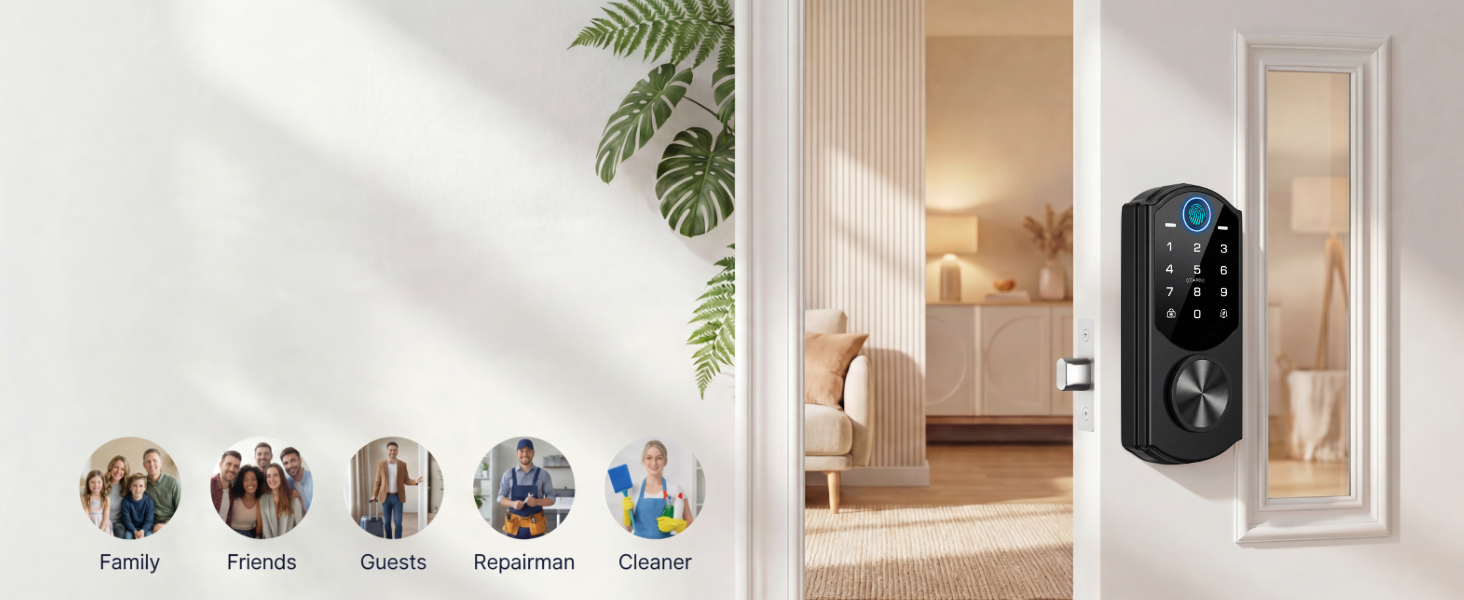
Unique Passcodes for Every User
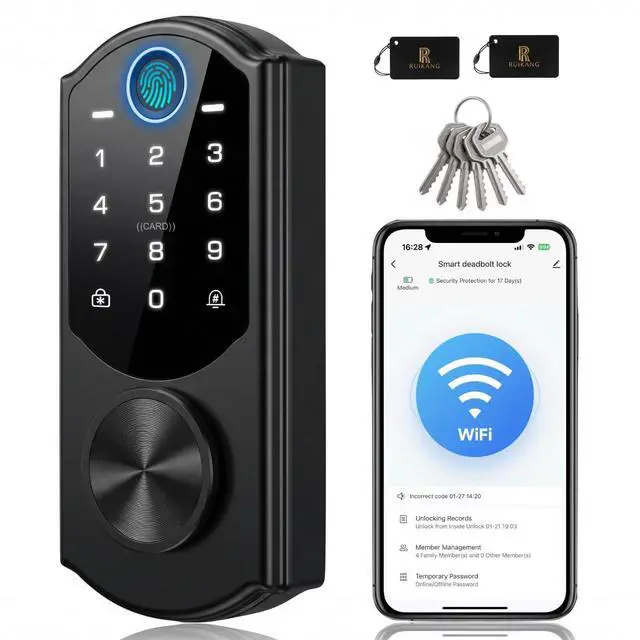
Supports up to 200 user profiles — including passcodes, fingerprints, and fob cards.
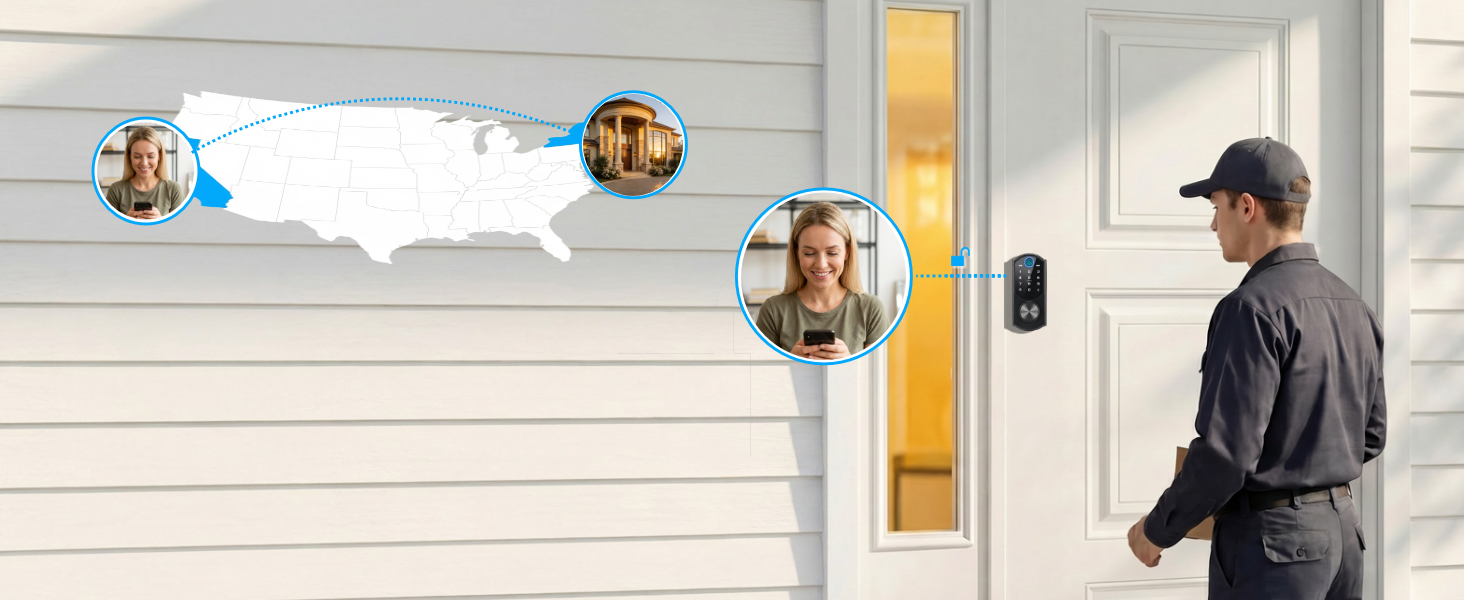
Built-In WiFi, No Hub Needed
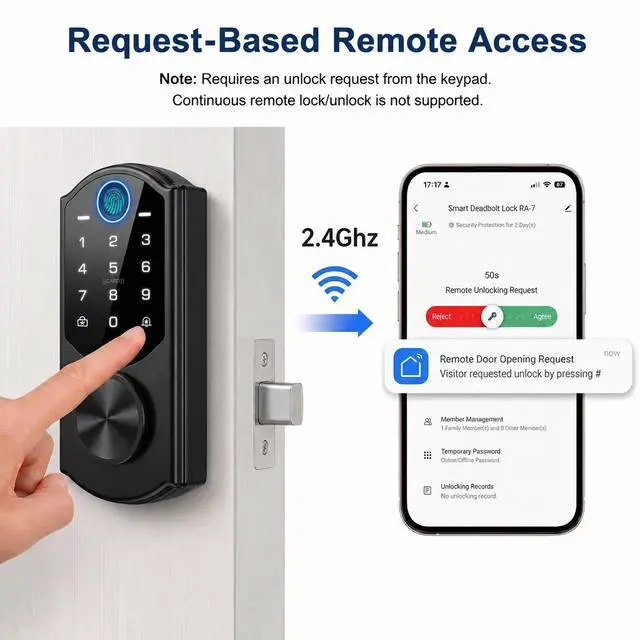
Get unlock requests via doorbell and grant access remotely in the app. 2.4GHz Wi-Fi only.
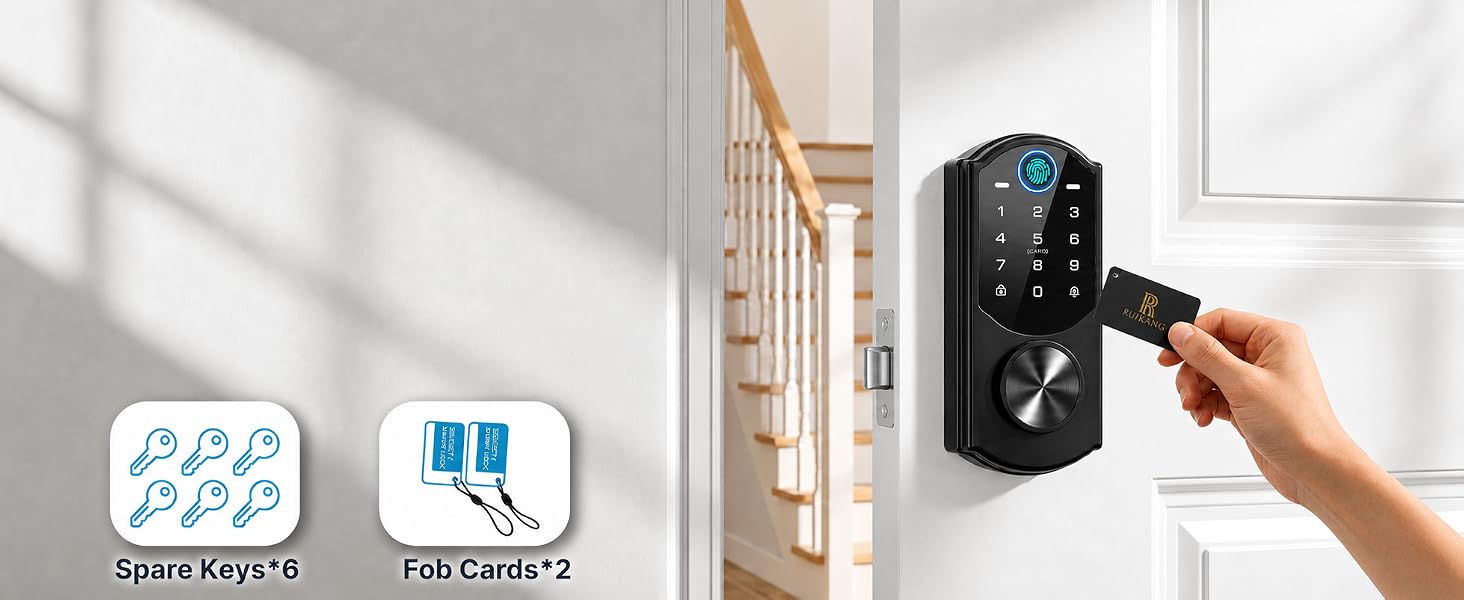
Fob Cards & Backup Keys Included
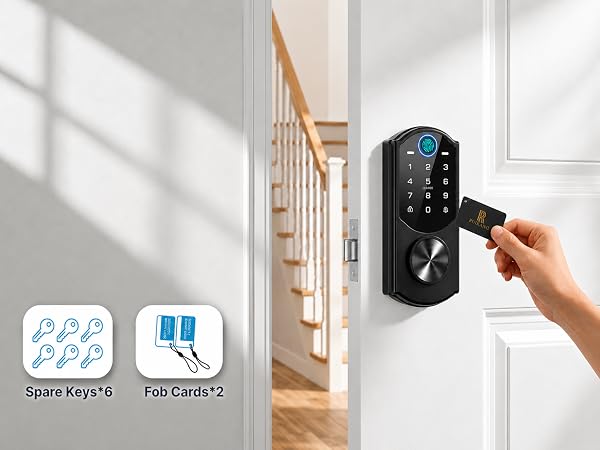
Includes 2 Fob Cards & 6 Spare Keys for Easy Access
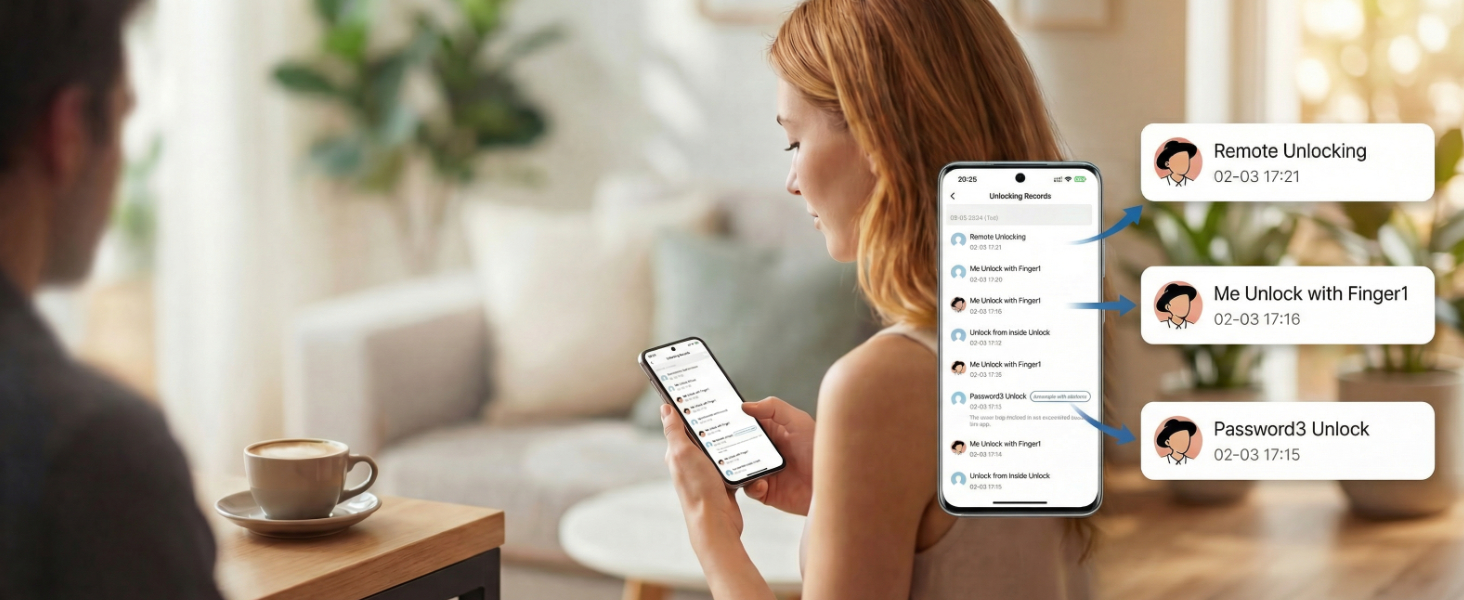
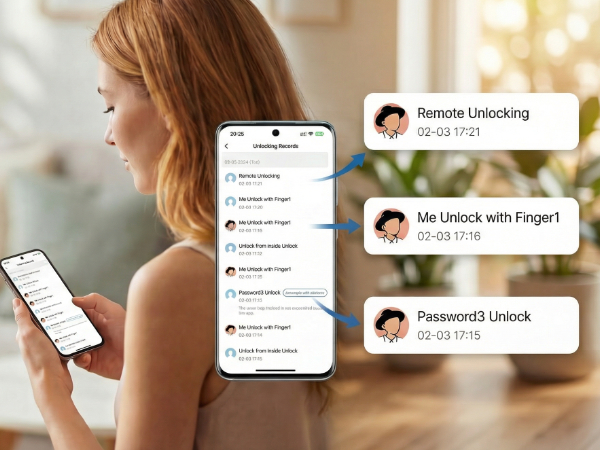
Stay informed with a complete event history of all door activity for peace of mind.
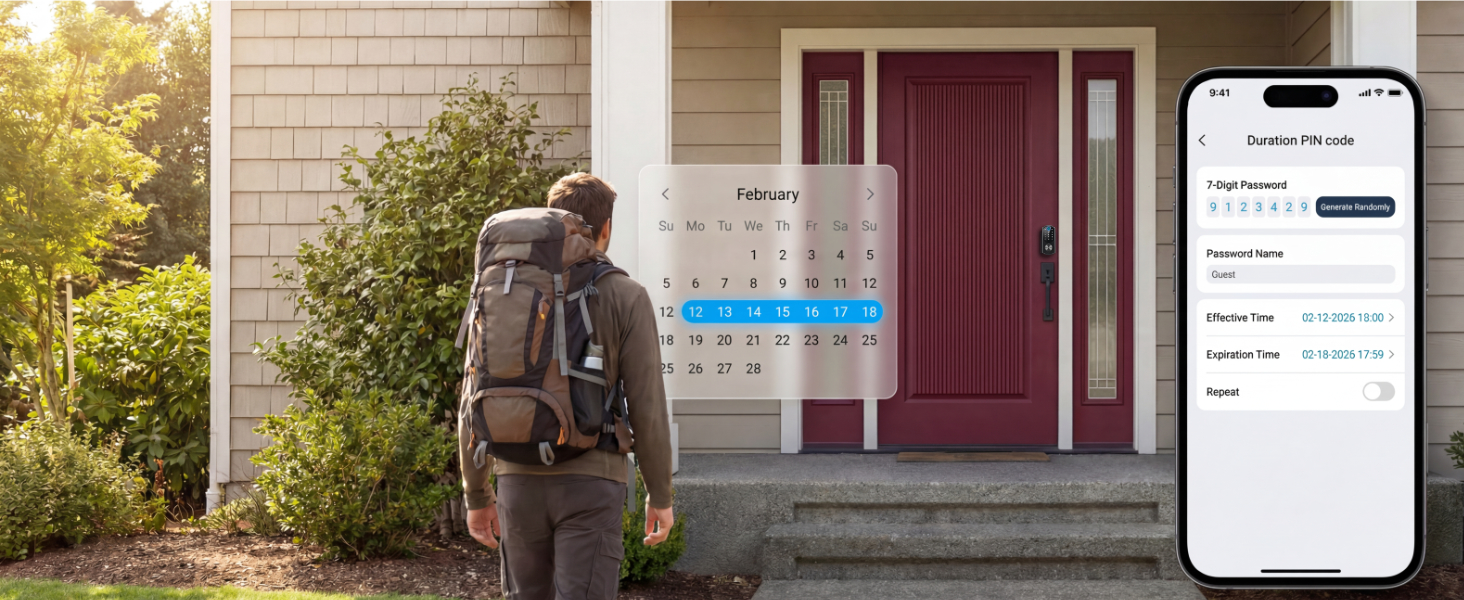
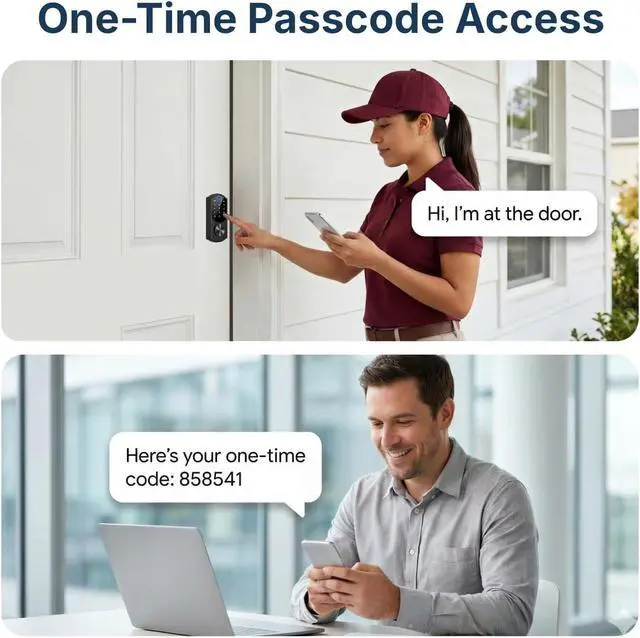
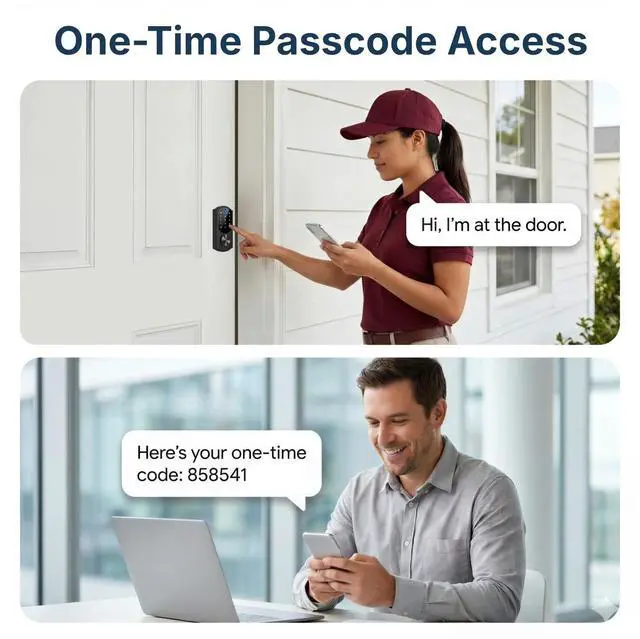
Temporary Passcodes for Limited Access
Set start/end time for each code—perfect for deliveries, cleaners, or maintenance.
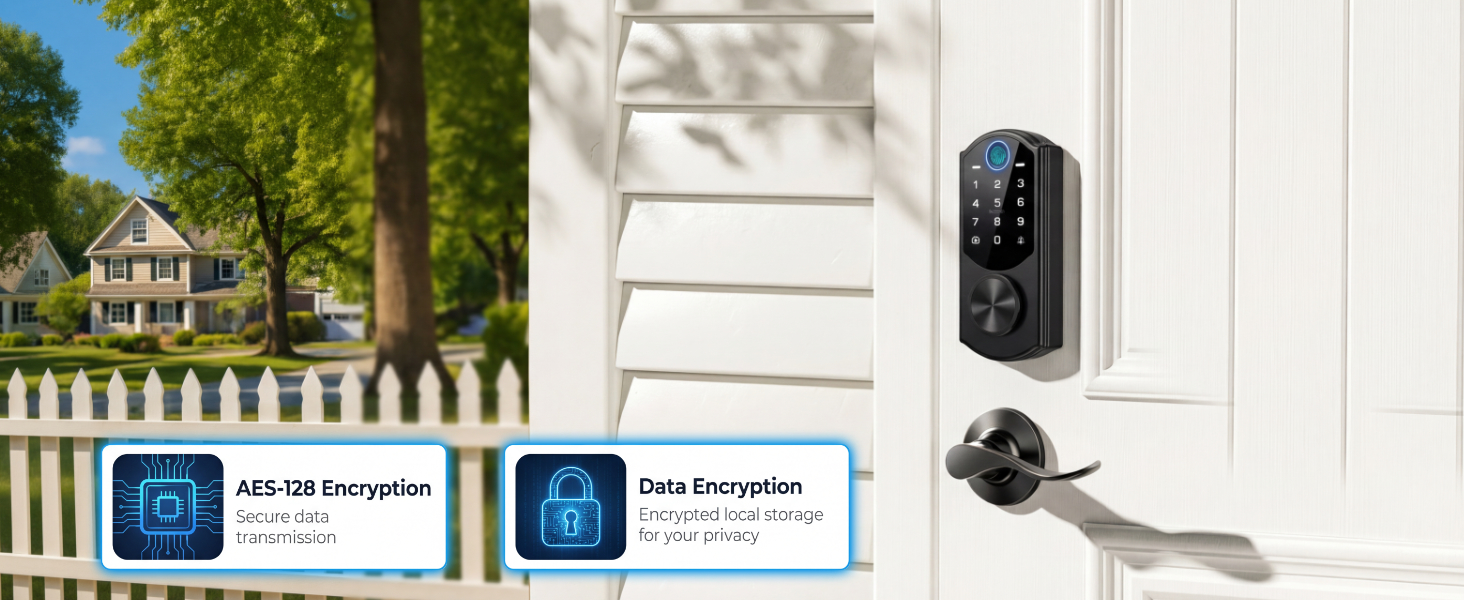
Secure Data, Stored Locally
All access data stays on your lock—no cloud storage. Encrypted communication protects your privacy.
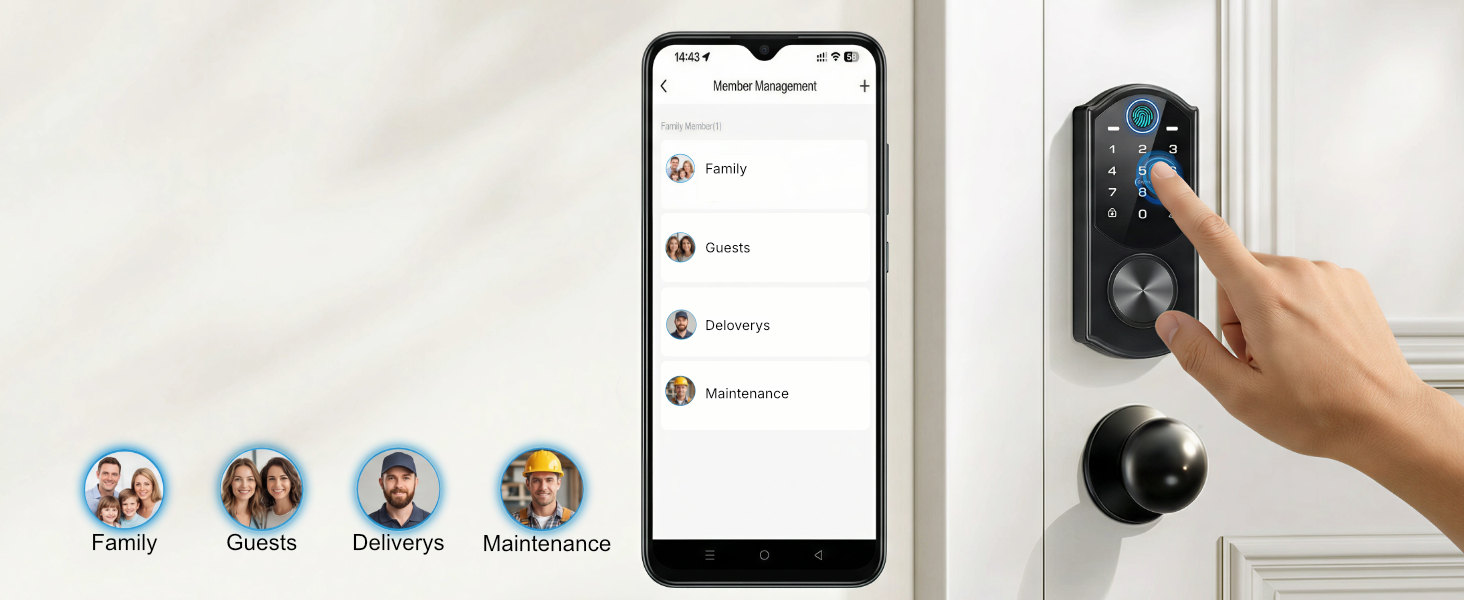
Grant & Revoke Access Easily
Manage users, set permissions, and delete profiles for guests or service staff.


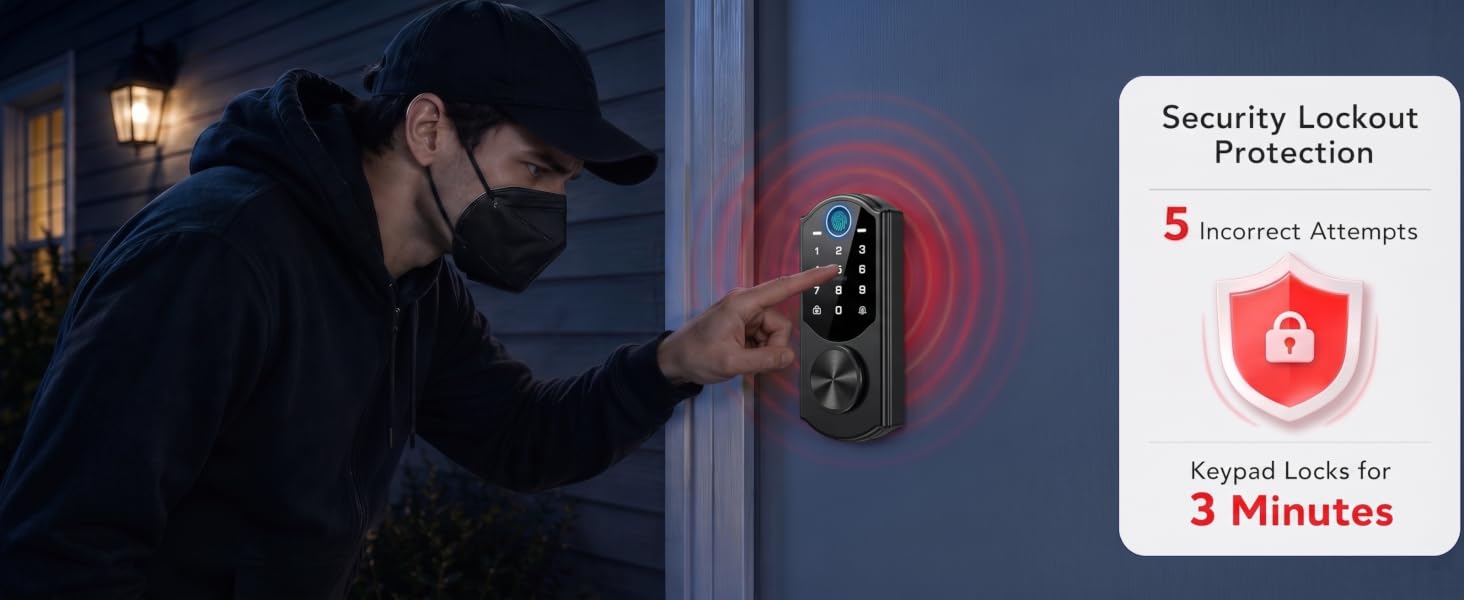
Unlock Requests Sent to Your Phone
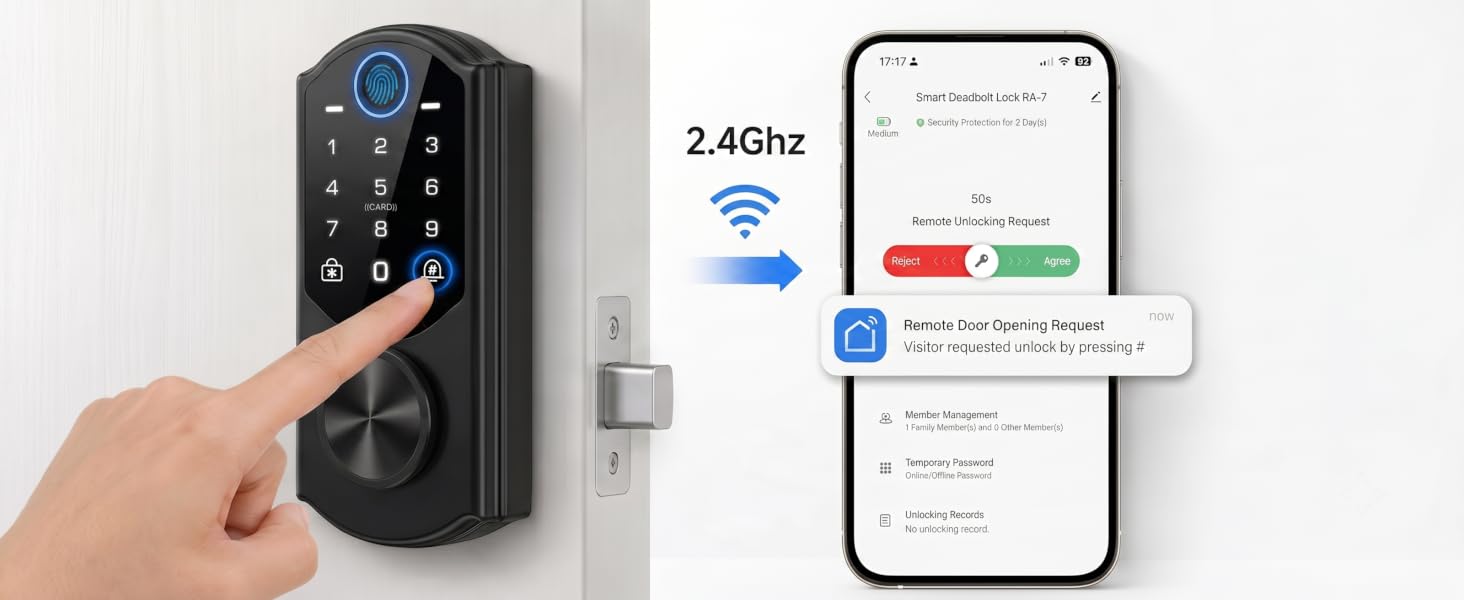
Guests or family can press the “#” key to send an unlock request, and you can approve access from your phone. Easily manage users, codes, and entry settings in the app.
Note: Direct remote lock/unlock from the app is not supported.



Why does my WiFi connection fail or get stuck during setup?
Make sure you use 2.4GHz WiFi (not 5GHz).
Keep the lock near the router and follow setup steps carefully.
How does remote access work?
Get instant unlock requests when guests or family press the “#” key. Approve access from your phone and manage users, codes, and settings in the app.
Note: Guests must press “#” to send a request. Direct remote lock/unlock is not supported.
Why doesn’t the fingerprint reader recognize my finger?
For best performance:
1. Register the same finger 2–3 times from different angles
2. Make sure your finger is clean and dry
3. Place your finger firmly for 1–2 seconds
I registered my fingerprint, but it still doesn’t work. What should I do?
Try these quick fixes:
1. Delete and re-register your fingerprint
2.. Add multiple fingers as backup
3. Clean both your finger and the sensor
4. Press slightly longer and more firmly
Why is the setup so difficult and the instructions unclear?
We’re sorry for the frustration. We’ve improved the instructions with clearer steps and visuals.
For WiFi setup, please ensure you are using 2.4GHz WiFi (not 5GHz).
If you need help, please reach out — we’ll guide you step by step.

Multiple Ways to Lock
Lock from the keypad, fingerprint, one-touch, or with a key—choose what fits your day.
Fast & Accurate Fingerprint Unlock
0.3s quick unlock with 99.9% recognition accuracy — works from any angle.
Unique Passcodes for Every User
Supports up to 200 user profiles — including passcodes, fingerprints, and fob cards.
Built-In WiFi, No Hub Needed
Get unlock requests via doorbell and grant access remotely in the app. 2.4GHz Wi-Fi only.
Fob Cards & Backup Keys Included
Includes 2 Fob Cards & 6 Spare Keys for Easy Access


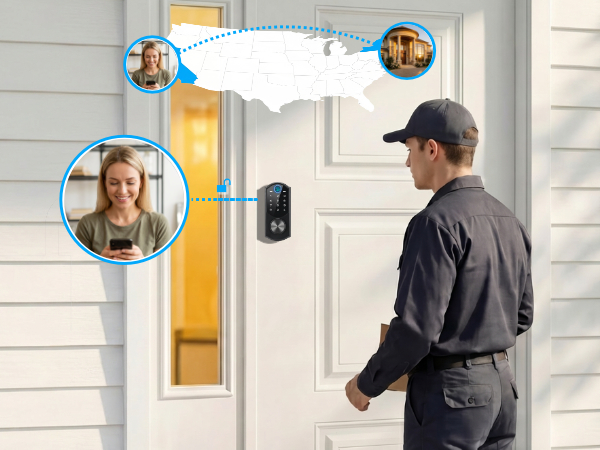
Stay informed with a complete event history of all door activity for peace of mind.
Temporary Passcodes for Limited Access
Set start/end time for each code—perfect for deliveries, cleaners, or maintenance.
Secure Data, Stored Locally
All access data stays on your lock—no cloud storage. Encrypted communication protects your privacy.
Grant & Revoke Access Easily
Manage users, set permissions, and delete profiles for guests or service staff.


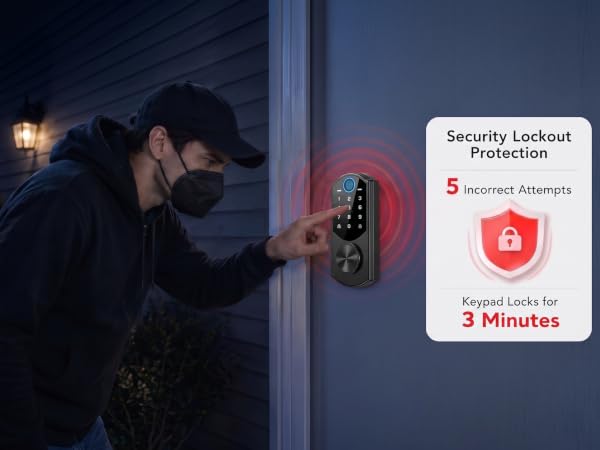
Unlock Requests Sent to Your Phone
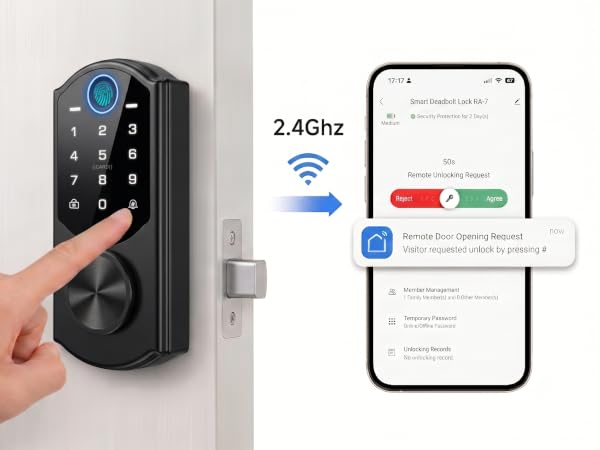
Guests or family can press the “#” key to send an unlock request, and you can approve access from your phone. Easily manage users, codes, and entry settings in the app.
Note: Direct remote lock/unlock from the app is not supported.



Why does my WiFi connection fail or get stuck during setup?
Make sure you use 2.4GHz WiFi (not 5GHz).
Keep the lock near the router and follow setup steps carefully.
How does remote access work?
Get instant unlock requests when guests or family press the “#” key. Approve access from your phone and manage users, codes, and settings in the app.
Note: Guests must press “#” to send a request. Direct remote lock/unlock is not supported.
Why doesn’t the fingerprint reader recognize my finger?
For best performance:
1. Register the same finger 2–3 times from different angles
2. Make sure your finger is clean and dry
3. Place your finger firmly for 1–2 seconds
I registered my fingerprint, but it still doesn’t work. What should I do?
Try these quick fixes:
1. Delete and re-register your fingerprint
2.. Add multiple fingers as backup
3. Clean both your finger and the sensor
4. Press slightly longer and more firmly
Why is the setup so difficult and the instructions unclear?
We’re sorry for the frustration. We’ve improved the instructions with clearer steps and visuals.
For WiFi setup, please ensure you are using 2.4GHz WiFi (not 5GHz).
If you need help, please reach out — we’ll guide you step by step.