




 here!
here!
I’m your shopping assistant for PC builds, upgrades, and everything tech.
Got questions? Ask away!
Start a conversation
here!
I’m your shopping assistant for PC builds, upgrades, and everything tech.
Got questions? Ask away!
Start a conversation
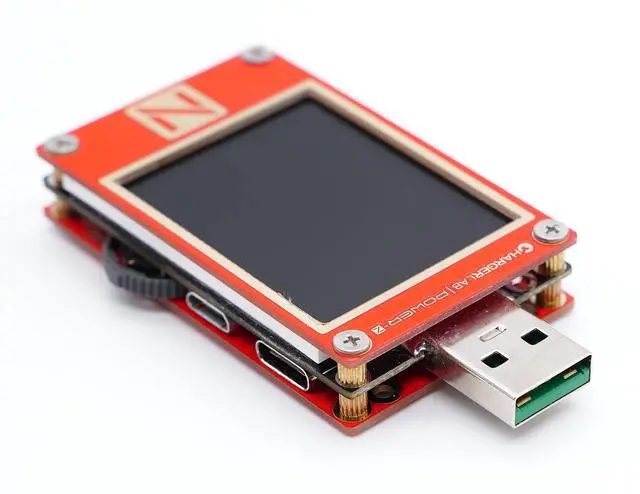
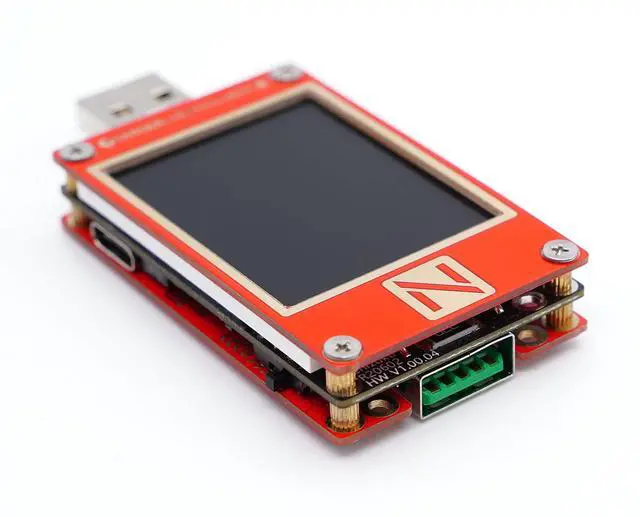



Any questions? Ask CelesteSM will help you find out quickly.
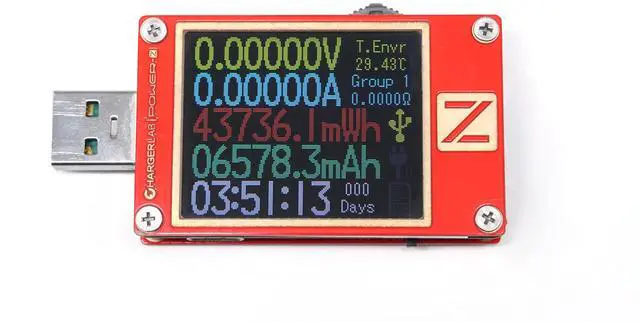
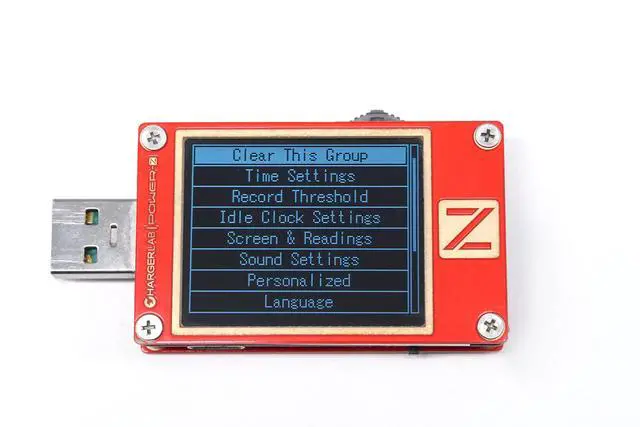
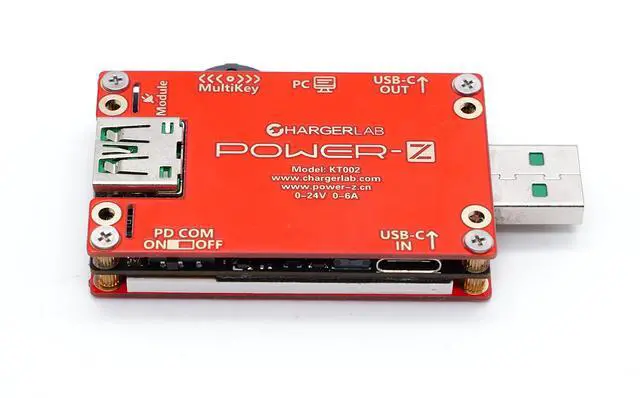
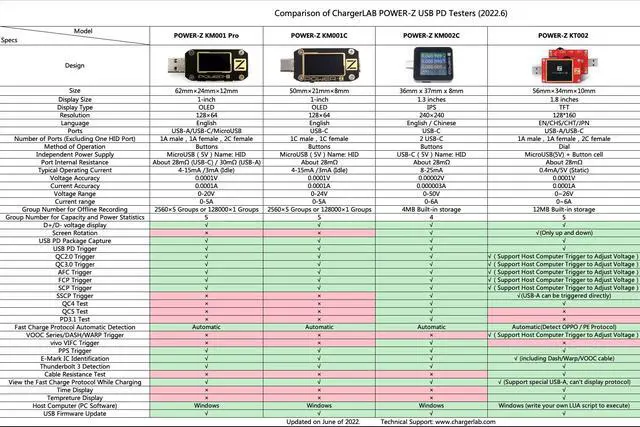
1. Voltage and current detection: Use dual Type-C to detect PD charging and use dual Type-A (specially designed for OPPO, Huawei, and Oneplus, support larger current) to detect others. 2. E-marker Cable Reader: It can detect the cable's kind, current range, and transmission performance. 3. Fast charge trigger: Support different mainstream protocols. And can set fixed and PPS modes for different gears. 4. Auto Protocol Detection: Automatically detect whether the current device can support PD3.0, PPS, QC4+, QC3.0/2.0, FCP, SCP, AFC, SuperVOOC, DASH, Warp, Apple 2.4A, DCP protocol, and various voltage gears. 5. Cable Resistance Test: support A-C, C-C (be sure to connect to load). 6. More Tools: Enable Apple 2.4A Speed, Apple MFI Cable Test, etc.


