

Your Browsing History
- Free 30-day Returns
$22.12
Ships from China.


Meet Your Seller

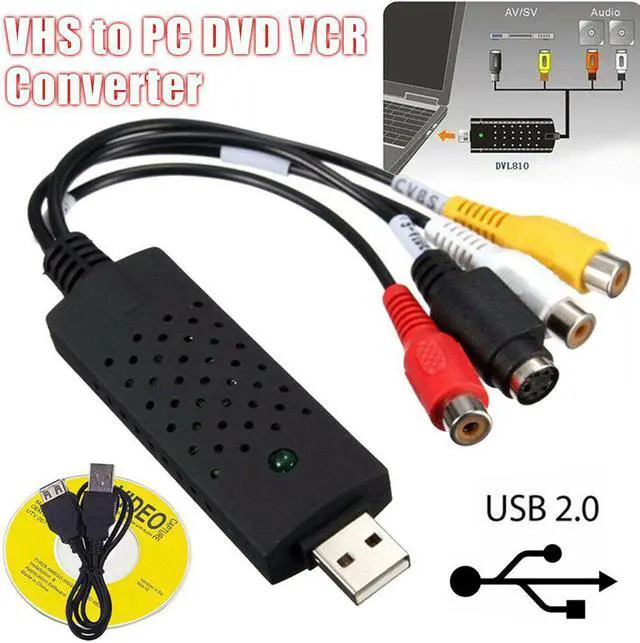
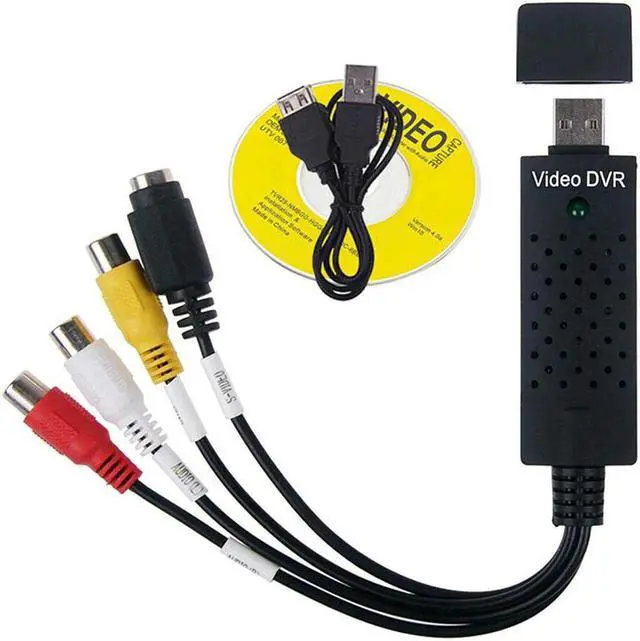
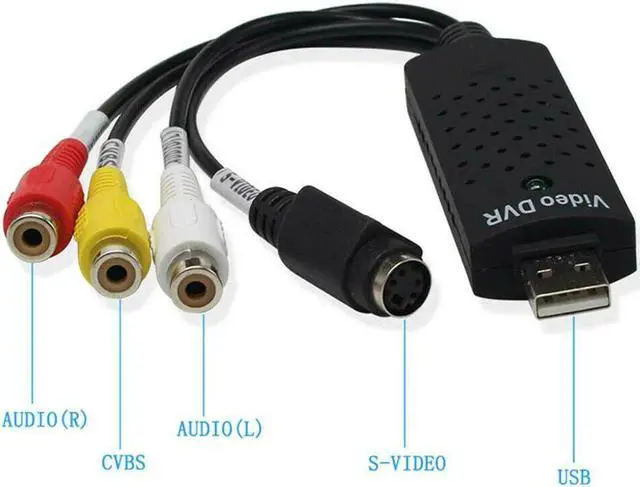


2.0 Audio Television Video VHS to PC DVD VCR Converter Easy Capture Card Adapter DJA99
Limited time offer, ends 11/01 By xiatiandianzi
- Good Quality
+
+
Overview
Specs
Reviews

Any questions? Our AI mode will help you find out quickly.
Try me now
2.0 Audio Television Video VHS to PC DVD VCR Converter Easy Capture Card Adapter DJA99
Feature:
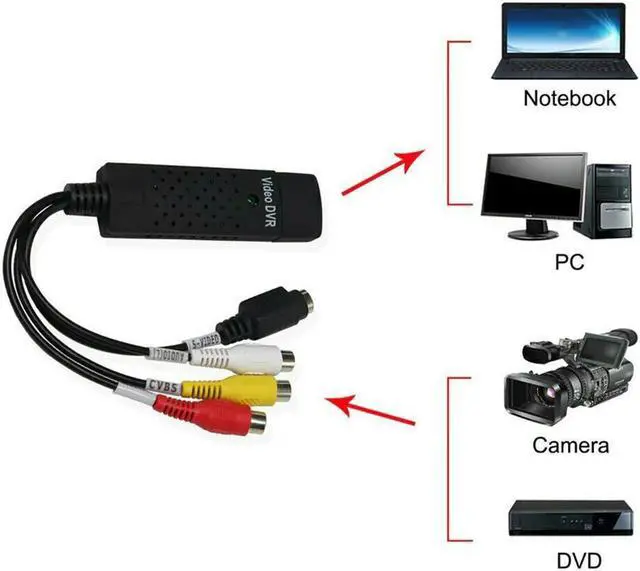
1. Send video to your PC through port, record video in DVD / VCD / MP3 / 4 formats and save it in hard disk, watch video on monitor screen of desktop / laptop
2. With easy-to-use video editor software, videotape to DVD converter always records video and audio simultaneously, supports multiple video inputs for video and composite RCA video
3. Turn your PC into a full-featured video recording and editing workstation, which can be easily set up in a few minutes, and still image capture of albums
4. Not only can you watch videos on your laptop or desktop PC, you can also record full motion videos or play games from different devices, PCs
5. Excellent Video Selector / Switcher: Instantly smooth video source switching between PC, composite video input or S-Video input
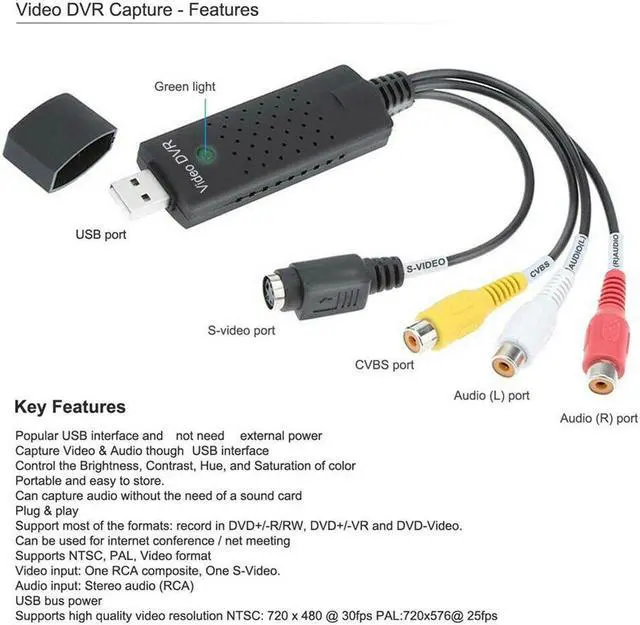
6. Support global video system, including NTSC, PAL and SECAM. Snapshot button for saving still pictures as BMP or JPEG files. Resizable video window until full screen display
7. Video surveillance interface: Any security CCTV surveillance camera or camcorder can be connected to this device so that you can turn your computer into a video surveillance system / monitor
8. High-quality video conference interface:
1) You can host a video conference through this unit, with real-time audio and video sources from the camera or any camera to the computer, and broadcast through the Internet connection.
2) Broadcast your video to the outside world using your favorite messaging service or webcam software
Video conferencing software is not included, but can be downloaded for free from the Internet
Specification:
Warranty & Returns
Warranty, Returns, And Additional Information
Warranty
- Please contact the Seller directly for warranty information. Warranty information may also be found on the Manufacturer's website.
- CONTACT
Return Policies
- Return for refund within: 30 days
- Return for replacement within: 30 days
- This item is covered by xiatiandianzi Return Policy
Manufacturer Contact Info
- For a directory of all our manufacturers, please click below.
- Manufacturers Directory
LOADING...