

Your Browsing History

Meet Your Seller


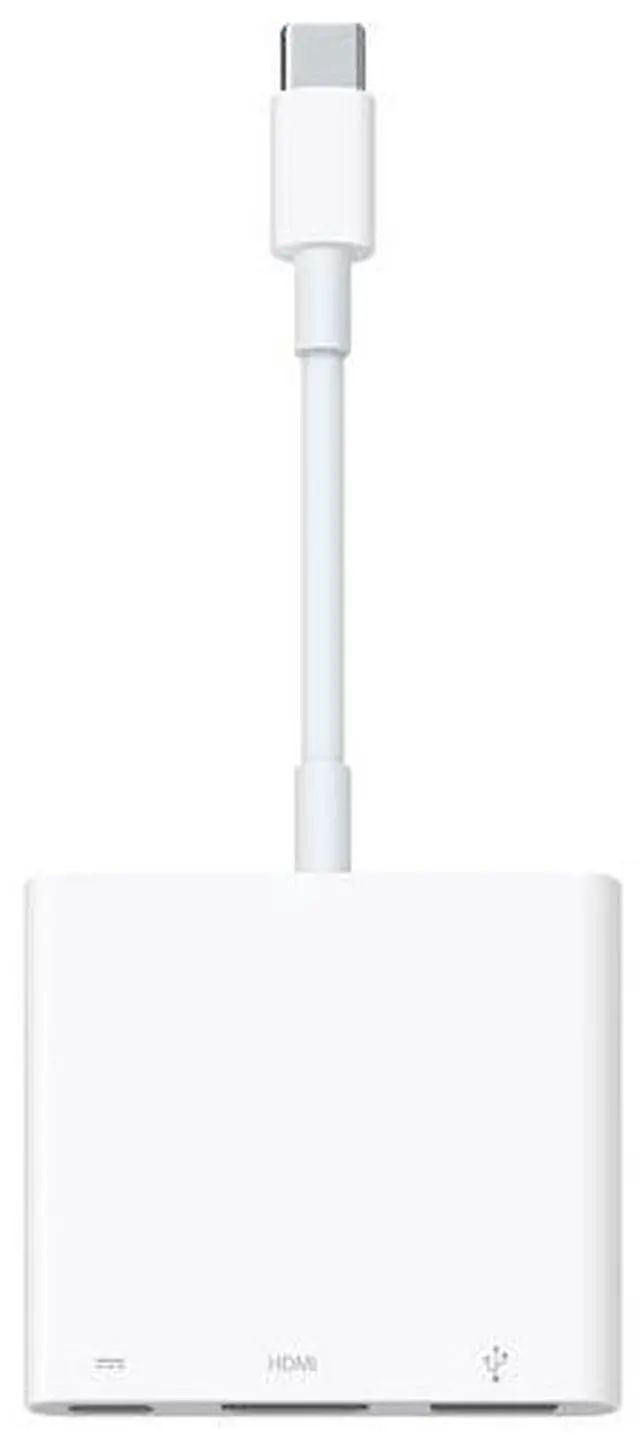
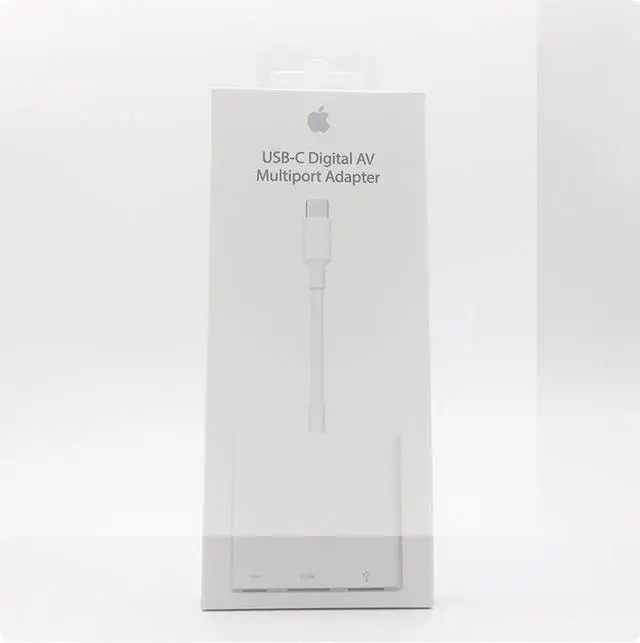


Original USB-C Digital AV Multiport Adapter for Apple iPhone iPad MacBook
- This USB-C Digital AV Multiport Adapter expands the connectivity of your Mac, iPad, or iPhone with a USB-C port. It enables you to:
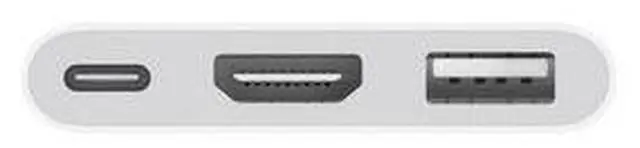
- Mirror your screen to an HDMI-enabled TV or display.
- Connect a USB device, such as a hub or external hard drive.
- Charge your device simultaneously via the pass-through USB-C power port
+
+
Overview
Specs
Reviews

Any questions? Our AI mode will help you find out quickly.
Try me now
Supports 3840 x 2160 resolution at 60Hz on the following devices:
iPhone 15, iPhone 15 Plus, iPhone 15 Pro, iPhone 15 Pro Max, 13inch iPad Pro (M5), 11inch iPad Pro (M5), 13inch iPad Pro (M4), 11inch iPad Pro (M4), 13inch iPad Air (M3), 11inch iPad Air (M3), 13inch iPad Air (M2), 11inch iPad Air (M2), iPad Air (5th generation), 11inch iPad Pro (4th generation), 12.9inch iPad Pro (3rd generation and later), MacBook Pro (16inch, 2019 and later), MacBook Pro (15inch, 2017 and later), MacBook Pro (13inch, Four Thunderbolt 3 ports, 2020), MacBook Air (2020 and later), iMac (Retina 5K, 27inch, 2017 and later), iMac (Retina 4K, 21.5inch, 2017 and later), and iMac Pro (2017 and later).
Supports 1080p at 60Hz or UHD (3840 x 2160) at 30Hz on the following devices:
iPad Air (4th generation), MacBook Air (2018 and later), MacBook Pro (13inch, 2016 and later), MacBook Pro (15inch, 2016), iMac (21.5inch, NonRetina, 2017), and Mac mini (2018).
Simply plug the adapter into the USBC or Thunderbolt 3 (USBC) port on your Mac, iPad, or iPhone, and connect to your TV or projector using an HDMI cable (sold separately).
Use the standard USB port to connect devices such as USB flash drives and cameras, or attach a USB cable to sync and charge your iOS devices. You can also connect a power cable to the USBC port to charge your Mac, iPad, or iPhone.
Warranty & Returns
Warranty, Returns, And Additional Information
Warranty
- Please contact the Seller directly for warranty information. Warranty information may also be found on the Manufacturer's website.
- CONTACT
Return Policies
- Return for refund within: 30 days
- Return for replacement within: non-replaceable
- This item is covered by Zyngear Return Policy
Manufacturer Contact Info
- For a directory of all our manufacturers, please click below.
- Manufacturers Directory
LOADING...