





Why GPU Support Brackets Are Useful
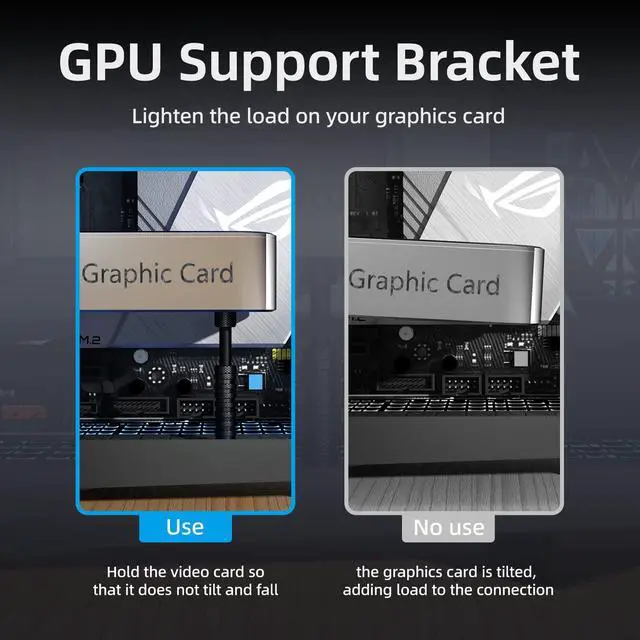
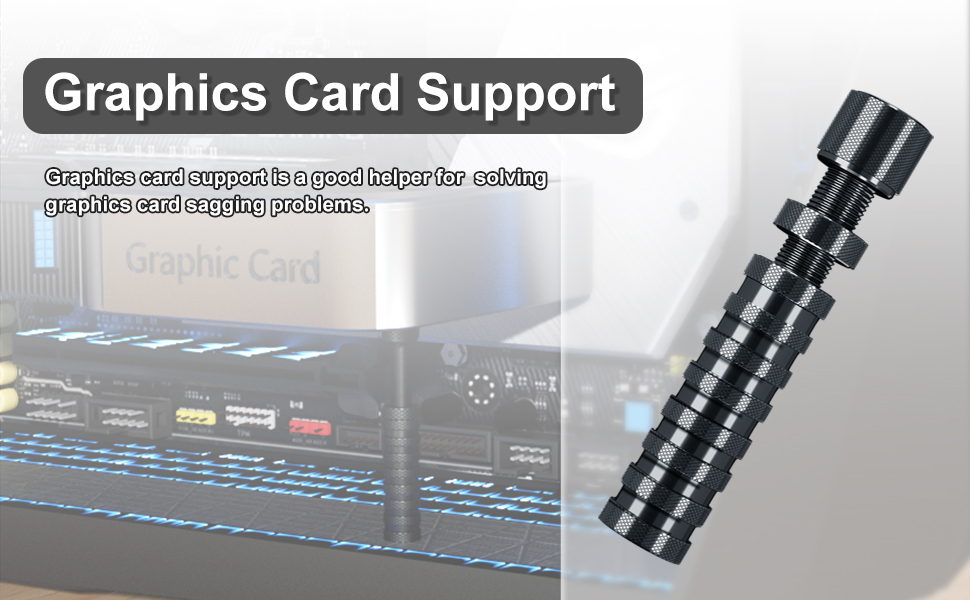
- The debate about the necessity of GPU support brackets to deal with GPU "sag" is very common.
- Components like the graphics card are often plugged in sideways, instead of attaching to the base of the chassis.
- That positioning is what leads to the issue of GPU sag and people to purchase a support bracket.
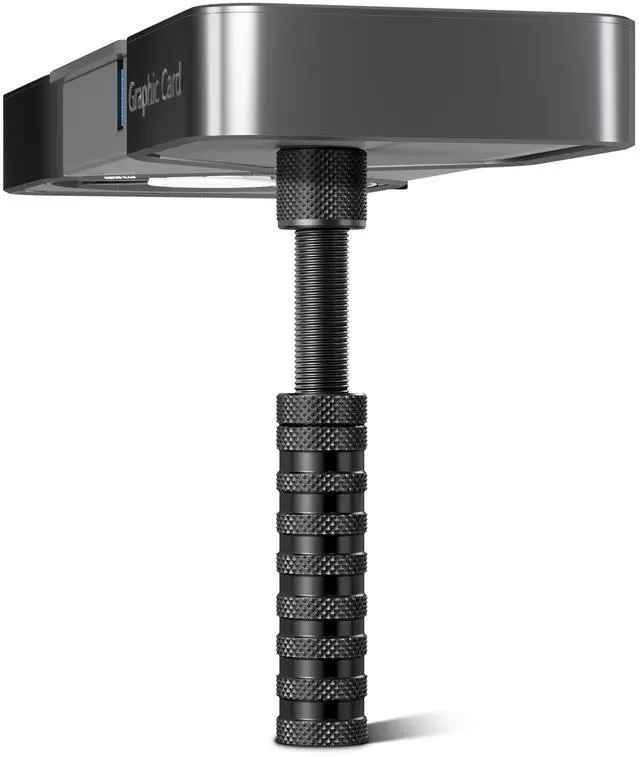
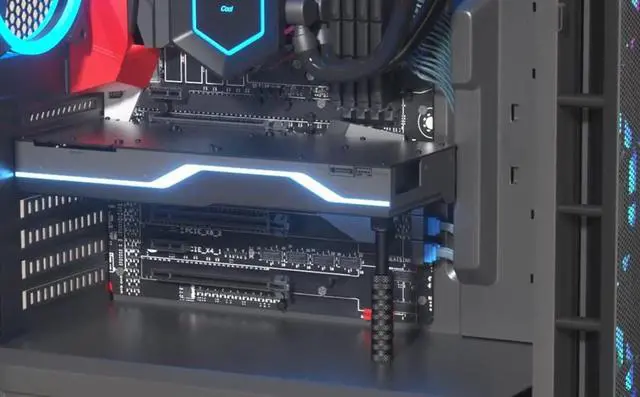
- Give your graphics card something on which to rest so it's not only relying on the I/O connection to avoid falling out of place.
- It's a smart bit of insurance that can also have the added benefit of looking cool.
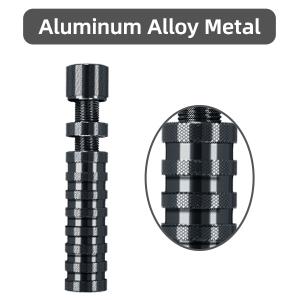
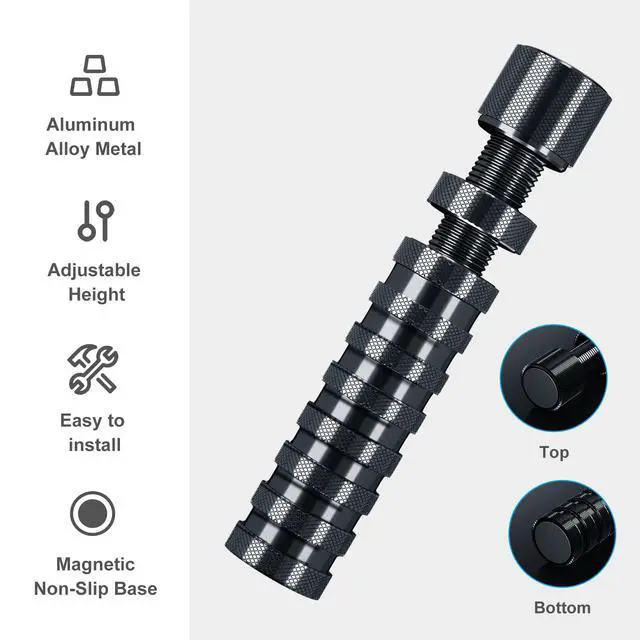
Aluminum Alloy Metal
This GPU brace is made of aluminum metal material, which is light in weight, high in strength, Provides lasting support
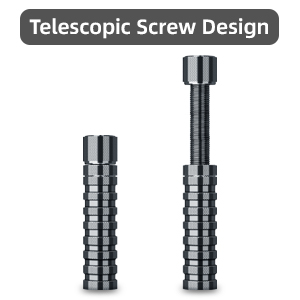
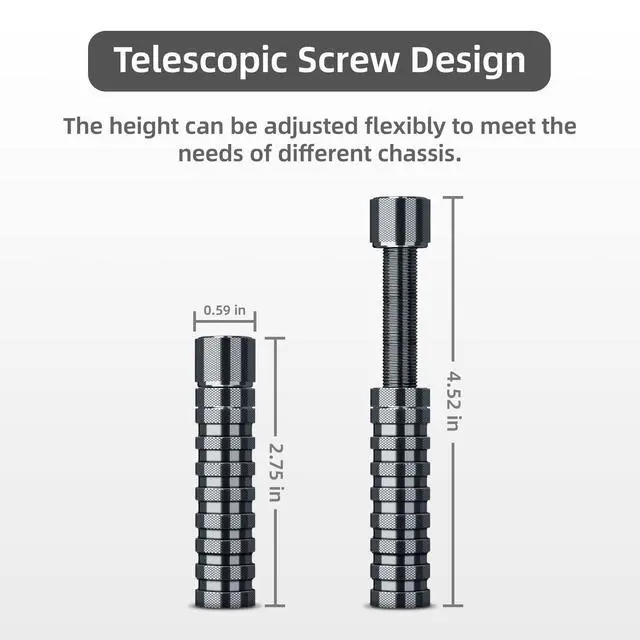
Screw Adjustment Design
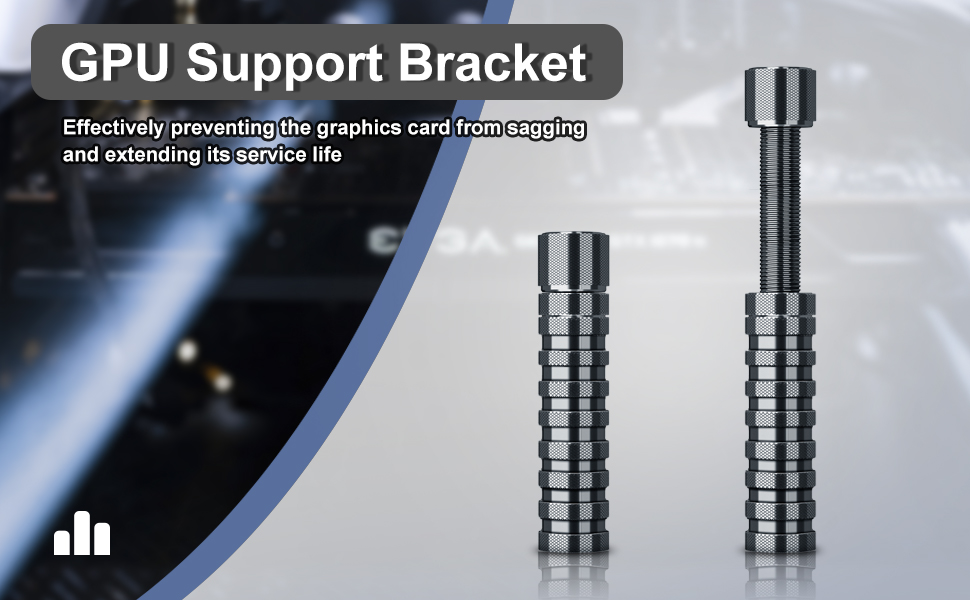
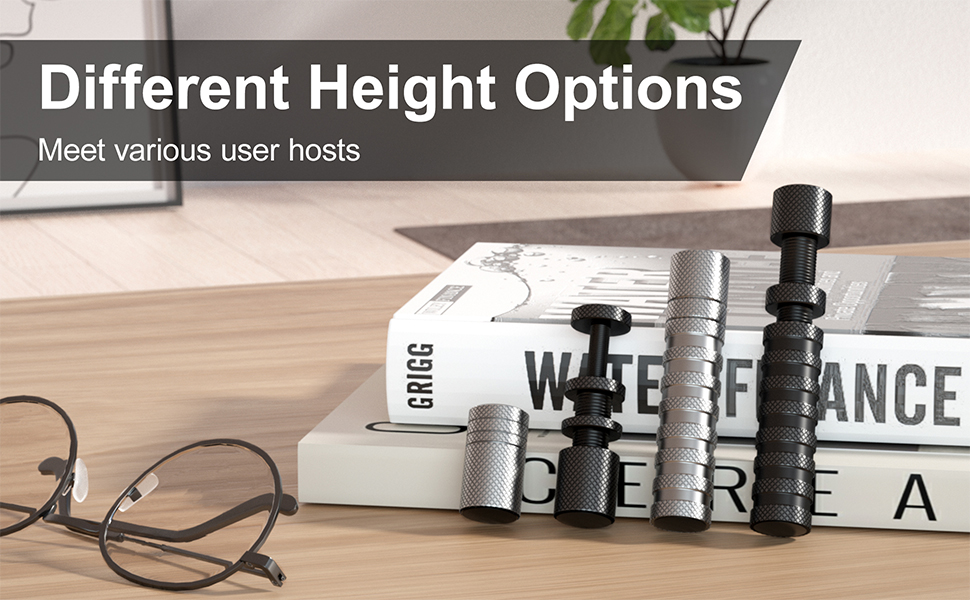
The minimum size of the GPU support is 2.75 inches, and the maximum size is 4.52 inches. The height can be adjusted flexibly
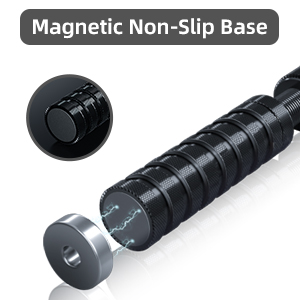
Non-Slip Base
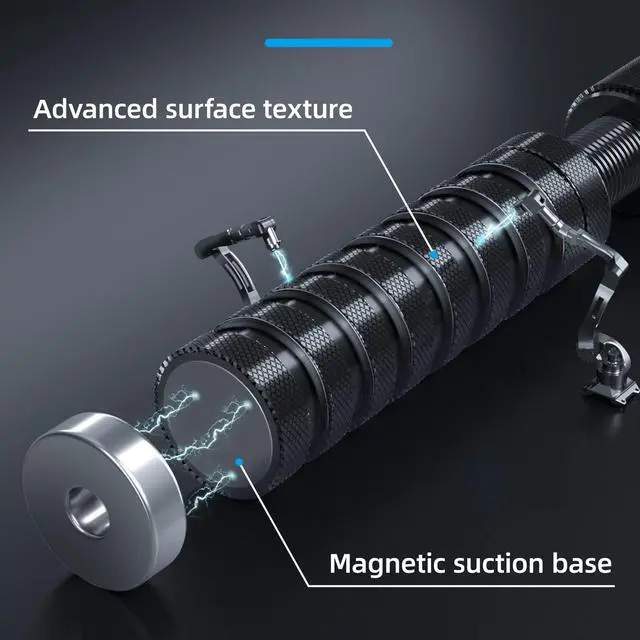
The mag.nets in the base of the graphics card support bracket can help to stand firm in the case. There are non-slip washers on both sides of the GPU sag bracket, which will not damage the chassis.
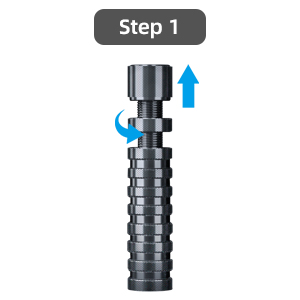
Step 1
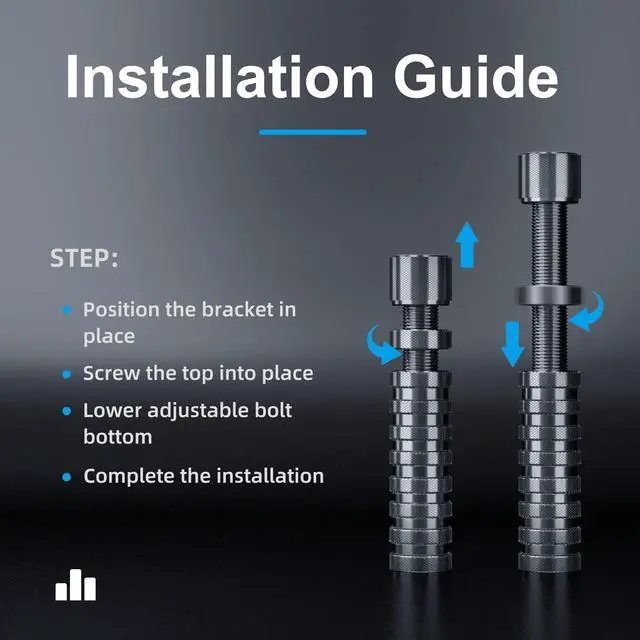
Fixed under the graphics card, turn the screw up
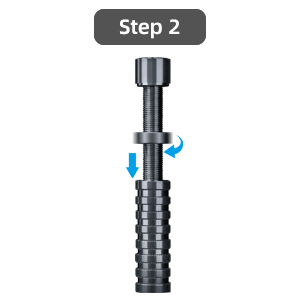
Step 2
After supporting the graphics card, tighten the middle nut down
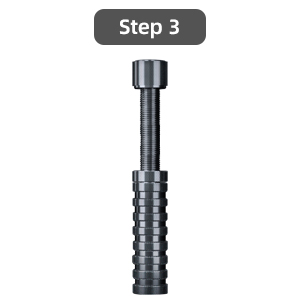
Step 3
After fixing, it can provide stability for the graphics card to prevent the graphics card from sagging
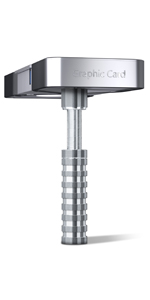 GPU Support Bracket Sliver | 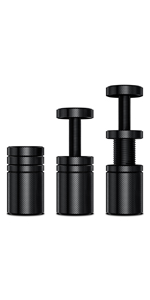 GPU Support Bracket Short Black | 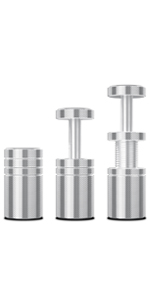 GPU Support Bracket Short Sliver | |
|---|---|---|---|
| Customer Reviews | — | — | — |
| Price | — | — no data | — no data |
| Material | Aluminum Alloy | Aluminum Alloy | Aluminum Alloy |
| Minimum Size | 2.75 in | 1.05 in | 1.05 in |
| Maximum Size | 4.52 in | 2.00 in | 2.00 in |
| Function | Prevents GPU sagging | Prevents GPU sagging | Prevents GPU sagging |


Ausvrkkit is a company dedicated to the development of computer accessories and home tools.
To facilitate the life of customers for the purpose of providing quality services.
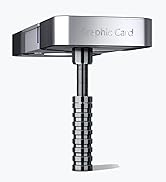
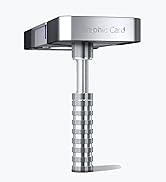
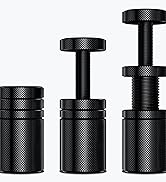
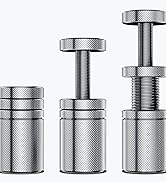
GPU Support Bracket
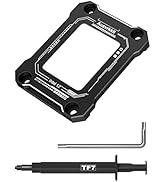
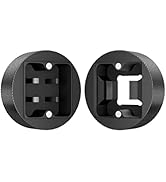
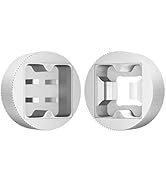
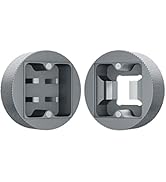
Computer accessories

Why GPU Support Are Useful
Give your graphics card something on which to rest so it's not only relying on the I/O connection to avoid falling out of place.
Why GPU Support Brackets Are Useful
- The debate about the necessity of GPU support brackets to deal with GPU "sag" is very common.
- Components like the graphics card are often plugged in sideways, instead of attaching to the base of the chassis.
- That positioning is what leads to the issue of GPU sag and people to purchase a support bracket.
- Give your graphics card something on which to rest so it's not only relying on the I/O connection to avoid falling out of place.
- It's a smart bit of insurance that can also have the added benefit of looking cool.
Aluminum Alloy Metal
This GPU brace is made of aluminum metal material, which is light in weight, high in strength, Provides lasting support
Screw Adjustment Design
The minimum size of the GPU support is 2.75 inches, and the maximum size is 4.52 inches. The height can be adjusted flexibly
Non-Slip Base
The mag.nets in the base of the graphics card support bracket can help to stand firm in the case. There are non-slip washers on both sides of the GPU sag bracket, which will not damage the chassis.
Step 1
Fixed under the graphics card, turn the screw up
Step 2
After supporting the graphics card, tighten the middle nut down
Step 3
After fixing, it can provide stability for the graphics card to prevent the graphics card from sagging
GPU Support Bracket Sliver | GPU Support Bracket Short Black | GPU Support Bracket Short Sliver | |
|---|---|---|---|
| Customer Reviews | — | — | — |
| Price | — | — no data | — no data |
| Material | Aluminum Alloy | Aluminum Alloy | Aluminum Alloy |
| Minimum Size | 2.75 in | 1.05 in | 1.05 in |
| Maximum Size | 4.52 in | 2.00 in | 2.00 in |
| Function | Prevents GPU sagging | Prevents GPU sagging | Prevents GPU sagging |
Ausvrkkit is a company dedicated to the development of computer accessories and home tools.
To facilitate the life of customers for the purpose of providing quality services.
GPU Support Bracket
Computer accessories
Why GPU Support Are Useful
Give your graphics card something on which to rest so it's not only relying on the I/O connection to avoid falling out of place.