


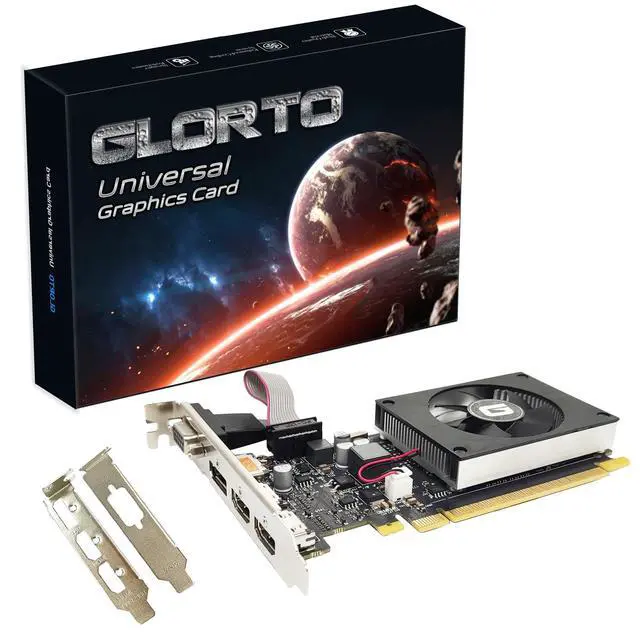


 RX 550 |  GT 730 |  GT 610 |  HD 5450 |  GT 210 |  GT 210 | |
|---|---|---|---|---|---|---|
| Customer Reviews | — | — | — | — | — | — |
| Price | — no data | — no data | — | — | — | — |
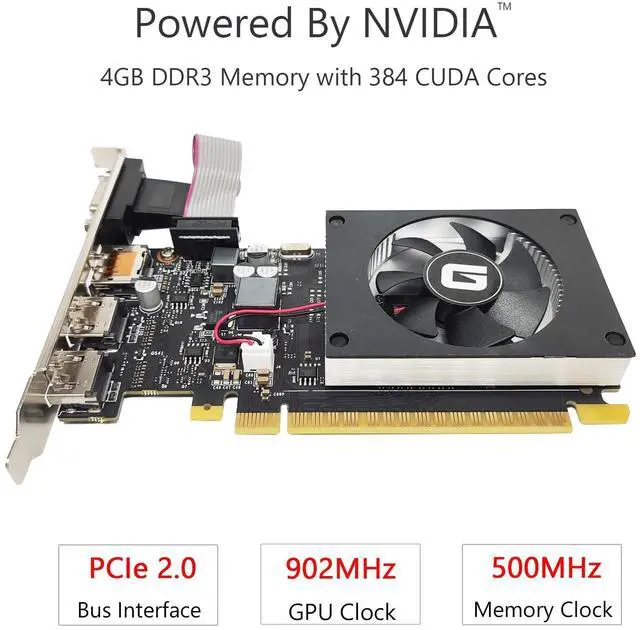
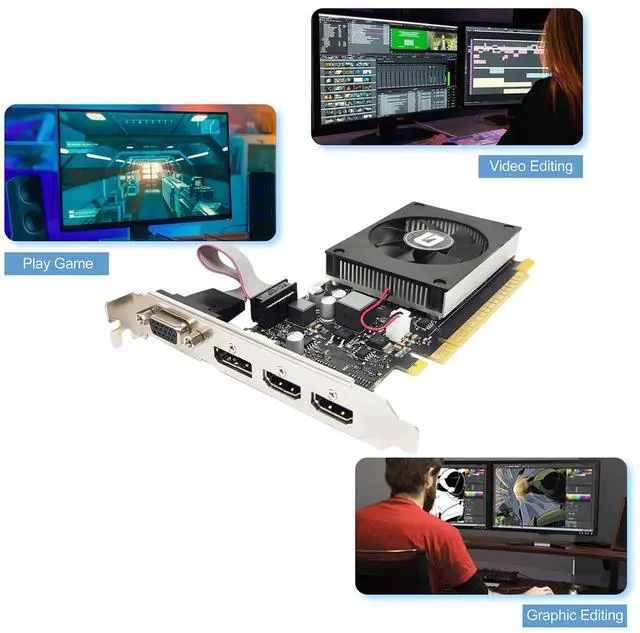
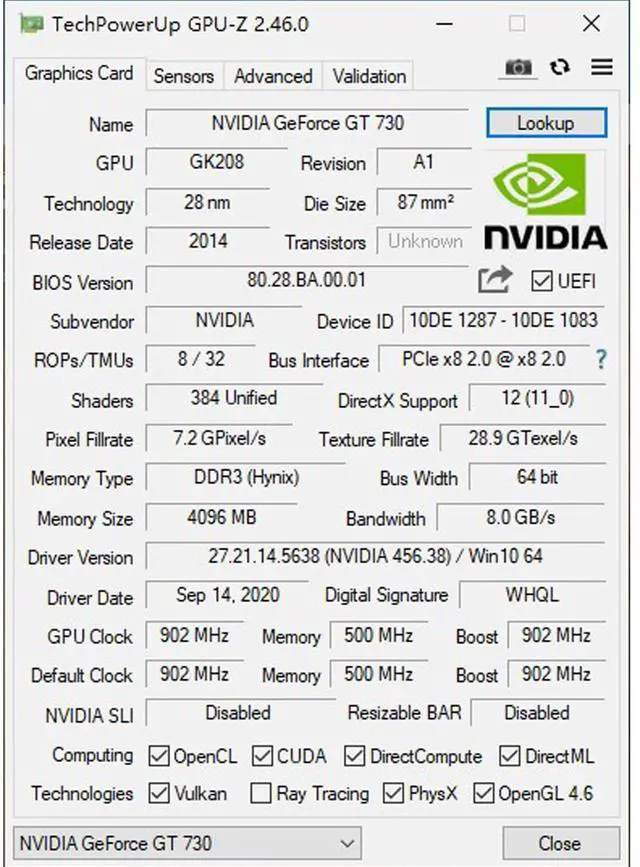
| Graphics Ram Size | 2GB | 4GB | 2GB | 1GB | 1GB | 1GB |
| Graphics Ram | GDDR5 | GDDR5 | DDR3 | DDR3 | DDR3 | DDR3 |
| Memory Bus Width | 128 bits | 64 bits | 64 bits | 64 bits | 64 bits | 64 bits |
| Memory Clock Speed | 1500MHz | 1253MHz | 500MHz | 533MHz | 500MHz | 500MHz |
| GPU Clock Speed | 1183MHz | 902MHz | 523MHz | 625MHz | 589MHz | 589MHz |
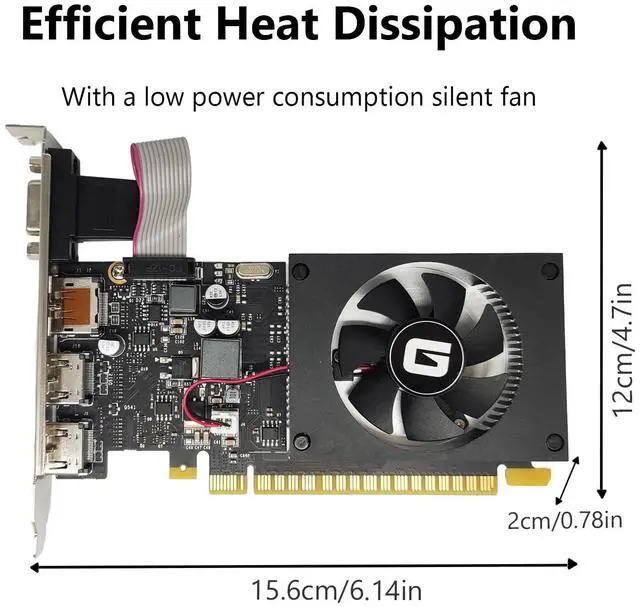
| Dimensions | 163*70*19mm | 153*120*18mm | 155*120*20mm | 163*120*20mm | 156*120*20mm | 156*120*20mm |
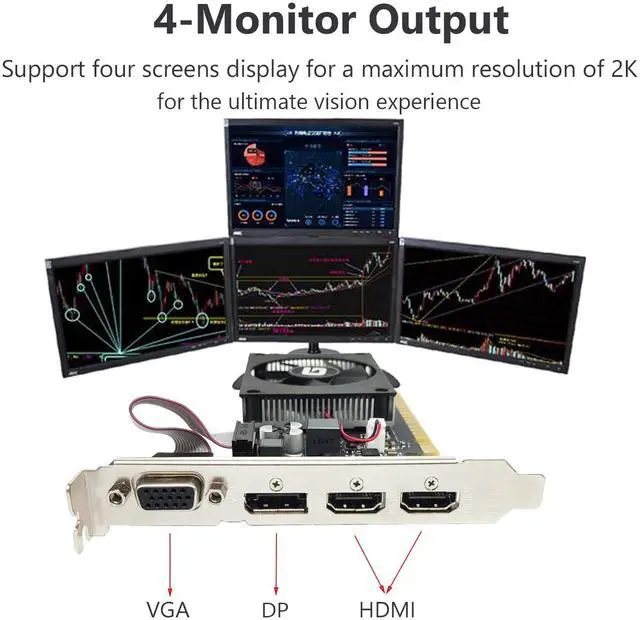
| Display Ports | HDMI / DVI | HDMI / DVI /VGA | HDMI / VGA | HDMI / DVI / VGA | HDMI / DVI / VGA | HDMI / VGA |
| Support Win11 | ? | ? | no data | no data | no data | no data |
Troubleshooting Tips
The following troubleshooting tips may help if you experience problems. Contact GLORTO for more advanced troubleshooting information.
- Check that the card is seated properly in the PCI Express slot.
- Ensure that the display cable is securely fastened to the card's display connector.
- Make sure that the monitor and computer are plugged in and receiving power.
- If necessary, disable any built-in graphics capabilities on your motherboard. For more information, consult your computer's manual or manufacturer. (NOTE: Some manufacturers do not allow the built-in graphics to be disabled or to become the secondary display.)
- Make sure you selected the appropriate display device and graphics card when you install the graphics driver.
- Restart your computer. Press on your keyboard after system starts up. When the Windows Advanced Options Menu appears, select Safe Mode and press . After getting into Safe Mode, in Device Manager check whether the driver for the graphics card is correct.
- If you are not able to find the desired monitor color/resolution settings: The color and screen resolution options available for selection depend on the graphics card being installed. If necessary, adjust your monitor's setting using monitor's adjust panel to make the screen look focused, crisp, and sharp. (Please refer to the monitor's manual.)

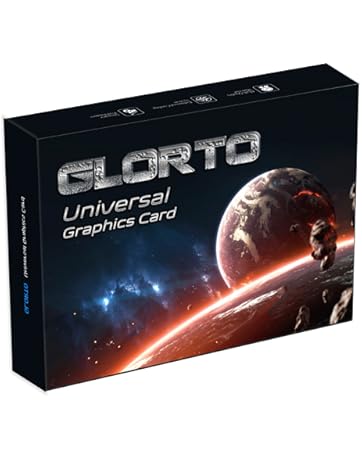
Glorto Graphics Card
Designed for glory, the choice for old PC.

With the rapid development of technology, the possibilities in the digital world are becoming more and more abundant. In this colorful world, Glorto, as a newly established graphics card brand, takes "the graphics card of choice for visual dreamers" as its mission to bring unprecedented visual experience to gamers, designers and other visual pursuers.
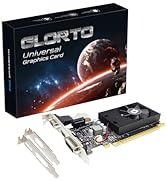
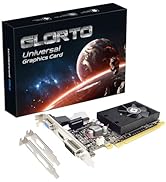
Various of GPUs for Older PC
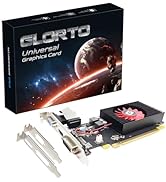
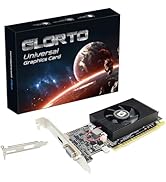
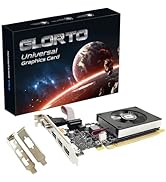
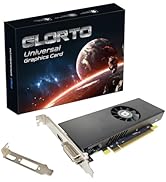
Stay Tuned for More Types...
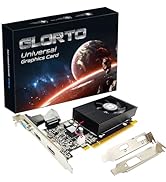
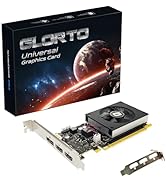
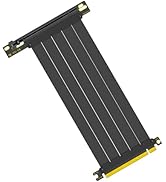
PCIe 4.0 x16 Riser Cable
About Us
As an emerging brand, Glorto adheres to a user-centered value orientation, with ultimate performance and excellent quality as our core.
How we start?
We build each graphics card not only pursuing high frame rate and high-definition image quality, but also paying attention to the presentation of details, so that you can experience unparalleled visual enjoyment in games, design and other scenarios.
How to keep?
Glorto will continue to innovate and provide excellent products and services so that every player can find their own glory and happiness in the game.
How to satify?
Glorto attaches great importance to customers feelings. No matter what problem you encounter, just contact our team to get the fastest solution.
RX 550 | GT 730 | GT 610 | HD 5450 | GT 210 | GT 210 | |
|---|---|---|---|---|---|---|
| Customer Reviews | — | — | — | — | — | — |
| Price | — no data | — no data | — | — | — | — |
| Graphics Ram Size | 2GB | 4GB | 2GB | 1GB | 1GB | 1GB |
| Graphics Ram | GDDR5 | GDDR5 | DDR3 | DDR3 | DDR3 | DDR3 |
| Memory Bus Width | 128 bits | 64 bits | 64 bits | 64 bits | 64 bits | 64 bits |
| Memory Clock Speed | 1500MHz | 1253MHz | 500MHz | 533MHz | 500MHz | 500MHz |
| GPU Clock Speed | 1183MHz | 902MHz | 523MHz | 625MHz | 589MHz | 589MHz |
| Dimensions | 163*70*19mm | 153*120*18mm | 155*120*20mm | 163*120*20mm | 156*120*20mm | 156*120*20mm |
| Display Ports | HDMI / DVI | HDMI / DVI /VGA | HDMI / VGA | HDMI / DVI / VGA | HDMI / DVI / VGA | HDMI / VGA |
| Support Win11 | ? | ? | no data | no data | no data | no data |
Troubleshooting Tips
The following troubleshooting tips may help if you experience problems. Contact GLORTO for more advanced troubleshooting information.
- Check that the card is seated properly in the PCI Express slot.
- Ensure that the display cable is securely fastened to the card's display connector.
- Make sure that the monitor and computer are plugged in and receiving power.
- If necessary, disable any built-in graphics capabilities on your motherboard. For more information, consult your computer's manual or manufacturer. (NOTE: Some manufacturers do not allow the built-in graphics to be disabled or to become the secondary display.)
- Make sure you selected the appropriate display device and graphics card when you install the graphics driver.
- Restart your computer. Press on your keyboard after system starts up. When the Windows Advanced Options Menu appears, select Safe Mode and press . After getting into Safe Mode, in Device Manager check whether the driver for the graphics card is correct.
- If you are not able to find the desired monitor color/resolution settings: The color and screen resolution options available for selection depend on the graphics card being installed. If necessary, adjust your monitor's setting using monitor's adjust panel to make the screen look focused, crisp, and sharp. (Please refer to the monitor's manual.)
Glorto Graphics Card
Designed for glory, the choice for old PC.
With the rapid development of technology, the possibilities in the digital world are becoming more and more abundant. In this colorful world, Glorto, as a newly established graphics card brand, takes "the graphics card of choice for visual dreamers" as its mission to bring unprecedented visual experience to gamers, designers and other visual pursuers.
Various of GPUs for Older PC
Stay Tuned for More Types...
PCIe 4.0 x16 Riser Cable
About Us
As an emerging brand, Glorto adheres to a user-centered value orientation, with ultimate performance and excellent quality as our core.
How we start?
We build each graphics card not only pursuing high frame rate and high-definition image quality, but also paying attention to the presentation of details, so that you can experience unparalleled visual enjoyment in games, design and other scenarios.
How to keep?
Glorto will continue to innovate and provide excellent products and services so that every player can find their own glory and happiness in the game.
How to satify?
Glorto attaches great importance to customers feelings. No matter what problem you encounter, just contact our team to get the fastest solution.