




 here!
here!
I’m your shopping assistant for PC builds, upgrades, and everything tech.
Got questions? Ask away!
Start a conversation
here!
I’m your shopping assistant for PC builds, upgrades, and everything tech.
Got questions? Ask away!
Start a conversation



Any questions? Ask CelesteSM will help you find out quickly.
Product Description:
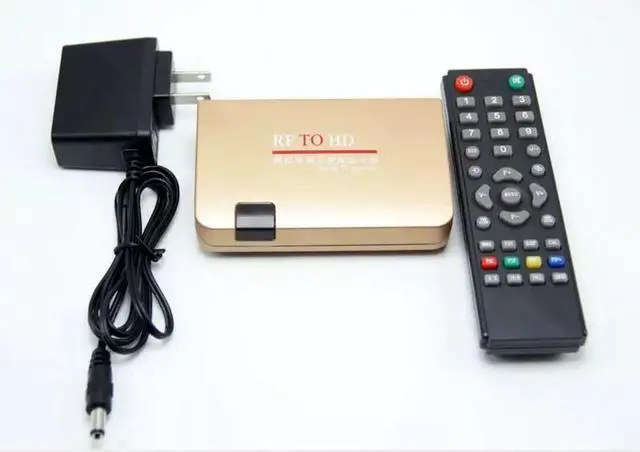
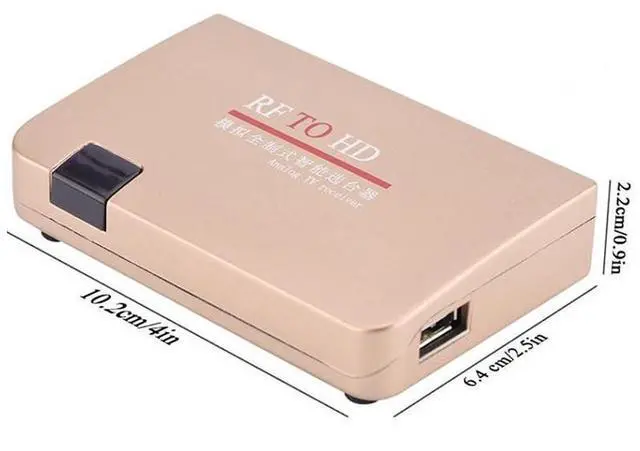
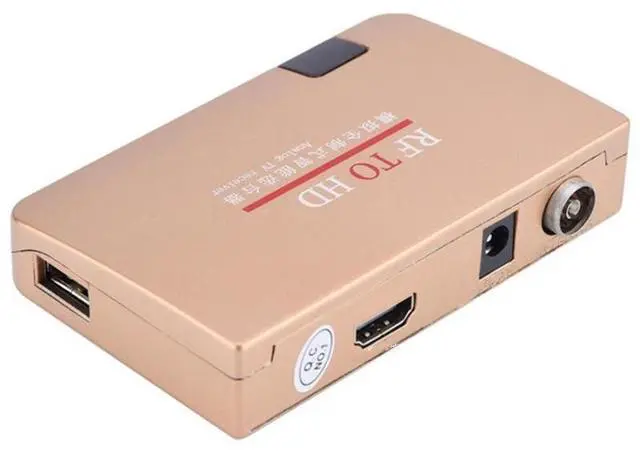
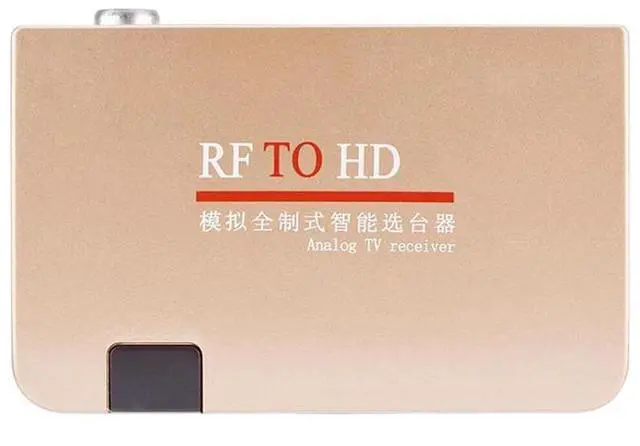
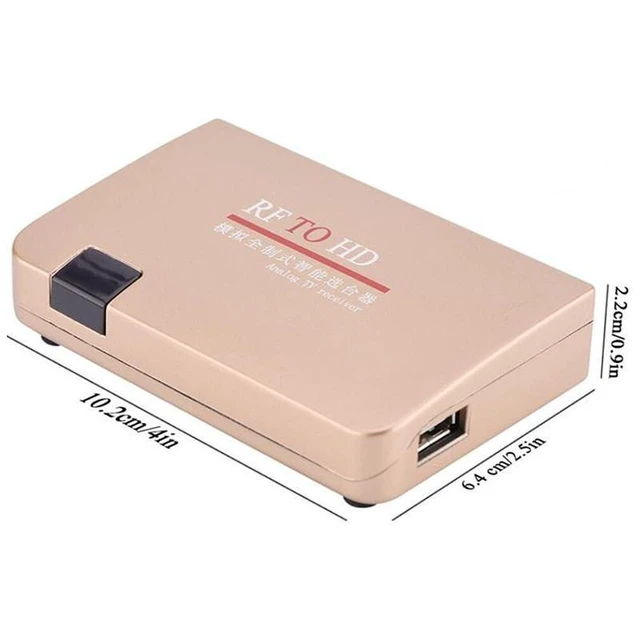
RF to HDMI analog signal converter and receiver designed to accept a cable TV line carrying an analog TV signal and connect to a television through an HDMI interface. It supports TV signal selection and channel searching through the connected TV and supplied remote control.
Core Selling Points:
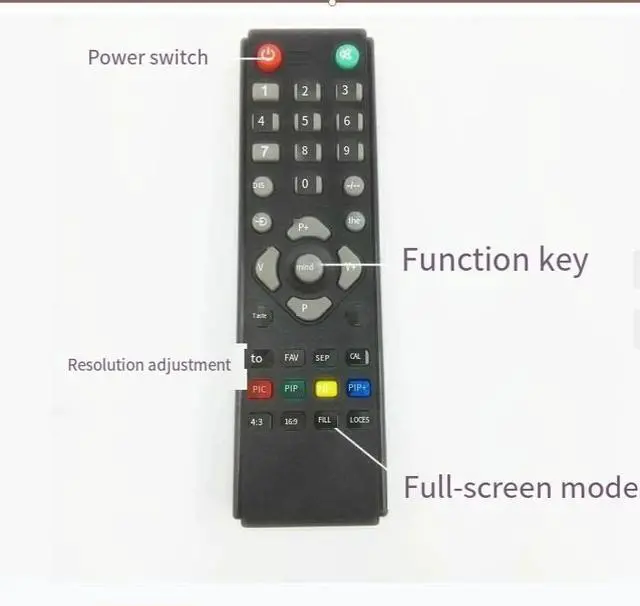
Converts an analog RF TV signal for connection to a TV through HDMI. The setup uses the TV's signal switching function to select the HDMI input mode. The receiver supports automatic channel preset searching through the on-screen menu and remote control, with directional and confirmation controls for navigating the settings.
Technical Specifications:
Product type: RF to HDMI analog signal converter and receiver. Signal source: Cable TV line with analog TV signal. Receiver output connection: HDMI interface. Display connection: TV HDMI input. Control method: Remote control and TV signal switching function. Channel setup: Automatic preset search through the receiver menu.
Package Contents:
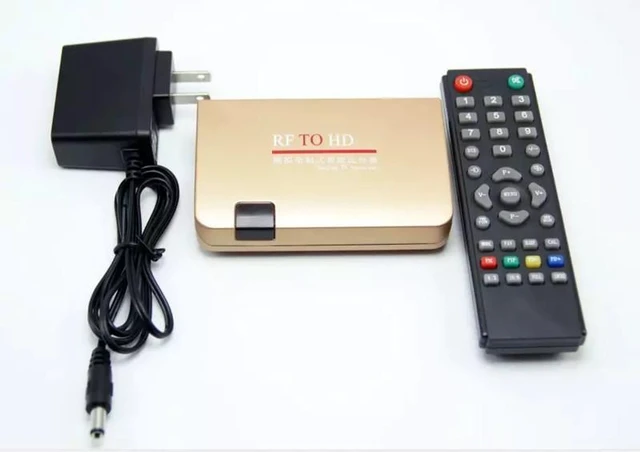
RF to HDMI converter receiver, power supply, and accompanying remote control.
Before Purchase:
A cable TV line carrying an analog TV signal and a TV with an available HDMI input are required for setup. Connect the signal line to the receiver, connect the receiver to the TV with an HDMI interface cable, select the TV's HDMI input mode, and perform automatic channel preset searching from the receiver menu.


