here!
I’m your shopping assistant for PC builds, upgrades, and everything tech.
Got questions? Ask away!
Start a conversation
here!
I’m your shopping assistant for PC builds, upgrades, and everything tech.
Got questions? Ask away!
Start a conversation
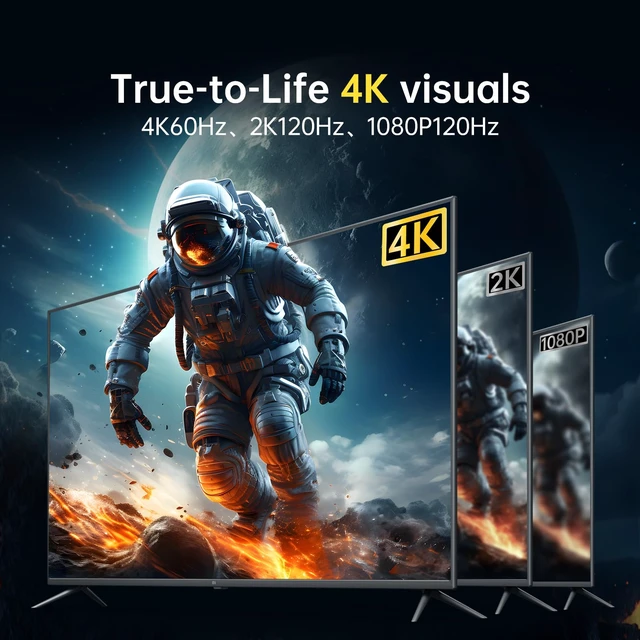
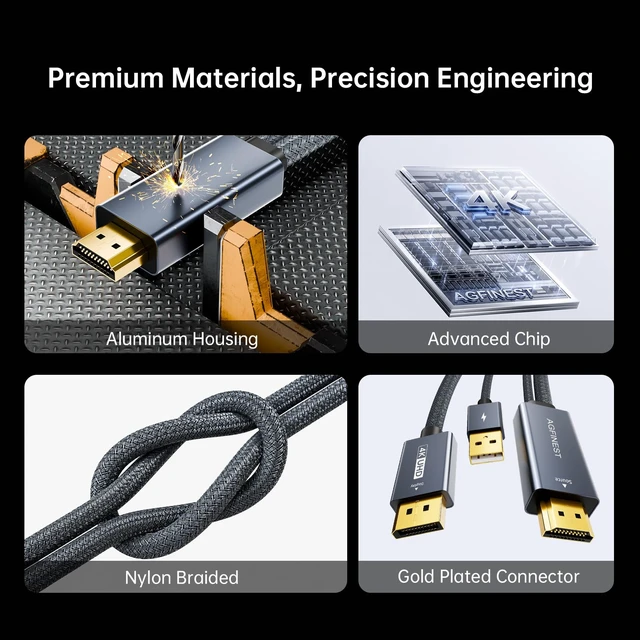
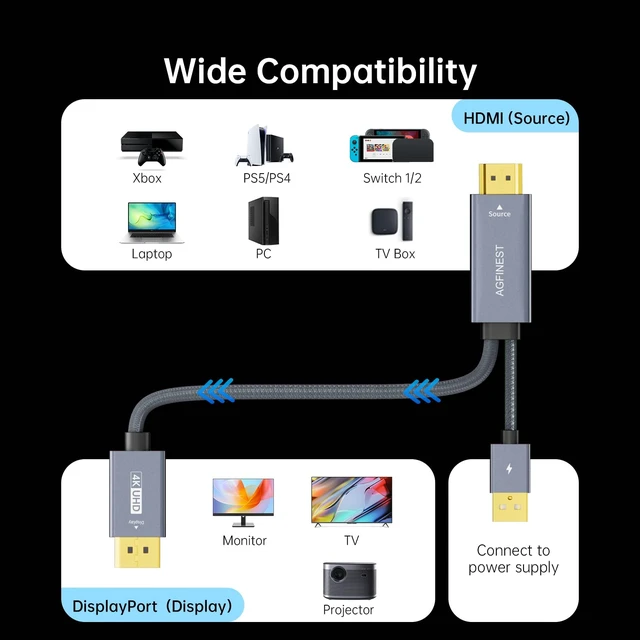
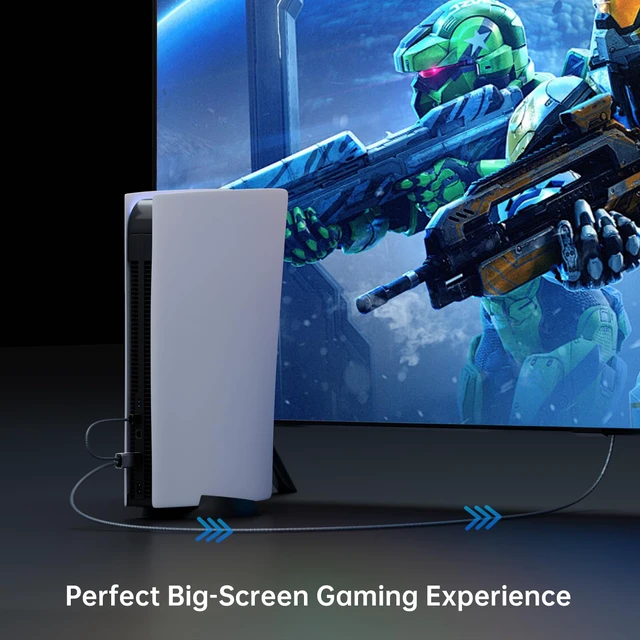
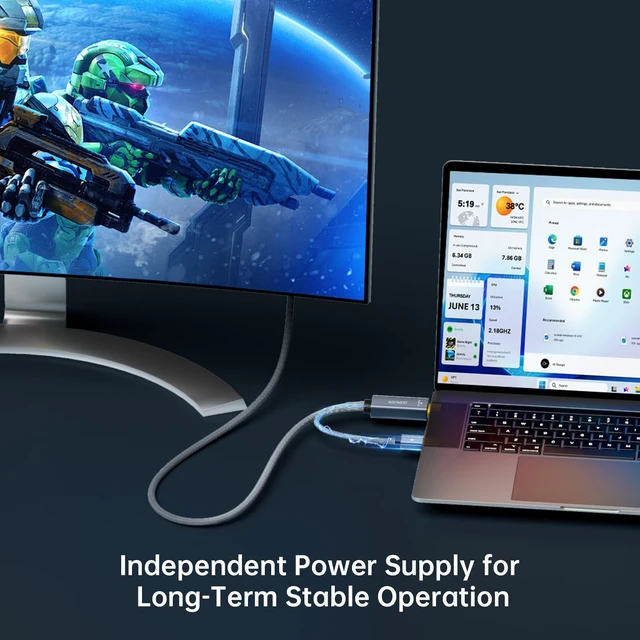



Any questions? Ask CelesteSM will help you find out quickly.
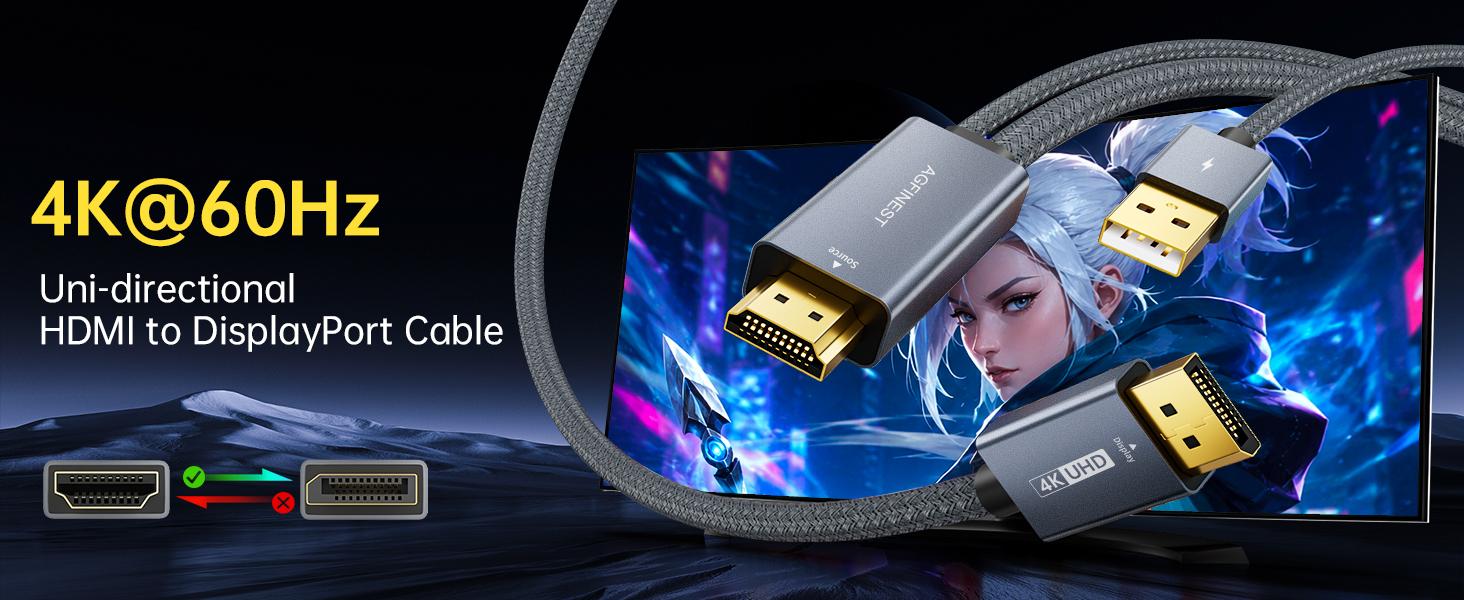
Why is there no signal after connecting?
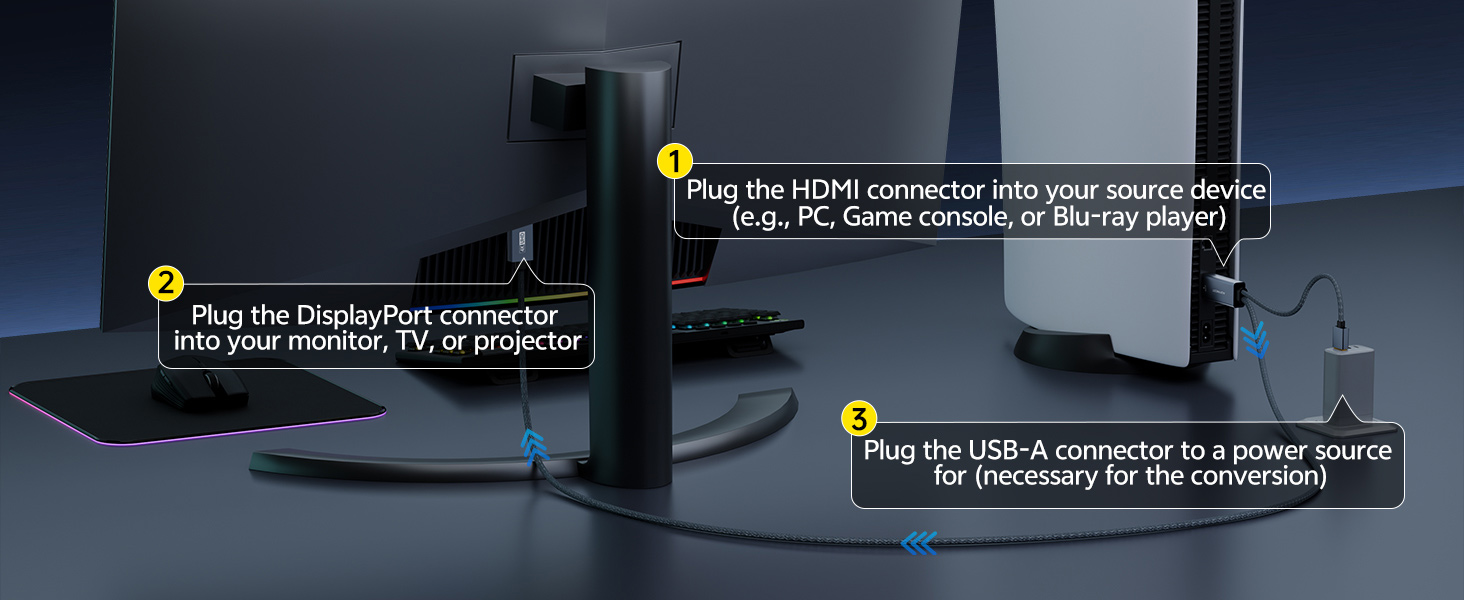
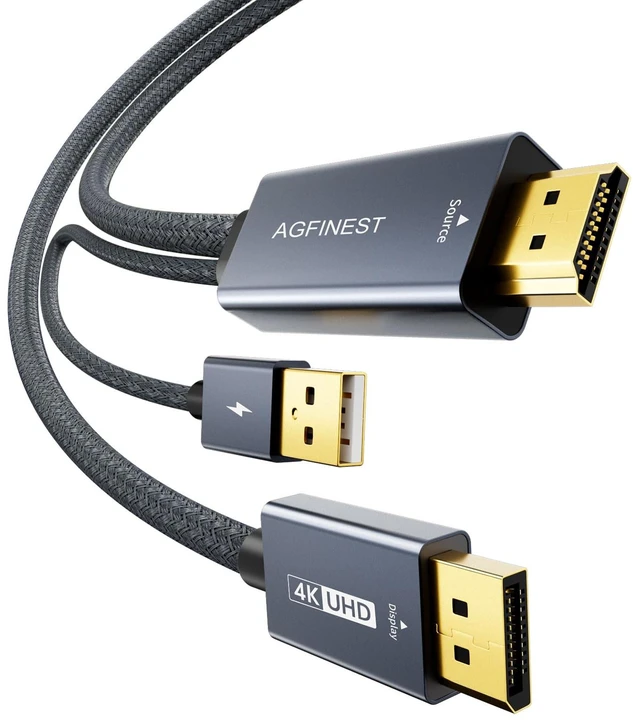
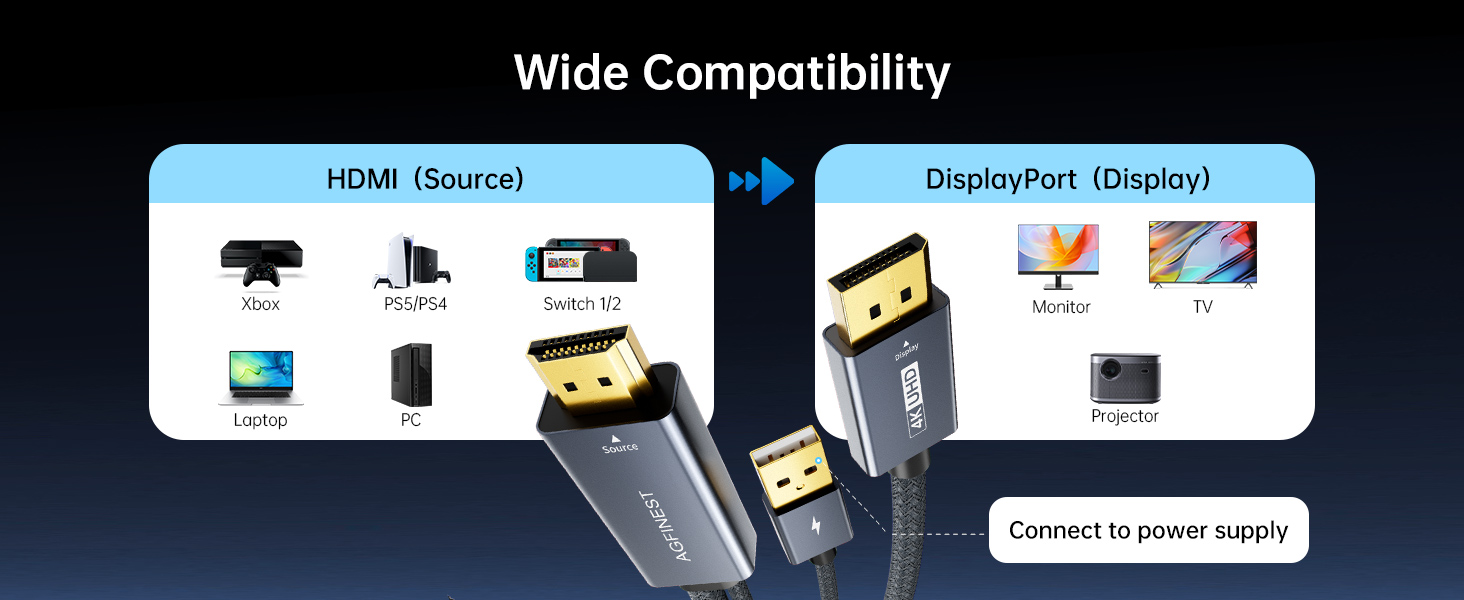
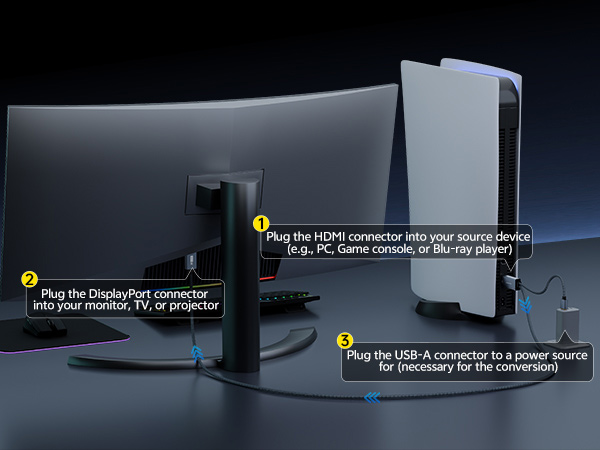
This is an active HDMI to DisplayPort adapter, please ensure:
1.HDMI source device is connected to input side
2.DisplayPort cable is connected to monitor
3.Monitor is set to correct input source
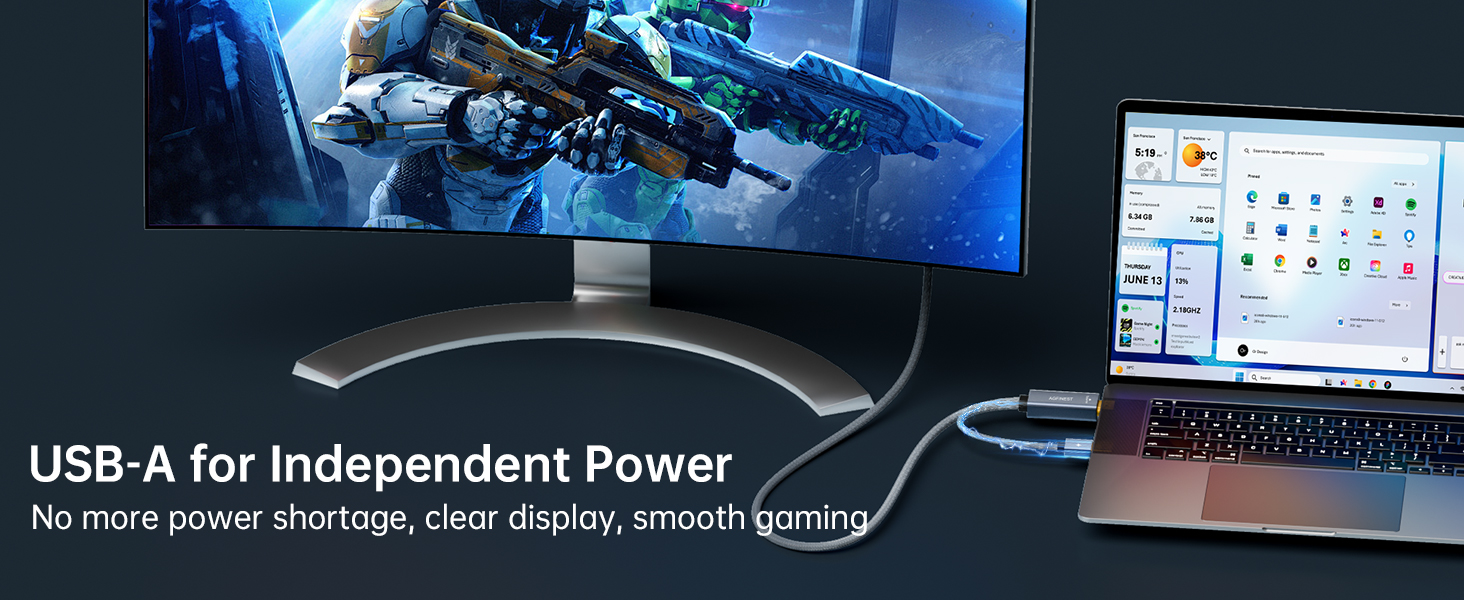
4.The adapter requires USB power for proper operation
Why is there no signal after connecting?
Please check the connection sequence. Connect the HDMI source device and DisplayPort monitor first, then connect the USB power cable. Reconnecting in this order allows the adapter to properly detect the video signal.
Does it work with Mac, Xbox, or Switch?
Compatibility depends on device output:
1. Some Mac models may have limitations
2. Xbox / Switch compatibility may vary depending on HDMI output mode
We recommend using with PCs, laptops, and graphics cards with HDMI output.
Why is there no audio?
Possible reasons:
1. Your DisplayPort monitor does not support audio output
2. Audio is disabled in system settings
Please check Windows/macOS sound output settings.
Screen flickers or disconnects randomly
Please check:
1. USB power is stable (use 5V/1A or higher)
2. HDMI cable is high-speed (HDMI 2.0 recommended)
3. Avoid loose connections
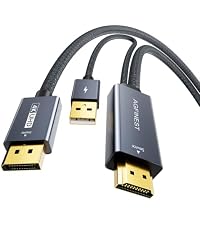 4K@60Hz HDMI to DP Cable | 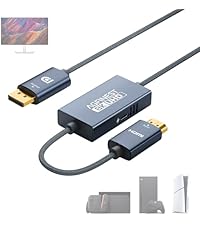 8K@60Hz HDMI to DP Cable | 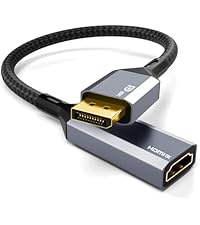 Active DP to HDMI Adapter | 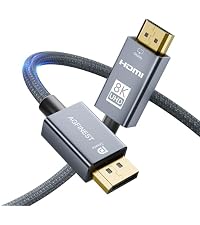 DP to HDMI Cable | 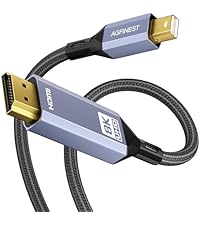 Mini DP to HDMI Cable | |
|---|---|---|---|---|---|
Customer Reviews | — | — | — | — | — |
Price | — | — | — | — | — |
Source Port | HDMI | HDMI | DisplayPort | DisplayPort | Mini DisplayPort |
Display Port | DisplayPort | DisplayPort | HDMI | HDMI | HDMI |
Max Display Support | 4K@60Hz | 8K@60Hz | 8K@60Hz | 8K@60Hz | 8K@60Hz |
Length | 4.9FT | 3.3/6.6FT | 0.33FT | 3.3/6.6/10FT | 3.3/6.6FT |
Support | HDR, HDCP, Dolby Vison-Atmos | HDR, HDCP, Dolby Vison-Atmos | HDR, HDCP, G-Sync | HDR, HDCP, VRR | HDR, HDCP, VRR |
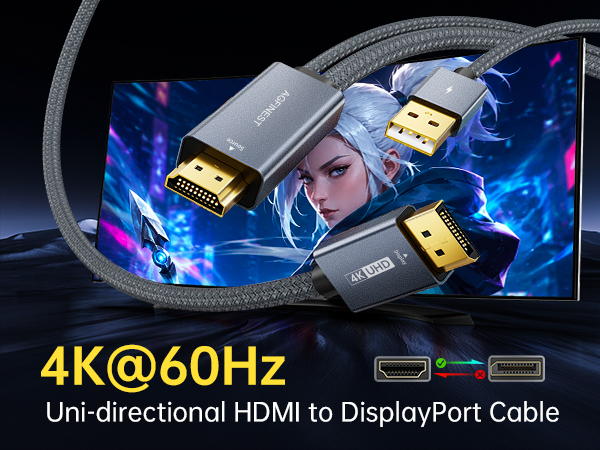
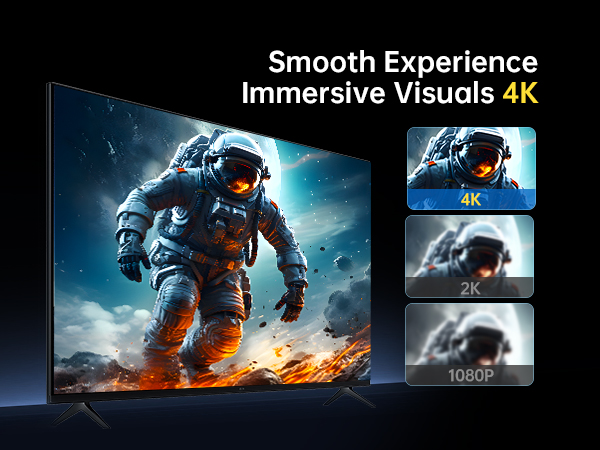
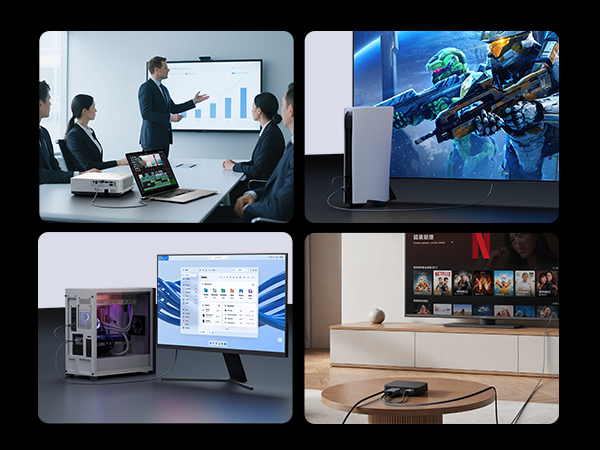
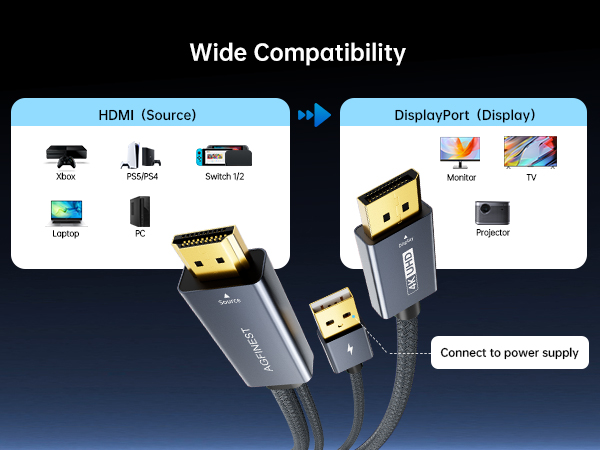
Why is there no signal after connecting?
This is an active HDMI to DisplayPort adapter, please ensure:
1.HDMI source device is connected to input side
2.DisplayPort cable is connected to monitor
3.Monitor is set to correct input source
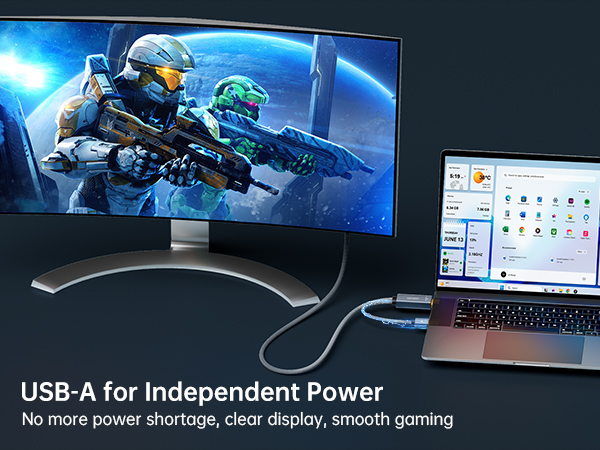
4.The adapter requires USB power for proper operation
Why is there no signal after connecting?
Please check the connection sequence. Connect the HDMI source device and DisplayPort monitor first, then connect the USB power cable. Reconnecting in this order allows the adapter to properly detect the video signal.
Does it work with Mac, Xbox, or Switch?
Compatibility depends on device output:
1. Some Mac models may have limitations
2. Xbox / Switch compatibility may vary depending on HDMI output mode
We recommend using with PCs, laptops, and graphics cards with HDMI output.
Why is there no audio?
Possible reasons:
1. Your DisplayPort monitor does not support audio output
2. Audio is disabled in system settings
Please check Windows/macOS sound output settings.
Screen flickers or disconnects randomly
Please check:
1. USB power is stable (use 5V/1A or higher)
2. HDMI cable is high-speed (HDMI 2.0 recommended)
3. Avoid loose connections
4K@60Hz HDMI to DP Cable | 8K@60Hz HDMI to DP Cable | 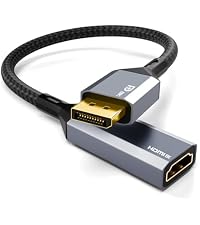 Active DP to HDMI Adapter | DP to HDMI Cable | 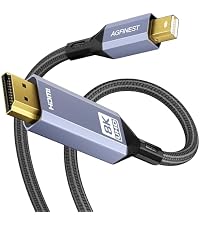 Mini DP to HDMI Cable |
|---|---|---|---|---|
| Customer Reviews | ||||
— | — | — | — | — |
| Price | ||||
| — | — | — | — | — |
| Source Port | ||||
| HDMI | HDMI | DisplayPort | DisplayPort | Mini DisplayPort |
| Display Port | ||||
| DisplayPort | DisplayPort | HDMI | HDMI | HDMI |
| Max Display Support | ||||
| 4K@60Hz | 8K@60Hz | 8K@60Hz | 8K@60Hz | 8K@60Hz |
| Length | ||||
| 4.9FT | 3.3/6.6FT | 0.33FT | 3.3/6.6/10FT | 3.3/6.6FT |
| Support | ||||
| HDR, HDCP, Dolby Vison-Atmos | HDR, HDCP, Dolby Vison-Atmos | HDR, HDCP, G-Sync | HDR, HDCP, VRR | HDR, HDCP, VRR |