




 here!
I’m your shopping assistant for PC builds, upgrades, and everything tech.
Got questions? Ask away!
Start a conversation
here!
I’m your shopping assistant for PC builds, upgrades, and everything tech.
Got questions? Ask away!
Start a conversation
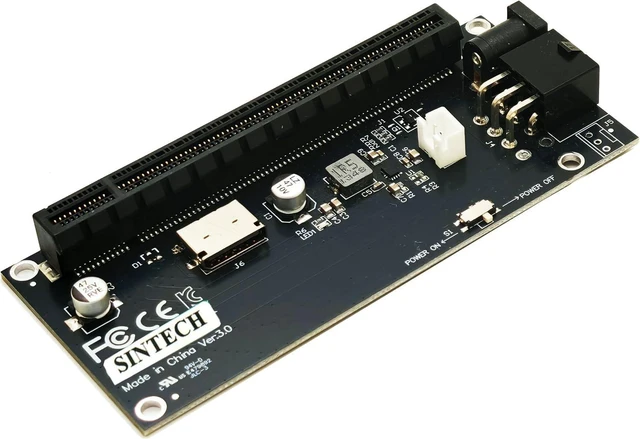
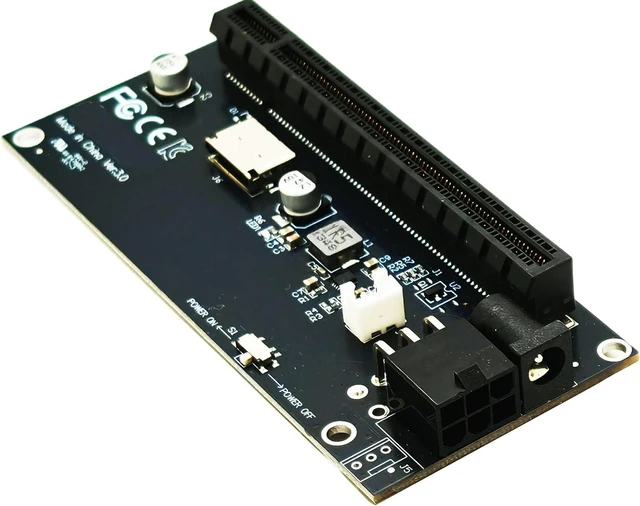
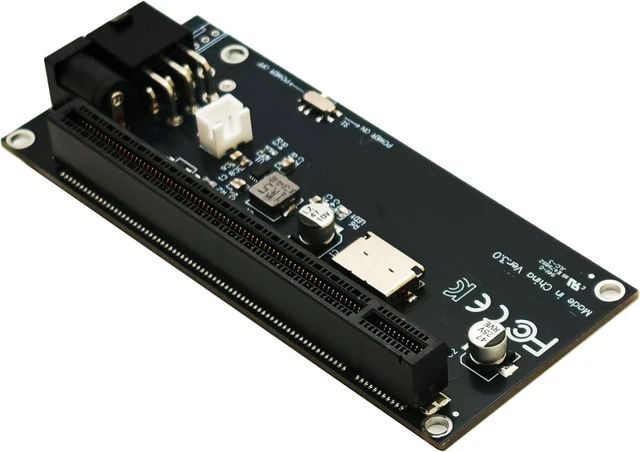
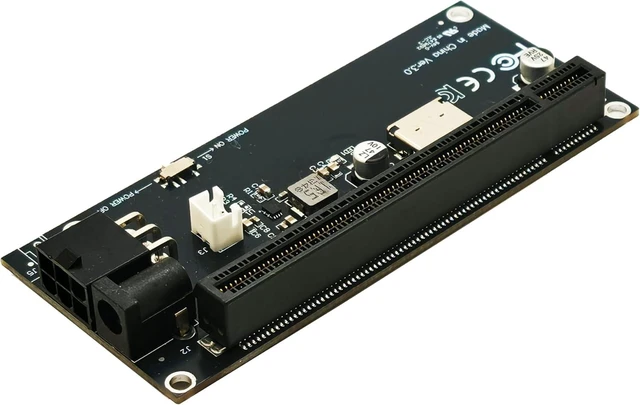



Any questions? Ask CelesteSM will help you find out quickly.
Product Description:
This adapter converts an Oculink 4i SFF-8612 connection into a PCIe 4.0 X16 port for an external game GPU graphics card. It is designed for connection with a mini PC or PCIe/Mkey card equipped with an Oculink port when used with an Oculink extension cable.
Core Selling Points:
Provides a PCIe 4.0 X16 port for external graphics card connectivity. The PCIe 16X port supports a PCIe 4X band and can support most PCIe cards, including PCIe GPU graphics cards. The switch can power the motherboard on or off at the same time as this adapter.
Technical Specifications:
Connection conversion: Oculink 4i SFF-8612 to PCIe 4.0 X16 port. PCIe bandwidth: PCIe 4X band through the PCIe 16X port. Power interfaces: ATX 6-pin and DC power port. Power input: 12V. Supported cards: Most PCIe cards, including PCIe GPU graphics cards.
Before Purchase:
An Oculink extension cable is required for connection with a mini PC or PCIe/Mkey card with an Oculink port. The ATX/DC power port provides 12V power; connect additional power to the PCIe card if its power is insufficient. Check the host device, Oculink port, card interface, and power requirements before purchase.


