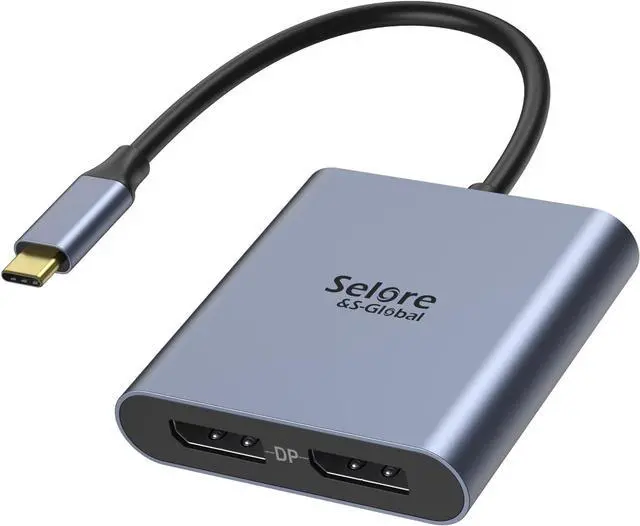
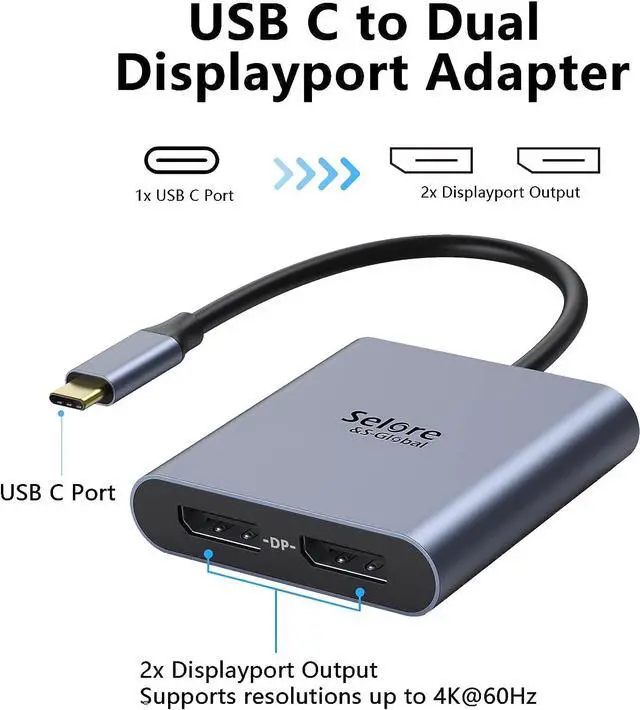
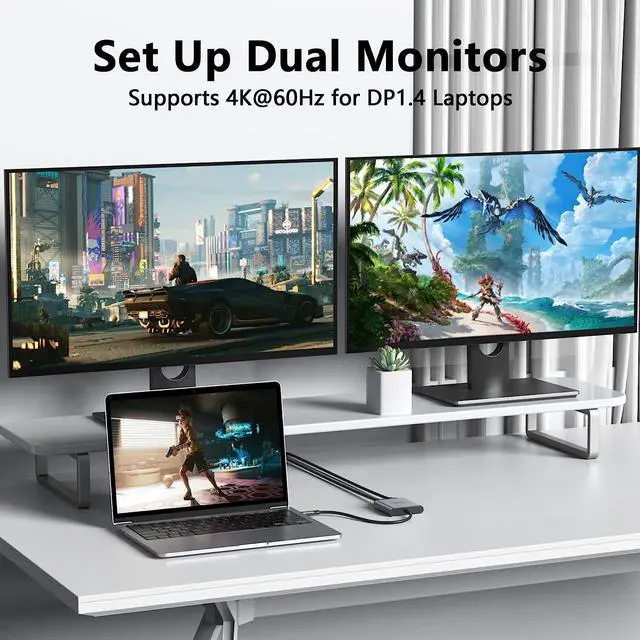
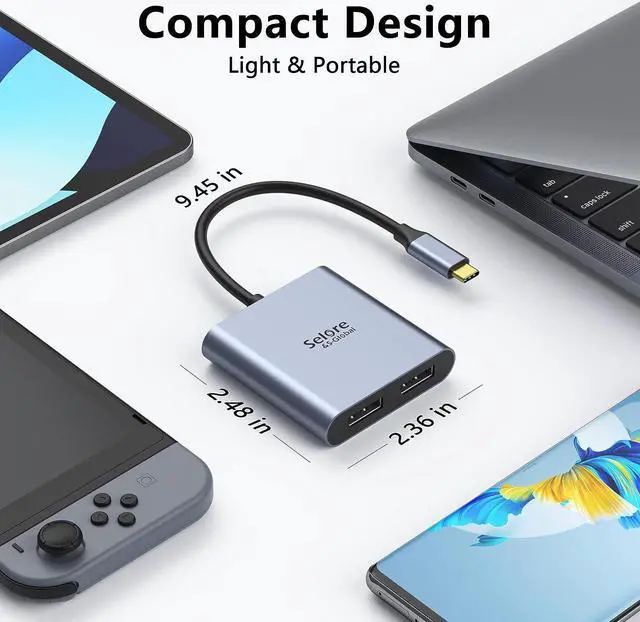
USB-C to Dual DP Ports Adapter 2 in 1:??
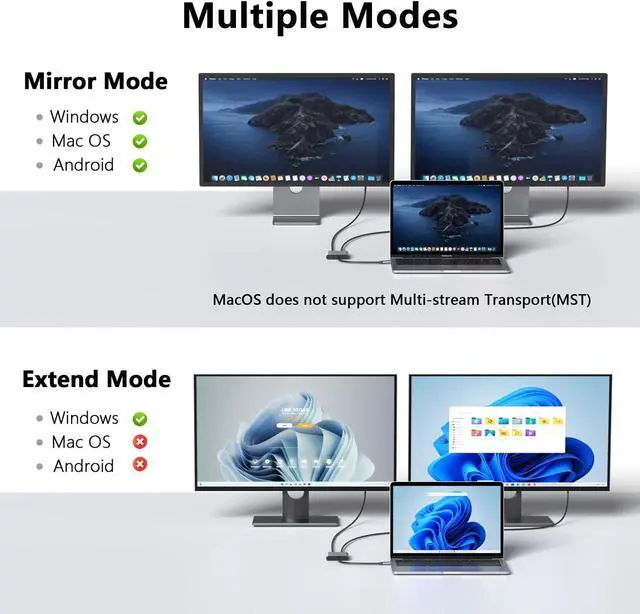
For macOS: ONLY SUPPORTS MIRROR MODE cannot extend to two independent displays due to macOS system limitations.?
For Windows OS: Supports full dual-screen extension (SST/MST modes) when used with a compatible USB-C (Thunderbolt 3) port.??
Correct Setup: FIRST connect your monitors to the adapter THEN connect the adapter to your laptop for reliable detection.
4K DisplayPort Output: Supports resolutions up to 4K @120Hz for a single monitor or dual 4K monitors at 60Hz each (3840x2160) via DisplayPort MST technology. Also supports 1440p and 1080p @60Hz for smooth high-performance visuals.
(Note: 4K output requires your source device monitor AND cable to support 4K. Use a certified DP 1.4 or higher cable.
)Plug and Play: Multi-stream transport offers an easy setup by natively working on device that supports DP Alt Mode over USB Type-C; no drivers or software required.
(NOTED: FIRST connect monitors to DP ports THEN connect adapter to laptop Set adapter as default audio output in system settings)Wide
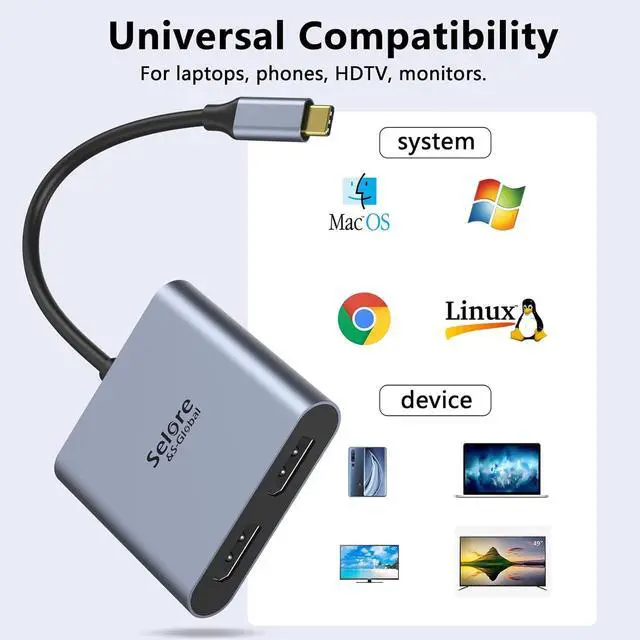
Compatibility: Compatible Device Examples (MUST meet above compatibility requirements): Works well with Thunderbolt 3/4 and DP Alt Mode compatible devices such as: XPS 13/15/17 HP Spectre x2/x360 Yoga 720/910/920/930 Surface Pro 7/X/Go/Laptop 3/4/5 MacBook Pro (2016 and later with compatible ports) etc. This list is for reference only; compatibility ultimately depends on your specific device's USB-C port specificationsWhat you get a: 1* USB Type C Adapter 1* User Manual At SELORE we offer 1-year defective product refund/replacement and friendly customer service; If there is any problem with this
Dual DP Converter (such as: how to setting how to use it... ) please don't hesitate to let me know. I will always do my best to help on itSelore&S-Global
Professional Service: Before purchasing please ask our customer service team and provide your computer model OS version. The customer service team will check whether your computer model is compatible with our products and provide technical support