

Your Browsing History

Meet Your Seller


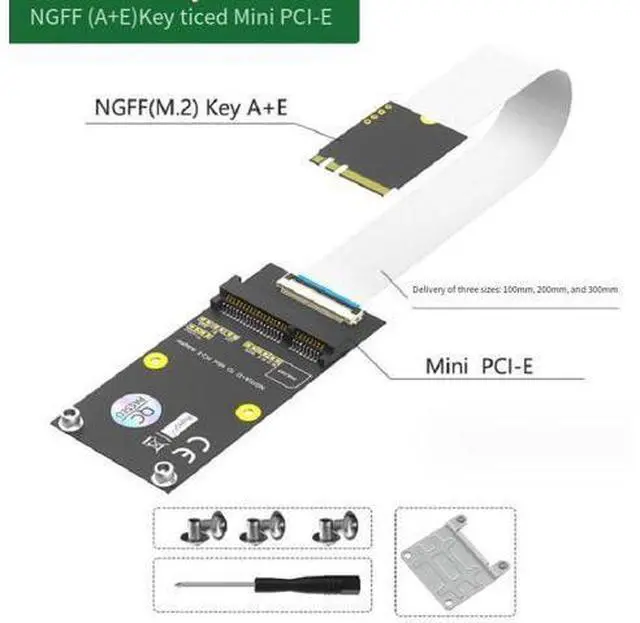
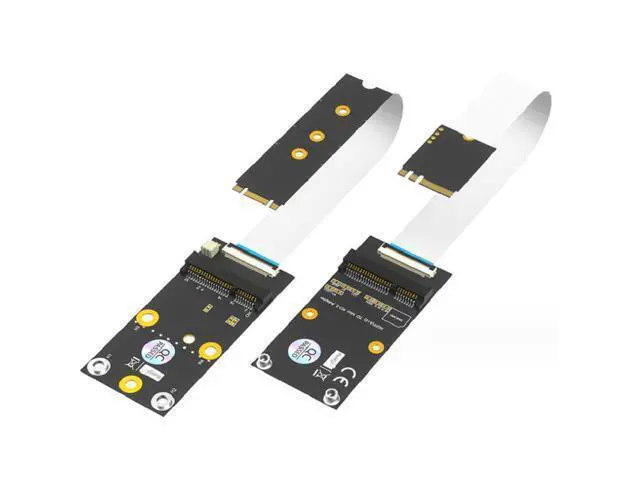
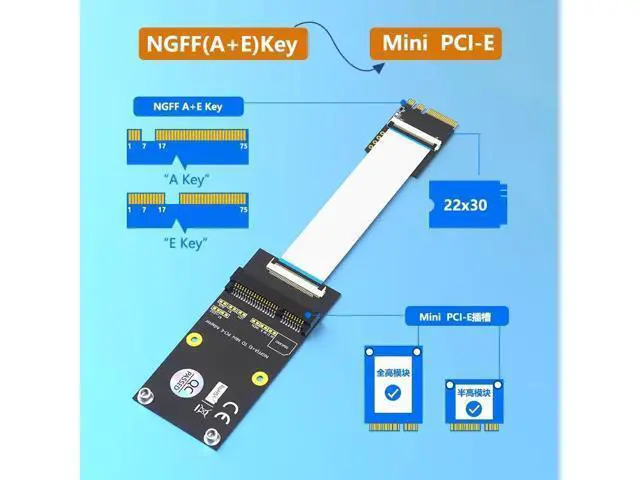
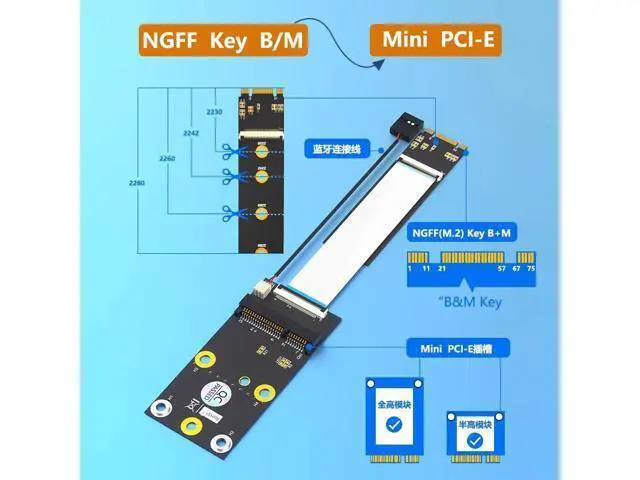
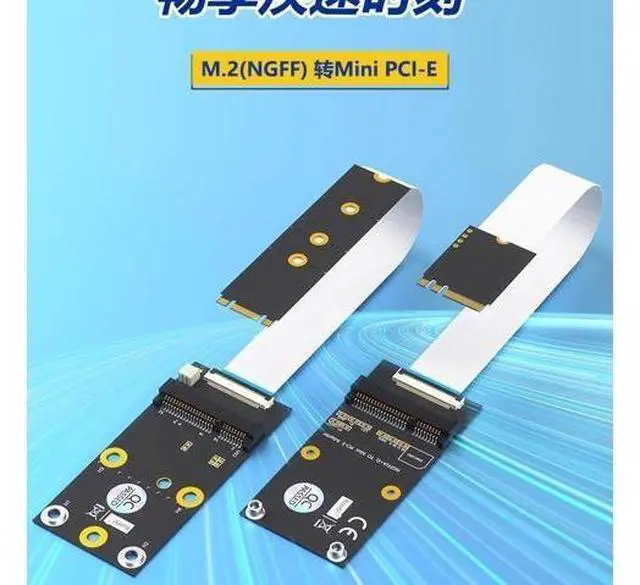


M.2 Key A+E / B+M to Mini PCIe Extension Cable Mini PCIe WiFi Card Adapter Board A+ E KEY
Limited time offer, ends 08/01 By ProGear Haven
- Dual Interface Compatible: Supports both M.2 Key A+E and Key B+M fits various M.2 slots.
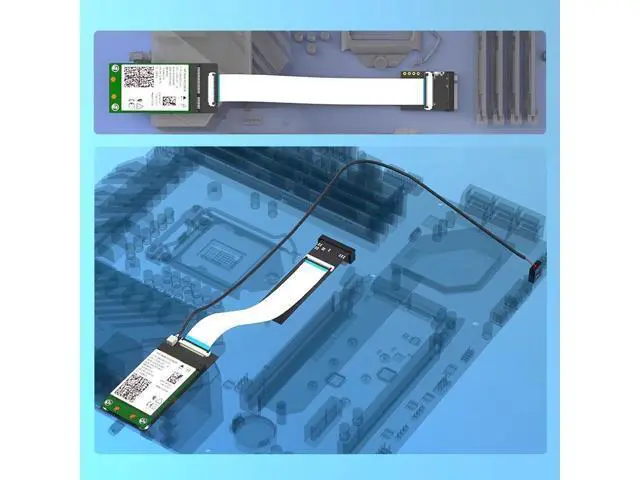
- M.2 to Mini PCIe Conversion: Use legacy Mini PCIe WiFi/BT modules on modern M.2 motherboards.
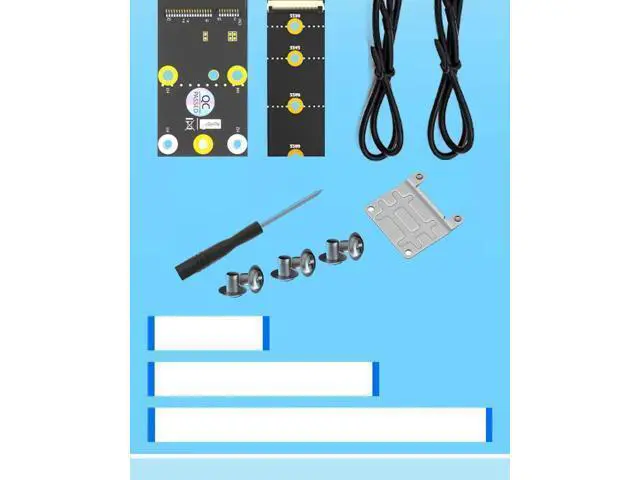
- Extension Cable Design: Flexible cable allows mounting the card anywhere in the chassis not limited by motherboard space.
- Plug & Play No Driver Needed: Pure hardware adapter no driver installation required.
- High-Quality Cable: Premium ribbon cable stable signal transmission, good interference resistance.
+
+
Overview
Specs
Reviews

Any questions? Our AI mode will help you find out quickly.
Try me now
2. Convert M. 2 to Mini PCIe, Reviving Old Cards Convert the M. 2 interface on the motherboard to the standard Mini PCIe interface WiFi module, Bluetooth module, 3G/4G module, etc. with Mini PCIe interface for installation Keep the old wireless network card in use to save costs 3. Extended line design, flexible installation Flexible extension line, ample length The Mini PCIe network card can be fixed at any position within the case. Not limited by the motherboard space, avoiding interference with large graphics cards or coolers 4.
Plug-and-play, no drivers required Pure hardware conversion, without involving any chips No driver installation required. The system automatically recognizes. Does not affect the original performance of the network card 5. Wide range of application scenarios Scenario Explanation Motherboard interface conversion New M. 2 interface of the motherboard uses Mini PCIe for the old network card Case modification Fix the network card at a location with better signal Industrial control equipment Adapter for industrial control motherboard interfaces Wireless network card testing Testing of different interface wireless modules Reuse of old cards Idle Mini PCIe network card used on the new motherboard
Plug-and-play, no drivers required Pure hardware conversion, without involving any chips No driver installation required. The system automatically recognizes. Does not affect the original performance of the network card 5. Wide range of application scenarios Scenario Explanation Motherboard interface conversion New M. 2 interface of the motherboard uses Mini PCIe for the old network card Case modification Fix the network card at a location with better signal Industrial control equipment Adapter for industrial control motherboard interfaces Wireless network card testing Testing of different interface wireless modules Reuse of old cards Idle Mini PCIe network card used on the new motherboard
Warranty & Returns
Warranty, Returns, And Additional Information
Warranty
- Please contact the Seller directly for warranty information. Warranty information may also be found on the Manufacturer's website.
- CONTACT
Return Policies
- Return for refund within: 30 days
- Return for replacement within: 30 days
- This item is covered by ProGear Haven Return Policy
Manufacturer Contact Info
- For a directory of all our manufacturers, please click below.
- Manufacturers Directory
LOADING...