Your Browsing History
Meet Your Seller
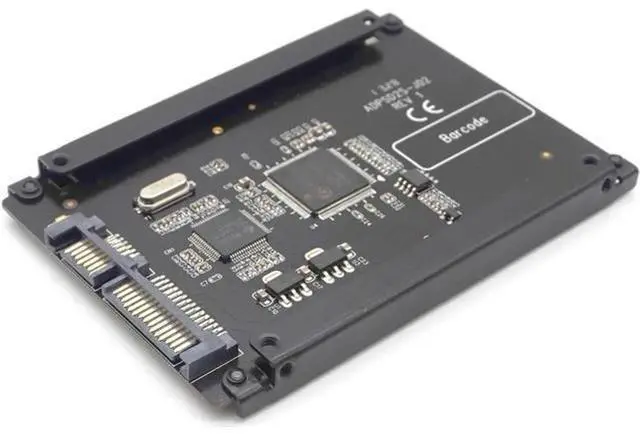
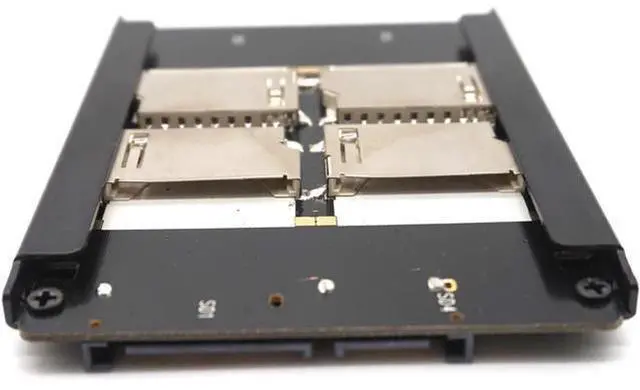
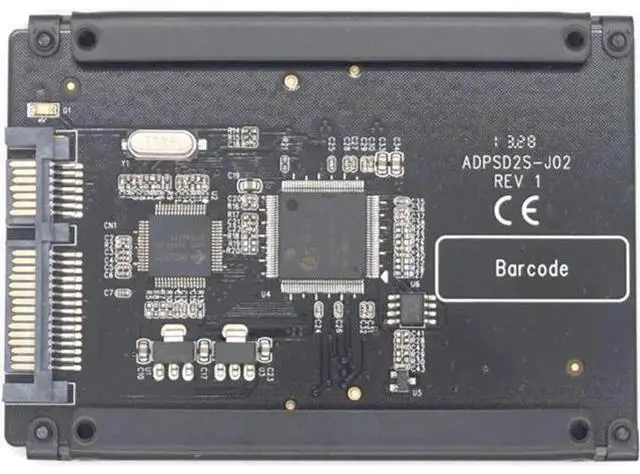
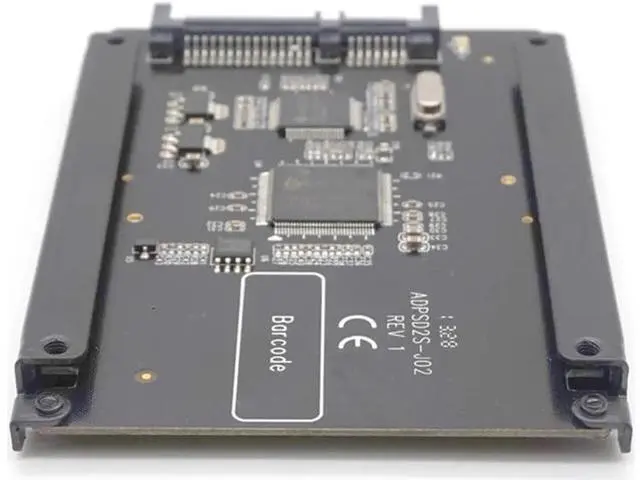
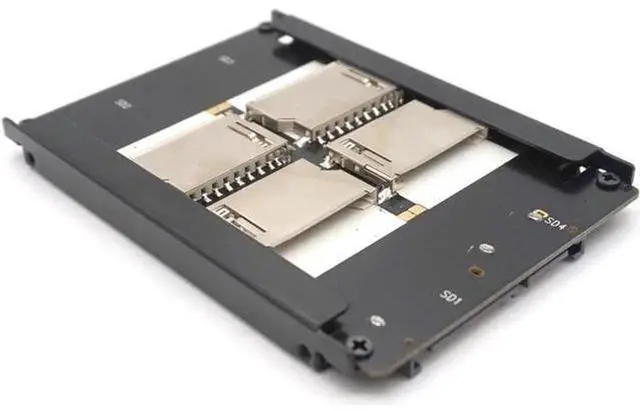
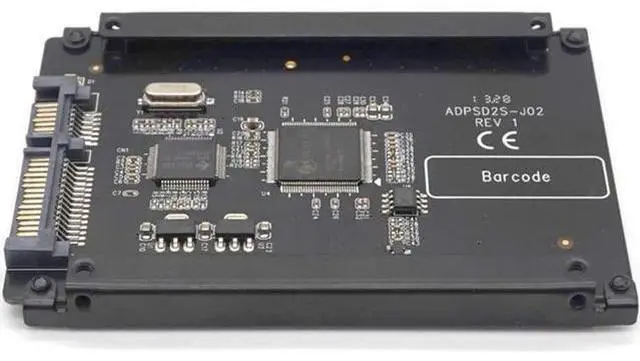
4 SD RAID to SATA Adaptor SATA 2.5" HDD bracket with RAID Quad SD SDHC SDXC to SATA 22 pin converter
- This adapter is designed to enable 4 SD Cards to be used as a direct replacement for a 2.5 SATA hard drive.; Supports Serial ATA hot-plug.; Built-in RAID0 functions which can speed/size up 4-channel SD host interface to SATA interface.; Supports SDIO,SDHC,SDXC(Do NOT support UHS-I),MMC.
+
+
Overview
Specs
Reviews
Any questions? Our AI mode will help you find out quickly.
Try me now
Features: This adapter is designed to enable 4 SD Cards to be used as a direct replacement for a 2.5 SATA hard drive. Once installed, the SD appears as an ordinary SATA hard drive to any OS and can be configured as a bootable device. Serial ATA 1.0 a Specification compliant Supports Serial ATA hot-plug Built-in RAID0 functions which can speed/size up 4-channel SD host interface to SATA interface. Supports SDIO, SDHC, SDXC(Do NOT support UHS-I), MMC Ultra low power consumption OS Bootable and no drivers required Compatible with DOS, Windows 3.1, NT4, 98SE, Me, 2000, XP, Vista, Mac, Linux Installation 1) Insert the SD cards into the slots and connect the SATA port to host side, and then turn on the computer, the LED lamp will light. 2) Please format your SD cards before using.
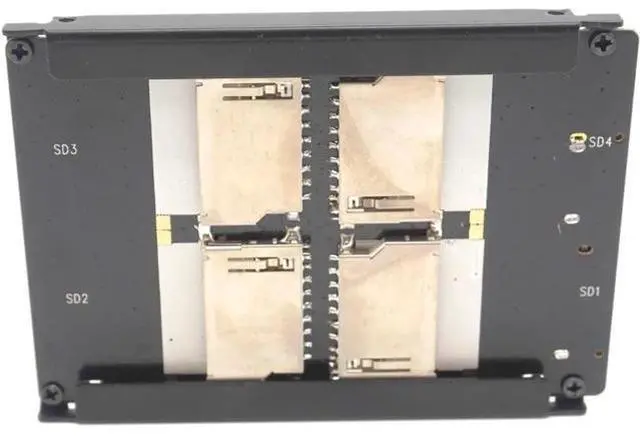
Note: a. You can use 1 SD card, 2 SD Cards or 4 SD Cards at one time. Do not support 3 SD cards together. b. Please insert the SD cards into SD slots one by one as the order shown on adapter (SD1, SD2, SD3, SD4). For example, when using 1 SD Card, please insert the card into SD1 Slot, 2 SD cards, please insert the cards into SD1 and SD2 slots separately. c. When you used different capacity of SD cards, in RAID 0 mode, the total capacity is the minimum capacity SD card multiplied by the number of SD card. For example, SD1 (2G), SD2 (8G), in RAID 0 mode, the total capacity is 2G*2=4G. d. Do NOT support hot swappable of SD Card e. Do NOT change the position of the SD cards, or else you may lose your data.

Warranty & Returns
Warranty, Returns, And Additional Information
Warranty
- Please contact the Seller directly for warranty information. Warranty information may also be found on the Manufacturer's website.
- CONTACT
Return Policies
- Return for refund within: 30 days
- Return for replacement within: 30 days
- This item is covered by OUTDOORMAX GEAR Return Policy
Manufacturer Contact Info
- For a directory of all our manufacturers, please click below.
- Manufacturers Directory
LOADING...