Your Browsing History
Meet Your Seller
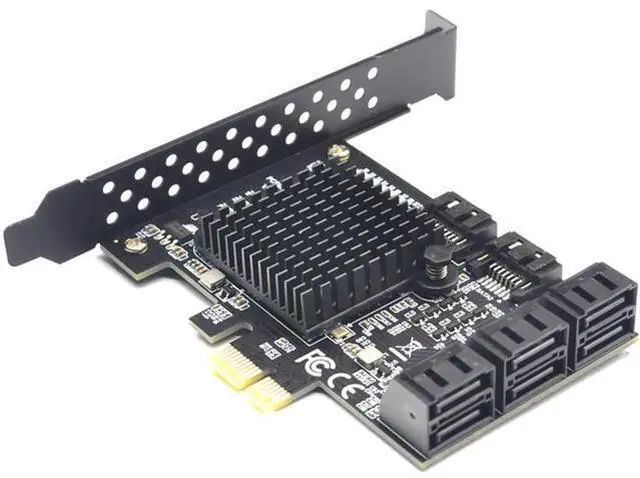
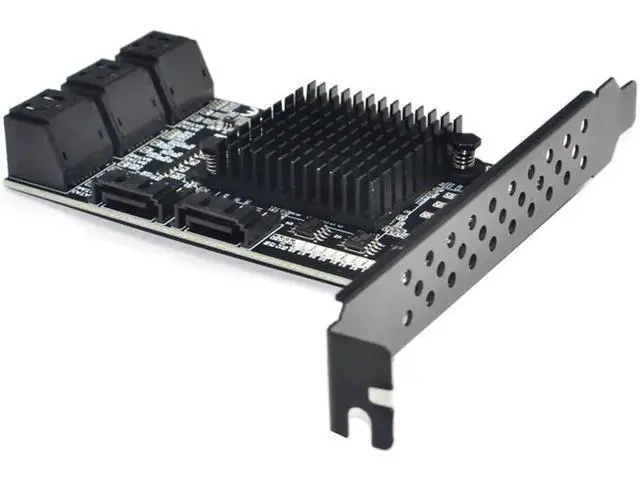
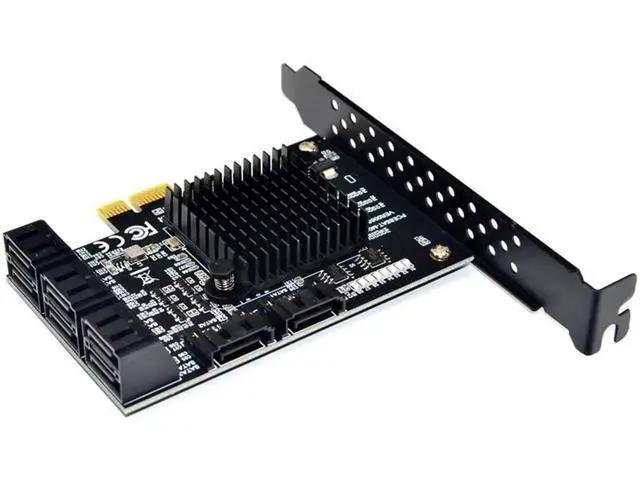
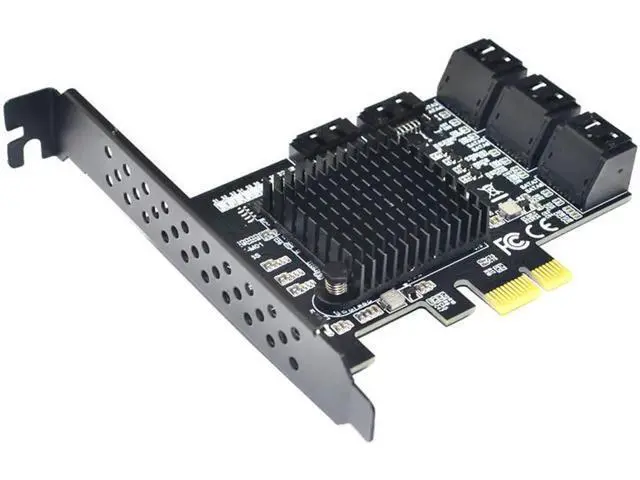
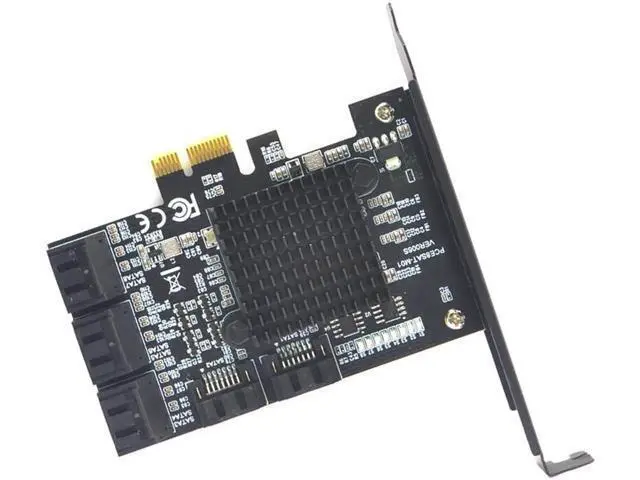
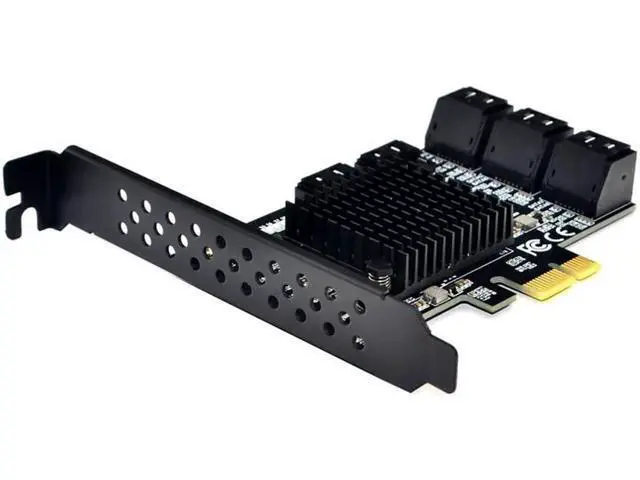
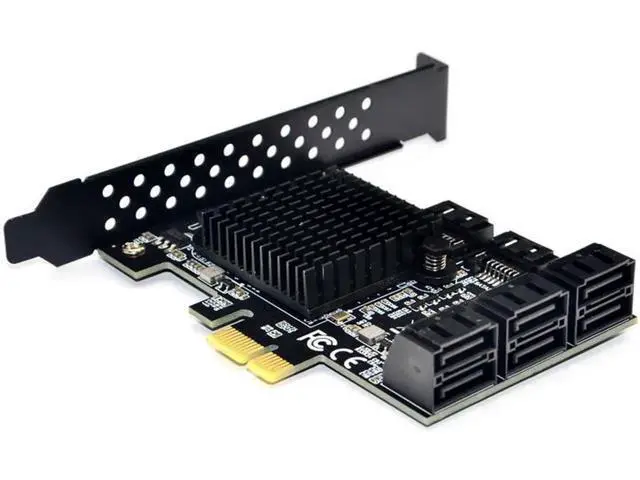
88SE9215 Chip 8 Ports SATA 3.0 to PCIe Expansion Card PCI Express SATA Adapter SATA 3 Converter with Heat Sink for HDD PCIE SATA
- Marvell 88SE9215 chipset.; Ports: 8 SATA 6GB/s Ports.; Compliant with PCI-E Specification V2.0 and backward compatible with PCI-E 1.X,Supports Native Command Queuing (NCQ).; Compatible with SATA 6G, 3G and 1.5G Hard drives.; Compliant with PCI-E Specification v2.0 and backward compatible with PCI-E v1.x,PCI Express x1 Interface, and Compatible with PCI Express x1, x2, x4, x8 and x16 Slots.
+
+
Overview
Specs
Reviews
Any questions? Our AI mode will help you find out quickly.
Try me now
Feature: Installation
instructions:
1: Please clean the gold finger of SATA 3.0 card by eraser, Plug the SATA cable of the chassis into the card. then connect all the hard disks.
2: Turn off the power of the computer and open the back cover of the PC; Remove the bars corresponding to the free slot on the chassis.
3: Insert the expansion card into the corresponding PCI-E expansion slot of the host 4: Secure the iron strip of the expansion card to the chassis with a screwdriver.
5: Close the chassis and plug in the power cord to boot. After entering the system, install the driver Driver Installation"For Windows XP/Vista/7/8/10(32/64 bit)"1. Insert the companion drive CD into the CD drive; 2. Open "My Computer", find the location of the disc, open the disc; 3.
Locate the "CD: / SATA CARD/Marvell/9215/drvsetup inside the. exe driver file; 4. Then follow the instructions of the computer to complete the installation, then restart the computer
Check the installation: Suitable for PCI-E card with Marvell 88SE9215+JMicron
JMB5xx Chipset: Open the "Device Manager", expand the "Universal Serial Bus Controller" option, if there is "Marvell 92xx SATA 6G Controller", the hardware and driver are installed successfully; if there is "unknown device" or other information, the hardware or The driver did not install successfully. If there is "Standard SATA AHCI Controller" hardware information under "Device Manager" or IDE ATA/ATAPI Controller, that means the driver didn't installed under windows10. Marvell

instructions:
1: Please clean the gold finger of SATA 3.0 card by eraser, Plug the SATA cable of the chassis into the card. then connect all the hard disks.
2: Turn off the power of the computer and open the back cover of the PC; Remove the bars corresponding to the free slot on the chassis.
3: Insert the expansion card into the corresponding PCI-E expansion slot of the host 4: Secure the iron strip of the expansion card to the chassis with a screwdriver.
5: Close the chassis and plug in the power cord to boot. After entering the system, install the driver Driver Installation"For Windows XP/Vista/7/8/10(32/64 bit)"1. Insert the companion drive CD into the CD drive; 2. Open "My Computer", find the location of the disc, open the disc; 3.
Locate the "CD: / SATA CARD/Marvell/9215/drvsetup inside the. exe driver file; 4. Then follow the instructions of the computer to complete the installation, then restart the computer
Check the installation: Suitable for PCI-E card with Marvell 88SE9215+JMicron
JMB5xx Chipset: Open the "Device Manager", expand the "Universal Serial Bus Controller" option, if there is "Marvell 92xx SATA 6G Controller", the hardware and driver are installed successfully; if there is "unknown device" or other information, the hardware or The driver did not install successfully. If there is "Standard SATA AHCI Controller" hardware information under "Device Manager" or IDE ATA/ATAPI Controller, that means the driver didn't installed under windows10. Marvell
Warranty & Returns
Warranty, Returns, And Additional Information
Warranty
- Please contact the Seller directly for warranty information. Warranty information may also be found on the Manufacturer's website.
- CONTACT
Return Policies
- Return for refund within: 30 days
- Return for replacement within: 30 days
- This item is covered by OUTDOORMAX GEAR Return Policy
Manufacturer Contact Info
- For a directory of all our manufacturers, please click below.
- Manufacturers Directory
LOADING...