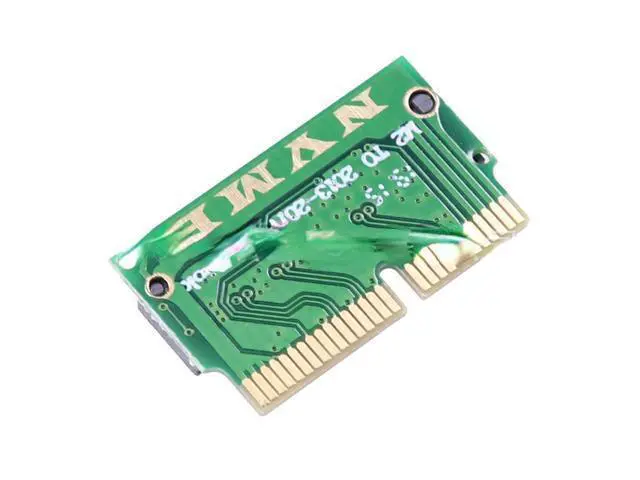
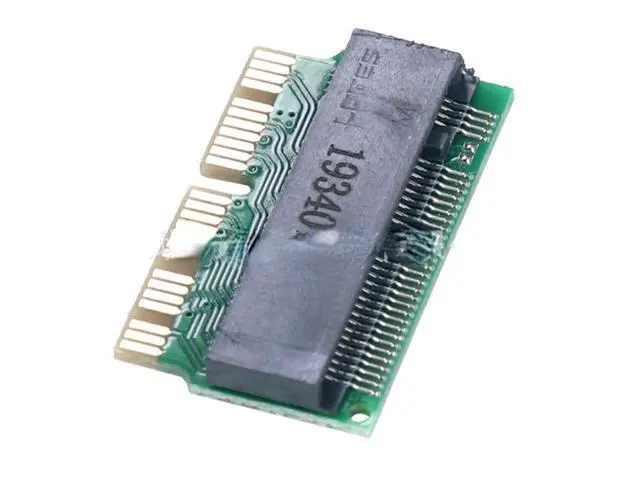
Origin: CN (Origin)
Type: USB
Adapter Certification: NONE
Number of taps: Single
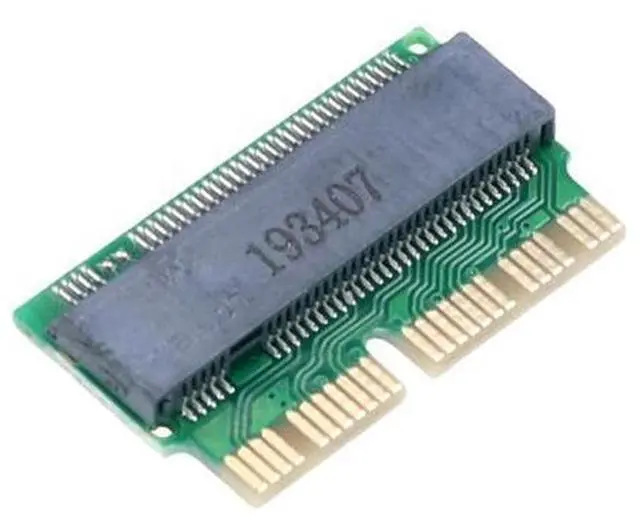
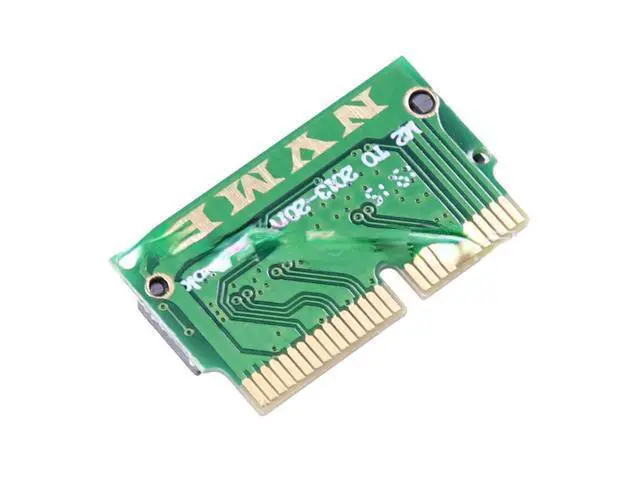
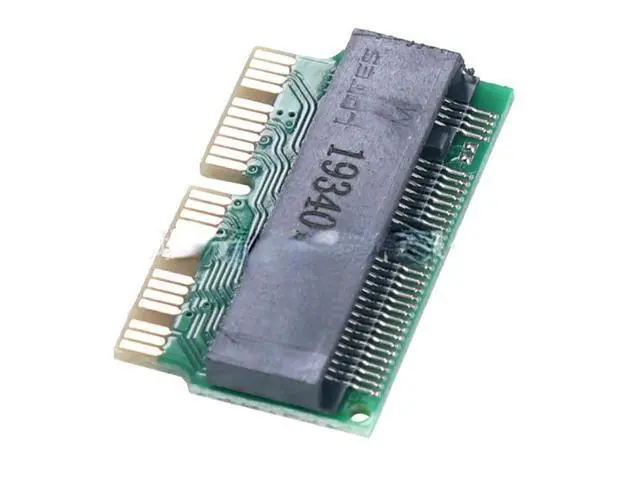
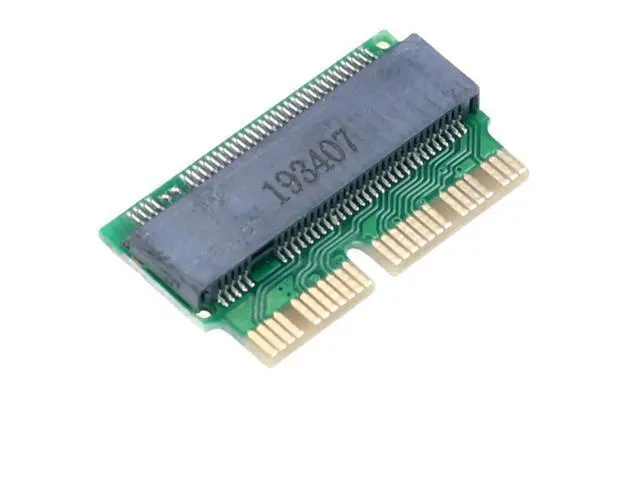
head type: Riser card Hot Selling SSD Adapter M2 To SSD for Macbook Air 2013 2014 2015 M. 2 MKey PCIe X4 NGFF To SSD for Apple Laptop When installing NVME M. 2 SSD, you
need to pay attention: First, you must upgrade the mac os to the high sierra version from the hard disk. The smc and boot rom versions of the mac will be automatically updated during the upgrade, so as to support the ssd of nvme. The second is that you must not install the hard disk mac os with the network recovery software that comes with the mac, but install it through the u disk, so that the hard disk can be recognized. In addition, the disk must be formatted in APFS format during installation, if formatted as HFS, It will restart indefinitely on the installation system interface, and then prompt that the disk space is insufficient This adapter card is suitable for converting 2280 (22mm wide and 80mm long) PCIe x4 M. 2 NGFF to 2013 version 2014 version 2015 2016 2017 version Apple MacBook AIR A1465 A1466 and 2013 version 2014 version 2015 version 2016 Apple MacBook Pro A1398 A1502 notebook computer with SSD solid state drive, easy to use! It is important to note that if you use another hard drive to replace the Apple hard drive after the 2013 version, the system will ze after it wakes up after hibernation.
You need to restart the computer to use it normally. Therefore, it is recommended that you turn off the hibernation function of the





 here!
here!