USB-C 8K Bi-Direction
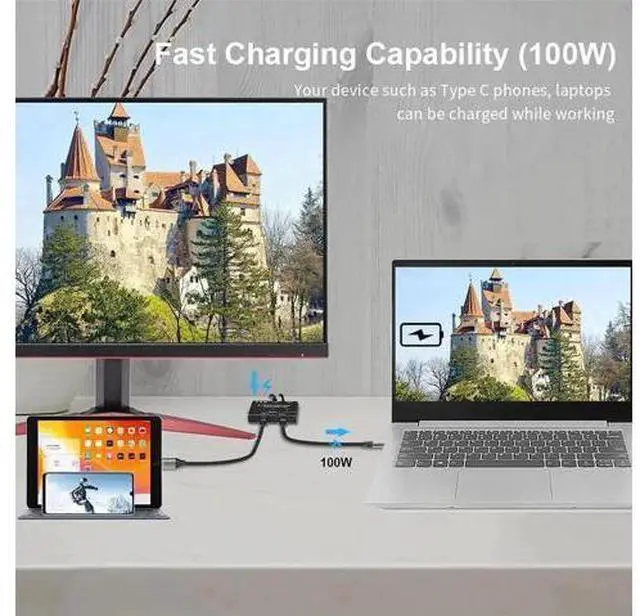
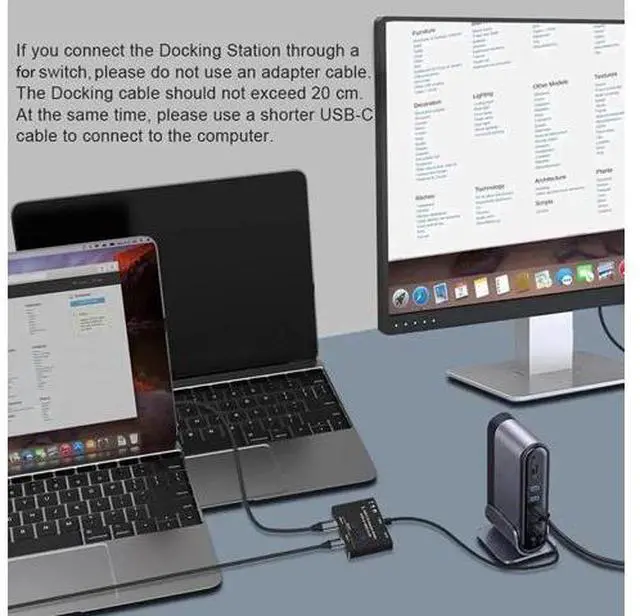
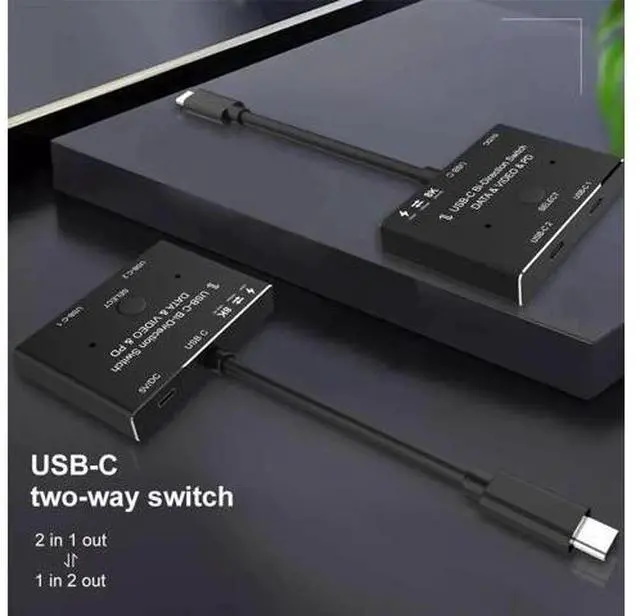
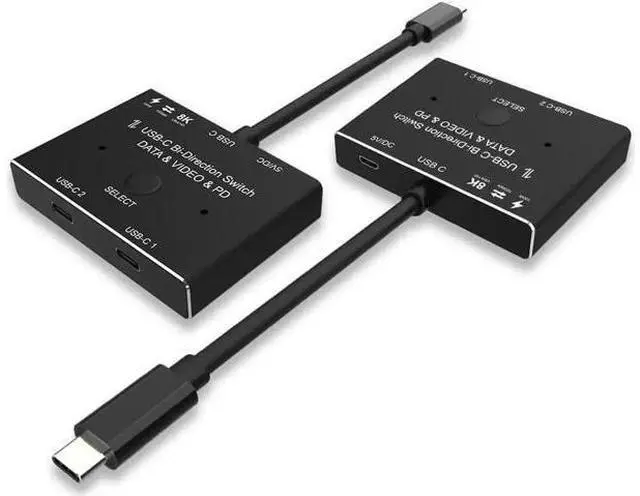
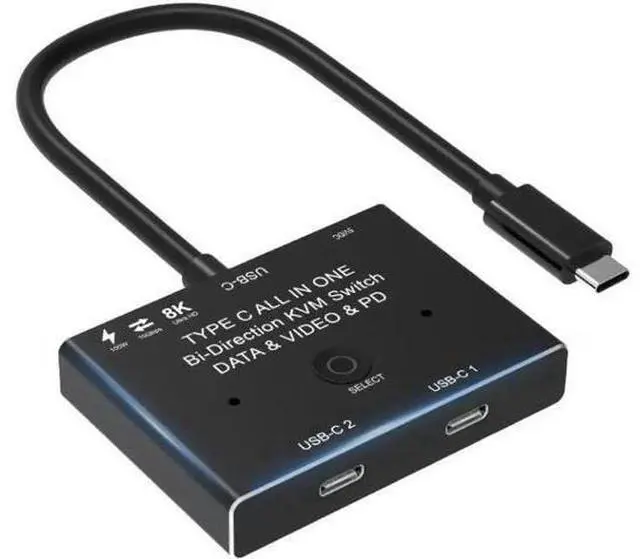
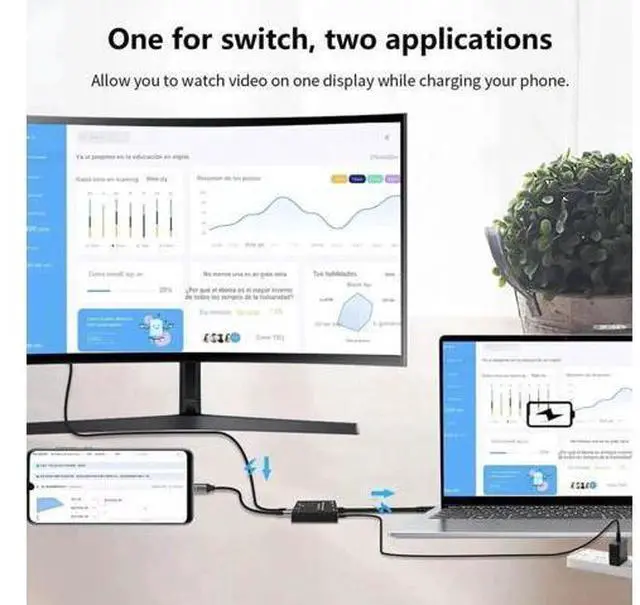
Video Transmissions&Data&Power Switch/Splitter: The USB-C switcher allow you to connect two USB-C sources to one USB-C display or connect one USB-C source to toggle between two displays, (Two displays CANNOT display simultaneously), both of your source and display's USB-C Port should support DP Alternate Mode for Video Transmitting. Ultra HD 8K Video Experience. {while using, you must Power the product via supplied 5V DC Power Cable, or your connection would not show anything} USB-C 8K Switch for Video 2in 1Out, you are allowed to connect two sources to the Port "USB-C 1" and "USB-C 2"in the switch, then connect to the display with the supplied Fixed USB-C Cable. For the USB-C Cable connected between the source devices and Our Switch, these kind of cable should all supporting video transmissiomns. At this connection, you can not connect USB-C hdmi or USB-C displayport cable to your Monitor. Press"Select"Button to switch between two sources. USB-C 8K Splitter for Two Displays 1in 2Out, you are allowed to connect the source device from the USB C end via the supplied fixed USB C Cable, then connect to two USB-C displays to the port "USB-C 1" and port "USB-C 2"in the switch.
In this connection, you can connect via USB-C to HDMI or DP Cable to your monitor. Two Displays can not connect at the same time, the USB-C Cable you used should support for video transfer. Press"Select"Button to switch between two displays. USB-C Switch with Power and Data Function, It





 here!
here!