





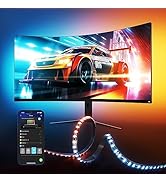
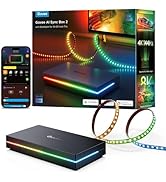
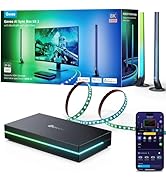
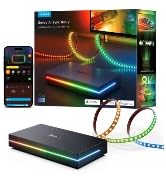


hero-video
Merchant Video


Govee Gaming Lights
 Gaming Light Strip H6609 |  AI Sync Box 2 H6604112 |  AI Gaming Box Kit 2 H6603 |  AI Sync Box 2 H6604113 | 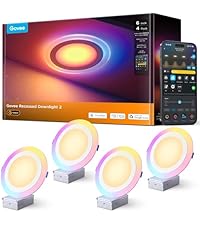 Recessed Downlight B601F |  Govee Y Lights H6065 |  Govee Glide Lively H610A | |
|---|---|---|---|---|---|---|---|
Customer Reviews | — | — | — | — | — | — | — |
Price | — | — | — | — | — | — | — |
Color Matching Style | GoveeDesktop | HDMI 2.1 | HDMI 2.1 | HDMI 2.1 | / | GoveeDesktop | / |
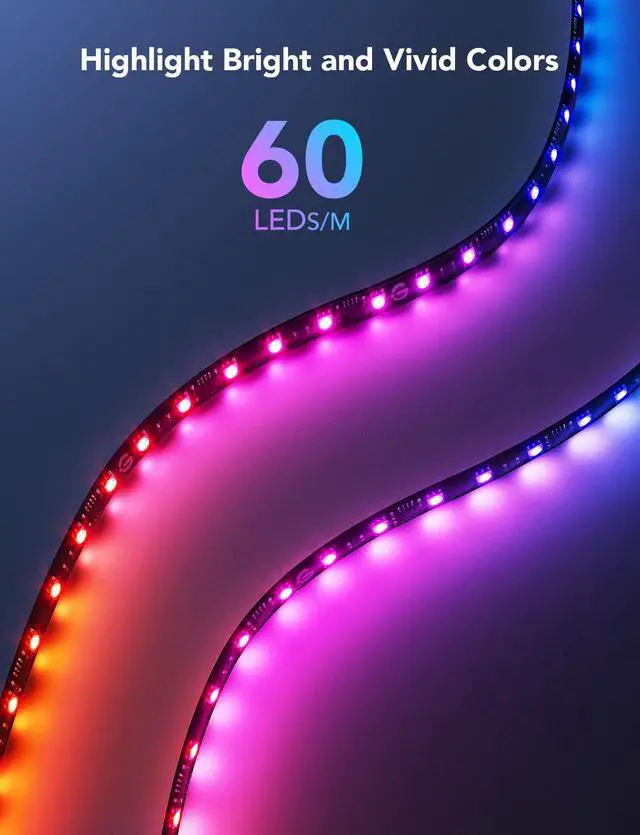
LED Density | 60 LEDs/m | 75 LEDs/m | 75 LEDs/m | 75 LEDs/m | / | / | / |
Color | RGBIC | RGBWIC | RGBWIC | RGBWIC | RGBWW+RGBIC | RGBIC | RGBIC |
AI Light Effect | ? | ? | ? | ? | ? | ? | ? |
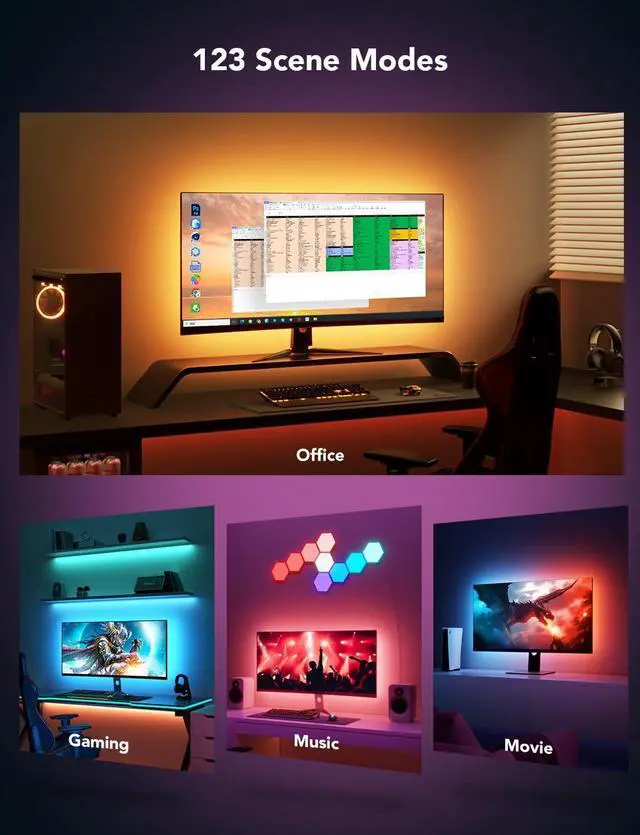
Scene Mode | 99+ | 99+ | 41 | 99+ | 80 | 42 | 64 |
Music Mode | 11 | 11 | 8 | 11 | 8 | 8 | 11 |
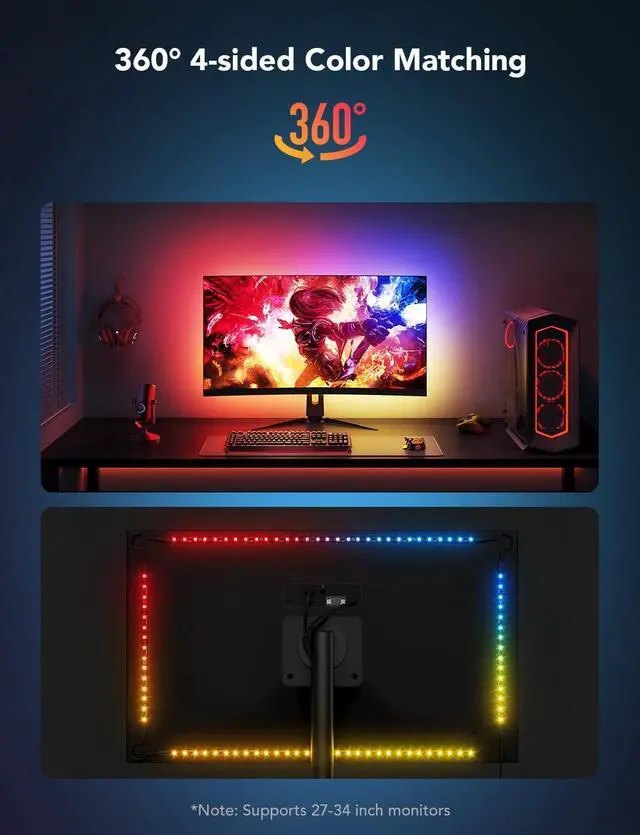
Size | For 27-34 inch Monitor | For 55-65 inch TV Monitor | For 27-34 inch Monitor | For 75-85 inch TV Monitor | 4 Pack(6 inch) | 7 pack | 6 pcs |
Dreamview | ? | ? | ? | ? | ? | ? | ? |
How to Use the DreamView Function on a PC?
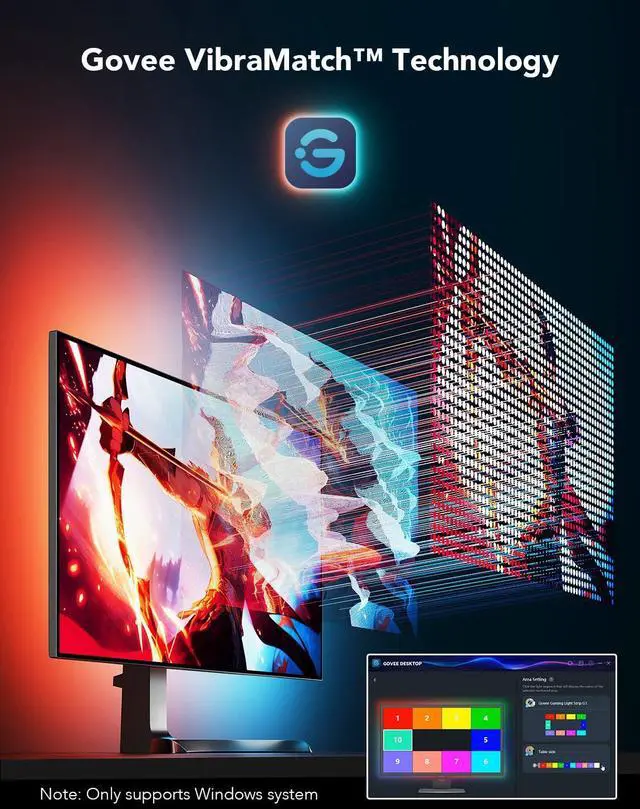
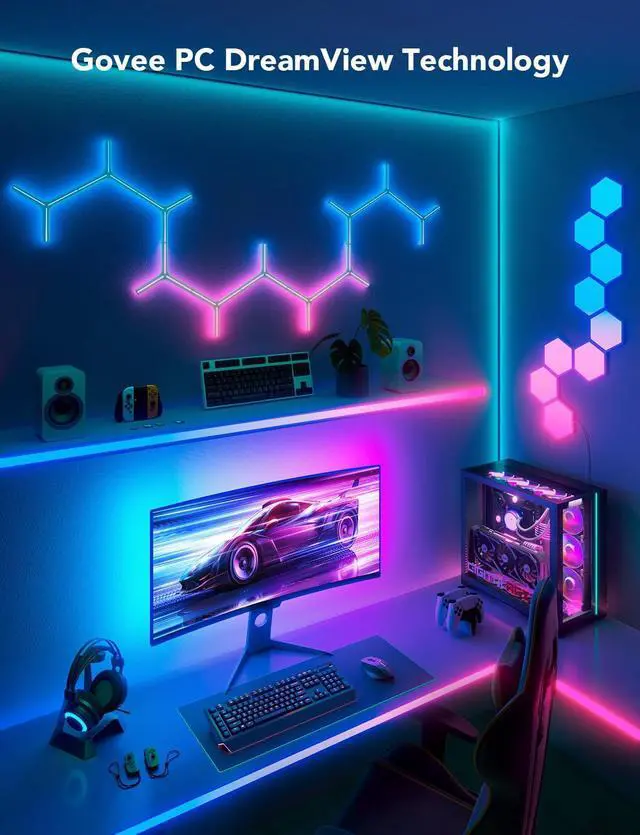
Connect the mobile app to the device via Wi-Fi, and turn on LAN Control. Download Govee Desktop, and make sure the computer and device are connected to the same Wi-Fi. Click "DreamView" on the software to enter a name and complete the creation.
Does the PC software support MacOS?
At this time, the PC software only supports Windows10 and Windows 11.
Do the computer and the device have to be connected to the same Router?
To realize the function of DreamView and the color-picking methods, the PC and the device must be connected to the same Router.
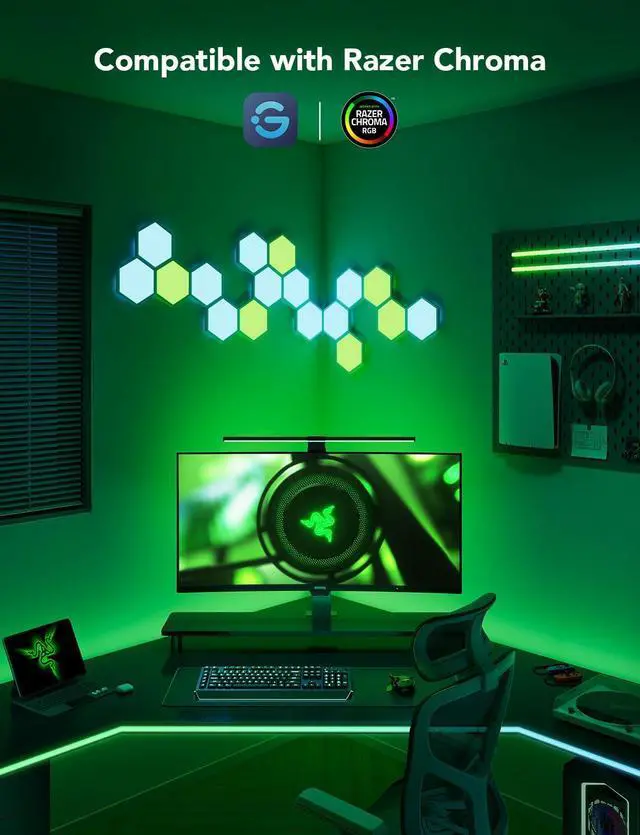
How to Access Razer Chroma?
Open the Govee Desktop software, enter the "Group Control List" column, click "add," select the corresponding device, and enter the name to complete the creation. Note: If it cannot be created, please refer to the FAQ on the software for details.
Why can't the device pick up the content of the screen when watching some streaming media? (eg: Netflix; IMDB, etc.)
Some streaming media content has copyright protection. (eg: Netflix; Max; IMDB; DisneyPlus; Primevideo; Hulu; Crunchyroll, etc.) When you watch such content, PC software cannot pick up the content of the screen in real time.


hero-video
Merchant Video


Govee Gaming Lights
Gaming Light Strip H6609 | AI Sync Box 2 H6604112 | AI Gaming Box Kit 2 H6603 | AI Sync Box 2 H6604113 | Recessed Downlight B601F | Govee Y Lights H6065 | Govee Glide Lively H610A |
|---|---|---|---|---|---|---|
| Customer Reviews | ||||||
| — | — | — | — | — | — | — |
| Price | ||||||
| — | — | — | — | — | — | — |
| Color Matching Style | ||||||
| GoveeDesktop | HDMI 2.1 | HDMI 2.1 | HDMI 2.1 | / | GoveeDesktop | / |
| LED Density | ||||||
| 60 LEDs/m | 75 LEDs/m | 75 LEDs/m | 75 LEDs/m | / | / | / |
| Color | ||||||
| RGBIC | RGBWIC | RGBWIC | RGBWIC | RGBWW+RGBIC | RGBIC | RGBIC |
| AI Light Effect | ||||||
| ? | ? | ? | ? | ? | ? | ? |
| Scene Mode | ||||||
| 99+ | 99+ | 41 | 99+ | 80 | 42 | 64 |
| Music Mode | ||||||
| 11 | 11 | 8 | 11 | 8 | 8 | 11 |
| Size | ||||||
| For 27-34 inch Monitor | For 55-65 inch TV Monitor | For 27-34 inch Monitor | For 75-85 inch TV Monitor | 4 Pack(6 inch) | 7 pack | 6 pcs |
| Dreamview | ||||||
| ? | ? | ? | ? | ? | ? | ? |
How to Use the DreamView Function on a PC?
Connect the mobile app to the device via Wi-Fi, and turn on LAN Control. Download Govee Desktop, and make sure the computer and device are connected to the same Wi-Fi. Click "DreamView" on the software to enter a name and complete the creation.
Does the PC software support MacOS?
At this time, the PC software only supports Windows10 and Windows 11.
Do the computer and the device have to be connected to the same Router?
To realize the function of DreamView and the color-picking methods, the PC and the device must be connected to the same Router.
How to Access Razer Chroma?
Open the Govee Desktop software, enter the "Group Control List" column, click "add," select the corresponding device, and enter the name to complete the creation. Note: If it cannot be created, please refer to the FAQ on the software for details.
Why can't the device pick up the content of the screen when watching some streaming media? (eg: Netflix; IMDB, etc.)
Some streaming media content has copyright protection. (eg: Netflix; Max; IMDB; DisneyPlus; Primevideo; Hulu; Crunchyroll, etc.) When you watch such content, PC software cannot pick up the content of the screen in real time.

Govee Gaming Lights
Gaming Wall lights