




 here!
here!
I’m your shopping assistant for PC builds, upgrades, and everything tech.
Got questions? Ask away!
Start a conversation
here!
I’m your shopping assistant for PC builds, upgrades, and everything tech.
Got questions? Ask away!
Start a conversation



Any questions? Ask CelesteSM will help you find out quickly.

Since 2013, MICTUNING has been on a mission to lead the global automotive lighting modification industry.
Our product philosophy is "innovative, reliable, fun", which reflects in our products from switch panels, LED lights to RV accessories. With certifications & 20+ patents, we're dedicated to quality. Our MICTUNING App is the only App on the market that allows for multi-device operation.
MICTUNING family is always with you to Make it Cool.


A1: Absolutely! Lamp body is of aviation - grade aluminum, strong, light, and highly impact - resistant. Special surface treatment makes it scratch - and wear - proof.
A2: Surely! High - power, ultra - bright LED chips. Clearly shows under - and around - vehicle conditions for safe obstacle - avoidance in the dark.
A3: Great waterproof and dustproof, IP68. Keeps dust out, no water ingress. Whether crossing water or in rain, no worry about vapor or dust.


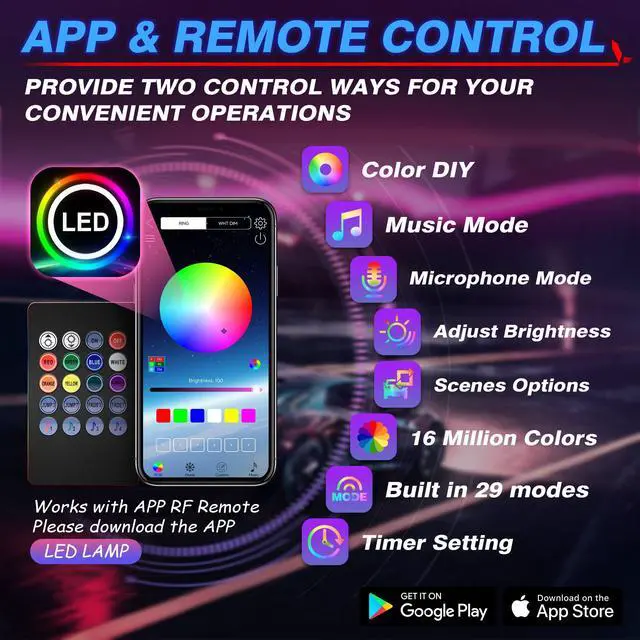
Step 1: Scan the Bluetooth Controller code, Download “LED LAMP” APP
Step 2: Turn on APP Bluetooth.
Step 3: Find the corresponding, matching bluetoothT
Step 4: Turn on the switch

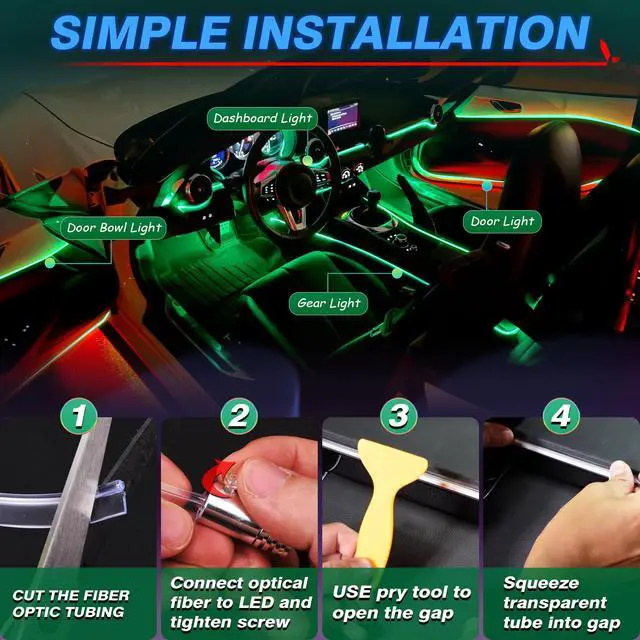
Step 1: Cut a part of the transparent tube with a knife
Step 2: Connect the optical fiber to the LED and tighten the screws
Step 3: Use pry tool to open the gap
Step 4: Squeeze the transparent tube into the gap

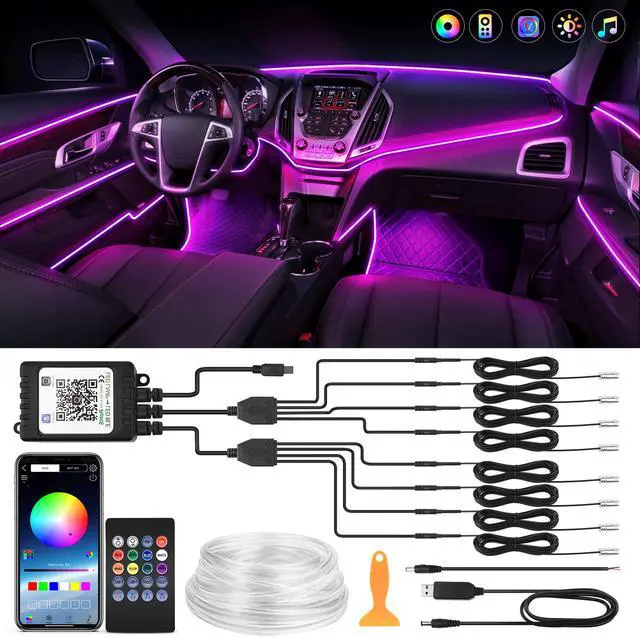
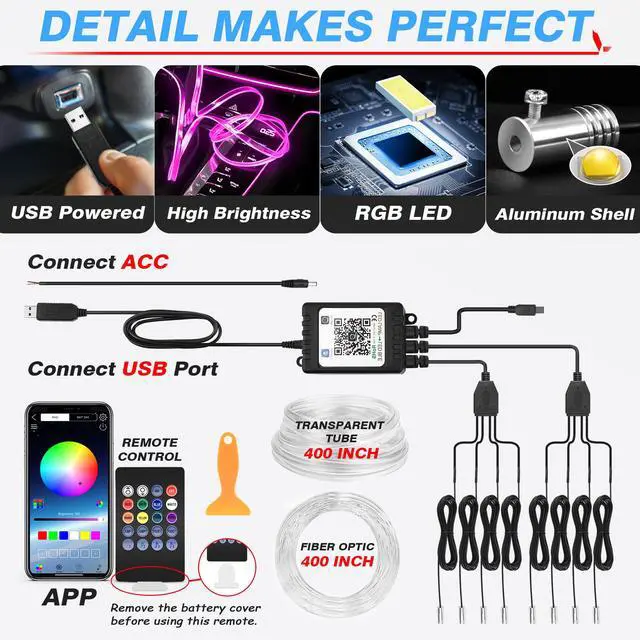
Comes with usb cable to supply power to Car LED Strip Lights

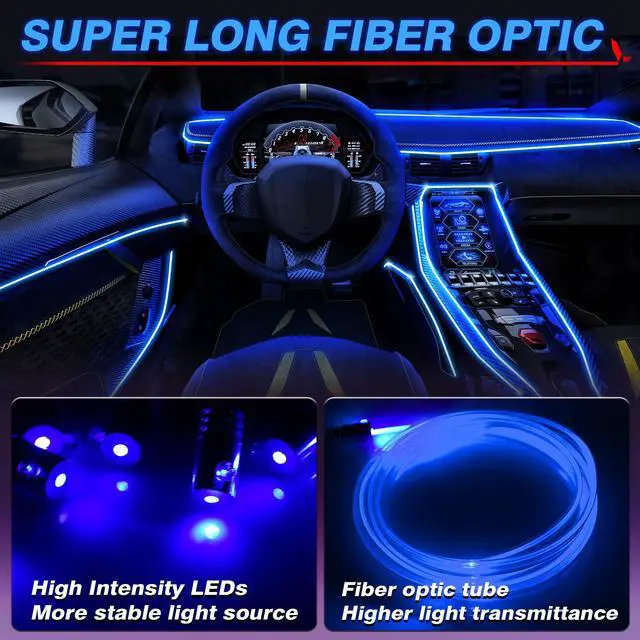
Adopted high intensity lamp bead, more uniform lighting, low power consumption and energy saving

Can be bent to any shape, make it flexible to install in any position you want

You can freely cut the transparent tube according to the length of the installation position


Step 1: Scan the Bluetooth Controller code, Download “LED LAMP” APP
Step 2: Turn on APP Bluetooth.
Step 3: Find the corresponding, matching bluetoothT
Step 4: Turn on the switch
Step 1: Cut a part of the transparent tube with a knife
Step 2: Connect the optical fiber to the LED and tighten the screws
Step 3: Use pry tool to open the gap
Step 4: Squeeze the transparent tube into the gap
Comes with usb cable to supply power to Car LED Strip Lights
Adopted high intensity lamp bead, more uniform lighting, low power consumption and energy saving
Can be bent to any shape, make it flexible to install in any position you want
You can freely cut the transparent tube according to the length of the installation position


Since 2013, MICTUNING has been on a mission to lead the global automotive lighting modification industry.
Our product philosophy is "innovative, reliable, fun", which reflects in our products from switch panels, LED lights to RV accessories. With certifications & 20+ patents, we're dedicated to quality. Our MICTUNING App is the only App on the market that allows for multi-device operation.
MICTUNING family is always with you to Make it Cool.


A1: Absolutely! Lamp body is of aviation - grade aluminum, strong, light, and highly impact - resistant. Special surface treatment makes it scratch - and wear - proof.
A2: Surely! High - power, ultra - bright LED chips. Clearly shows under - and around - vehicle conditions for safe obstacle - avoidance in the dark.
A3: Great waterproof and dustproof, IP68. Keeps dust out, no water ingress. Whether crossing water or in rain, no worry about vapor or dust.





