PC Power Supply Button,Desktop Computer Case Remote PC Power Switch SW Extension,External ON/Off Switch LED Indicator for Computer Motherboard-1.8M/5.9FT
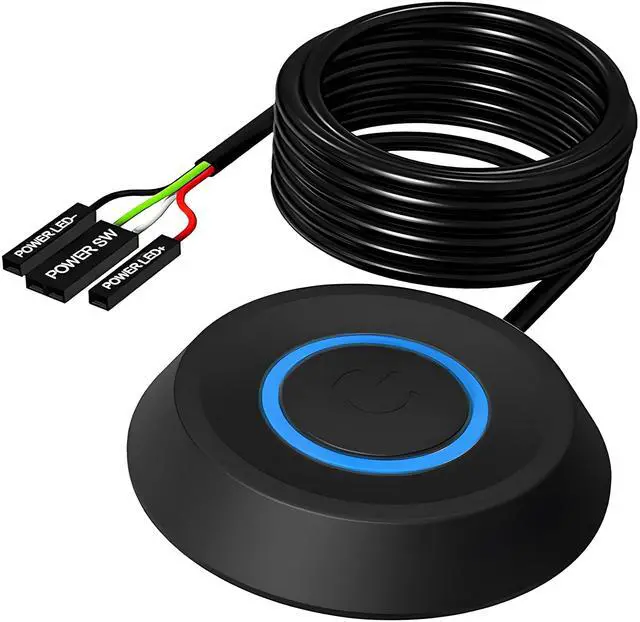
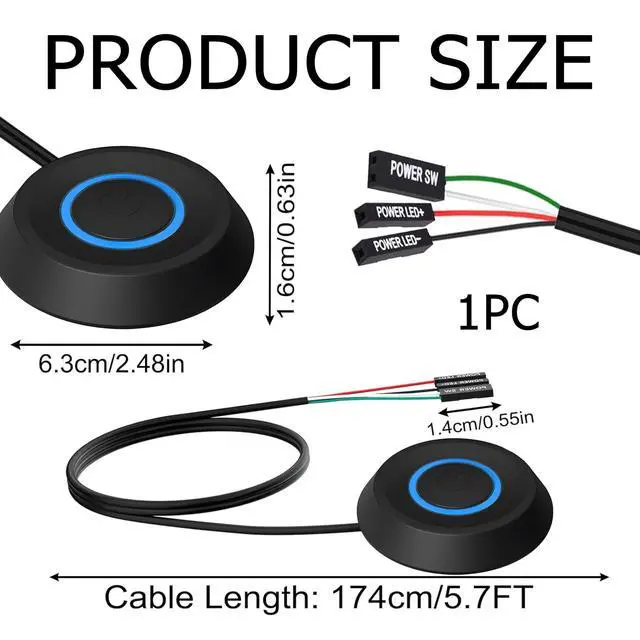
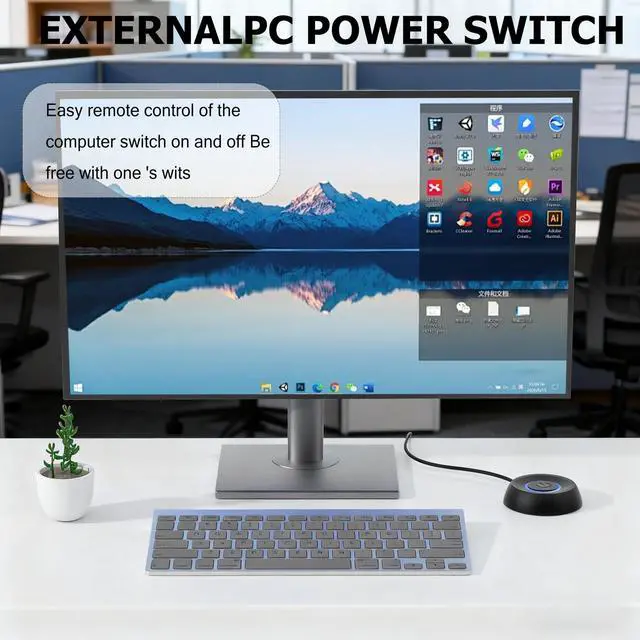
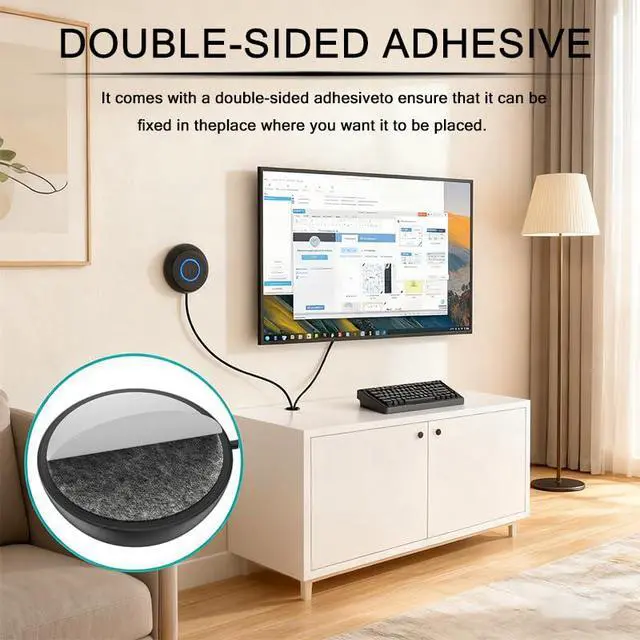
Provide convenient remote controlFUSINOWIS PC Power Button, as an extension of the PC power button with a 1.8-meter cable, allows you to place the power switch within reach - on a table, next to a keyboard, or anywhere you want. No further stretching is required to reach the built-in switch of the PC; This allows you to easily control power while gaming, working, or building devices.
Fashionable LED design FUSINOWIS remote computer power switch adopts a circular design with a glowing blue LED ring, which not only has powerful functions, but also adds a sense of fashion to your desktop. The LED clearly displays the power status, making it ideal for custom constructions, open PCs, or any settings that require practicality and aesthetics.
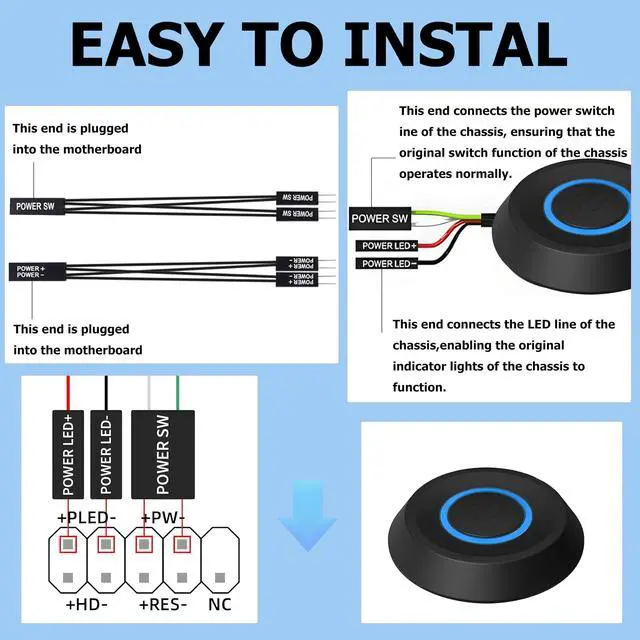
Reliable performance for daily use FUSINOWIS computer power switch uses high-quality wiring and label connectors (POWER SW, POWER LED) to ensure stable integration with standard ATX motherboards. Whether you are powering fast tasks or playing games all day, it can provide consistent and responsive performance that you can trust.
Easy to installEven if you are a novice in computer manufacturing, setting up this power switch is very simple. Simply insert the labeled connectors into the corresponding plugs on the motherboard, without the need for complicated steps. In a few minutes, you will be able to use the fully functional remote power control.
+
+
Overview
Specs
Reviews
Any questions? Our AI mode will help you find out quickly.
Try me now
PC Power Supply Button, Desktop Computer Case Remote PC Power Switch SW Extension, External ON/Off Switch LED Indicator for Computer Motherboard- 1.8M / 5.9FT
Learn more about the Detailed Specifications
Details
Includes
Atx
Brand
FUSIONWIS
Parts
no
Labor
no
Additional Information
First Listed on Newegg
August 03, 2026
There are no reviews yet.
Do you own this product?
Warranty & Returns
Warranty, Returns, And Additional Information
Warranty
Please contact the Seller directly for warranty information. Warranty information may also be found on the Manufacturer's website.