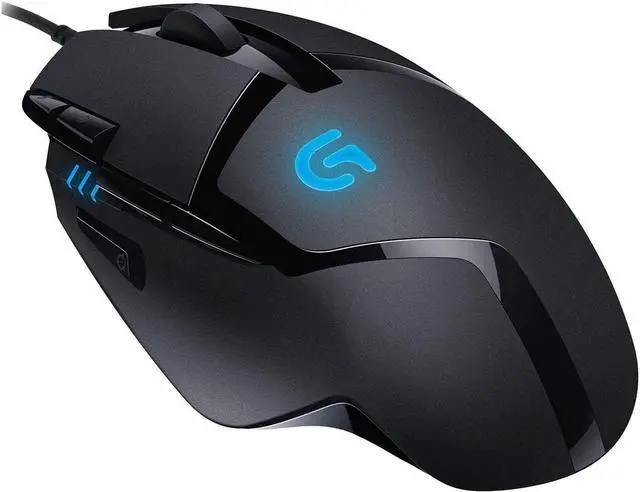
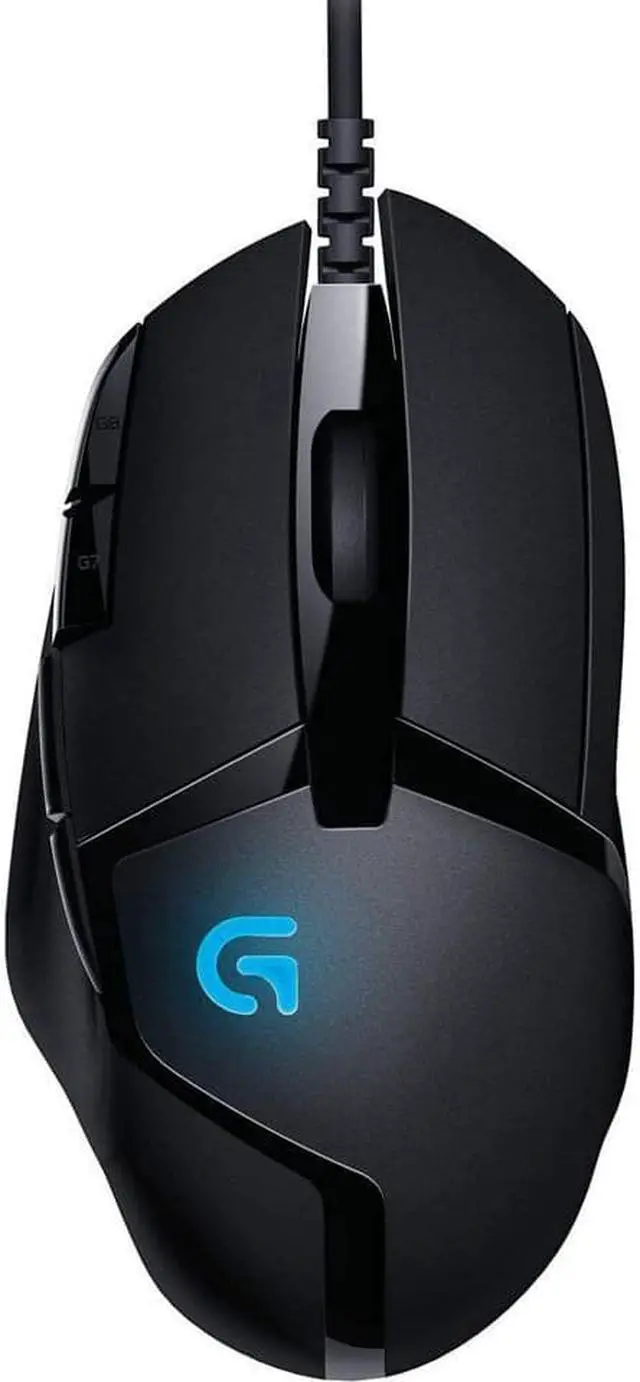
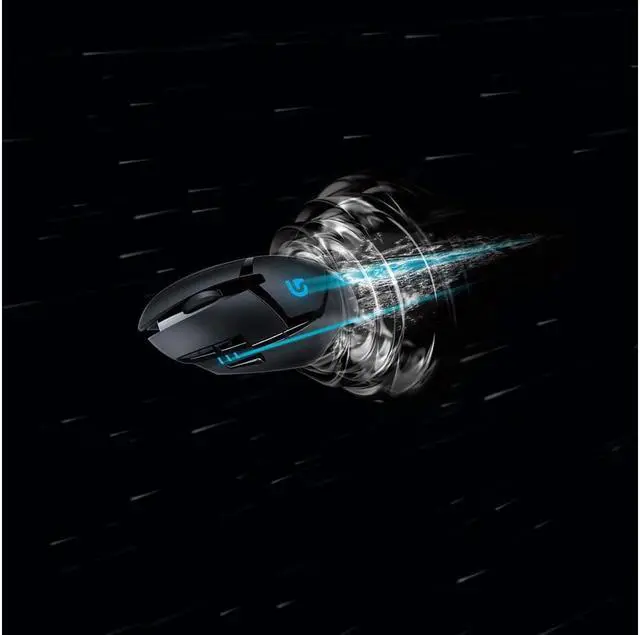
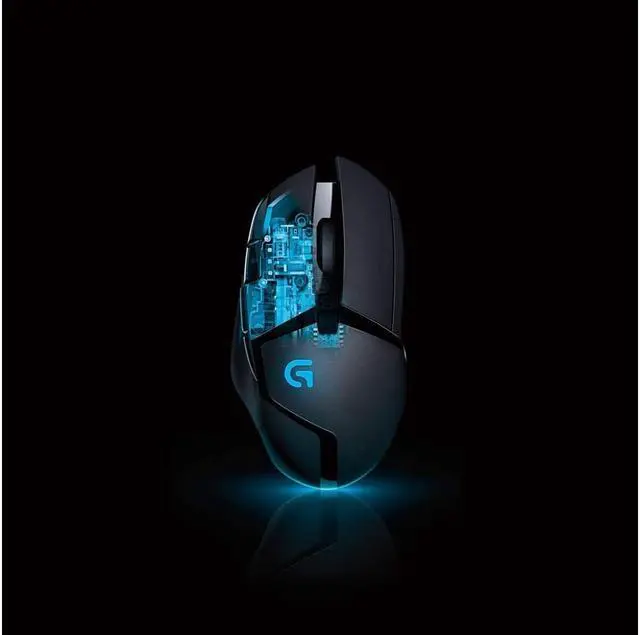
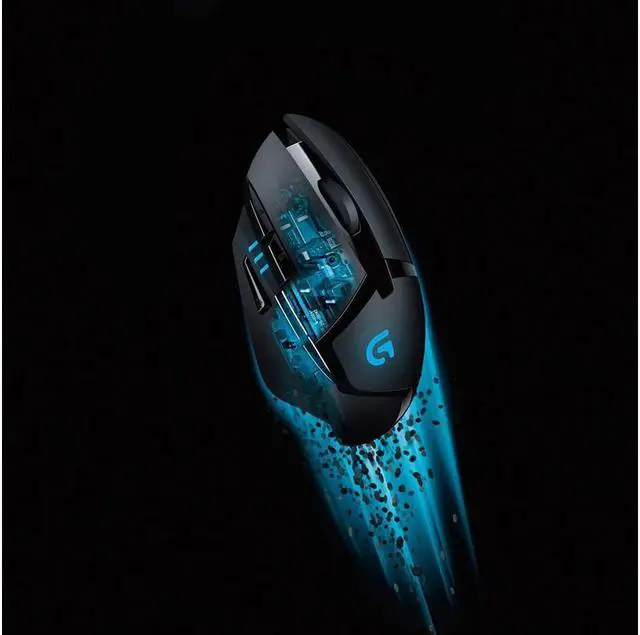
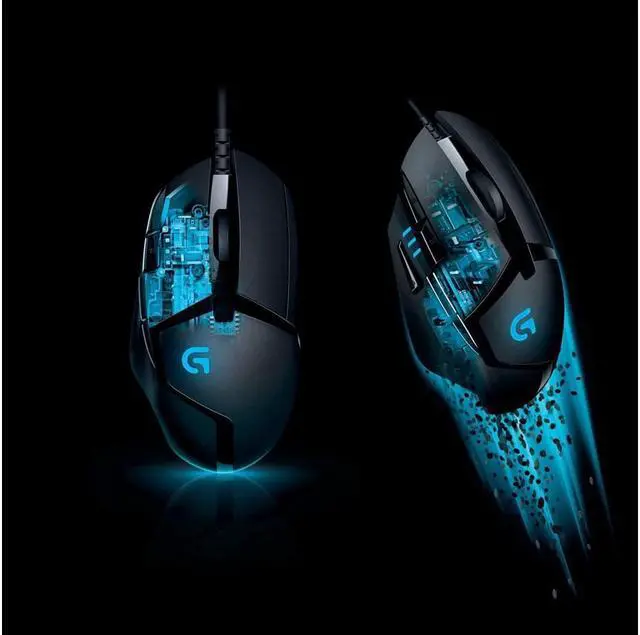
Logitech G402 Hyperion Furys fusion engine offers high-precision tracking speeds so fast that your opponents wont know what hit them. The Fusion Engine sensor technology can track reliably at speeds of 400 IPS. In combination with the Delta Zero gaming sensor, Hyperion Fury gives you the extreme performance, speed and accuracy you need to blow away the competition. The G402 Hyperion Fury gaming mouse has 8 programmable buttons and 4 DPI settings that can be shifted on the fly to give you the precision you need to dominate the battlefield, while the fastest possible USB communication ensures that your timing is accurate to the millisecond.
Lightweight materials and low-friction feet offer the most comfortable feeling possible so that your gameplay sessions last as long as you can. Hyperion Fury is the perfect gaming mouse for your computer, laptop or Mac. You can enable and disable the illumination on your G402 gaming mouse.
Here's how: Open the
Logitech Gaming Software: Start then go to "All Programs" and then go to "Logitech" and go to "Logitech Gaming Software 8.55". Click the Lighting Settings light-bulb icon. Click the Lighting Settings light-bulb icon. In the Lighting Settings window, you
can: Turn the "G" logo and DPI lighting on and off. Select the Lighting Sleep Timer box and specify the number of minutes of inactivity after which your mouse's lighting will automatically turn off. When a profile stops working in the middle of a game, there are two possible causes.
Either the profile is: Not associated with the correct. exe file, the profile is detected in the game launcher or menu, but stops working while playing the game. This happens when the profile isn't associated to the correct. exe file. You can fix this by assigning the game's. exe file to the profile and not the launcher's. exe file or Reverted to the Default Profile, Another application running on your computer may come to the foreground, causing the active profile to revert to the Default Profile. You can fix this by locking the profile assigned to the game.