



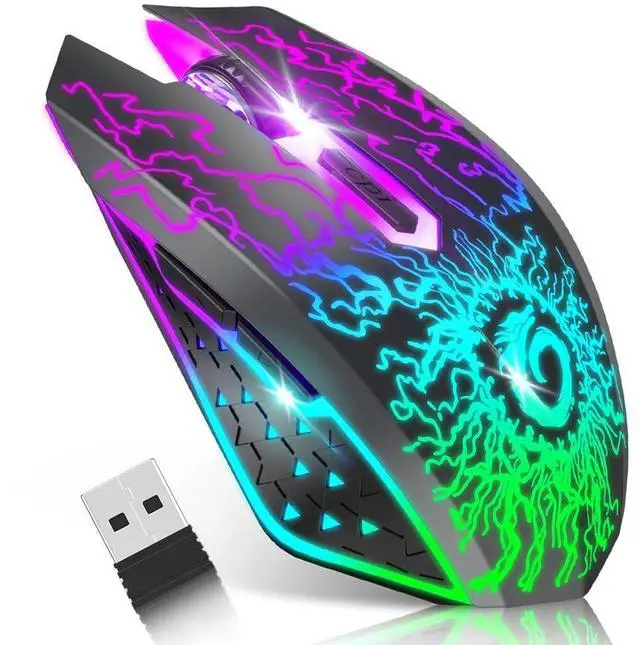
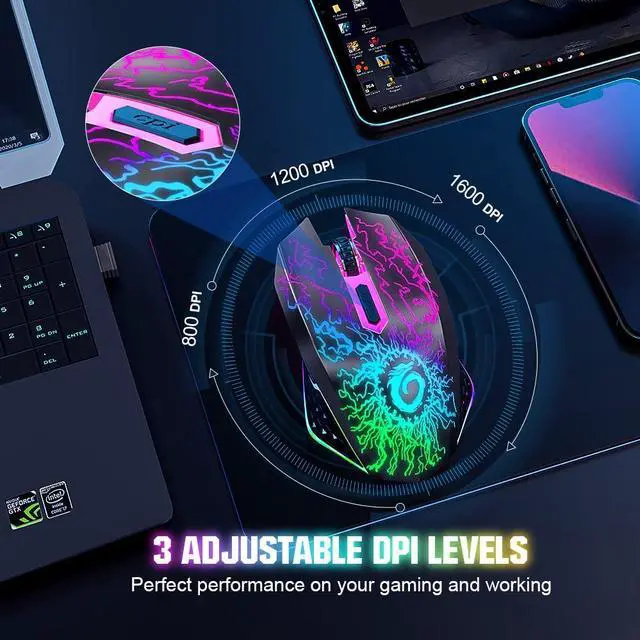
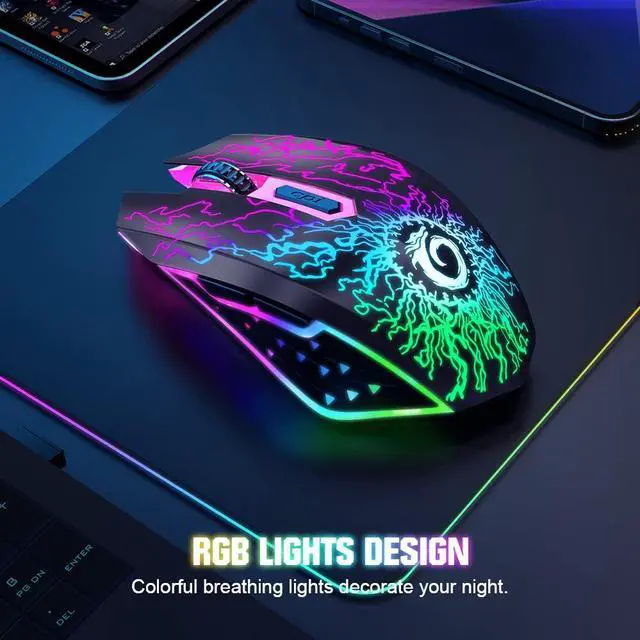


Wireless gaming mouse with 7 color led light
Merchant Video


Is the included cable for charging or wired connection?
The cable is for charging only. It cannot transmit data or enable a wired connection. To use the mouse, you must connect the included 2.4G USB-A receiver to your computer.
Please charge the mouse after receiving it.
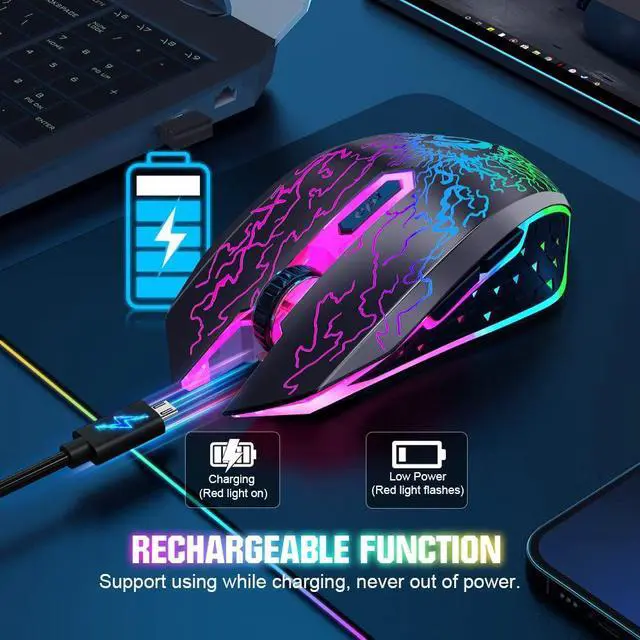
Please charge the mouse for about 2 hours before first time use it. When charging the mouse by connecting the USB-C cable, the red light next to the scroll wheel will light up and turn off when the mouse is fully charged.
How do I connect the mouse to my computer?
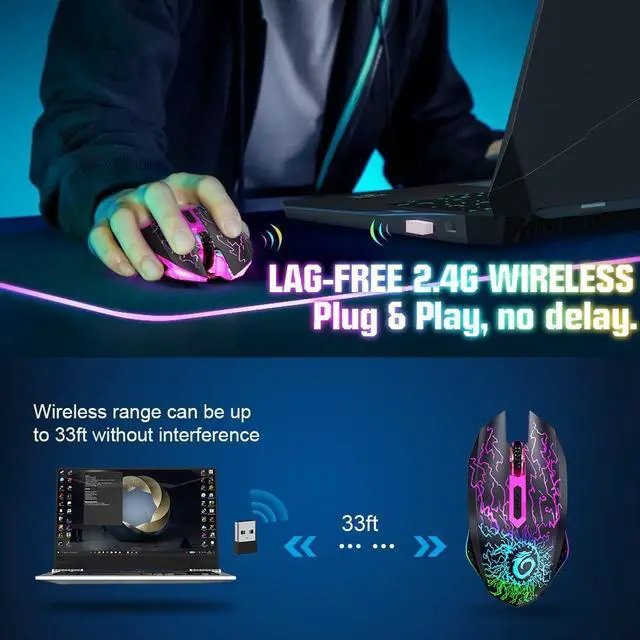
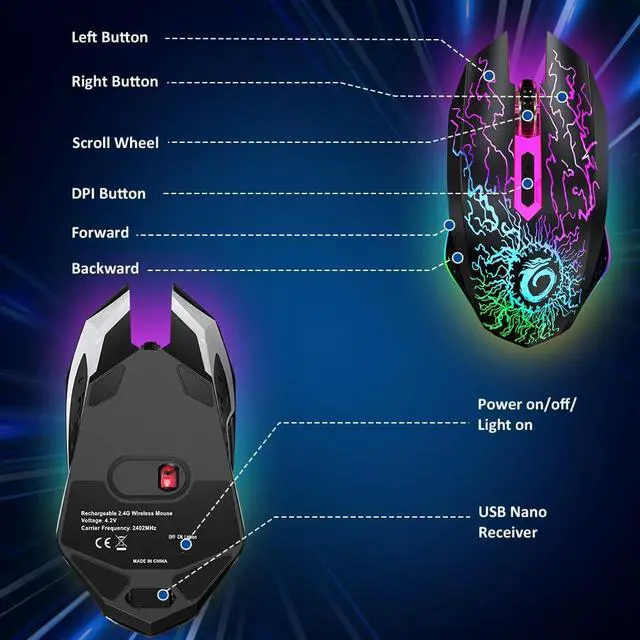
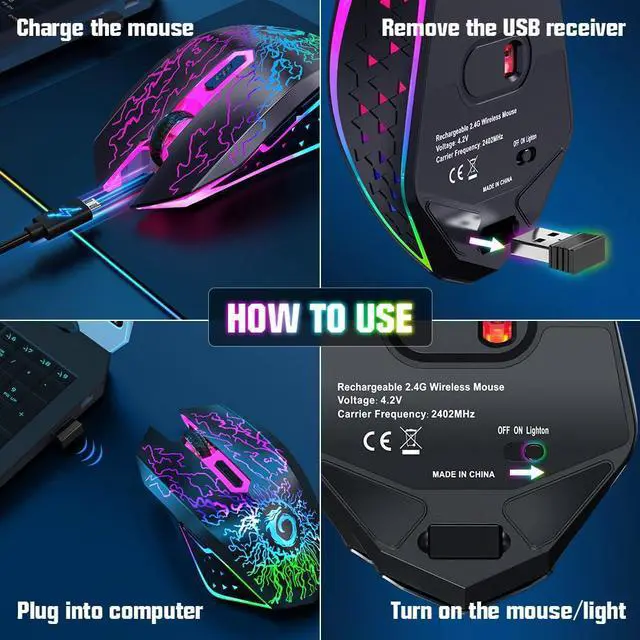
Remove the 2.4G receiver from the bottom of the mouse, plug it into a USB-A port on your computer, and turn the mouse on. Wait 10s for it to connect automatically. Note: For USB-C only devices, an adapter (not included) is required.
The cursor doesn't move or there's no connection?
1. Ensure the power switch is "ON". 2. Re-plug the receiver into the USB port. 3. Charge the mouse. 4. Restart your computer.
Why is my cursor moving slowly, not responding, jumping around the screen, or the scroll wheel lagging?
This usually means low battery. Please charge the mouse. Also, ensure you are within 10 meters of the receiver and using it on a smooth, matte surface.

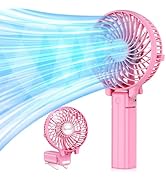
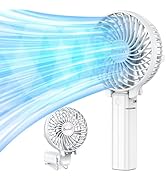
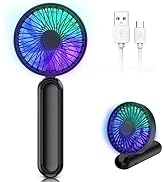






Portable Fan:Powerful&Foldable
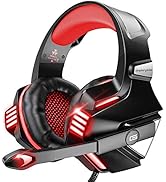
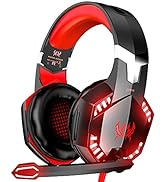
Gaming Headset
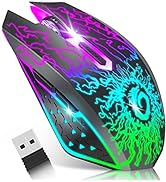
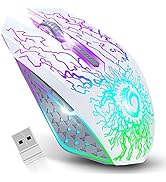
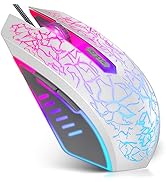
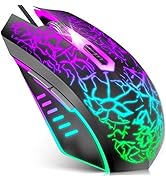
Gaming Mouse
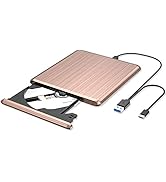
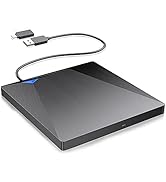
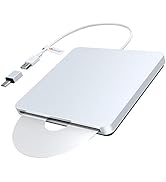
External CD DVD Drive
Wireless gaming mouse with 7 color led light
Merchant Video


Is the included cable for charging or wired connection?
The cable is for charging only. It cannot transmit data or enable a wired connection. To use the mouse, you must connect the included 2.4G USB-A receiver to your computer.
Please charge the mouse after receiving it.
Please charge the mouse for about 2 hours before first time use it. When charging the mouse by connecting the USB-C cable, the red light next to the scroll wheel will light up and turn off when the mouse is fully charged.
How do I connect the mouse to my computer?
Remove the 2.4G receiver from the bottom of the mouse, plug it into a USB-A port on your computer, and turn the mouse on. Wait 10s for it to connect automatically. Note: For USB-C only devices, an adapter (not included) is required.
The cursor doesn't move or there's no connection?
1. Ensure the power switch is "ON". 2. Re-plug the receiver into the USB port. 3. Charge the mouse. 4. Restart your computer.
Why is my cursor moving slowly, not responding, jumping around the screen, or the scroll wheel lagging?
This usually means low battery. Please charge the mouse. Also, ensure you are within 10 meters of the receiver and using it on a smooth, matte surface.