


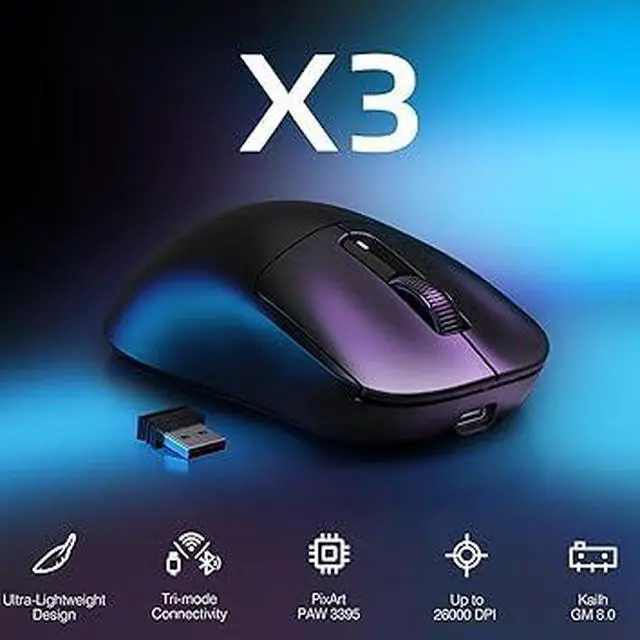
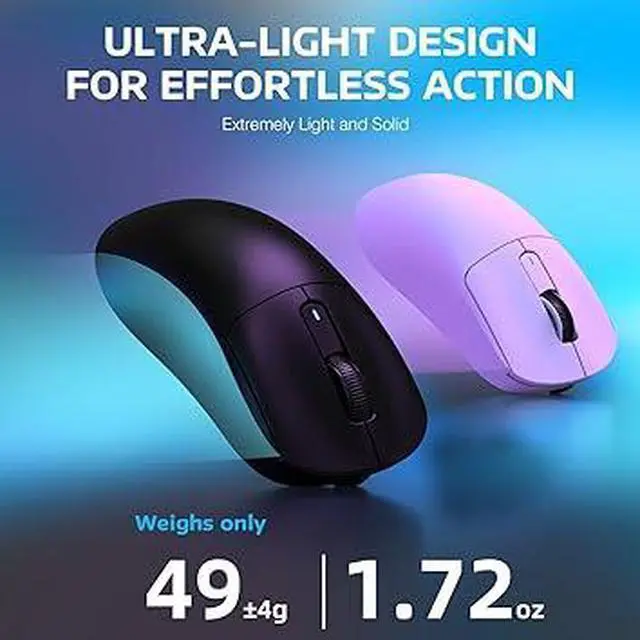


49G ULTRA-LIGHTWEIGHT
A lower weight allows you to move, accelerate, and stop the mouse with more precision, making it easier than ever to track targets and hit your flicks.


How to use 2.4G wireless connection or wired connection?
1) 2.4G connection:
Turn the switch on the back of the mouse to 2.4G, and plug the USB receiver into the computer to use it.
2) Wired connection:
Adjust the switch to "OFF" - insert the USB cable, which can be used directly and charge the mouse.
How to use Bluetooth connection?
a) Toggle the switch on the back to Bluetooth.
b) Long press the Bluetooth button for 3 seconds
b) Turn on the Bluetooth switch of the device, find the device named "X3-5.2 mouse/X3-5.4 mouse", click to connect.
How to precisely adjust the DPI value?
You can enter the required value under the DPI setting of the software and click the save button to apply it. Supporting minimum 50 DPI step setting. If you do not see the input box, please download the latest driver software.


A lower weight allows you to move, accelerate, and stop the mouse with more precision, making it easier than ever to track targets and hit your flicks.


How to use 2.4G wireless connection or wired connection?
1) 2.4G connection:
Turn the switch on the back of the mouse to 2.4G, and plug the USB receiver into the computer to use it.
2) Wired connection:
Adjust the switch to "OFF" - insert the USB cable, which can be used directly and charge the mouse.
How to use Bluetooth connection?
a) Toggle the switch on the back to Bluetooth.
b) Long press the Bluetooth button for 3 seconds
b) Turn on the Bluetooth switch of the device, find the device named "X3-5.2 mouse/X3-5.4 mouse", click to connect.
How to precisely adjust the DPI value?
You can enter the required value under the DPI setting of the software and click the save button to apply it. Supporting minimum 50 DPI step setting. If you do not see the input box, please download the latest driver software.