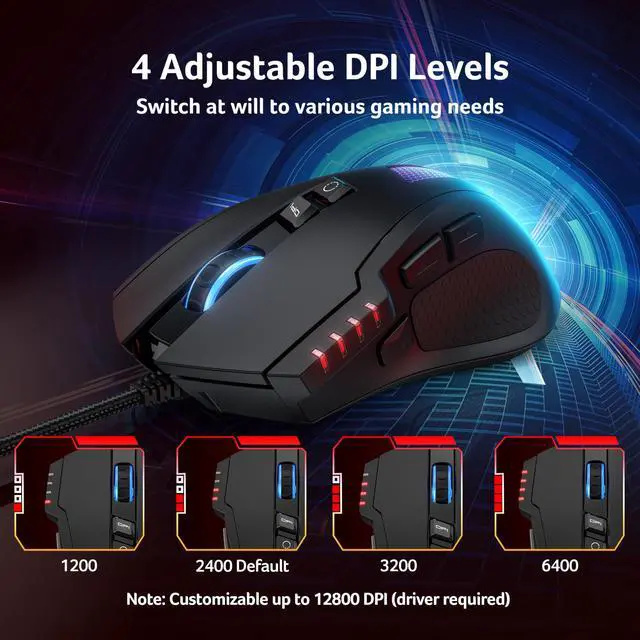
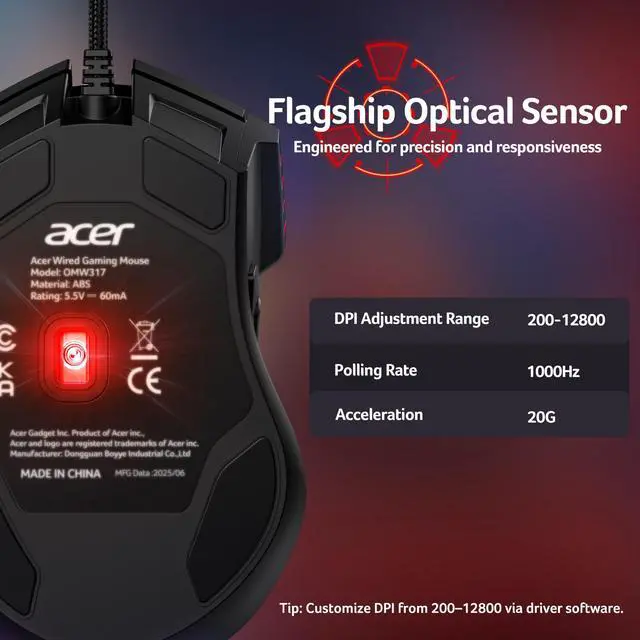
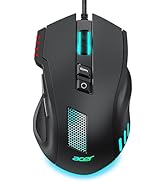
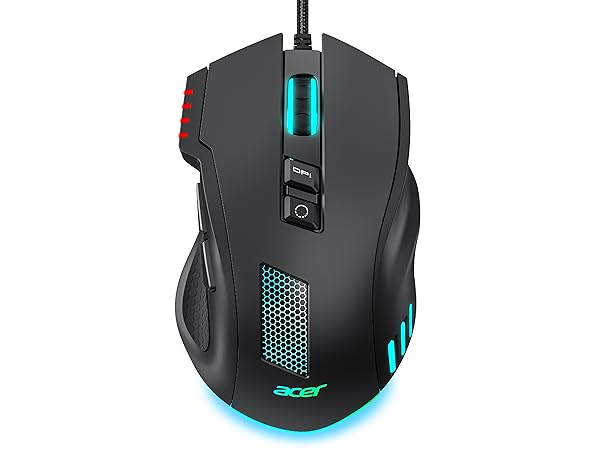
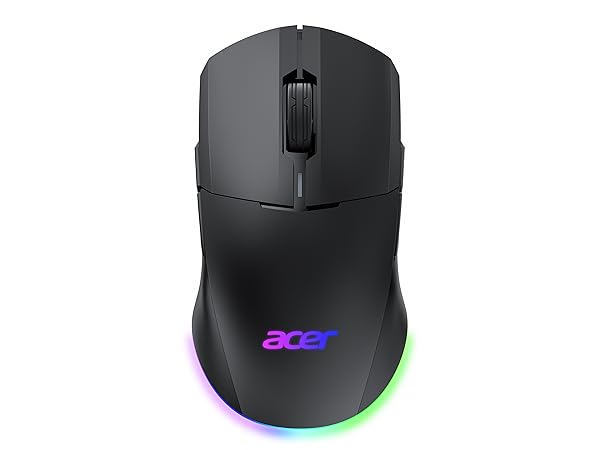
Adjustable DPI Switching for Any ScenarioUnlock elite 12,800 DPI via software and instantly cycle between 4 presets (default: 1200/2400/3200/6400) on this USB mouse for laptop & PC. Aim with sniper precision at 1200 DPI, glide through browsing or work at 24003200, and dominate fast-paced battles at 6400. Need lightning flicks on a 4K screen? Crank it to 12,800 for pro-level control.
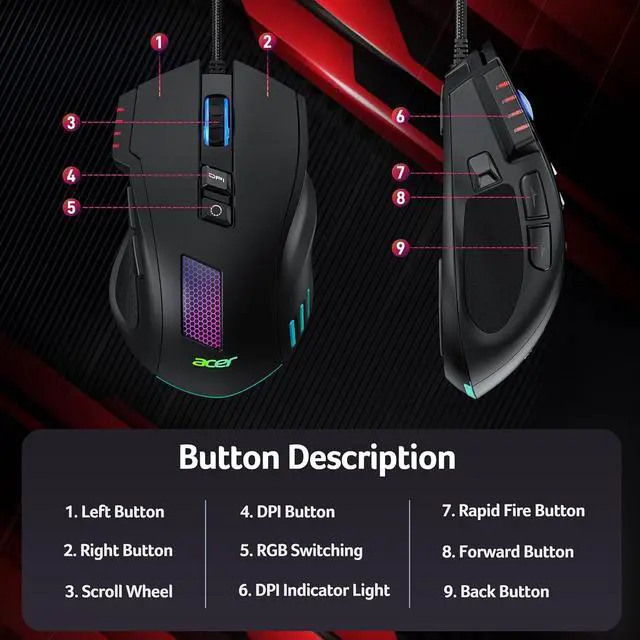
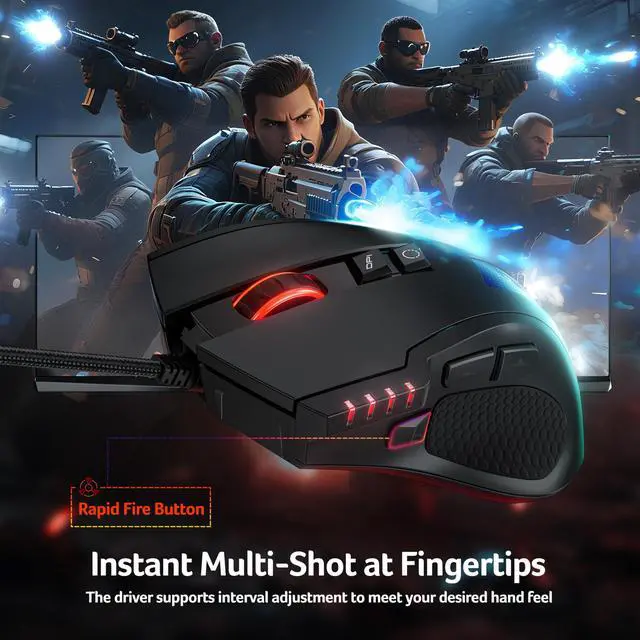
8 Reassignable Programmable ButtonsA versatile computer mouse tailored for FPS, MOBA, and productivity tasks. Use the driver software to remap buttons, assign complex macros, fine-tune DPI, and personalize RGB effects. Whether you're executing skill combos, editing timelines, or speeding through spreadsheets, every click works your way. Note: After customizing, remember to click the red "" icon to save your setting, otherwise changes will be lost.
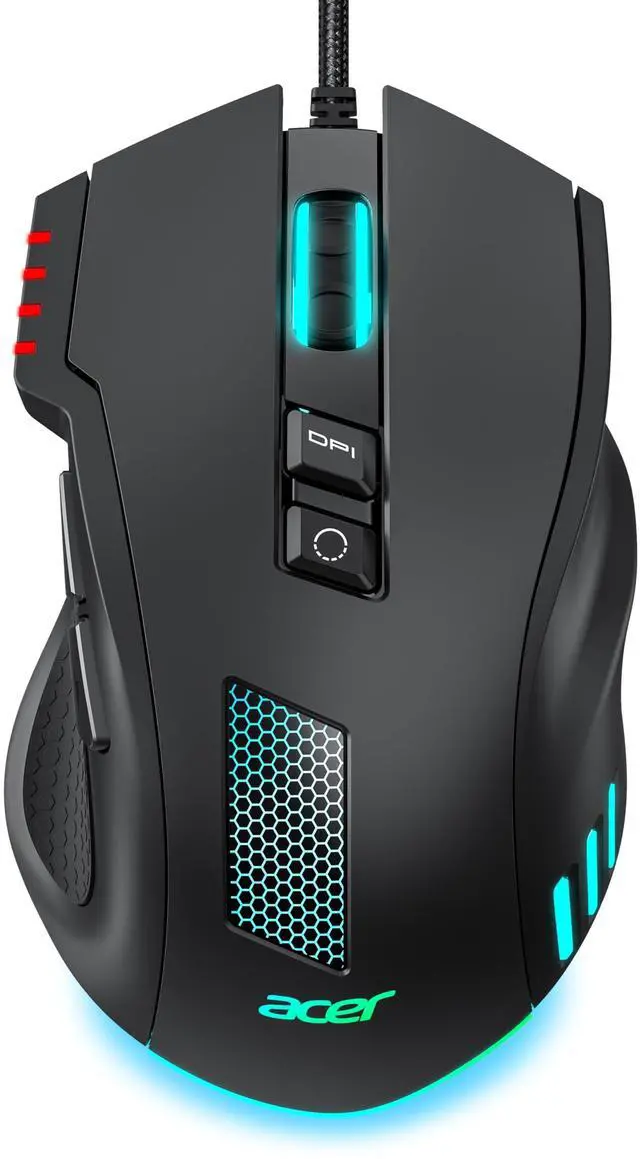
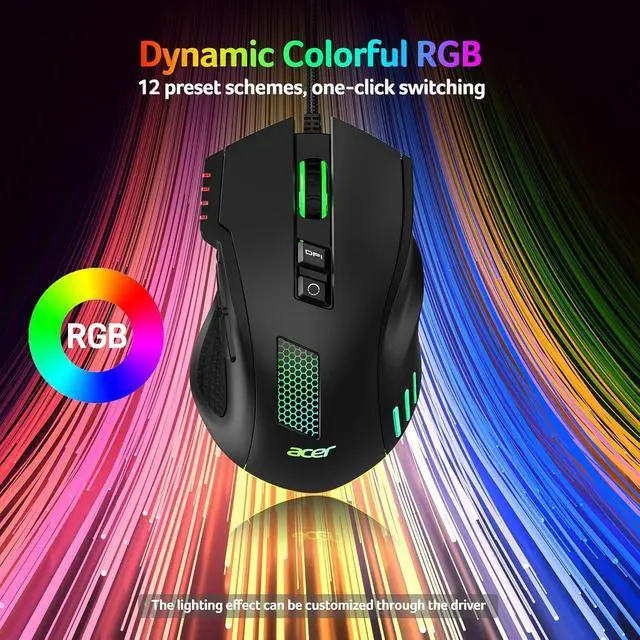
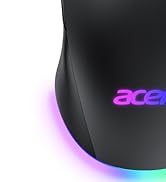
12 RGB Lighting EffectsOwn your battlefield with this pc gaming mouse for computer, featuring 12 dynamic modes like breathing, ripple, neon stream, and comet. Tap the lighting button to cycle effects or hold it for 3 seconds to toggle lights. Sync with music or customize every effect via driver to keep your setup alive and ready for war. Note: Hold the DPI button for 3 seconds to toggle lights.
+
+
Overview
Specs
Reviews
Any questions? Our AI beta will help you find out quickly.
Download instructions are provided in the User Manual PDF on this product page. Scroll down and open the User Manual (PDF) for driver installation instructions.
Q2
How do I turn RGB lighting on or off?
A2
You can switch lighting effects either through the driver or by pressing and holding the DPI button for 3 seconds.
Q3
Is this mouse right for my hand size?
A3
With dimensions of 4.7" L x 2.9" W. Perfect for medium hands. With a 4.7" length, it's ideal for a secure palm grip if your hand measures 6.7 to 7.5 inches (170-190mm). If your hand is over 7.5 inches, you can still use it comfortably with a relaxed palm or claw grip, though it may not fill your palm completely.
Q4
The mouse cursor moves by itself or drifts to the right — how can I fix this?
A4
Try the following steps: Make sure the sensor and mouse feet are clean and clear of any dust or hair.
-
Ensure there is no reflective or uneven surface under the mouse.
-
Remove the four small protective films on the gliding feet if you haven’t done so.
-
Reconnect the mouse to another USB port or reboot your PC.
-
If the issue continues, reinstall the driver or contact support for further assistance.
Q5
The left/right mouse buttons are difficult to press. How can this be resolved?
A5
When using the mouse, ensure you press the centre of the left and right buttons (aligned with the centre of the scroll wheel).
Download instructions are provided in the User Manual PDF on this product page. Scroll down and open the User Manual (PDF) for driver installation instructions.
Q2
How do I turn RGB lighting on or off?
A2
You can switch lighting effects either through the driver or by pressing and holding the DPI button for 3 seconds.
Q3
Is this mouse right for my hand size?
A3
With dimensions of 4.7" L x 2.9" W. Perfect for medium hands. With a 4.7" length, it's ideal for a secure palm grip if your hand measures 6.7 to 7.5 inches (170-190mm). If your hand is over 7.5 inches, you can still use it comfortably with a relaxed palm or claw grip, though it may not fill your palm completely.
Q4
The mouse cursor moves by itself or drifts to the right — how can I fix this?
A4
Try the following steps: Make sure the sensor and mouse feet are clean and clear of any dust or hair.
-
Ensure there is no reflective or uneven surface under the mouse.
-
Remove the four small protective films on the gliding feet if you haven’t done so.
-
Reconnect the mouse to another USB port or reboot your PC.
-
If the issue continues, reinstall the driver or contact support for further assistance.
Q5
The left/right mouse buttons are difficult to press. How can this be resolved?
A5
When using the mouse, ensure you press the centre of the left and right buttons (aligned with the centre of the scroll wheel).
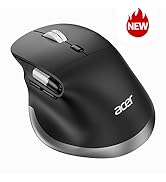
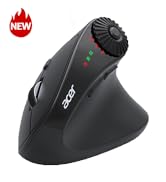
Acer Gaming Mouse
Wired Gaming Mouse
max DPI
12000
DPI Levels
4
Drivers
For Dominant Hand
Right Hand
Size
Medium/Large
Buttons
8
Programmable
Dual Mode Gaming Mouse
max DPI
24000
DPI Levels
6
Drivers
For Dominant Hand
Left & Right Hand
Size
Medium/Large
Buttons
8
Programmable
Dual Mode Gaming Mouse
max DPI
24000
DPI Levels
6
Drivers
For Dominant Hand
Left & Right Hand
Size
Medium/Large
Buttons
8
Programmable
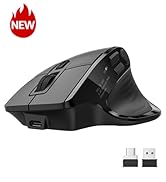
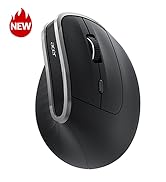
Acer Dual Mode Gaming Mouse
Acer Mouse
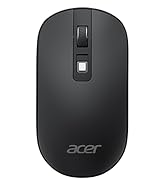
Acer Wireless Mice
Wired Gaming Mouse, 12, 800 DPI RGB Ergonomic Computer Mouse with Optical Sensor, 8 Programmable Buttons, 12 Backlit Modes, Software for DIY Keybinds, Rapid Fire, USB Gaming Mice for Laptop, PC
Learn more about the Generic Brand OMW317
Model
Brand
Acer
Model
OMW317
Part Number
OMW317
Details
Type
USB
Interface
USB
Tracking Method
Optical
Resolution (DPI)
12800
Hand Orientation
Right
Buttons
8
Color
Black
Features
Features
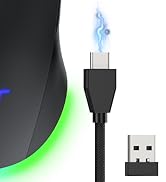
12800 DPI Optical Sensor, Perfect for Medium Hand, 4 Personalized DPI, LED Lights with Gradient Underglow, Rapid Fire & Macros, Ergonomic Design, Drag-Free Paracord
Additional Information
First Listed on Newegg
March 11, 2026
Customer Reviews of the Generic Brand OMW317
There are no reviews yet.
Do you own this product?
Warranty & Returns
Warranty, Returns, And Additional Information
Warranty
Please contact the Seller directly for warranty information. Warranty information may also be found on the Manufacturer's website.