



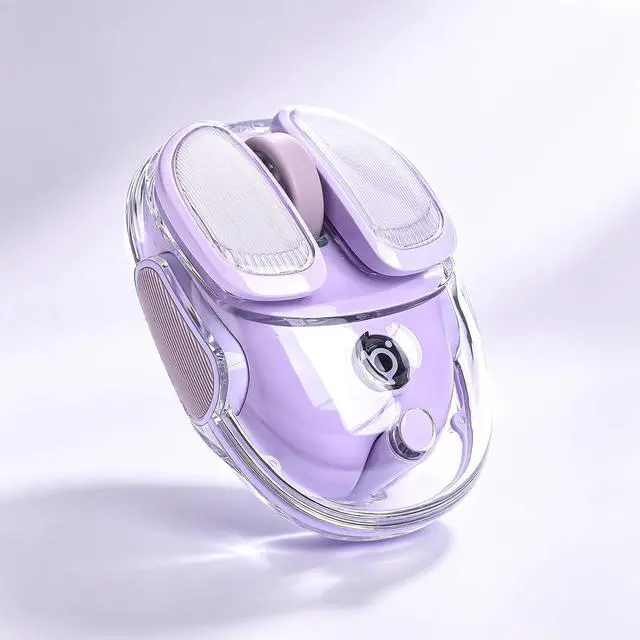
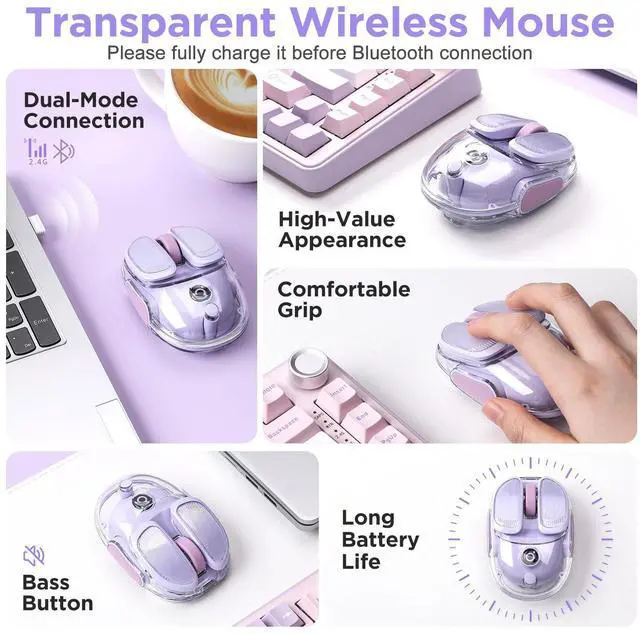
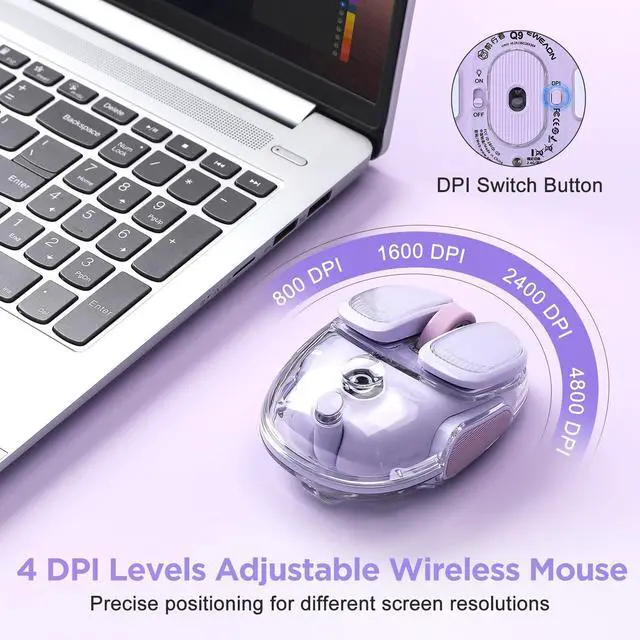
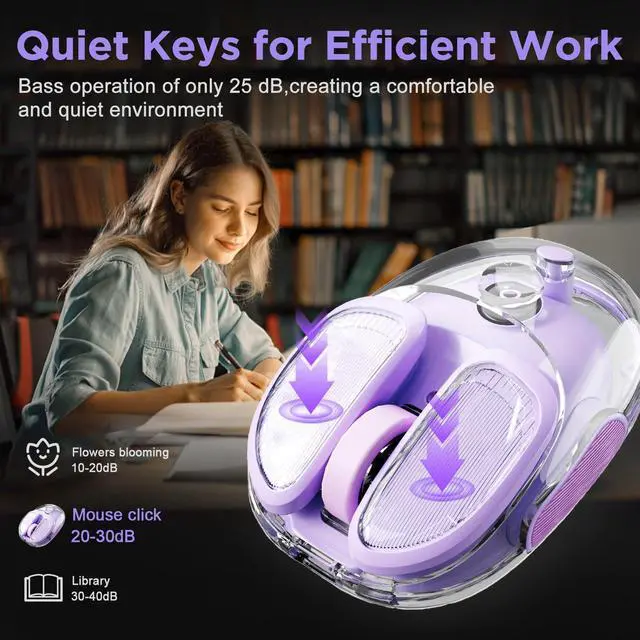
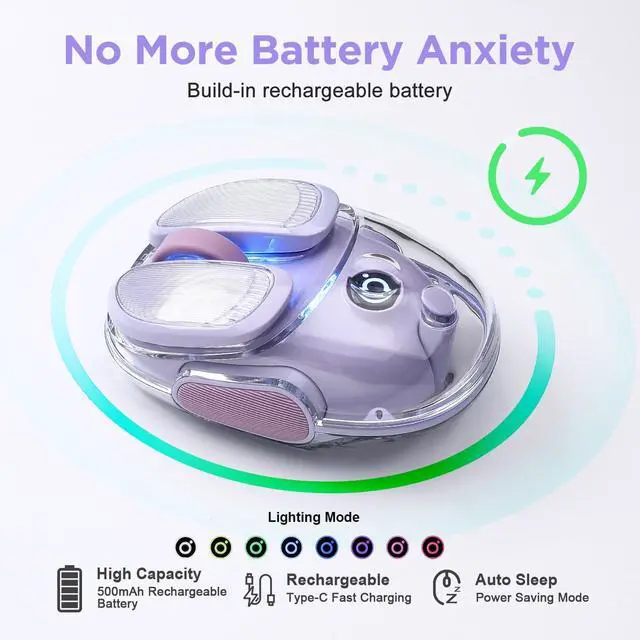


Q9 Wireless Computer Mous
Merchant Video
What operating systems are compatible with this mouse?
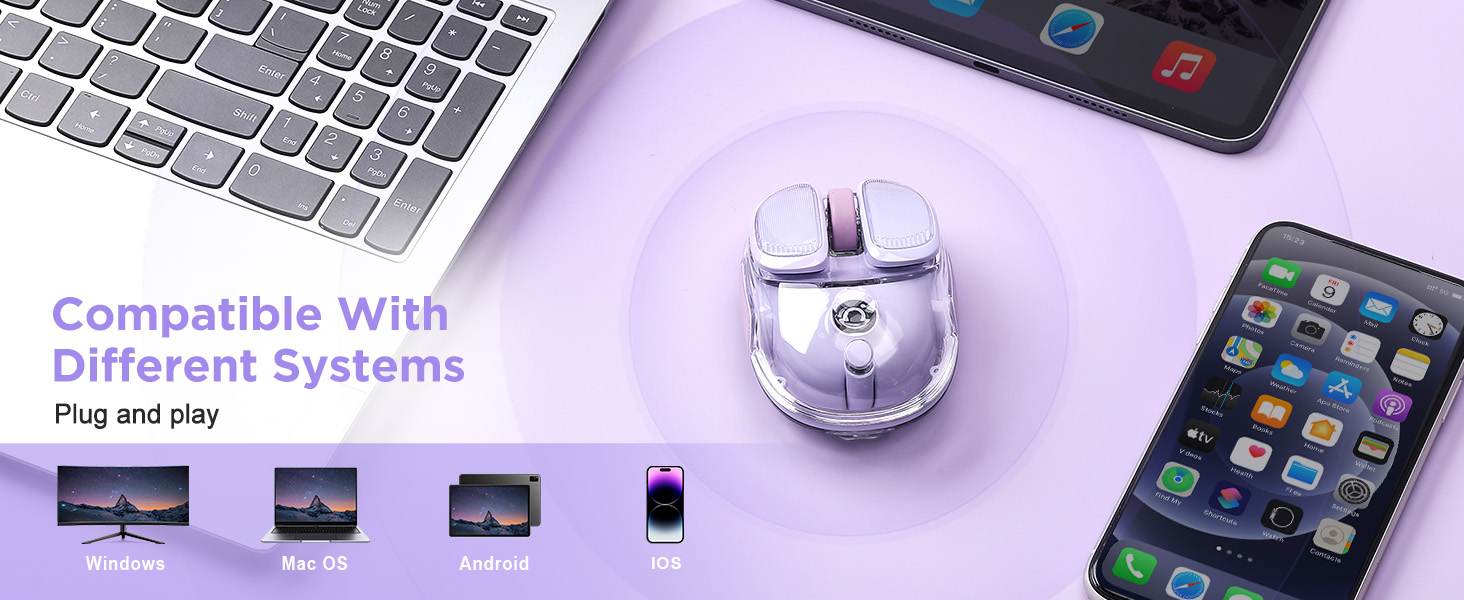
The Q9 Wireless Mouse works with Windows, macOS, Android, and iPad OS. No drivers are required for setup.
What devices can I use with this mouse?
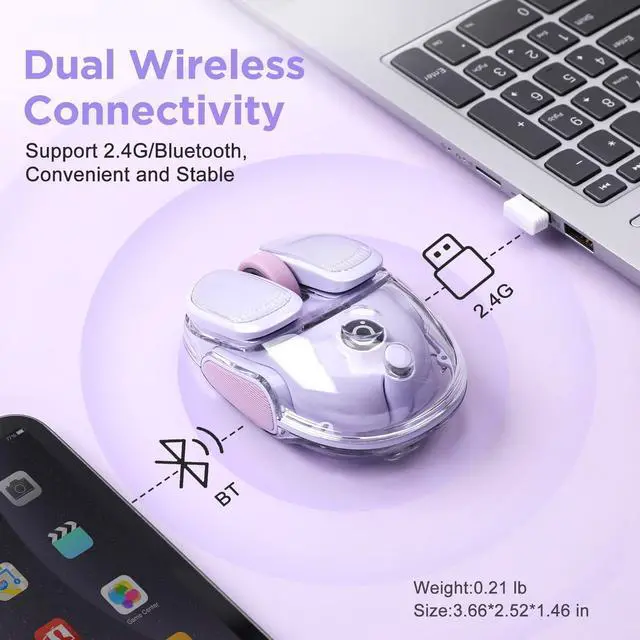
Any device with a USB port or Bluetooth capability can connect to this mouse, including laptops, desktops, tablets, and compatible smartphones.
How do I connect the mouse to my device?
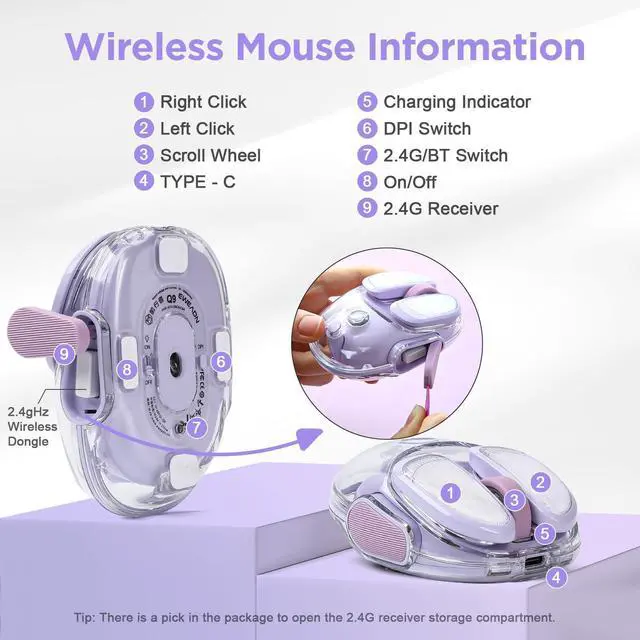
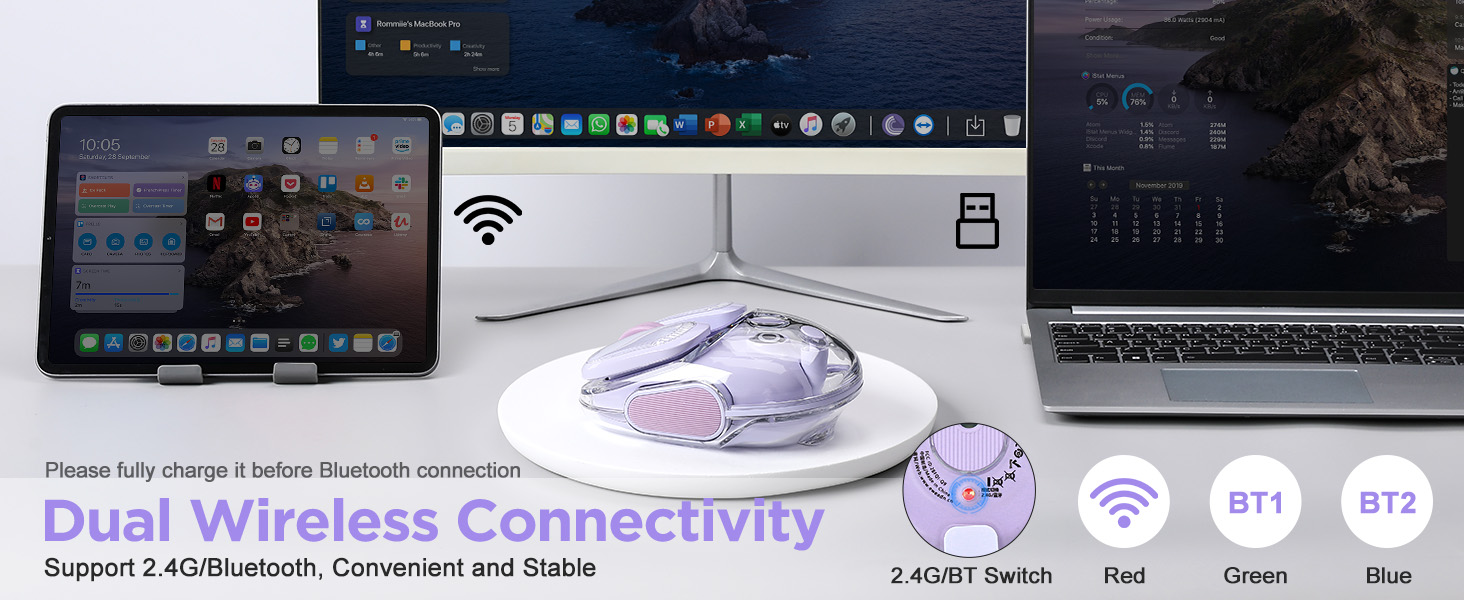
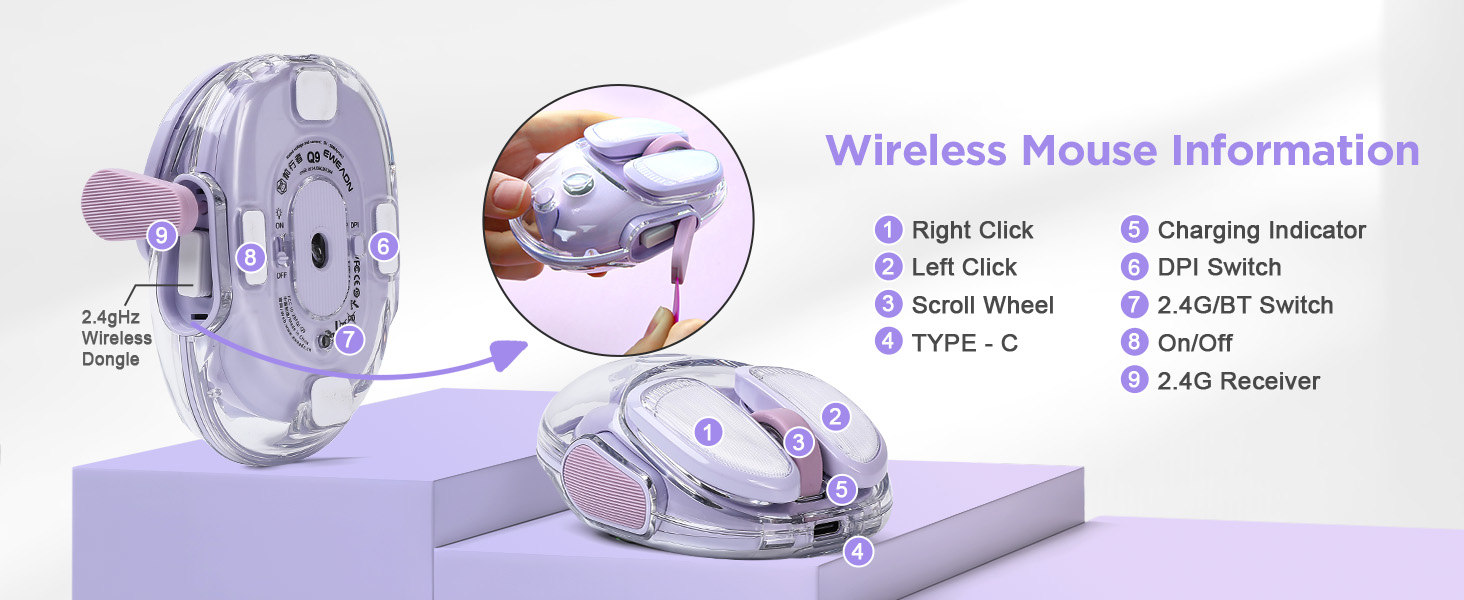
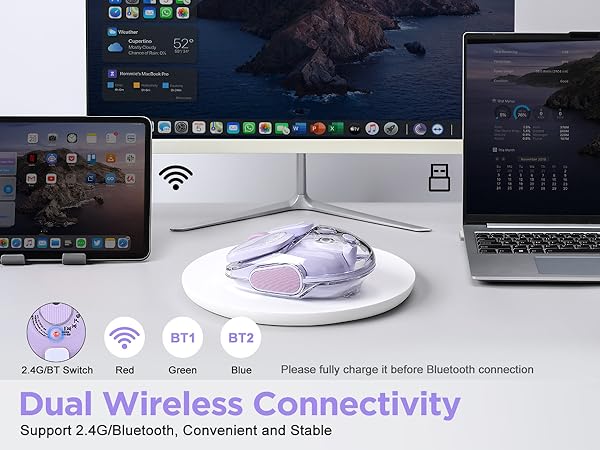
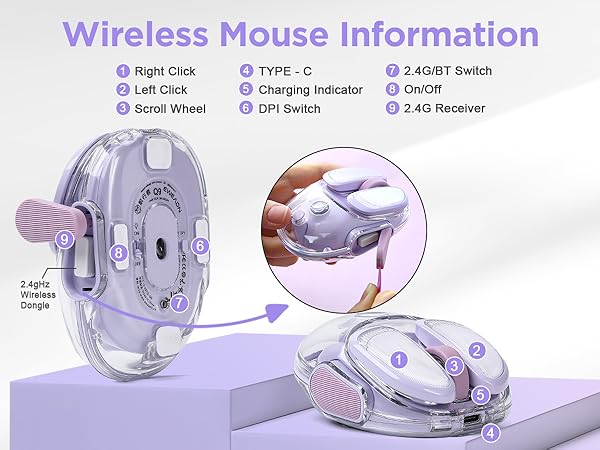
You can connect via the 2.4GHz USB receiver or Bluetooth. For USB, simply plug in the receiver. For Bluetooth, use the mode switch button on the bottom of the mouse. If connection issues occur, try charging the mouse first.
How do I pair the mouse via Bluetooth?
Press the mode switching button on the bottom of the mouse until a blue light blinks. Then search for Q9 BT4.1 MOUSE or Q9 BT5.1 MOUSE in your device's Bluetooth settings and select it to pair.
Where is the USB receiver stored?
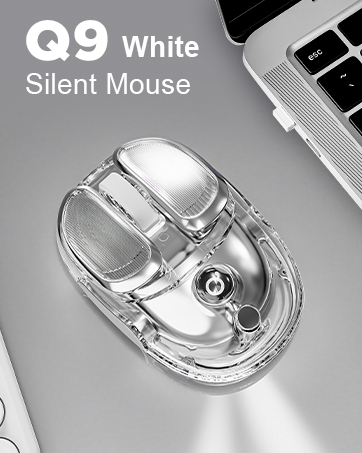
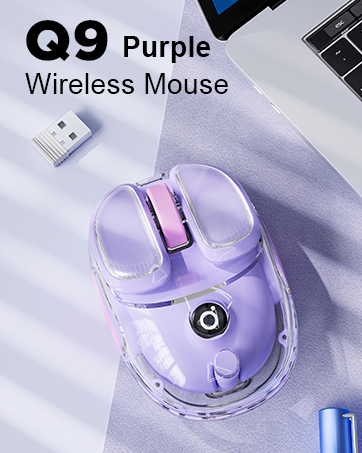
The USB receiver is stored in a compartment on the side of the mouse. A removal tool is included in the box to help you easily take out the receiver when needed.
Q9 Wireless Computer Mous
Merchant Video
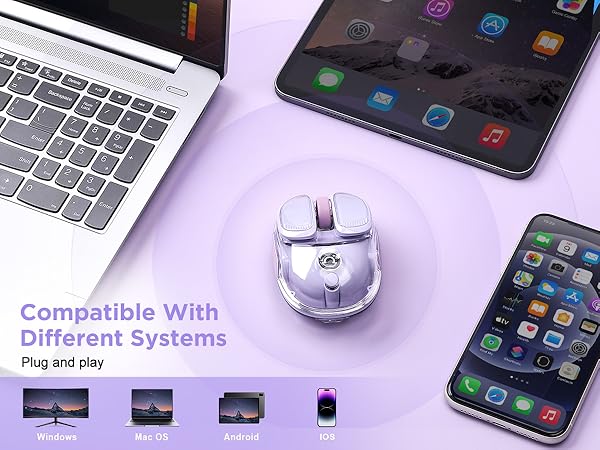
What operating systems are compatible with this mouse?
The Q9 Wireless Mouse works with Windows, macOS, Android, and iPad OS. No drivers are required for setup.
What devices can I use with this mouse?
Any device with a USB port or Bluetooth capability can connect to this mouse, including laptops, desktops, tablets, and compatible smartphones.
How do I connect the mouse to my device?
You can connect via the 2.4GHz USB receiver or Bluetooth. For USB, simply plug in the receiver. For Bluetooth, use the mode switch button on the bottom of the mouse. If connection issues occur, try charging the mouse first.
How do I pair the mouse via Bluetooth?
Press the mode switching button on the bottom of the mouse until a blue light blinks. Then search for Q9 BT4.1 MOUSE or Q9 BT5.1 MOUSE in your device's Bluetooth settings and select it to pair.
Where is the USB receiver stored?
The USB receiver is stored in a compartment on the side of the mouse. A removal tool is included in the box to help you easily take out the receiver when needed.
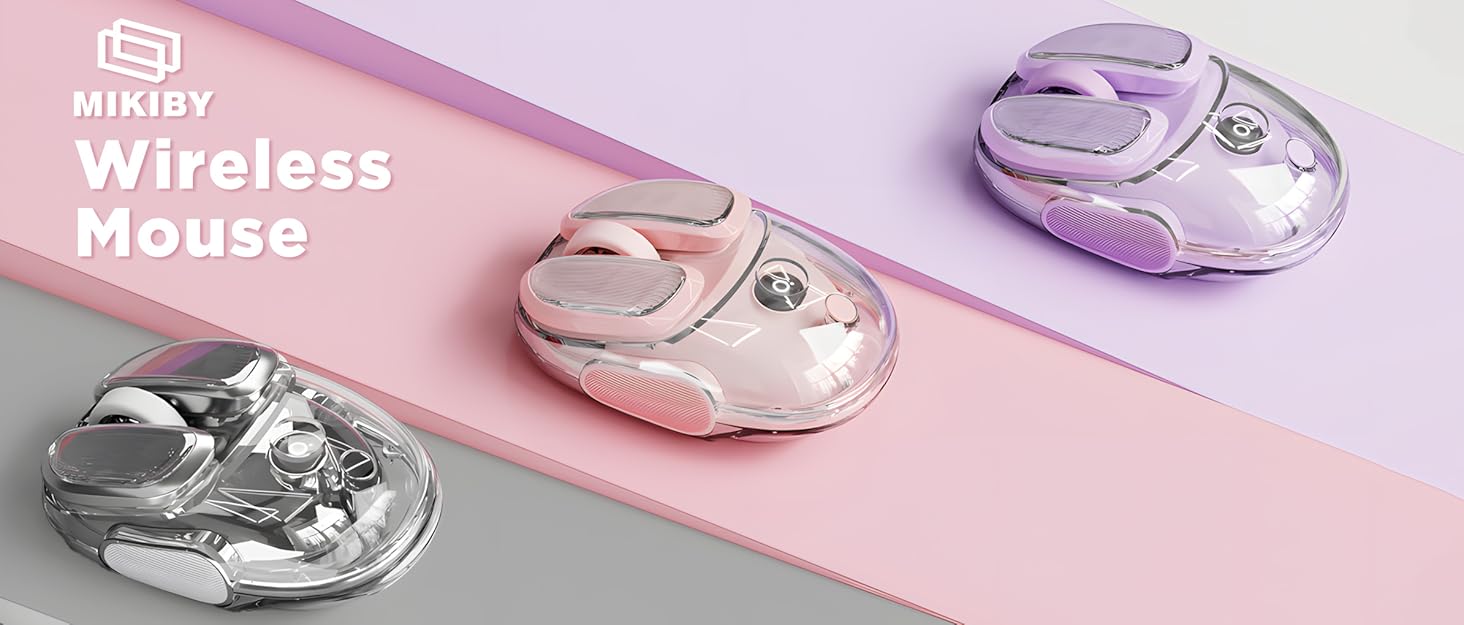
MIKIBY Wireless Mouse
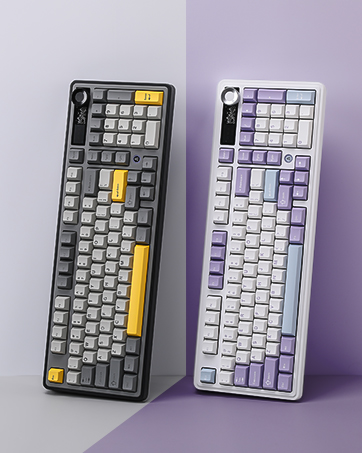
Mechanical Keyboard
Keyboard and Mouse Combo
Y75 Mechanical Keyboard
Magnetic Keyboard
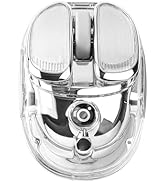
Q9 Silent Mouse (Silver)
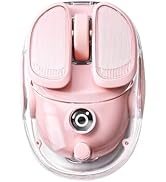
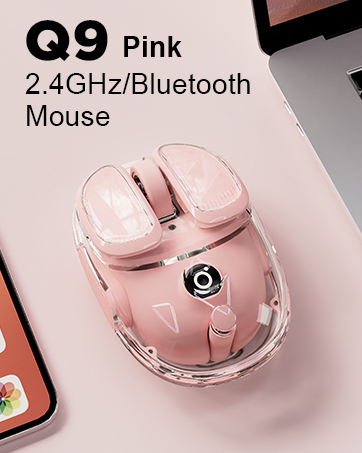
Q9 Bluetooth Mouse(Pink)
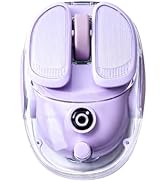
Q9 Wireless Mouse (Purple)
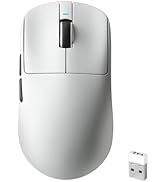
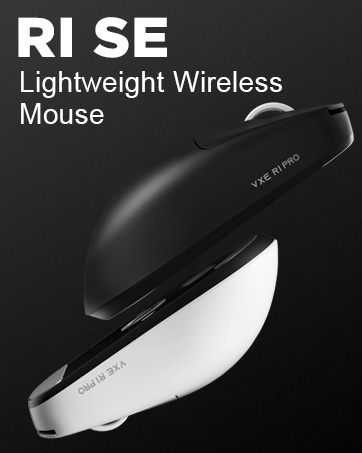
Gaming Mouse Wireless
AK980 Wireless Keyboard