




 here!
here!
I’m your shopping assistant for PC builds, upgrades, and everything tech.
Got questions? Ask away!
Start a conversation
here!
I’m your shopping assistant for PC builds, upgrades, and everything tech.
Got questions? Ask away!
Start a conversation



Any questions? Ask CelesteSM will help you find out quickly.



Why is there no light on the bottom when the mouse switch is turned on?
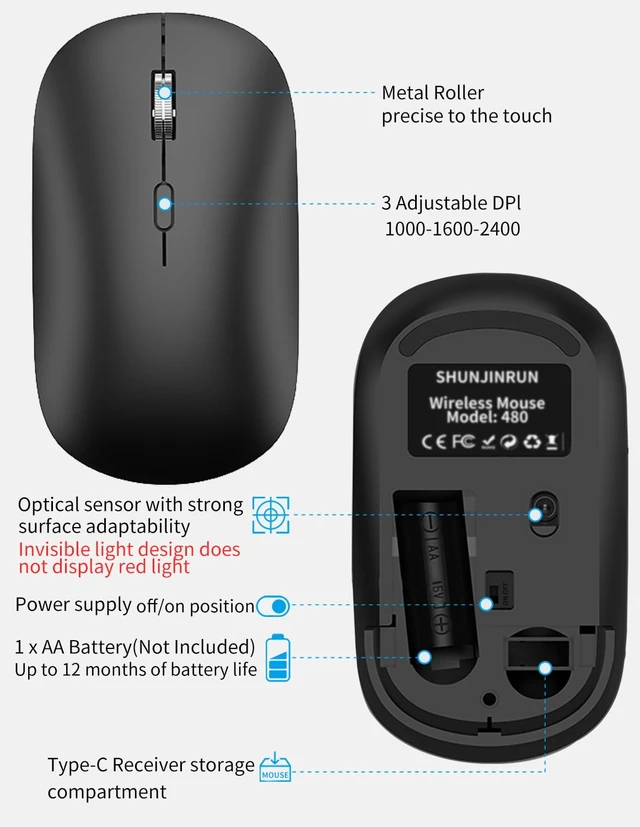
Because the mouse uses an invisible light sensor, there is no light pollution and it is more energy-efficient
If the mouse does not respond how can l re pair the mouse?
1.Unplug the receiver of computer.
2.Simultaneously press and hold the wheel button, the left button, and the right button for 5 seconds.
3.nsert the USB receiver into the computer within 15 seconds
Is this mouse Not rechargeable?
Yes, this mouse is NOT a rechargeable mouse.
Mouse powered by 1 AA battery (not included)
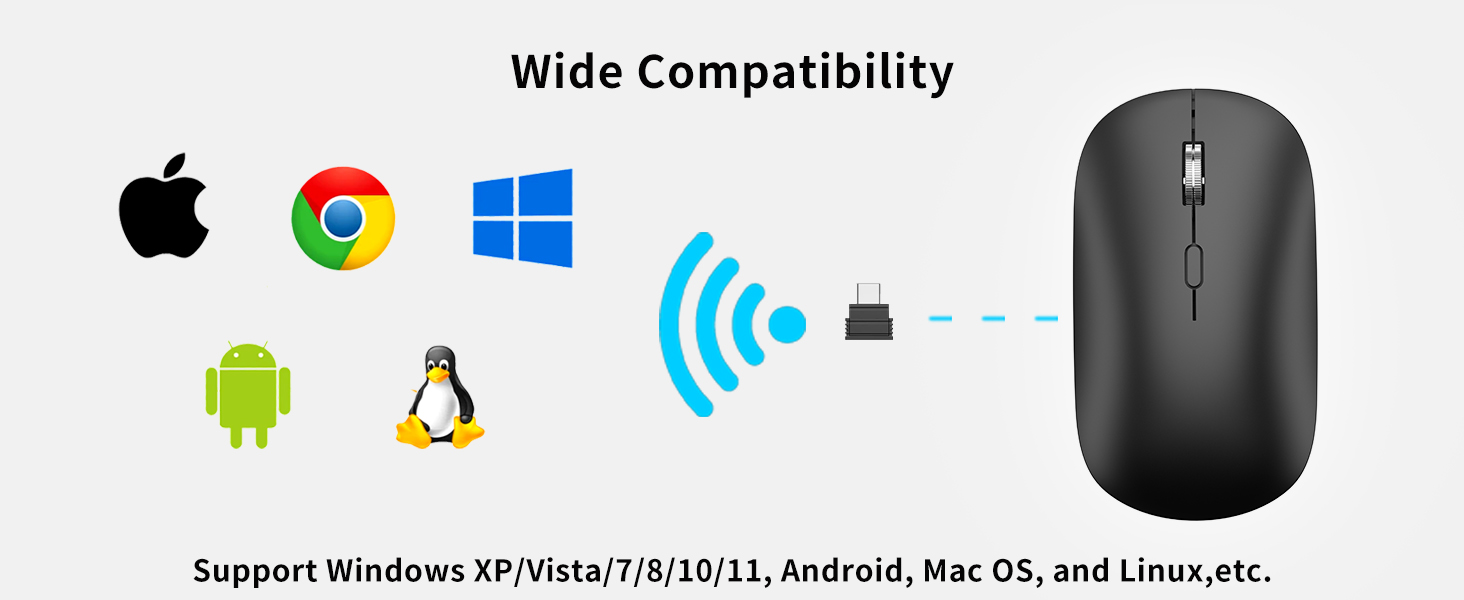
Is the mouse connected by a Type-C dongle?
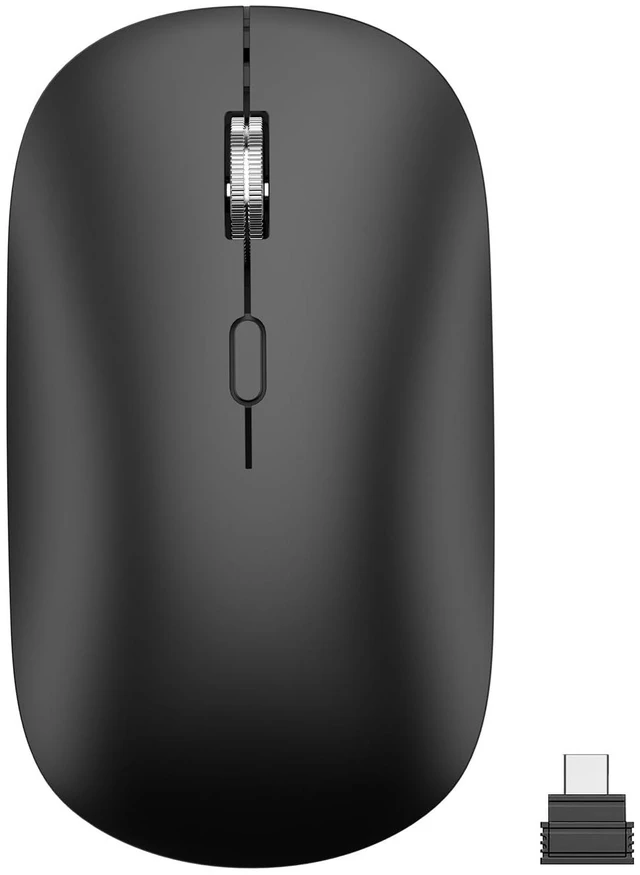
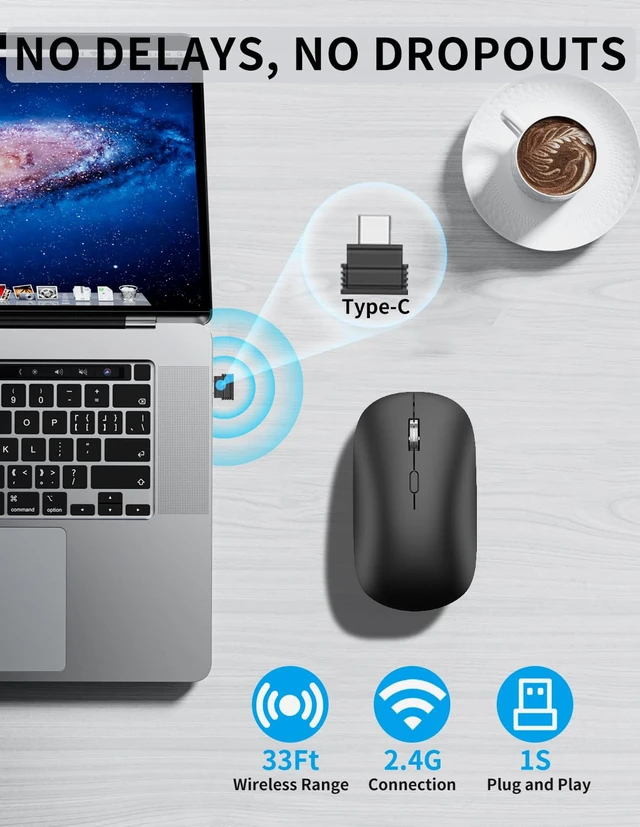
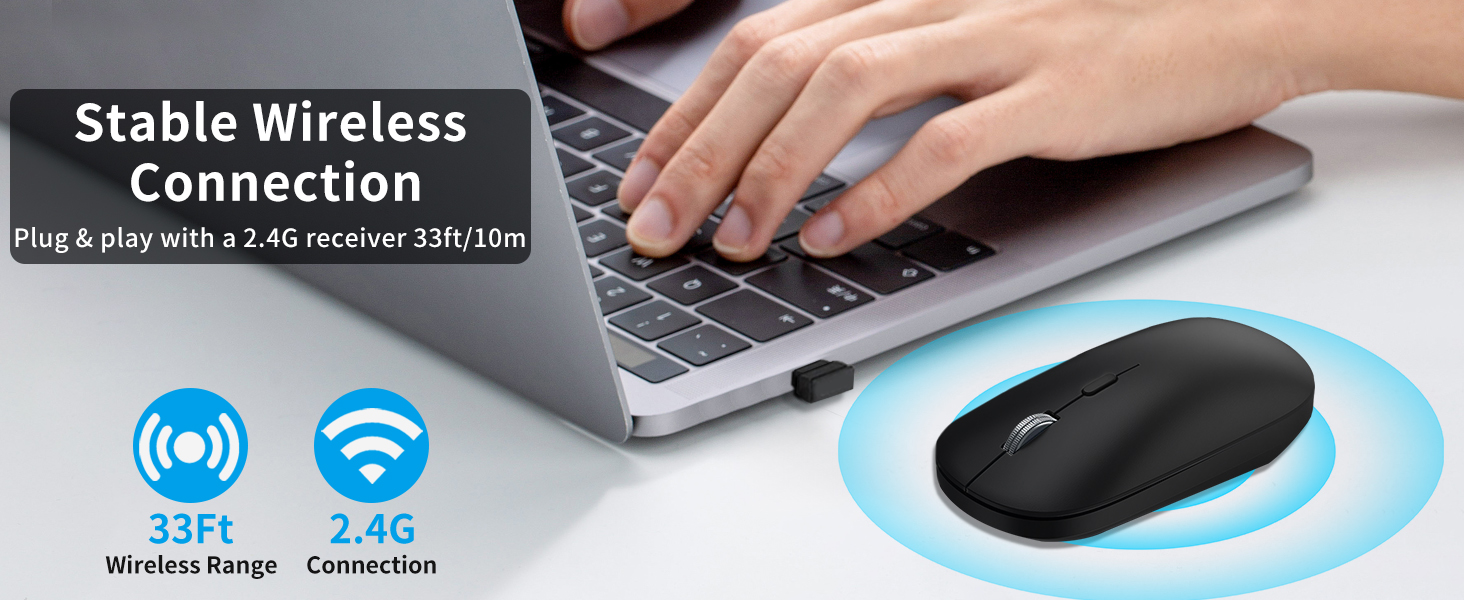
Yes, the mouse is connected by a Type C dongle (USB-C receiver), suitable for laptops, tablets, MacBooks, Chromebooks



Why is there no light on the bottom when the mouse switch is turned on?
Because the mouse uses an invisible light sensor, there is no light pollution and it is more energy-efficient
If the mouse does not respond how can l re pair the mouse?
1.Unplug the receiver of computer.
2.Simultaneously press and hold the wheel button, the left button, and the right button for 5 seconds.
3.nsert the USB receiver into the computer within 15 seconds
Is this mouse Not rechargeable?
Yes, this mouse is NOT a rechargeable mouse.
Mouse powered by 1 AA battery (not included)
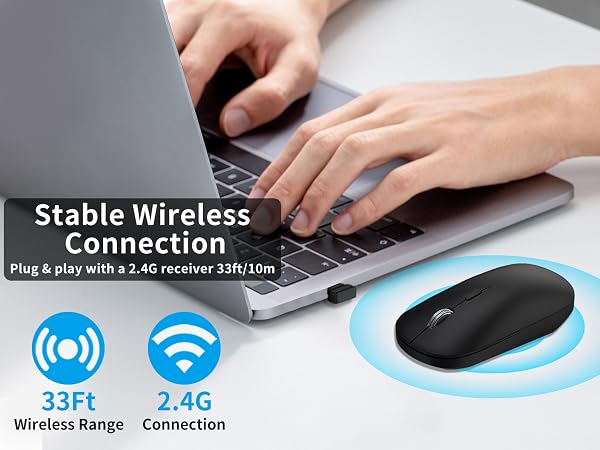
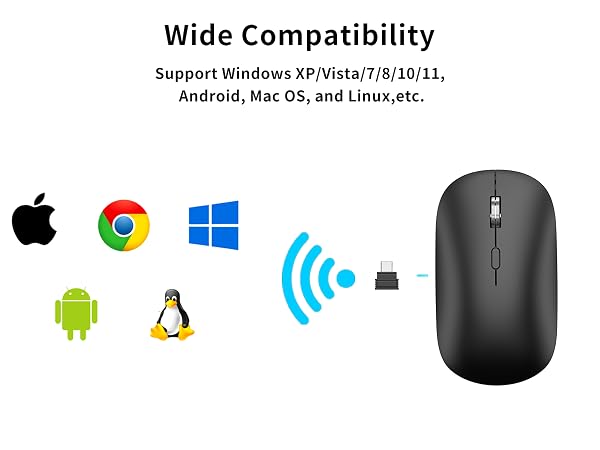
Is the mouse connected by a Type-C dongle?
Yes, the mouse is connected by a Type C dongle (USB-C receiver), suitable for laptops, tablets, MacBooks, Chromebooks


