here!
here!
I’m your shopping assistant for PC builds, upgrades, and everything tech.
Got questions? Ask away!
Start a conversation
here!
I’m your shopping assistant for PC builds, upgrades, and everything tech.
Got questions? Ask away!
Start a conversation



Any questions? Ask CelesteSM will help you find out quickly.
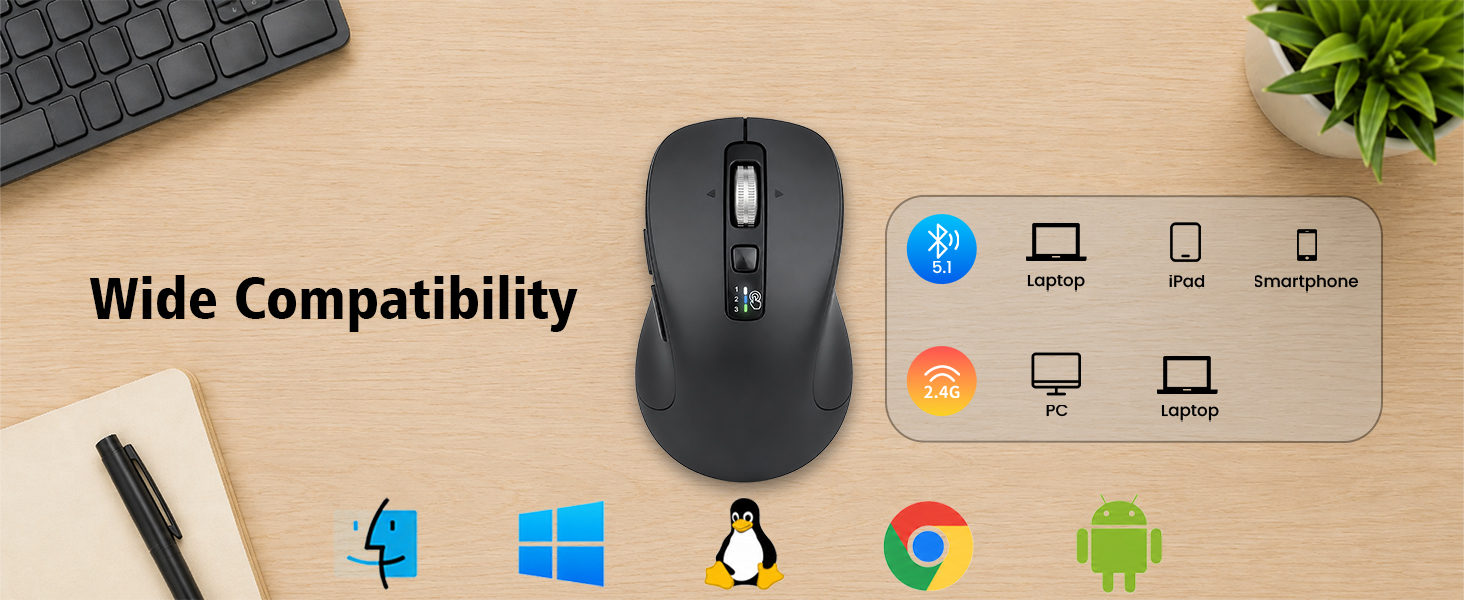
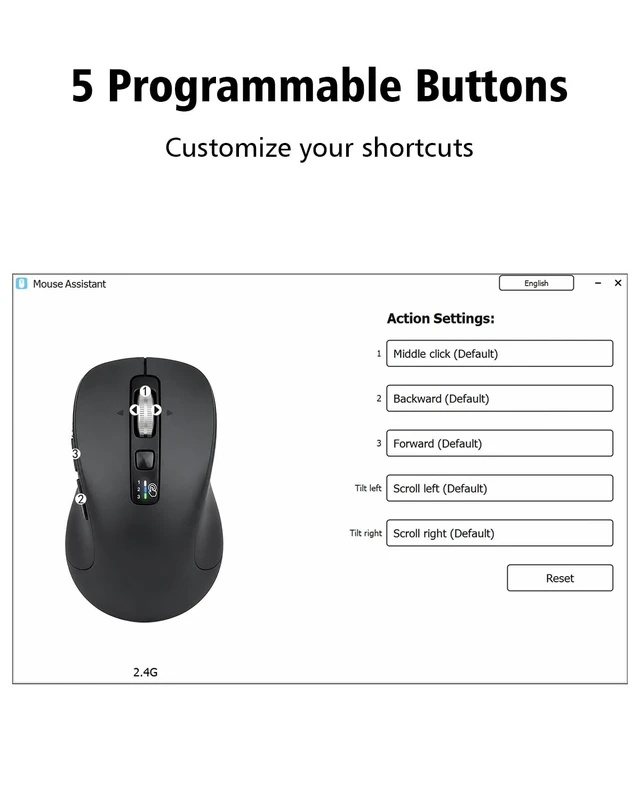
How do I customize the 5 programmable buttons, and are they compatible with macOS?
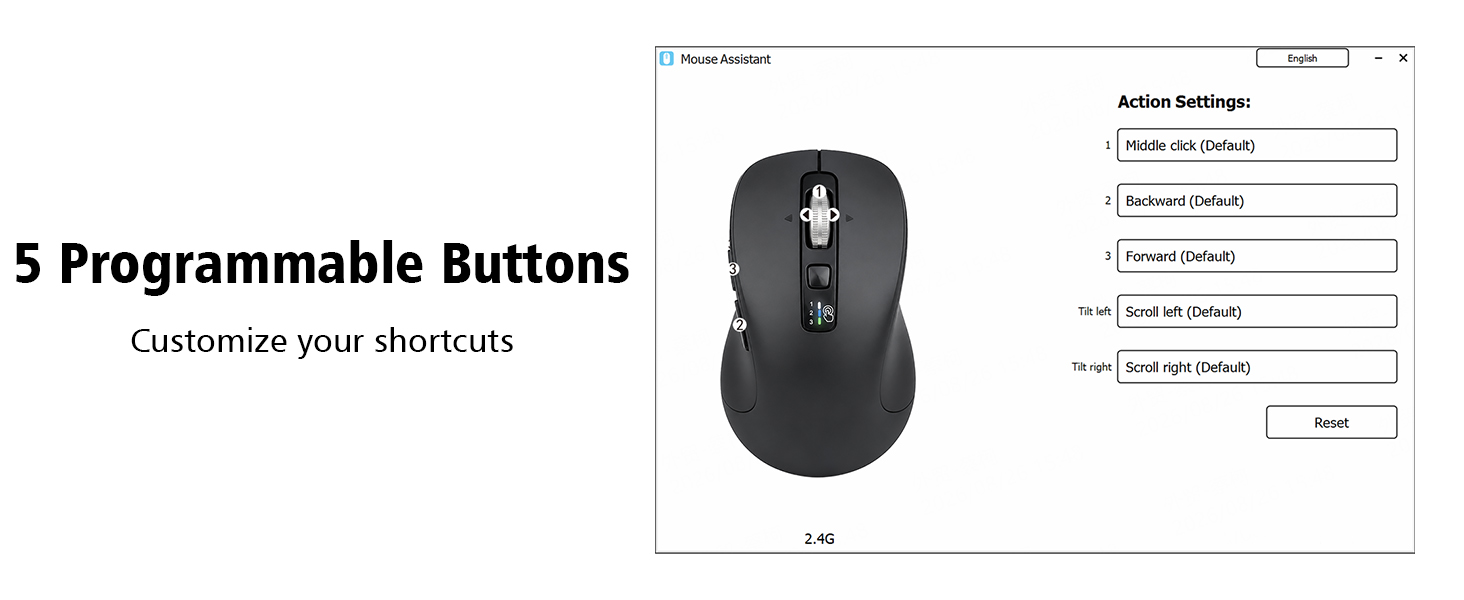
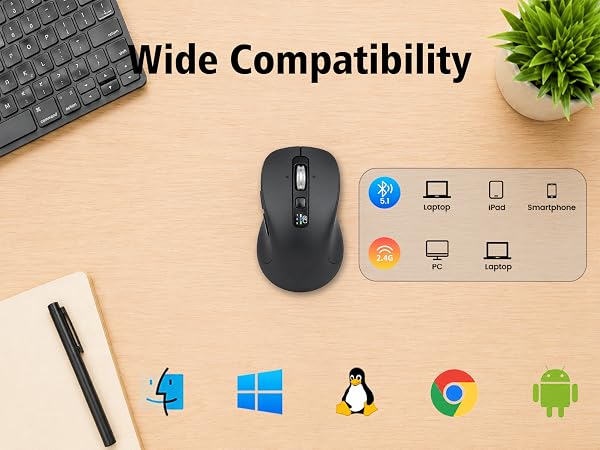
Download the software via the manual's link to program the buttons. The mouse is plug-and-play on Windows and Mac. While the software is fully compatible with Windows, it only supports limited customization features on macOS.
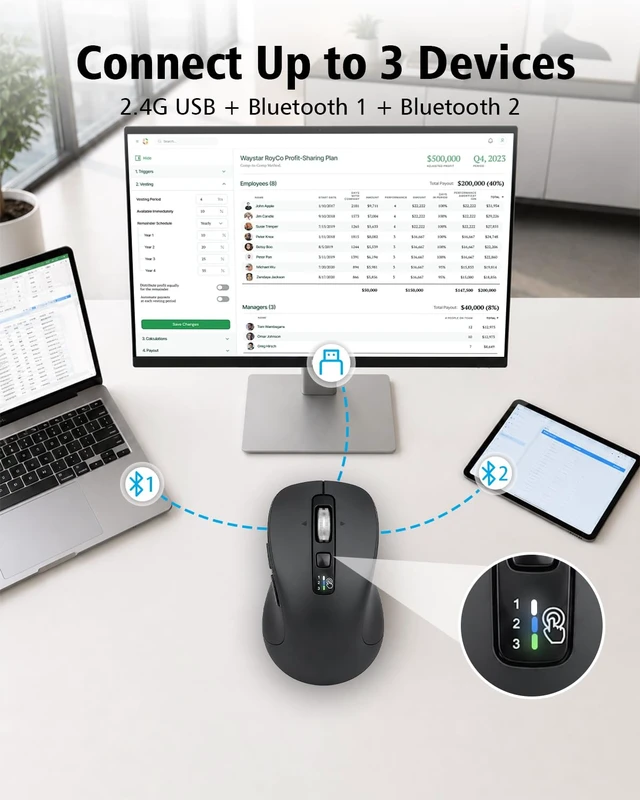
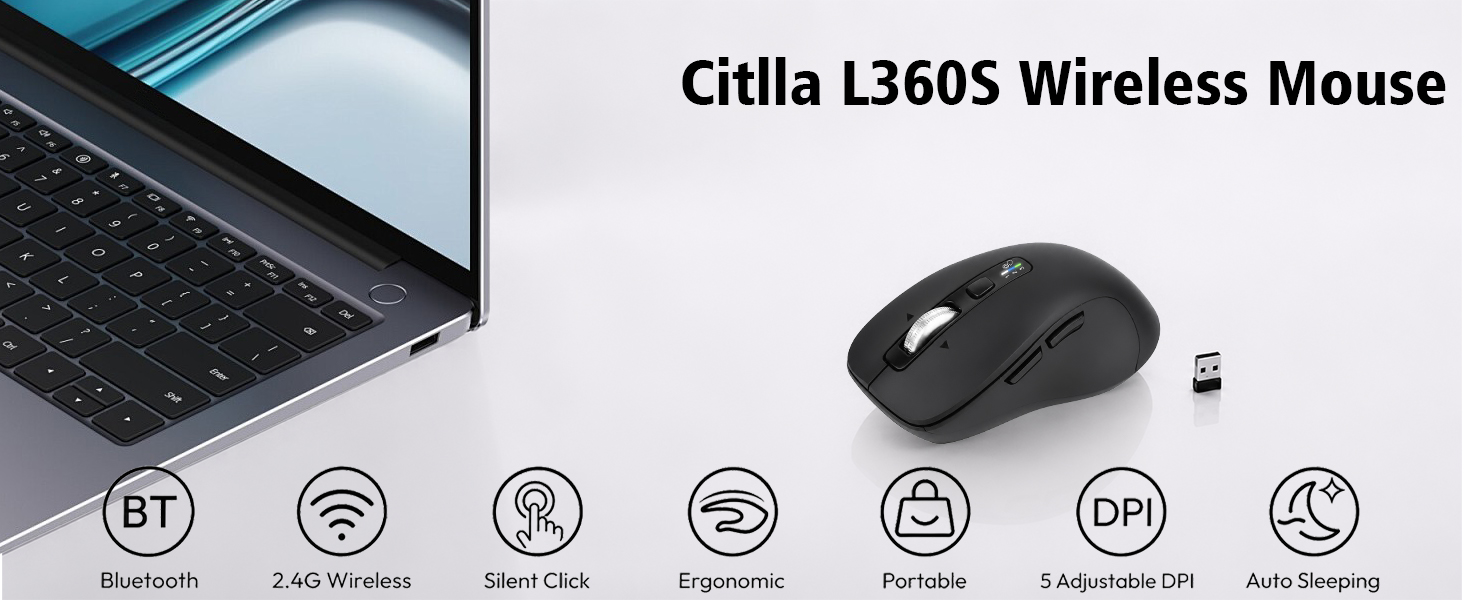
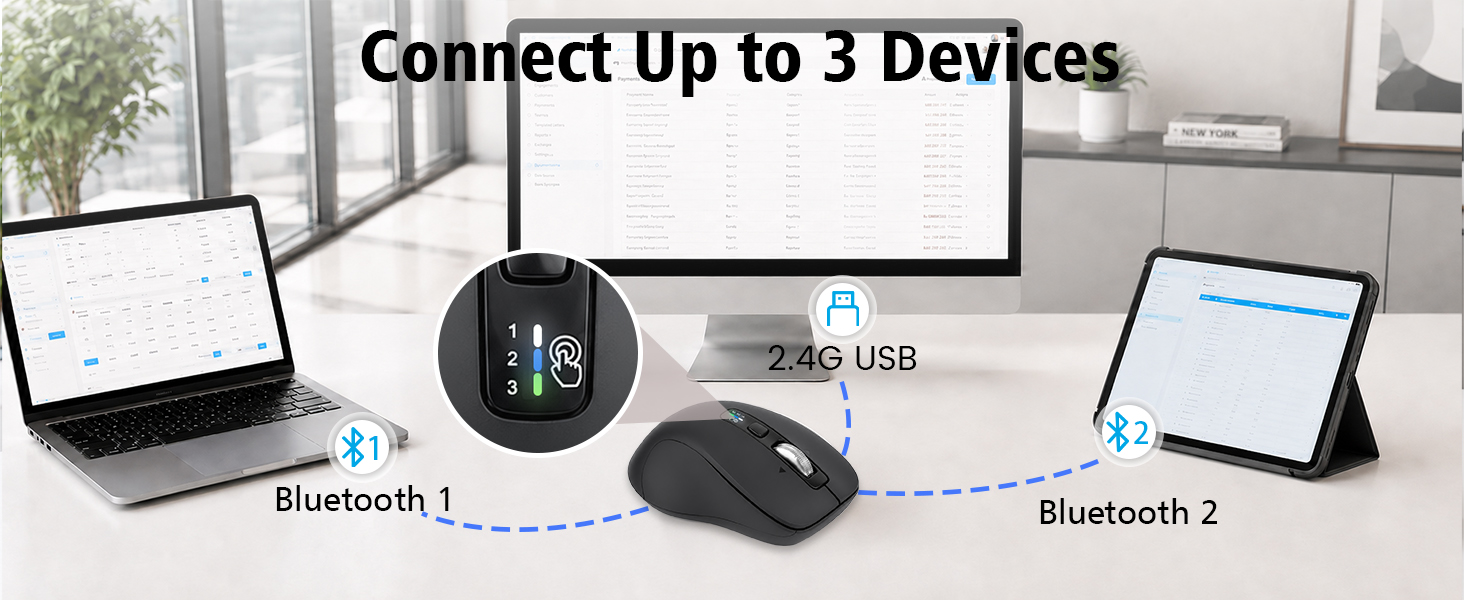
How do I connect this mouse to multiple devices, and how do I switch between them?
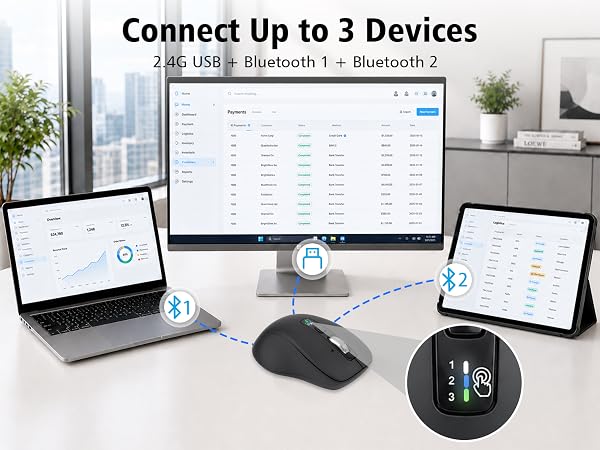
Connect up to 3 devices (laptop, tablet, or PC) via 2.4G USB and Bluetooth (BT1/BT2). To switch devices, press the switch button on the top. Indicator lights show which device is currently active.
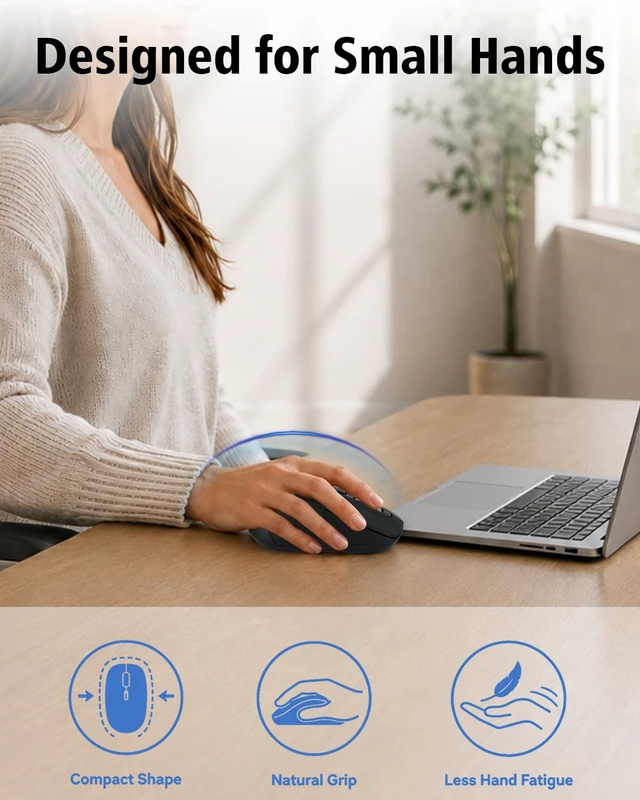
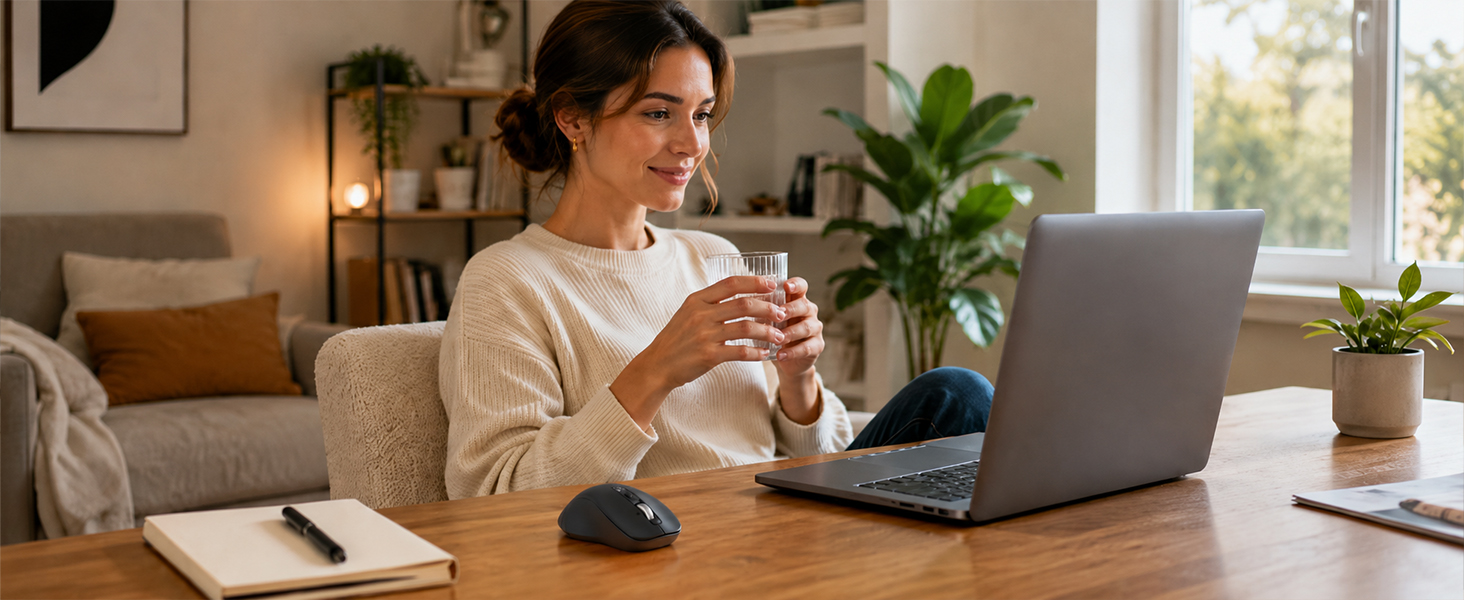
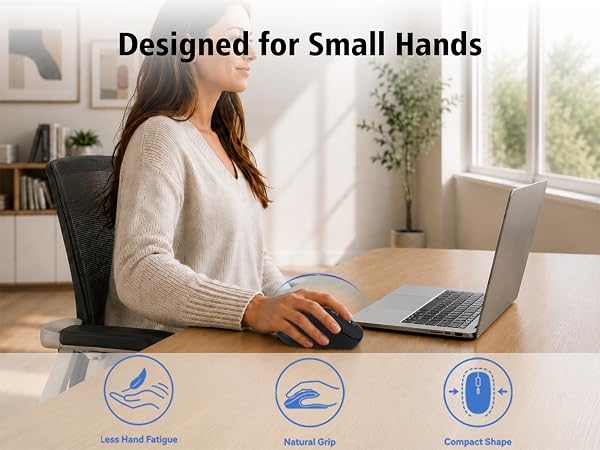
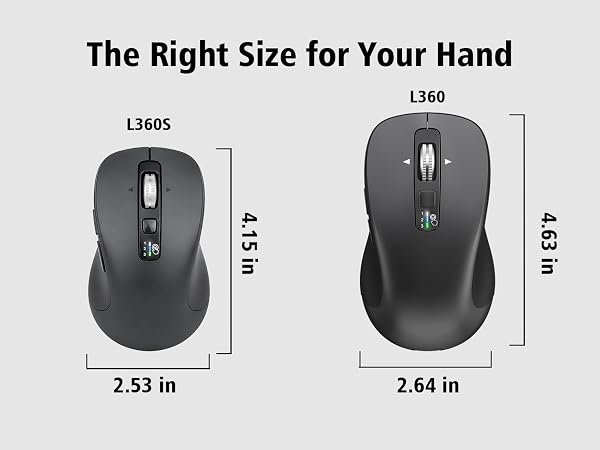
Is this mouse suitable for small hands?
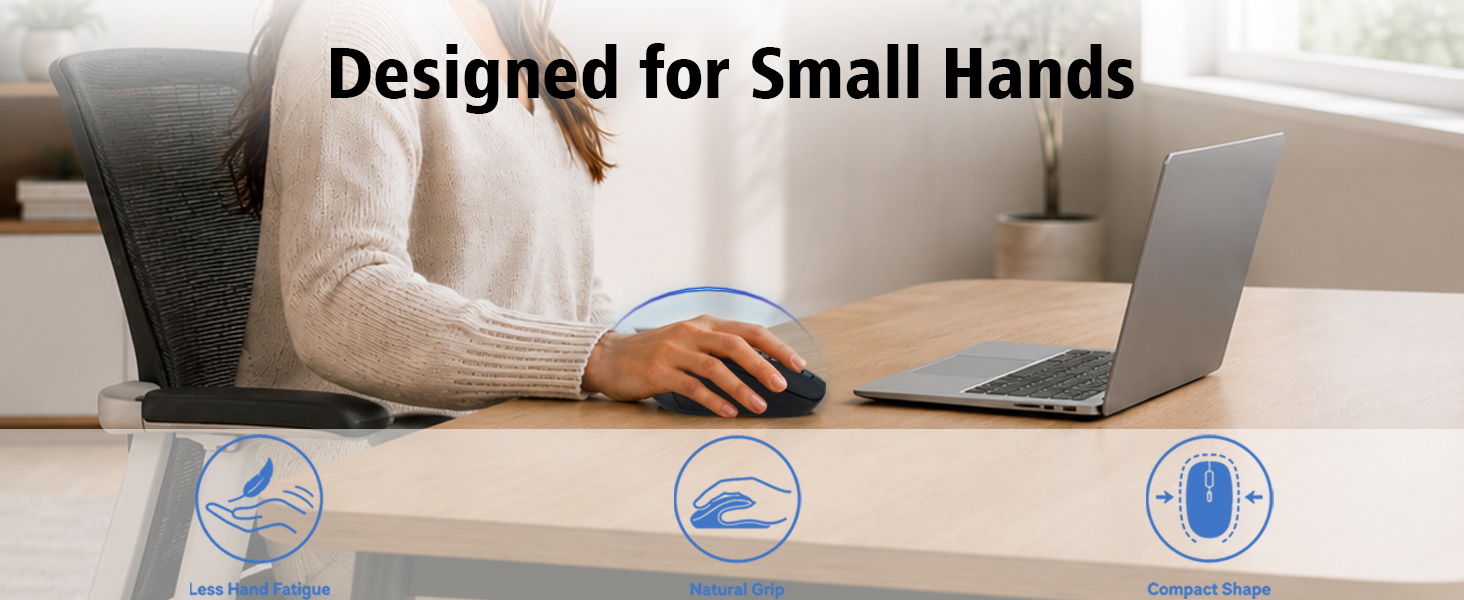
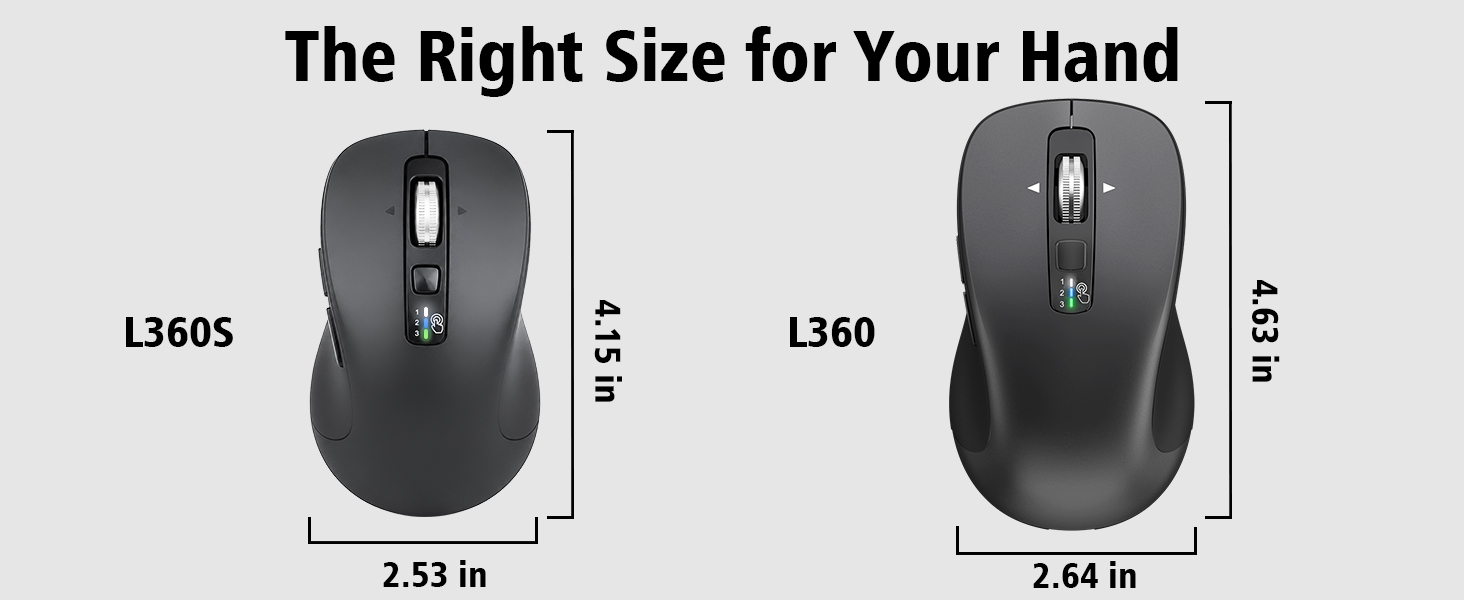
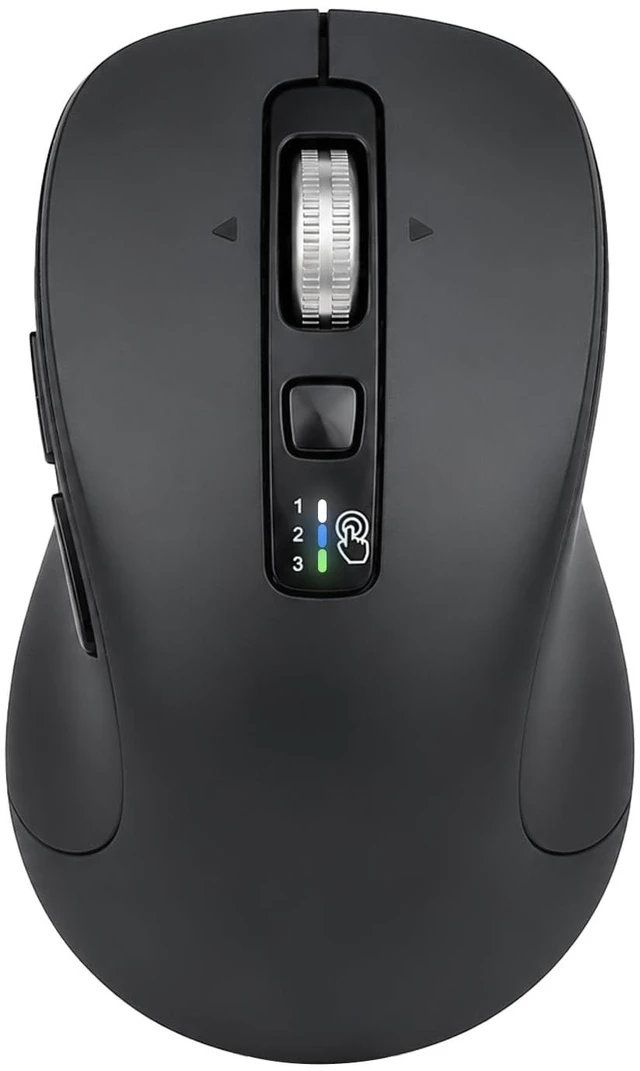
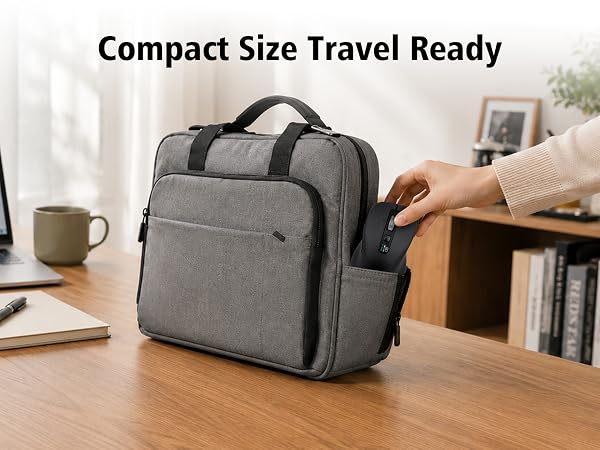
This compact ergonomic mouse is designed for small hands, providing comfortable palm support for work, study, and everyday use.
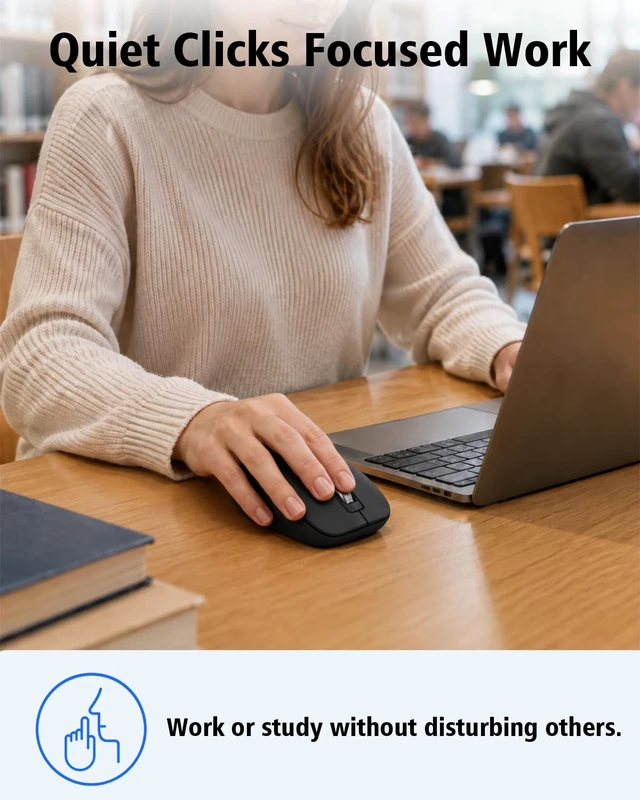
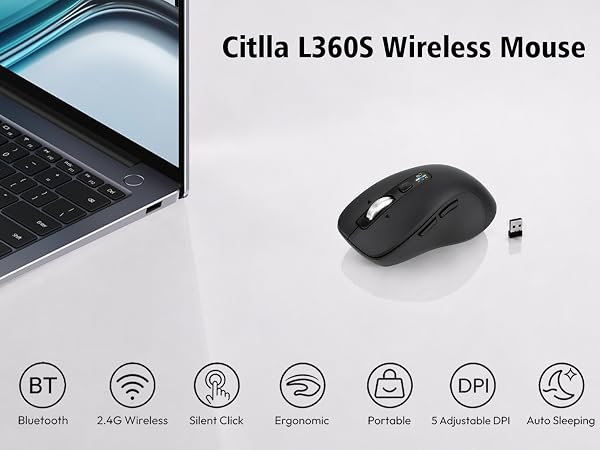
Does the mouse make loud clicking noises?
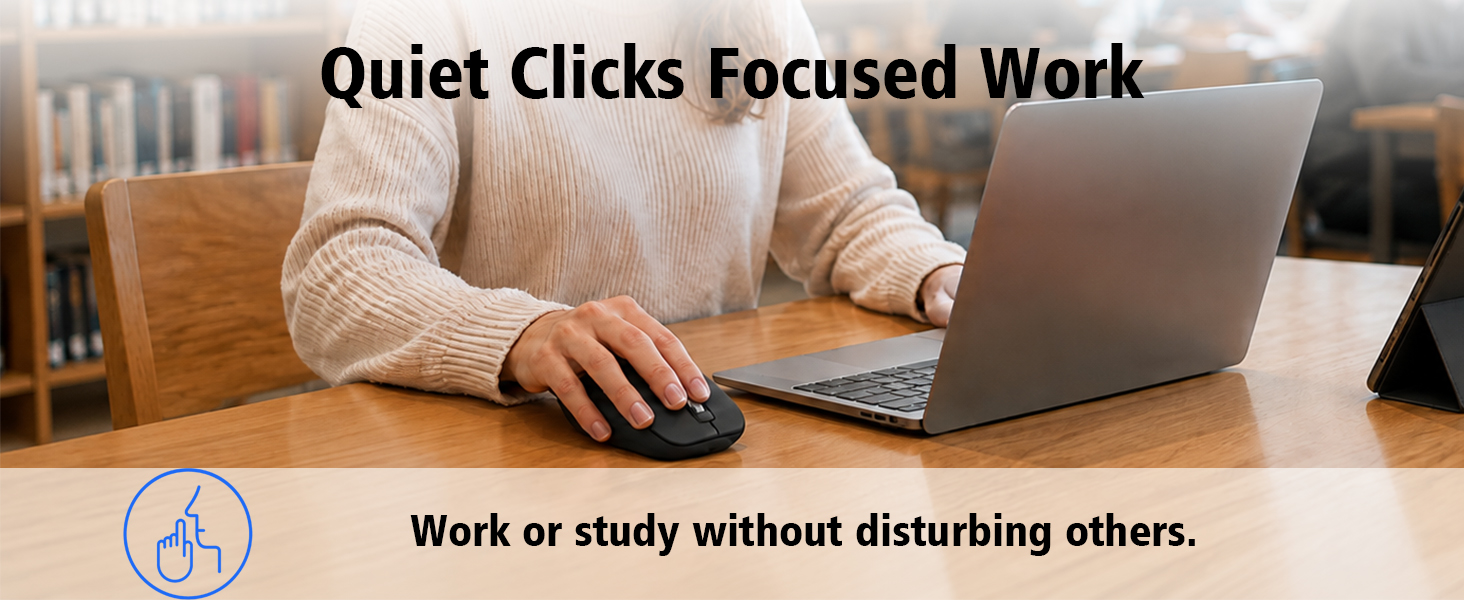
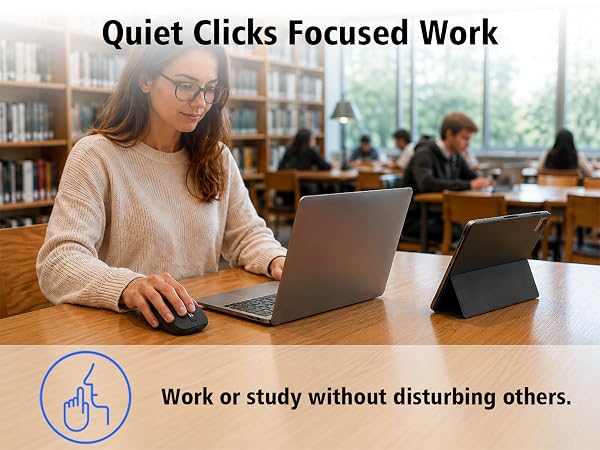
The mouse features silent click buttons that help reduce clicking noise, making it suitable for offices, libraries, and shared workspaces.
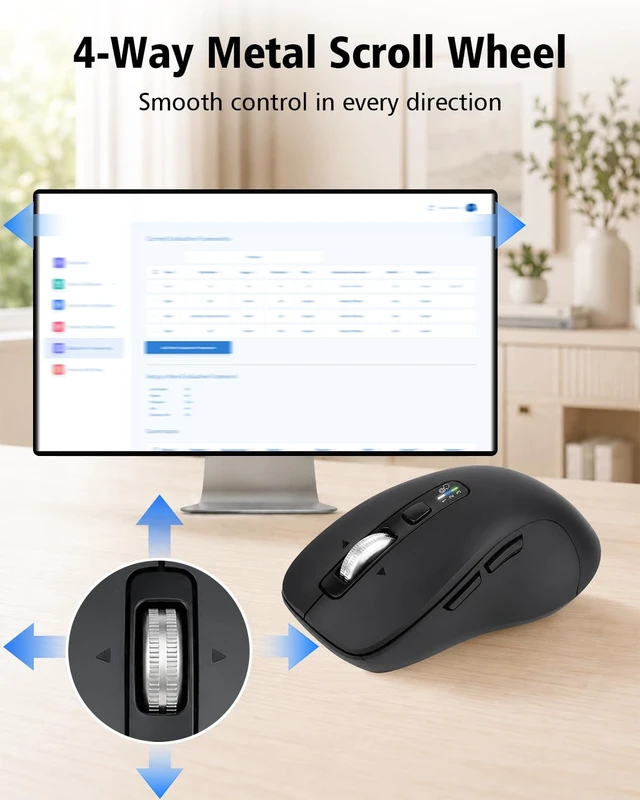
How does the "4-Way Metal Scroll Wheel" work, and do I need to install a driver to use horizontal scrolling?
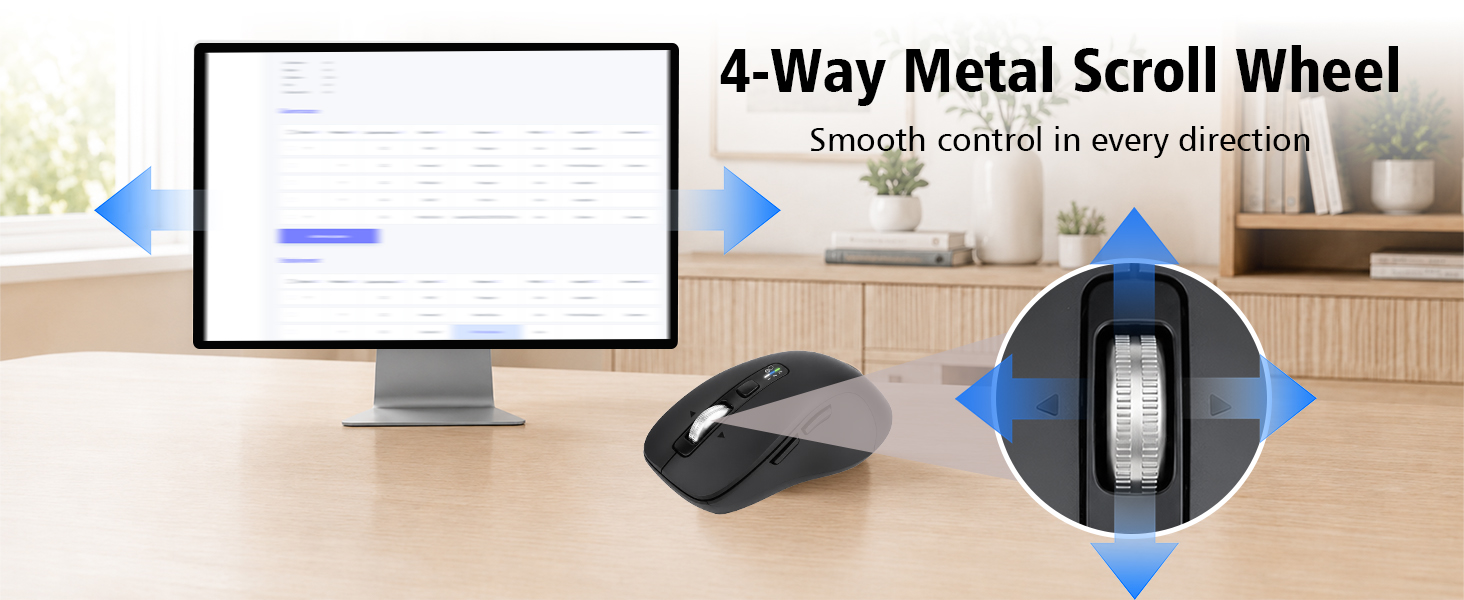
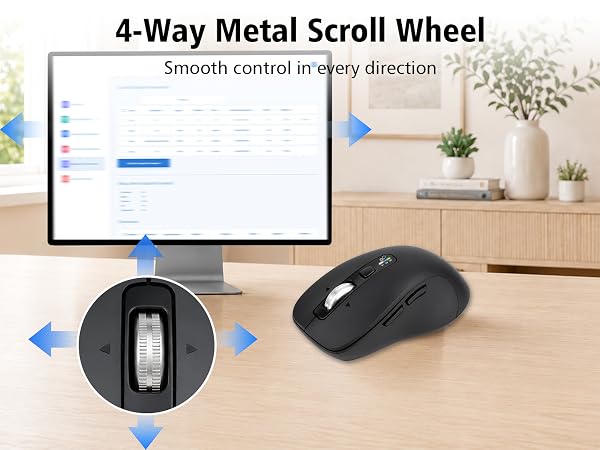
The 4-way metal scroll wheel vertically and tilts left/right for horizontal scrolling as a default plug-and-play feature. No driver is needed for this, but you can install the software if you want to customize the tilt button functions.
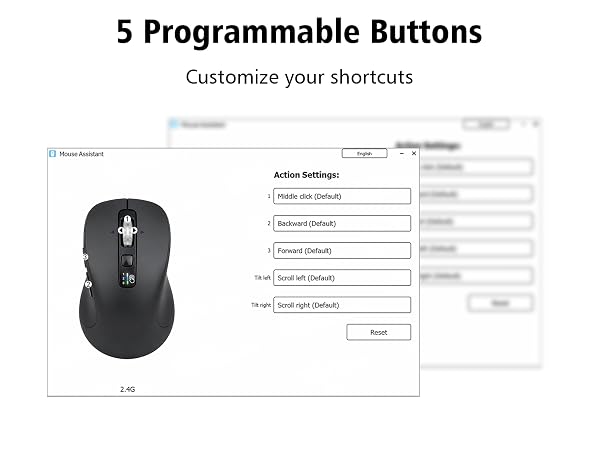
How do I customize the 5 programmable buttons, and are they compatible with macOS?
Download the software via the manual's link to program the buttons. The mouse is plug-and-play on Windows and Mac. While the software is fully compatible with Windows, it only supports limited customization features on macOS.
How do I connect this mouse to multiple devices, and how do I switch between them?
Connect up to 3 devices (laptop, tablet, or PC) via 2.4G USB and Bluetooth (BT1/BT2). To switch devices, press the switch button on the top. Indicator lights show which device is currently active.
Is this mouse suitable for small hands?
This compact ergonomic mouse is designed for small hands, providing comfortable palm support for work, study, and everyday use.
Does the mouse make loud clicking noises?
The mouse features silent click buttons that help reduce clicking noise, making it suitable for offices, libraries, and shared workspaces.
How does the "4-Way Metal Scroll Wheel" work, and do I need to install a driver to use horizontal scrolling?
The 4-way metal scroll wheel vertically and tilts left/right for horizontal scrolling as a default plug-and-play feature. No driver is needed for this, but you can install the software if you want to customize the tilt button functions.