Connections & 500mAh Battery & Dimensions
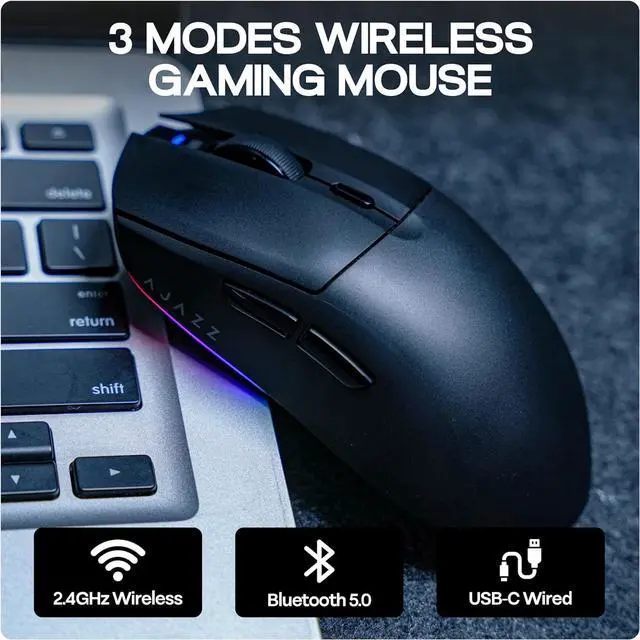
BT5.0/2.4GHz/USB-C, Windows/Mac OS/Linux
3 Connections Ways + Wide Compatibility
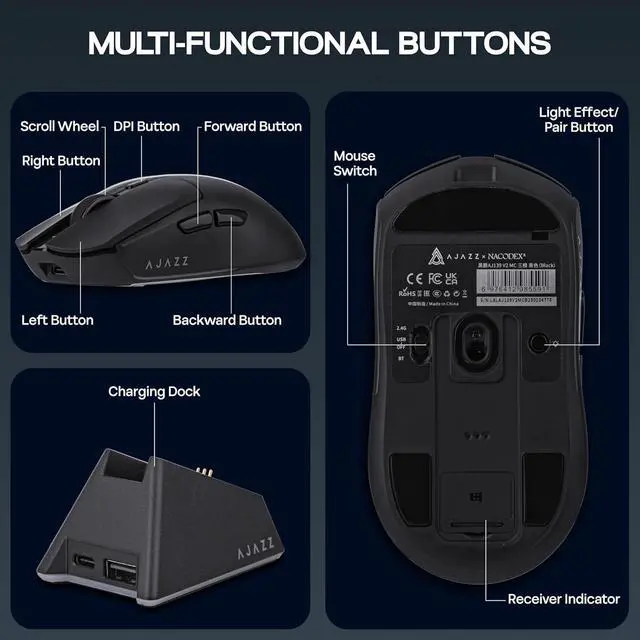
- How to connect the mouse in 2.4GHz wireless mode? (The receiver is paired with the mouse already)
- If the mouse can't work when plugged into the receiver, how can I connect it?
- Toggle the mouse switch to 2.4G
- Press the left button, right button, and DBI button for 5 seconds. Then, plug the receiver into your device. After the indicator lights in Green, the receiver will be paired successfully and you can use it.
For 44 Hours Usage
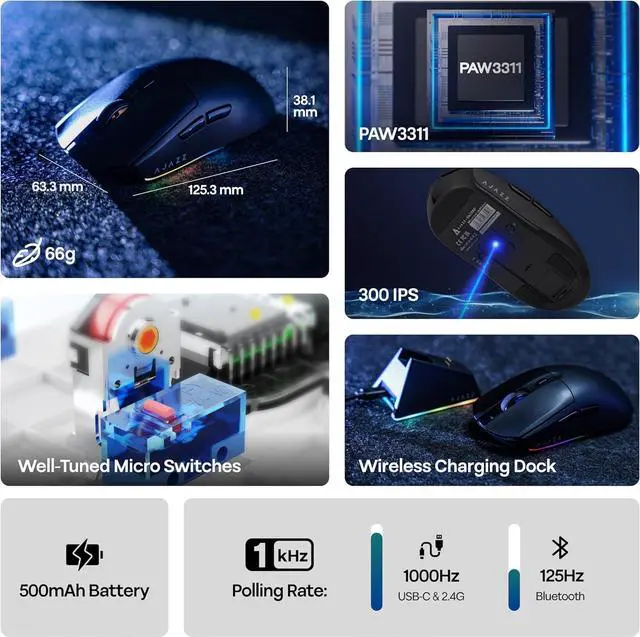
500mAh Rechargeable Battery
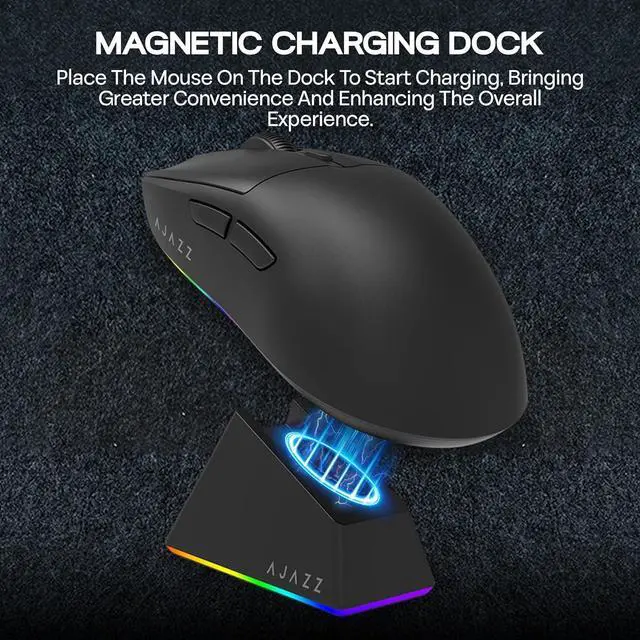
In any mode, the mouse will start charging as soon as the mouse and device are connected with a Type-C cable.
Lightweight & Portable Mouse
Measuring 125.3*63.3*38.1mm and weighing 66g, the AJ139 V2 MC mice boasts a refined design that provides a comfortable grip, ensuring ease of movement and making it a suitable choice for on-the-go professionals.
Q & A:
Q: What are the polling rate of this wireless mouse?
A: Polling rate: 1000Hz (2.4GHz Wireless & USB Wired), 125Hz (BT5.0 Wireless)
Q: What sensor does this mouse use?
A: PAW3311
Q: What is the battery capacity of the AJ139 V2 MC mouse?
A: The battery capacity is 500mAh and can be used for up to 44 hours.
Q: Where can I get the programmable software?
A: Long press the DPI button on the mouse can open the software directly.
Packing list
AJ139 V2 MC Mouse*1
Magnetic Charging Base*1
Braided USB-C Cable*1
2.4GHz Receiver*1
User Manual*1
Precision with the PAW3311 Sensor & 12, 000 DPI
Featuring the advanced PAW3311 optical sensor, the AJ139 V2 MC mouse provides superior precision, capturing your movements accurately even in fast-paced gaming environments. Its adjustable DPI of up to 12, 000, combined with a high-speed capability of 300 IPS and 35G of acceleration, provides unmatched responsiveness, positioning it as an excellent option for FPS and MOBA games that require meticulous control. Regardless of whether you're aiming for exact headshots or pulling off quick moves, the mouse adapts gracefully to your gameplay style.
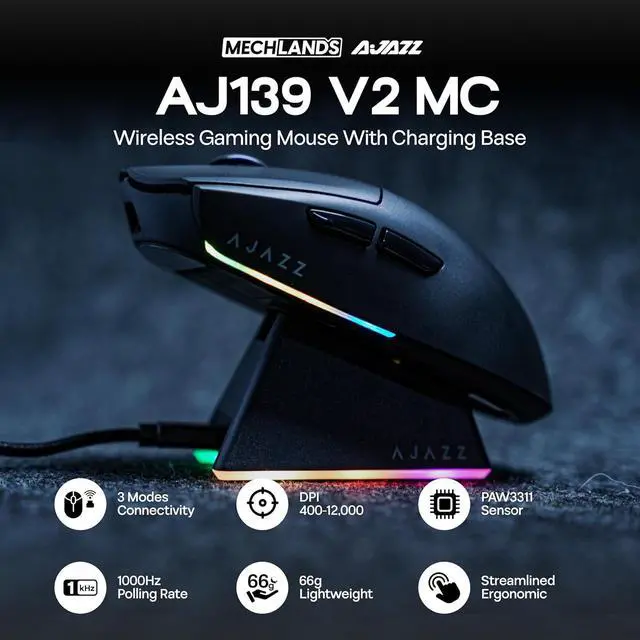
3 Modes Connectivity for Versatile Use
With its triple mode connectivity, the V2 MC wireless mouse allows users to transition smoothly between Bluetooth, 2.4GH z wireless, and USB-C wired modes. This feature ensures that whether you're at home or gaming on the go, you'll enjoy consistent and trustworthy connections. The ability to switch modes effortlessly makes it an excellent choice for those who appreciate adaptability, combining the advantages of both wired and wireless setups without compromising on efficiency.





 here!
here!
 Top Rated