Specification:
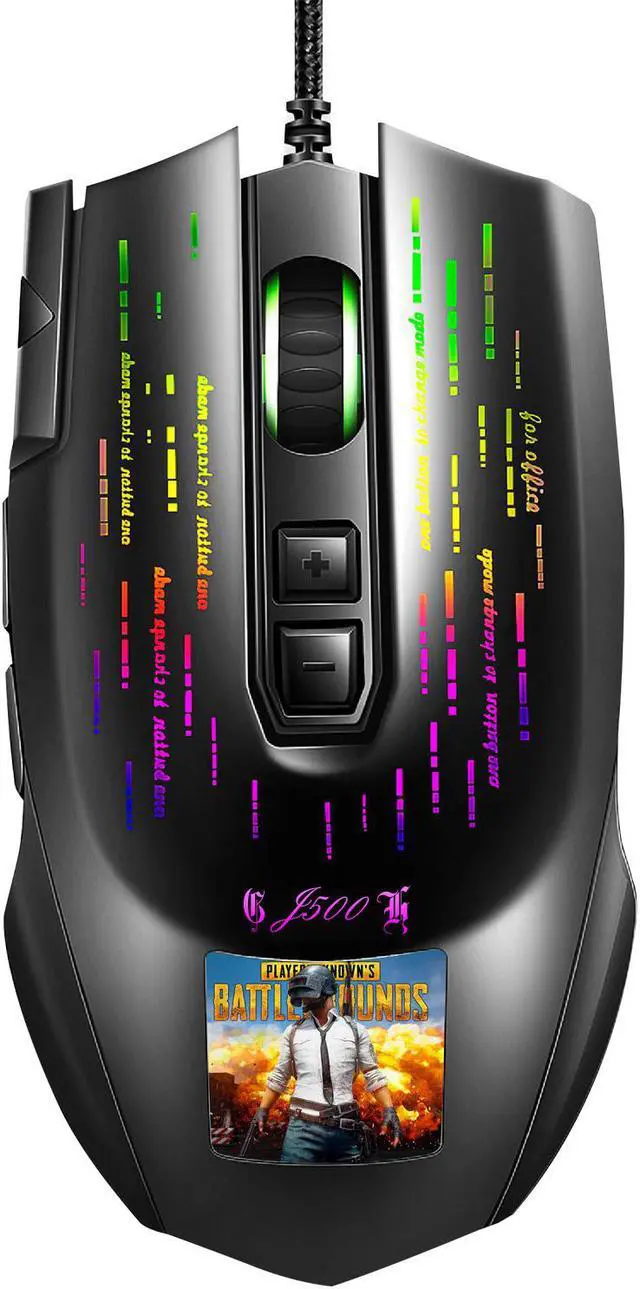
Item name: Display Wired macro programming gaming mouse
Color: Black
Product interface: USB
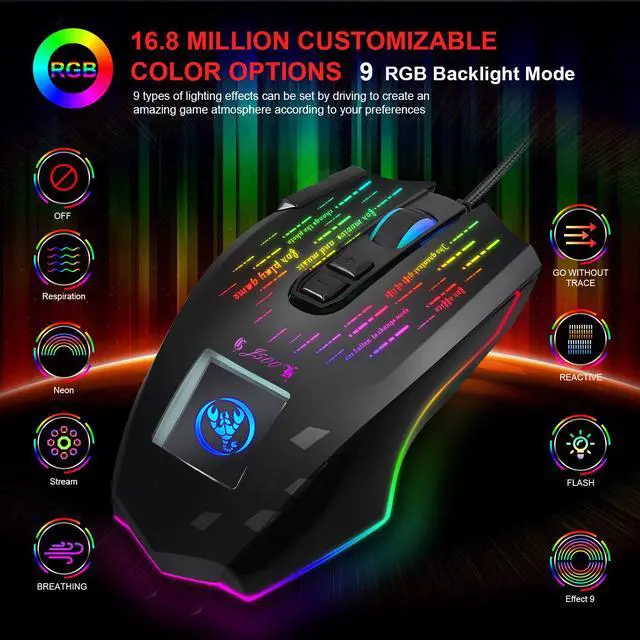
Lighting: RGB full-color lighting.
Rated voltage / current: DC 5V / 100mA
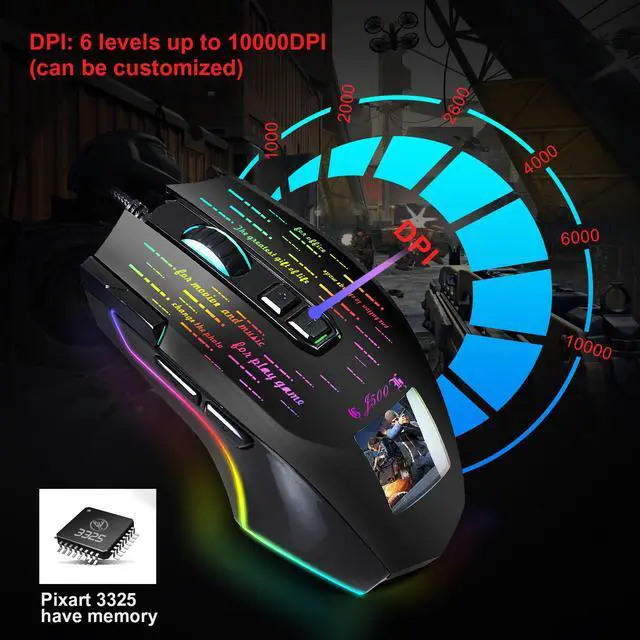
DPI: 1000-2000-3000-4000-6000-10000
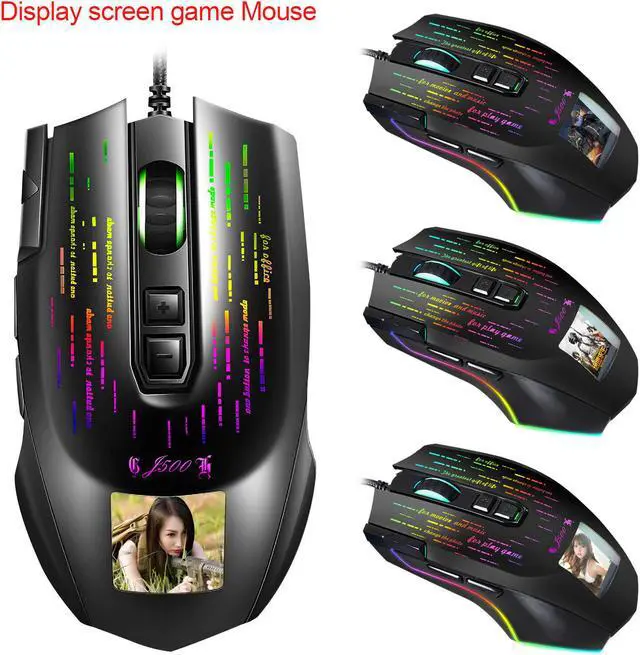
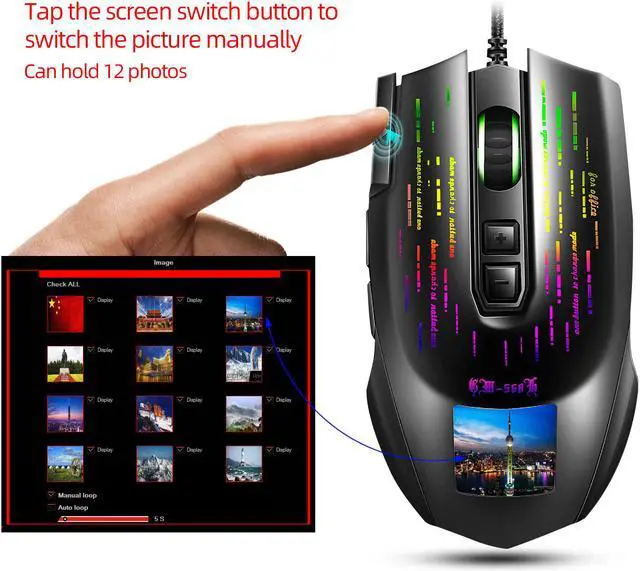
LCD resolution: 240 * 240 full color(Change the picture and import the picture through software macro programming)
Acceleration: 30G.
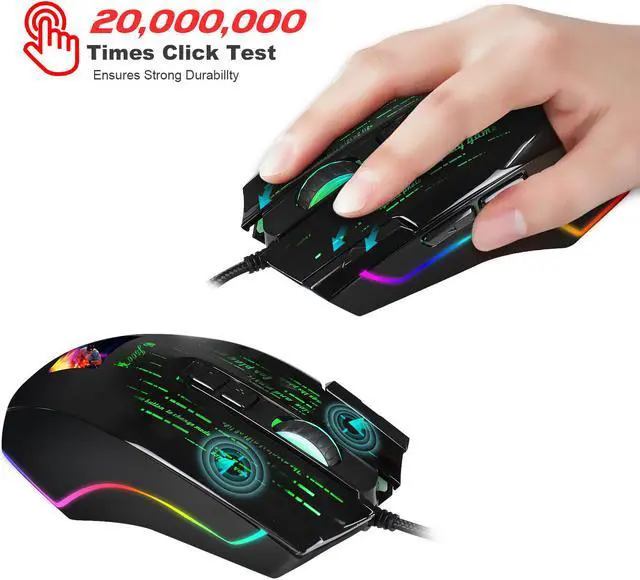
Switch life: 20 million cycle
Cable length: Approx.180cm
Net weight of mouse: 152.3g
Mouse size: 122 * 69 * 40cm
Package weight: 230g
Packing size 17.5X11.6X5.3 cm
Packing list:
1 * Mouse
1 * User manual
Note:
For all personalized settings, you need to find the seller to provide the download address of the macro programming software and download the software. Only in this way can we set more mouse functions and pictures.
How to use:
1. Download the driver, please contach customer service, download it online.
2. When the mouse is sccesully connected and used nomally, the islalation can be started.
3. Ater the niallation is complete, the“J500* drive icon will appear on the desktop.
4. HS 1008 Master chip, using high-perormance program control decoder chip for smooh motion and precise control.
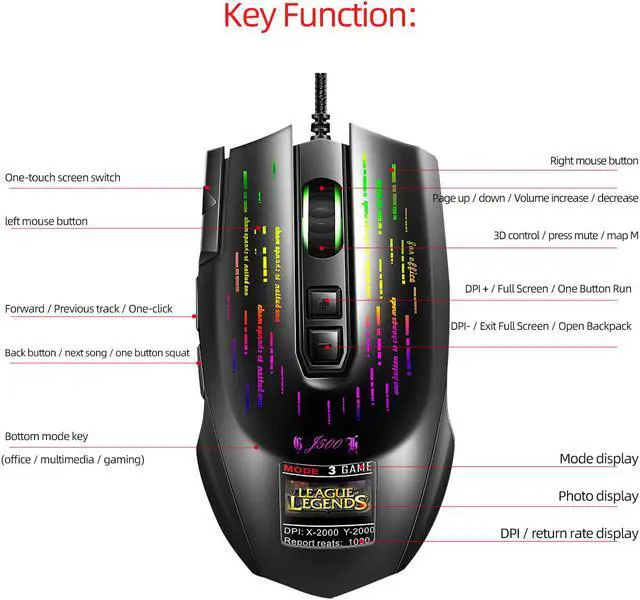
5. key assigment1/2/3: For the 1-9 buttons (as shown in the figure), the drive supports custom setings.
6."MACRO": Click the button to enter the macro definition sttings
7. Click“ADVANCED" : default 1000-2000-3000-4000-6000-10000 the Six-segment DPI value can be any section.
8. Click "LIGHTING": button to enter the setting of ambient lighting(9 RGB light efcts can be set by driving)
9. Click "LANGUAGE": button to enter the language seting, provided by this software 9 languages are available.
10. Personalized sttings: Click the picture icon to enter the picture stting interface. Click "Load" to upload the piture from the computer to the mouse display.
11. When the sttings are complete, click Applications and then click Save Configuration. You should start the driver again the next time you use it so that you can use all customizationsFeatures.