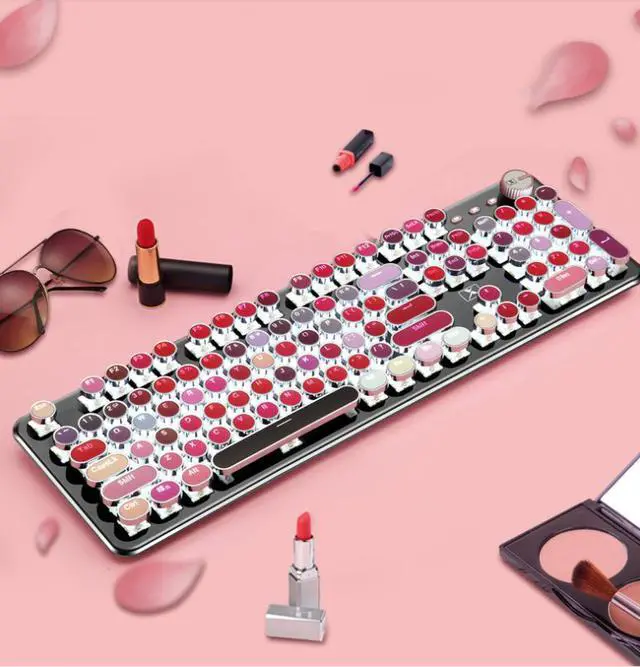
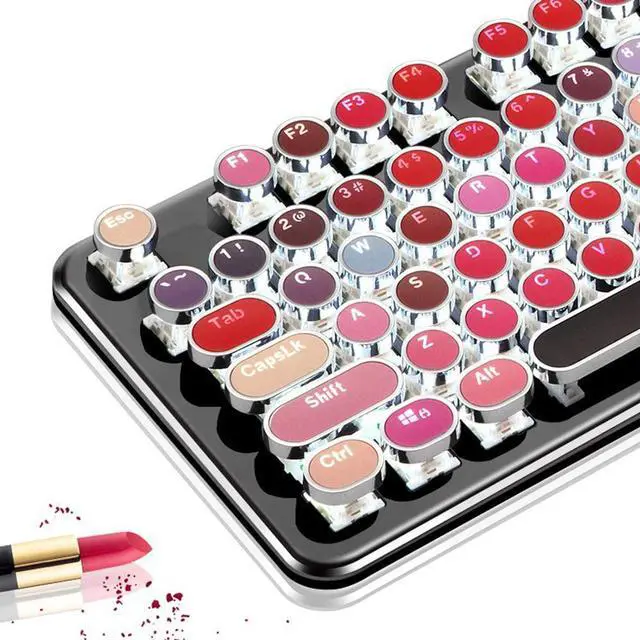
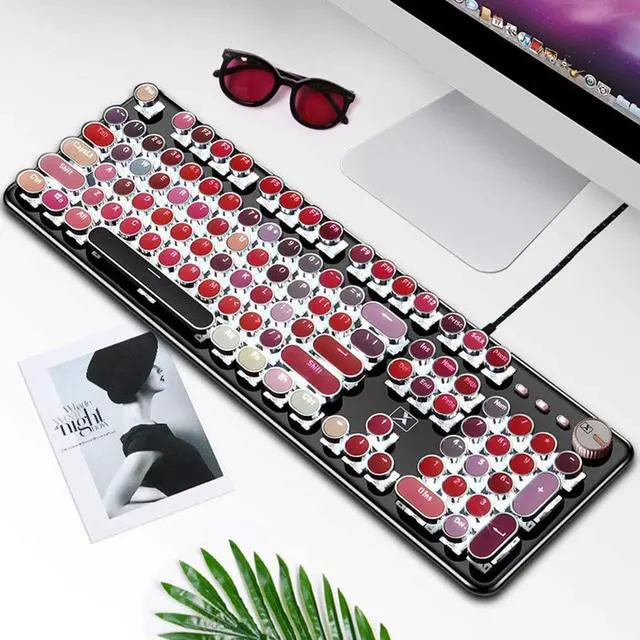
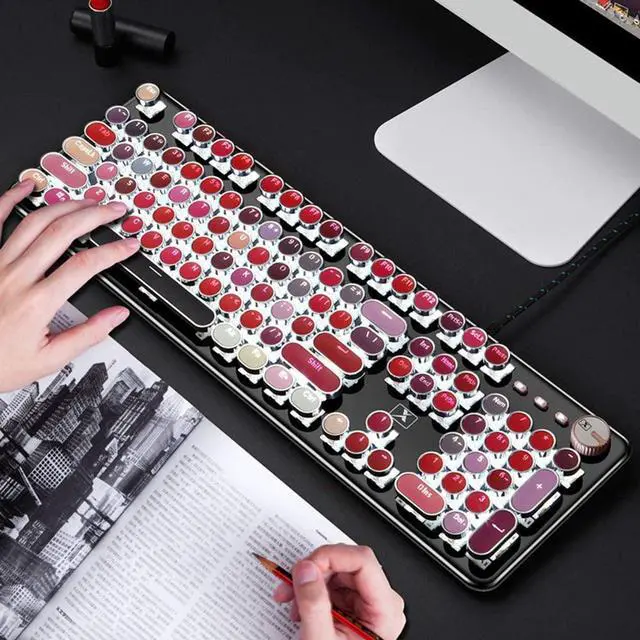
Mechanical Blue Switch Gaming Keyboard- Mechanical Blue Switch Gaming Keyboard (Cherry Blue Equivalent) for ultimate gaming performance. Retro keycap looks like a classical typewriter, brings you comfortable typing feeling & stable clicking touch. The Mechanical Keyboard Keys offer medium resistance, audible Click Sound & Tactile Feedback. Sensitive and Responsive. Easy to press and fast response.
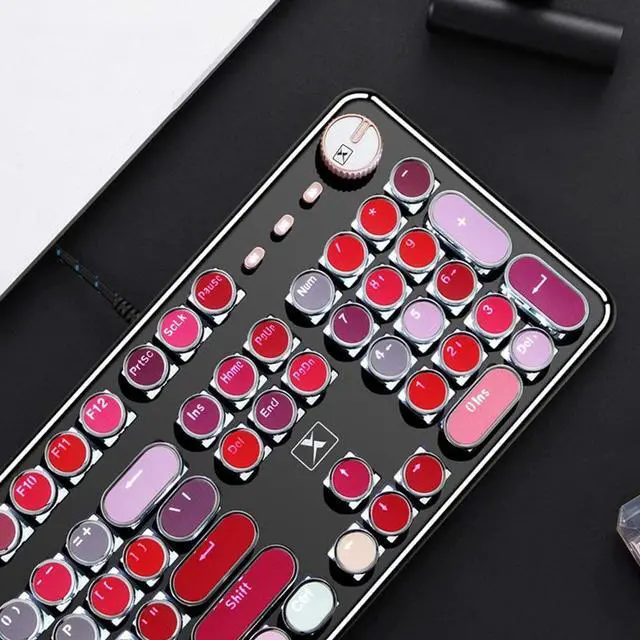
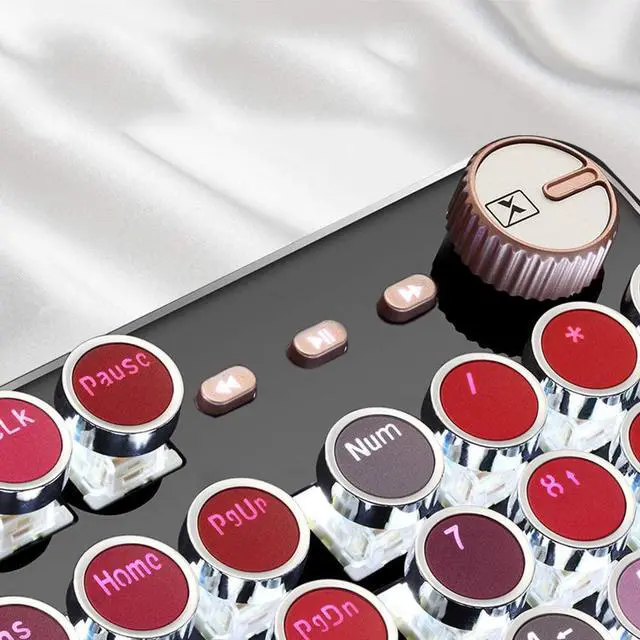
30 Lighting Effects and One Key To Switch- This white backlit mechanical gaming keyboard has 30 LED backlit modes, you can hold the knob 3 seconds to switch the backlit mode, and rotate it to adjust the lighting brightness.
All 104-Key Anti Ghosting Keyboard- This is a Full-Size keyboard, and all 104 keys non-conflict. N-key rollover. Allows multiple keys to work simultaneously with high speed. Let you enjoy high-grade games with fast response. 12 easy-to-reach multimedia keys.
Metal Panel & Removable Keycaps- This keyboard is made of top-grade metal panel and heavy-duty plastic body, with matte-finish texture, sturdy and robust enough to protect it from scratch. The blue switch mechanical keys stand up to hardcore gaming. Fully removable keycaps, easy to change the switches to Red Switch, Brown Switch or Black Switch.
PC Gaming Keyboard Compatibilty- Support computer systems including Windows10 / 8 / 7, Mac OS X, Windows XP, Windows VISTA, etc.
Specification:
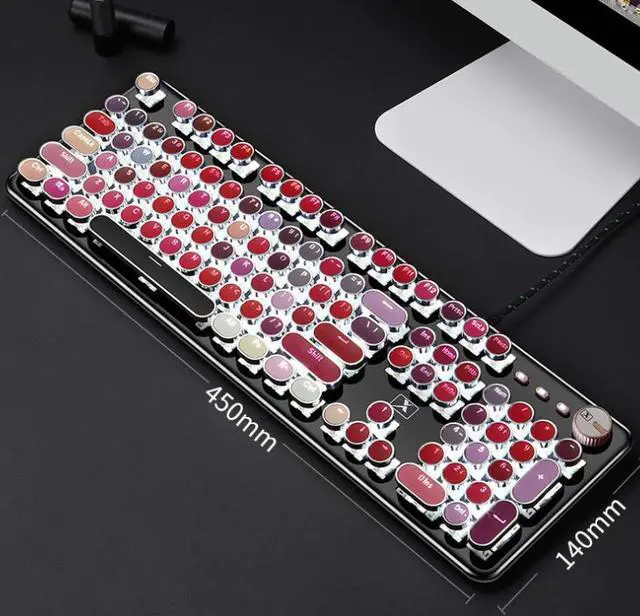
Dimensions: 445*144*30mm
Weight: 700±10g
Switch lifespan: >50 million
Cable length: 1.5m
Convenient Multimedia Shortcuts:
FN+F1: My Favorite
FN+F2: My Computer
FN+F3: E-mail
FN+F4: Browser
FN+F5: Stop
FN+F6: Previous
FN+F7: Play/Pause
FN+F8: Next
FN+F9: Music
FN+F10: Volume -
FN+F11: Volume +
FN+F12: Mute
Lighting Effects Shortcuts:
Rotary Knob:Hold 3 seconds to switch the backlit mode, rotate to adjust the lighting brightness.
FN+ PauseBreak: Restore Factory Settings
FN+Insert: Switching Lighting Effect
FN+"Right Arrow ": Lighting Speed Up
FN+"Left Arrow": Lighting Speed Down
FN+"Up Arrow": Lighting Brightness Up
FN+"Down Arrow": Lighting Brightness Down
FN+Win: Window Lock Key
FN+1: FPS Game Mode (Lighted Keys: A, S, D, W, ?, ?, ?, ?, ESC)
FN+2: CF Mode (Lighted Keys: 1, 2, 3, 4, 5, Q, W, E, R, A, S, D, G, Left Shift, B, Left Ctrl, Left Alt, Space, Home, End, PgUp, PgDn)
FN+3: COD Mode (Lighted Keys: 1, 2, 3, 4, 5, 6, 7, Q, W, E, R, T, A, S, D, F, G, LeftShift, C, V, LeftCtrl)
FN+4: RTS Game Mode (Lighted Keys: 1, 2, 3, 4, 5, 6, 7, 8, 9, 0, Q, W, E, R, T, Y, U, P, A, S, D, F, G, H, K, L, LeftShift, Z, X, N, M, LeftCtrl, LeftAlt)
FN+5: LOL Full Mode (Lighted Keys: ESC, ~, 1, 2, 3, 4, 5, 6, Tab, Q, W, E, R, D, F, G, V, B, LeftCtrl, LeftAlt)
FN+6: CAR Game Mode (Lighted Keys: W, R, A, S, D, LeftShift, LeftCtrl, LeftAlt, ?, ?, ?, ?)
FN+7: NBA Game Mode (Lighted Keys: 1, 2, 3, 4, W, E, R, A, S, F, LeftShift, Z, X, C, V, LeftCtrl, LeftAlt, Space, ?, ?, ?, ?)
FN+8: LOL Mode (Lighted Keys: 1, 2, 3, 4, 5, 6, Q, W, E, R, D, F, B)
Customizable Light Setup Instructions:
1. Press FN+9 or FN+0 for customizable mode, press FN+End to start recording.
2. Customize keys' lightand press FN+End to save it.
3. Press FN+9 or FN+0 to light the customizable lighting zone.