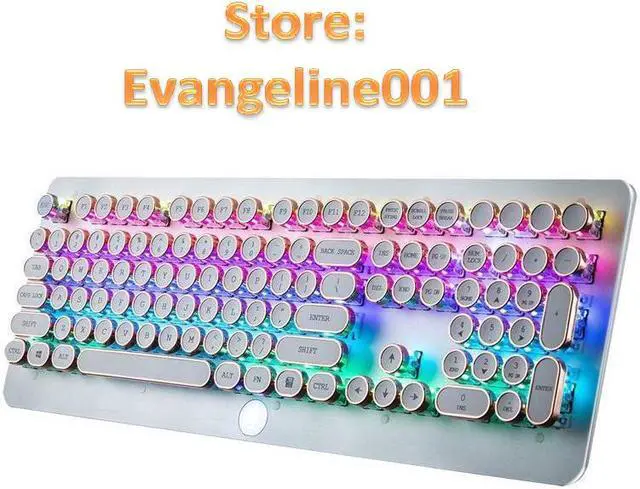
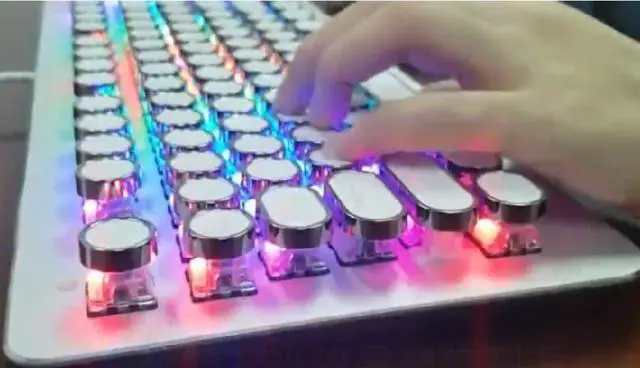
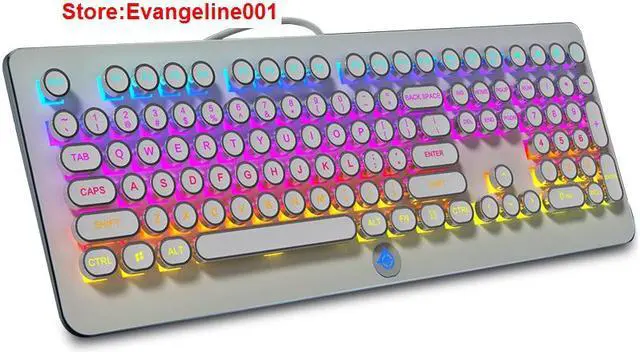
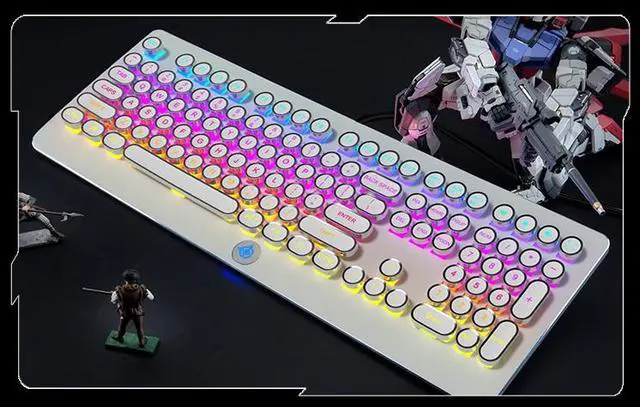
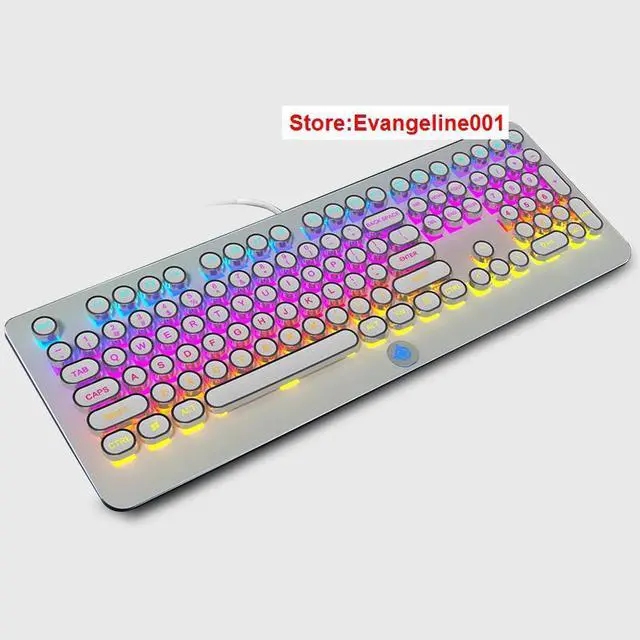
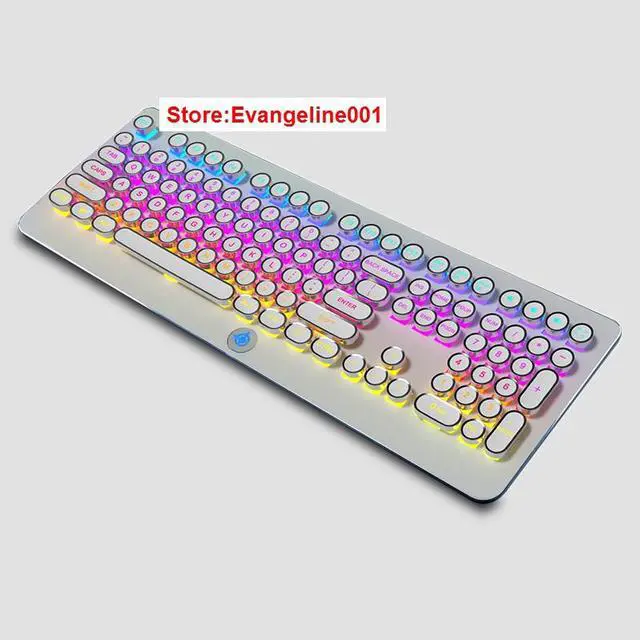
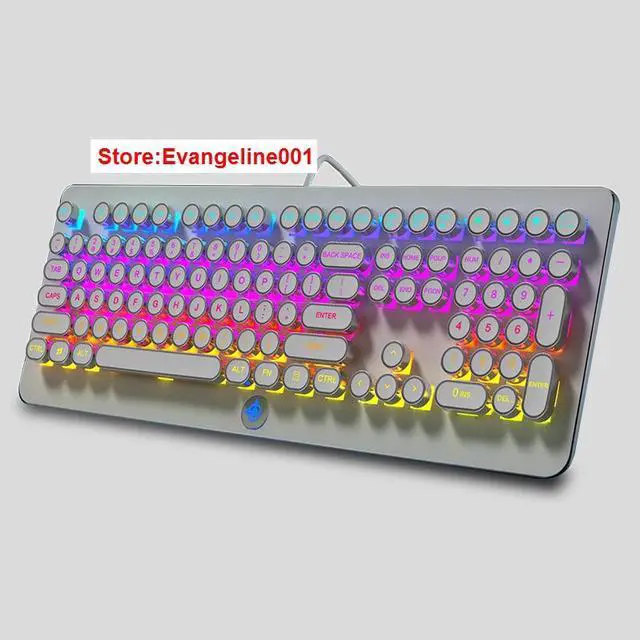
Basic Parameters Model: MK9-A
The color: White
connection type: Wired (approx.
2m) Interface Type: USB
Voltage: 4.5V ~ 5.5V
Electricity: 370mA
Keyboard layout: 3 keypad (108 keys)
Features: 1. FN + F1 --- Home 2. FN + F2 --- My Computer 3. FN + F3 --- E-ail 4. FN + F4 --- Music 5. FN + F5 --- Move
Previous 6. FN + F6 --- Move
Next 7. FN + F7 --- Play / Pause 8. FN + F8 --- Stop 9. FN + L_WIN --- Light up (lock) / put out (open) 10. FN + W --- W S A D With???? Interchangeable; Boot default function 11. FN + PRINT --- 6KEY and the whole switch (default 6KEY) 12. FN + SCROLL --- Switch 15 backlight modes 13. FN + PAUSE --- Lock the keyboard 14. FN + ESC --- Factory Reset (Hold down for 3 seconds) 15. FN + APPL --- LOGO State (Breathe, always on, off) 16. FN + + --- The lighting speed is faster 17. FN + - --- Lamp speed slow down 18. FN +? --- Backlight flow switch 19. FN +? --- Change the backlight color 20. FN +? --- Backlight brightness plus 21. FN +? --- Backlight brightness reduce 22. FN + END --- Go to scene mode switch (3 sets of profile mode switch) 23. FN + Space --- into the palette mode 24. FN + DEL --- Enter the lighting custom mode 25. FN + HOME --- Enter the lighting custom mode Backlight recording specific steps are as follows:
1. First press FN + DEL to enter the default game backlight (a total of 4 groups can be edited)
2. Press FN + HOME, the function light flashes, the other goes out, enter the r ecording mode 3. recording light LED, you need to press FN +?, and then click the need to open the LED.
{Colour Description: FN +? first = red; second = pink; third = purple; fourth =Blue; fifth = cyan; sixth = green, seventh = yellow eighth = white; Ninth = colorless (for deselecting multiple backlit), and the corresp onding color prompt at the ~ key}
4. Repeat step 3 to set other LED 5. press FN + HOME again to save the recorded lights
6. If you switch to set the game after the light mode just press the FN + DEL key (a total of 4 groups of cycles)
Package size: 49*22*5cm/ 19.3 * 8.6 * 1.9 inch
Package weight: 1580g/ 55.7 oz
Note: Item color may show slight aberration due to different shooting light and monitor display.
Package list: 1 * Gaming Keyboard 1 * USB Cable 1 * User Manual