Feker Alice80 Corgi Gaming Keyboard
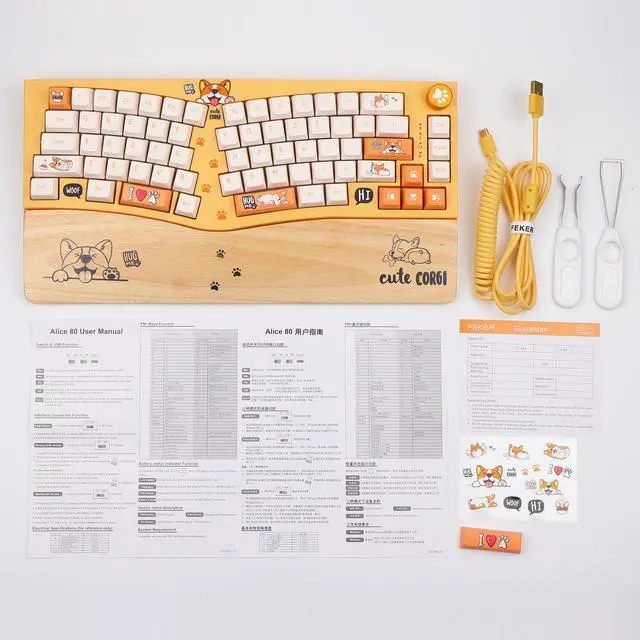
Feker Corgi Alice Mechanical Keyboard is a hybrid-ergonomic keyboard with a whole lineup of features to suit any use case-for any enthusiast. There's an assignable Knob on the top right, so you'll be in complete control when you join Alice down the rabbit hole.
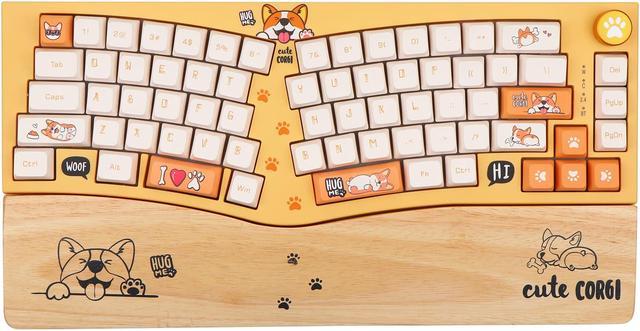
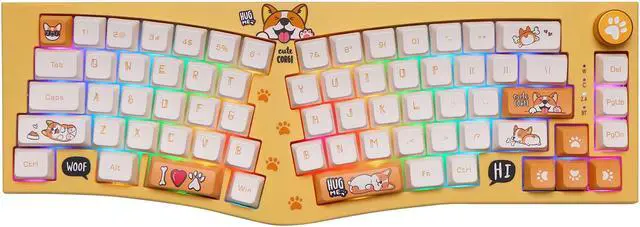
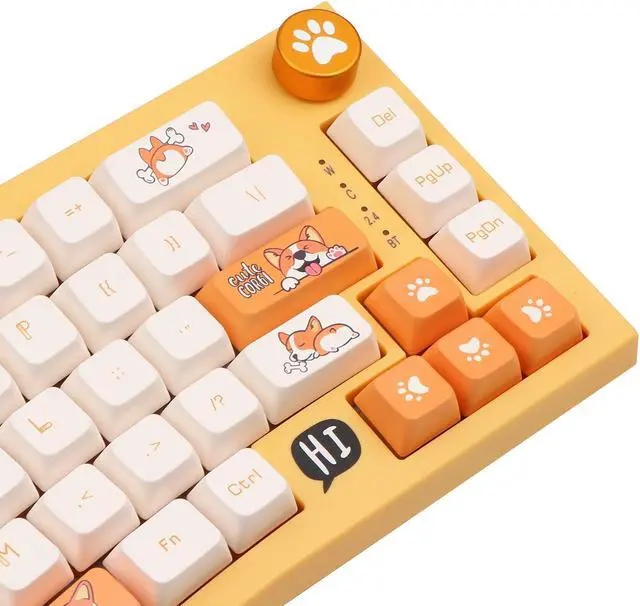
Adds much Corgi elements to the case to refresh your typing environment!
Exclusive split layout keeps things consolidated while still allowing for better hand positioning.
Dye-sub Corgi PBT Keycaps well matched the corgo theme and avoid legends fading after long time use.
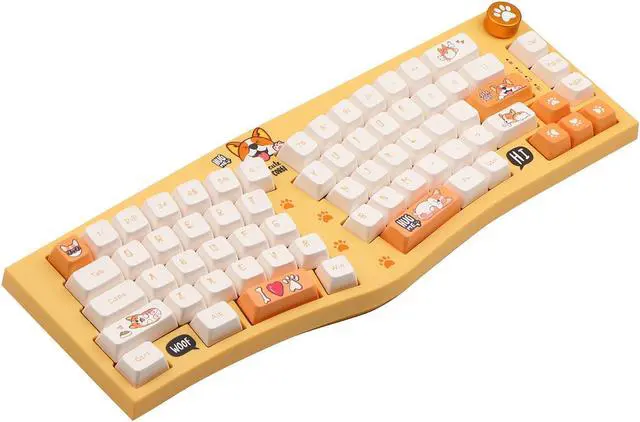
Its angled construction provides optimal positioning for the wrists.
The cable provides perfect length for connecting a keyboard without having a tangled cable mess.
Makes installation a breeze, while 3/5 Pin compatibility provides wider range of switches choice.
Be free from interference if user decides to install Cherry profile alternative keycaps on keyboard
NKRO in wireless and wired mode greatly improves operation efficiency especially when playing games.
Details of Feker Alice80 Corgi
Seamlessly connecting with up to 5 devices, satisfy your multitasking needs at any time.
The corgi alice is equipped with 8,000mAh battery providing long hours of uninterrupted performance.
Q&A
Q: Why the Windows key does not work? A: You may press FN+Win to see if the Win key is locked or not.
Q: How to factory reset the keyboard? A: Long press FN+Backspace for 3 seconds.
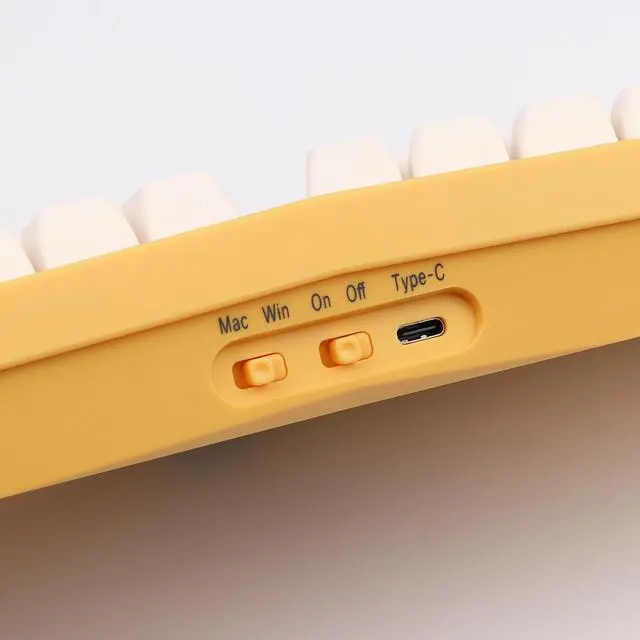
Q: How to connect the bluetooth of the keyboard? A: First you may need to turn on the wireless switch on side of the keyboard, then Long press the FN+C/V/B for 3 seconds, the keyboard will start pairing and the bluetooth light will flash quickly. Select the keyboard's name on your device's bluetooth list and then connect it.
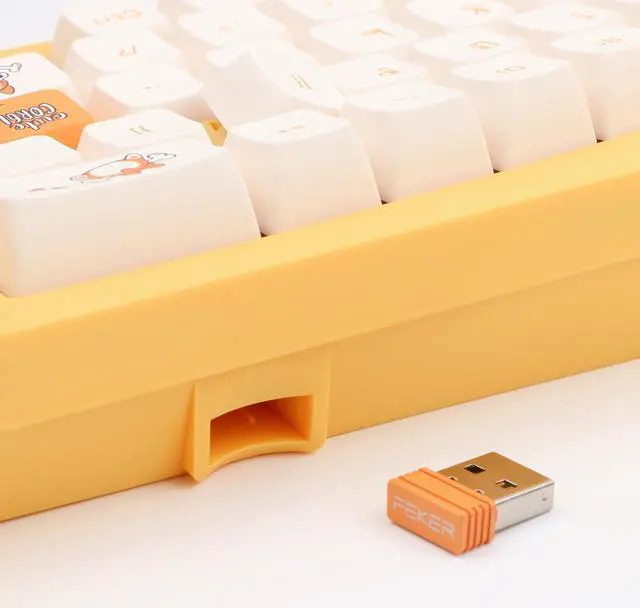
Q: Is there a 2.4G receiver storage slot built in the keyboard? A: Yes, you may find it on the side of the keyboard.
Feker has released the Alice layout keyboards and DIY kits for enthusiasts. With this Corgi theme Alice layout, Feker adds much Corgi elements to the case, the knob, keycaps, and even switches. Its still from a 65% layout which is split into left and right halves, leaving a small gap in between. The letters and the bottom row are angled at a certain degree to fit the direction of your hands when staying on the desk naturally. The spacebar is split into two pieces to be accommodate this design. It is considered to reach a balance at the aspect of ergonomics.