






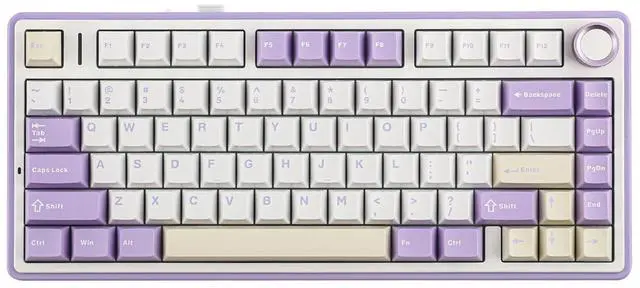


F75 Wireless Mechanical Keyboard
Merchant Video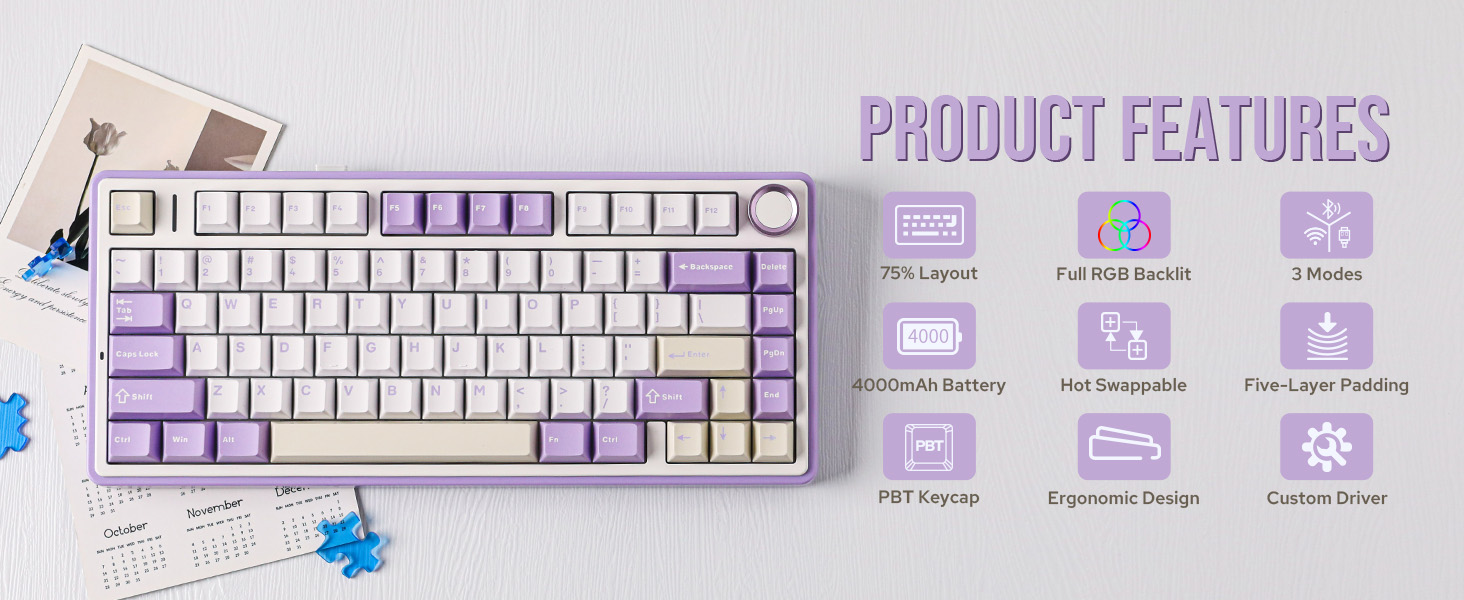
More Trustworthy Keyboard Details
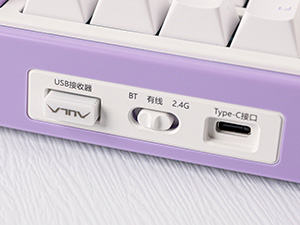
Connectivity Hub
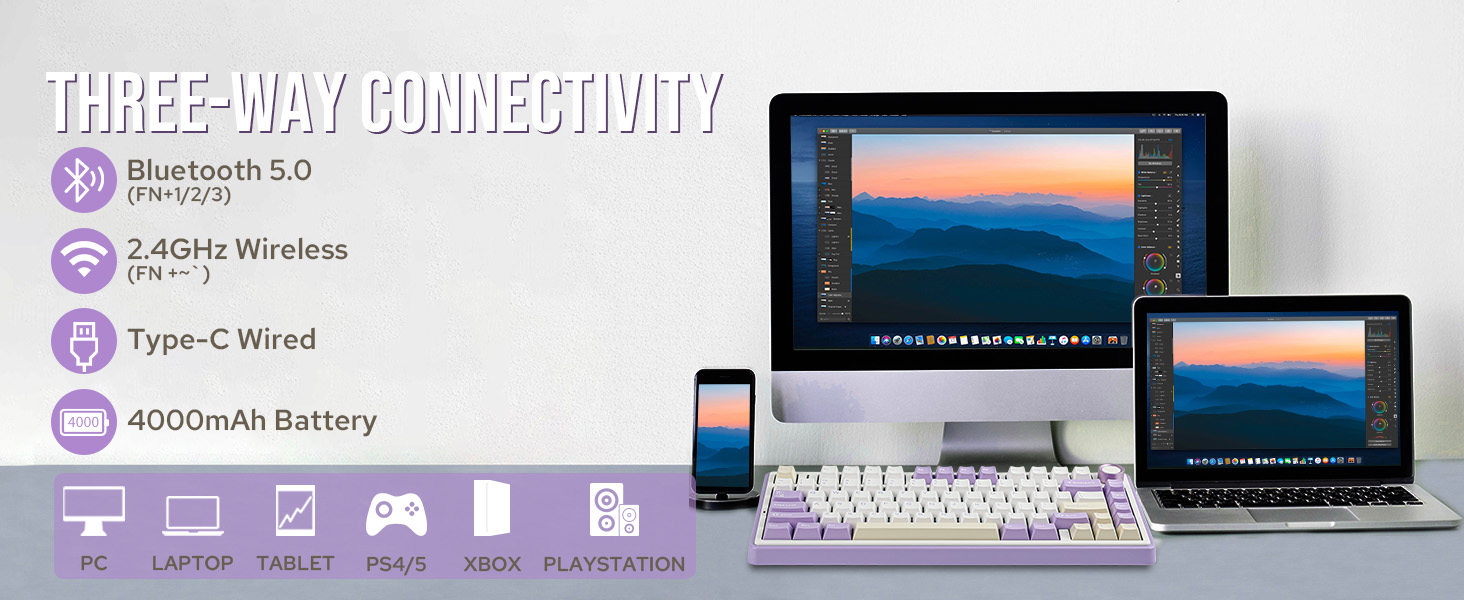
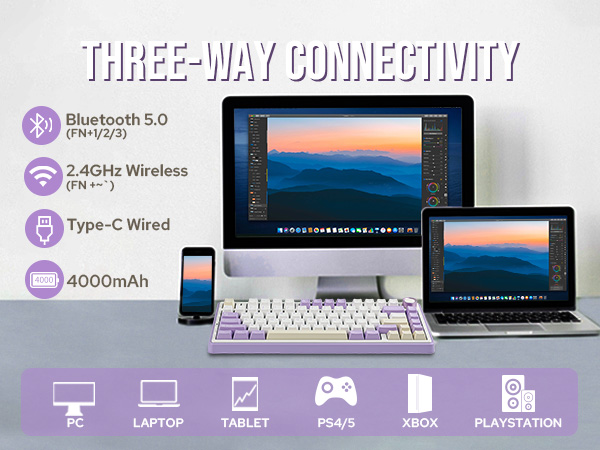
Easy to connect and switch modes. Comes with a type C keyboard cable, fast transmission speed, and durability.
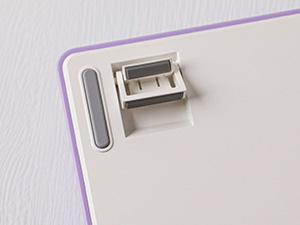
Ergonomic Design
The two-step kickstand allows users to adjust the keyboard height to the desired angle.
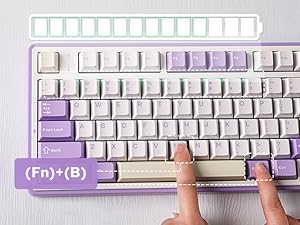
Check Battery Level
In wireless mode, press "FN+B" at the same time to check the battery level.
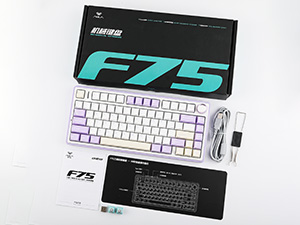
Packing List
- Keyboard * 1
- English Manual * 1
- Keyboard Cable * 1
- Extra Mechanical Switches
- Keycap Puller * 1, Dust Cover*1

Can the charging light be turned off?
Yes, press "FN+L_Shfit" to switch the charge indicator until the LED is off.
How do you make the the knob adjust volume?
The knob has two functions, If you find that rotating the knob cannot adjust the volume. Long press the "knob" until the LEDs of the "Win" and "Caps Lock" keys flash 3 times, indicating a successful mode switch. Then you can adjust the volume
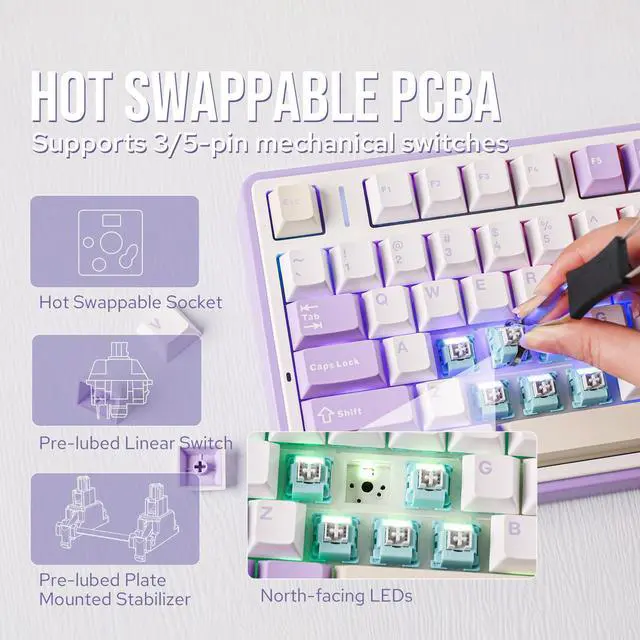
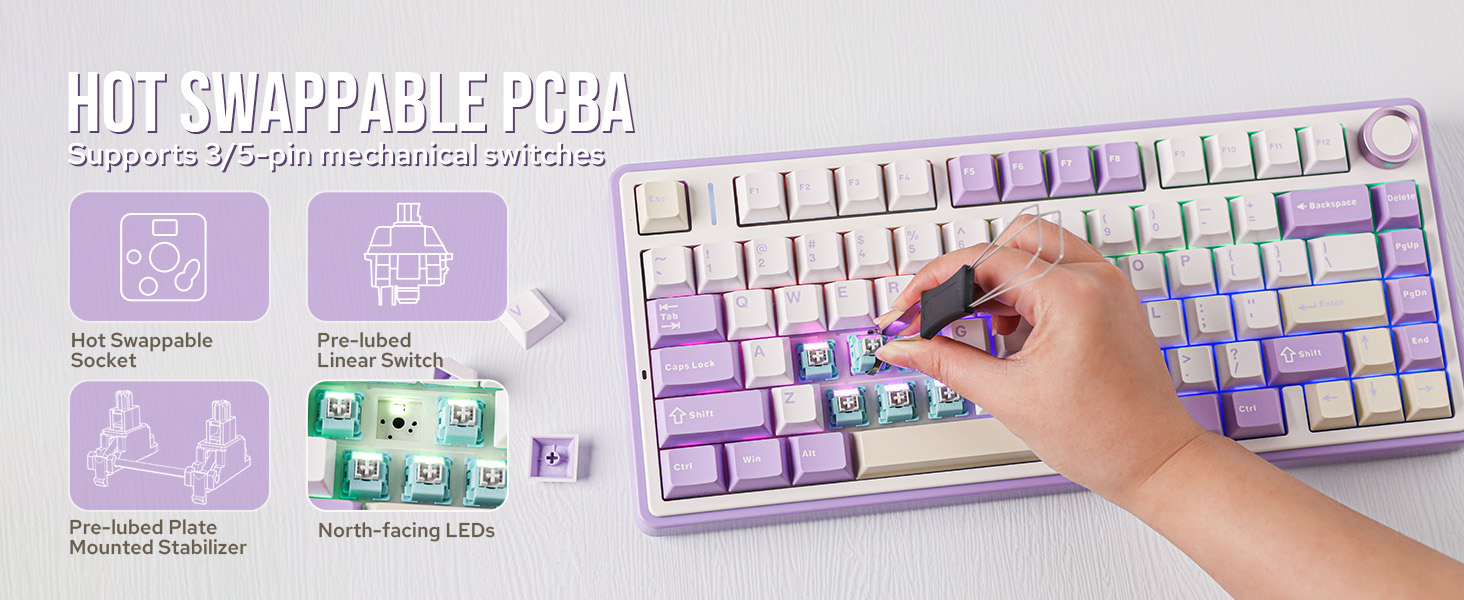
Is F75 purple keyboard south-facing LEDs or north-facing LEDs?
Both versions are available, but orders will be shipped randomly, and version selection is not possible.
Can you re-program the keys for Mac users?
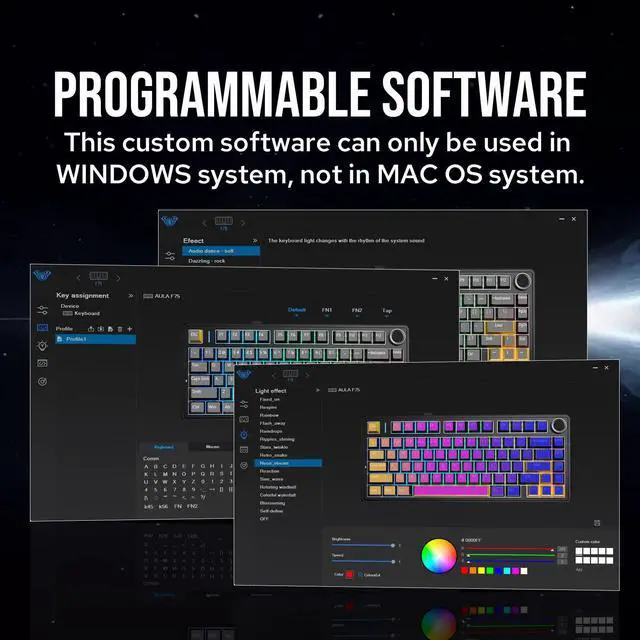
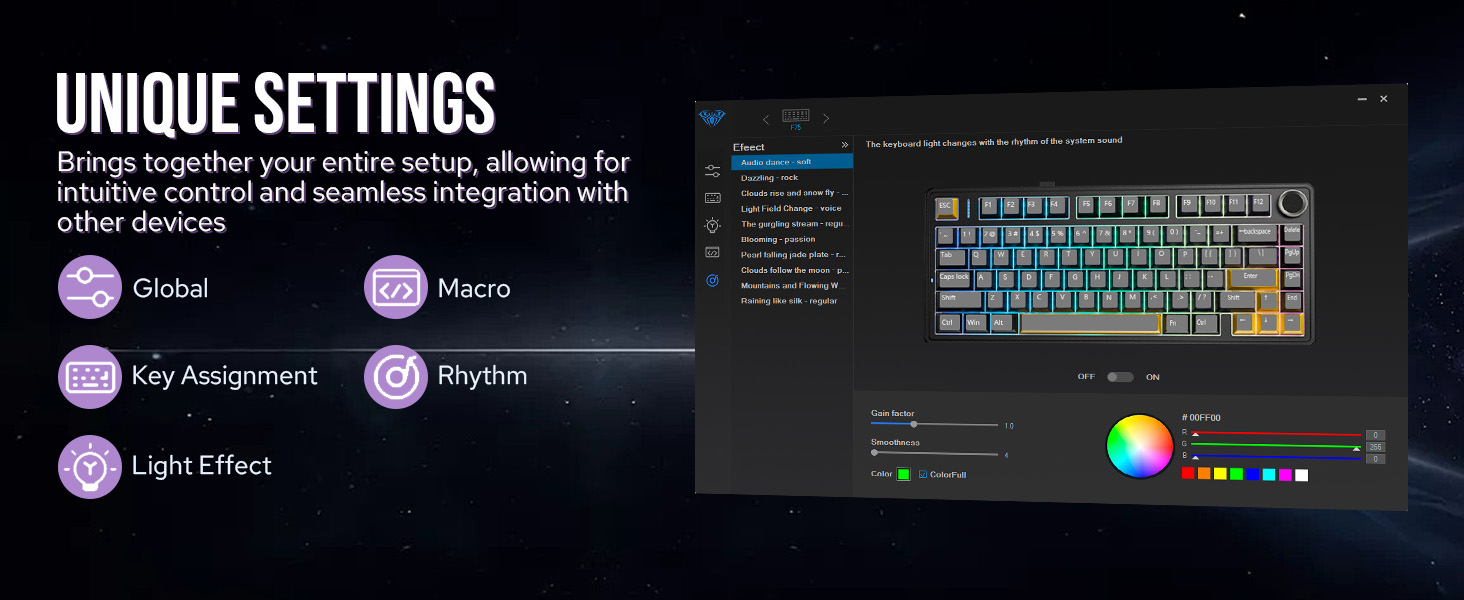
This keyboard is Mac and Windows compatible, but the driver only supports Windows, so Mac users will not be able to re-program the keys.
Why doesn't the "WIN" key work?
The "FN+WIN" combination can lock or unlock the "WIN" key. When the "WIN" key is locked, it will light up in white. In the locked state, the "WIN" key will be disabled.
75% Compact Wireless Gaming Keyboard from EPOMAKER
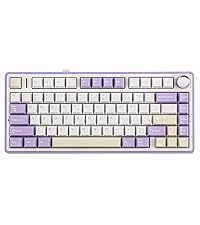 F75 | 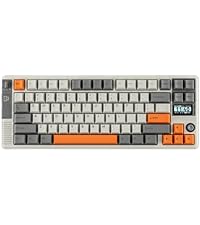 RT85 |  F75 MAX | 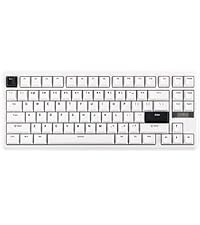 TH85 | 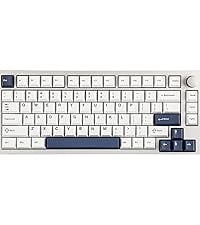 P75 | 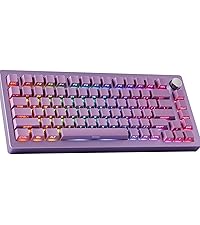 Tide75 | 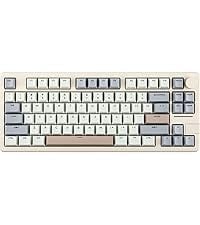 Galaxy70 | |
|---|---|---|---|---|---|---|---|
Customer Reviews | — | — | — | — | — | — | — |
Price | — | — | — | — | — | — | — |
Case Material | Plastic | Plastic | Plastic | Plastic | Aluminum | Aluminum | Aluminum |
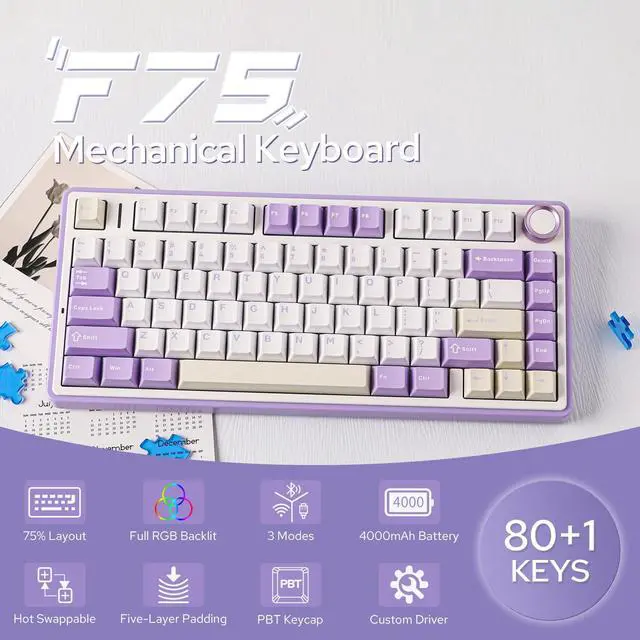
Key | 80+1 | 82 | 80+1 | 84 | 81+1 | 82+1 | 82+1 |
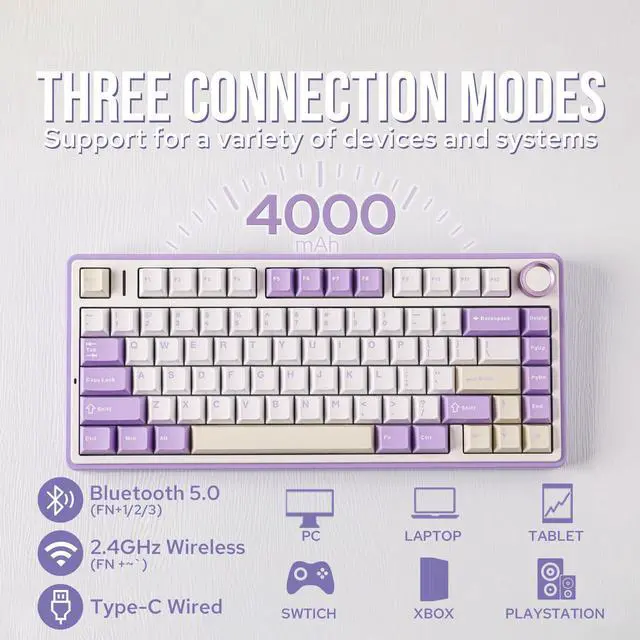
Connectivity | Bluetooth/2.4Ghz/USB-C Wired | Bluetooth/2.4Ghz/USB-C Wired | Bluetooth/2.4Ghz/USB-C Wired | Bluetooth/2.4Ghz/USB-C Wired | Bluetooth/2.4Ghz/USB-C Wired | Bluetooth/2.4Ghz/USB-C Wired | Bluetooth/2.4Ghz/USB-C Wired |
Battery Capacity | 4000mAh | 8000mAh | 4000mAh | 4000mAh | 4000mAh | 4000mAh | 4000mAh |
Switch Option | Linear | Linear | Linear | Linear | Linear, Tactile | Linear | Linear |
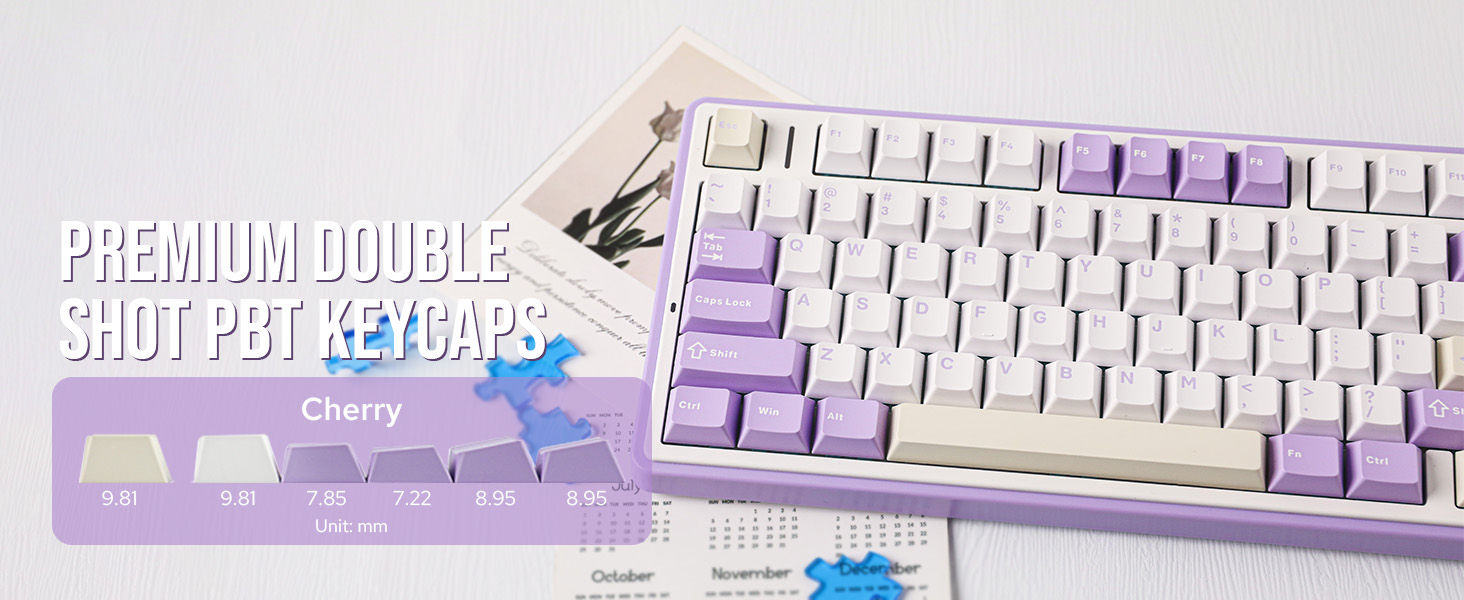
Keycap Material&Profile | PBT&Cherry | PBT&Cherry | PBT&Cherry | PBT&Cherry | PBT&Cherry | PBT&OEM | PBT&Cherry/MDA |
Polling Rate | 1000hz (USB/2.4G), 125hz(BT) | 1000hz (USB/2.4G), 125hz(BT) | 1000hz (USB/2.4G), 125hz(BT) | 1000hz (USB/2.4G), 125hz(BT) | 1000hz (USB/2.4G), 125hz(BT) | 1000hz (USB/2.4G), 125hz(BT) | 1000hz (USB/2.4G), 125hz(BT) |
Hot Swappable | ? | ? | ? | ? | ? | ? | ? |
RGB Backlit | ? | ? | ? | ? | ? | ? | ? |
Programmable Driver | ? | ? | ? | ? | ? | ? | ? |
NKRO/Anti-ghosting | ? | ? | ? | ? | ? | ? | ? |
Keyboard Size(mm)&Weight(kg) | 322.7*143.2*43.1mm&0.98kg | 360*138*40mm&1kg | 328*143*44mm&0.96kg | 350*140*42mm&0.94kg | 325*135*45mm&1.61kg | 333*145*45mm&2.1kg | 350.6*140.9*32.5mm&1.84kg |
F75 Wireless Mechanical Keyboard
Merchant Video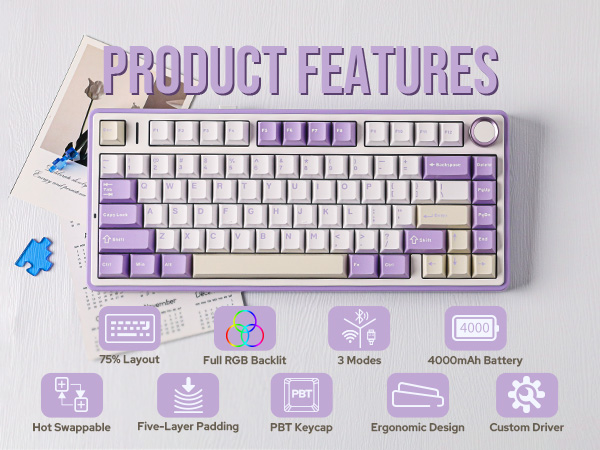
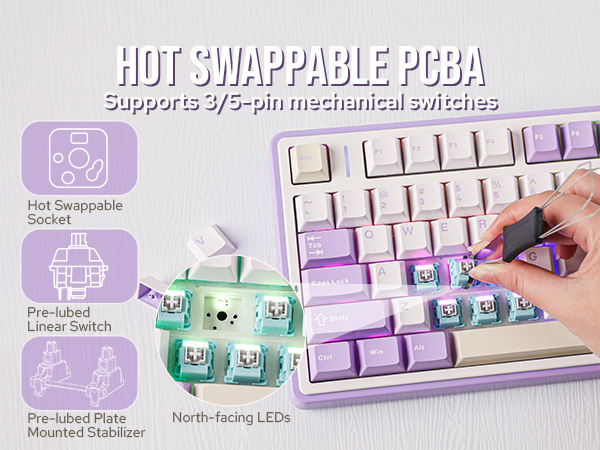
Pre-Lube Linear Mechanical Switches
Solid & Creamy Sound
- TTC Crescent Switch: Force: 42gf/56gf, Travel: 1.5mm/3.6mm
- LEOBOG Reaper Switch:Force: 45gf/55gf, Travel: 1.8mm/3.6mm
- LEOBOG Ice Vein Switch:Force: 42gf/55gf, Travel: 1.5mm/3.6mm
- LEOBOG Greywood V3 Switch:Force: 40gf/53gf, Travel: 1.5mm/3.6mm
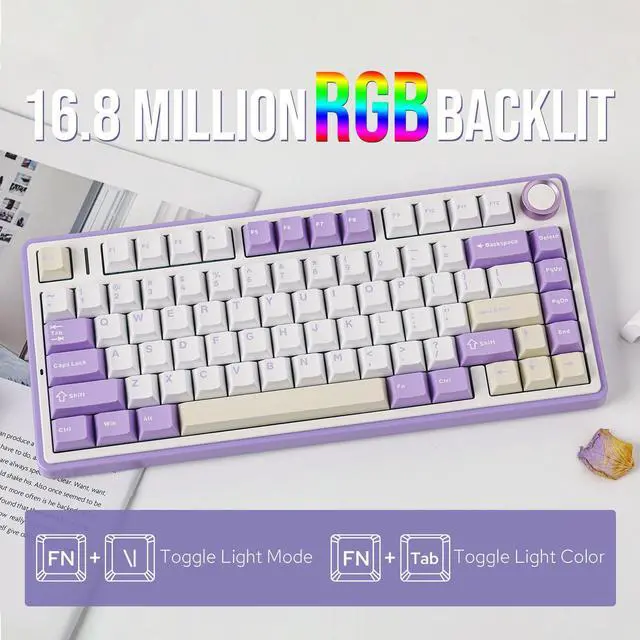
RGB Backlight
Vibrant 16.8M RGB Illumination
Engage in the dynamic glow of the F75's RGB backlight, presenting a rich spectrum of 16.8 million colors for a personalized typing environment. Tailor lighting patterns to suit your preferences, creating a desktop atmosphere that adapts to your mood.
2-in-1 Multi-function Control Knob
Equipped with a function knob to switch between Gaming Mode and Office Mode. In gaming mode, you can rotate the knob to adjust the brightness of the lights and click the knob to easily switch the lighting effects; in office mode, rotate the knob to adjust the volume and click the knob to play or pause.
(Tips: Knob can't wake PC from sleep.)
5 Keyboard Indicator Lights
Charging Indicator + Connection Mode + Operating System + Caps Lock + WIN Lock
Pressing and holding "FN" can check the connection mode and operating system of the keyboard
Charging Indicator: "FN+L_shfit" can switch the charging indicator light effect until it is turned off
Connection Mode: ~`=2.4g wireless mode, 1/2/3=BT1/BT2/BT3 mode OS: Q=Android, W=Windows, E=MAC, Switching through FN+Q/W/E
Note: If the WIN key or Alt key stops working properly, use FN+Q/W/E/R to switch to the correct OS mode.
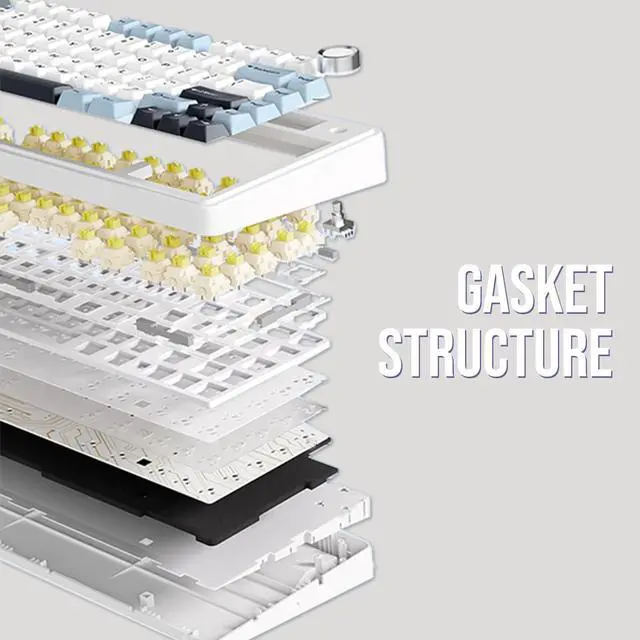
Gasket Structure + Five-Layer Padding + Plastic Shell
The F75 boasts a five-layer sound and shock-absorbing internal design, including two layers of Poron foam, an IXPE switch pad, a PET sound enhancement pad, and a bottom silicone pad. This sophisticated construction reduces typing noise and resonance, delivering a tranquil and focused typing environment.
More Trustworthy Keyboard Details
Connectivity Hub
Easy to connect and switch modes. Comes with a type C keyboard cable, fast transmission speed, and durability.
Ergonomic Design
The two-step kickstand allows users to adjust the keyboard height to the desired angle.
Check Battery Level
In wireless mode, press "FN+B" at the same time to check the battery level.
Packing List
- Keyboard * 1
- English Manual * 1
- Keyboard Cable * 1
- Extra Mechanical Switches
- Keycap Puller * 1, Dust Cover*1

Can the charging light be turned off?
Yes, press "FN+L_Shfit" to switch the charge indicator until the LED is off.
How do you make the the knob adjust volume?
The knob has two functions, If you find that rotating the knob cannot adjust the volume. Long press the "knob" until the LEDs of the "Win" and "Caps Lock" keys flash 3 times, indicating a successful mode switch. Then you can adjust the volume
Is F75 purple keyboard south-facing LEDs or north-facing LEDs?
Both versions are available, but orders will be shipped randomly, and version selection is not possible.
Can you re-program the keys for Mac users?
This keyboard is Mac and Windows compatible, but the driver only supports Windows, so Mac users will not be able to re-program the keys.
Why doesn't the "WIN" key work?
The "FN+WIN" combination can lock or unlock the "WIN" key. When the "WIN" key is locked, it will light up in white. In the locked state, the "WIN" key will be disabled.
75% Compact Wireless Gaming Keyboard from EPOMAKER
F75 | RT85 | F75 MAX | TH85 | P75 | Tide75 | Galaxy70 |
|---|---|---|---|---|---|---|
| Customer Reviews | ||||||
| — | — | — | — | — | — | — |
| Price | ||||||
| — | — | — | — | — | — | — |
| Case Material | ||||||
| Plastic | Plastic | Plastic | Plastic | Aluminum | Aluminum | Aluminum |
| Key | ||||||
| 80+1 | 82 | 80+1 | 84 | 81+1 | 82+1 | 82+1 |
| Connectivity | ||||||
| Bluetooth/2.4Ghz/USB-C Wired | Bluetooth/2.4Ghz/USB-C Wired | Bluetooth/2.4Ghz/USB-C Wired | Bluetooth/2.4Ghz/USB-C Wired | Bluetooth/2.4Ghz/USB-C Wired | Bluetooth/2.4Ghz/USB-C Wired | Bluetooth/2.4Ghz/USB-C Wired |
| Battery Capacity | ||||||
| 4000mAh | 8000mAh | 4000mAh | 4000mAh | 4000mAh | 4000mAh | 4000mAh |
| Switch Option | ||||||
| Linear | Linear | Linear | Linear | Linear, Tactile | Linear | Linear |
| Keycap Material&Profile | ||||||
| PBT&Cherry | PBT&Cherry | PBT&Cherry | PBT&Cherry | PBT&Cherry | PBT&OEM | PBT&Cherry/MDA |
| Polling Rate | ||||||
| 1000hz (USB/2.4G), 125hz(BT) | 1000hz (USB/2.4G), 125hz(BT) | 1000hz (USB/2.4G), 125hz(BT) | 1000hz (USB/2.4G), 125hz(BT) | 1000hz (USB/2.4G), 125hz(BT) | 1000hz (USB/2.4G), 125hz(BT) | 1000hz (USB/2.4G), 125hz(BT) |
| Hot Swappable | ||||||
| ? | ? | ? | ? | ? | ? | ? |
| RGB Backlit | ||||||
| ? | ? | ? | ? | ? | ? | ? |
| Programmable Driver | ||||||
| ? | ? | ? | ? | ? | ? | ? |
| NKRO/Anti-ghosting | ||||||
| ? | ? | ? | ? | ? | ? | ? |
| Keyboard Size(mm)&Weight(kg) | ||||||
| 322.7*143.2*43.1mm&0.98kg | 360*138*40mm&1kg | 328*143*44mm&0.96kg | 350*140*42mm&0.94kg | 325*135*45mm&1.61kg | 333*145*45mm&2.1kg | 350.6*140.9*32.5mm&1.84kg |