






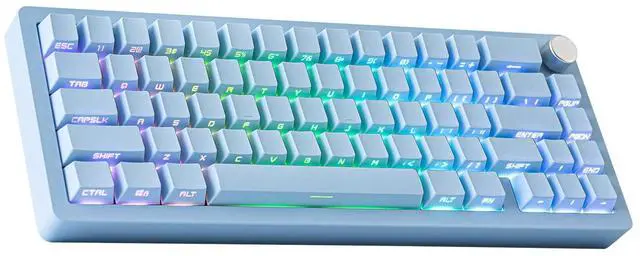
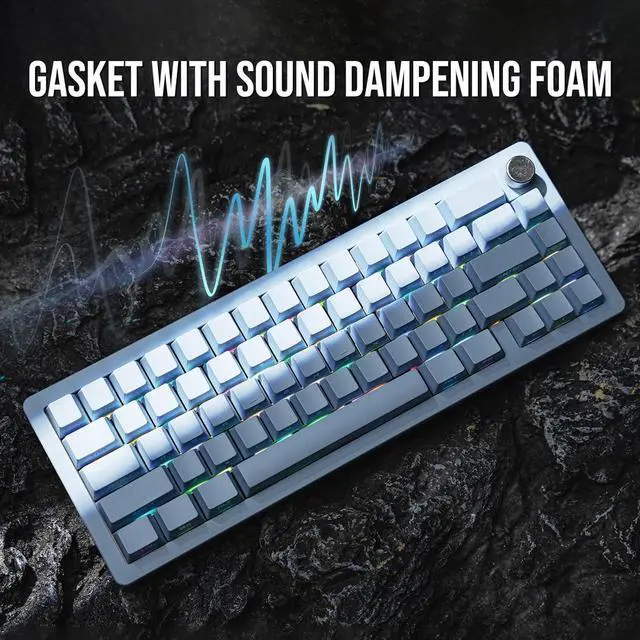


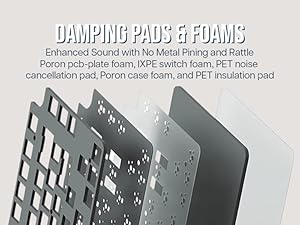
Sound Enhancement
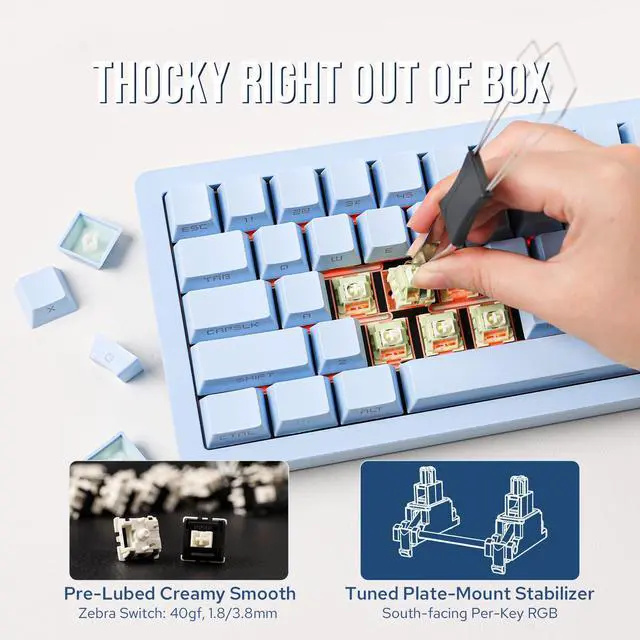
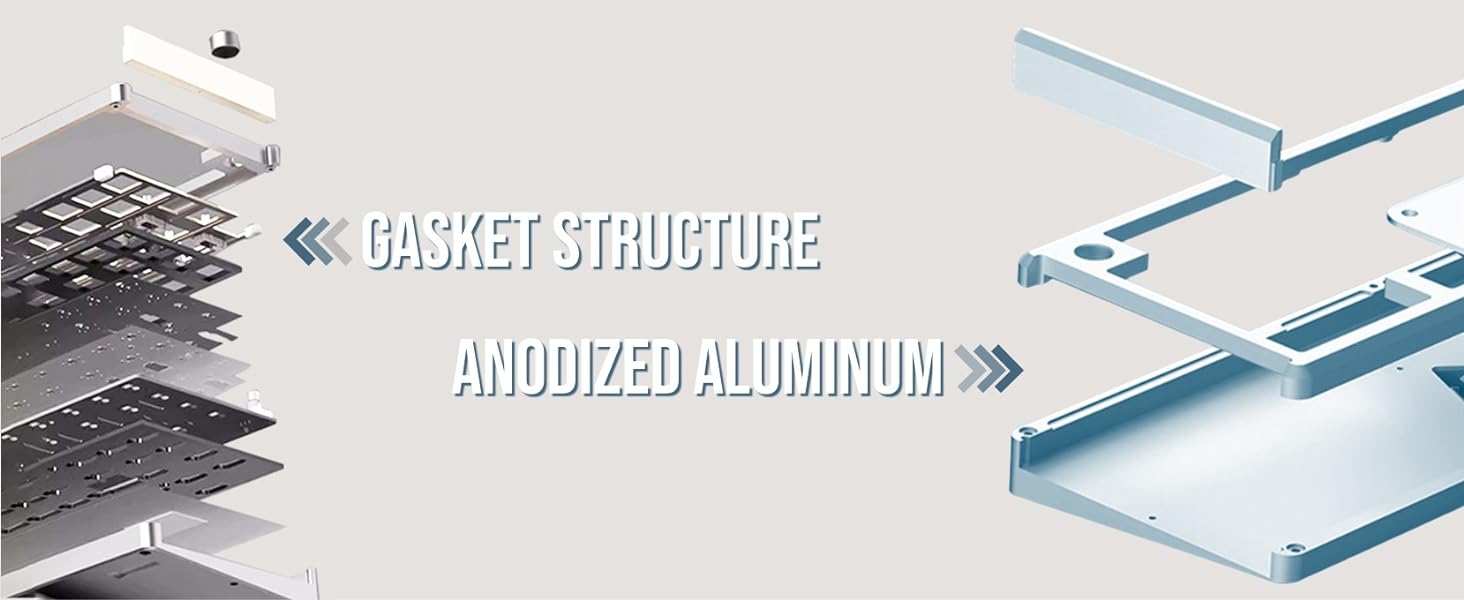
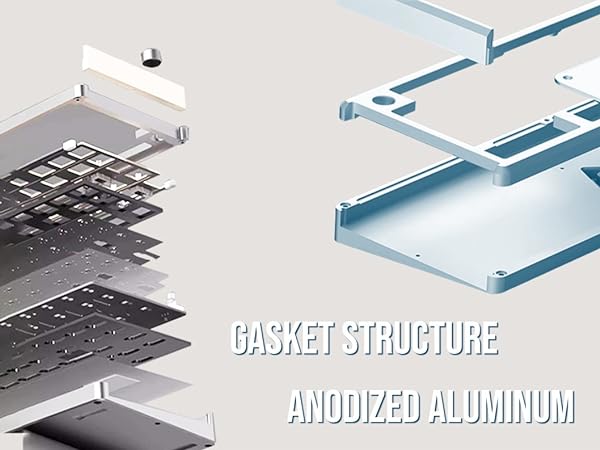
With sound damping pads of Poron, IXPE and PET, Typing sound is fine tuned and Thocky without metal pining or rattling.
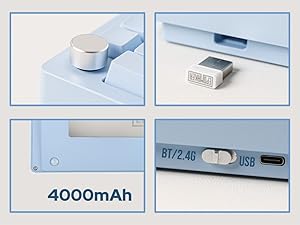
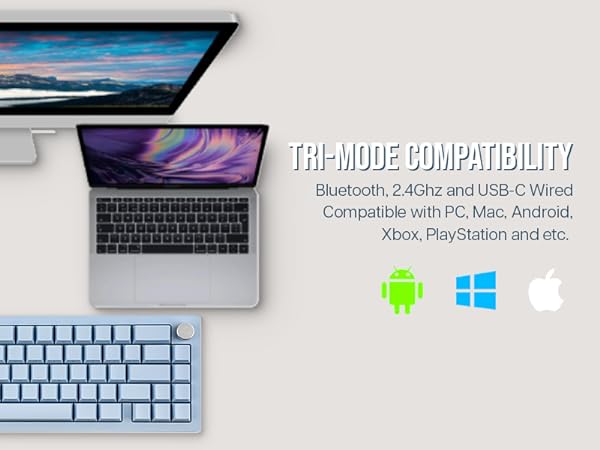
Tri-Modes Wireless
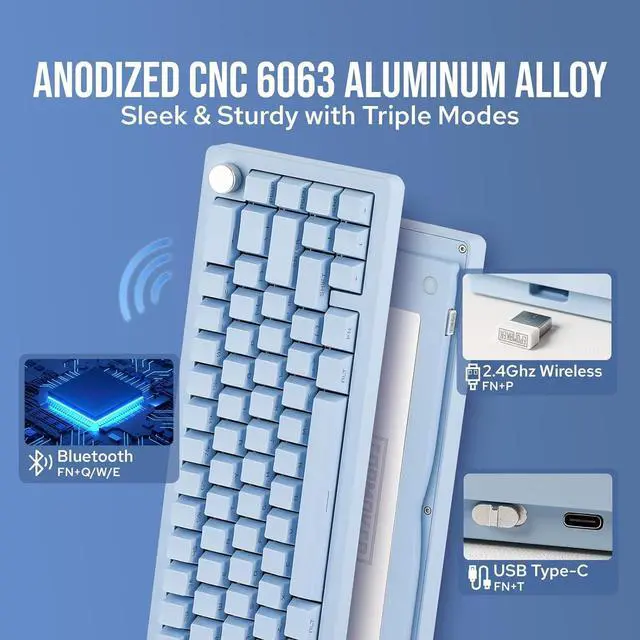
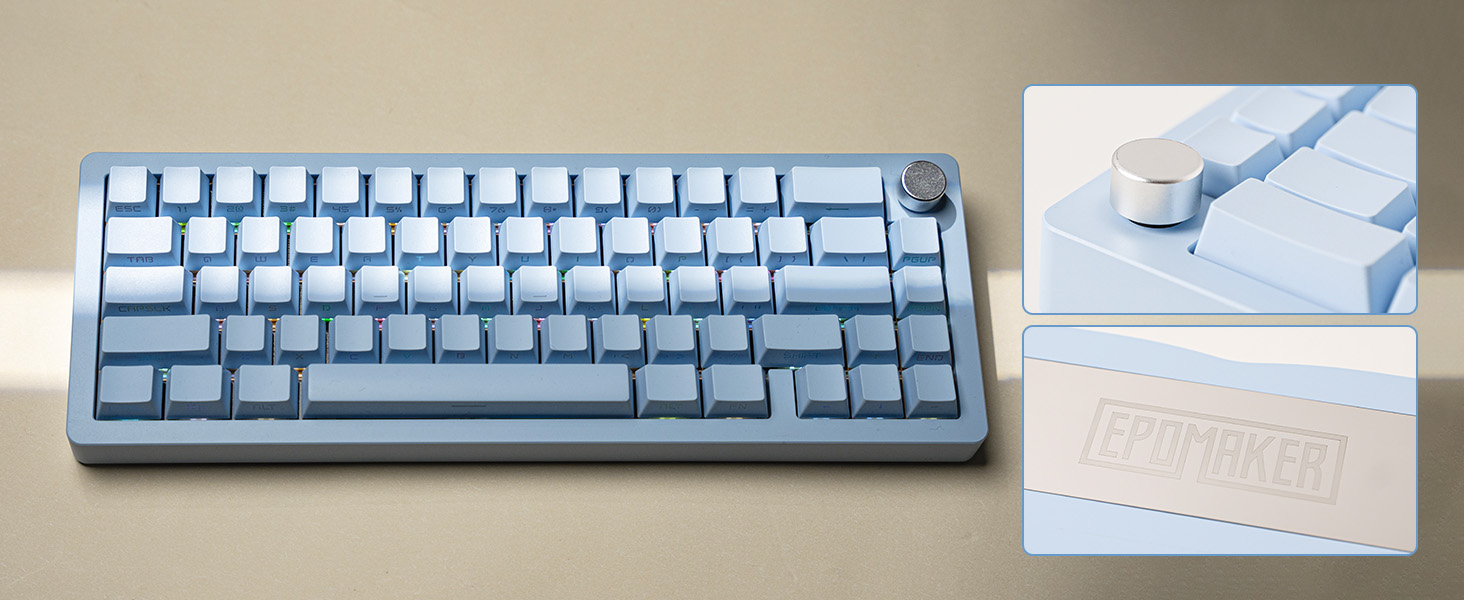
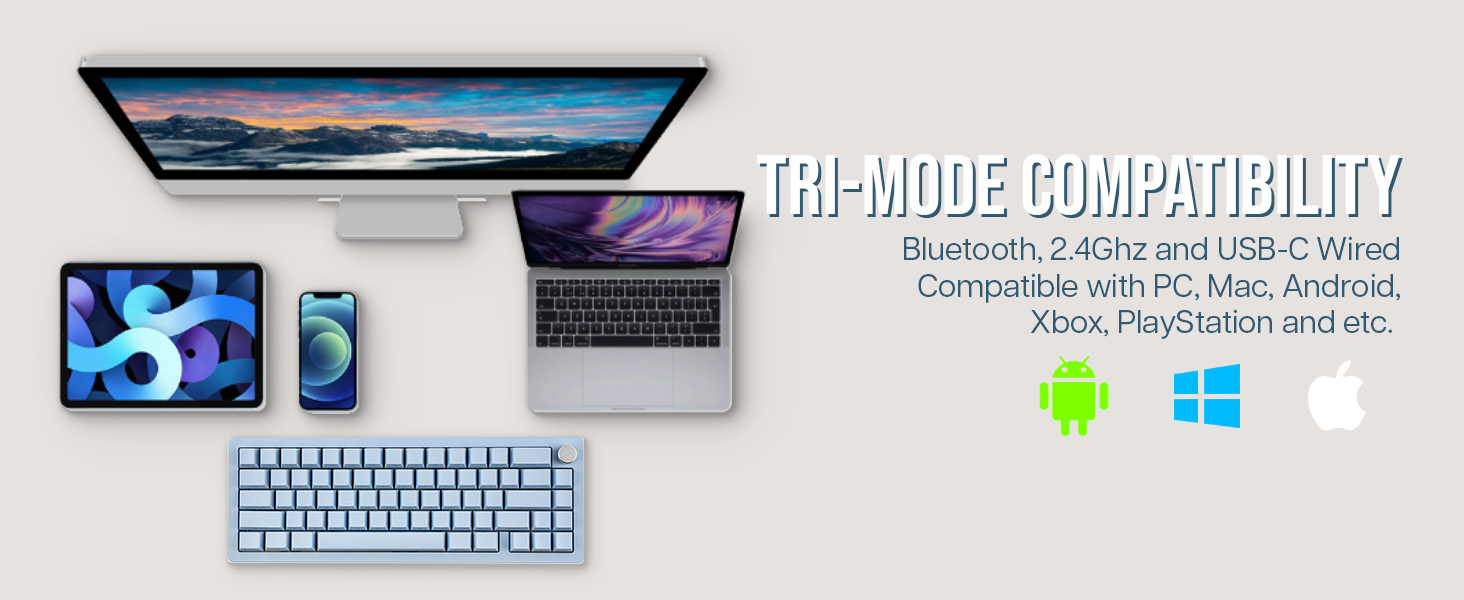
Bluetooth, 2.4G wireless and USB-C wired, for various scenarios and needs. Multifunctional Knob programmable for any functions.
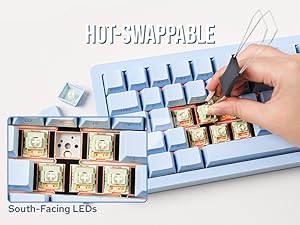
Hot-Swappable
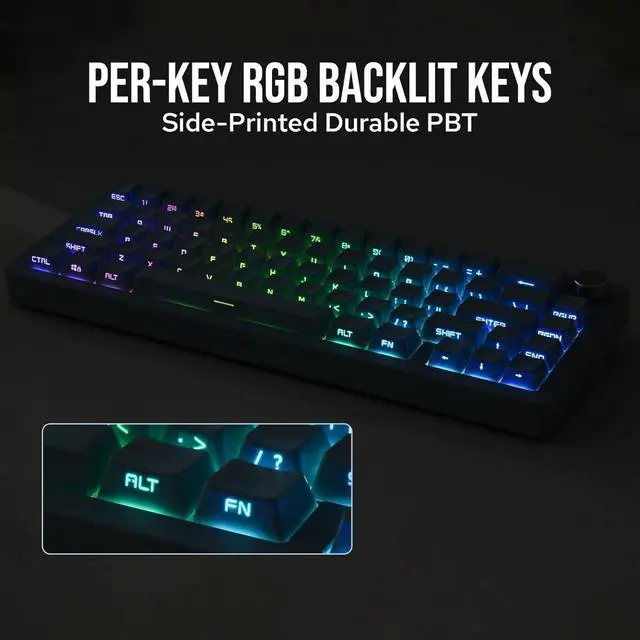
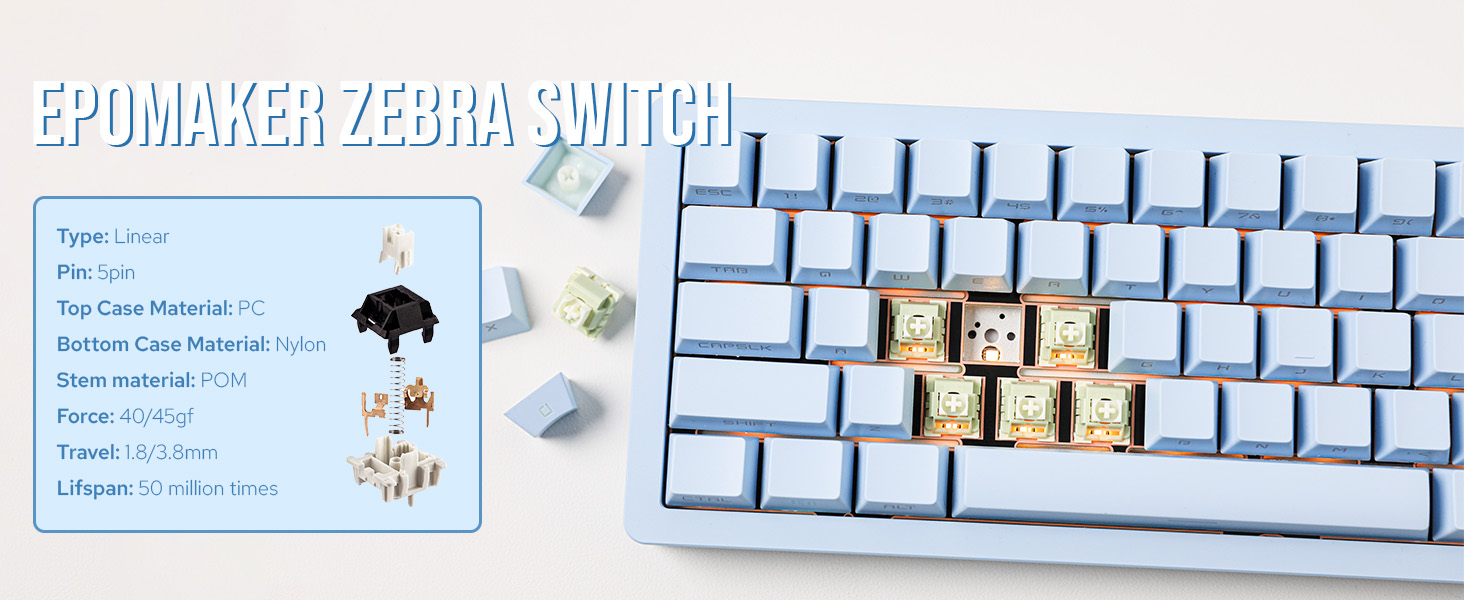
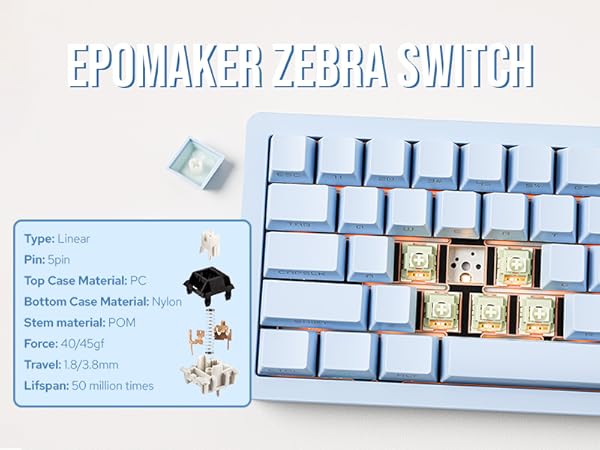
How Swap to any 3/5-pin mechanical switches, with the 2-in-1 switch & keycap puller. South-Facing Per-key LED, easy to customise and shines brighter.
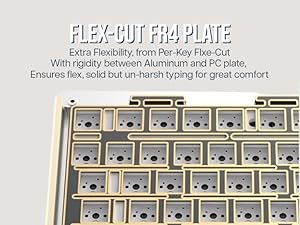
Flex-Cut FR4 Plate
Firmer than PC, FR4 Plate offer extra support, balancing the fleibility of Flex-cut, for solid but un-harsh typing.
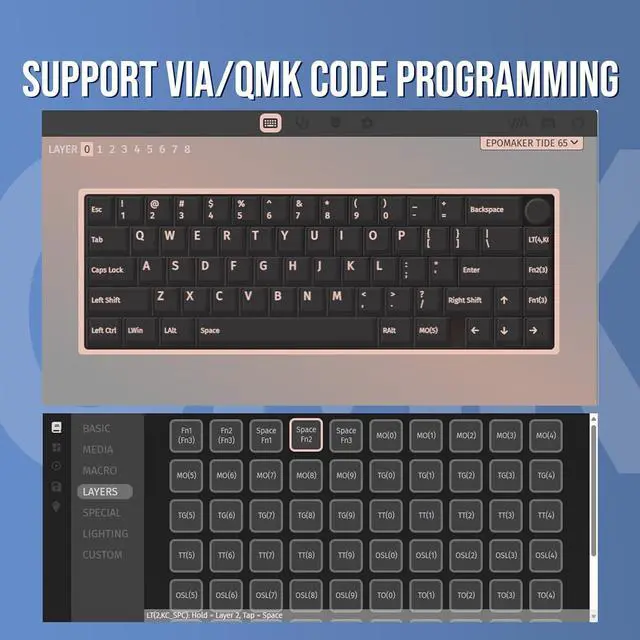
What is QMK code? What can I do with it? What's the differences between QMK and VIA?
VIA is a software used for programming keys, such as remap A to be S and so on. But with QMK code, there's greater room for customisation, such as make the FN key double as spacebar as well, or use the knob to zoom in on screen. (QMK MCU: ATmega32U4)
What is the differences between electrophoretic and anodized aluminum?
Anodized aluminum has been chemically processed to have an smooth outer shell with glossy shine, while electrophoretic aluminum has a much sophisticated touch and is vivid in color.
Why is the FN key always red? Why won't the Q/W/E/P/T/WIN/CapsLock key's light change color?
These keys are indicator lights. FN keys flashes in red meaning low battery, and stays red if keyboard is charging. Q/W/E/P/T represent Bluetooth, wireless and wired mode. WIN and CapsLock stays white if it's locked.
How can I use F1-F12 with Tide65 keyboard?
The number line also works as F1-F12. You may use the shortcut FN+L_Ctrl to rotate between number line and F1-F12.
How to connect Tide65 wirelessly?
1) Toggle the mode switch away from the USB port. 2) Pressing FN+Q/W/E (BT) or FN+P (2.4G) and holding until the slow flash quicken to a rapid one. 3)After the flash quickens, connect keyboard in Bluetooth or plug the 2.4G receiver to your PC.
Aluminum Mechanical Keyboard from EPOMAKER
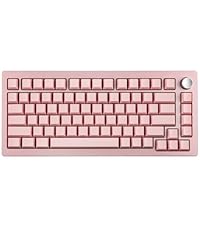 Tide75 | 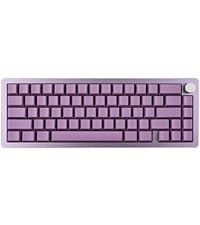 Tide65 | 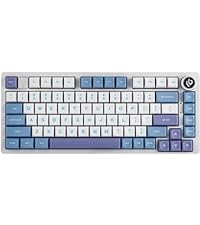 HI75 | 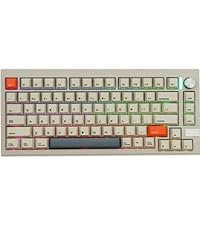 V75 | 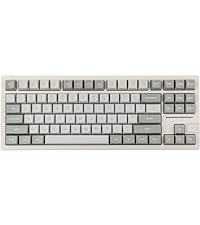 Galaxy80 | 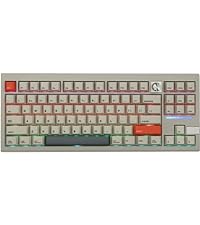 V87 | |
|---|---|---|---|---|---|---|
Customer Reviews | — | — | — | — | — | — |
Layout & Case Material | 82+1, 75% Aluminum | 66+1, 65% Aluminum | 80+1, 75% Aluminum | 80+1, 75% Aluminum | 88, 87% TKL Aluminum | 87+1, 87% TKL Aluminum |
Size & Weight | 33*14.6*2.15cm, 1.8kg | 32*11.4*2.15cm; 1.27kg | 33*14.6*4.5cm, 1.4kg | 33*14.5*3.4cm; 1.88kg | 36.5x13.6x3.2cm; 1.7kg | 36.3*14.5*3.5cm; 2.17kg |
Available Colors | Black,Purple,Blue,Pink | Black,Purple,Blue | White, Purple, Green, Grey | Retro | Black,White,Blue,Purple,Pink | Retro |
PBT Keycaps | OEM Profile, Shine-Through | OEM Profile, Shine-Through | Cherry, MDA, SOA | Cherry Profile | MDA profile | Cherry Profile |
Switch Option | Hot Swappable. Linear | Hot Swappable. Linear | Hot Swappable. Linear/Tactile | Hot Swappable. Linear | Hot Swappable. Linear | Hot Swappable. Linear |
Connectivity | Bluetooth/2.4Ghz/USB-C | Bluetooth/2.4Ghz/USB-C | USB-C | Bluetooth/2.4Ghz/USB-C | Bluetooth/2.4Ghz/USB-C | Bluetooth/2.4Ghz/USB-C |
Battery | 4000mah | 4000mah | X | 3000mAh | 4000mah | 3000mAh |
Backlight | Per-Key RGB, South-Facing | Per-Key RGB, South-Facing | Per-Key RGB, South-Facing | Per-Key RGB, South-Facing | Per-Key RGB, South-Facing | Per-Key RGB, South-Facing |
Volum Knob | Programmable Knob | Programmable Knob | Volume/Brightness | Programmable Knob | X | Programmable Knob |
Programmable | VIA Software, QMK Code | VIA Software, QMK Code | HI75 Software | VIA Software | Galaxy80 Software | VIA Software |
Polling Rate | 1000hz (2.4G/USB); 125hz(BT) | 1000hz (2.4G/USB); 125hz(BT) | 1000hz (USB) | 1000hz (2.4G/USB); 125hz(BT) | 1000hz (2.4G/USB); 125hz(BT) | 1000hz (2.4G/USB); 125hz(BT) |
Anti-Ghosting | N-key rollover | N-key rollover | N-key rollover | N-key rollover | N-key rollover | N-key rollover |
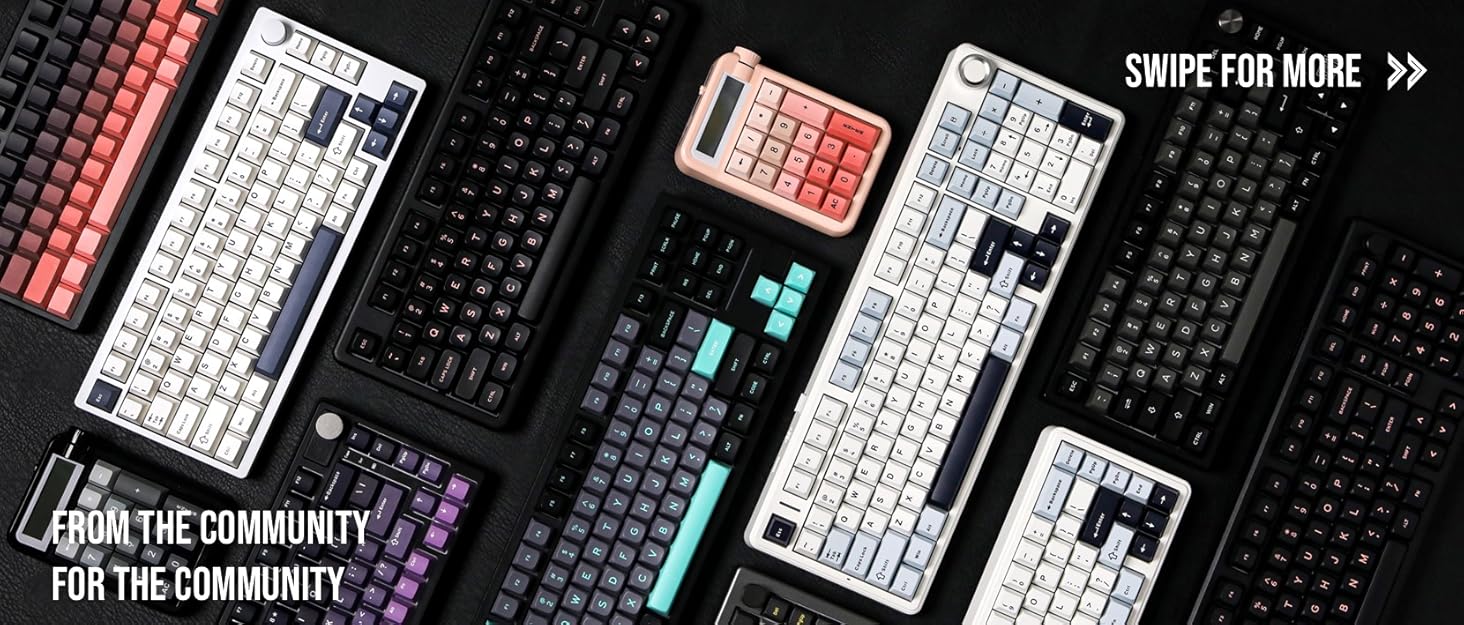
Composed of a team of young gamers, software engineers, and product designers who love tech gadgets, we set out to develop the best products that encapsulate personality, functionality, and affordability. Unsatisfied with the keyboards currently out there, we have created our ultimate sturdiness, wireless, and fully-customizable mechanical keyboard. Our promise is to deliver a keyboard that meets all of your workflow needs.
EPOMAKER New Release for 2025
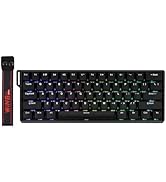
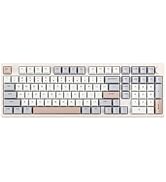
EPOMAKER Gaming Keyboard
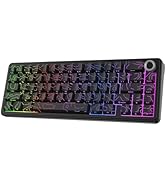
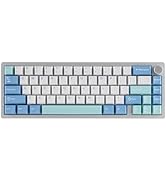
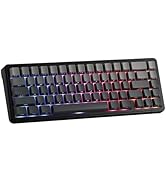
65% Layout Gaming Keyboard
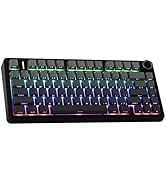
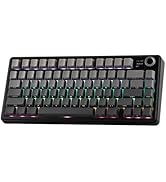
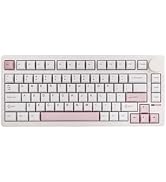
75% Layout Gaming Keyboard
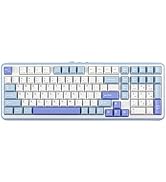
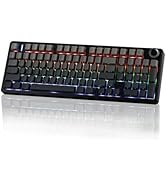
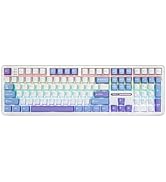
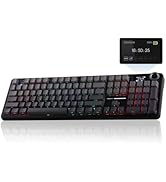
1800 Layout Gaming Keyboard
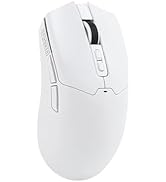
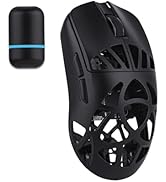
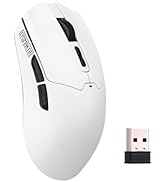
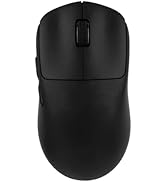
PC Gaming Mice
Numpad
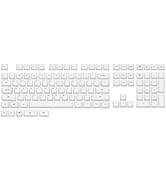
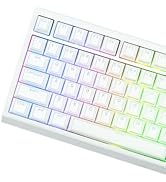
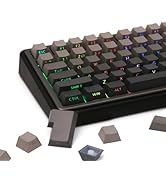
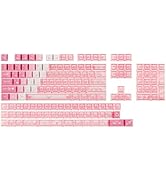
Premium PBT Keycap Set
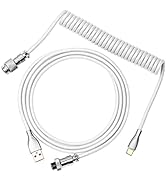
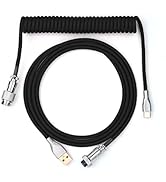
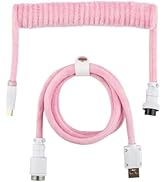
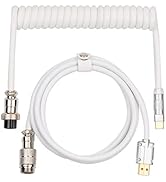
Keyboard Cable
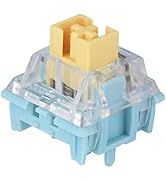
Keyboard Switches
Metal Knob & LOGO Plate
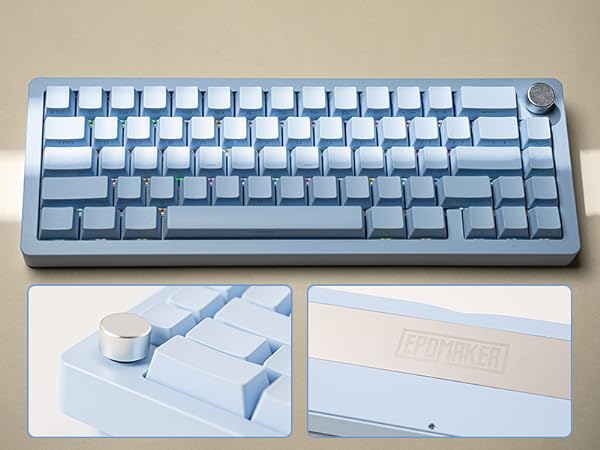
Sleek and Strudy CNC 6063 Aluminum Alloy case, with shiney mentalic gloss from anodized finishs
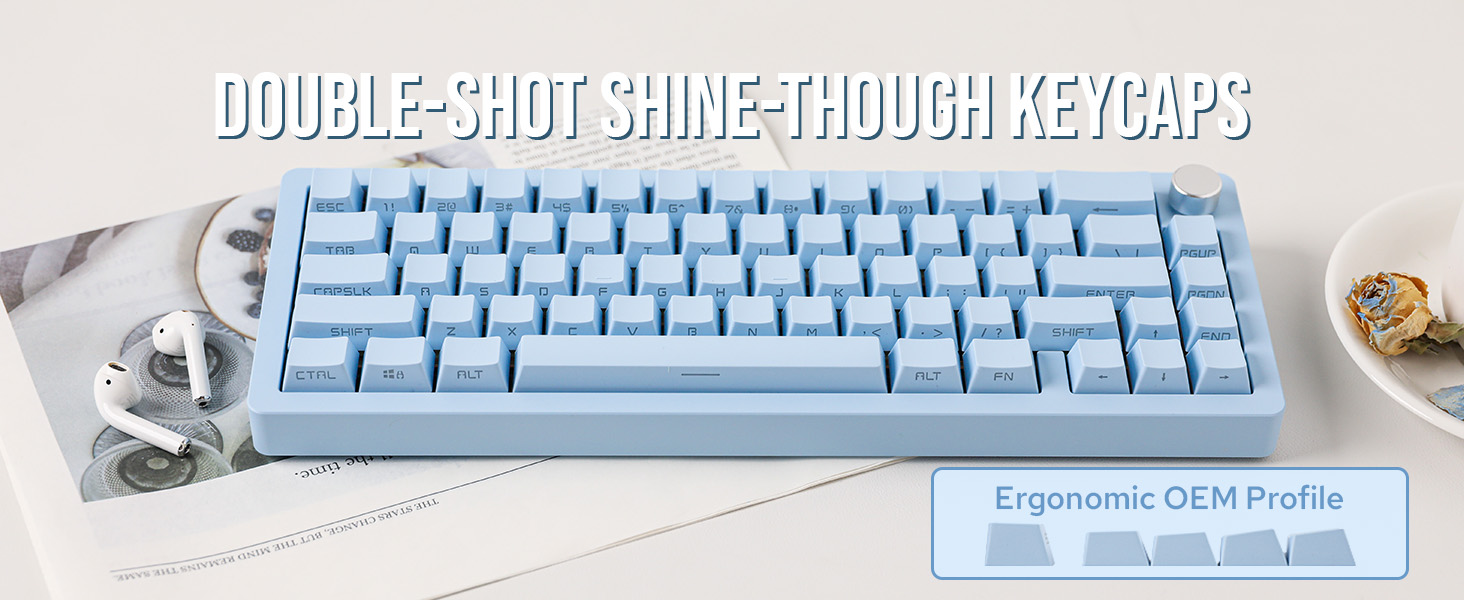
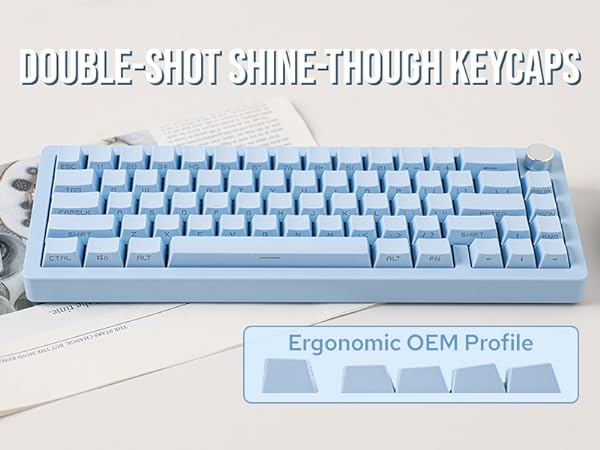
Letters Shine-Through
Sound Enhancement
With sound damping pads of Poron, IXPE and PET, Typing sound is fine tuned and Thocky without metal pining or rattling.
Tri-Modes Wireless
Bluetooth, 2.4G wireless and USB-C wired, for various scenarios and needs. Multifunctional Knob programmable for any functions.
Hot-Swappable
How Swap to any 3/5-pin mechanical switches, with the 2-in-1 switch & keycap puller. South-Facing Per-key LED, easy to customise and shines brighter.
Flex-Cut FR4 Plate
Firmer than PC, FR4 Plate offer extra support, balancing the fleibility of Flex-cut, for solid but un-harsh typing.
What is QMK code? What can I do with it? What's the differences between QMK and VIA?
VIA is a software used for programming keys, such as remap A to be S and so on. But with QMK code, there's greater room for customisation, such as make the FN key double as spacebar as well, or use the knob to zoom in on screen. (QMK MCU: ATmega32U4)
What is the differences between electrophoretic and anodized aluminum?
Anodized aluminum has been chemically processed to have an smooth outer shell with glossy shine, while electrophoretic aluminum has a much sophisticated touch and is vivid in color.
Why is the FN key always red? Why won't the Q/W/E/P/T/WIN/CapsLock key's light change color?
These keys are indicator lights. FN keys flashes in red meaning low battery, and stays red if keyboard is charging. Q/W/E/P/T represent Bluetooth, wireless and wired mode. WIN and CapsLock stays white if it's locked.
How can I use F1-F12 with Tide65 keyboard?
The number line also works as F1-F12. You may use the shortcut FN+L_Ctrl to rotate between number line and F1-F12.
How to connect Tide65 wirelessly?
1) Toggle the mode switch away from the USB port. 2) Pressing FN+Q/W/E (BT) or FN+P (2.4G) and holding until the slow flash quicken to a rapid one. 3)After the flash quickens, connect keyboard in Bluetooth or plug the 2.4G receiver to your PC.
Aluminum Mechanical Keyboard from EPOMAKER
Tide75 | Tide65 | HI75 | V75 | Galaxy80 | V87 |
|---|---|---|---|---|---|
| Customer Reviews | |||||
| — | — | — | — | — | — |
| Layout & Case Material | |||||
| 82+1, 75% Aluminum | 66+1, 65% Aluminum | 80+1, 75% Aluminum | 80+1, 75% Aluminum | 88, 87% TKL Aluminum | 87+1, 87% TKL Aluminum |
| Size & Weight | |||||
| 33*14.6*2.15cm, 1.8kg | 32*11.4*2.15cm; 1.27kg | 33*14.6*4.5cm, 1.4kg | 33*14.5*3.4cm; 1.88kg | 36.5x13.6x3.2cm; 1.7kg | 36.3*14.5*3.5cm; 2.17kg |
| Available Colors | |||||
| Black,Purple,Blue,Pink | Black,Purple,Blue | White, Purple, Green, Grey | Retro | Black,White,Blue,Purple,Pink | Retro |
| PBT Keycaps | |||||
| OEM Profile, Shine-Through | OEM Profile, Shine-Through | Cherry, MDA, SOA | Cherry Profile | MDA profile | Cherry Profile |
| Switch Option | |||||
| Hot Swappable. Linear | Hot Swappable. Linear | Hot Swappable. Linear/Tactile | Hot Swappable. Linear | Hot Swappable. Linear | Hot Swappable. Linear |
| Connectivity | |||||
| Bluetooth/2.4Ghz/USB-C | Bluetooth/2.4Ghz/USB-C | USB-C | Bluetooth/2.4Ghz/USB-C | Bluetooth/2.4Ghz/USB-C | Bluetooth/2.4Ghz/USB-C |
| Battery | |||||
| 4000mah | 4000mah | X | 3000mAh | 4000mah | 3000mAh |
| Backlight | |||||
| Per-Key RGB, South-Facing | Per-Key RGB, South-Facing | Per-Key RGB, South-Facing | Per-Key RGB, South-Facing | Per-Key RGB, South-Facing | Per-Key RGB, South-Facing |
| Volum Knob | |||||
| Programmable Knob | Programmable Knob | Volume/Brightness | Programmable Knob | X | Programmable Knob |
| Programmable | |||||
| VIA Software, QMK Code | VIA Software, QMK Code | HI75 Software | VIA Software | Galaxy80 Software | VIA Software |
| Polling Rate | |||||
| 1000hz (2.4G/USB); 125hz(BT) | 1000hz (2.4G/USB); 125hz(BT) | 1000hz (USB) | 1000hz (2.4G/USB); 125hz(BT) | 1000hz (2.4G/USB); 125hz(BT) | 1000hz (2.4G/USB); 125hz(BT) |
| Anti-Ghosting | |||||
| N-key rollover | N-key rollover | N-key rollover | N-key rollover | N-key rollover | N-key rollover |
Composed of a team of young gamers, software engineers, and product designers who love tech gadgets, we set out to develop the best products that encapsulate personality, functionality, and affordability. Unsatisfied with the keyboards currently out there, we have created our ultimate sturdiness, wireless, and fully-customizable mechanical keyboard. Our promise is to deliver a keyboard that meets all of your workflow needs.
EPOMAKER New Release for 2025
EPOMAKER Gaming Keyboard
65% Layout Gaming Keyboard
75% Layout Gaming Keyboard
1800 Layout Gaming Keyboard
PC Gaming Mice
Numpad
Premium PBT Keycap Set
Keyboard Cable
Keyboard Switches
