







? Tips on Software, RGB Setting, Connection, Typing Angle, Size & Weight ?
-
Custom Software
EPOMAKER 3.0 (v4)
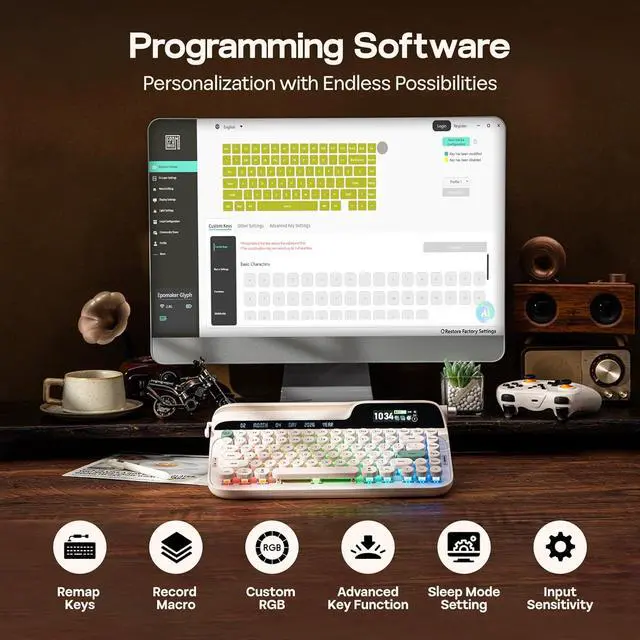
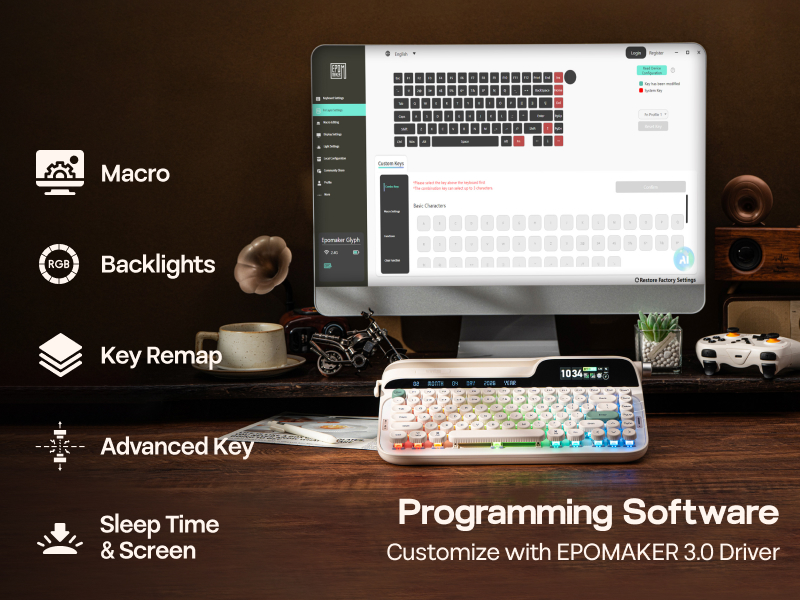
EPOMAKER Glyph comes with powerful mac/win compatible custom software (EPOMAKER 3.0) for effortless remapping and macro recording. The downloadable software, works in wired mode and 2.4Ghz mode, can also sync time for screen, upload Gifs and set up keyboard auto-sleep time and sensitivity. Assign a complex key sequence to a single macro key for efficiency, or remap rarely used keys to essential shortcuts for streamlined workflow.
- WIN/Mac Compatible Software: bitt.ly/chrodJ
-
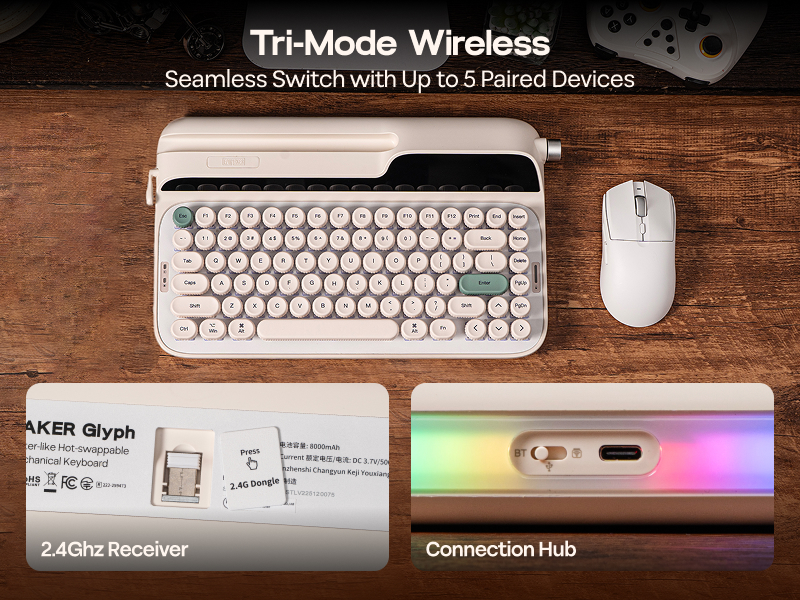
with Convenient Storage for 2.4Ghz Receiver
Tri-Mode Wireless Keyboard
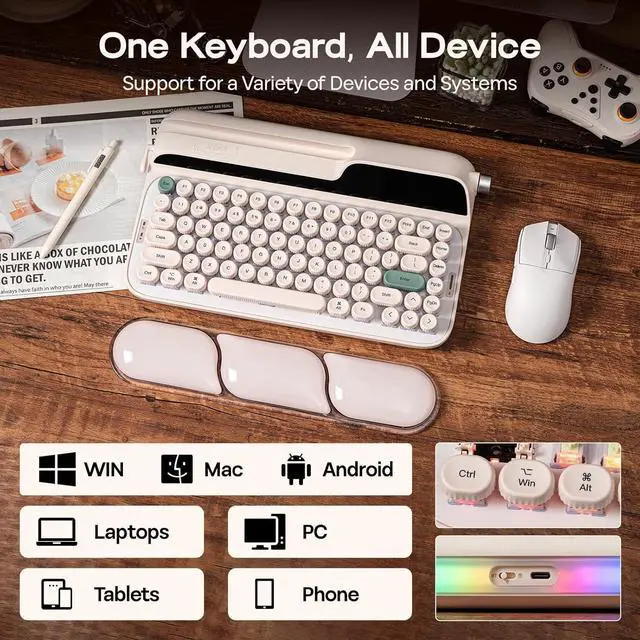
Designed for modern gamers and multi-tasking professionals, the Glyph mechanical keyboard offers plug-and-play compatibility across Windows, macOS, Android, and iOS, in wired, 2.4Ghz or BT mode.
- Pair to New Device: 1) Toggle to BT/2.4G Mode. 2) Pressing FN+Q/W/E/R until Q/W/E/R keys' flash quicken from slow to rapid. 3) Set Bluetooth on PC or Plug 2.4Ghz Dongle to PC
- Connect to Paired Devices: 1) Toggle to BT/2.4G Mode. 2) Press FN+Q/W/E/R once.
-
Intuitive Control & Thoughtfully Piced Material
User-Centered Design
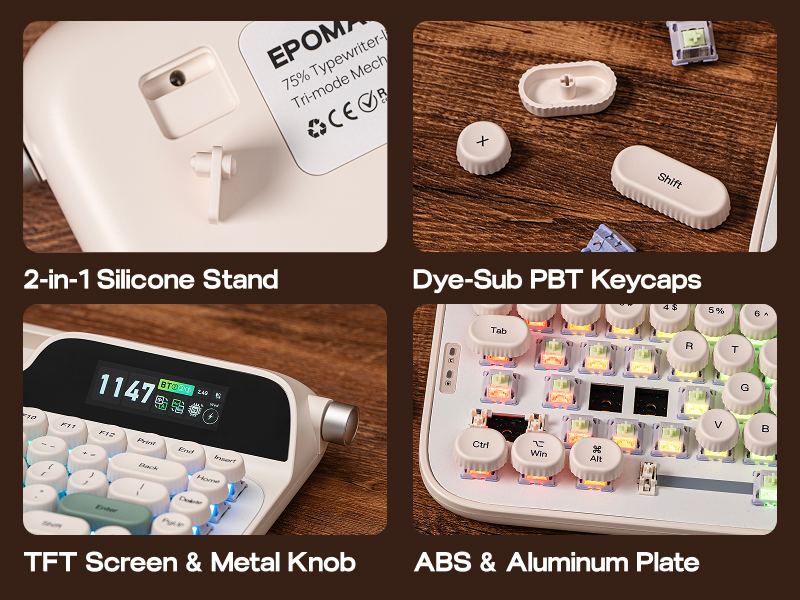
Immersive aesthetics and intuitive, high-speed control, the EPOMAKER Glyph merges both with the dual-mode knob. In media mode, adjust volume or remap it to skip tracks in your playlist, or use FN+Knob to toggle into screen mode to navigate the onboard display for info check and RGB customization.
- FN+KNOB: Screen or Volume Control
- Lever: Up=Enter, Down=Backspace
- Silicone Stand: Flip for 1 or 2 degree typing Angle
-
Can my tabelt, phone or e-reader fit the Glyph Typewriter Keyboard?
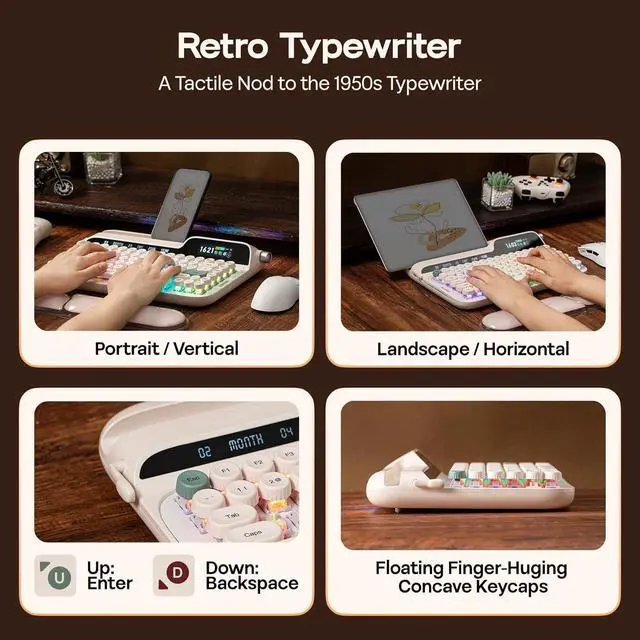
Yes, as the EPOMAKER Glyph is designed with an open-ended device holder, electronic device in any length and thinner than 1.3cm can fit into the holder. And we recommand keep device caseless when useing glyph to have a better glance angle.
-
What is the use of the return lever? Can I custom the lever's function? How about the knob?
The lever on EPOMAKER Glyph mimic the traditional typewriter's return lever. (UP=Enter, Down=Backspace). Lever can't be programmed. FN+KNOB to switch knob between screen or volume mode. Volume mode can be customized for other function.
-
How can I sync the time for my EPOMAKER Glyph Keyboard? What's the meaning of all those icon on its screen?
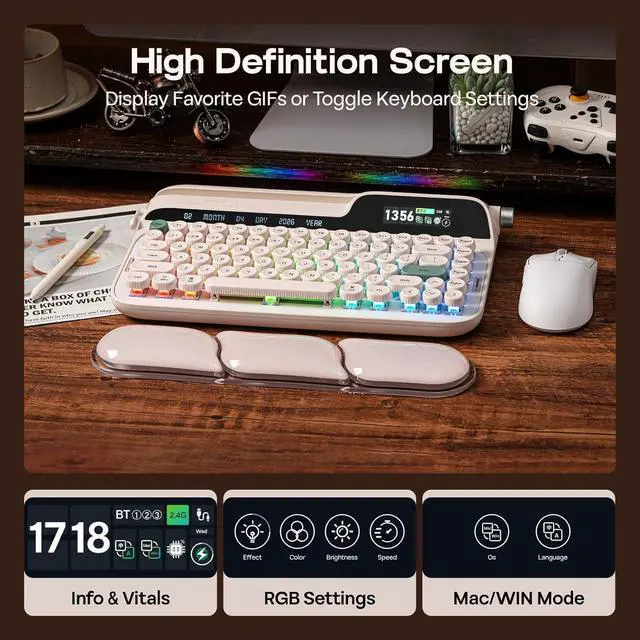
Connect to software (bitt.ly/chrodJ) in wired/2.4G mode to sync time and upload GIFs. Info page shows connection mode, mac/win mode, charging status, and time. FN+KNOB=Screen/Volume Mode. Use knob to browser and confirm on screen.
-
Why the WIN(CMD) key stopped working and stays white? Why the WIN/ALT (Command/Option) Key on my Glyph swapped places?
If WIN Key stopped working, use FN+WIN to en/disable the WIN key. If WIN/Alt Key swapped places, use knob and screen to swap OS Modes to correct the places of WIN/Alt Key.
-
How long does the EPOMAKER Glyph last after one full charge? How should I charge it? How can I check the battery status?
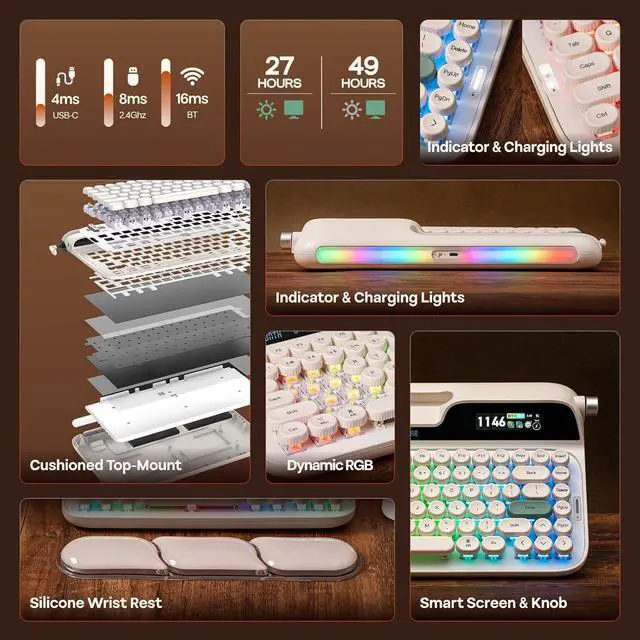
It last about 20-50 hours depends on backlight brightness. Charge with original cable and via PC only (less than 5V/1A, no quick charger). The screen does NOT show battery status. In 2.4G/BT mode, press FN+Backspace to check power percentage.
-
Composed of a team of young gamers, software engineers, and product designers who love tech gadgets, we set out to develop the best products that encapsulate personality, functionality, and affordability. Unsatisfied with the keyboards currently out there, we have created our ultimate sturdiness, wireless, and fully-customizable mechanical keyboard. Our promise is to deliver a keyboard that meets all of your workflow needs.
-
-
-

EPOMAKER New Release for 2026
-
EPOMAKER Gaming Keyboard
-
65% Layout Gaming Keyboard
-
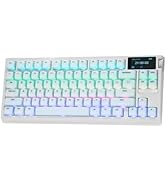
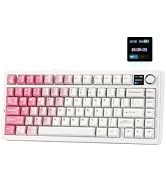
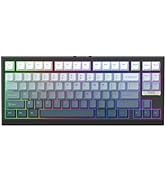
75% Layout Gaming Keyboard
-
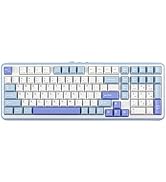
1800 Layout Gaming Keyboard
-
PC Gaming Mice
-
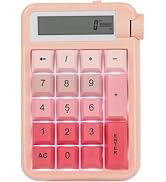
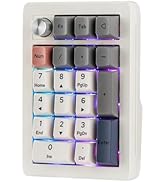
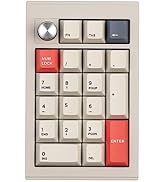
Numpad
-
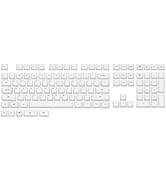
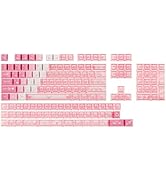
Premium PBT Keycap Set
-
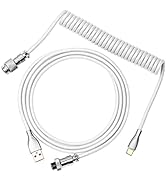
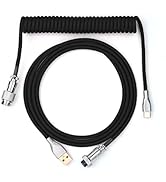
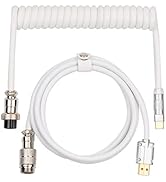
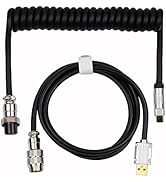
Keyboard Cable
-
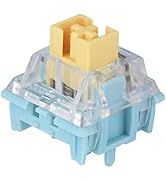
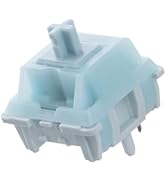
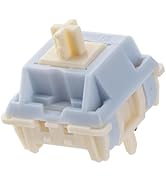
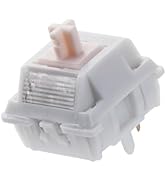
Keyboard Switches


? Tips on Software, RGB Setting, Connection, Typing Angle, Size & Weight ?


Custom Software
EPOMAKER 3.0 (v4)
EPOMAKER Glyph comes with powerful mac/win compatible custom software (EPOMAKER 3.0) for effortless remapping and macro recording. The downloadable software, works in wired mode and 2.4Ghz mode, can also sync time for screen, upload Gifs and set up keyboard auto-sleep time and sensitivity. Assign a complex key sequence to a single macro key for efficiency, or remap rarely used keys to essential shortcuts for streamlined workflow.
- WIN/Mac Compatible Software: bitt.ly/chrodJ
Adjustable Dynamic Lights
RGB Backlight & Top Light
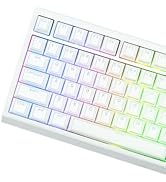
The per-key, south-facing LEDs, provide dynamic and static lights in RGB and singular colours, angles the glow directly toward you for maximum visibility, but all equipped with light diffusers that softens the RGB output into a vibrant but mellowed glow that remains punchy at day but prevent eye fatigue at night.
with Convenient Storage for 2.4Ghz Receiver
Tri-Mode Wireless Keyboard
Designed for modern gamers and multi-tasking professionals, the Glyph mechanical keyboard offers plug-and-play compatibility across Windows, macOS, Android, and iOS, in wired, 2.4Ghz or BT mode.
- Pair to New Device: 1) Toggle to BT/2.4G Mode. 2) Pressing FN+Q/W/E/R until Q/W/E/R keys' flash quicken from slow to rapid. 3) Set Bluetooth on PC or Plug 2.4Ghz Dongle to PC
- Connect to Paired Devices: 1) Toggle to BT/2.4G Mode. 2) Press FN+Q/W/E/R once.
Intuitive Control & Thoughtfully Piced Material
User-Centered Design
Immersive aesthetics and intuitive, high-speed control, the EPOMAKER Glyph merges both with the dual-mode knob. In media mode, adjust volume or remap it to skip tracks in your playlist, or use FN+Knob to toggle into screen mode to navigate the onboard display for info check and RGB customization.
- FN+KNOB: Screen or Volume Control
- Lever: Up=Enter, Down=Backspace
- Silicone Stand: Flip for 1 or 2 degree typing Angle
with Gift Wrist Rest
Ergonomic Comfort
Designed to capture the soulful mechanical depth of a vintage typewriter without physical strain, every inch of Glyph is sculpted for comfort. This keyboard with wrist rest comes with silicone hand rest in matching colors. The rounded and fingertip-hugging concave keycaps guide your hands naturally across a floating-key architecture, while the precise 46gf mid-forced factory-lubed switch is smooth to type but unlikely to be accidentally triggered.
Retro Typewriter, Modern Refined
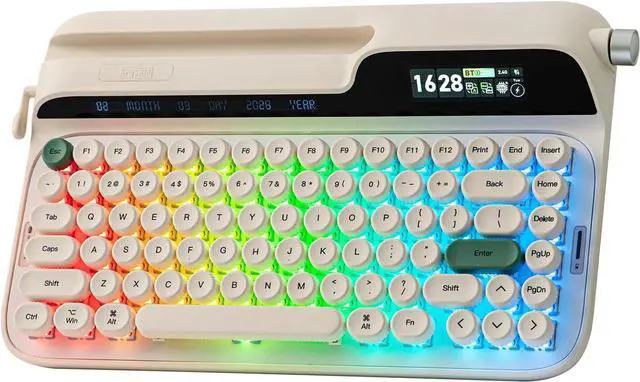
75% Layout with 83 Keys + 1 Knob + 1 Lever + 2 Screen
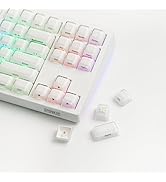
With 83 vintage-inspired round keycaps in durable and greasy-resistant PBT at a modern uniform height, this typewriter keyboard gives satisfying rhythmic creamy sound, while ensuring your fingers glide with precision without the fatigue of traditional uneven rows.
- Keyboard Length: 34.7cm. Width: 20.7cm. Weight: 1.18kg
- Keyboard Height from ESC side: 5.7cm. Height from CTRL side: 2.1cm. Typing Angles: 1 or 2 degrees (flip the silicone stand)
-
Can my tabelt, phone or e-reader fit the Glyph Typewriter Keyboard?
Yes, as the EPOMAKER Glyph is designed with an open-ended device holder, electronic device in any length and thinner than 1.3cm can fit into the holder. And we recommand keep device caseless when useing glyph to have a better glance angle.
-
What is the use of the return lever? Can I custom the lever's function? How about the knob?
The lever on EPOMAKER Glyph mimic the traditional typewriter's return lever. (UP=Enter, Down=Backspace). Lever can't be programmed. FN+KNOB to switch knob between screen or volume mode. Volume mode can be customized for other function.
-
How can I sync the time for my EPOMAKER Glyph Keyboard? What's the meaning of all those icon on its screen?
Connect to software (bitt.ly/chrodJ) in wired/2.4G mode to sync time and upload GIFs. Info page shows connection mode, mac/win mode, charging status, and time. FN+KNOB=Screen/Volume Mode. Use knob to browser and confirm on screen.
-
Why the WIN(CMD) key stopped working and stays white? Why the WIN/ALT (Command/Option) Key on my Glyph swapped places?
If WIN Key stopped working, use FN+WIN to en/disable the WIN key. If WIN/Alt Key swapped places, use knob and screen to swap OS Modes to correct the places of WIN/Alt Key.
-
How long does the EPOMAKER Glyph last after one full charge? How should I charge it? How can I check the battery status?
It last about 20-50 hours depends on backlight brightness. Charge with original cable and via PC only (less than 5V/1A, no quick charger). The screen does NOT show battery status. In 2.4G/BT mode, press FN+Backspace to check power percentage.
-
Composed of a team of young gamers, software engineers, and product designers who love tech gadgets, we set out to develop the best products that encapsulate personality, functionality, and affordability. Unsatisfied with the keyboards currently out there, we have created our ultimate sturdiness, wireless, and fully-customizable mechanical keyboard. Our promise is to deliver a keyboard that meets all of your workflow needs.
-
-
-
EPOMAKER New Release for 2026
-
EPOMAKER Gaming Keyboard
-
65% Layout Gaming Keyboard
-
75% Layout Gaming Keyboard
-
1800 Layout Gaming Keyboard
-
PC Gaming Mice
-
Numpad
-
Premium PBT Keycap Set
-
Keyboard Cable
-
Keyboard Switches
|
Brand |
EPOMAKER |
|---|---|
|
Model |
Glyph |
|
Layout |
75% ANSI US Layout |
|
Number of Keys |
83 Keys |
|
Screen |
TFT Screen |
|
Rotary Knob |
Volume Control (Customizable in Software) or Screen Control, swappable with FN+Knob |
|
Return Lever |
Toggle Up=Enter, Press Down=Backspace |
|
Battery |
8000mAh Rechargeable Battery |
|
Connectivity |
Tri-Mode Wireless (2.4Ghz/BT/USB Wired) |
|
Compatibility |
Mac/WIN/Android |
|
Keyboard Dimensions |
347*207*57MM |
|
Keyboard Weight |
1178.8g |
|
Front Height |
21MM |
|
Back Height |
57MM |
|
Typing Angle |
2-stage adjustable, 1 and 2 degrees |
|
Case Material |
ABS Plastic |
|
Plate Material |
ABS and Aluminum Plate |
|
Flex-Cut |
No Flex-Cut |
|
Stabilizers |
Plate-Mounted Stabilizer |
|
Mounting Structure |
Top-Mount |
|
Sound Optimized |
5-Layer Dampening including Noise-Absorbing Foam, Switch Pad, Sound Enhancement Pad, Switch Socket Pad and Bottom Silicone. |
|
Keycaps Profile |
Non-Sculpted Uniform Height |
|
Keycaps Material |
PBT Keycap |
|
Keycaps Manufacturing Technique |
Dye Sublimation |
|
Switch |
3/5-pin Mechanical Switch |
|
Hot Swappable |
Yes, the Glyph Typewriter Keyboard has Hot-swappable PCB. |
|
RGB |
Yes, the Glyph Typewriter Keyboard has per-key adjustable RGB light with per-key south-facing LEDs and switches that come with light diffuser. |
|
Anti-Ghosting |
Yes, the Glyph Mechanical Keyboard support N-Key Rollover. |
|
Knob Function: |
FN+KNOB to switch between Media or Screen Mode. Media Mode: Turn to adjust volume and press to mute/unmute. Screen Mode: Turn the knob to browser the screen on keyboard and press to confirm. |
|
Screen Function: |
The screen on Glyph has three categories: Media Page, Info Page, and Settings. Use the knob to browser and press once to select. If you want to keep media or info page as default display page, toggle to that page and press the knob once. Media Page: Upload GIFs or pictures with the EPOMAKER 3.0 software to active this page for display. Info Page: Displays keyboard connection modes (Green=active), battery percentage and time.
|
|
Screen Settings: |
Custom Backlight Efeect, Color, Brightness, and Speed, Keyboard's OS modes (WIN/MAC) and keyboard screen's display language (EN/CN) |
|
Lever: |
The lever on the left function as the return lever on a traditional typewriter. Press down the lever to backspace and toggle it up to go to the next line (ENTER). |