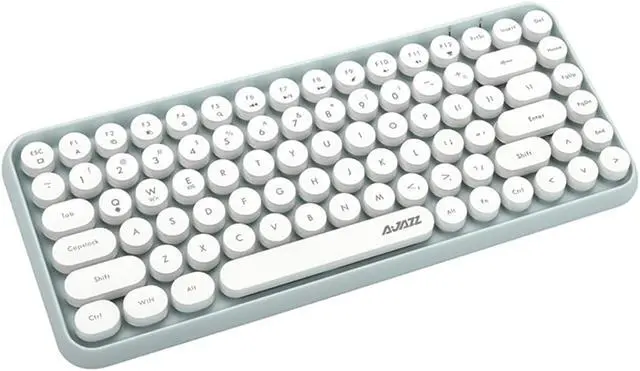
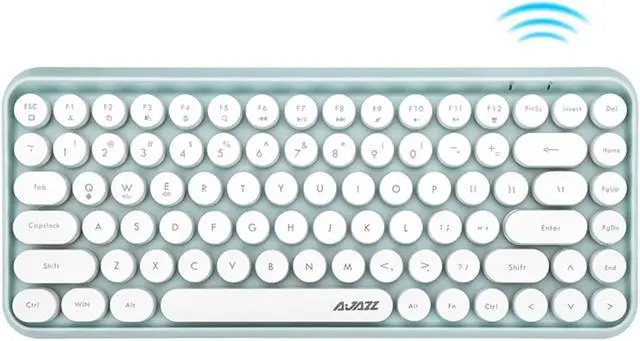
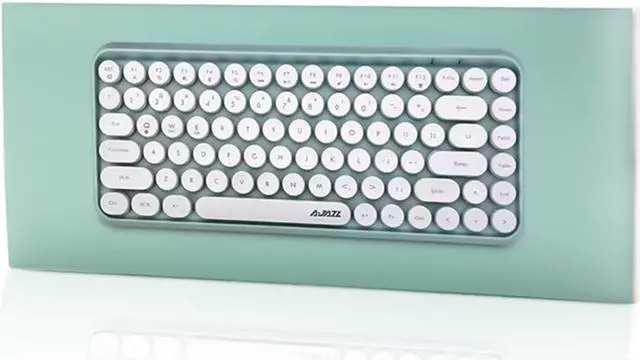
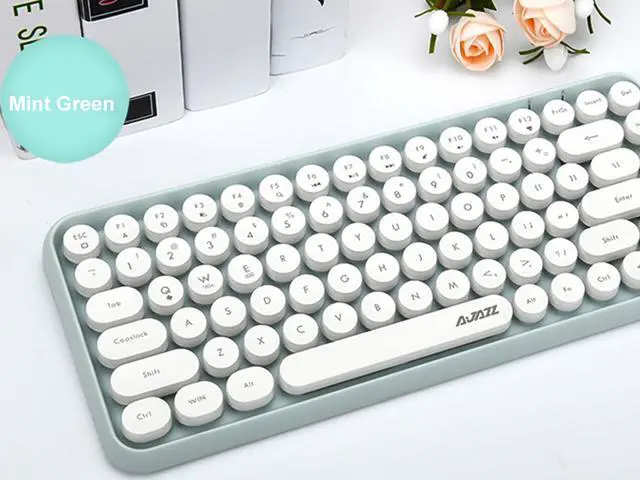
Model: 308i Bluetooth keyboard
Bluetooth version: American Broadcom 3.0
Size: 320 x137 x30. 5mm
Button quantity: 84key
Switch life: 10 million times
Battery capacity: 7# battery 2
How To Connect?
1. Install two 2 x AAA batteries
2. Press and hold the FN + C key for a few seconds, the battery indicator flashes a few times,
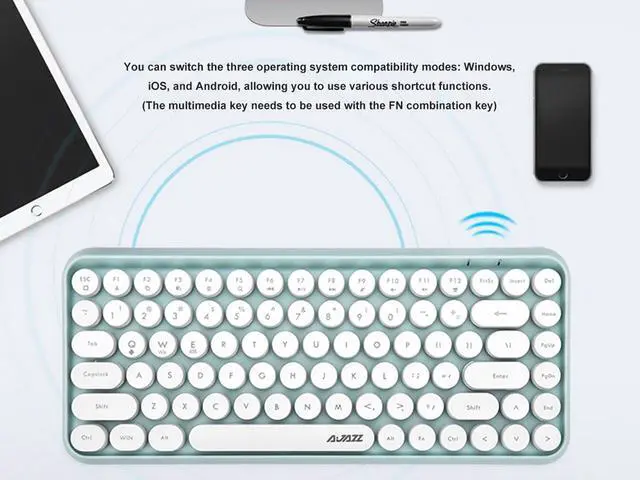
3. Press FN + Q / W / E (Android / window / IOS Apple system choose one of them), press for 2 seconds,
4. Open the Bluetooth device, match "Ajazz Bluetooth 5.0 keyboard" click on the connection, quickly enter on the Bluetooth keyboard and press the Enter key, you can connect successfully!
Note:
1. If the Bluetooth receiver or the drive device is reconnected, there are different delays, which is normal.
2. If there is any problem that the button does not work or is stuck condition during use, please replace the battery in time.
3. There is no shutdown button, and I have not used myself to enter the power saving mode for more than ten minutes, and the standby time is about 30 days.
Note: Apple's latest system iPad can not be used normally! Make sure your device is compatible with Bluetooth 5.0